TinyStopwatch
Time it from the top
Mac
Version 3.2
macOS 15.6 or later
10.8 MB
1 languages
TinyStopwatch — Menu bar timer app for Mac. Start a stopwatch, set a countdown, or track a few sessions at once — all from a clean popup that stays out of your way. It's practical time tracking without the project management overhead. Keep a session history, add notes, and export to CSV when you need the data elsewhere.
Time-box tasks without switching apps
Track work sessions right from menu bar
Set countdown timers for breaks or calls
Export session history for invoicing
TinyStopwatch features
See your time at a glance
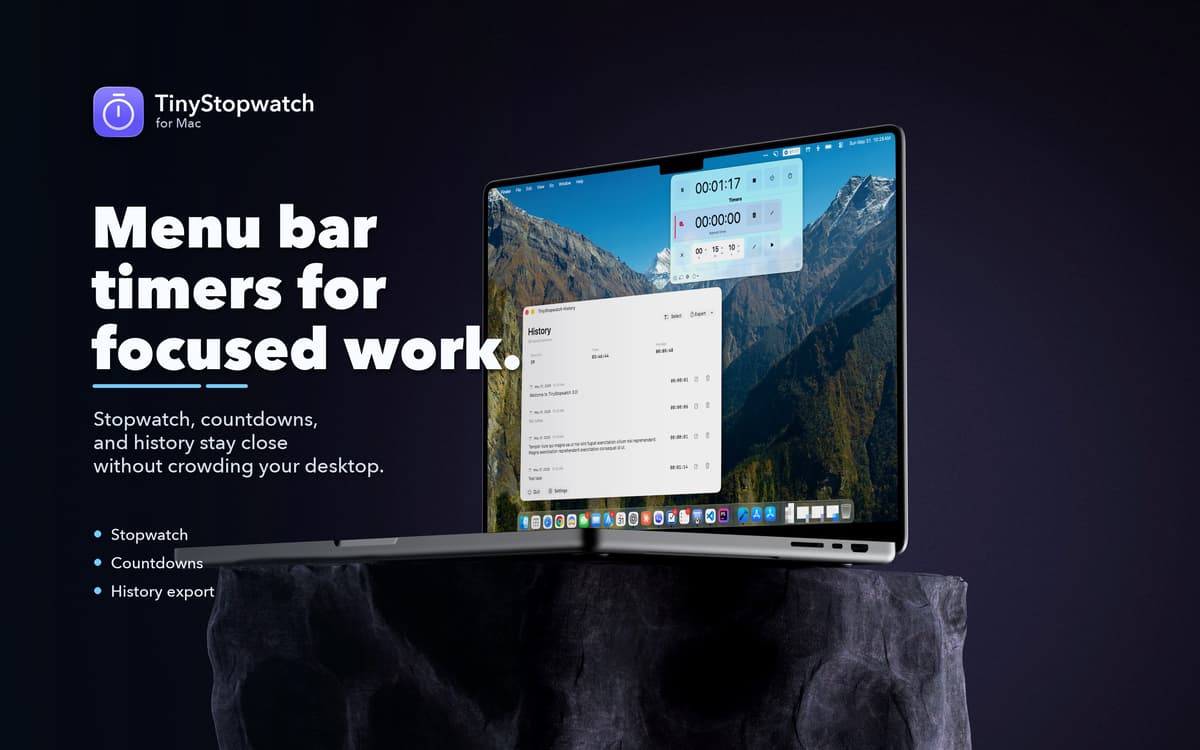
TinyStopwatch lives in your menu bar, so your active timer is always visible without switching windows or opening another app. Pick your preferred display format, choose a visual style, and set color indicators to tell timers apart at a glance. Your time tracking, always one eye away.
Stopwatch and countdown in one place
Whether you're timing how long something takes or counting down to when it ends, TinyStopwatch handles both. Start, pause, and resume stopwatches or create named countdown timers for focus sessions, meetings, or breaks — all from the same compact popup.
Keep a record of your sessions
Every completed stopwatch session lands in your history. Add a note to each one, review how you spent your time, and export everything to CSV for reporting, invoicing, or analysis in another tool. Simple, honest time tracking — no dashboards required.
Customize how it looks and behaves
TinyStopwatch doesn't force a one-size-fits-all setup. Choose different menu bar display formats, switch up the visual style, and adjust app behavior to match your workflow. It's your timer; it should work the way you want it to.
Stay accurate even when your Mac sleeps
TinyStopwatch can automatically pause your stopwatch when your Mac goes to sleep, so your tracked time stays accurate. No more sessions that ran for six hours because you closed the lid.
Get hundreds of apps with Membership
Become Setapp member and use hundreds of stellar apps with one subscription.
Try 7 days free, then pay one simple fee.
Install Setapp on Mac
Explore apps for Mac, iOS, and web. Find easy ways to solve daily tasks.

Get the app you came for
That one shiny app is waiting inside Setapp. Install with a click.

TinyStopwatch
Choose your subscription
One app or more with a Setapp membership. Get apps the way you want.

Get hundreds of apps with Membership
Become Setapp member and use hundreds of stellar apps with one subscription.
Try 7 days free, then pay one simple fee.
1
Install Setapp on Mac
Explore apps for Mac, iOS, and web. Find easy ways to solve daily tasks.
2
Get the app you came for
That one shiny app is waiting inside Setapp. Install with a click.
TinyStopwatch
3
Choose your subscription
One app or more with a Setapp membership. Get apps the way you want.
Home to the top apps
From planning and routine tasks to creative pursuits and coding, tackle tasks with apps on Setapp.


TinyStopwatch
Time it from the top