USB Connection Information
Stop guessing. Start knowing.

Mac
Version 26.41
macOS 14.0 or later
17.9 MB
22 languages
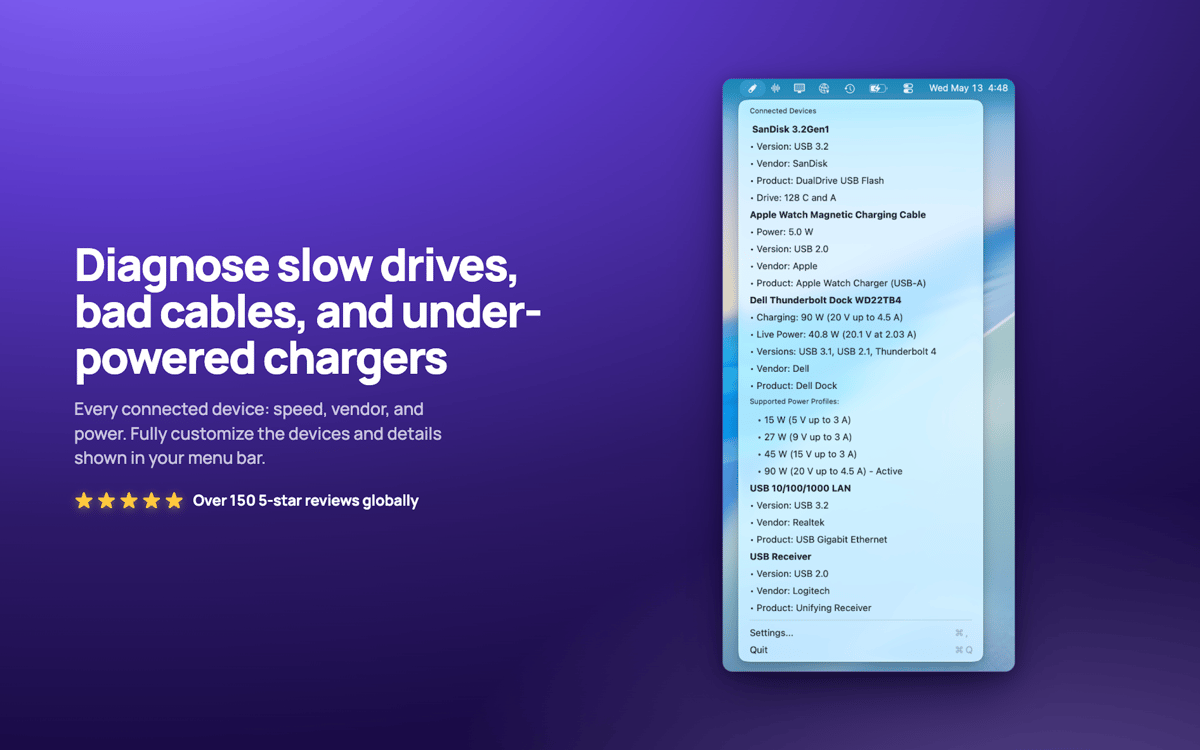
USB Connection Information — USB and Thunderbolt monitor for Mac. It sits in your menu bar and shows the real negotiated speed of every connected device, so you'll know the moment a "10Gbps" cable is actually crawling along at USB 2.0. Check live charger wattage, device power draw, and which drives belong to which devices. No more guessing whether your dock is throttled or your cable is the weak link.
Check real USB speeds at a glance
See live charger wattage and power draw
See live charger wattage and power draw
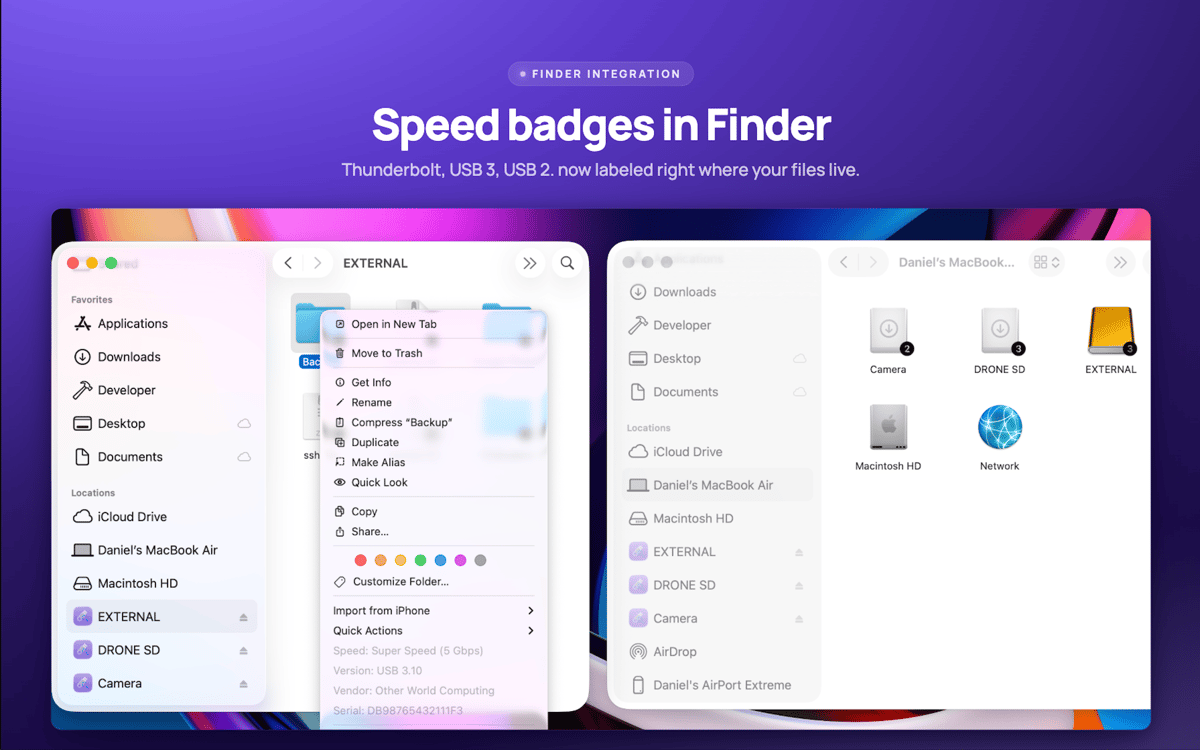
Match drives to devices in Finder
USB Connection Information features
Real speed verification
See the actual negotiated speed of every connection, from USB 1.0 through USB 3.2 and Thunderbolt 1–3. Specs lie. Your Mac doesn’t.
A menu bar that fits you
Quickly answer your USB questions. Show just the icon, or device count, charger wattage, or speed. Whatever suits how you work.
Live charger insights
Watch your MacBook charger's wattage, voltage, PD version, and supported power profiles update in real time.
Finder drive badges
Connection speed shows up right on your drive icons in Finder. Right-click any drive for instant device details.
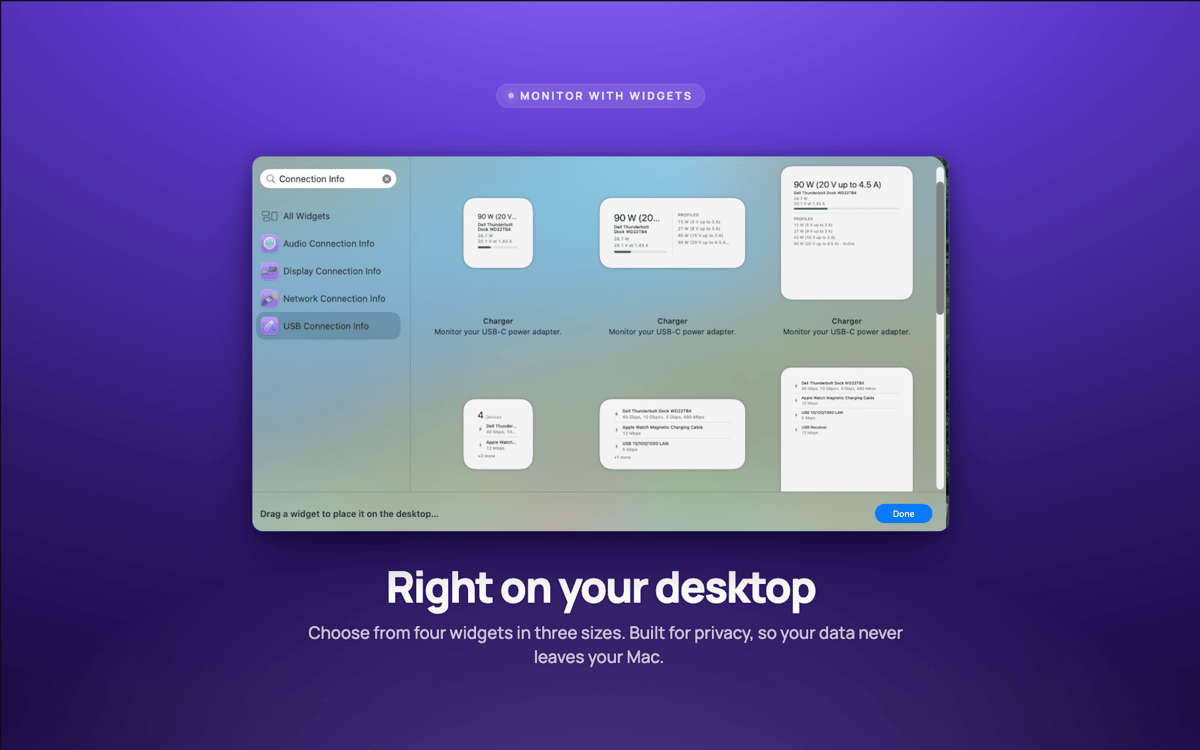
Desktop widgets
Small, medium, and large widgets keep tabs on your connections without opening a thing.
Speed alerts
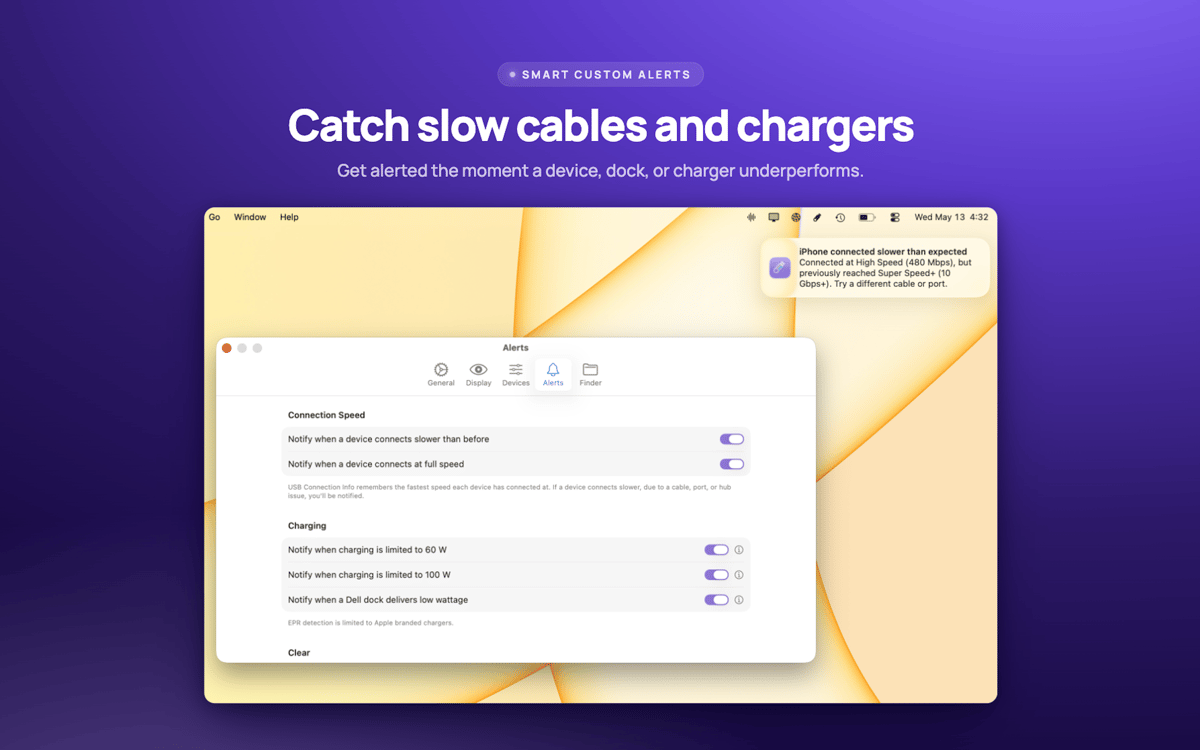
Get a heads-up the second a device negotiates slower than it should — usually a sign the cable's the culprit.
Ratings and reviews
USB Connection Information
•
3 ratings
Pelle Wessman
Jun 5, 2026
App version: 26.33
Excellent app that surfaces real useful information and has a really responsive and enthusiastic creator who replies real quick to feature requests and feedback!
Get hundreds of apps with Membership
Become Setapp member and use hundreds of stellar apps with one subscription.
Try 7 days free, then pay one simple fee.
Install Setapp on Mac
Explore apps for Mac, iOS, and web. Find easy ways to solve daily tasks.

Get the app you came for
That one shiny app is waiting inside Setapp. Install with a click.

USB Connection Information
Choose your subscription
One app or more with a Setapp membership. Get apps the way you want.

Get hundreds of apps with Membership
Become Setapp member and use hundreds of stellar apps with one subscription.
Try 7 days free, then pay one simple fee.
1
Install Setapp on Mac
Explore apps for Mac, iOS, and web. Find easy ways to solve daily tasks.
2
Get the app you came for
That one shiny app is waiting inside Setapp. Install with a click.
USB Connection Information
3
Choose your subscription
One app or more with a Setapp membership. Get apps the way you want.
Home to the top apps
From planning and routine tasks to creative pursuits and coding, tackle tasks with apps on Setapp.


USB Connection Information
Stop guessing. Start knowing.