
WhoPays
Split costs. Skip drama.
Mac, iOS, Web
Version 1.0.0
macOS 11.0 or later
561.5 MB
1 languages
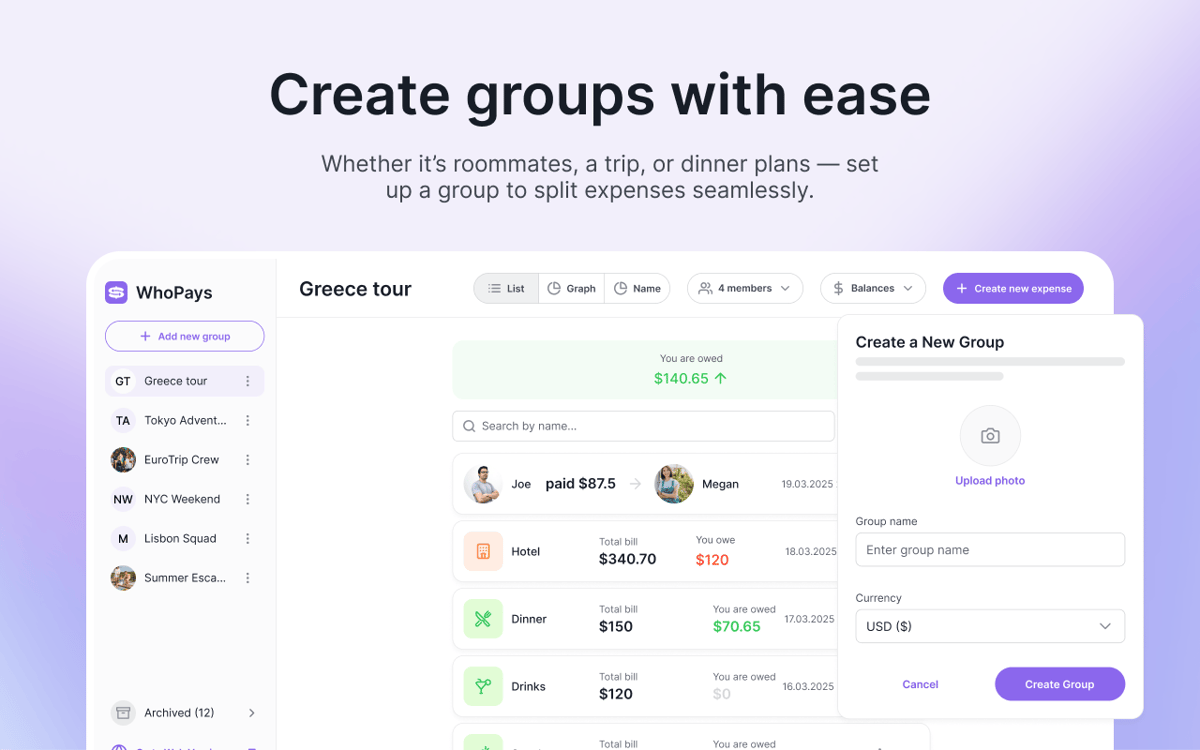
WhoPays is a group expense tracker for Mac, iOS, and web. It helps you split shared costs, manage members, and keep real-time balances in one clean place. It’s a handy pick for trips, roommates, couples, and any other situation where expenses add up fast. Add expenses manually, scan receipts with AI, or create them from voice notes.
Split trip expenses fast
Track shared bills in groups
Scan receipts with AI
Add expenses by voice
WhoPays features
Track shared expenses without the mess
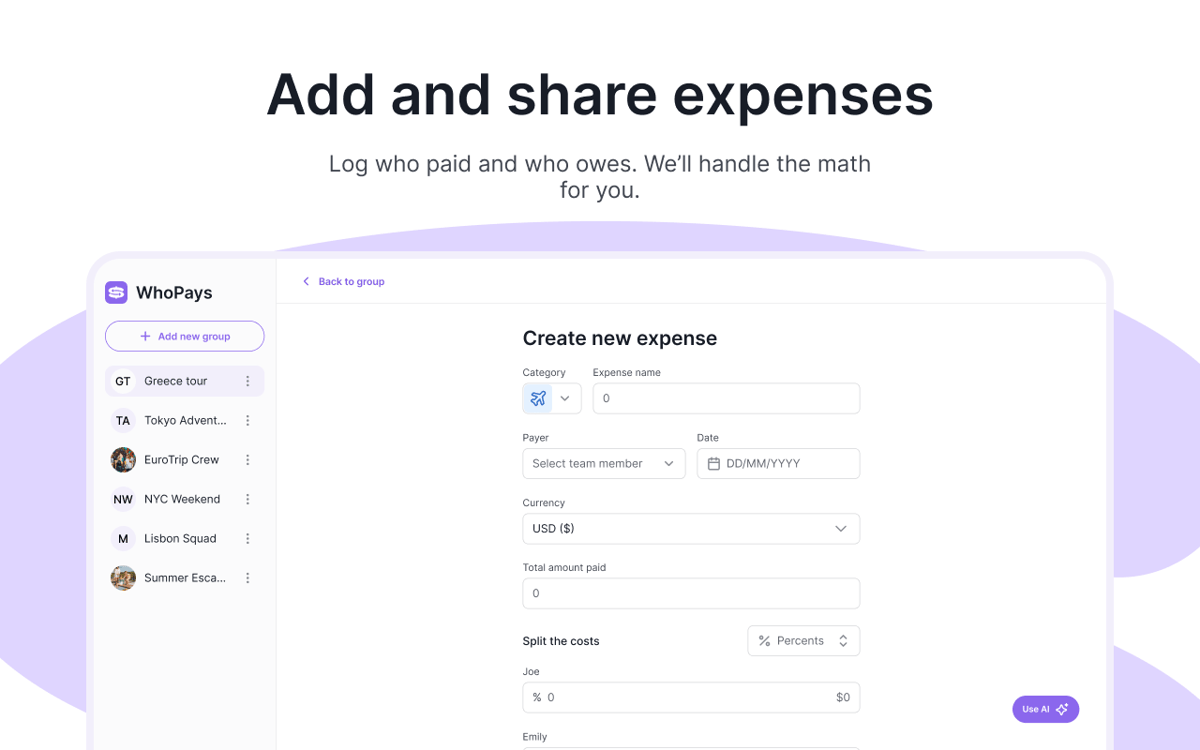
Add, edit, and delete expenses inside a group. Attach notes and files when details matter. When it’s time to close things out, settle balances in a few clicks.
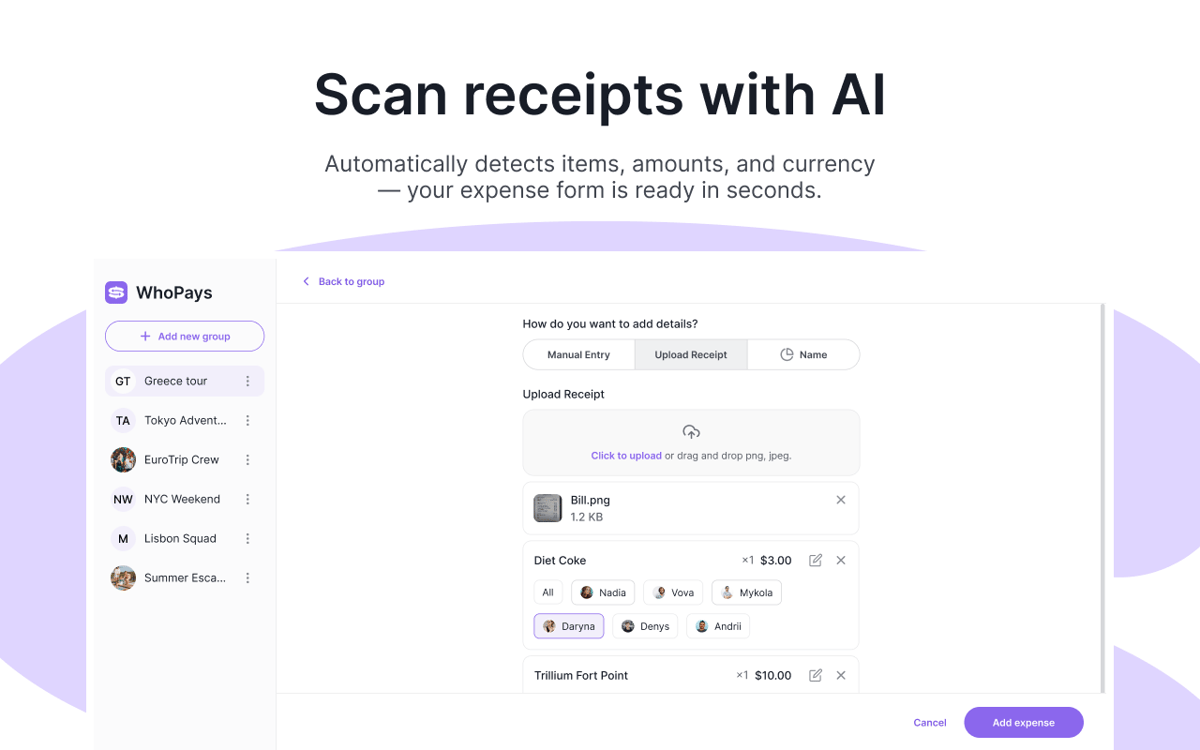
Scan receipts with AI
Take a photo of a receipt and let WhoPays extract line items automatically. It can detect the currency too and save the original receipt image with the expense.
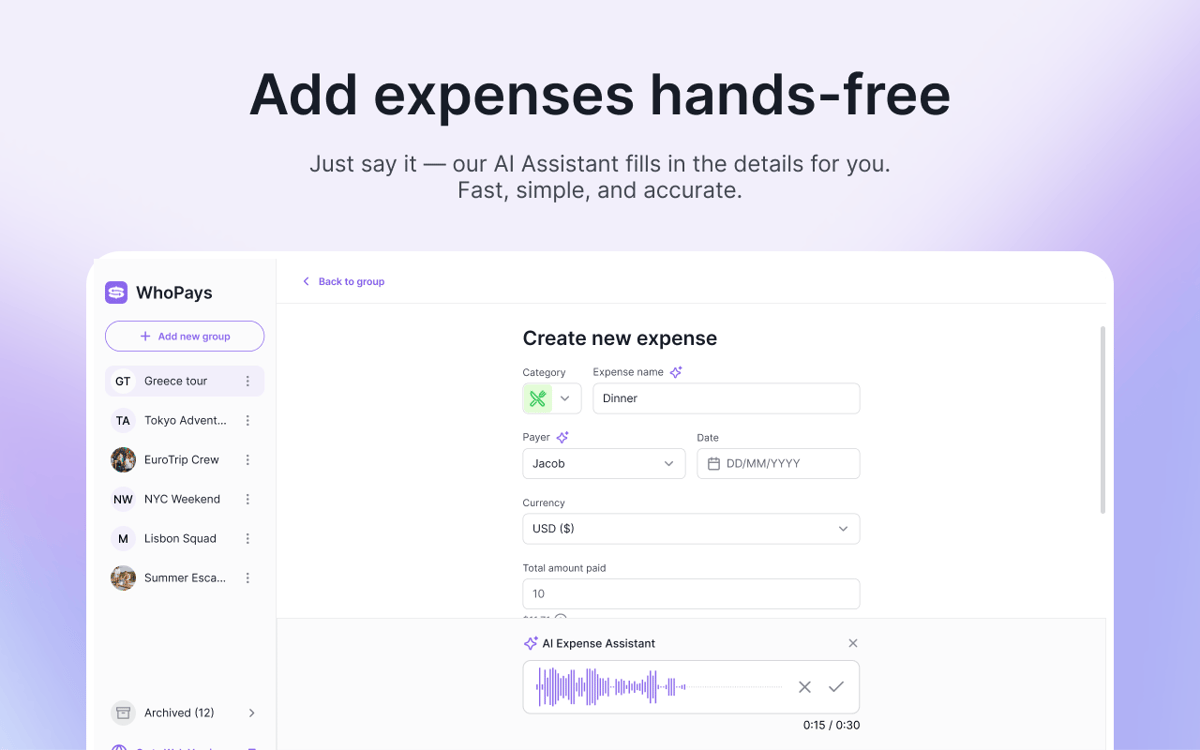
Create expenses with your voice
Don’t want to type it all out? Record a voice note instead. WhoPays can detect the category, name, date, currency, payer, and participant amounts for the expense.
See balances, stats, and history at a glance
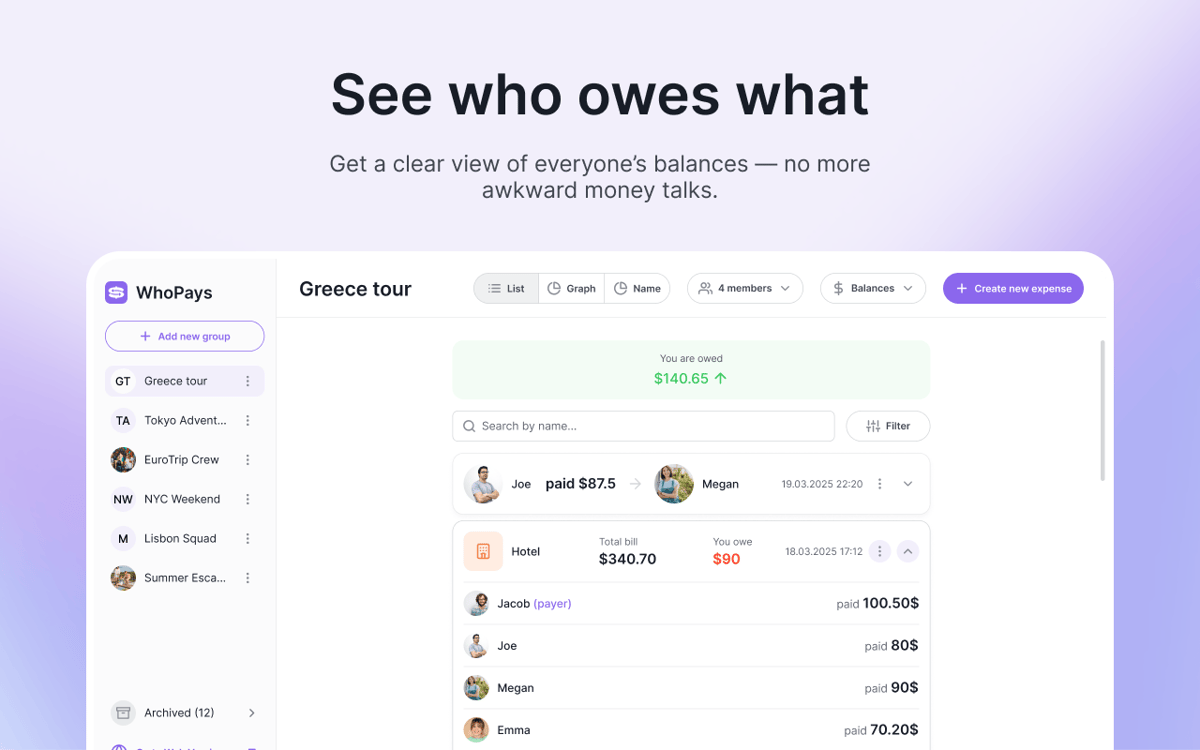
Check real-time balances, view totals by category, and see per-member breakdowns. Every change is saved to a timeline, so you can always track edits, invites, settlements, and deletes.
Keep everyone on the same page
Create groups, invite members, remove them when needed, and share invite links. People can join from an email invite or a direct link, which makes setup nice and easy.
Split costs in 150+ currencies
Set one group currency and add expenses or settlements in any currency you need. WhoPays converts them automatically, so everyone can follow the numbers without extra math.
Ratings and reviews
WhoPays
•
8 ratings
Christian Saborio
Aug 30, 2026
App version: 1.0.0
Love it - a very likely replacement for Splitwise. Only feature I’d like that’s not there is to export to PDF to share to people, but overall, a fantastic app.
Mykola
Jun 3, 2026
App version: 1.1.0
Great app, with a much better design than Splitwise. I like the AI adding, which saves tons of time.
Nadiia
Jun 2, 2026
App version: 1.0.0
Really good app! It helps me split bills with my friends. We often order lunch at work, and one person pays for everyone, so this app makes it easy to share the costs.
Get hundreds of apps with Membership
Become Setapp member and use hundreds of stellar apps with one subscription.
Try 7 days free, then pay one simple fee.
Install Setapp on Mac
Explore apps for Mac, iOS, and web. Find easy ways to solve daily tasks.

Get the app you came for
That one shiny app is waiting inside Setapp. Install with a click.

WhoPays
Choose your subscription
One app or more with a Setapp membership. Get apps the way you want.

Get hundreds of apps with Membership
Become Setapp member and use hundreds of stellar apps with one subscription.
Try 7 days free, then pay one simple fee.
1
Install Setapp on Mac
Explore apps for Mac, iOS, and web. Find easy ways to solve daily tasks.
2
Get the app you came for
That one shiny app is waiting inside Setapp. Install with a click.
WhoPays
3
Choose your subscription
One app or more with a Setapp membership. Get apps the way you want.
Home to the top apps
From planning and routine tasks to creative pursuits and coding, tackle tasks with apps on Setapp.


WhoPays
Split costs. Skip drama.