
Wifilicious
Know your Wi-Fi
Mac
Version 2.0.1
macOS 15.0 or later
21.7 MB
12 languages
Wifilicious is a Wi-Fi analyzer for Mac. It shows you everything about your current connection — signal strength, latency, throughput, security, and DNS timing — updated every two seconds. Run a speed test, scrub through two weeks of history, or just ask Apple Intelligence what's going on. Everything is computed on your Mac. Nothing leaves it.
Diagnose slow or unstable Wi-Fi fast
Test real speeds on your Wi-Fi hop
Track signal trends over hours and days
Ask AI why your connection feels off
Wifilicious features
The full picture, at a glance
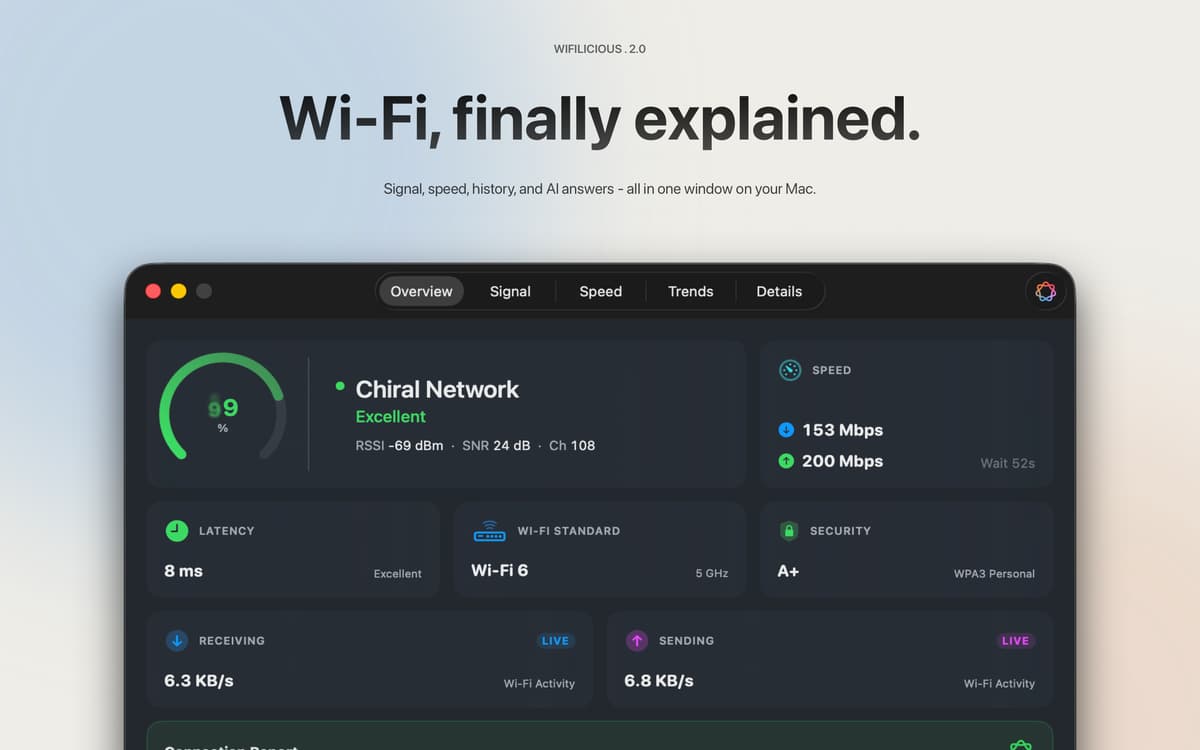
Signal quality, security standard, live throughput, latency, and DNS timing — all in one dashboard, refreshed every two seconds. The readings your Mac has been quietly collecting, finally somewhere you can see them.
Speed tests that actually test your Wi-Fi
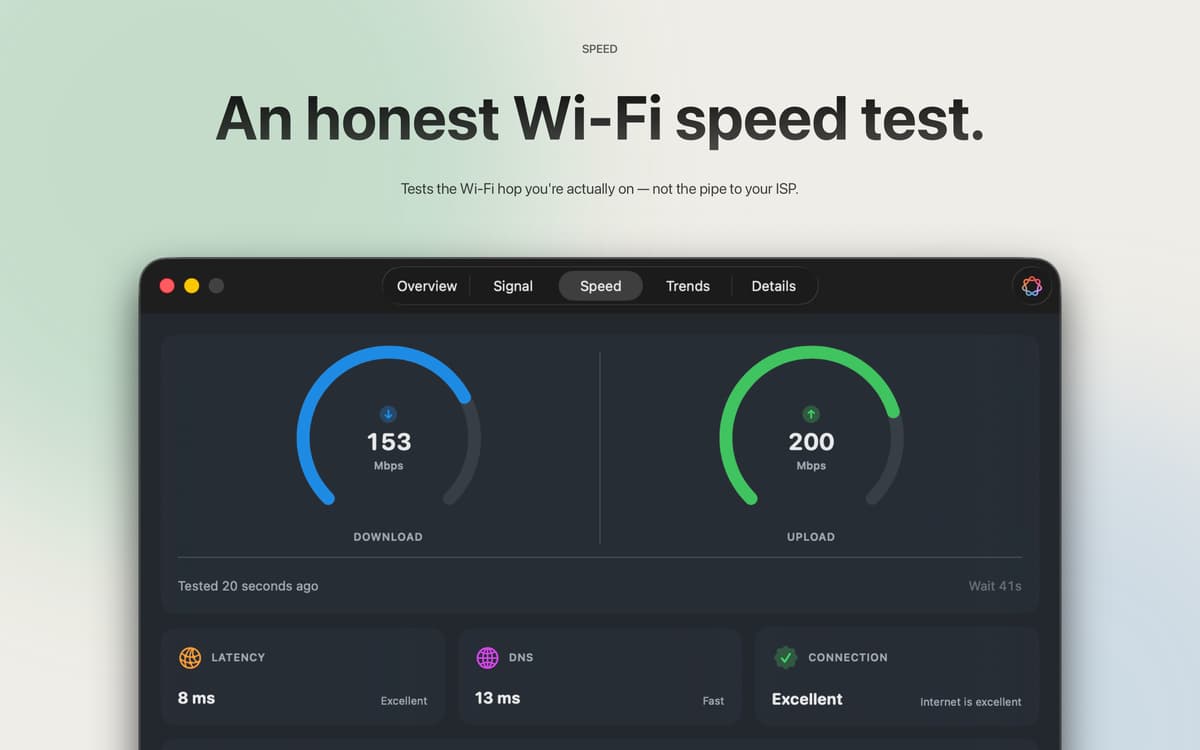
Most speed tests measure your ISP's pipe. This one measures the Wi-Fi hop between your Mac and your router — which is usually where the problem is. Three samples, median result, no account needed. Uses about 9 MB down and 5 MB up per run, so you can test whenever something feels off without thinking twice.
The raw numbers, explained
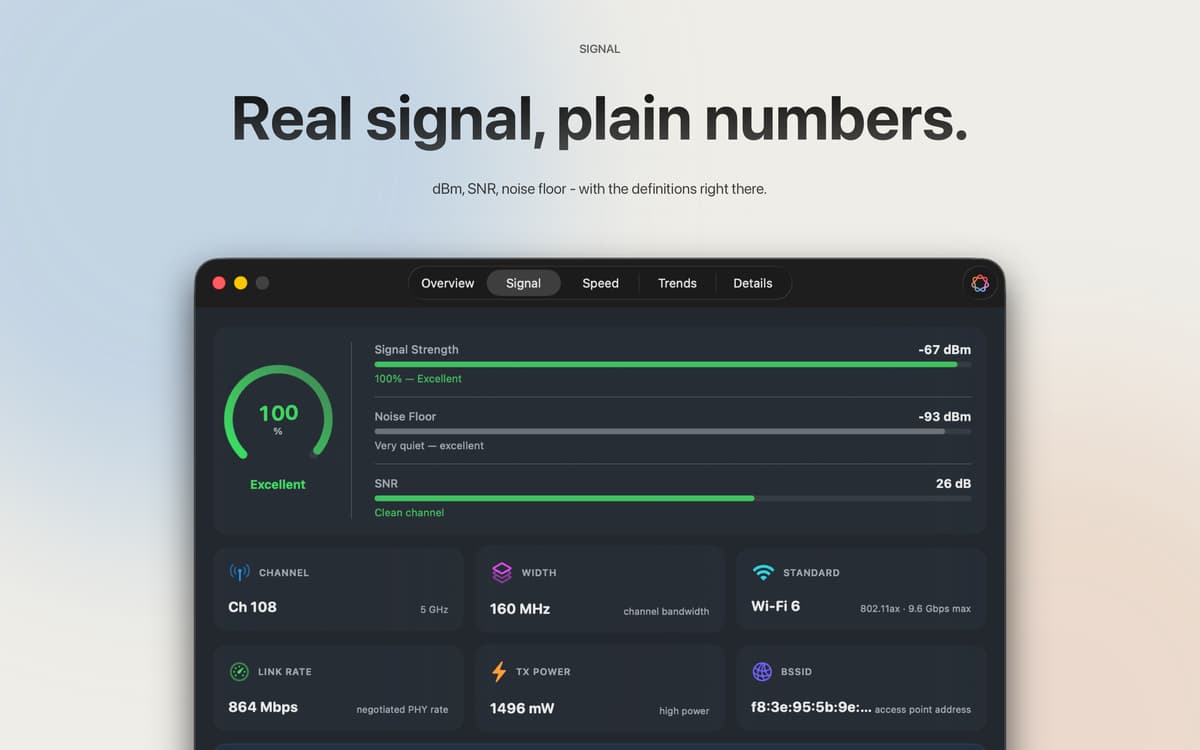
RSSI in dBm, signal-to-noise ratio, transmit power, channel width, PHY mode — all of it, right there. Every field is copy-pasteable. Every metric comes with a plain-language explanation, so you don't need a networking degree to know what you're looking at.
Two weeks of history
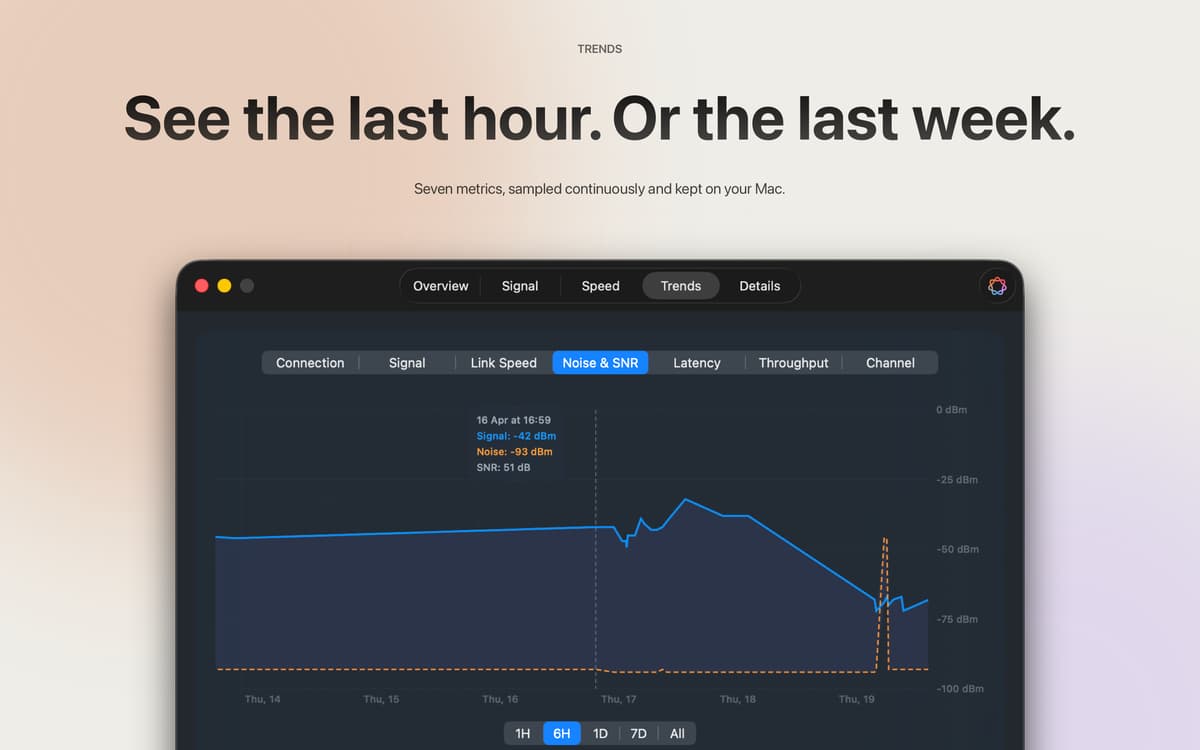
Signal strength, link speed, noise, SNR, latency, throughput, and channel — sampled every five minutes and kept for 14 days. Scrub back an hour, a day, or the full two weeks to see exactly when things went sideways. Every sample stays on your Mac.
Apple Intelligence, grounded in your actual data
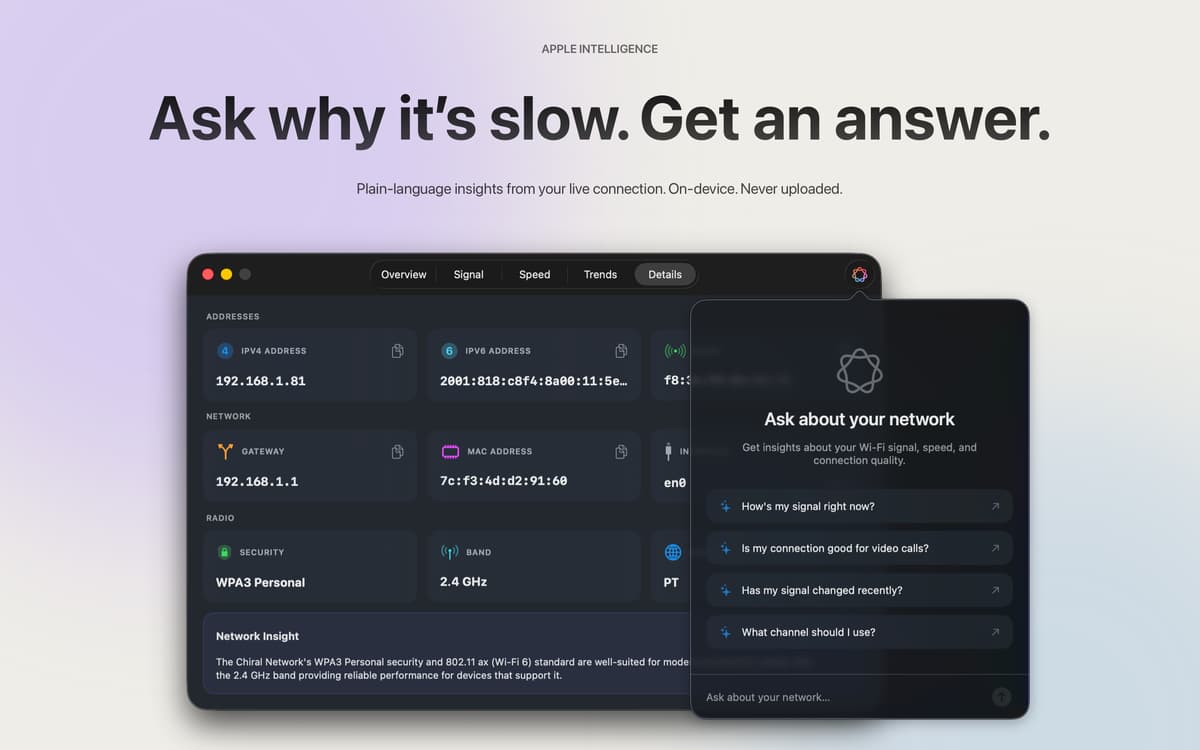
On macOS 26 and later, Apple Intelligence reads your live connection data and answers like a friend who actually knows networking. Ask "Is this good for a video call?" and get a real answer based on your signal and speed — not generic advice pulled from the internet. On-device, in your language, never uploaded.
Menu bar, dashboard, or both
A quick signal readout in the menu bar handles the "is it fine right now?" check. The full dashboard handles everything else. Six icon styles, custom signal colors — you decide what shows up and how.
Get hundreds of apps with Membership
Become Setapp member and use hundreds of stellar apps with one subscription.
Try 7 days free, then pay one simple fee.
Install Setapp on Mac
Explore apps for Mac, iOS, and web. Find easy ways to solve daily tasks.

Get the app you came for
That one shiny app is waiting inside Setapp. Install with a click.

Wifilicious
Choose your subscription
One app or more with a Setapp membership. Get apps the way you want.

Get hundreds of apps with Membership
Become Setapp member and use hundreds of stellar apps with one subscription.
Try 7 days free, then pay one simple fee.
1
Install Setapp on Mac
Explore apps for Mac, iOS, and web. Find easy ways to solve daily tasks.
2
Get the app you came for
That one shiny app is waiting inside Setapp. Install with a click.
Wifilicious
3
Choose your subscription
One app or more with a Setapp membership. Get apps the way you want.
Home to the top apps
From planning and routine tasks to creative pursuits and coding, tackle tasks with apps on Setapp.


Wifilicious
Know your Wi-Fi