Where to find Apple Wallpaper: Official Apple wallpapers come bundled with macOS, iOS, and iPadOS, and archives like iClarified host retired and upcoming ones.
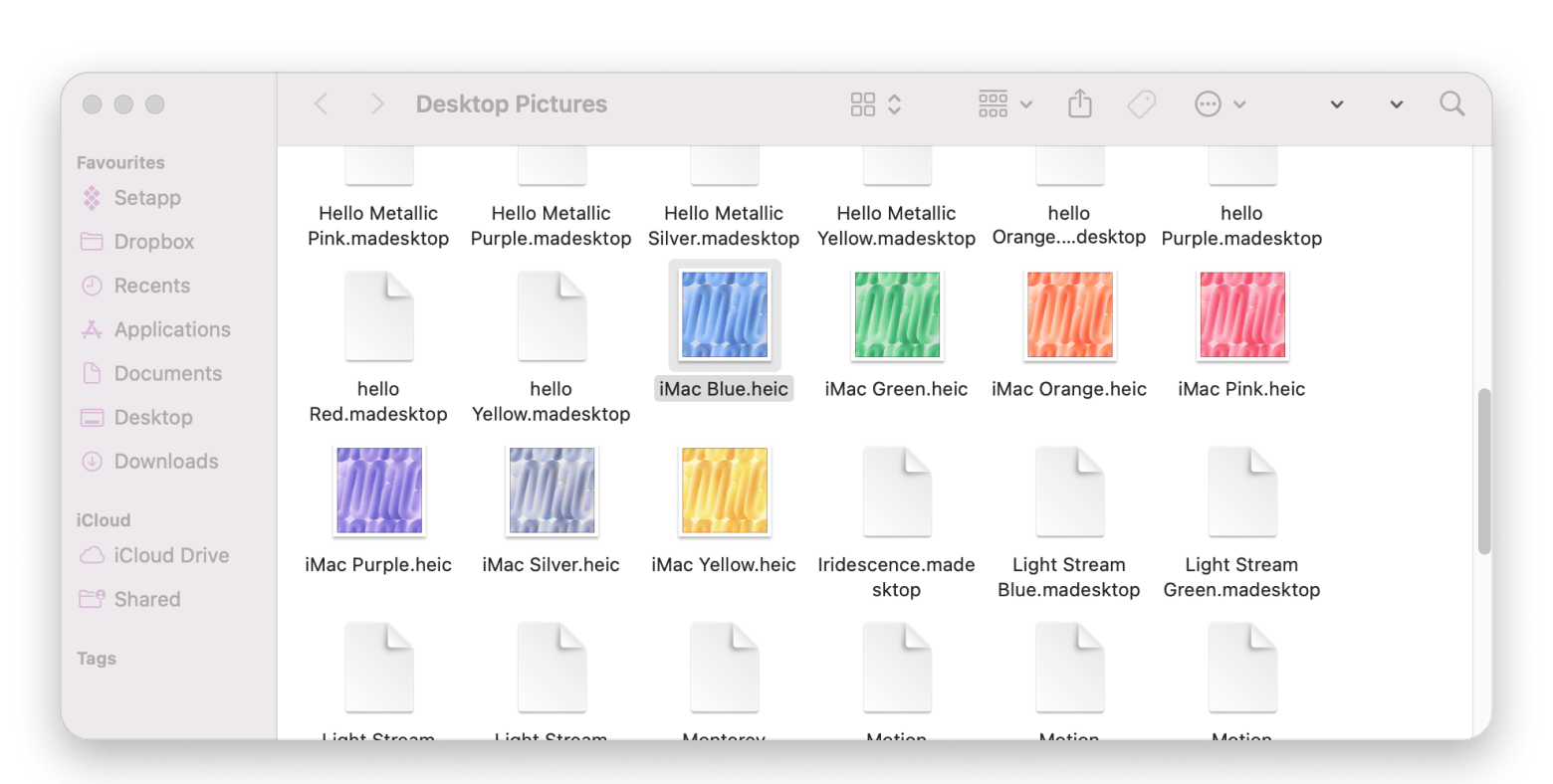
Mac files: macOS keeps built-in wallpaper files in Desktop Pictures folders you can open from Finder with Go > Go to Folder.
iPhone limits: iOS doesn’t expose its raw image files, so download a clean original instead of taking a screenshot.
Auto-rotation: Add a folder in System Settings > Wallpaper and set it to shuffle hourly or daily.
Apple has created so many memorable wallpapers, like the blue Aqua wallpaper from Mac OS X 10.0 and macOS Tahoe’s Lake Tahoe landscapes. But finding these "vintage" Apple wallpapers can be tricky. Unfortunately, there's no public archive for every release created by Apple. But there are still some ways to get these wallpapers and give your Mac or iPhone a nostalgic new look.
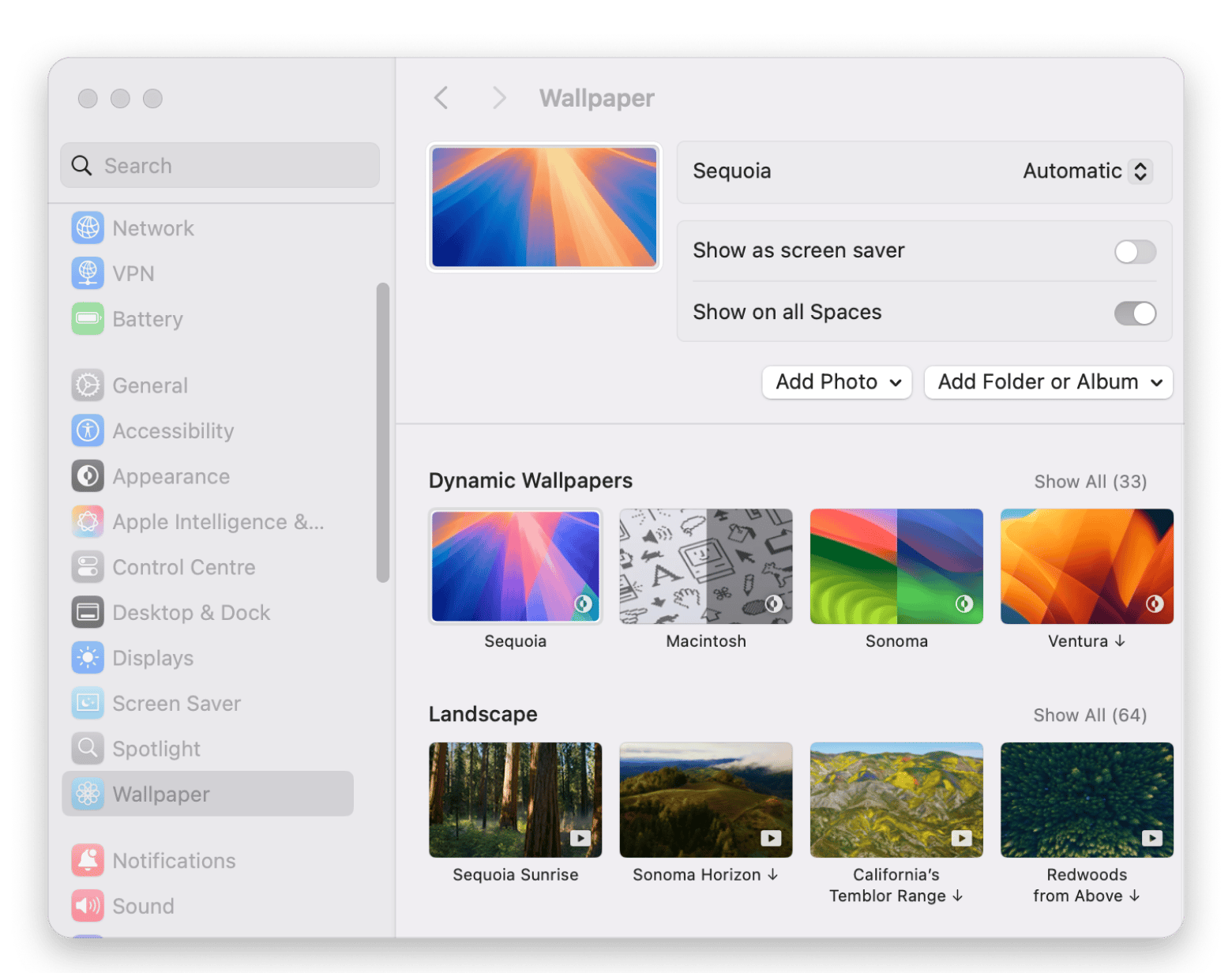
Official Apple wallpapers are the background images Apple ships with macOS, iOS, and iPadOS or publishes itself. You can browse current ones in System Settings > Wallpaper on Mac and Settings > Wallpaper on iPhone, and download full-resolution copies of past and upcoming releases from archives like iClarified. Fan-made images and edited screenshots aren’t official Apple assets.
Apple’s system wallpaper collection includes three main types:
Dynamic wallpapers: Mac backgrounds that change from light to dark as the day passes. For wallpapers that shift with the time of day, 24 Hour Wallpaper from Setapp adds 105+ dynamic wallpapers and custom sunrise and sunset schedules.
Live Photos and animated effects: Motion-based options for a compatible iPhone Lock Screen.
Apple distributes them through system releases and updates. For a retired image, you may need a third-party archive.
How to access built-in wallpapers directly on your Mac
To access built-in wallpapers:
Open Finder and click Go > Go to Folder.
Enter /Library/Desktop Pictures/ and press Return.
Try /System/Library/Desktop Pictures/ if the folder is empty or missing. Newer releases also download some backgrounds only after you select them in System Settings.
Open the file in Preview. Dynamic HEIC wallpapers may appear as one frame in other viewers.
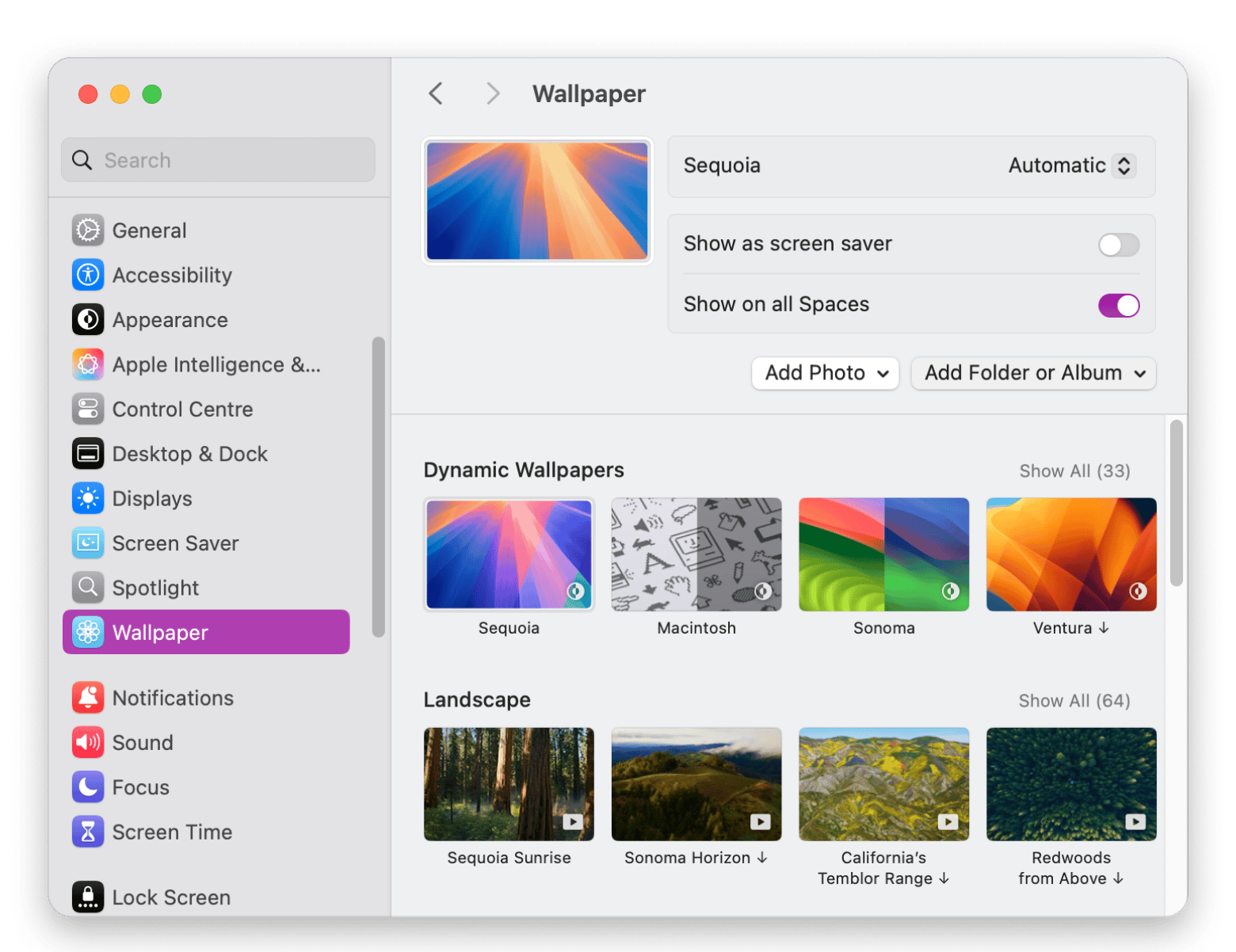
Go to System Settings > Wallpaper to apply a background. You can also Control-click a compatible image in Finder and choose Set Desktop Picture.
Once you find the image, Desktop Composer can save it in a profile. One click switches the wallpaper, Dock position, and app themes together.
How to access built-in wallpapers on iPhone and iPad
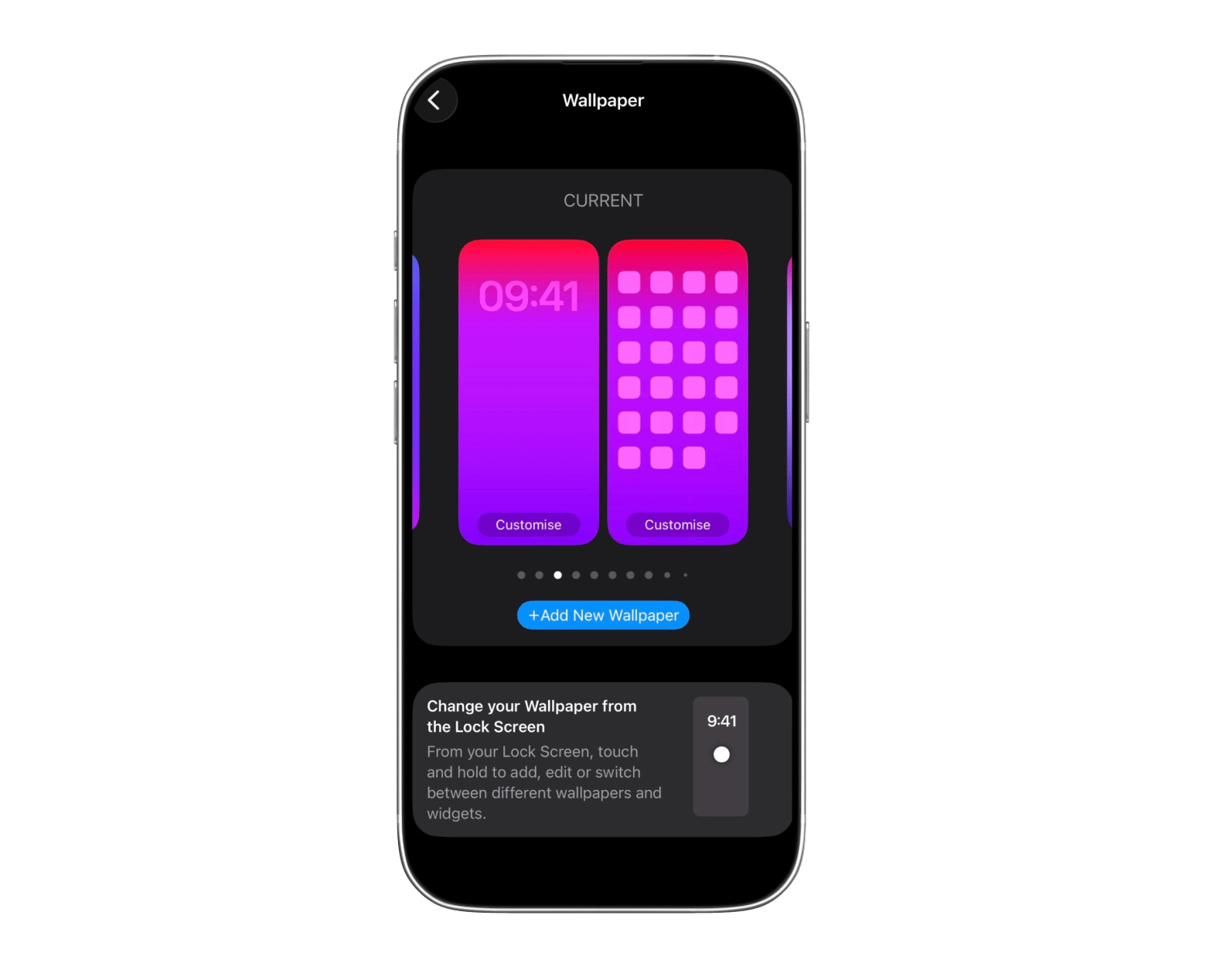
To see the current iOS system wallpapers, you need to go to Settings > Wallpaper > Add New Wallpaper. Keep in mind that unlike macOS, iOS doesn't expose its raw files.
You can take a screenshot to preserve your current background, but the shot may include the clock or widgets you have on your screen. You need to find the release in a trusted archive if you want a clean original.
The latest iOS also supports Spatial Scene wallpapers on compatible iPhones. They create a 3D effect from eligible photos and behave differently from a normal static iOS 27 default background.
Practical tip: Download the largest available version, then let iOS crop it. This gives you more freedom to reposition the image for your iPhone Lock Screen background.
Best third-party archives for official Apple Wallpapers
Ditch the unoriginal screenshots and find the best-quality Apple Wallpapers on these third-party archives:
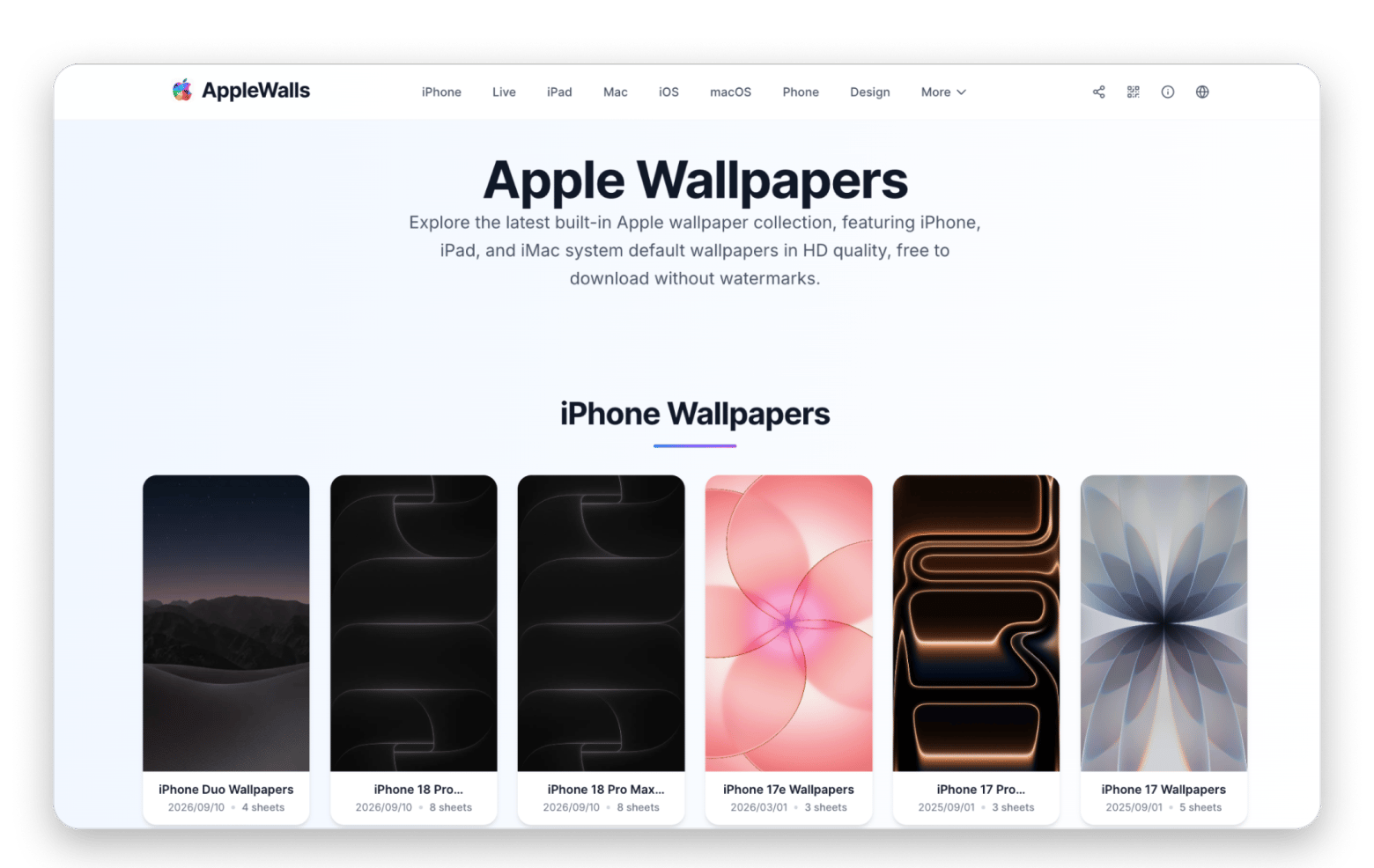
AppleWalls: You can browse Apple stock wallpapers by device or software release and download high-resolution files for free.
Just a reminder that these sites mirror or adapt Apple's assets, and aren't run by Apple itself. Make sure to check the source and dimensions.
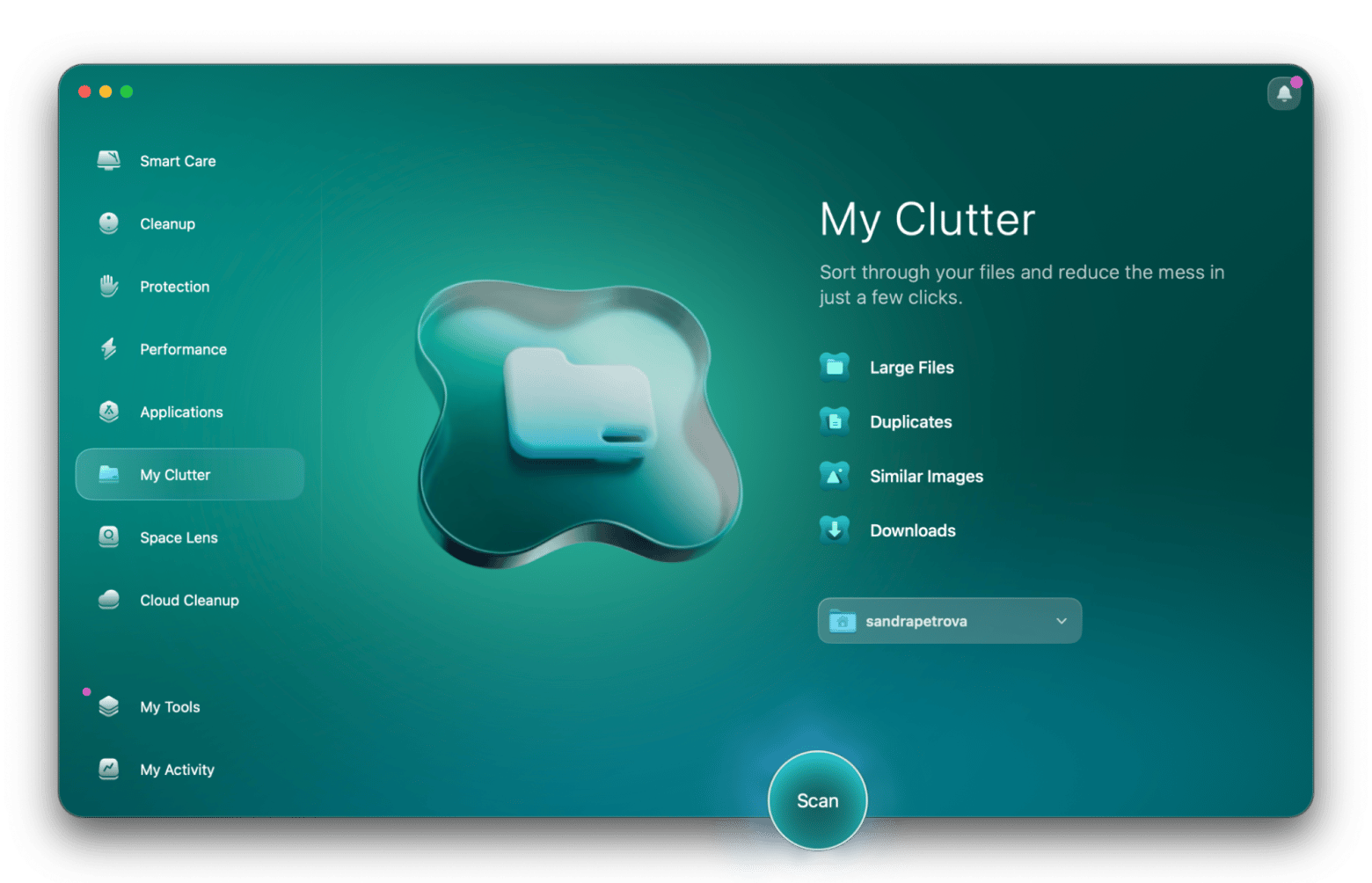
Tip: Downloads can leave copies scattered around your Mac, and you might soon find yourself running short on storage space. Avoid this by installing a tool like CleanMyMac that clears junk in a matter of seconds. It also comes with duplicate tools that help you review repeated images.
Switching and managing wallpapers like a power user
Want your Mac to cycle through your favorite Apple wallpapers automatically? Here's how:
Create an Apple Wallpapers folder inside your Pictures folder.
Add subfolders for macOS, iPhone, and any other categories.
Save your favorite macOS built-in wallpapers in the appropriate folders.
Open System Settings > Wallpaper.
Choose Add Folder or Album and select your wallpaper folder.
Set the wallpapers to shuffle hourly or daily.
To share them between Macs, keep the folder in iCloud Drive or copy it manually.
Keep your official Apple wallpapers organized and easy to switch
Official Apple wallpapers are easy to find once you know where to look. Settings has the current releases, and archives like iClarified have the retired and upcoming ones. Save your favorites in one folder, let Desktop Composer switch the wallpaper, Dock, and app themes in one click, and clear duplicates with CleanMyMac. Both apps are part of Setapp, which includes a 7-day free.
Stop letting wallpapers pile up in Downloads. One Setapp Membership covers Desktop Composer, CleanMyMac, and 300+ apps. Free for 7 days. Start My 7-Day Trial.
FAQ
Where does macOS store its built-in wallpapers?
Start with /Library/Desktop Pictures/. On newer macOS versions, check /System/Library/Desktop Pictures/ too. Some assets appear only after macOS downloads them through Wallpaper settings.
Can dynamic wallpapers work on older Macs?
Dynamic wallpapers work on macOS Mojave 10.14 or later. On older versions, the Mac shows one still frame.
Why do wallpapers look different on iPhone and iPad?
Their screens have different shapes and resolutions. iOS and iPadOS crop or scale the source image to fill each display.
How can I get a new wallpaper before updating?
Check iClarified after Apple reveals a release. Static files usually appear that day, but dynamic versions only work inside the new OS. Avoid installing a beta just for a wallpaper.
Can I use Apple wallpapers in commercial projects?
A free system background isn't automatically licensed for ads, products, or video branding. Review Apple’s usage terms or ask a legal professional before commercial use.
How do I rotate Apple wallpapers automatically on Mac?
To rotate wallpapers on a Mac, add a folder of images in System Settings > Wallpaper and set a shuffle interval. To switch the wallpaper, Dock, and app themes together, save them as a profile in Desktop Composer, which syncs through iCloud and requires macOS 26 or newer.
Powerful apps live on Setapp
Ditch defaults and discover new gems on one app platform.






 Best solution
 Best solution