In 2026, there are six effective monetisation models for independent developers on Mac and iOS: subscriptions, the freemium model, one-time purchases, distribution via Setapp, in-app purchases, and the hybrid model.
Subscription is the most effective model for apps with long-term value. One-time purchase remains effective for specialised utilities. The most successful apps combine two or three models.
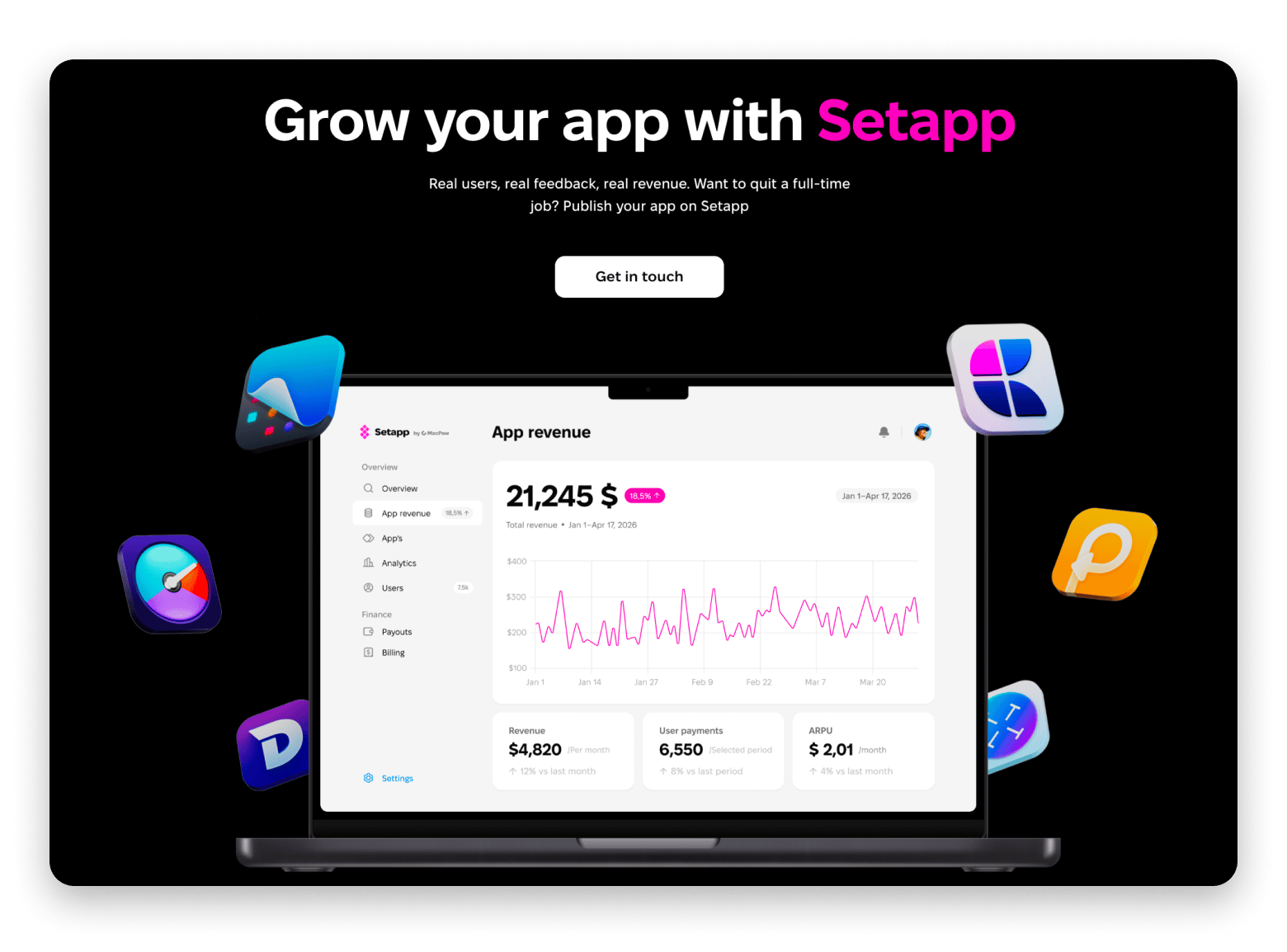
Setapp distribution is the simplest way to add a predictable revenue stream without building your own payment, tax, or discovery infrastructure. Become a Setapp partner.
Building a high-quality app for Mac or iOS in 2026 is the easy part. The hard thing is figuring out how to make money from it.
Data from Setapp’s own research shows a clear trend. Only 34% of Mac users rely exclusively on the Mac App Store. The remaining 66% download apps through developers’ websites, app curation sites, and other channels, often combining these methods.
I asked independent Mac developers what they actually do to make money. This guide combines their answers with Setapp’s own research on Mac and iOS user behaviour.
7 app monetisation strategies compared
First, let’s take a look at the different app monetisation models and the key facts about each one.
For Mac and iOS developers, revenue can come from direct payments (subscriptions, one-time purchases, in-app purchases), indirect payments (advertising, affiliate commissions, sponsorships), or through third-party platforms such as Setapp, which handle distribution and payment processing in exchange for a share of the revenue.
Three shifts have reshaped the landscape in 2025-2026:
Subscription growth keeps accelerating. Weekly subscription plans now generate 56% of all app revenue, says Adapty’s State of in-app subscriptions 2026 report.
Mac users have moved beyond the Mac App Store. Setapp's research on 700 US Mac users found that 66% of Mac users get some or all of their apps outside the Mac App Store. 76% of those users turn to official developer websites; 62% use curated app-collection sites.
The Epic vs Apple ruling (May 2025) opened external payments on iOS. US developers can now link to web checkout and bypass Apple's 15-30% commission, paying a 3-6% payment processor fee instead.
Now let's look at each monetisation model in detail, with real numbers and founder voices.
Subscription model
The subscription model involves charging users a recurring fee on a weekly, monthly, or annual basis for ongoing access to the app. In 2026, this is the dominant revenue model for non-gaming apps.
How it works for indie developers: You set up paid access (usually after a free trial period), choose a billing cycle, and use the App Store’s StoreKit or a third-party tool to process recurring payments.
Best for: apps with ongoing value, such as productivity, fitness, and content apps, as well as AI and mind-mapping tools. If your app offers something new every week, the number of subscriptions will grow.
Pros:
Predictable recurring revenue
Compounds over time as your subscriber base grows
Cons:
High churn risk
Subscription fatigue is real
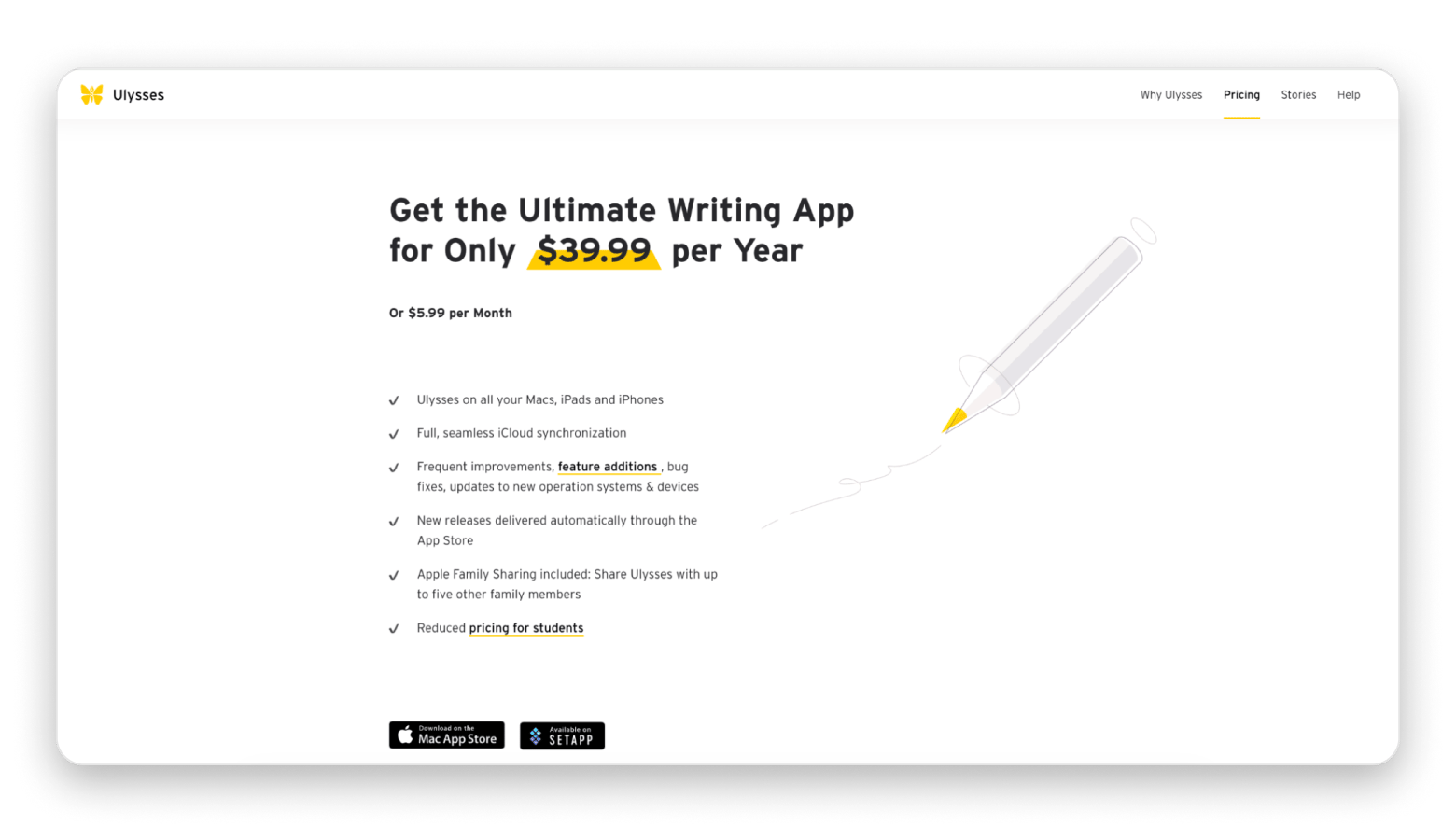
Ulysses, a long-running writing app for Mac and iOS, follows a similar subscription model. It’s available directly on the App Store or through Setapp Membership alongside 250+ other Mac and iOS apps.
Freemium
The freemium model provides users with a free, fully functional version of the app and then sells access to premium features through a one-time upgrade or subscription. This is how most “free” Mac and iOS apps that don't display ads make money.
How it works for indie developers: you provide basic functionality that solves the user’s problem at a fundamental level, and then restrict access to advanced features (export options, AI tools, cloud sync, themes, batch operations) through paid access.
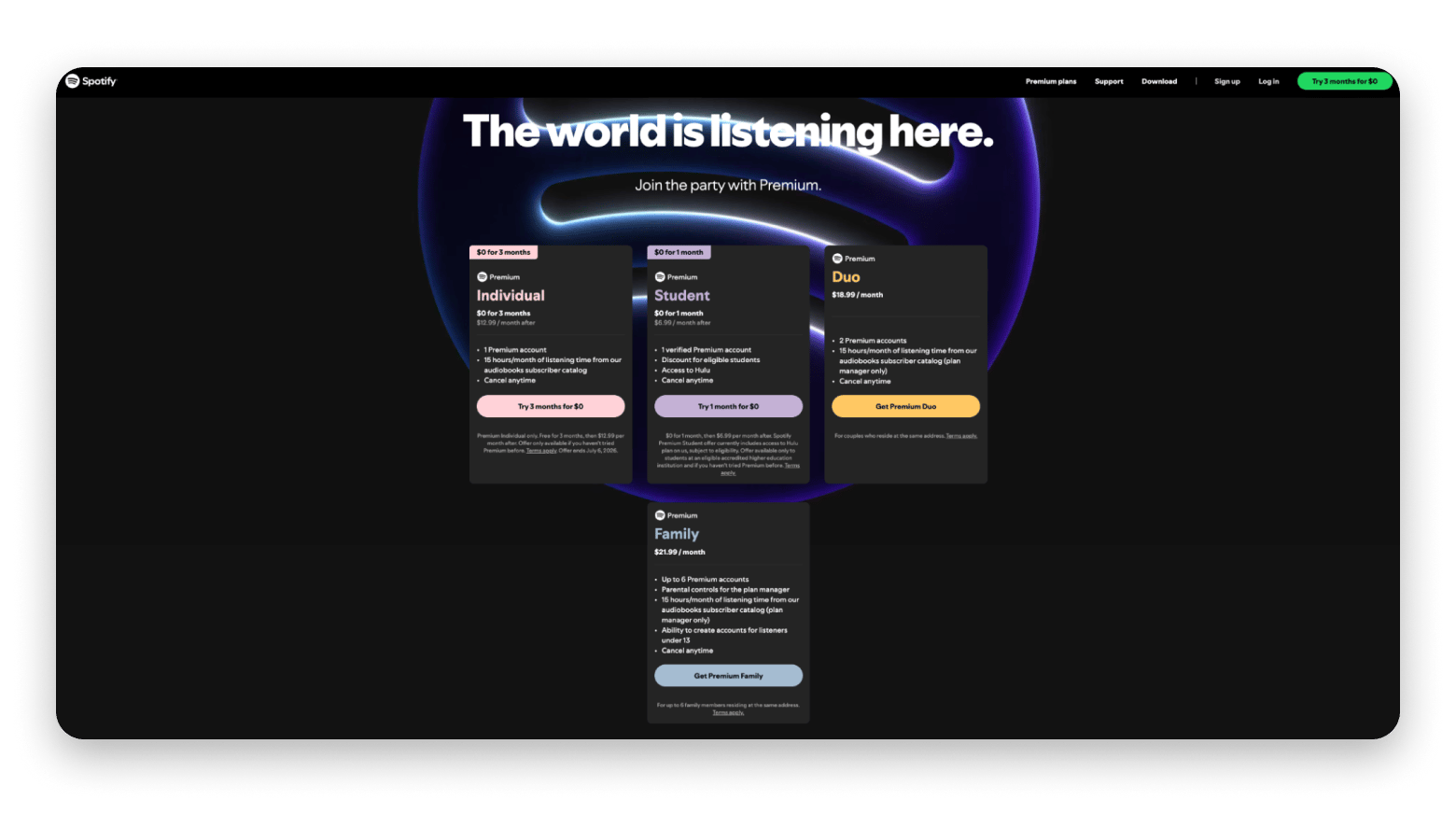
Apps like VSCO, Spotify, Duolingo, and Notion have built a massive user base using this model, offering free access and paid upgrades for advanced features.
Best for: Apps where users need to feel the value before paying. Photo editors, scanners, productivity utilities, AI tools, fitness apps.
Pros:
Low-friction acquisition (no upfront payment)
Let users test before committing
Works well for both one-time and subscription premium tiers
Cons:
Requires careful feature gating without making the free version feel useless
Needs ongoing experimentation on paywall placement and copy
One-time purchase
The one-time purchase model is what it sounds like: users pay once and own the app forever. It's increasingly rare in 2026, but for the right type of app, it still works beautifully.
How it works for indie developers: you set the price (usually between $5 and $50 for utilities; professional tools cost more), and that’s the end of the transaction. There are no subscriptions, no in-app purchases, and no ads. After a one-time payment, you get lifetime access and free updates within a single major version.
Best for: Focused utilities where the value is fully delivered at first launch. Calculators, file managers, text editors, code utilities, design tools.
Pros:
No churn
Simpler tax and accounting
Links developer incentives to the actual finalisation of product development
Cons:
Revenue is bursty, not predictable
Hard to fund ongoing development without paid upgrades or new versions
With Setapp, you can list your app on a curated platform that handles distribution, payment, tax compliance, and discovery in exchange for a revenue share. It's a model purpose-built for Mac and iOS indie developers who want a predictable revenue stream without building their own infrastructure.
How it works for indie devs: You submit your app to Setapp, pass a quality review, and start earning through one of two channels, or both.
Setapp Membership puts your app in a curated subscription bundle that users pay one monthly fee to access, and your revenue is tied to actual user activity.
Setapp Marketplace lets users buy or subscribe to individual apps one at a time, with each app priced separately by the developer. You keep your App Store listing running in parallel, as no exclusivity is required.
Tip: A new app on Setapp typically gets ~30,000 unique impressions in its first days across 110+ countries.
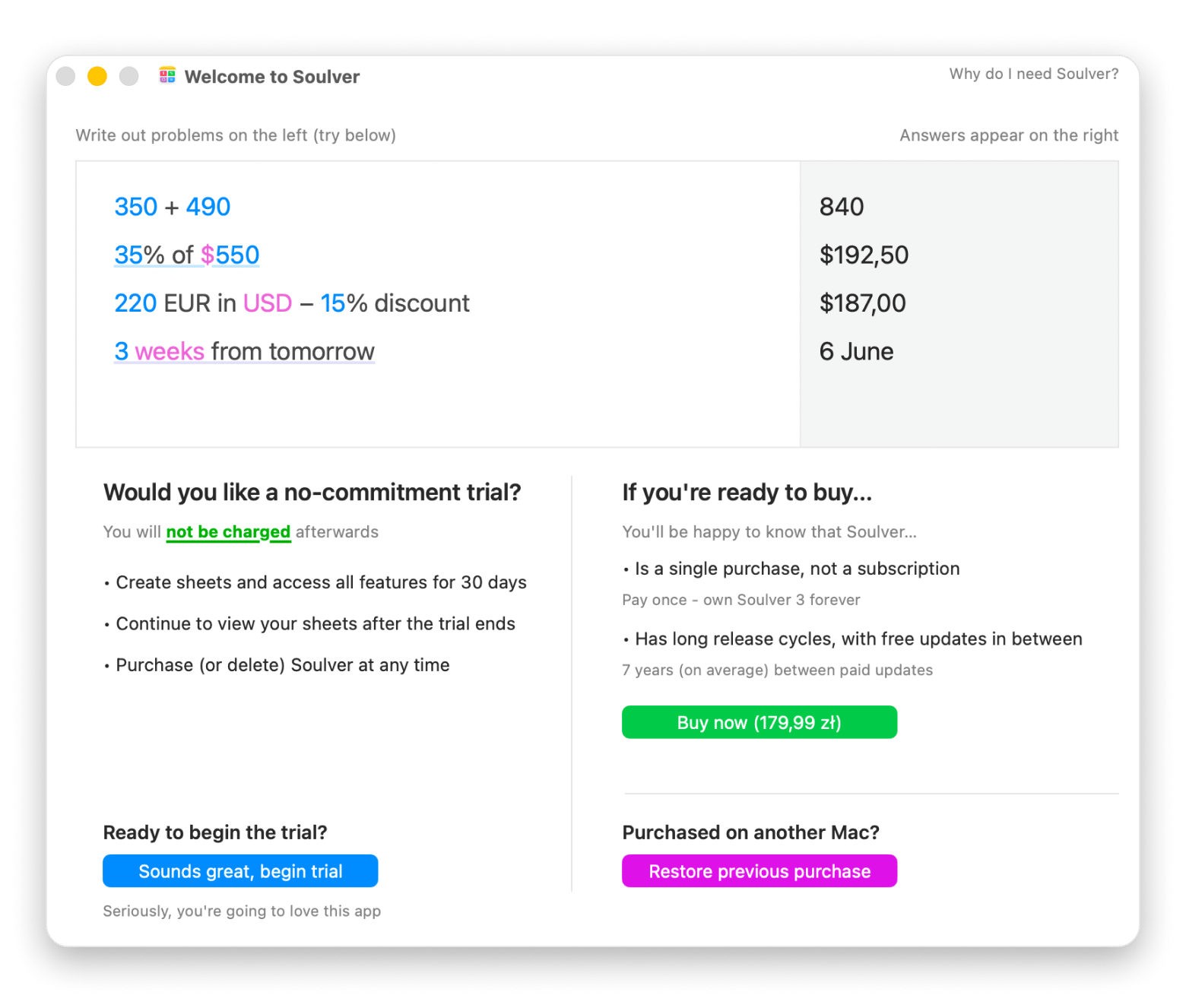
"Setapp shows what's possible when the marketplace cares about both developers and customers. There's no conflict: everyone is treated with dignity, and the experience for me as a developer is so much more pleasant and positive than with the App Store. The review process on Setapp has always been quick, professional and fair."
— Zac Cohan, creator of Soulver.
"It's been great. Way better than the Apple App Store. Much faster and transparent reviews.”
— Sindre Sorhus, maker of Supercharge, Dato, Shortcutie, and Lungo.
Pros:
Setapp handles payments, taxes, billing, and chargebacks
Fast and transparent app review
Built-in audience of paying subscribers across 110+ countries
No exclusivity — runs alongside your App Store listing
Cons:
Membership revenue depends on usage
In-app purchases
In-app purchases (IAP) are individual products that users buy inside the app. This app monetisation model is often used in games, where users can purchase additional coins or credits. In photo editors, IAPs might include additional filter packs, while in AI apps, they might include AI tokens, and so on.
How it works for indie devs: You define products in App Store Connect, set prices, integrate StoreKit, and users buy them through the standard Apple purchase flow.
Best for: Apps with consumable resources (AI credits, scan packs), apps with optional feature packs, photo editors with filter bundles, and apps that complement a subscription with one-shot purchases.
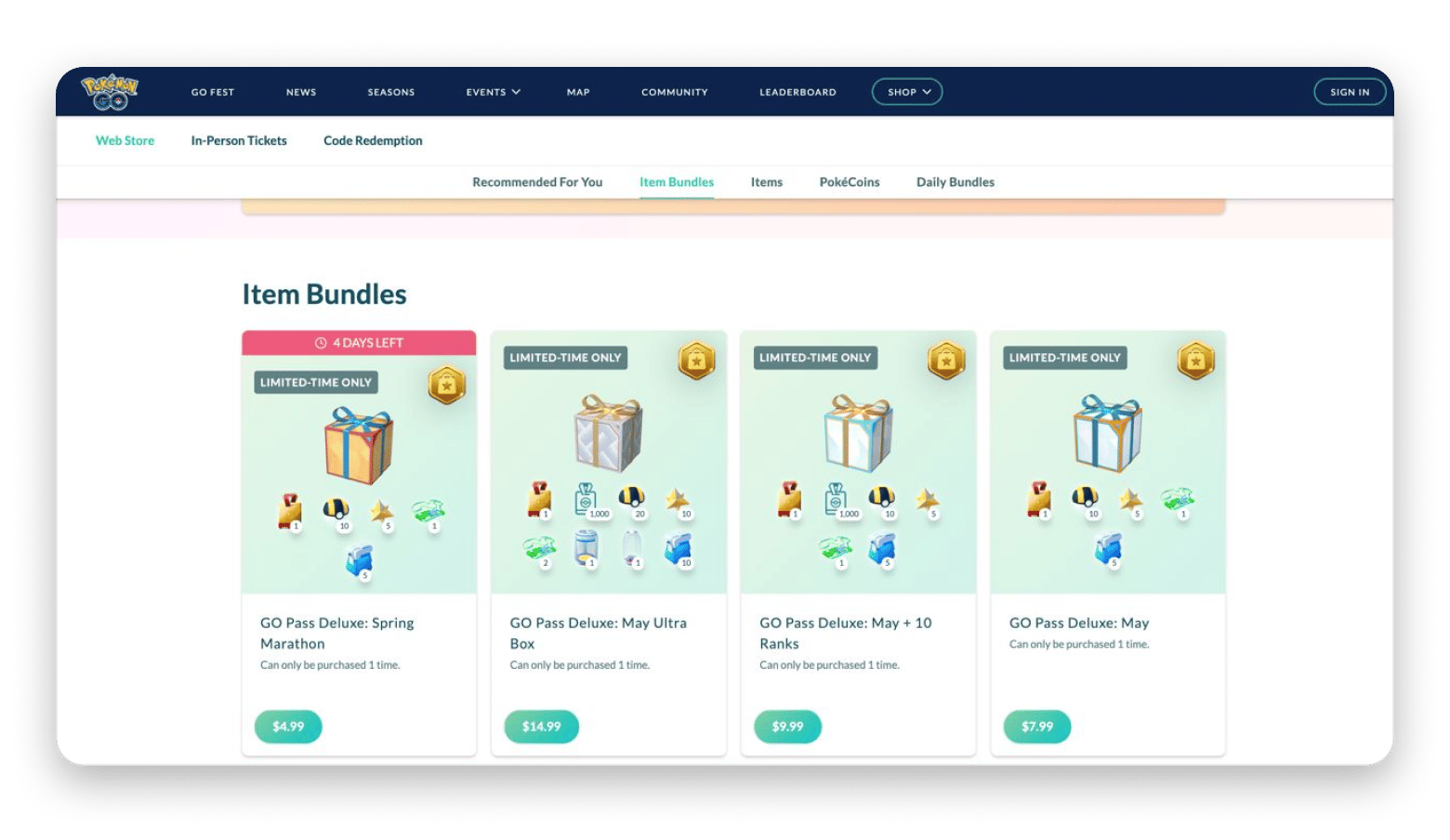
The popular game Pokémon GO is an example of an app with in-app purchases. Users can play for free, but for a more immersive experience, they can purchase PokéCoins, Poké Balls, Stardust, and time-limited event bundles from a separate page.
Pros:
Lets users self-select how much they want to pay
Pairs well with freemium and subscription models
Cons:
Tax compliance is more complex than a flat subscription
Apple's review process can reject overly complex IAP structures
Hybrid model: the 2026 default
A hybrid model combines two or more revenue streams within a single app. For example, a freemium model + subscription + in-app purchases, or App Store + payment via a website, or a one-time purchase + distribution through Setapp.
Best for: Almost all independent Mac and iOS developers who have a finished app and an established user base. The key is to find two or three sources that are a good fit for your app.
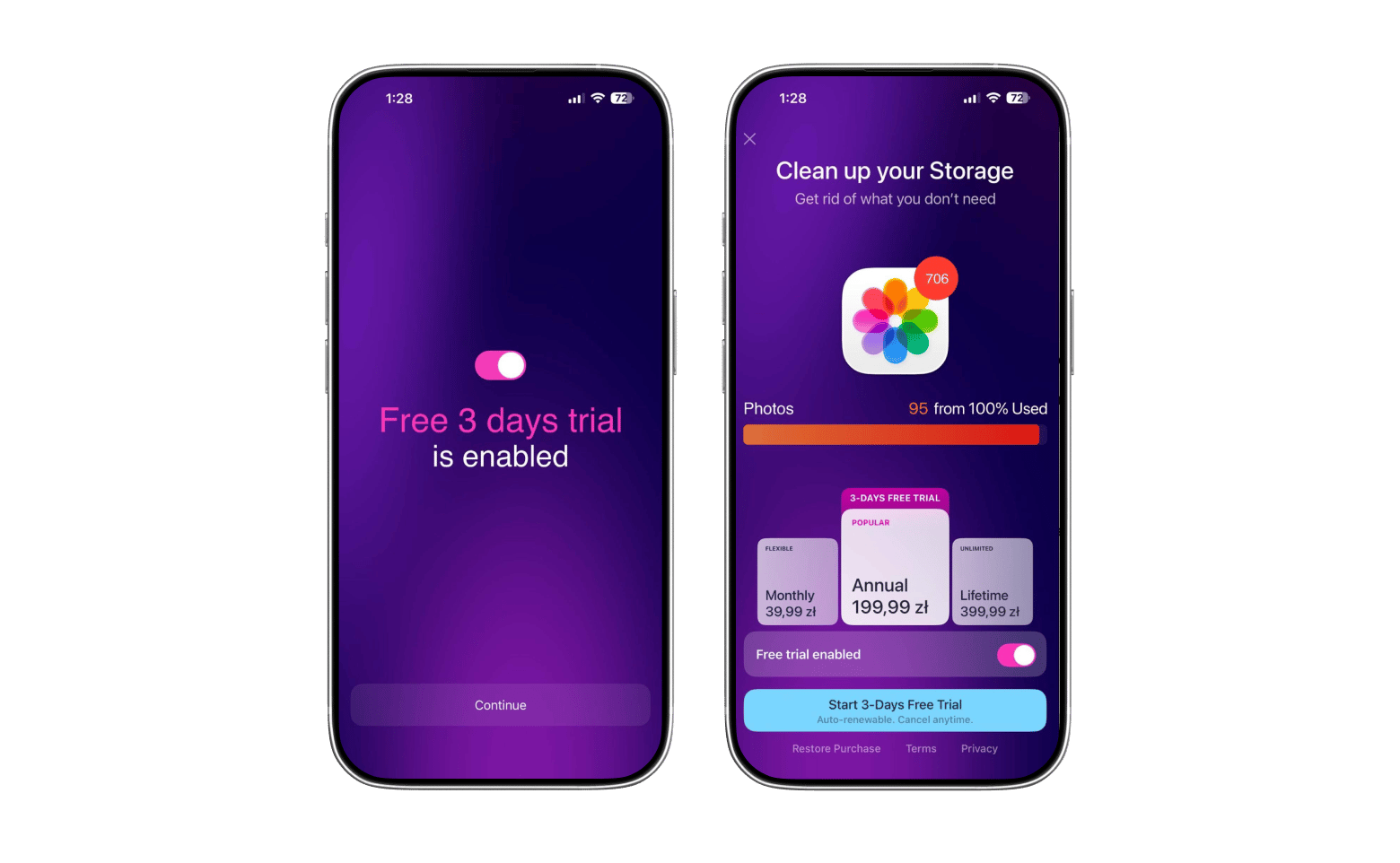
CleanMy®Phone is a great example of the hybrid model in action. It offers a monthly subscription, an annual subscription with a free trial, and a one-time lifetime purchase. So users can pick the model that fits how they actually use the app. It's also available through Setapp Membership alongside 250+ other Mac and iOS apps.
Pros:
Revenue diversification
Smooths out the spikes of pure one-time purchase models
Cons:
More moving parts to manage (multiple payment systems, tax jurisdictions)
Pricing has to be consistent across channels to avoid undercutting yourself
Final words: What’s the best app monetisation model in 2026
The app's monetisation model depends on its format. The most popular models today include subscription, freemium, one-time purchase, Setapp distribution, in-app purchase, and hybrid (a combination of several of these).
For most Mac and iOS indie developers, the simplest and most effective hybrid model is App Store distribution combined with Setapp distribution as a second predictable revenue stream.
What is the best app monetisation strategy in 2026?
The best app monetisation strategy in 2026 is to combine multiple revenue streams. According to a Setapp study, 66% of Mac users obtain some or all of their apps outside the Mac App Store. Therefore, developers should consider hosting the app on multiple platforms.
What is Setapp distribution, and how does it compare to the App Store?
Setapp distribution lets developers list their app on a curated catalogue and earn through either Setapp Marketplace (single app sales) or Setapp Membership (subscription bundle). Apps stay listed on the App Store at the same time — no exclusivity required.






 Best solution
 Best solution