Spark Mail (7 days free via Setapp) is the best all-rounder, with a smart Inbox, AI writing assistant, built-in calendar, and real-time collaboration.
Microsoft Outlook is best for Microsoft 365 usersand offers deep integration with Teams, OneDrive, and powerful calendar tools.
Apple Mail (built-in on Mac) is the simplest option. No setup needed, strong privacy features, and smooth iCloud sync make it great for basic email needs.
Airmail for power workflows, Edison Mail for subscription clutter, Mimestream for Gmail, MailMate for keyboard-driven control, and Unibox for sender-grouped conversations.
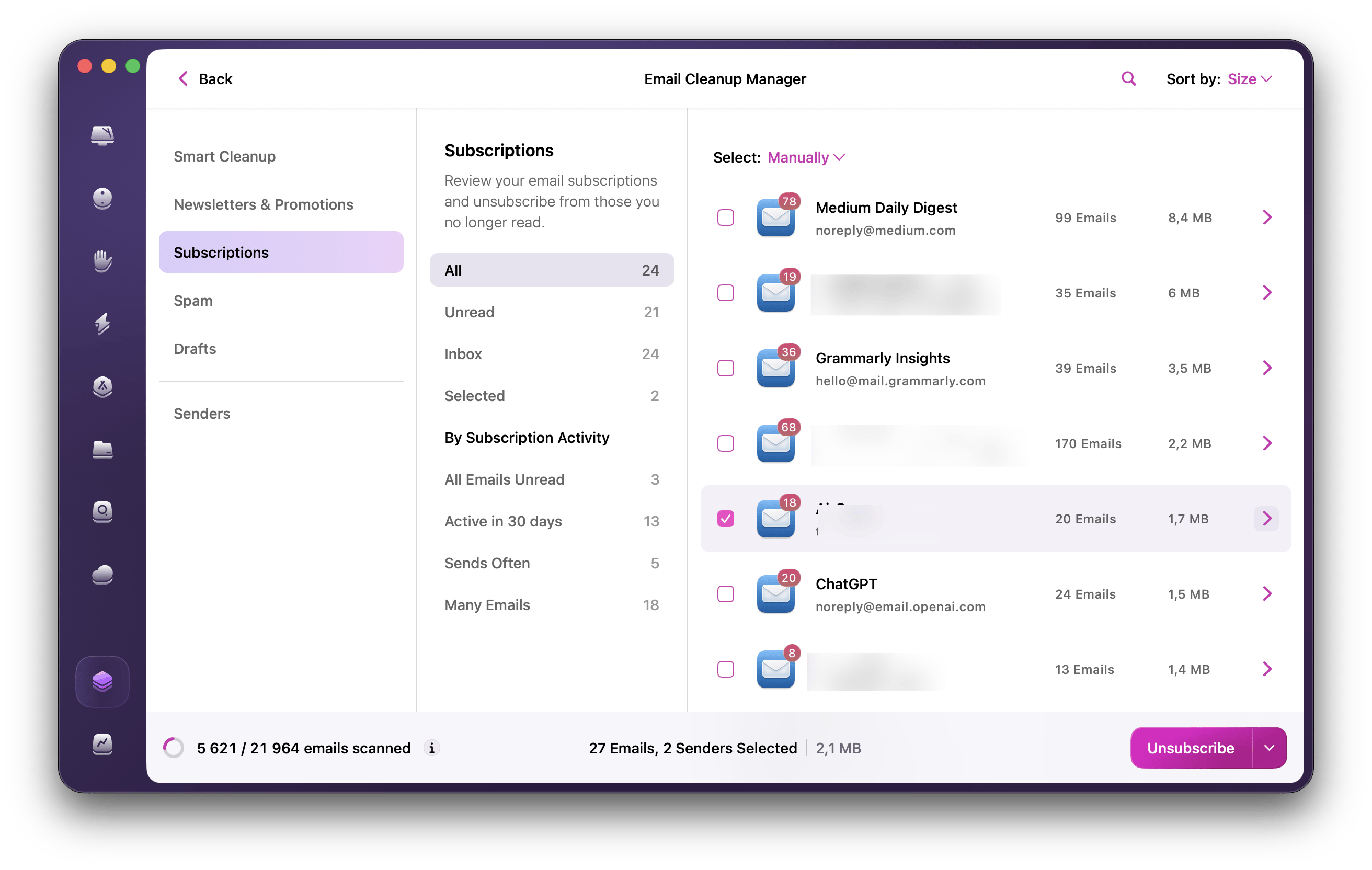
For Gmail inbox cleanup, CleanMyMac’s Email Cleanup feature helps you review old messages, find large attachments, and delete, archive, or unsubscribe from unwanted email in bulk.
Email clients have changed a lot over the years. The best apps today do more than just send and receive messages. They help you manage your time, protect your privacy, and even use AI to speed things up.
I tested the top email clients for Mac in 2026 to find the best of the best.
Best email client for Mac: Quick comparison table
Take a quick look at how the top email apps compare in this simple table:
Smart inbox, AI writing, calendar built-in, customizable look
Microsoft Outlook
People who work with Microsoft apps
Works great with Teams, Outlook calendar, and other Microsoft tools
Apple Mail
Mac users who want something simple and built-in
Already on your Mac, blocks trackers, works with iCloud
Airmail
People who love customizing and staying organized
Handles lots of accounts, swipe shortcuts, and works with other apps
Edison Mail
Those who want help clearing out email clutter
Unsubscribes in one click, tracks purchases and travel, and helps sort clutter
Mimestream
Gmail fans who want a fast Mac app
Built for Gmail, super fast, supports labels and shortcuts
Mailmate
Tech-savvy users who love shortcuts and full control
Supports markdown writing, great search, tons of keyboard shortcuts
Unibox
People who like emails grouped by person, like chats
Shows emails by sender, easy to find files, simple layout
Need an inbox-cleanup tool rather than a new email client?CleanMyMac’s Email Cleanup feature helps Gmail users find old messages, large attachments, newsletters, promotions, and spam, then delete, archive, or unsubscribe from them in bulk.
8 best email clients for Mac in 2026
After countless late nights, hours of testing, and way too much coffee, here are my top picks for the best email client for Mac in 2026. I’ve broken down the Mac email software reviews for each, so you can find your perfect match.
1. Spark Mail
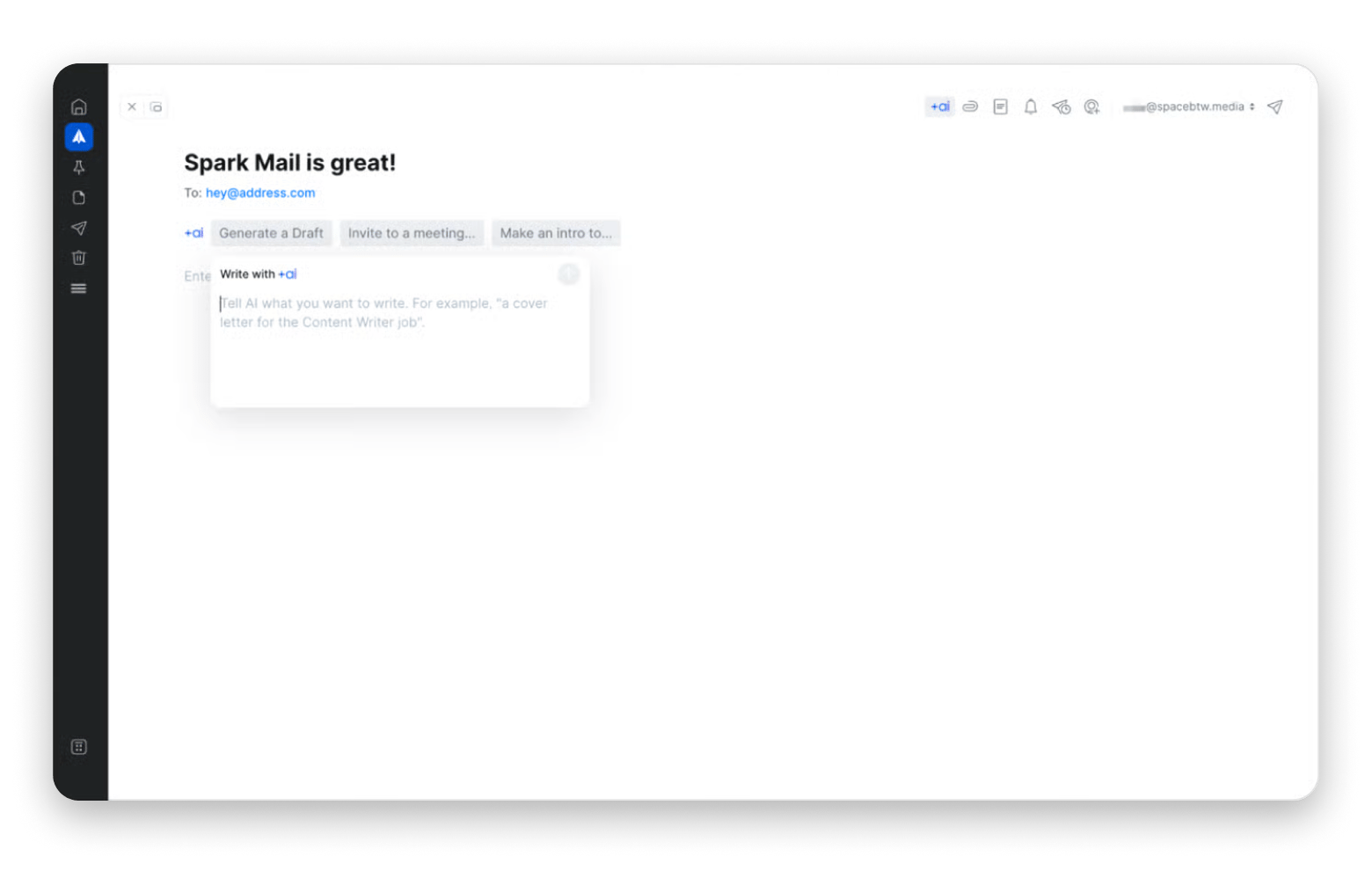
Spark Mail (available for free for 7 days with Setapp Membership) is the most well-rounded email client I've used. Its natural language search has saved me countless hours, and the built-in calendar integration means I rarely need to switch apps during my workday.
It also comes with great AI features that help you write better emails faster, and the interface strikes a nice balance between simplicity and power. I especially love the Smart Inbox, which automatically separates personal, notification, and newsletter emails.
One downside is that some advanced features require a subscription. And occasionally, the categorization can misfile important emails.
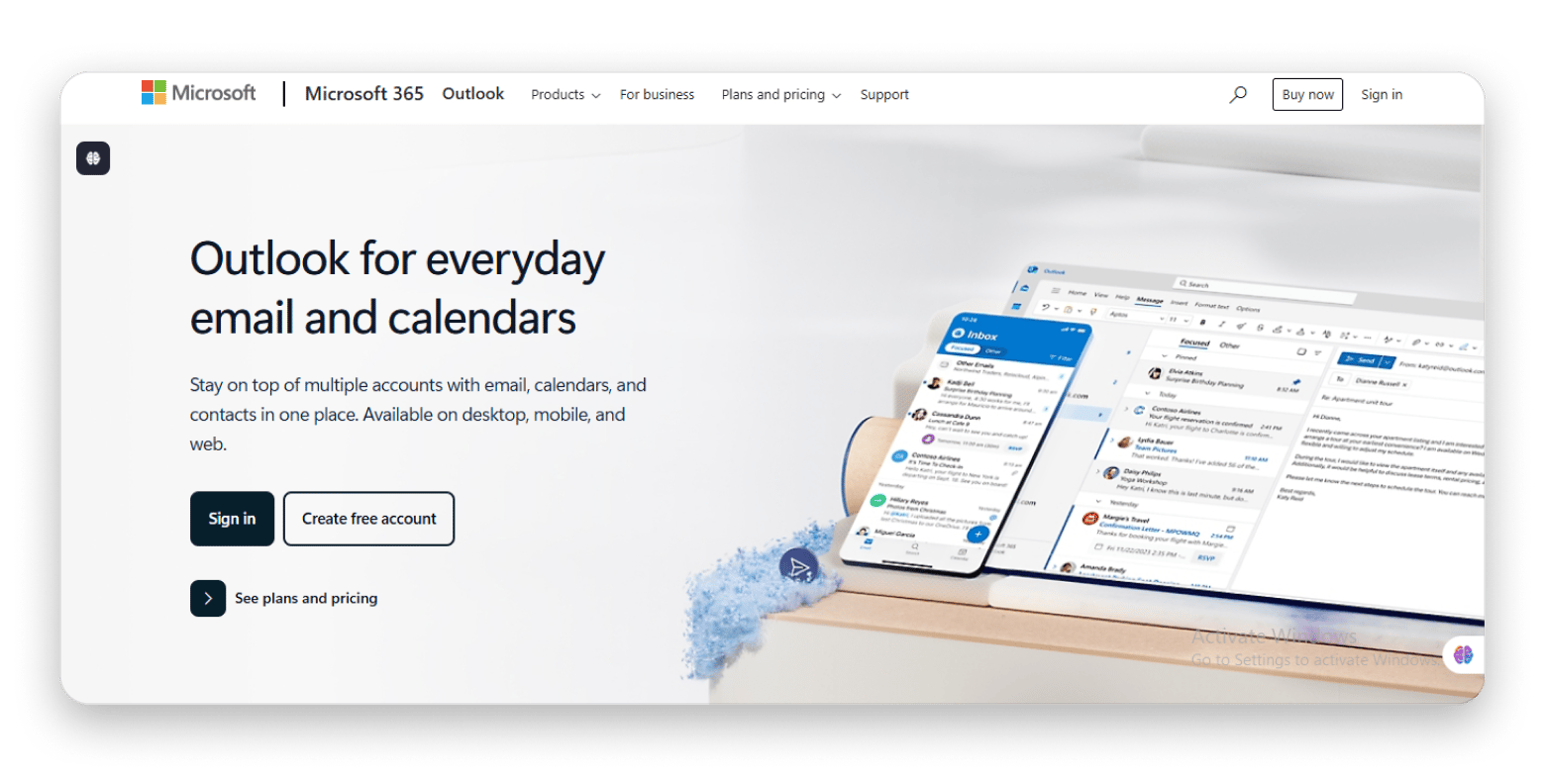
If your workflow revolves around Microsoft tools, Microsoft Outlook is a solid option. This email client is often the default choice in corporate environments due to its wide range of features, though it can sometimes feel a bit bloated.
Outlook has come a long way on Mac. The 2026 version is fast and offers excellent integration with apps like Teams, OneDrive, and other Microsoft services. Its calendar functionality is still best-in-class.
Source: microsoft.com
Key features:
Works seamlessly with Microsoft 365 apps like Word, Excel, and Teams
Focused Inbox helps separate important emails from distractions
Powerful calendar tools for scheduling, reminders, and meetings
Built-in collaboration features for working with teams and shared mailboxes
Smart search and AI tools to organize and find emails faster
Best for: Business users who use Microsoft tools for work
3. Apple Mail
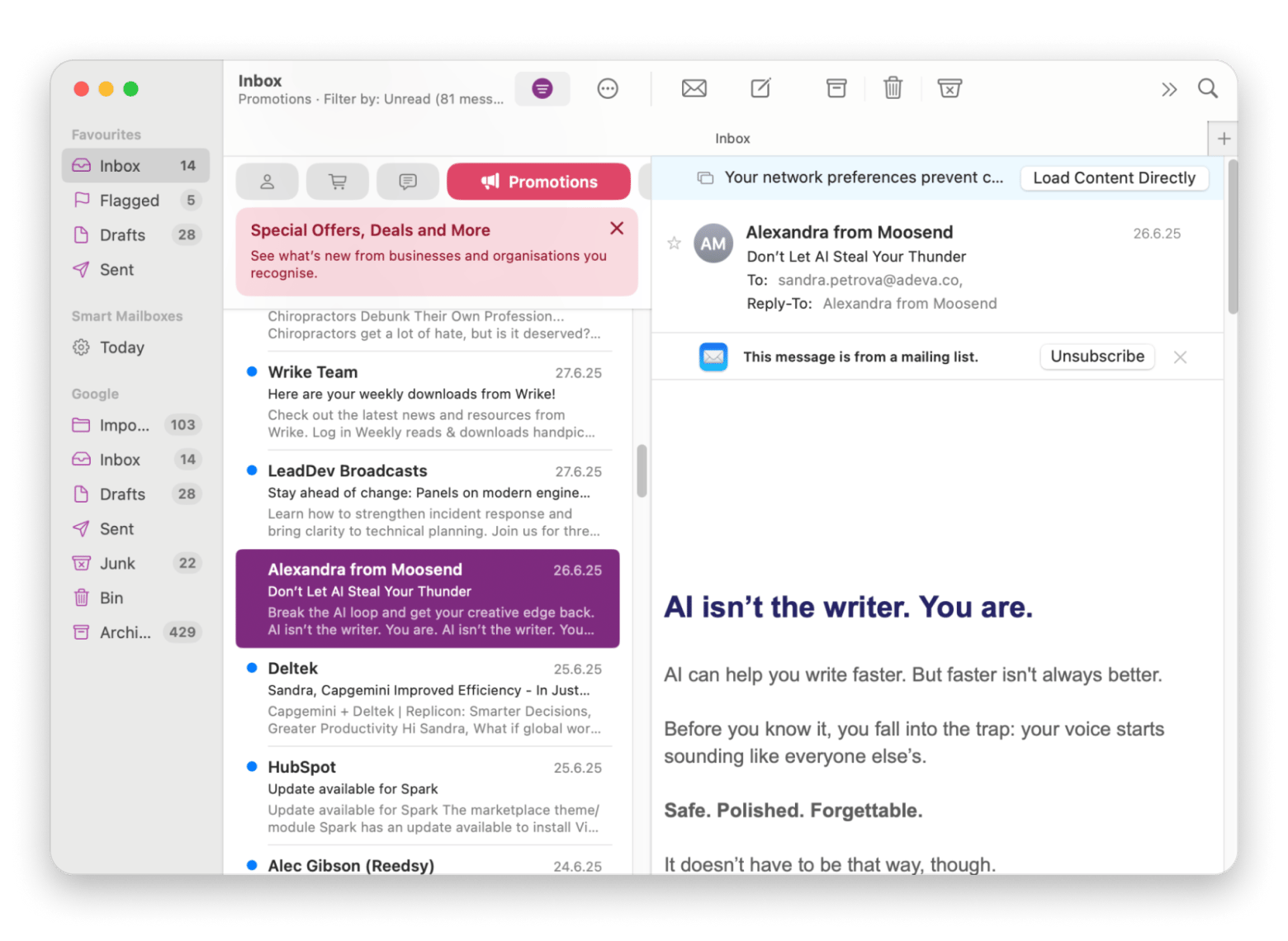
Apple Mail is the built-in email client on your Mac. It’s a top-notch choice if you need something basic, low-effort, and easy to navigate.
It’s fast, reliable, and integrates perfectly with other Apple services. The privacy protection features are excellent, and there’s virtually no learning curve for most Mac users.
Keep in mind that you won’t find many advanced features here. It also comes with more basic AI capabilities compared to its competitors.
Key features:
Comes pre-installed with macOS, no setup needed
Syncs smoothly with iCloud for mail, contacts, and calendars
Strong privacy features like blocking trackers and remote content
Supports Mail extensions for added functionality
Organizes conversations with easy-to-follow email threads
Best for: Mac users who want simplicity and native integration
Airmail is perfect for productivity enthusiasts who want to connect their email with other workflow tools. I like the ability to turn emails into tasks in my preferred task manager with a single click.
This email client offers an impressive range of integrations with services like Todoist, Evernote, and Trello. Its interface is highly customizable, and the unified inbox works well if you manage multiple accounts.
However, its privacy features aren't as strong as some competitors', and you might run into occasional stability issues.
Source: airmailapp.com
Key features:
View and manage emails from multiple accounts in one unified inbox
Connect with third-party apps like Todoist, Trello, and Evernote
Personalize swipe gestures for faster inbox actions
Set up advanced rules and filters to automate email management
Snooze emails to deal with them at a better time
Best for: Users who want a Gmail-style interface with more features
If your inbox is constantly flooded with newsletters and promotional emails, Edison’s tools for managing the chaos are hard to beat.
Its AI assistant is surprisingly effective at handling subscriptions and tracking purchases. The interface is clean and intuitive, and the one-click unsubscribe feature alone has saved me hours of frustration.
Some downsides include limited customization options and occasional sync delays.
Source: edisonmail.com
Key features:
Automatically tracks travel plans and organizes itinerary details
Unsubscribe from unwanted emails with a single click
AI assistant helps manage subscriptions, clutter, and email organization
Monitors purchase receipts and alerts you to price drops
Sends security alerts if your email is involved in a data breach
Best for: Managing subscriptions and email clutter directly from an email client.
6. Mimestream
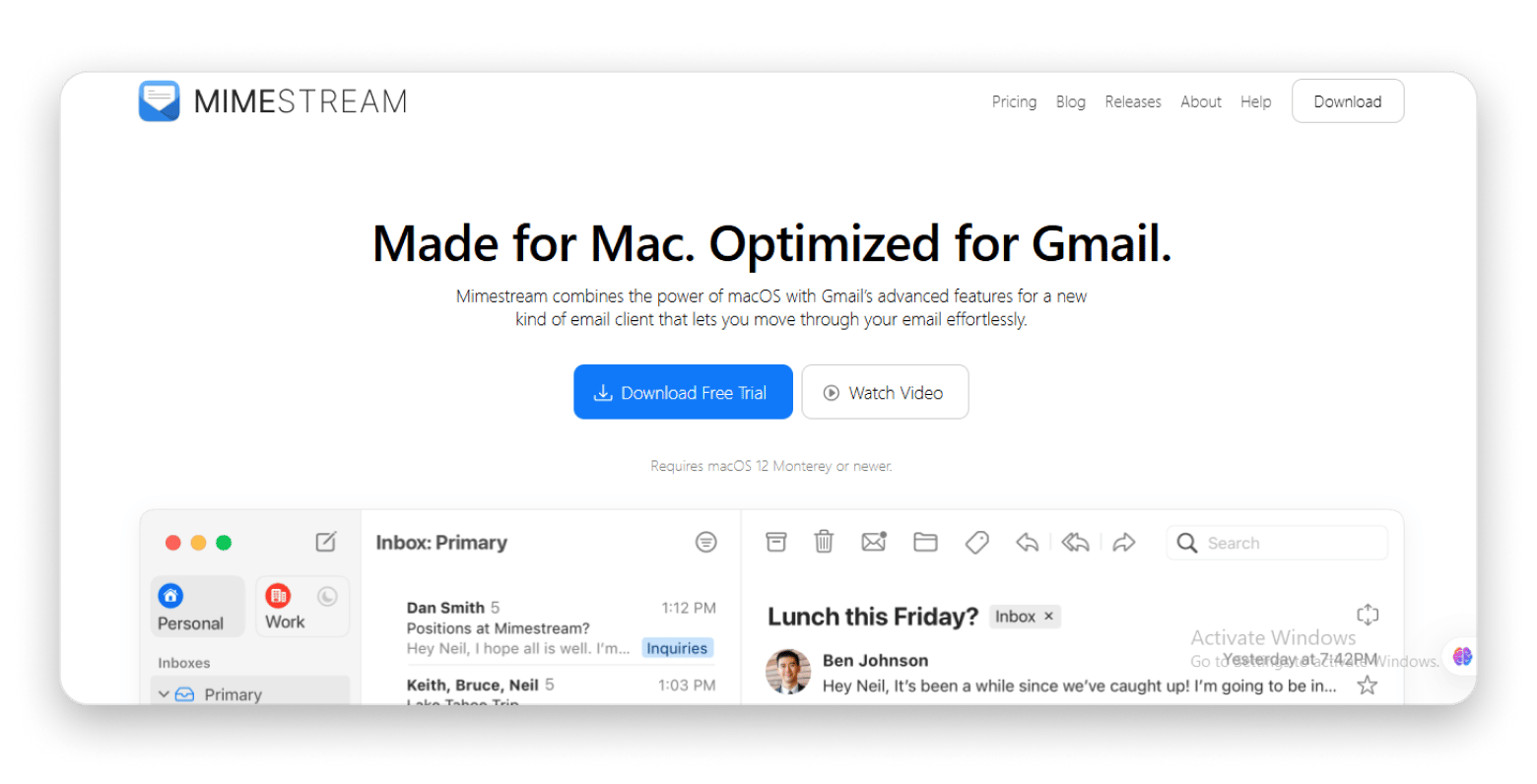
I started using Mimestream for my Gmail accounts last year, and I’ve stuck with it ever since. It’s much faster than using Gmail in a browser, and having a real Mac app makes everything smoother.
Mimestream is like Gmail made for Mac. It’s super fast, supports labels and other Gmail features, and has a clean, easy-to-use design.
Just keep in mind that it only works with Gmail accounts, and since it’s still new, a few features are still being added.
Source: mimestream.com
Key features:
Designed for Gmail users on macOS
Offers lightning-fast performance and smooth navigation
Supports Gmail features like labels, stars, and categories
Manage multiple Gmail accounts in one place
Includes full keyboard shortcut support for faster email handling
Best for: Gmail power users who want a native Mac experience
Source: getreadytosend.com
7. MailMate
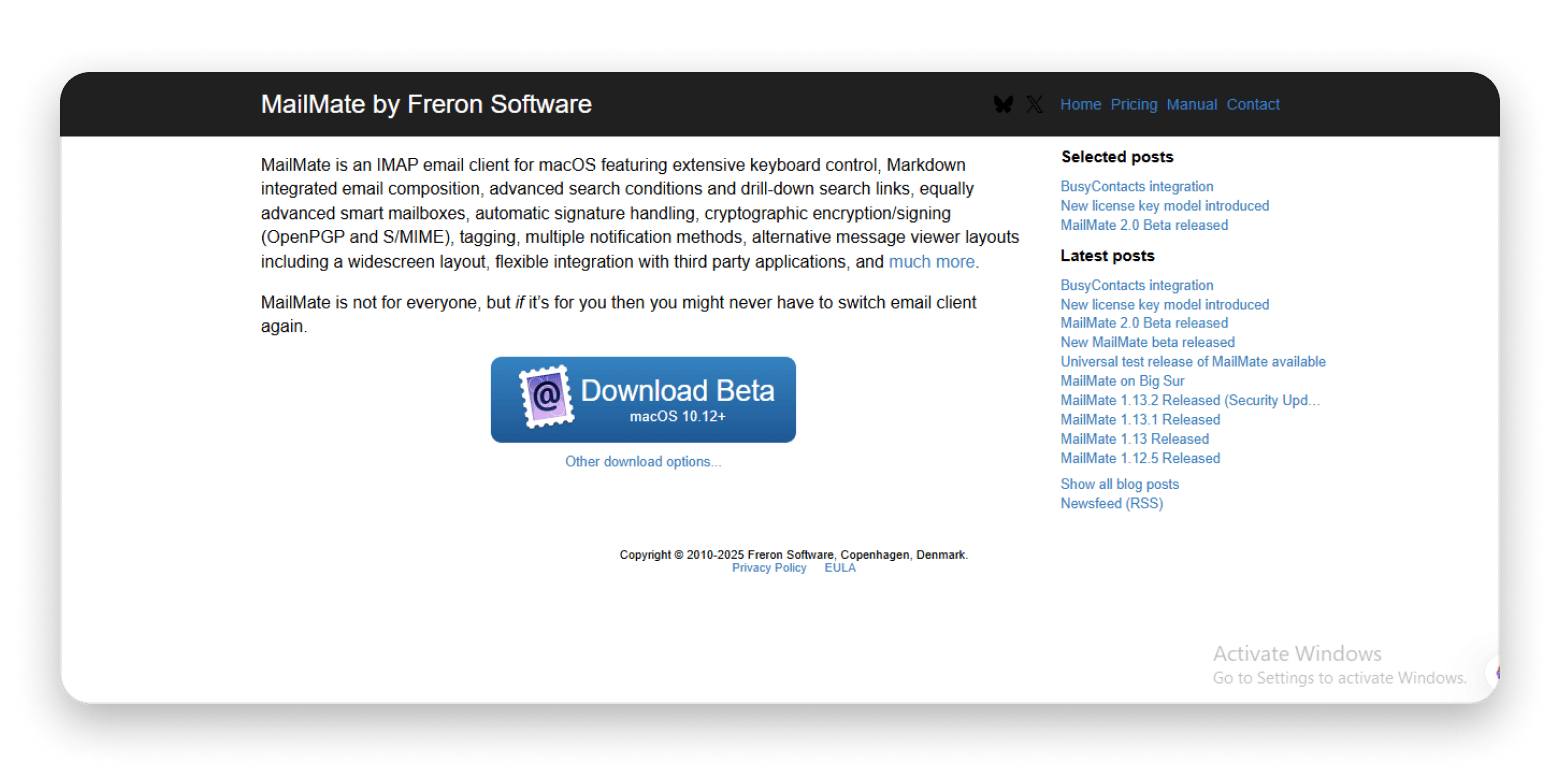
If you like to customize everything on your computer, MailMate might be just what you’re looking for. I especially like its markdown support. It makes writing and formatting emails quick and easy.
MailMate is packed with features, great for keyboard shortcuts, and has super-powerful search tools.
Just a heads-up: it’s not the easiest app to learn, the design is very basic, and there aren’t many ways to change how it looks.
Source: freron.com
Key features:
Navigate and manage emails quickly with full keyboard shortcut support
Create smart mailboxes with advanced rules and conditions
Write and format emails using built-in Markdown support
Find exactly what you need with powerful, precise search tools
Use tags and detailed filters to keep your inbox organized
Best for: Power users, developers, and markdown enthusiasts
8. Unibox
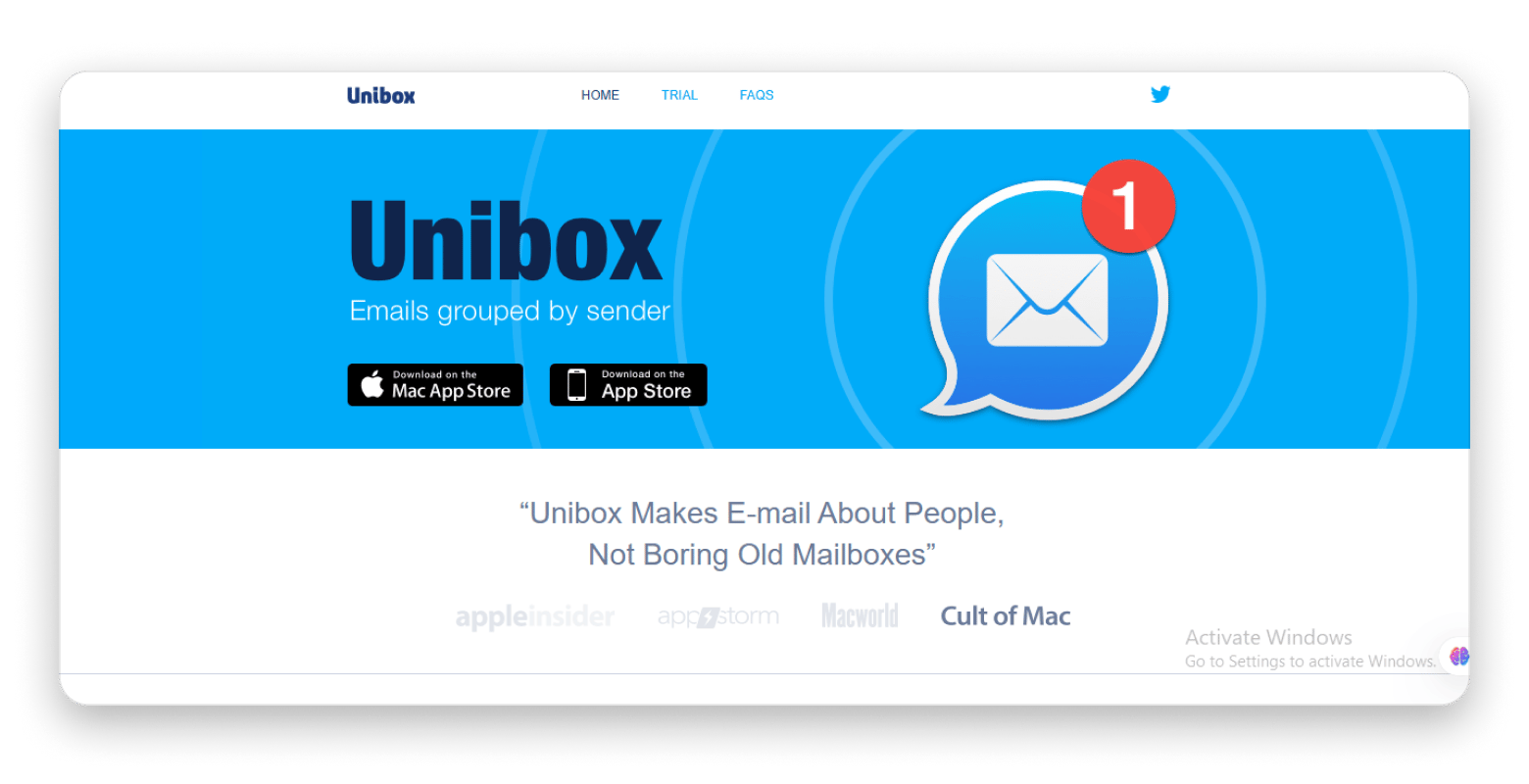
Unibox feels more like a messaging app than a regular email client. It groups emails by sender, so you can follow conversations without digging through your inbox. I find it really helpful, especially when I’m switching between different clients and chats.
It's simple, a people-focused design makes it great for personal use and catching up on past emails.
Just know that it might not work as well if you deal with a lot of business emails. Some users have noticed slow loading at times, and handling multiple accounts isn’t always smooth.
Source: uniboxapp.com
Key features:
View all your emails in one place with a unified inbox
Browse attachments easily using grid or list view
Use a simple, clutter-free single window layout
Follow full conversations with an easy drill-down view by sender
Best for: Users who prefer to view emails grouped by sender
Tips to choose the right Mac email app
When choosing an email app for your Mac, think about how you use email day to day. Look for something that’s fast, easy to navigate, and fits the way you work. Good search tools, clean organization, and reliable syncing across devices can save you a lot of time. If you care about privacy, check what kind of protection the app offers. And don’t forget to test a few options to see what feels right.
Bonus tool: Clean up your Gmail inbox with CleanMyMac
CleanMyMac’s Email Cleanup feature is not an email client. Instead, it works alongside your existing Gmail setup to help you clear years of inbox clutter without handling messages one by one.
You can use it to:
Browse Gmail messages by year
Remove old newsletters, promotions, and spam in bulk
Find large attachments and see how much Gmail storage you can recover
Manage multiple Gmail accounts from one place
Preview messages or entire senders before taking action
Delete, archive, unsubscribe, or combine actions during a cleanup
Email Cleanup connects to Gmail through official Google APIs and asks for your approval before taking action. Deleted messages are moved to Gmail Trash, where they remain recoverable for up to 30 days.
Best for: Gmail users who want to clean up years of email without switching to a different email client.
What makes the best email client for Mac in 2026?
Choosing the best mail app for Mac in 2026 can make a difference in how your day flows. If you're doing a Mac email app comparison, look for these functionalities:
Compatibility & syncing
The top macOS email clients for Mac keep everything in sync, so you're not dealing with missing folders or lost messages. Look for an app that works with all your accounts, like iCloud, Gmail, and Outlook.
Speed & performance
No one wants to sit around waiting for emails to load. A fast email app for Mac should open quickly, feel smooth, and never slow down your computer. The ones I picked are quick, light, and won’t waste your time.
Security features
Privacy matters more than ever, so using a secure email client for Mac is a must. Look for one with strong encryption, clear privacy policies, and tools that protect your data, like blocking trackers.
Productivity features
The best email app for Mac should help you stay on top of your messages. Look for smart features like organized inboxes, easy search, snooze, send later, and templates. An AI-powered email client for Mac can even write replies, summarize threads, and help you focus on what matters most.
Customization & integrations
Go with an app that lets you tweak the interface, set up custom themes, create personalized workflows with rules and filters, and integrate with your other favorite apps (calendars, task managers, cloud storage).
Final thoughts on the best email client for Mac
The top macOS email clients can make handling your inbox feel a lot less stressful. Some apps help you stay more organized, some focus on privacy, and others use smart tools to save you time. What matters most is finding one that feels right for your daily routine.
Your email client is only one part of a manageable inbox. If you already like your current app but have years of clutter in Gmail, CleanMyMac’s Email Cleanup feature can help you deal with old messages, large attachments, newsletters, and unwanted senders in bulk. It complements an email client rather than replacing one.
They're all available through Setapp, a subscription that gives you access to 300+ top-rated Mac and iOS apps in one place. There's a free trial too, so you can try them out and see what fits best before making a decision.
FAQs
What is the best free email client for Mac in 2026?
The best free email client for Mac in 2026 really depends on your needs. If you want something simple and built-in, Apple Mail works well. For more features like AI help or customization, some third-party apps like Spark Mail from Setapp offer great value. Try a few to see what fits best.
Which Mac email app supports end-to-end encryption?
Many Mac email apps support end-to-end encryption. For example, MailMate supports standards-compliant encryption methods and gives advanced users more control over secure email communication.
Can I use Gmail on third-party Mac email apps?
Yes, you can use Gmail on third-party Mac email apps. Almost all third-party Mac email clients, including Spark Mail from Setapp, Airmail, Outlook, Edison Mail, and Unibox, support Gmail accounts. Mimestream is even built specifically for Gmail.
Is Apple Mail better than Outlook for Mac?
It depends on what you need. Apple Mail is simple, free, and works well with other Apple apps, so it's great for everyday use. Outlook has more features, especially for calendars and Microsoft tools. The newest version is also free for personal use, which is a big plus.
What is the fastest email client for Mac?
If you want a fast email app for Mac, Edison Mail and Mimestream are often praised for how quickly they work. Spark Mail from Setapp (free for 7 days) is also pretty smooth. Built-in apps like Apple Mail usually run well too, since they're made to work with macOS.
Are there email apps for Mac with AI features?
Yes, plenty of email apps for Mac now include AI features. Spark Mail is a popular one. It can help you write replies, summarize long emails, and stay organized. If you're looking for a smart, AI-powered email app for Mac, these are great options to try.
Where can I try Spark Mail for free?
You can try Spark Mail for free through a Setapp Membership. The 7-day trial gives you full access to Spark Mail Plus, a paid version of the app. Every feature is unlocked, and no hidden fees apply. Cancel before day seven, and you pay $0.
Can CleanMyMac clean up Gmail messages?
Yes. CleanMyMac’s Email Cleanup feature lets you manage one or more Gmail accounts from one place. You can review old messages, newsletters, promotions, spam, and large attachments, then choose whether to delete, archive, unsubscribe, or combine actions.






 Best solution
 Best solution