The best HubSpot alternative depends on your needs. Pipedrive is a great choice for sales teams, Freshsales is a good option if you want to start for free, and ActiveCampaign is ideal if email drives your revenue.
How I tested: I run pre-sales and technical discovery with clients, so I live in pipelines. I signed up for every free plan and trial I could start without a sales call, imported a dummy contact list into each, and checked prices against published pricing in October 2026.
Best HubSpot alternatives for Mac: Quick overview
Before getting into details, here’s a brief list of top HubSpot alternatives to try:
Pipedrive: best for B2B sales teams
Freshsales: best free tier
ActiveCampaign: best for email automation
Klaviyo: best for e-commerce
Brevo: best for email, SMS, and WhatsApp
Zoho CRM: best for Zoho users
Salesforce Starter: best for scaling up
Monday CRM: best for visual pipelines
EspoCRM: best open-source option
Odoo CRM: best full business platform
Make any CRM faster on your Mac with Setapp tools:
Note: All figures are list prices at the time of writing, based on annual billing where offered. Since software as a service (SaaS) pricing can change constantly, it’s best to check the current prices before you budget.
Detailed reviews of each HubSpot alternative
Next, I’ll show you each alternative in detail: what it does, its key features, its pros and cons, and who it’s best for.
Tool
Best for
Mac app
Free tier
Price from (paid)
Pipedrive
Sales pipelines
Browser
14-day trial
$14/seat/mo
Freshsales
Early-stage startups
Browser
Up to 3 users
$9/user/mo
ActiveCampaign
Marketing automation
Browser
14-day trial
$15/mo, 1,000 contacts
Klaviyo
E-commerce marketing
Browser
Up to 250 contacts
$20/mo, 500 contacts
Brevo
Email, SMS, WhatsApp
Browser
300 emails a day
$9/mo
Zoho CRM
Zoho users
Browser
Up to 3 users
$14/user/mo
Salesforce Starter
Scaling to enterprise
Browser
30-day trial
$25/user/mo
Monday CRM
Visual pipelines
Native app
14-day trial
$12/seat/mo
EspoCRM
Open-source CRM
Browser
Self-hosted, free
From $15/user/mo
Odoo CRM
Open-source suite
Browser
One app free
About $25-31/user/mo
Pipedrive: Best sales-focused CRM
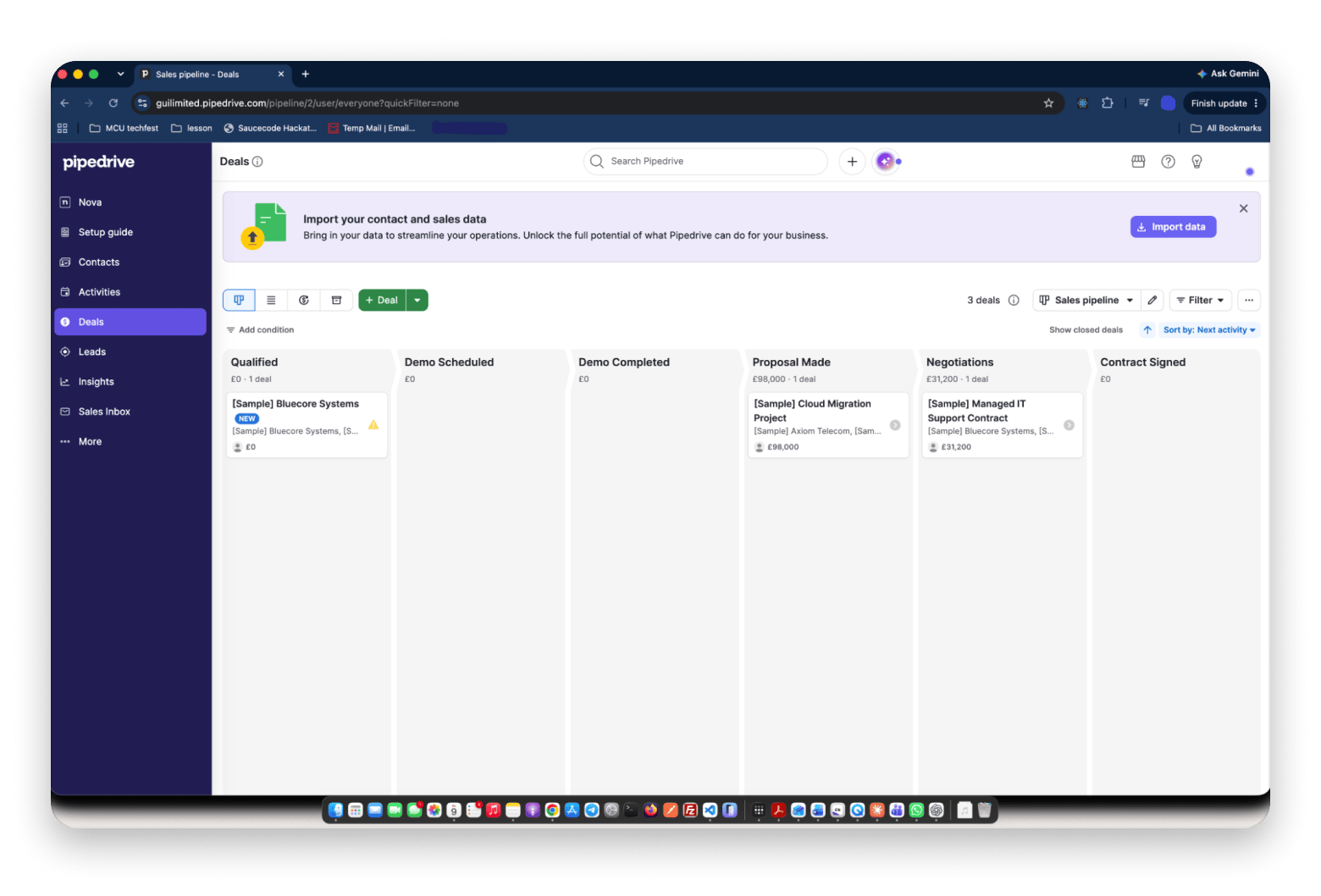
Pipedrive is a sales-first CRM that organizes deals into visual pipeline stages you drag from lead to close. It suits B2B sales teams and agencies that want fast deal tracking without HubSpot’s marketing and service hubs. There is no free plan, only a 14-day trial, and paid plans start at $14 per seat per month on annual billing.
When I imported my dummy contact list, I had a usable pipeline in a few minutes. Compared with HubSpot, there were fewer menus between me and the deals, though I missed the built-in marketing tools.
Key features:
Drag-and-drop deal pipeline with custom stages (all plans)
Activity reminders and a real-time sales feed (Lite)
AI-powered reports, with per-user report limits that rise on higher plans
500+ integrations (Lite)
Full email sync, automations, and nurturing sequences (Growth, $39)
Pros:
Clean, fast interface
Predictable per-seat pricing
Cons:
No free plan, only a 14-day trial
No desktop app, so it runs in a browser
Price: Lite starts at $14 per seat per month on annual billing.
Best for: B2B SaaS startups and agencies that need sales-focused tracking without the need for heavy marketing automation.
Freshsales: Best free CRM tier
Freshsales is the free HubSpot alternative I’d start with. The plan covers up to 3 users and includes contact management, a built-in phone, and email. As a HubSpot alternative for startups, it can also grow with you as you expand into the Freshworks suite.
Key features:
Contact and deal management (Free)
Built-in phone, email, and mobile app (Free), with calling and SMS usage billed separately
Visual pipeline and AI contact scoring (Growth, $9)
Multiple pipelines, time-based workflows, and AI deal insights (Pro, $39)
Freddy AI Copilot (add-on, $29 per user per month)
Pros:
Free for up to 3 users
Growth plan costs just $9 per user
Cons:
Pro jumps to $39 per user
Limited features on the free plan
Price: Free for up to 3 users. Growth is $9 per user per month on annual billing.
Best for: Early-stage startups scaling from one to three salespeople.
ActiveCampaign: Best marketing automation focus
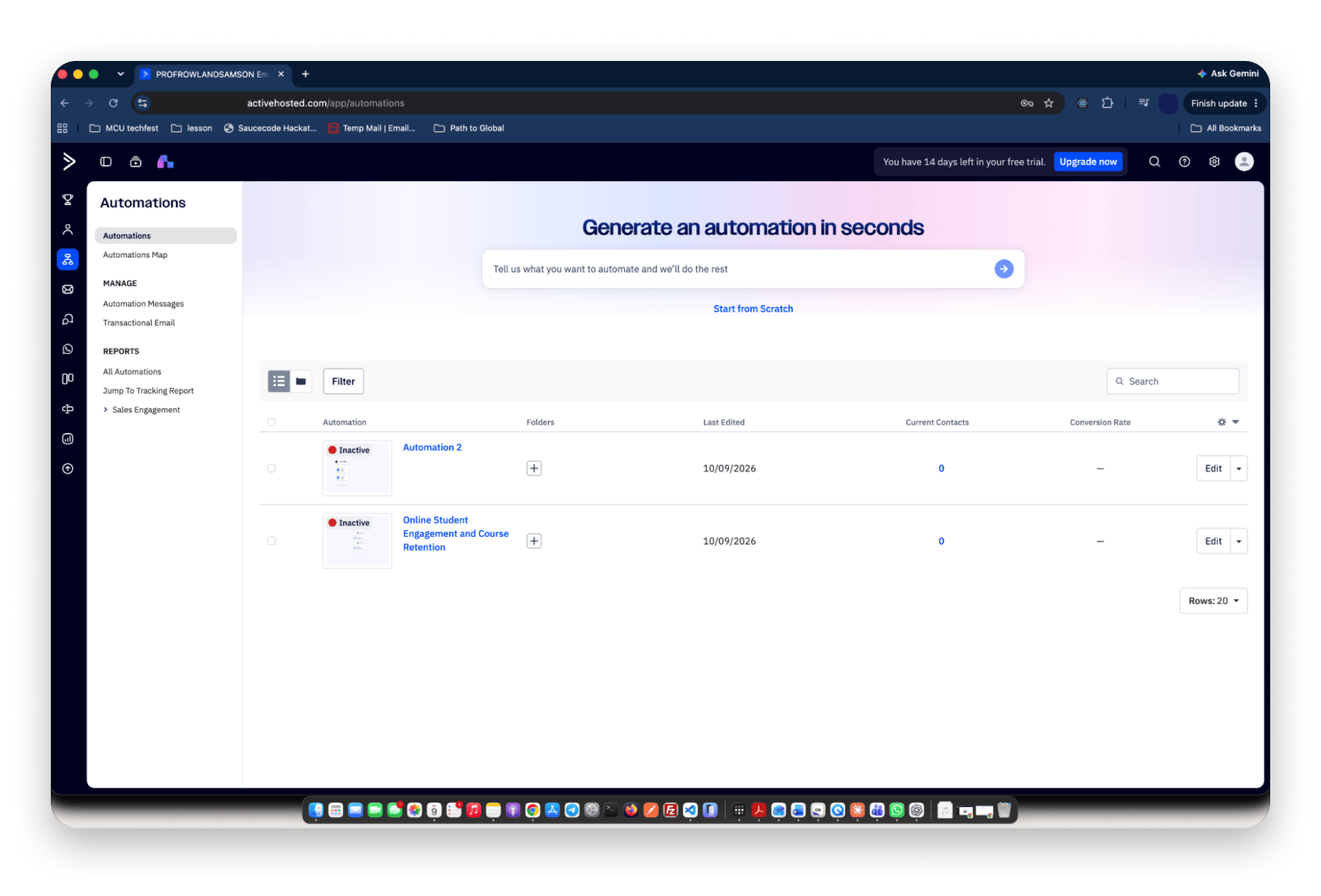
ActiveCampaign is primarily a marketing automation platform, with CRM (customer relationship management) as a secondary feature. It prices based on contact count, so the size of your list determines how much you pay.
Key features:
Email sequences with behavioral triggers (Starter)
Pre-built automation workflows, A/B testing, and site tracking (Starter)
Visual automation builder with branching
CRM with deal pipelines (Plus and above, from $49 a month for 1,000 contacts)
SMS campaigns, billed separately
Pros:
Deep automation builder
CRM module included
Cons:
No free plan, only a 14-day trial
Costs climb as your list grows
Price: Starter is $15 a month for 1,000 contacts on annual billing.
Best for: Coaching businesses and info-product companies that sell mainly through email.
Klaviyo: Best e-commerce marketing
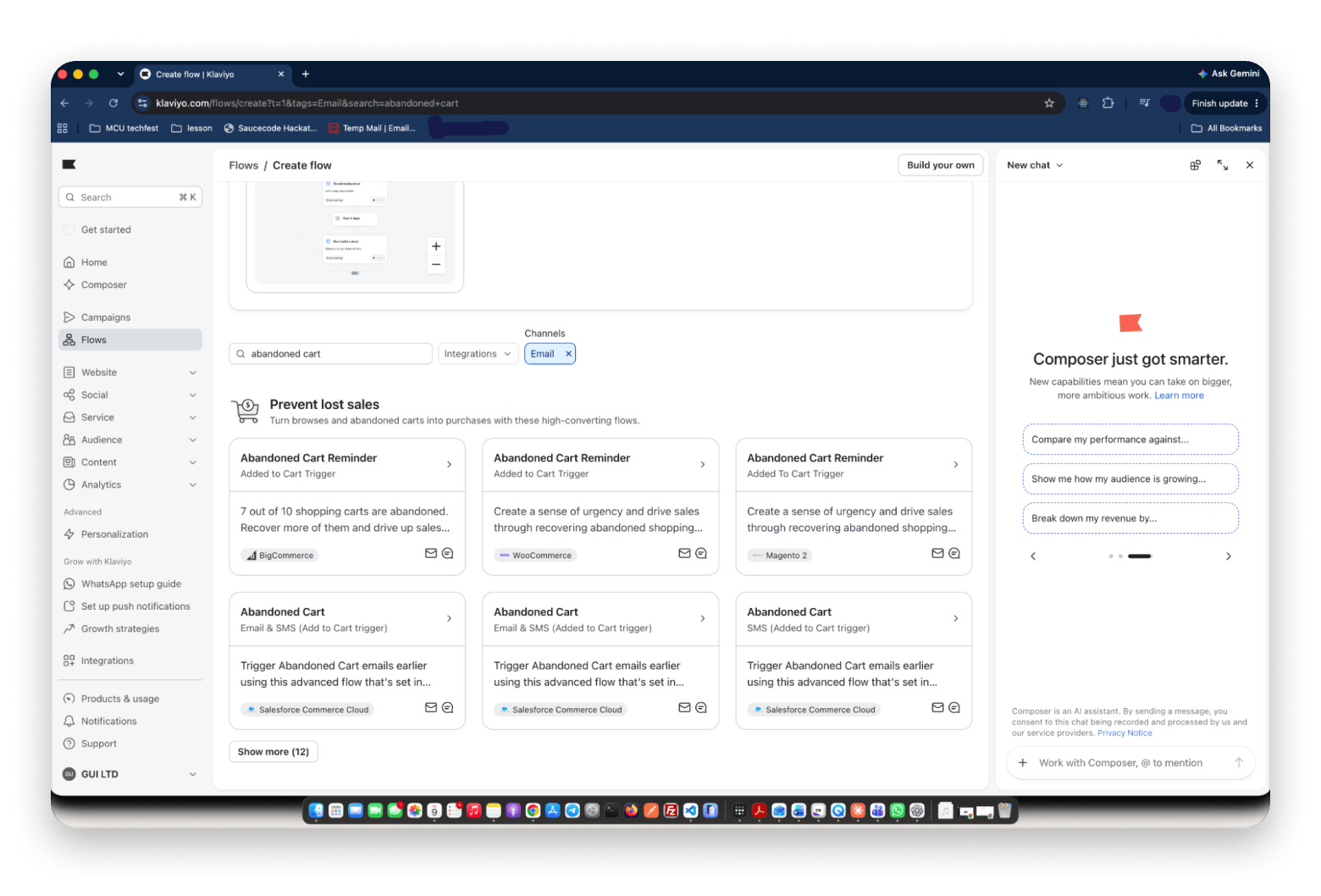
Klaviyo is built for online stores, especially those using Shopify. It pulls product data into emails, and SMS is also included. Think of it as a Marketing Hub alternative for online stores.
Key features:
Shopify catalog integration with product data in emails (all plans)
Email campaigns and automated flows (Free includes 500 sends a month)
Flows, segmentation, and predictive analytics (paid plans)
SMS campaigns (150 credits free, more from $15 a month for 1,250 credits)
Revenue attribution per campaign
Pros:
Free for up to 250 contacts
Strong revenue attribution
Cons:
Bills by active profiles, so costs climb
Less useful outside e-commerce
Price: Free for up to 250 active profiles. Email plans start at $20 a month for 500 active profiles.
Best for: E-commerce brands that live and die by email revenue.
Brevo (formerly Sendinblue): Best email + SMS + WhatsApp
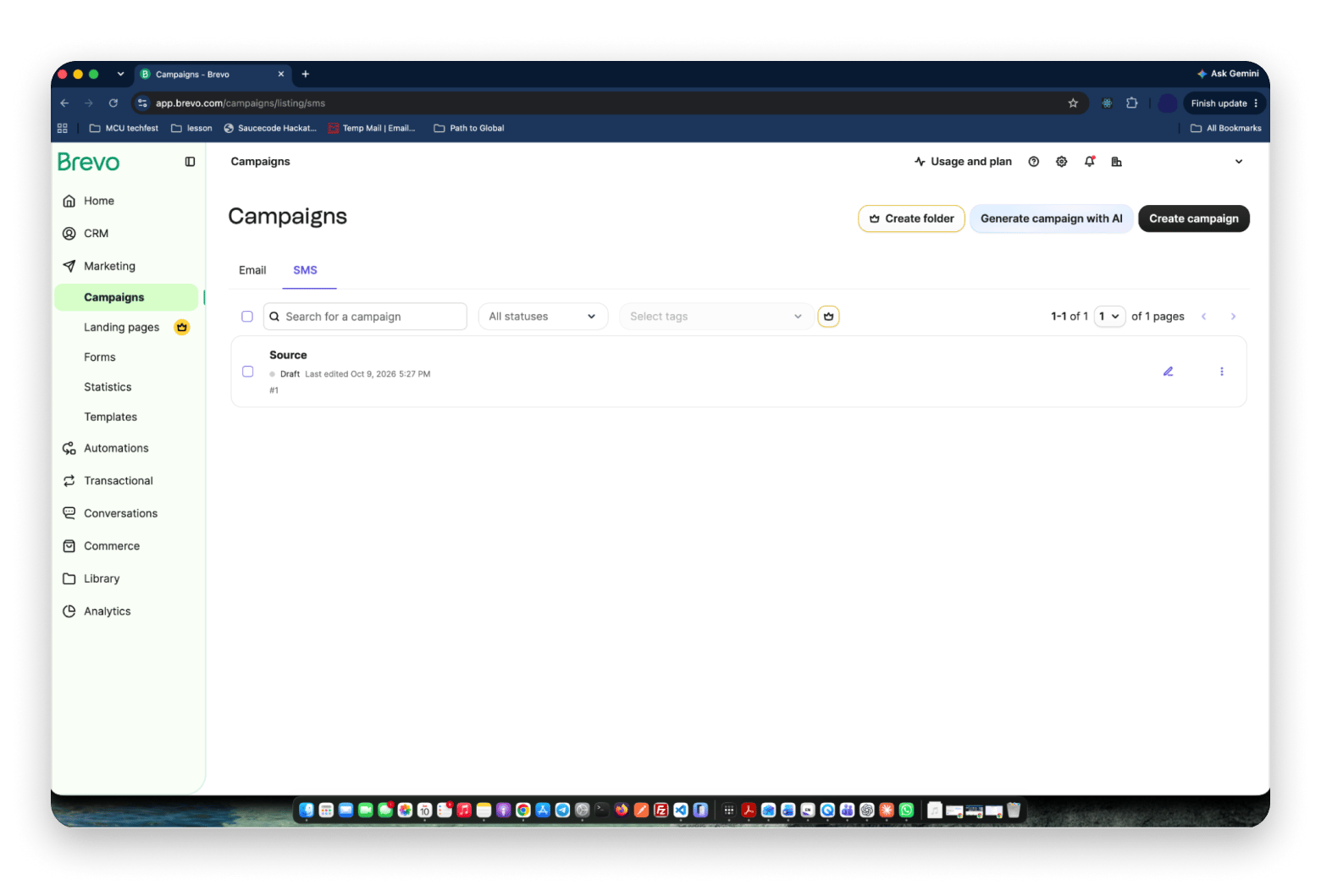
Brevo is an email marketing tool that also supports SMS and WhatsApp campaigns. It’s a France-based, GDPR-compliant platform, and you pay based on the number of emails you send rather than the number of contacts you store.
Key features:
Email, SMS, and WhatsApp campaigns (SMS and WhatsApp billed on top)
Drag-and-drop editor and AI email builder (Free)
Transactional email (Free)
Marketing automation, limited to 2,000 contacts on Free and Starter, fuller on Standard ($18)
Built-in CRM, with sales packages from $31 per seat per month
Pros:
Free plan with 300 emails a day
Predictable pricing
Cons:
Brevo branding on free and Starter emails
SMS and WhatsApp are billed on top
Price: Starter is $9 a month on monthly billing, or $8.08 on annual billing.
Best for: Small agencies and service businesses that want multichannel reach without HubSpot’s complexity.
Zoho CRM: Best value in Zoho users
Zoho CRM is a solid small business CRM at competitive prices. It connects with Zoho Mail, Zoho Books, and Zoho Desk.
I used the free edition. The interface felt busier than Pipedrive, but the Zoho Mail link saved me a step.
Key features:
Leads, contacts, deals, tasks, and a mobile app (Free)
Scoring rules, basic workflows, multiple pipelines, and forecasting (Standard, $14)
Blueprint process management and validation rules (Professional, $23)
Zia AI assistant, custom modules, and multi-user portals (Enterprise, $40)
Integrations with Zoho Mail, Books, and Desk
Pros:
Free for up to 3 users
Standard costs $14 per user
Cons:
Busy interface
Full Zia AI starts on Enterprise
Price: Free for up to 3 users. Standard is $14 per user per month on annual billing.
Best for: A small agency already running Zoho Mail and Zoho Books.
Salesforce Starter: Best enterprise-adjacent starter
Salesforce Starter is the small-business tier of the biggest customer relationship management platform. The interface is simplified, but you still have the full Salesforce data model underneath.
Setup asked more questions than any other tool here, but I had a working pipeline in about half an hour.
Key features:
Contact, lead, and deal management with a mobile app
Guided onboarding and AI-assisted campaign drafting
2,000 marketing emails a month, with 1,000 more for $10 a month
Limited automation on Starter
Forecasting, quoting, deeper customization, and AppExchange access (Pro Suite, $100)
Pros:
Room to scale
Familiar to future hires
Cons:
Add-ons raise the real cost
Pro jumps to $100 per user
Price: Starter Suite is $25 per user per month.
Best for: B2B services firms that expect to scale into enterprise sales.
Monday CRM: Best visual pipeline management
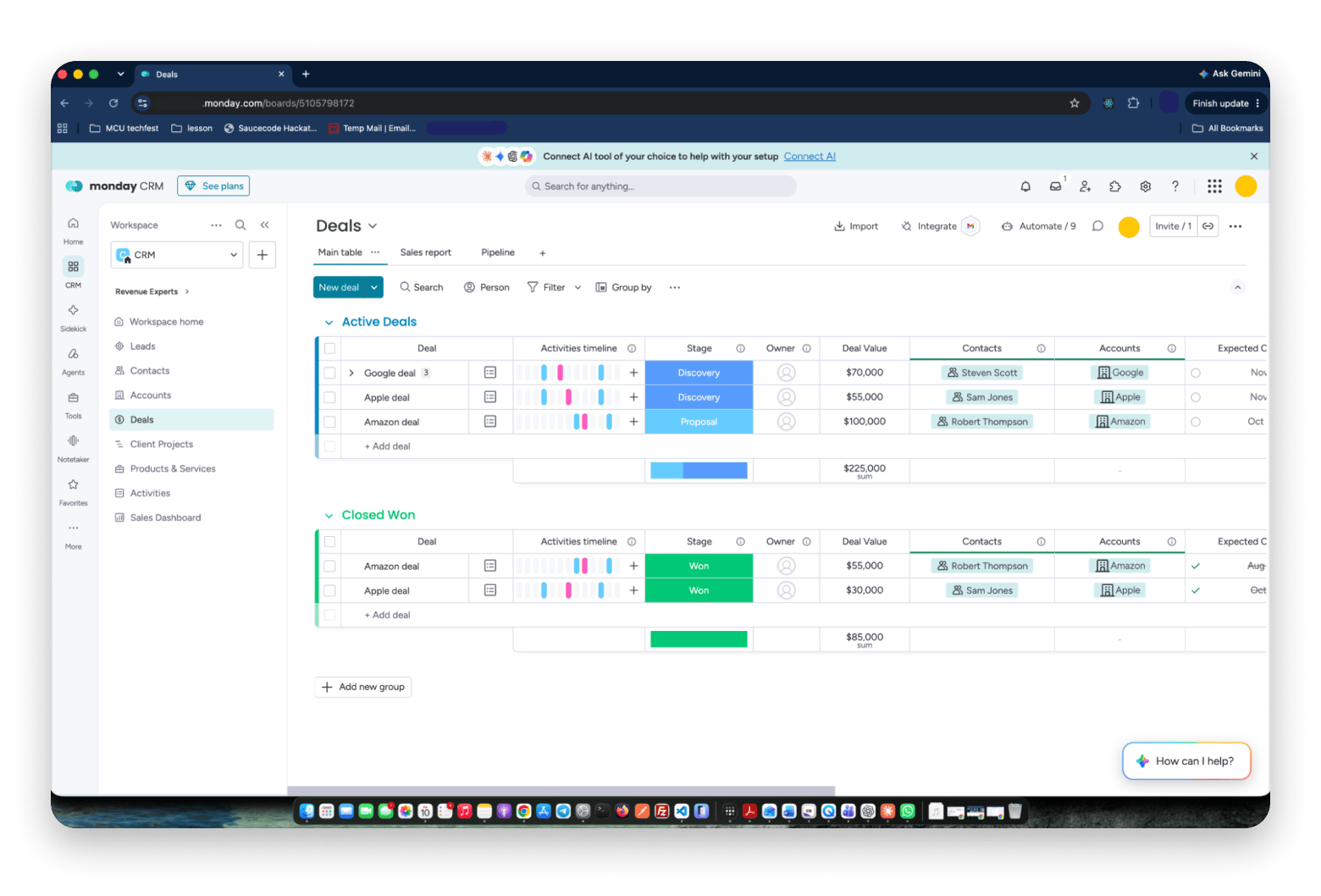
Monday CRM runs on monday.com’s work platform, with Kanban and timeline views and a Mac app.
I installed the Mac app from the Mac App Store, and it felt the same as the browser version. The three-seat minimum is the catch: a two-person team still pays for three seats.
Key features:
Kanban and timeline views of deals
Mac app from the Mac App Store
Basic plan limited to five columns per board and one dashboard, with no automations
More automations and dashboards (Standard, $17)
Forecasting, sequences, and quoting (Pro, $28)
Pros:
Easy to learn
Fits teams already on monday.com
Cons:
Three-seat minimum
Basic plan has no automations
Price: Basic is $12 per seat per month on annual billing.
Best for: Creative agencies already running projects in monday.com.
EspoCRM: Best open-source alternative
EspoCRM is the open-source HubSpot alternative I’d try first. You host it on your own infrastructure and install only the modules you need.
I tried the online demo rather than self-hosting, and the lead and account screens loaded fast.
Key features:
Leads, accounts, and opportunities with Entity Manager for custom data models
Self-hosted or cloud, running the same code
BPM process automation (Advanced Pack, $395 a year self-hosted, included in cloud)
Sales Pack quoting, VoIP, and other extensions (paid when self-hosted, included in cloud)
REST API
Pros:
No licensing fee for the core
Full control of your data
Cons:
Self-hosting means you run the server
Some extensions cost extra when self-hosted
Price: Free to self-host. Cloud starts at $15 per user per month with a three-user minimum.
Best for: A consultancy that wants data sovereignty and customization without licensing fees.
Odoo CRM: Best full business platform open-source
Odoo is an all-in-one CRM and open-source business suite. Its One App Free plan covers one app for unlimited users, so you can start with CRM alone.
I picked CRM as my one free app. Setup was quick, but the app menu shows how big Odoo is.
Key features:
CRM with Kanban pipeline views
One free app for unlimited users (One App Free)
Accounting, inventory, and HR apps (Standard, all apps)
Odoo Studio, multi-company, and external API (Custom, about $49–61)
Free self-hosted Community edition
Pros:
Path to a unified business platform
Free one-app plan
Cons:
Standard costs more per user
Large platform to learn
Price: One App Free costs nothing. Standard runs roughly $25 to $31 per user per month.
Best for: A growing e-commerce brand that wants CRM now and accounting later.
Which Mac apps speed up any CRM workflow?
None of these CRMs are currently available on Setapp. However, Setapp provides several Mac tools — such as AI-powered email assistants, data cleaning utilities, and automation apps — that help with your daily CRM workflows.
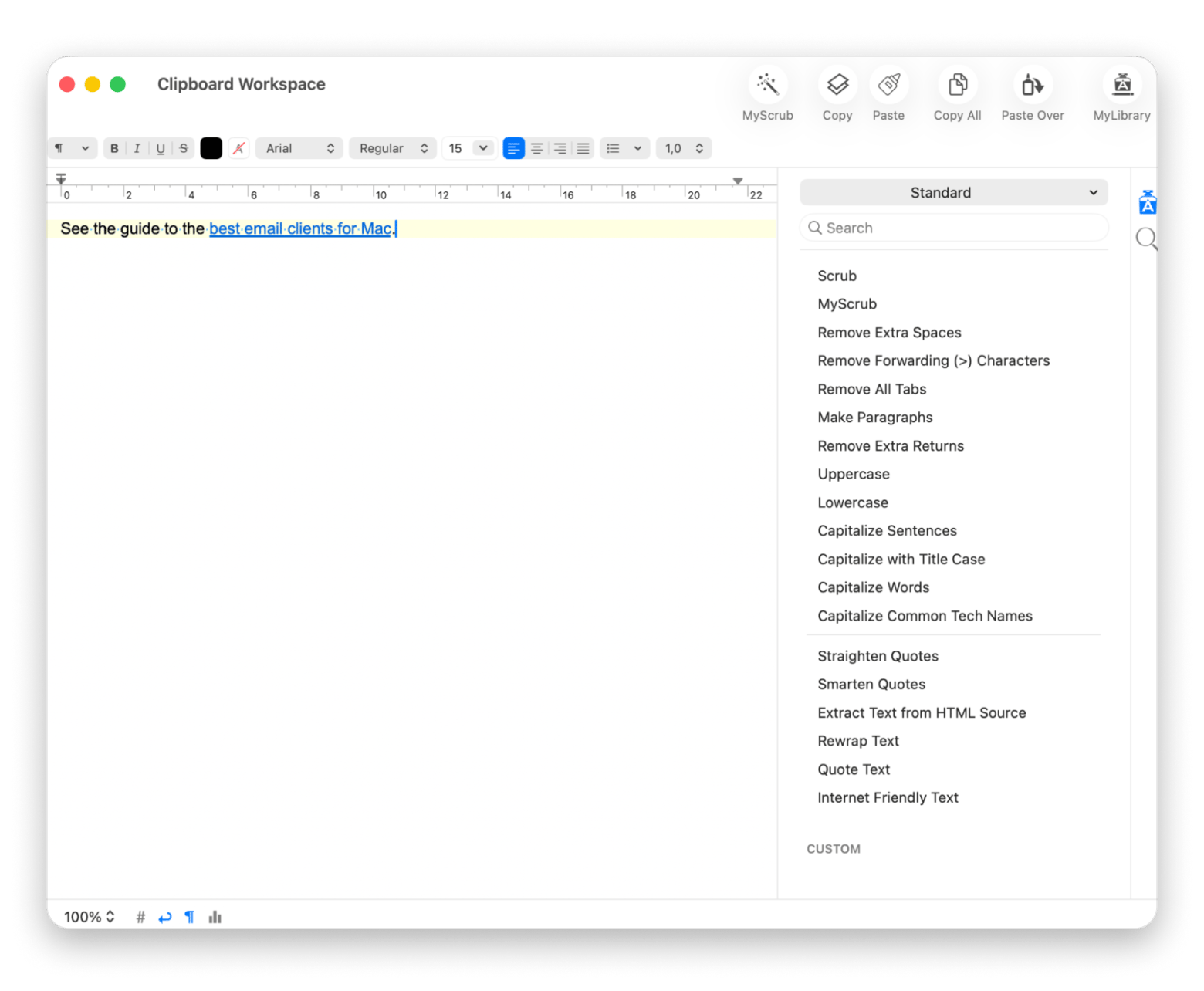
TextSoap is a text-cleaning app for Mac. Before you load any contact management software, paste your exported list in, run Remove Extra Spaces and Remove Extra Returns, and import it clean.
I ran a messy email list through it before importing into a trial CRM, and stray spaces stopped breaking the names.
Key features:
Over 100 built-in cleaners
Custom cleaners you can script
PopClip: Send selected text to your CRM
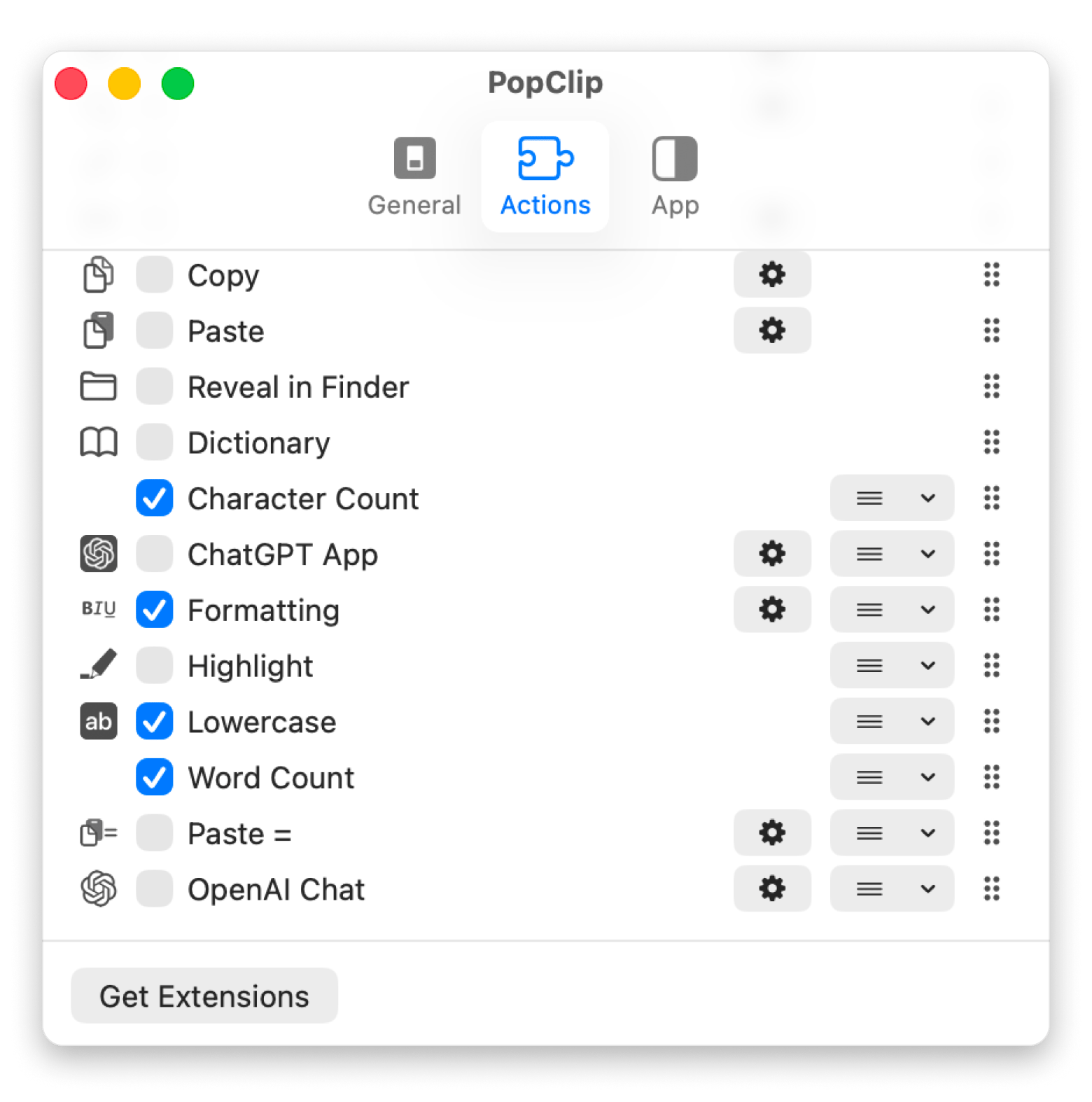
PopClip is a productivity app for macOS that shows an iOS-style action menu directly beneath your cursor when you select text in any app. It can pass selected text to a macOS Shortcut, so you can build a one-click route into your CRM.
Key features:
Instant text actions
Run macOS Shortcuts on selected text
Build a one-click route from selected text to your CRM. PopClip passes selected text to a macOS Shortcut from any app. Free for 7 days. Try PopClip Free.
The reasons teams are looking for HubSpot alternatives:
Pricing surprises: HubSpot’s free tier hooks small businesses. Marketing Hub Professional starts at $890 a month plus a one-time onboarding fee, and Enterprise starts at $3,600 a month.
Feature bundling: HubSpot pushes its full suite, but most businesses need one hub, not five.
Complexity: Running HubSpot well takes an admin.
Vendor lock-in: Contacts and deals export as spreadsheets, but workflows and scoring don’t transfer.
To be fair, HubSpot still has a few things going for it: its inbound marketing flywheel, a free CRM that works well for small teams, an extensive certification program, and an integrated Marketing, Sales, and Service data model. However, this guide is for everyone who doesn’t need the full stack or a HubSpot admin.
How do you migrate from HubSpot to a new CRM?
Here are the steps to migrate from HubSpot to a new CRM:
Audit what you use: contacts, marketing sequences, pipelines, tickets, or CMS. Each may go to a different tool.
Export contacts, deals, and companies before your renewal date.
Clean the exported spreadsheet in TextSoap, then import it.
Rebuild email sequences and workflows, because automation rarely transfers.
Tell your team and set a switchover date.
Keep the HubSpot Free tier active for at least 90 days for historical reference.
HubSpot’s proprietary contact scoring and lifecycle stages won’t transfer, so you’ll rebuild them from scratch.
Which HubSpot alternative should you choose?
Not sure which one to pick? Match what you do most to the tool built for it:
Sales pipeline above all: Pipedrive
Solo founder or 2-3 person startup: Freshsales
Heavy email marketing automation: ActiveCampaign
Shopify store: Klaviyo
Email plus SMS plus WhatsApp: Brevo
Already using Zoho apps: Zoho CRM
Building toward enterprise scale: Salesforce Starter
Already using monday.com for projects: Monday CRM
Open-source and self-hosted: EspoCRM or Odoo
If two look equal on paper, pick the one your team can run without an admin.
Picking a HubSpot alternative you won’t regret
The right answer depends on who lives in the dashboard. Sales teams should start with Pipedrive, marketers with ActiveCampaign or Klaviyo, and founders on a budget with Freshsales or Zoho CRM.
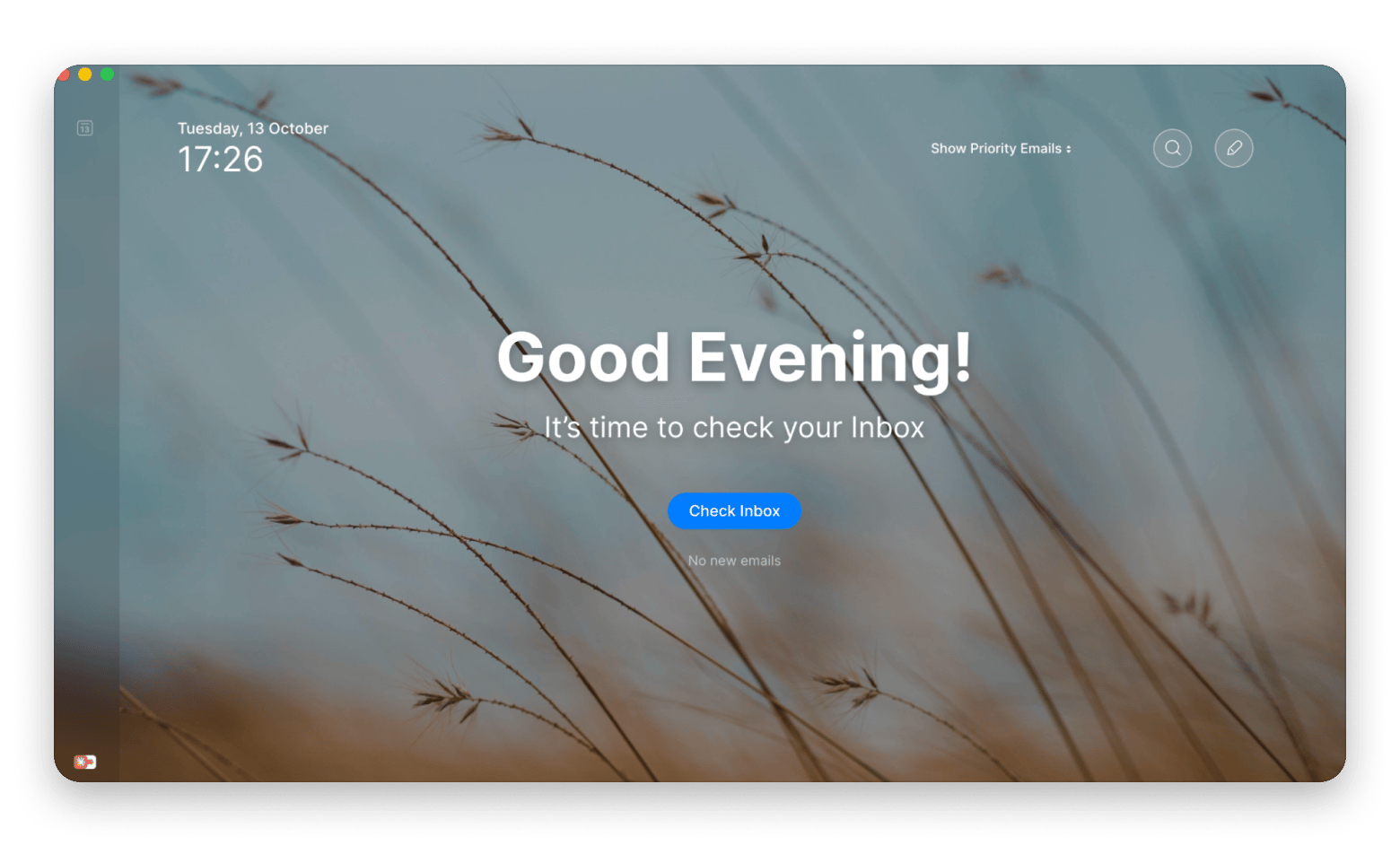
Whatever you choose, the work around your CRM happens in your inbox. Spark Mail speeds up sales emails, TextSoap cleans your data, and PopClip turns repeat text jobs into one click. All three come with Setapp Membership.
Stop losing hours to CRM admin. One Setapp Membership covers Spark Mail, TextSoap, PopClip, and 300+ apps. Free for 7 days. Start My 7-Day Trial.
FAQ
What is the best free HubSpot alternative?
Freshsales and Zoho CRM both offer free plans for up to 3 users, and Odoo gives unlimited users one free app. EspoCRM’s core is free if you self-host.
Which HubSpot alternative works best for small businesses?
The best HubSpot alternative for small business depends on your main channel. Choose Freshsales or Zoho CRM for a free start, Pipedrive for sales, and ActiveCampaign or Brevo for email.
Is Pipedrive a real HubSpot replacement?
For sales, yes. Pipedrive handles pipelines, deals, and activities well. It lacks HubSpot’s marketing and service hubs, so pair it with an email tool like Brevo. Clean your exported contacts with TextSoap before importing.
Can I self-host a HubSpot alternative?
Yes. EspoCRM and Odoo are open-source and can run on your own servers. EspoCRM is lighter and CRM-focused, while Odoo covers a full business suite. Both need someone comfortable managing a server.
What is the best HubSpot alternative for e-commerce?
Klaviyo, especially on Shopify. It pulls product data into email and SMS campaigns and tracks revenue per campaign. Its free plan covers 250 contacts.






 Best solution
 Best solution