Best OmniFocus alternative for most people.2Do is the closest GTD match. Things 3 is the pick if you want clean design and a one-time price.
Cross-platform needs: Todoist and TickTick run on Mac, Windows, Linux, iOS, Android, and web.
Visual or Reminders-based.Taskheat maps dependencies as arrows. GoodTask adds power features on top of Apple Reminders.
Plan the move. Most apps can’t import OmniFocus perspectives. Rebuild them as smart lists and keep OmniFocus for 30 days.
Try three at once. A Setapp Membership includes 2Do, Taskheat, and GoodTask. It starts with a 7-day free trial.
The best OmniFocus alternatives for Mac are 2Do from Setapp for GTD (Getting Things Done) depth, Things 3 for clean design, and Todoist for cross-platform sync. Nothing matches OmniFocus’s perspectives (custom saved views), review intervals, or AppleScript hooks, so each pick trades something away.
I ran my weekly review in OmniFocus for years, so leaving it felt like giving up a sense of control. What finally pushed me to look around was how much time I spent tuning perspectives instead of finishing the tasks inside them. This list is what I wish I’d had when I started.
Below are nine options, sorted by who they suit, with an honest account of what you give up with each.
* Setapp is a curated app platform for macOS, iOS, and web with 300+ apps you can try for 7 days free.
Why are longtime OmniFocus users switching?
Longtime users switch for four reasons: pricing, complexity, Apple-only lock-in, and missing modern features. If you want to go further than this list, this guide to the best to-do list app for Mac is worth bookmarking.
Pricing. OmniFocus 4 offers both a subscription and one-time licenses. The Pro subscription costs $9.99 per month or $99.99 per year. Alternatively, one-time licenses cost $74.99 for Standard or $149.99 for Pro. Both perpetual licenses cover Mac, iPhone, iPad, Apple Watch, and Apple Vision Pro. If you own a perpetual license for OmniFocus 3, you may qualify for a discounted upgrade to OmniFocus 4. Alternatively, you can subscribe to OmniFocus to access Pro features and future major-version upgrades.
Complexity fatigue. OmniFocus is complex, and that depth of features invites tinkering. Plenty of users catch themselves tuning perspectives on a Tuesday afternoon instead of working. GTD purists love the control; GTD-adjacent users often need less machinery. Knowing which camp you’re in helps you decide how much you need.
Apple-only lock-in. OmniFocus is Apple native, and OmniFocus for the Web is a paid add-on for one-time license owners ($4.99 USD/month or $49.99 USD/year). If your job moved you to a Windows laptop or an Android phone, that gap hurts daily.
Limitations in modern features. Although OmniFocus supports natural-language date entry and Apple Intelligence integrations, its natural-language task entry remains less comprehensive than that of some competitors. Apple Intelligence support arrived in OmniFocus 4.8 through planning plug-ins, but it has no automatic scheduler, and its integrations are geared primarily toward the Apple ecosystem rather than a broad range of third-party services.
To be clear: OmniFocus remains the most powerful GTD app available. This list is for people who want to keep the discipline without the full weight.
Detailed reviews of each OmniFocus alternative
Prices are current as of October 2026. This article is for people who want a more specific GTD tool without OmniFocus’s price or feature depth.
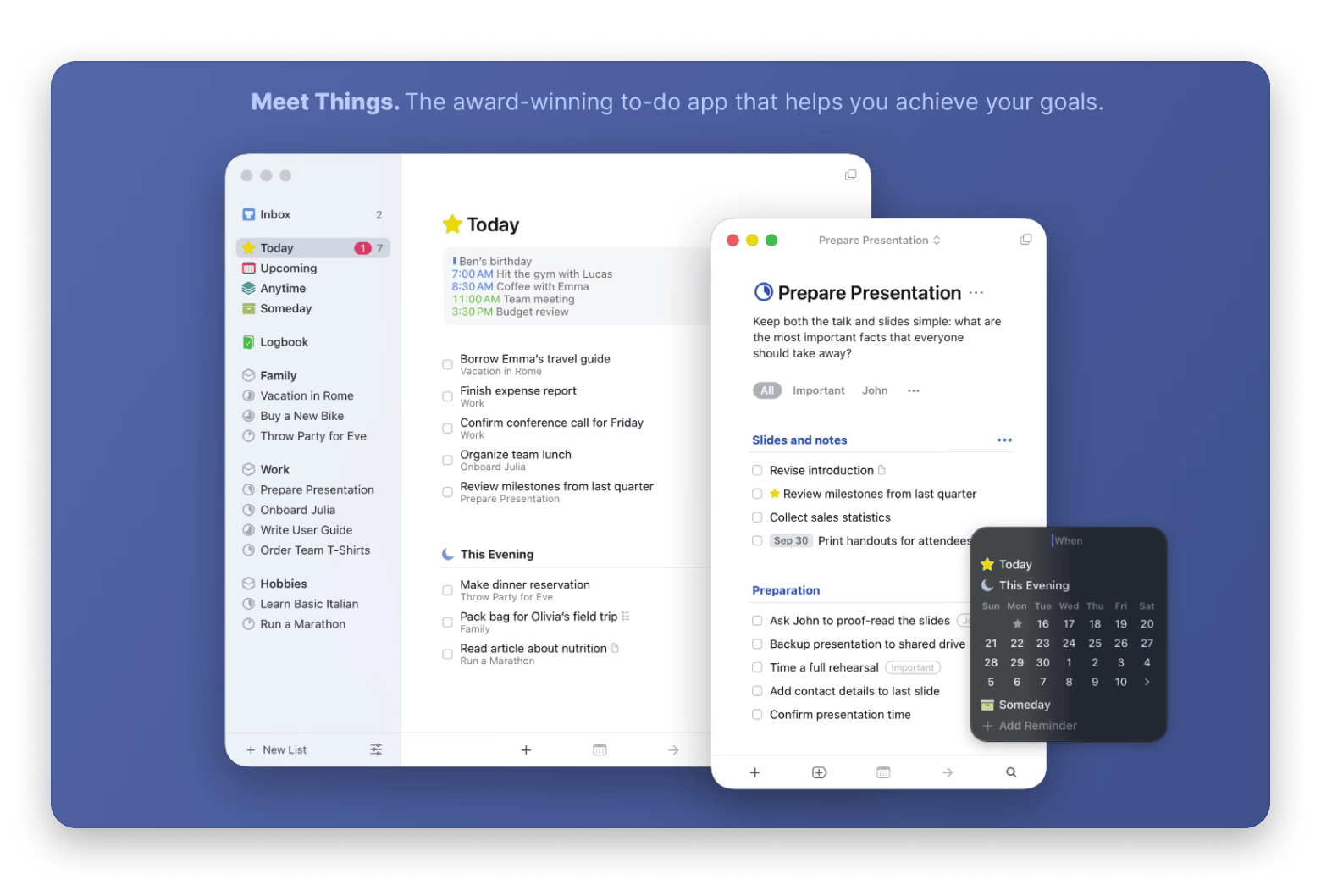
Things 3: Best beautifully designed OmniFocus alternative
Things 3 is the best OmniFocus alternative if you want a polished, Apple-only task manager with almost no learning curve.
Pros:
Its structure (Today, Upcoming, Anytime, Someday) maps loosely to the GTD model without forcing the method
Thorough Apple Shortcuts support
Free sync through Things Cloud
Cons:
No custom perspectives
No review workflow
No strict GTD contexts
No collaboration features
Best for: It suits an OmniFocus user who misses good design and will swap perspectives for simplicity, like a freelance writer who only needs a clean daily list. Think Notes, but with task features.
Pricing: Things 3 is available as a one-time purchase on each platform: $49.99 for Mac, $9.99 for iPhone, and $19.99 for iPad. Purchasing all three costs $79.97 in total. There’s no subscription, and syncing between devices is included for free.
2Do: Best OmniFocus alternative on Setapp for GTD purists
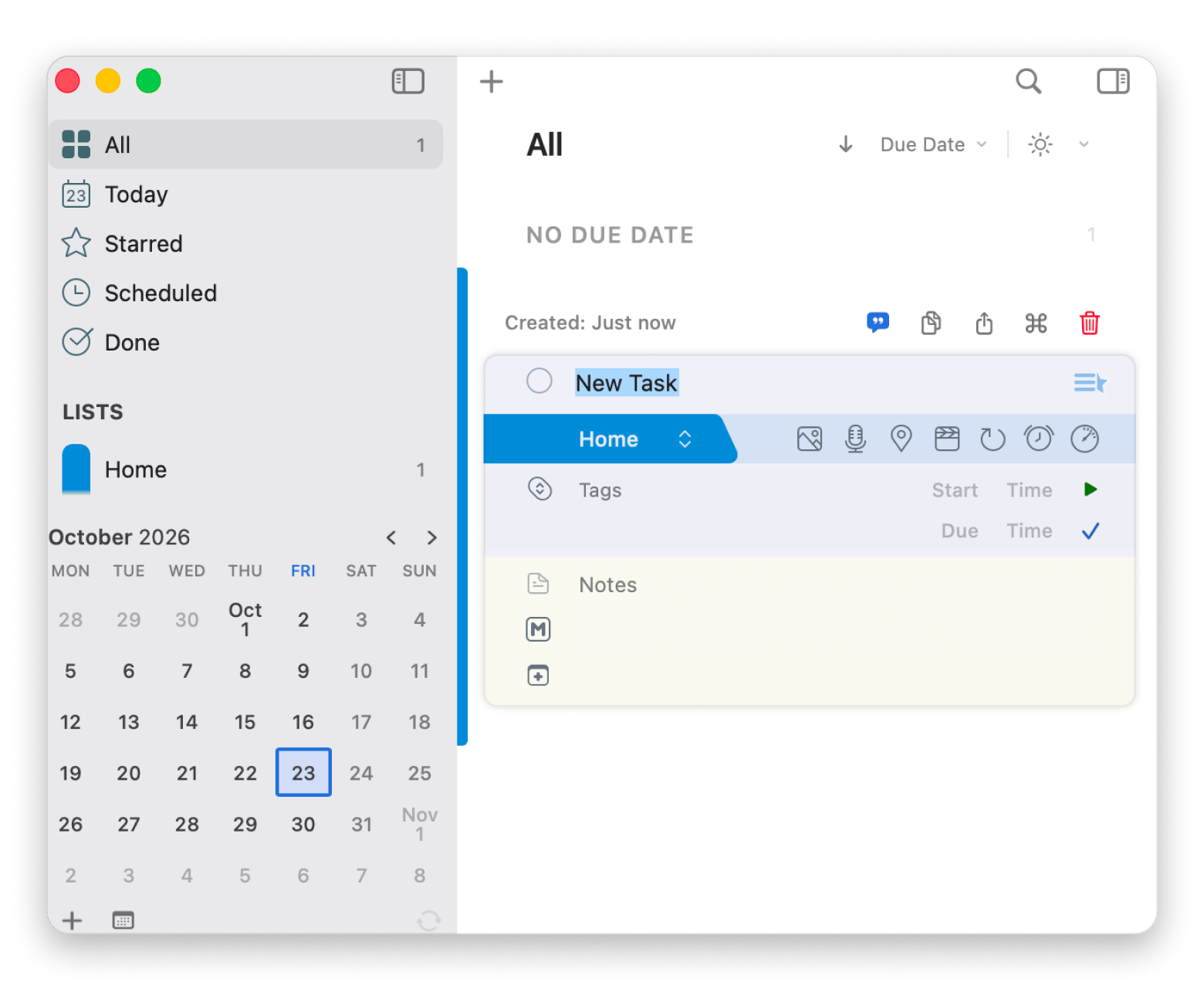
2Do is the closest OmniFocus alternative for GTD purists, with contexts, tags, and focus lists.
Pros:
Works fully offline and syncs through iCloud or Dropbox
Supports Mac, iPhone, iPad, and Android, making it a cross-platform alternative to OmniFocus for GTD workflows
However, the Setapp version covers Mac only; the iPhone and iPad apps require separate purchases, while the Android version is available as a free download with an optional Pro upgrade.
Cons:
The interface looks older than Things 3 or Todoist
Limited collaboration (iCloud list sharing only)
Learning curve to find the features you need
I rebuilt my "Waiting For" perspective as a saved smart list in 2Do, and it took about 20 minutes. It wasn’t a perfect match for OmniFocus’s logic, but it surfaced the same tasks, which was all I needed on Mondays.
Best for: A consultant might run it across a MacBook and an Android phone, use location-based contexts to surface "at client office" tasks on arrival, and review everything weekly through saved smart lists.
Price: Included in a Setapp Membership, which starts with a 7-day free trial. Requires macOS 13 or later.
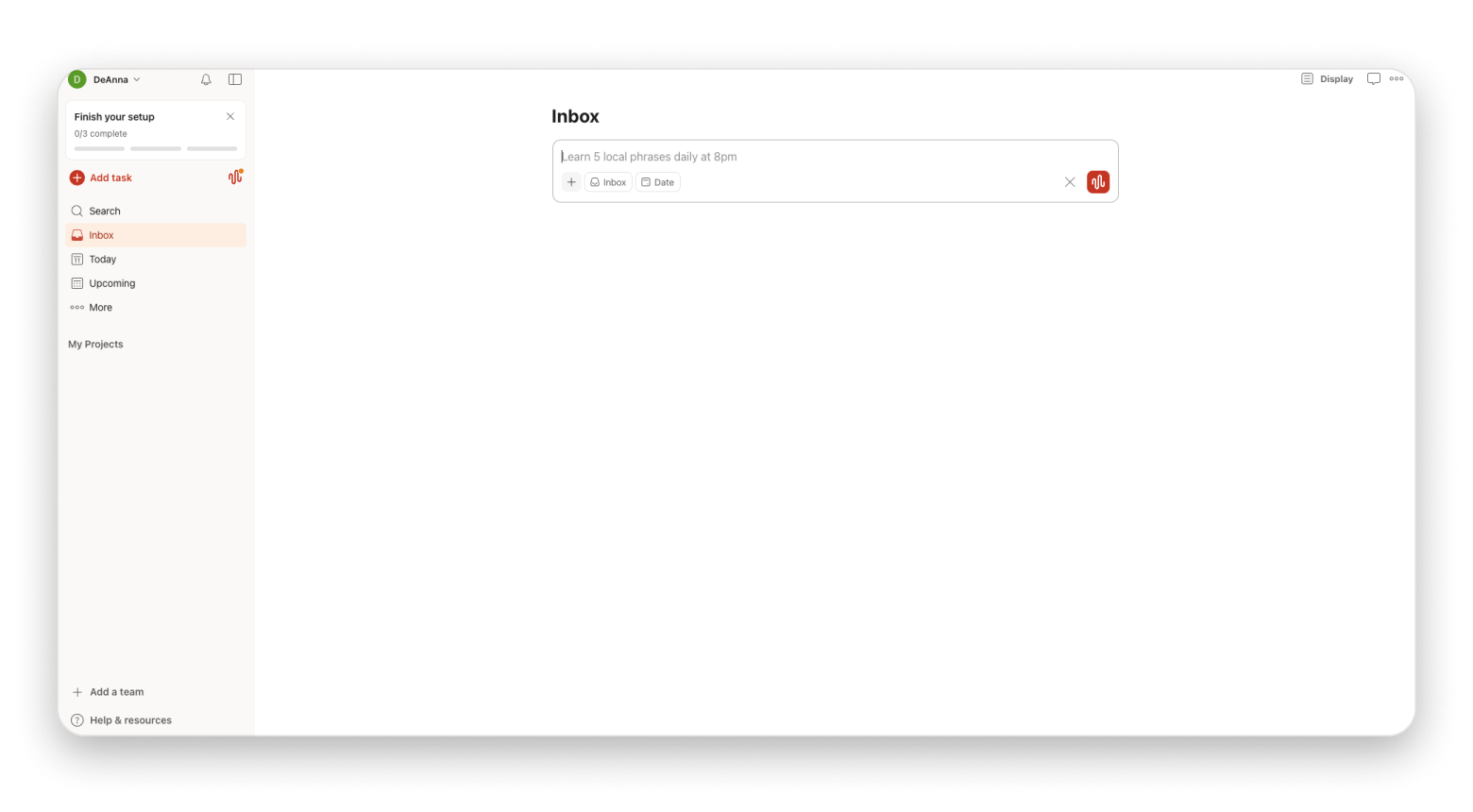
Todoist: Best cross-platform OmniFocus alternative
Todoist’s reach is unmatched: Mac, Windows, Linux, iOS, Android, web, browser extensions, and even your smartwatch. Natural Language Processing (NLP) entry correctly parses "Every Monday at 9 am @deep-work #Q4-planning," and you get list, board, and calendar views from that one entry.
Pros:
Switch between list, board, and calendar views
Syncs with Google Calendar and Outlook Calendar
Offline access
Team collaboration features
Cons:
GTD depth is medium.
You can build it from labels and filters, but it isn't native, and nothing here rivals OmniFocus perspectives.
Some learning curve for advanced features.
Best for: It fits someone who left an Apple-only workflow and wants one tool to use anywhere on any device and platform.
Price: Pro is $7 USD/month, or 60 USD/year (5 USD/month billed yearly.
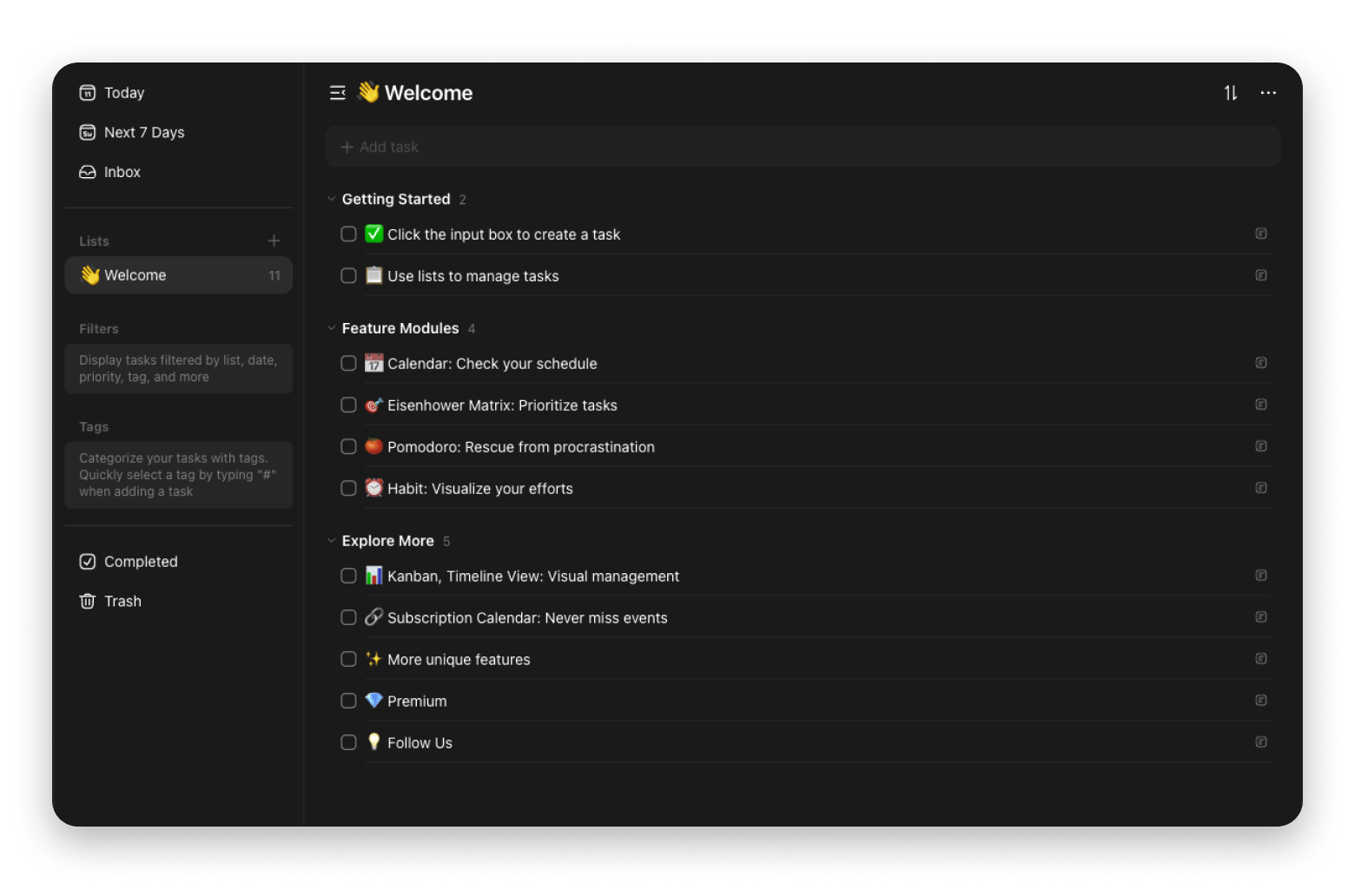
TickTick: Best value cross-platform OmniFocus alternative
Like Todoist, TickTick offers NLP entry and cross-platform sync, without OmniFocus’s steep price. It also includes a Pomodoro timer and habit tracker for people who struggle to focus.
Pros:
Pomodoro timer, habit tracker, and calendar view included
Runs on Mac, Windows, Linux, iOS, Android, and web
Affordable compared to OmniFocus
Great for personal productivity
Cons:
Limited team collaboration
Interface feels dated compared to OmniFocus
Some features are restricted in the free version
Limited third-party integration compared to Todoist
Best for: A grad student or analyst who wants Todoist’s reach plus built-in time tracking without paying more.
Price: TickTick has a limited free tier. If it becomes your daily task manager, you’ll likely want Premium at $49.99 a year.
Taskheat: Best visual OmniFocus alternative on Setapp
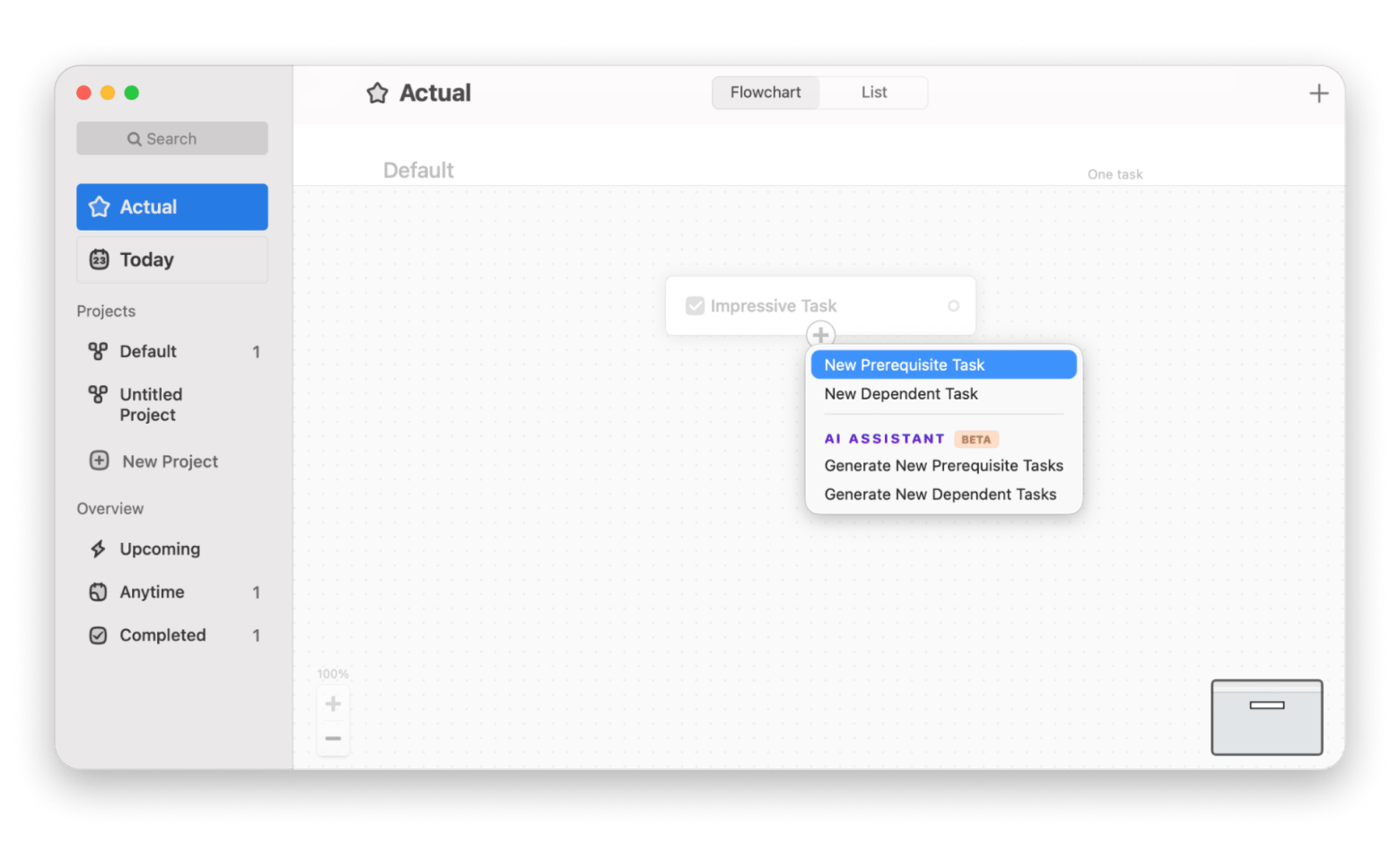
Taskheat is the best OmniFocus alternative if you want to see task dependencies as a visual flow. Tasks are nodes, dependencies are arrows, and the graph reshapes as work moves, surfacing what's actually doable because it isn't blocked. It suits anyone who thinks visually.
Pros:
Native on Apple platforms, with a Mac version on Setapp
Automatically focuses on doable steps and hides those with prerequisites
Makes multi-step goals and projects easier to visualize
Smaller learning curve than OmniFocus
Cons:
Apple-only
Strict project boundaries
Overkill for simple lists
What surprised me about Taskheat was how quickly I stopped reading task lists and started reading the graph. It works best for projects with real dependencies. For a flat grocery list, it’s overkill.
Best for: It suits OmniFocus users who leaned on sequential projects and want that logic visible. The critical path is obvious without opening nested projects.
Price: TaskHeat is included in a Setapp Membership, which starts with a 7-day free trial. Requires macOS 14.6 or later.
GoodTask: Best Reminders-based OmniFocus alternative on Setapp
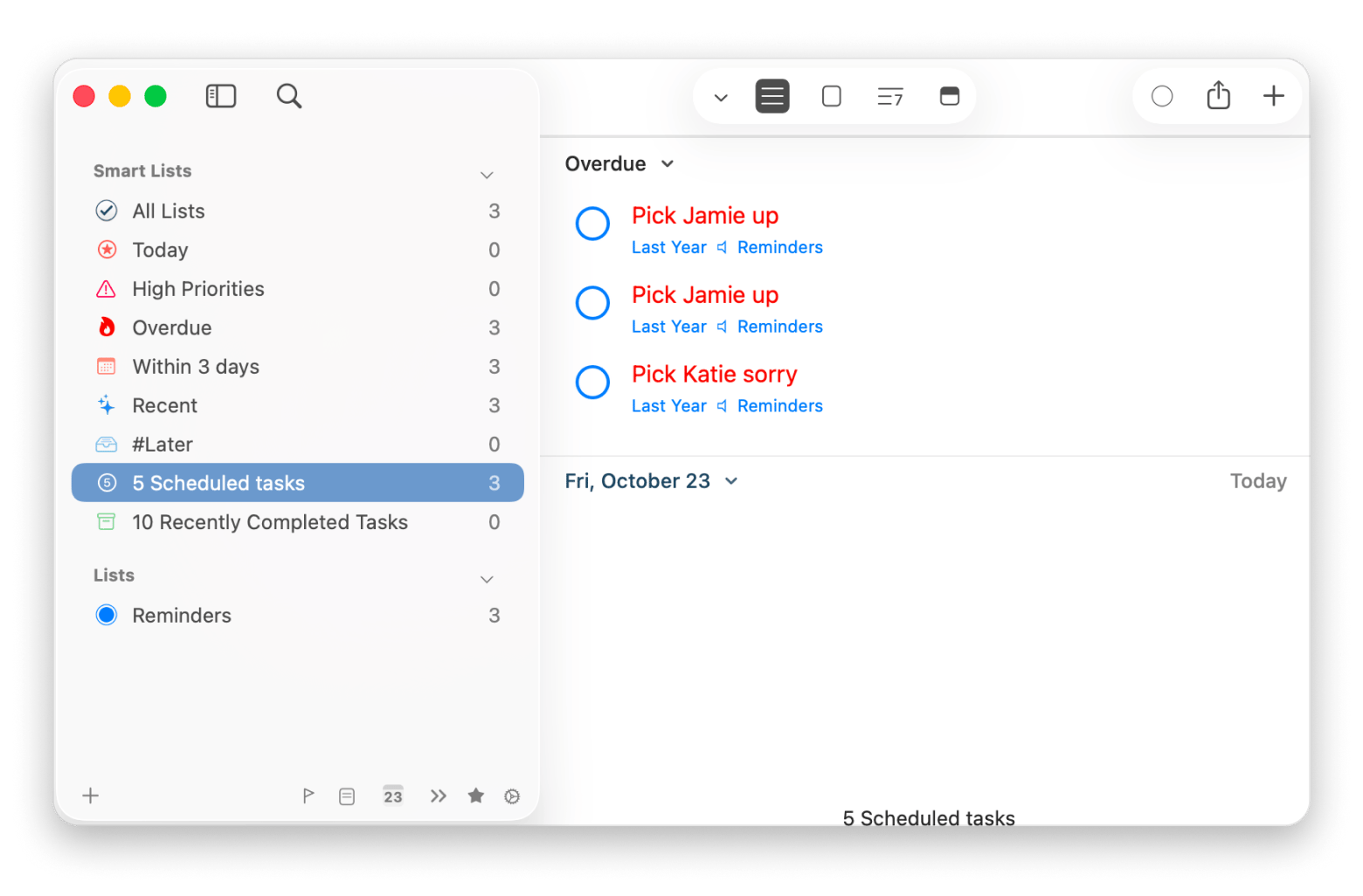
GoodTask stores tasks as Apple Reminders but gives you a power-user interface of smart lists, quick actions, board view, focused lists, and recurring tasks. The upside is portability: if you stop using it, your tasks are still in Reminders.
Pros:
Available for Mac, iPhone, and iPad. The Mac version is also available through Setapp, while the iOS and iPadOS versions require separate purchases.
Smart lists and filters to sort priorities and projects
Quick actions, bulk editing, and workflows beyond what Apple Reminders offers
Easy to switch back to Reminders
Cons:
Shallower on GTD structure than 2Do or OmniFocus, with no complex review workflows
No cross-platform support
Limited subtask support: subtasks appear as text-based checklists
Best for: A project coordinator who wants less complexity, Apple sync, and zero lock-in.
Price: GoodTask is included in a Setapp Membership, which starts with a 7-day free trial. Needs macOS 12.0 or later.
Sorted3: Best time-blocking + GTD hybrid
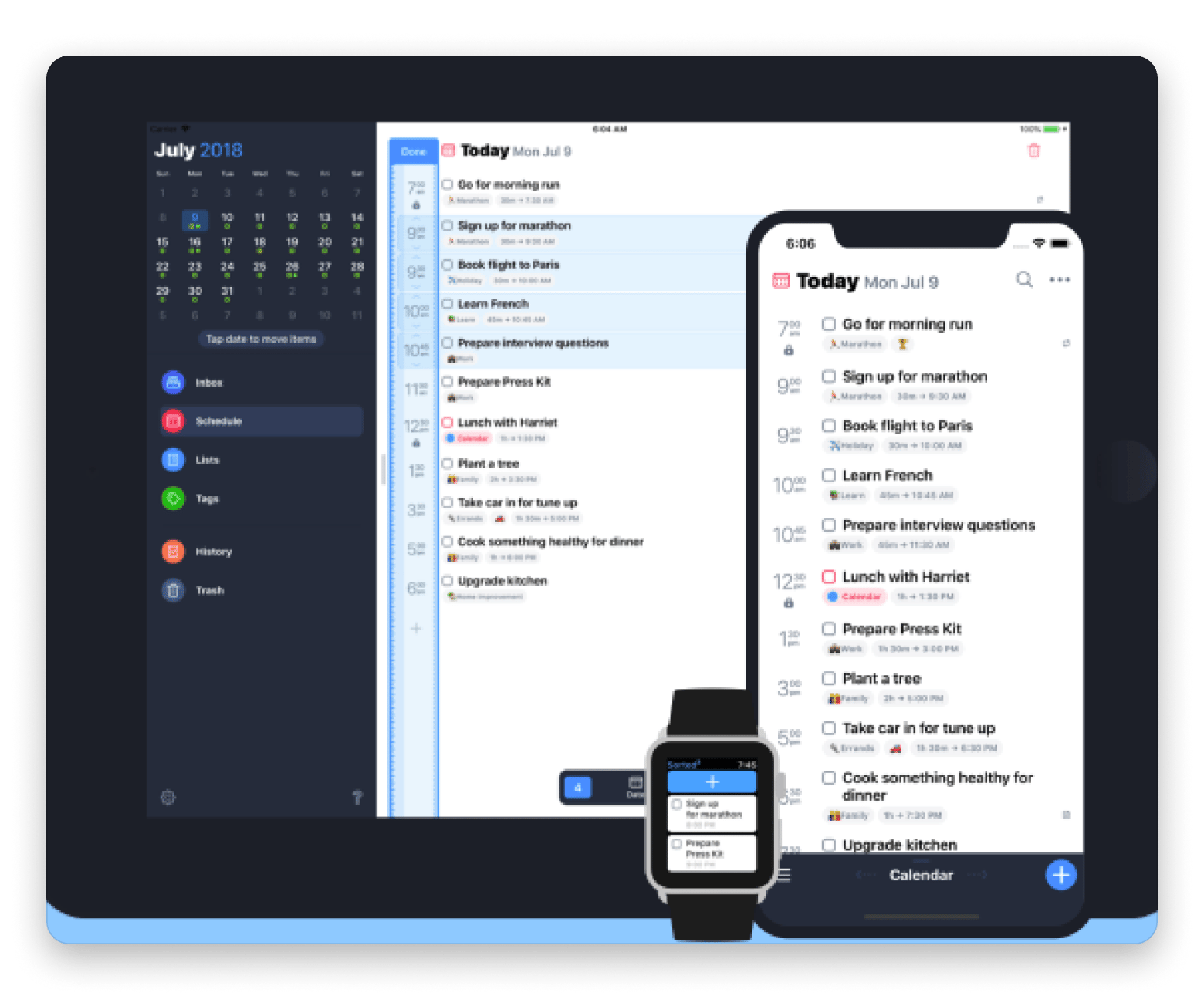
Sorted3 pairs GTD-style task management with hyper-scheduling: every task gets a time block, and auto-scheduling drops tasks into open calendar slots. It’s designed for people who want extensive control over their schedules. The app is free to download and offers a limited free tier.
Pros:
Auto-scheduling and time-blocking features
Integrates Apple Calendar events and tasks
One-time purchase
Can be used on Mac, iPhone, iPad and Apple Watch
Cons:
Apple-only
Not built for the complex projects Things 3 or OmniFocus can handle
Separate license purchase for each platform
Best for: The OmniFocus user who needs one app that can handle a busy day.
Price: Free to download, with a limited free tier. A one-time Pro license unlocks all features: $24.99 USD for macOS, $14.99 USD for iOS, or $35.99 USD for the bundle.
I’d recommend reading this roundup of the best scheduling apps for Mac if time-blocking is the part that appeals.
Amazing Marvin: Best for GTD customization
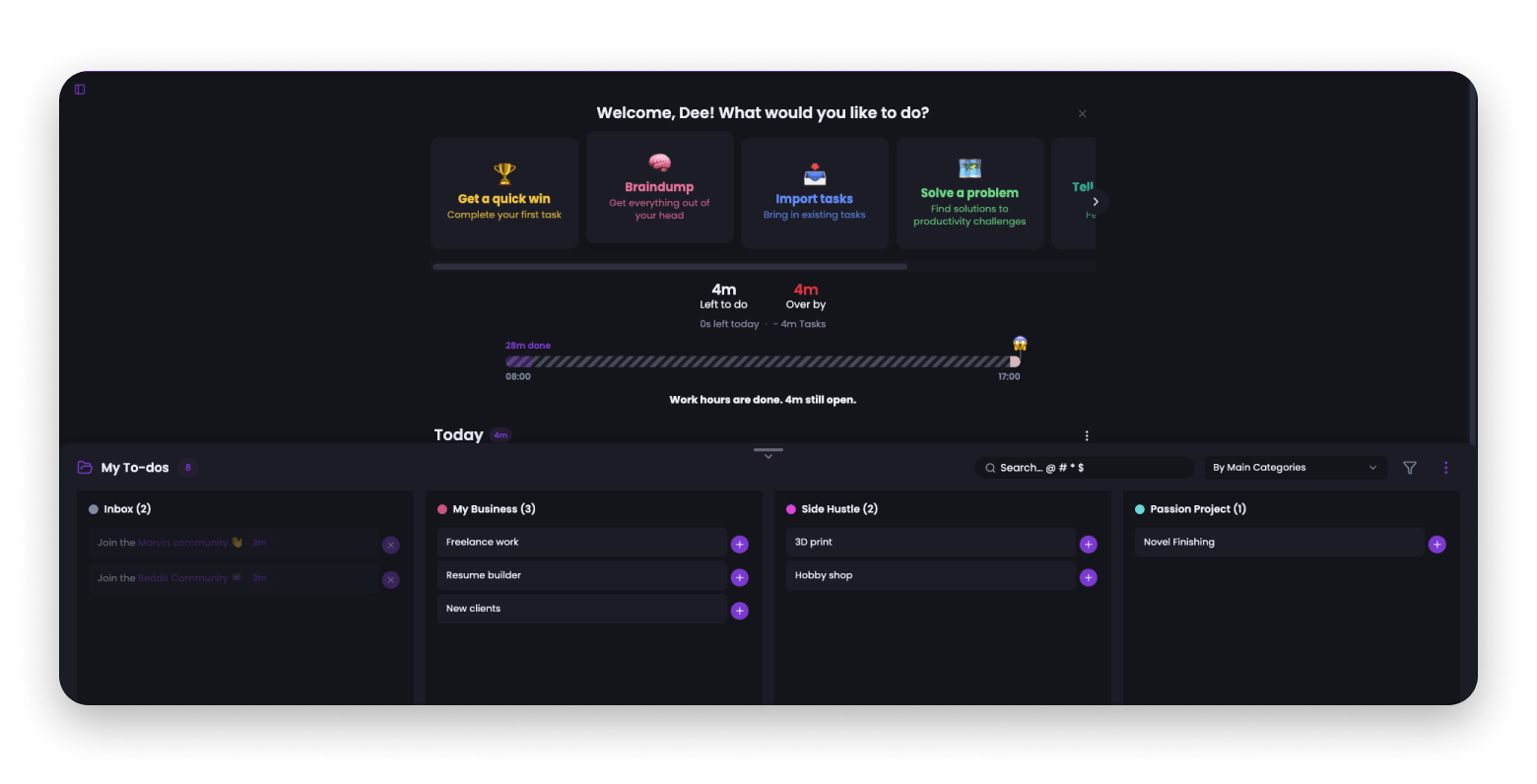
Amazing Marvin runs on the web and has apps for Mac, Windows, iOS, and Android, and its modular design lets you switch features on and off to build your exact GTD system. It includes kanban, time tracking, habit tracking, project templates, and custom fields. The developer positions it as ADHD-friendly.
Pros:
Extensive feature customization
Flexible for people who need control over their task manager
Calendar integration with Google Calendar and iCloud sync
Cons:
Significant learning curve because of the extensive feature set
No free plan, only a trial period before billing
Mobile version feels incomplete compared to desktop and web
Limited AI planning and collaboration
Best for: The practitioner who loves tweaking and wants more customization than any other tool offers.
Pricing: No free version. Subscriptions are $12/month or $96/year ($8/month).
Apple Reminders: Best free OmniFocus alternative
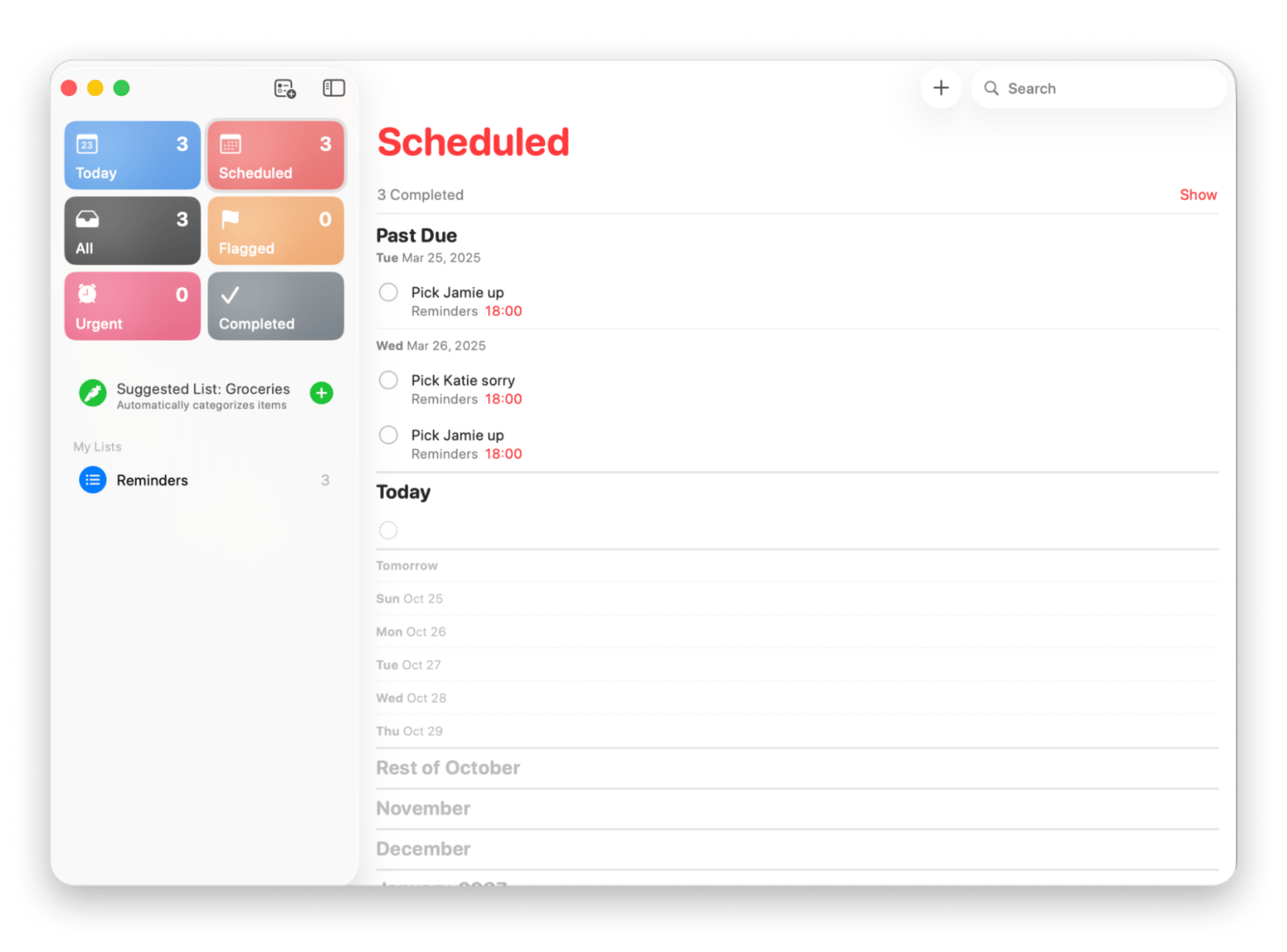
Reminders has improved a lot in recent macOS releases by including: tags, smart lists, a columns (Kanban-style) view, assigned tasks on shared lists, location reminders, and natural language entry.
Pros:
Free, and syncs across Apple devices through iCloud
Location-based and context-triggered reminders
Sort by date, priority, or tag, and build custom lists
Cons:
Apple devices only
Single-level subtasks only
No GTD review workflow
No project templates
Best for: An OmniFocus user who wants less complexity from their task manager.
Price: Free for Apple devices.
Other Mac tools that complete a GTD workflow
A task manager only holds your commitments. These three Setapp apps cover the edges around it.
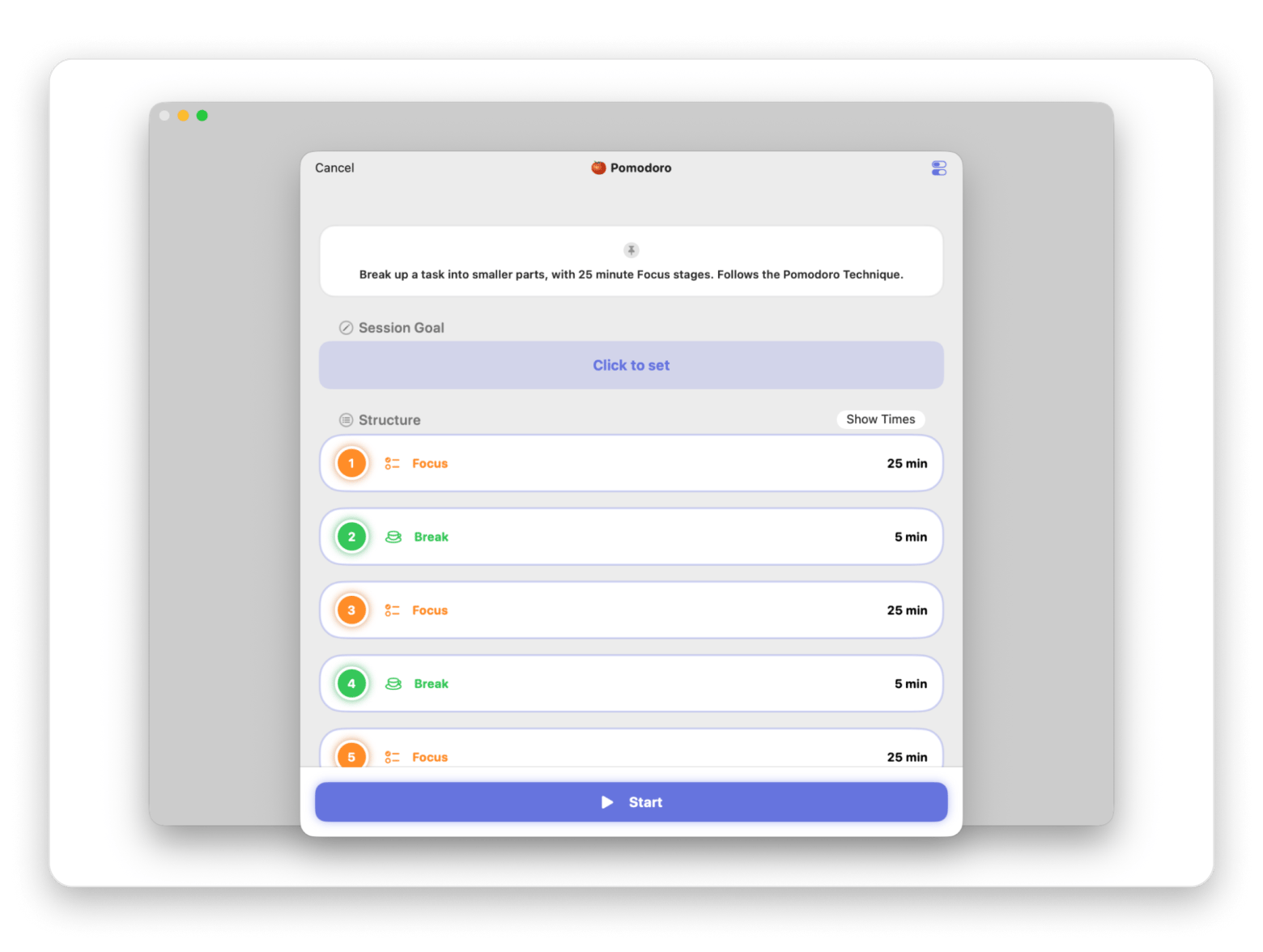
Focused Work turns focused work into a timed session. Start a Pomodoro or customize your timer, then block distracting websites and apps for the duration of your session. This helps you stay focused on your next action without interruptions.
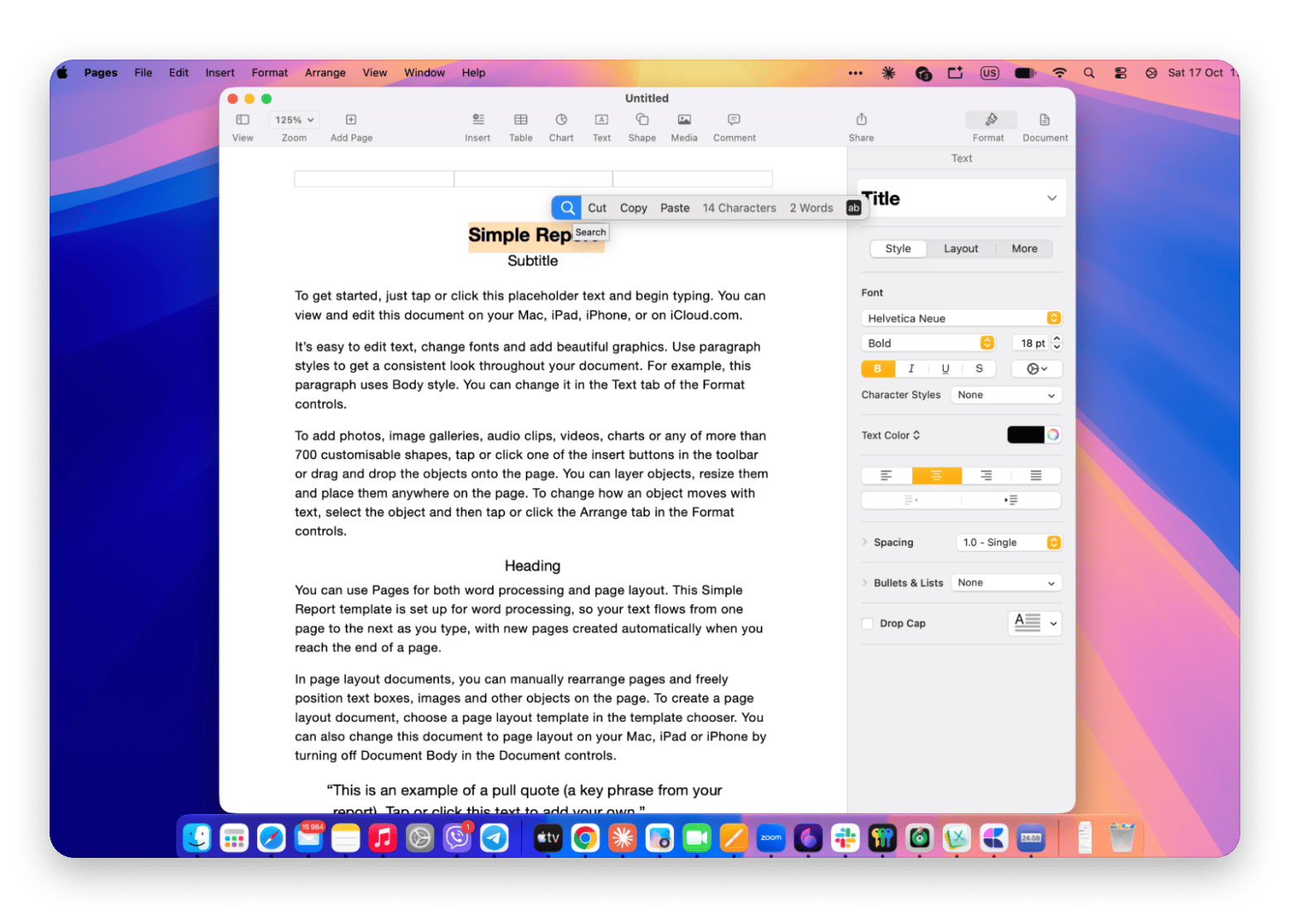
PopClip makes capturing tasks easier. Select a line in an email or a supported PDF app, then use a PopClip extension to send the text directly to your task manager’s inbox. This helps you capture commitments without switching between apps or copying and pasting manually.
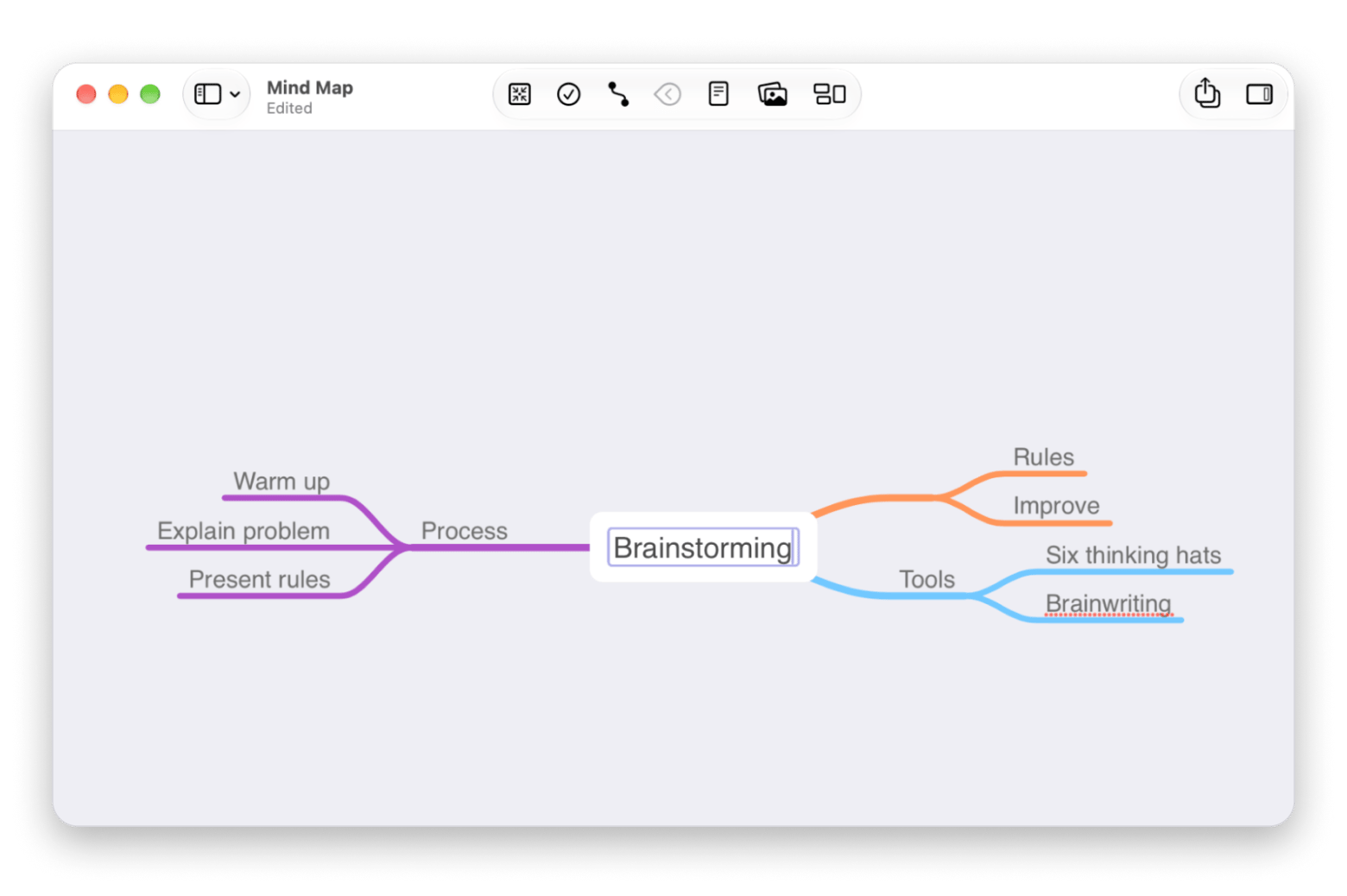
MindNode Classic supports the "vertical thinking" phase. Outline a messy project, such as a conference you're organizing, before breaking it into atomic next actions in your manager.
Which OmniFocus alternative is right for you?
Beautifully designed, Apple-only → Things 3
Serious GTD structure, cross-platform → 2Do Mac version on Setapp
Cross-platform sync with natural language entry → Todoist
Cross-platform with Pomodoro and habits built in → TickTick
Projects with real dependencies you want to see → Taskheat on Setapp
Power features on Apple Reminders with no lock-in → GoodTask on Setapp
Time-block every task in your day → Sorted3
Tweaking your GTD system to fit exactly → Amazing Marvin
Trying to leave OmniFocus for free first → Apple Reminders
Still deciding how to structure your day around the task manager you pick? This guide to daily planner apps explains how others do it.
How to migrate from OmniFocus to a new task manager
Export your data. On your Mac, choose File → Export and select a suitable format, such as plain text, CSV, or an OmniFocus document. TaskPaper-compatible plain text is a useful starting point, but check which formats your new app supports and verify that important details are preserved.
Prioritize active projects. Import what your new app supports, then manually recreate anything that didn’t transfer correctly. Start with active projects and upcoming tasks; keep older items in an archive for reference.
Recreate your perspectives. Translate your most-used OmniFocus perspectives into smart lists, filters, or saved searches. Complex rules may need to be simplified to fit your new app’s capabilities.
Replace your review workflow. Check whether your new task manager supports project reviews or recurring reminders. Configure a schedule that helps you revisit projects and keep them up to date.
Keep OmniFocus as a reference for 30 days. Avoid adding new tasks there once you’ve switched. Check the old database when needed, and confirm that your important projects, deadlines, notes, and recurring tasks have transferred before relying entirely on the new app.
Once your active projects and smart lists are set up, run one full weekly review in the new app before you delete anything from OmniFocus.
Keep the GTD habit, lose the overhead
OmniFocus is hard to beat on raw GTD power, but you don’t need all of it to stay on top of your commitments. If you want great design and a one-time price, start with Things 3. If you want GTD depth, 2Do and Taskheat are the closest fits, and GoodTask keeps your tasks in Reminders. The easiest way to compare all three is a Setapp Membership. Try them with a 7-day free trial; then it costs $14.99 USD/mo + tax.
FAQ
Is there a free OmniFocus alternative that supports GTD?
Apple Reminders is free with macOS and covers tags, smart lists, and location reminders, but it has no review workflow or perspectives. Todoist and TickTick have free tiers, with GTD built through labels and filters, but features are limited. GoodTask from Setapp adds power-user features on top of Reminders if you want more.
Which OmniFocus alternative works cross-platform?
Todoist and TickTick run on Mac, Windows, Linux, iOS, Android, and web. For deeper GTD structure across platforms, 2Do from Setapp covers Mac, iOS, Android, and Windows. Amazing Marvin is browser-based.
Can I import OmniFocus data into another task manager?
Rarely, and not cleanly. Export to TaskPaper for the best odds, but expect to recreate active projects by hand and rebuild perspectives as smart lists.
Is Things 3 a serious OmniFocus replacement?
For most people, yes. For GTD purists, partly. It's excellent for daily planning but lacks custom perspectives, review workflows, and strict contexts.
What is the best OmniFocus alternative on Setapp?
2Do from Setapp is the closest GTD match. Taskheat suits visual thinkers, and GoodTask suits anyone who wants simplicity on top of Reminders. You can try all three free for 7 days with a Setapp Membership.
Let’s solve your to-dos
Get 2Do, a handy task manager that fits any schedule.






 Best solution
 Best solution