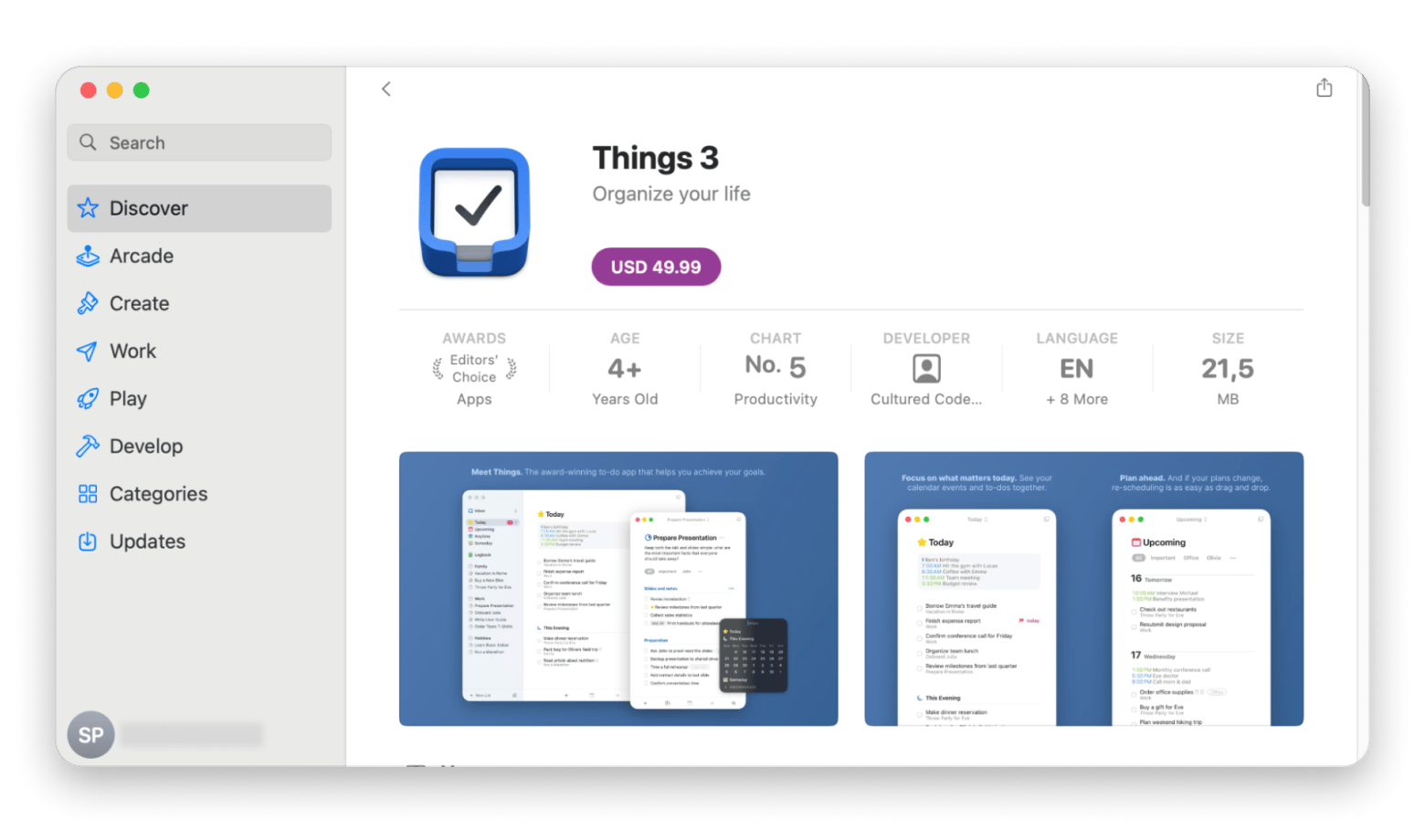
There’s no single “more efficient” option. It depends on how you work. Owning Mac apps is usually more efficient if you rely on a few stable tools every day for years. Subscriptions are more efficient if your tasks change often and you need multiple apps across writing, planning, maintenance, and creativity.
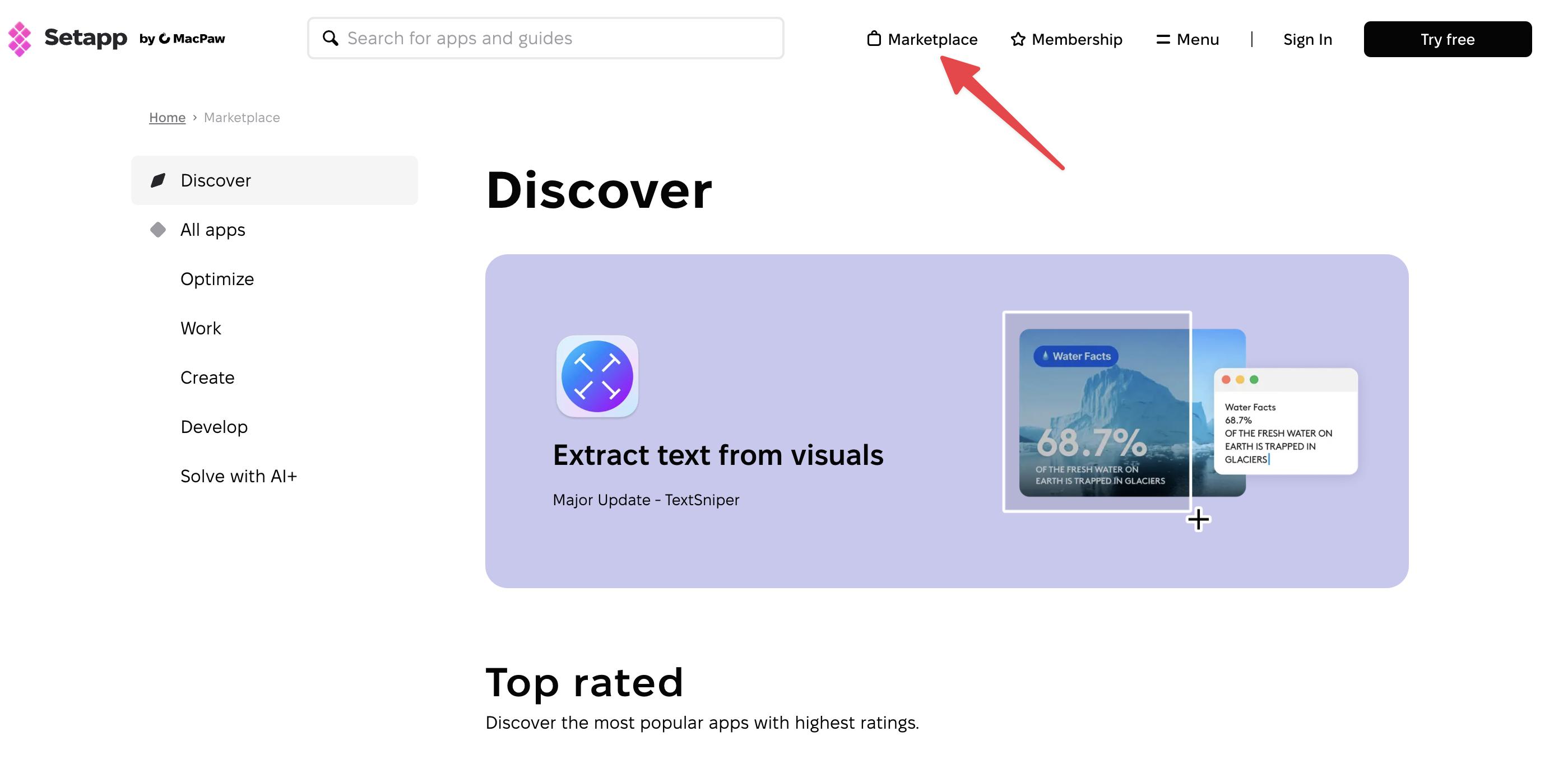
Owning apps works best for long-term, single-purpose use. A one-time purchase makes sense when you use one app consistently and do not need frequent upgrades. Setapp Marketplace offers one-time purchases with quality vetting and automatic updates, and you can switch to Setapp Membership anytime if your needs grow.
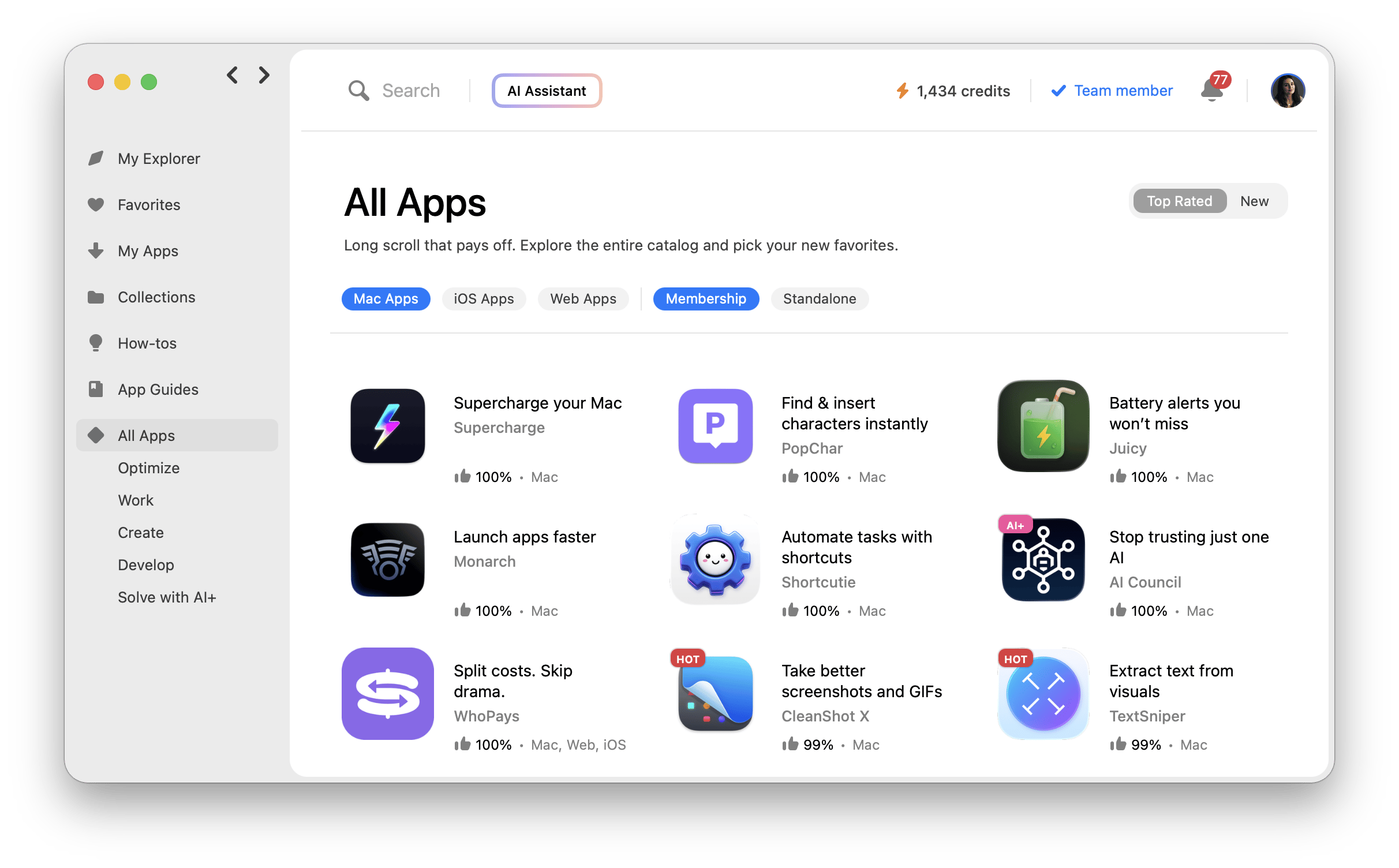
Subscriptions deliver better value when you need many tools. If your workflow spans multiple categories, buying apps individually adds up fast. Setapp Membership gives you 270+ Mac and iOS apps in one subscription, reducing upfront costs and simplifying budgeting without committing to each app separately.
Maintenance and updates are easier with subscriptions. Owned apps can break or become outdated if developers stop supporting them. Subscription platforms keep apps updated automatically, saving time and reducing friction when macOS changes.
Setapp offers two efficient options for different workflows. Instead of juggling dozens of subscriptions or purchases, Setapp Membership gives you access to 270+ premium apps under one plan. Setapp Marketplace lets you buy individual tools with flexible payment options. Both make it easier to experiment, adapt your workflow, and avoid overpaying. You can explore Membership with a free trial.
A few months ago, I reviewed my bank statements and noticed I was paying for a dozen Mac apps I barely used. It made me wonder whether subscribing or owning apps outright is truly more efficient. Some argue that buying apps outright saves money in the long term and offers more stability, but the reality isn’t so clear-cut.
To get a better understanding, I analyzed the pros and cons of Mac app subscriptions versus ownership, looking at costs, value, and long-term usability. This overview breaks down the tradeoffs so you can make a data-informed decision on what works best for your workflow.
What do you really get with each model?
The choice of buying vs subscription is like renting vs buying a home. One gives you flexibility; the other gives you stability. There's no "better" option. It all depends on how you work, what you value, and how much freedom or predictability you want in your setup.
Let me explain more clearly.
App ownership model
Buying an app lets you own it forever, or at least as long as your Mac supports it. You get a license, a version, and complete control over when and how you use it.
This model is a good choice when you need control. You don't have to worry about surprise charges or sudden changes. You can keep using version 5.0 for as long as you like, even if version 10.0 drops with fancy new bells and whistles.
The upfront cost of app ownership often hits hard at first. But in the long term, the one-time fee could work out cheaper.
App subscription model
With app subscriptions, you pay a monthly or yearly subscription fee for access, and you get to use the app for as long as you can afford it. This option is more flexible and lets you pay one month and then skip the next one, depending on your budget.
If you love trying new things or if your work changes often, Setapp Membership is excellent — you get 270+ tools to test without buying them outright. Prefer just one or two apps? Setapp Marketplace offers individual subscriptions or one-time purchases with the same quality standards. And if your needs grow, you can switch to Membership anytime.
The downside is that if you stop paying, you lose access. Some apps even freeze your data until you subscribe again. Still, if you like having lots of options and trying different tools, a subscription can work really well.
Which option gives you the most value?
Are you a power user juggling multiple tools or a minimalist who needs just one reliable app? The choice of owning vs subscribing affects you in many ways, from your workflow to your wallet, and even your peace of mind.
Let's weigh your choices using three key metrics: cost, access to variety, and maintenance. Understanding the Mac app ownership pros and cons will help you see where each model shines and where it falls short.
Cost over time
If you only need one or two apps, buying them can save you money. But if you need a whole mix of tools, then buying all of those individually adds up quickly.
Buying the one-time license for each of these apps costs well over two hundred dollars up front. Setapp Membership gives you access to an extensive library of premium Mac apps for one monthly price. The subscription gives you access to all of them, plus hundreds more. So if you rely on multiple apps, a subscription is cheaper and easier to manage.
Access to variety
When you buy an app, you have to stick with it. You’ve already paid for it, so you’re less likely to try something new. That can hold you back if your needs change.
Subscriptions work differently. You get access to a whole variety of apps for one price, so you can switch tools whenever you want. If you subscribe to Setapp, for example, you get over 260 apps to explore. You can start with a simple task manager today, try a Kanban board next month, or move to a stronger planning tool later. This kind of freedom lets your workflow grow with you and keeps things flexible.
Maintenance & updates
Here’s the downside of owning apps: if the developer stops updating them or macOS no longer supports them, the app can break, and you may have to buy a newer version. Old apps can become slow, buggy, or unusable over time.
When you're subscribed, you pay regularly, so developers keep the apps updated and working. For example, with Setapp, updates are automatic for every app, including macOS fixes and new features. You don’t have to worry about compatibility or do anything on your end.
Who should own, and who should subscribe?
It all comes down to how you use your apps, what you need from them, and how you switch gears. A freelance designer will likely need a more complex setup than a student writing essays at 2 AM.
I put together a quick table that shows different types of users and which option fits them best:
Who are you as a user?
What should you choose?
Why?
Budget-conscious student
Subscribe
You get many useful apps for a small monthly cost.
Freelance creative (writer/designer)
Subscribe
You need lots of tools and don’t want to buy each one.
Corporate team member
Own
You only use a few apps every day, so owning them is cheaper.
Tech minimalist
Own
You prefer a clean setup and only want the basics.
Startup founder or side hustler
Subscribe
You need flexibility and a wide range of tools as you build and grow.
Researcher or academic
Own
You stick with the same apps for years, so one-time purchases save money.
App experimenter/tinkerer
Subscribe
You love trying new tools and want an easy, low-cost way to explore.
Security-conscious professional
Own
You want full control and fewer ongoing changes.
Remote worker with multi-role tasks
Subscribe
You switch between different tasks and need many tools ready to use.
One subscription = multiple solved problems
If you do many different tasks each day, like writing, planning, or scheduling, you need a flexible set of tools. A subscription lets you use plenty of apps without paying a high cost upfront.
Take Setapp, for example. You don't just get a random bundle of apps. The categories of tools hit your core needs:
Writing: Tools like Ulysses for distraction-free writing.
Task management: Apps like Taskheat to visualize dependencies.
Calendar and planning: BusyCal for deep scheduling.
Maintenance: CleanMyMac to keep things running smoothly.
Creativity: MindNode for brainstorming and flowcharts.
Choosing apps can get overwhelming fast. You read reviews, compare features, try free versions, and still feel unsure. A subscription makes this easier. You can try lots of apps for one small price and see what actually works for you.
When does buying still make sense?
A simple rule of thumb: if you use one tool often, for a long time, and you don't need regular upgrades, buying is smarter.
Let's say you're writing the next great sci-fi epic. In this case, paying once for an app like Scrivener and using the app for years is a no-brainer. Or maybe you need a stable and reliable file transfer app. You can buy a one-time license for an app like Transmit, and you're good to go. Setapp Marketplace offers one-time purchases for tools like these, with the same quality vetting and automatic updates. And if you later find yourself needing more apps, you can switch to Setapp Membership anytime to access the full 250+ app library.
If you like a clean, simple setup, owning your apps is usually best. Buy what you need once and keep using it. You don’t need a bunch of new tools when your work stays the same.
Here are a few quick questions to help you figure out what fits your style:
Do you want a few strong tools or a whole toolbox? If you like picking apps one by one, owning might feel better. If you want many options ready to go, a subscription can save time.
Do you use the same apps every day or only sometimes? Daily apps are usually worth buying. Seasonal tools, like tax or planning apps, are easier to use on a subscription.
Do you prefer smaller monthly payments or paying once? Subscriptions feel lighter at first, but they keep going. Buying an app costs more upfront, but it stays yours.
Do you enjoy trying new apps, or do you get overwhelmed? If you like exploring, a subscription gives you many choices. If choosing apps stresses you out, owning a few solid tools is easier.
Do you want full control or more flexibility? Ownership gives you stability. Subscriptions give you the freedom to switch when you want.
Final thoughts on owning vs subscribing to Mac apps
Subscriptions are great if your tasks change often and you like trying new tools. Setapp Membership gives you 270+ apps in one subscription, replacing dozens of individual purchases.
Ownership works best when you only need a few steady, reliable apps. Setapp Marketplace offers one-time purchases for select tools, and you can switch to Membership anytime if your needs grow.
You can also mix both approaches. Subscribe when your workload gets busy, then own the apps you use every day. The goal is simple: Choose what makes your work smoother and reduces the most friction.
FAQs
Are Mac app subscriptions worth it for light users?
Yes, Mac app subscriptions are worth it for light users when you use fewer apps. Bundle platforms like Setapp let you have multiple apps for the price of one. The fact that Setapp Membership lets you explore a wider range of solutions without the upfront cost makes it worthwhile in most situations.
Can I lose access to my data if I cancel a subscription?
Yes, you can lose access to your data if you cancel a subscription. However, since many subscription-based Mac apps let you view or export your data, you can always back up your data somewhere else before your access period expires. Some apps even allow you to access your data while you're out of a subscription, but you may not be able to edit or create new files.
Do owned apps eventually stop working with macOS updates?
Yes, owned apps stop working with macOS updates if the app isn’t actively maintained. That one-time purchase from five years ago might suddenly crash or lose key features after a system upgrade. Some developers release free updates, but others charge for major revisions or abandon the app entirely. Before buying, check the developer’s update history and support policy, especially if an app is essential to your workflow.
What are the main benefits of Mac bundles like Setapp?
The main benefit of Mac software bundles like Setapp Membership is that it's a cost-effective alternative to buying single apps, and one of the key benefits of Mac bundles is how much time and money they save you in the long run. For a single monthly fee, you get access to 270+ premium Mac and iOS apps for writing, productivity, maintenance, development, and more.






 Best solution
 Best solution