- Requestly imports your Postman collection in one click. No manual rebuilding — bring your existing requests over and keep working.
- Most alternatives are lighter on RAM than Postman. Bruno often runs under 200MB; native Mac apps like Requestly and Yaak avoid Electron's overhead entirely.
- You don't need an account to use most of these. Requestly, Bruno, curl, and HTTPie CLI all work fully offline with no sign-in.
- Pick based on workflow, not just features: Git-native (Bruno), deepest Mac feel (RapidAPI for Mac), or staying in your editor (Thunder Client).
- Ditch Postman's bloat. Get Requestly and 270+ more apps. Start your 7-day Setapp trial and bring your Postman collection with you.
The best Postman alternative for Mac in 2026 is Requestly for most users — it's local-first, imports Postman collections in one click, and doesn't require an account.
Postman has been the default API client for developers for a long time. But over the last few years, it has moved from a tool to a platform. That’s not criticism as it’s now much more powerful.
But if you are a solo developer or a small team that just wants to send HTTP requests and inspect the response, you can’t help but feel it's excessive. The larger app also doesn’t feel particularly at home on macOS and tends to consume a lot of resources.
I’ve reviewed 9 of the best Postman alternatives for Mac that offer a different experience. Most are lighter and faster.
Why Mac developers are leaving Postman
Mac developers are leaving Postman mainly for three reasons: heavy RAM usage from its Electron shell, forced cloud sign-in, and feature creep from a simple API tool into a full platform.
It runs inside a compatibility layer that bypasses some of the power-efficiency features Apple built into the M-series chips. It routinely uses 1-2 GB of RAM while idle and causes noticeable battery drain.
The tool’s recent versions have also progressively made it harder to use the app without signing in and syncing your data to Postman’s cloud. If you are working on something sensitive or it’s against company policy, this goes beyond a preference and raises compliance issues.
There’s then the constant feature creep from a simple Chrome add-on to a complex platform with API documentation, mock servers, monitoring, and team workflows. While they make the tool more powerful, most developers just see them as a source of design complexity.
Quick comparison table: Postman alternatives at a glance
Here's a quick overview before we get into the details:
| Option | Best for | Native macOS | Postman collection import | Offline mode | Price |
| Requestly | Drop-in Postman replacement | No | Yes (one click) | Full offline | Available via Setapp for $14.99 + tax (including 270+ macOS & iOS apps) |
| Bruno | Git-versioned collections | No | Yes | Full offline | Free, $72/yr |
| Insomnia | Mature open-source client | No | Yes | Supported | Free, from $12/user/month |
| HTTPie Desktop | curl-adjacent GUI | No | Limited | Yes | Free |
| Hoppscotch | Browser-based team sessions | No (browser) | Yes | No (web version) | Free, paid from $8/user/mo |
| RapidAPI Client (formerly Paw) | Deepest Mac-native feel | Yes | Yes | Yes | Free (limited), $9.99/mo |
| Yaak | Local-first, newer entrant | Yes | Yes | Full offline | Free, $79/yr |
| curl | Built-in CLI | Preinstalled | N/A | Yes | Free |
| HTTPie CLI | Modern CLI | Via Homebrew | N/A | Yes | Free |
| Thunder Client | VS Code extension | Via VS Code | Yes | Yes | Free, from $3/user/mo |
Note: The pricing indicated throughout the guide is correct as of June 2026.
For a deeper look at the other half of a Mac dev's toolkit, see our guide to Docker Desktop alternatives for Mac.
Detailed reviews of each Postman alternative
Now, let’s look at the strengths, limitations, and ideal use cases of the various Postman alternatives for Mac.
Requestly: Best Postman drop-in replacement for Mac
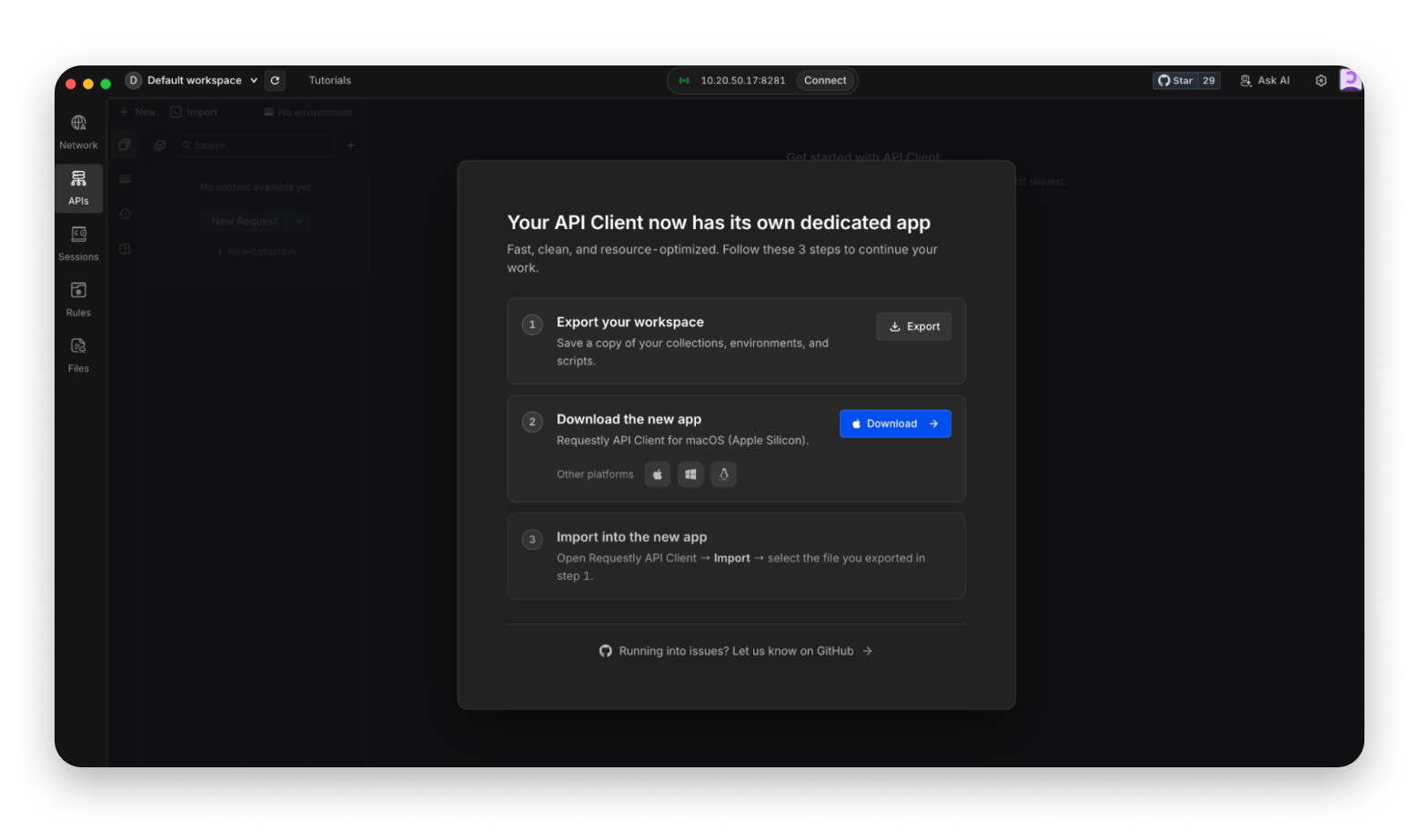
Requestly is the best Postman alternative for Mac as it offers a light and local-first workflow. I particularly like its compatibility. A developer with a 200-request Postman collection can migrate and continue working without rebuilding anything manually.
The native Mac API client is local-first and works without an account, but there’s optional cloud sync and team workspaces for collaborating with your team. You also get HTTP modification rules (intercept, modify, mock responses) that Postman doesn't offer.
However, Postman still has the advantage in large-scale team workflows, as Requestly is designed to reduce overhead for solo developers and small teams.
Pricing: Available on Setapp.
Pros:
- One-click Postman import
- Local-first workflow
- Pre/post scripts in familiar JavaScript syntax
Cons:
Bruno: Best open-source Git-friendly pick
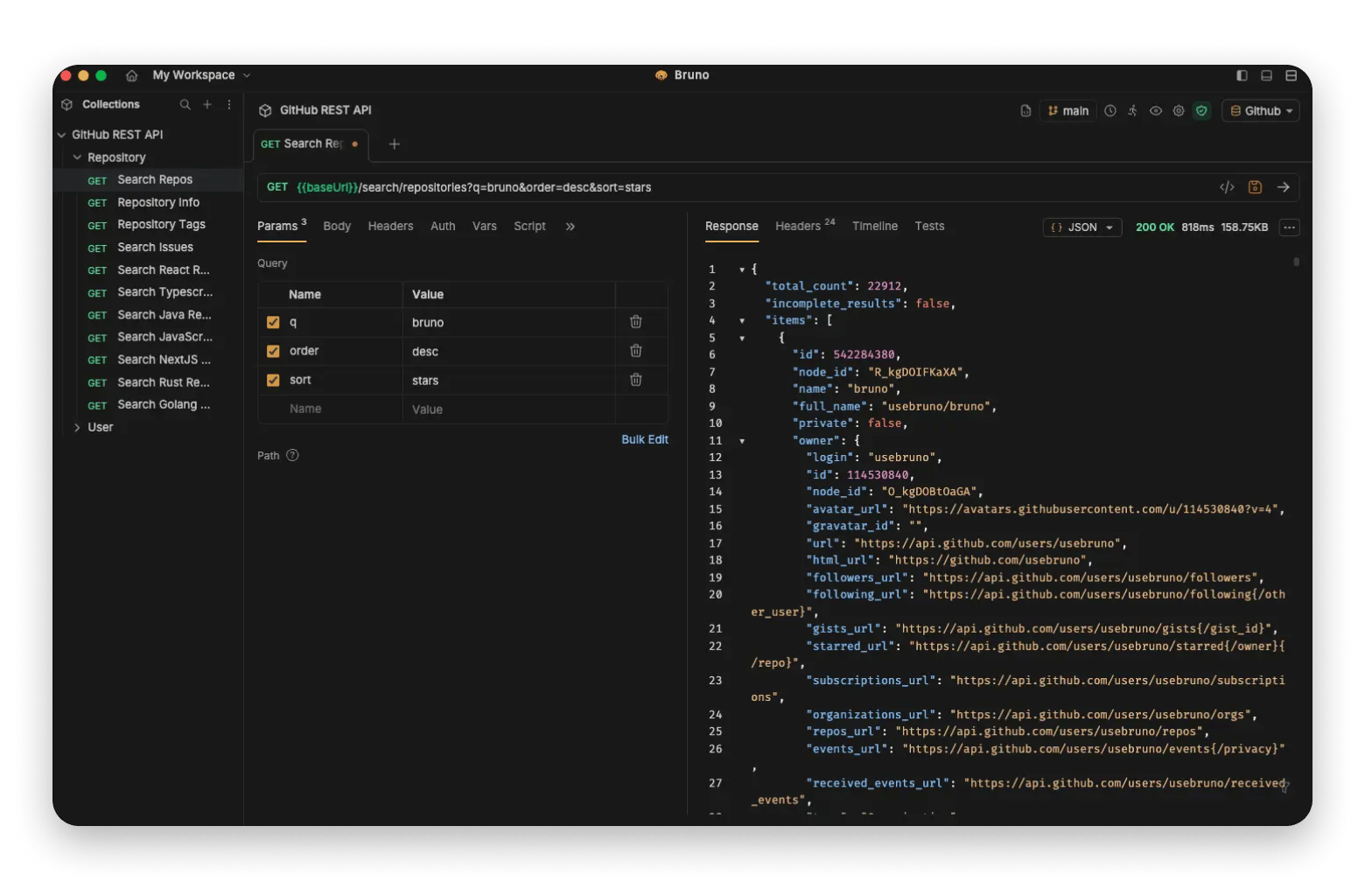
Bruno is the best free postman alternative, and it’s built for developers who want their APIs to live alongside their code. What sets it apart is that it locally stores everything in plain text format. API requests can be committed to Git, reviewed in pull requests, and versioned without any account or telemetry.
The Mac app is built on Tauri rather than Electron. It uses significantly less RAM than Postman, often operating at under 200MB.
The main trade-off is that the ecosystem is still quite small. It also can’t match the collaboration features of Postman.
Source: usebruno.com
Pricing:
- Free plan
- Paid plans from $72 per year
Pros:
- Git-native collection storage
- No account required
- lightweight Tauri-based app
Cons:
- Smaller ecosystem
- Fewer collaboration and enterprise features than Postman
Insomnia: Best open-source full-featured client
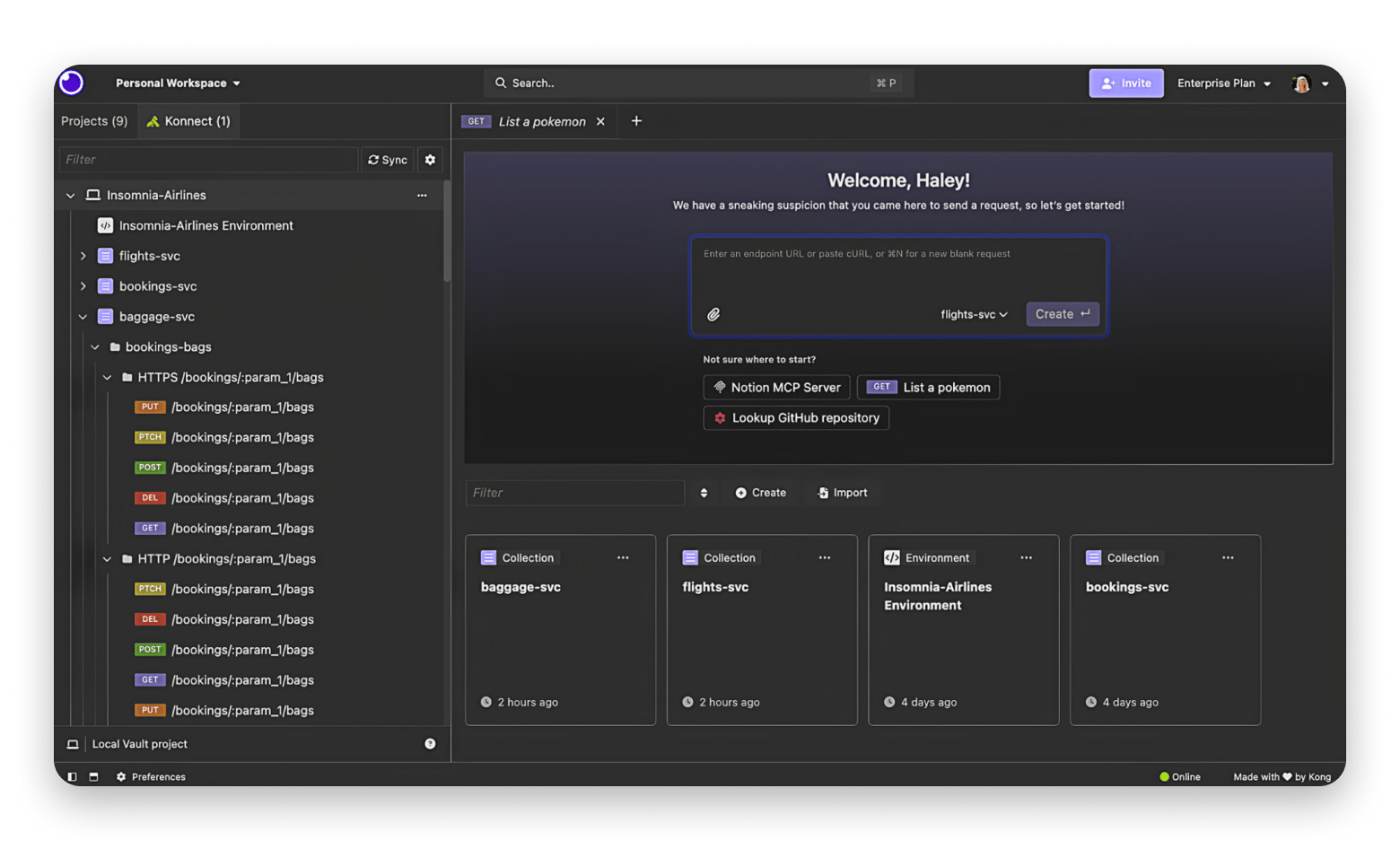
Insomnia is the most mature Postman alternative open-source tool and the one likely to cover all the workflow features you are looking for. It strikes a good balance between functionalities without feeling as heavy as Postman. REST, GraphQL, and gRPC are all supported natively, and you can import your Postman collections cleanly.
The major downside is that it seems to be taking the Postman trajectory since its acquisition by Kong in 2019. Major updates are adding more features and deeper cloud integration as the app moves towards cloud sync.
Most features still work offline, but you may need to confirm with the latest version at the time of migration.
Source: insomnia.rest
Pricing:
- Free and open-source plan
- Paid plans from $12/user/month
Pros:
- Most mature open-source option
- Clean interface
- Strong protocol support
- Large plugin ecosystem
Cons:
- Drift toward cloud sync in recent versions
- Team features are locked behind paid tiers
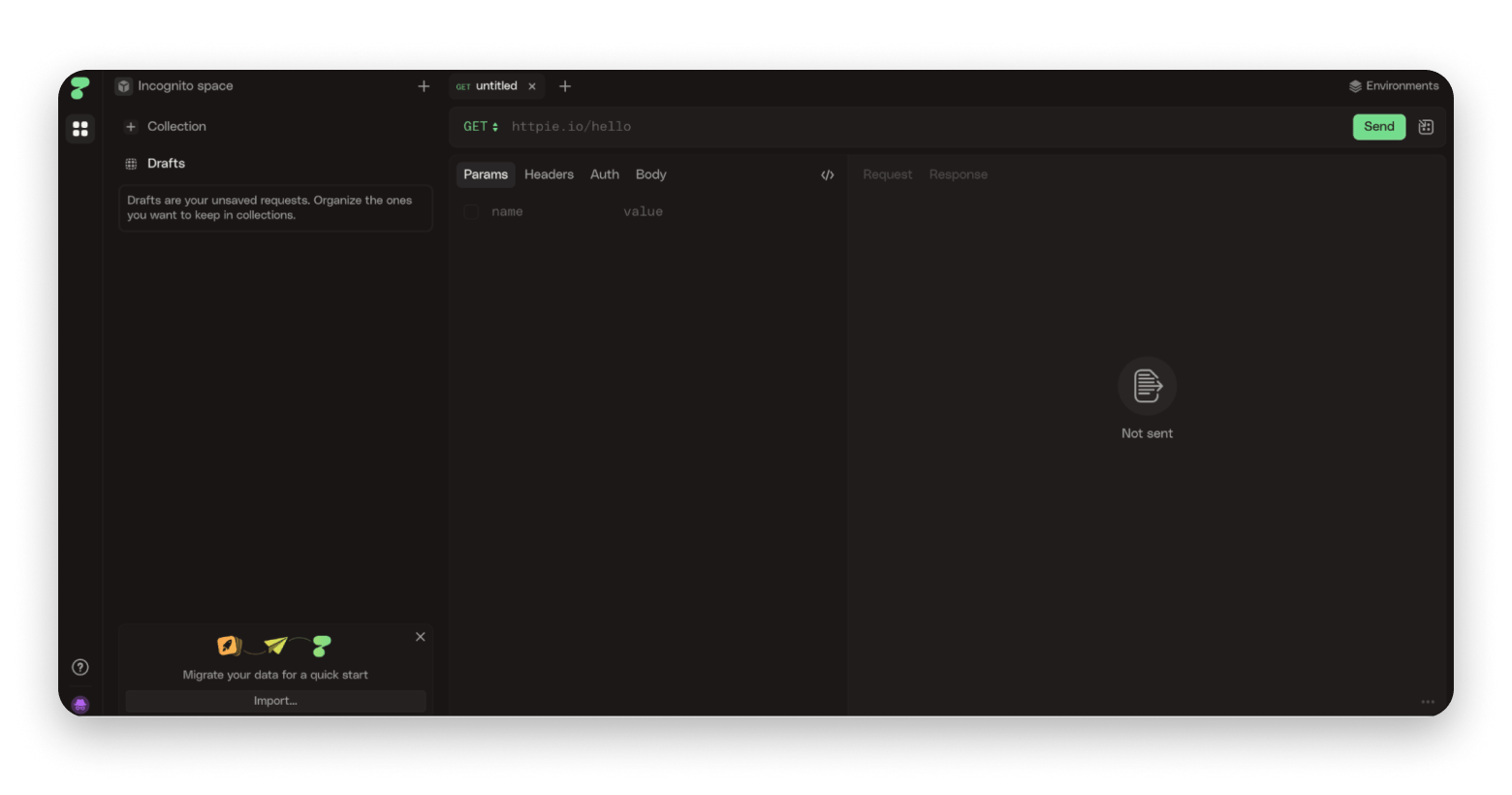
HTTPie Desktop: Best for developers coming from curl
HTTPie Desktop basically takes the simplicity of the popular HTTPie command-line tool and wraps it in a clean interface. It stays true to its roots and strips everything that is not a request or response.
The Mac app is native and handles JSON very well with automatic detection, colorized output, and clean formatting. However, you won’t get Postman features like collection management, team workspace, or a documentation generator.
HTTPie Desktop is best suited to individual developers who just want to test endpoints and experiment with APIs.
Pricing: Free and open-source
Pros:
- Clean Mac-native interface
- Familiar to HTTPie CLI users
- Complements CLI workflows well
Cons:
- Limited collection imports from Postman
- Minimal features
Hoppscotch: Best browser-based open-source option
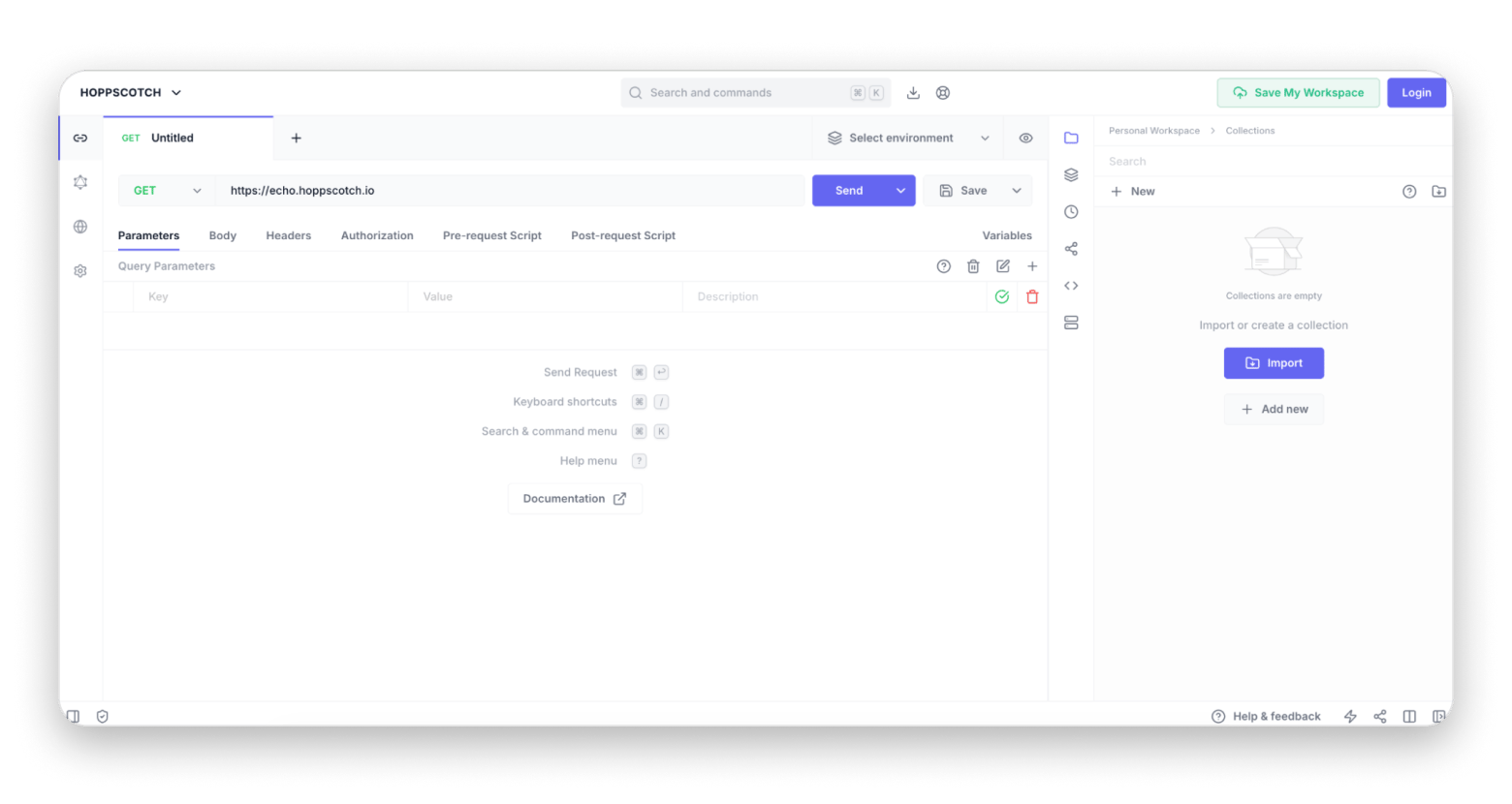
Hoppscotch runs in a browser tab, but its functionalities still make it one of the best Postman alternatives for Mac. It supports REST, GraphQL, and WebSocket requests, and you can also import your work from Postman, Insomnia, OpenAPI, and GitHub Gist. There’s even real-time collaboration through workspaces to allow multiple devs to work on the same request collection simultaneously.
It runs smoothly on Mac since it's browser-based, but the features are quite limited compared to the likes of Postman and Insomnia. However, the team is working on desktop versions.
Pricing:
- Free for individuals and small teams
- $8/user/month for teams and organizations
Pros:
- Supports multiple protocols
- Lightweight experience
- Easy team sharing
Cons:
- Browser-first workflow
- Fewer advanced features than desktop-focused alternatives
RapidAPI Client (formerly Paw): Best Mac-native option
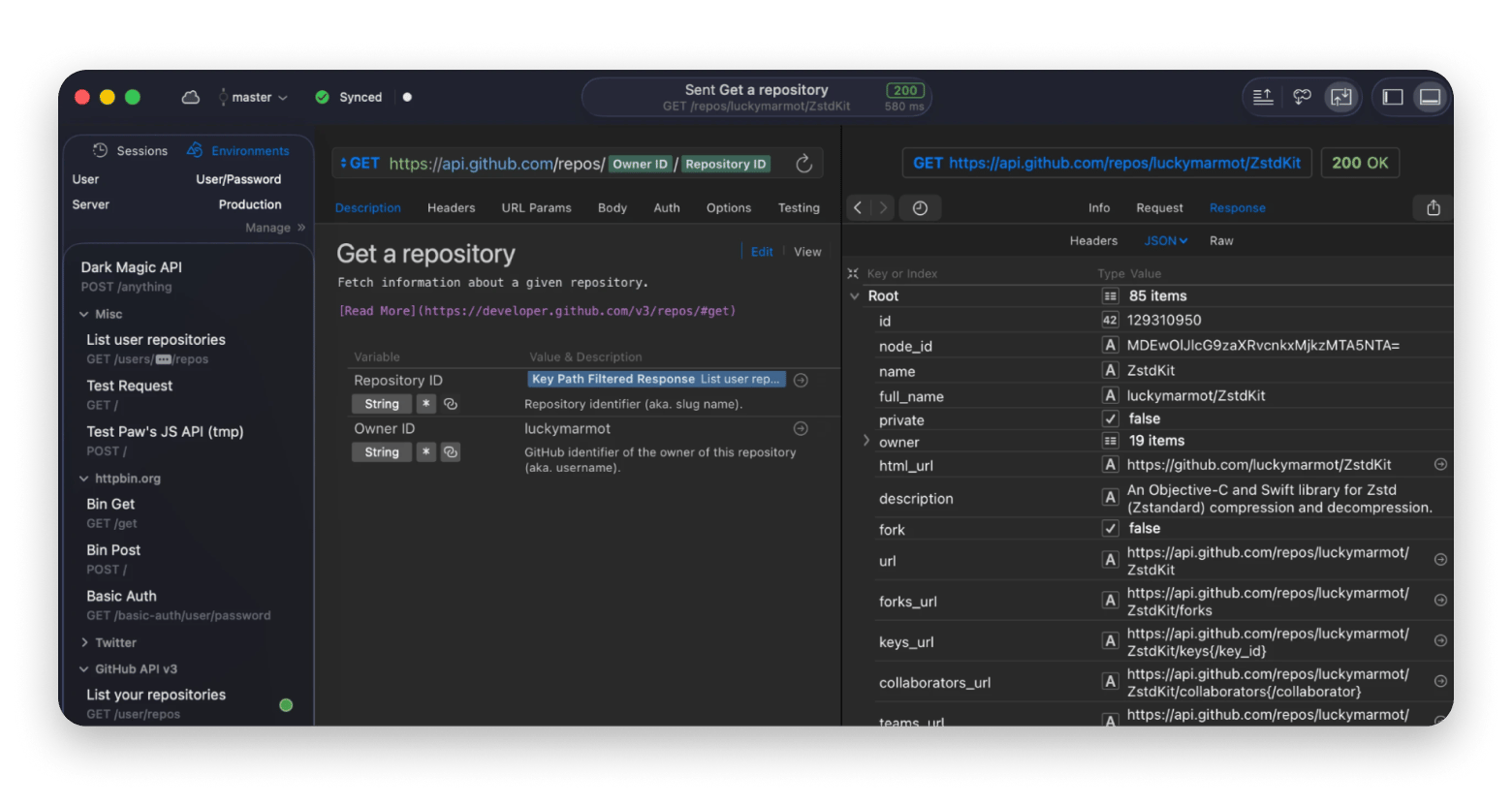
RapidAPI Client, formerly known as Paw, is a great Postman alternative for users who put a lot of emphasis on Mac conventions. It’s one of the few API clients that are built specifically for Mac.
Beyond the polished UI, RapidAPI Client offers powerful environment management, dynamic values, request chaining, and code generation in more than 20 programming languages. You can build a request, test it, and then instantly generate production-ready code snippets.
The production roadmap is now tied to the broader RapidAPI ecosystem after acquisition, but it's a great option for Mac-only developers who want a deeply native experience and are willing to pay for it.
Source: paw.cloud
Pricing:
- Free limited plan (100 requests a day)
- Paid plans start at $9.99/month (5000 monthly requests)
Pros:
- Excellent macOS integration
- Polished interface
- Powerful environment management
Cons:
- Free plan is heavily limited
- Unlimited requests are quite expensive at $999 per month
Yaak: Best newer local-first alternative
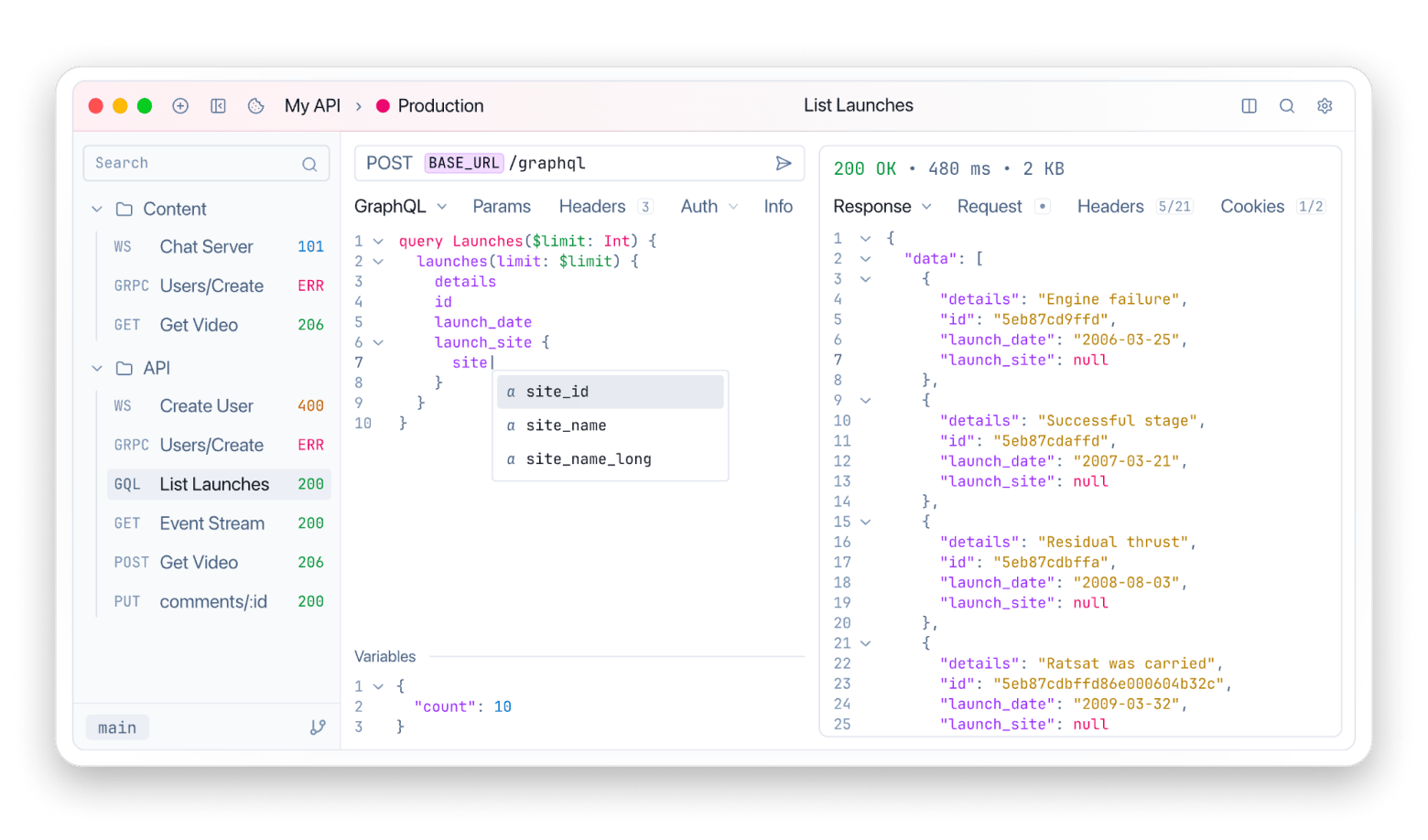
Yaak is a new lightweight Postman alternative that embraces a local-first philosophy. It was actually built by the original Insomnia developer in response to the former moving to a cloud model. It’s Mac-native and doesn’t even require an account for personal use.
Yaak has a minimalist interface but supports REST, GraphQL, and gRPC, the main protocols that developers work with every day. You can import existing Postman collections, organize requests into projects, and continue testing APIs without changing their workflow.
Its community, features, and ecosystem are limited (it only launched in 2024), but the tool is actively developed and well-designed.
Source: yaak.app
Pricing:
- Free individual plan
- Paid plans start at $79/year
Pros:
- Local-first by default
- Native app with a great interface
- Wide protocol support
Cons:
- Smaller community and ecosystem
- Newer project with less production mileage
curl: Best built-in CLI option
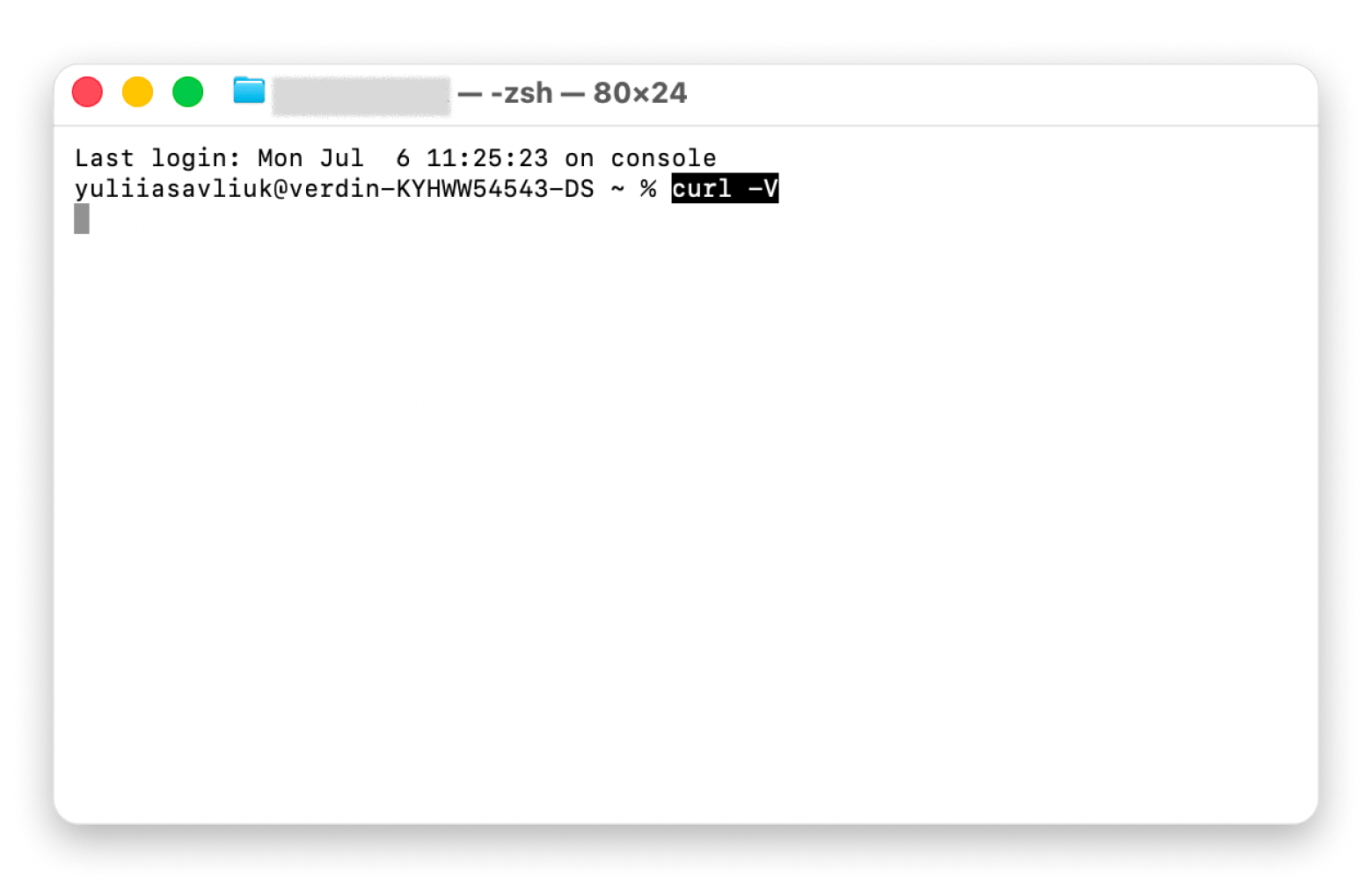
curl is pre-installed on every Mac and accessible from the Terminal commands. It’s a simple tool to interact with your API as there’s no interface to learn, no account to create, and no app to install. Just open Terminal and send a request.
While it sounds oversimplified, it’s enough when you want to do quick endpoint checks. It’s also scriptable, automatable, and useful in any CI pipeline. A backend dev trying to find why an API is failing can use curl to reproduce the request with a single command and then see what’s happening without needing a desktop client.
The obvious issue is in the usability, as there’s no GUI. And as the requests become more complex, you may need to look at other Postman alternatives.
Pricing: Free and included with macOS
Pros:
- Available on every Mac
- Highly scriptable and ideal for automation
- Works in any CI environment
Cons:
- No graphical interface
- Difficult to manage large collections of requests
HTTPie CLI: Best modern command-line client
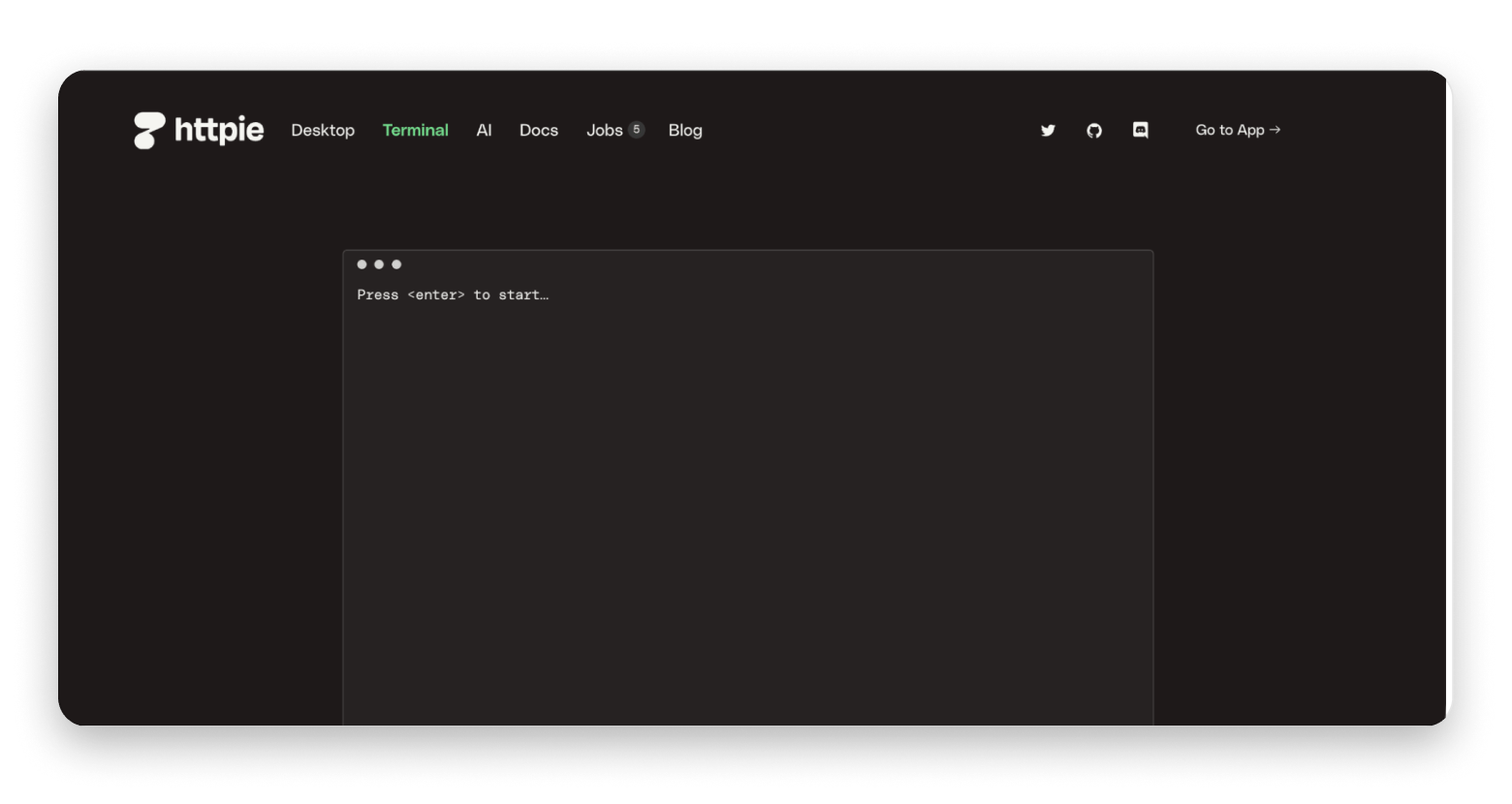
HTTPie CLI essentially takes the power of curl and makes it more pleasant to use. It was created for developers who still want to make their requests via the command line but don’t want the hassle of memorizing long strings of flags and parameters.
When you get a response, curl automatically colorizes it and highlights the syntax to make everything easier to read and write. It’s also fully scriptable, so it fits naturally into automation workflows, shell scripts, and CI/CD pipelines.
The drawback is similar to curl in that there’s no GUI. But at least it works better for developers who want the speed of CLI without the verbosity and complexity of curl.
Pricing: Free and open source
Pros:
- Cleaner syntax than curl
- Excellent JSON handling
- Easy to learn for a CLI tool
Cons:
- No graphical interface
- Not ideal for managing large API collections
Thunder Client: Best VS Code extension
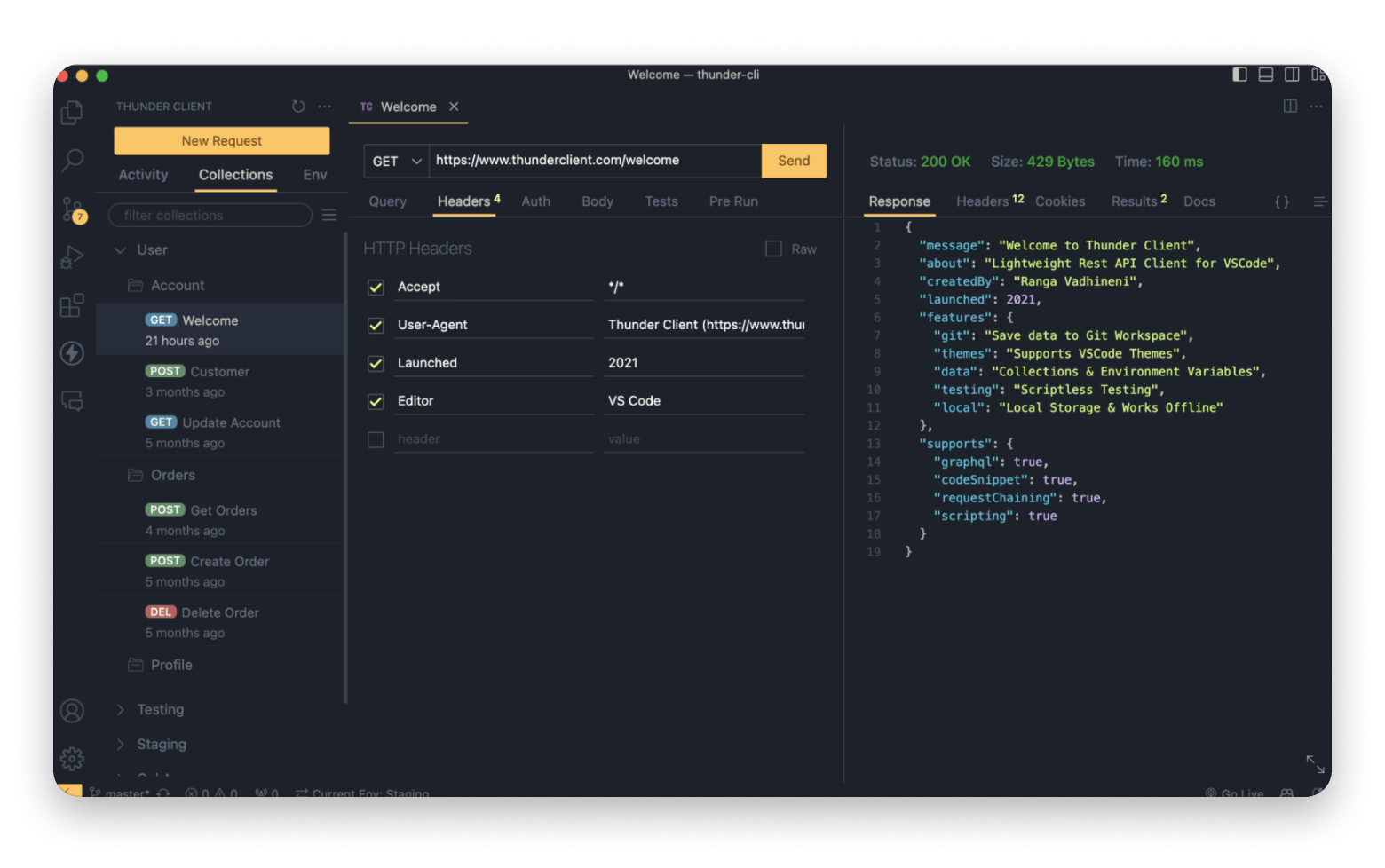
Thunder Client brings API testing directly into VS Code, an editor that many developers spend their day in. This means that you don’t need to switch to a different app to create requests, organize collections, or inspect responses.
That kind of convenience is quite useful. A developer building a new endpoint can update the code, run the server, test the API, and review the response from the same window.
The trade-off is that the add-on doesn’t offer the advanced features you’ll find in a tool like Requestly or Insomnia. It’s best for developers who already use VS Code and want to simplify AP testing.
Source: thunderclient.com
Pricing:
- Free plan
- Paid plans from $3 per user
Pros:
- Works directly inside VS Code
- Minimal context switching
- Quick setup and easy to learn
Cons:
- Limited advanced features
- Tied to the VS Code workflow
Other Mac tools that complete an API testing workflow
Here are a few tools that can help with what happens around your requests and responses:
- TablePlus – It connects directly to the database your API reads from and writes to. It comes in handy when you want to verify your API responses against underlying data.
- Proxyman – It’s great for HTTP traffic inspection at the system level, since some bugs only appear when you watch the actual network call. It captures every request to let you inspect and replay it.
- CleanShot X – Comes in handy during documentation as it makes it easy to take annotated screenshots. You can also capture scrolling screenshots and record the screen.
These three, alongside Postman alternative Requestly, are available on Setapp.
If you're versioning your API work in Git the way Bruno encourages, the guide to the best Git clients for Mac is worth bookmarking.
Migrating from Postman to your new API client
Moving away from Postman is easy if you organize your collections well.
- Export your Postman collections as v2.1 JSON files as the format is highly compatible.
- Import the collection to your new client and verify it’s complete. Check the variables, pre-request scripts, and authentication settings as they often cause migration issues.
- Rebuild any Postman-specific workflows that you need to.
- Adapt your documentation and workflows to the new environment.
- Keep Postman installed for at least 30 days to give you time to verify everything is in order.
Note: Complex Postman test scripts using the Postman-specific pm.* API may need manual rewriting if your new tool uses a different scripting model.
Which Postman alternative should you choose?
Choosing the right Postman alternative relies on your specific needs, but here’s a framework that can help:
- I want a one-click drop-in replacement that imports my Postman collections → Requestly imports a complete collection and is local-first.
- I want my API specs to live in Git alongside my code → Bruno stores everything in plain text alongside the API.
- I want the most mature open-source option → Insomnia has the largest feature set.
- I want the deepest native Mac feel → RapidAPI Client (formerly Paw) is built specifically for Mac.
- I want to stay in my editor → Thunder Client lives inside VS Code.
- I want a CLI tool I can pipe into scripts → HTTPie CLI for readable syntax or curl for portability.
- I want a browser-based tool for team sessions → Hoppscotch is free.
Postman is still a great choice if you have a large team that relies on shared workspaces, but these make API requests simpler and give you a lighter experience.
You've found your Postman replacement. Now go get it. Requestly, TablePlus, Proxyman, CleanShot X, and 270+ more apps — one membership. Unlock 270+ Apps.
Secondary: Cancel before Day 7 — $0 charged
FAQ
Is there a free Postman alternative that imports my existing collections?
Yes. Bruno, Insomnia, and Yaak can all import Postman collections. But if you are looking for the smoothest experience, Requestly offers one-click import of complete Postman collections.
What is the best lightweight Postman alternative for Mac?
Bruno and Yaak are the best lightweight Postman alternatives for Mac, while Hoppscotch works right in the browser. If you prefer the command line, curl and HTTPie CLI are even lighter.
Can I use a Postman alternative without creating an account?
Yes. Requestly, Bruno, curl, and HTTPie CLI are Postman alternatives that don’t require an account.
Which Postman alternative works best for GraphQL on Mac?
Requestly is the Postman alternative that works best for GraphQL, as you can intercept, modify, mock, and debug GraphQL APIs directly from your offline desktop app. Insomnia, Hoppscotch, and Yaak also work well with GraphQL.
Is Postman still better than its alternatives for team collaboration?
Yes, Postman still offers better team collaboration features than its alternatives. Most Postman alternatives specialize in other areas like simplicity, local-first workflows, or lower resource usage.






 Best solution
 Best solution