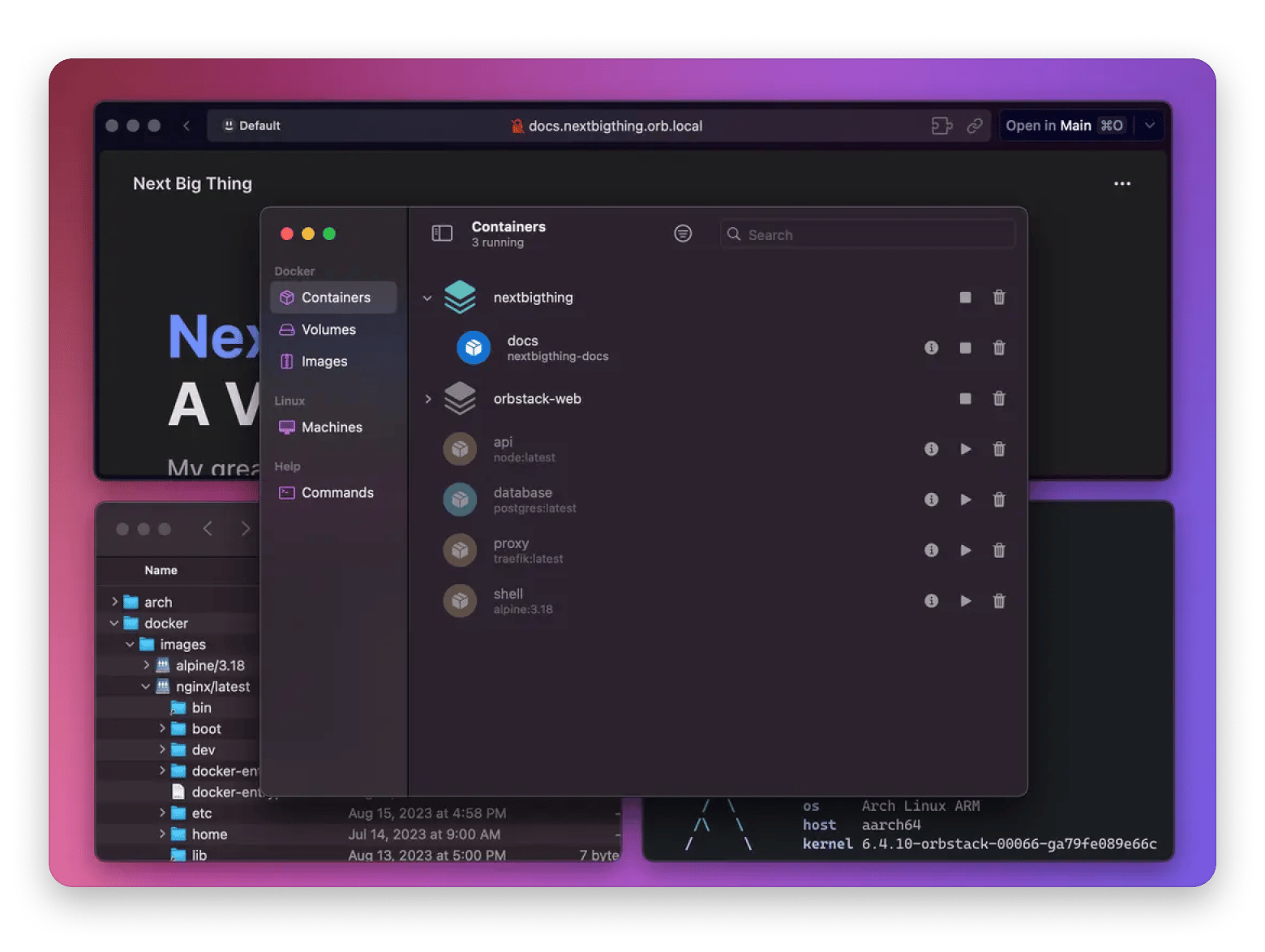
OrbStack — fastest, most polished native Mac GUI; low resource use; starts in seconds. Free tier available.
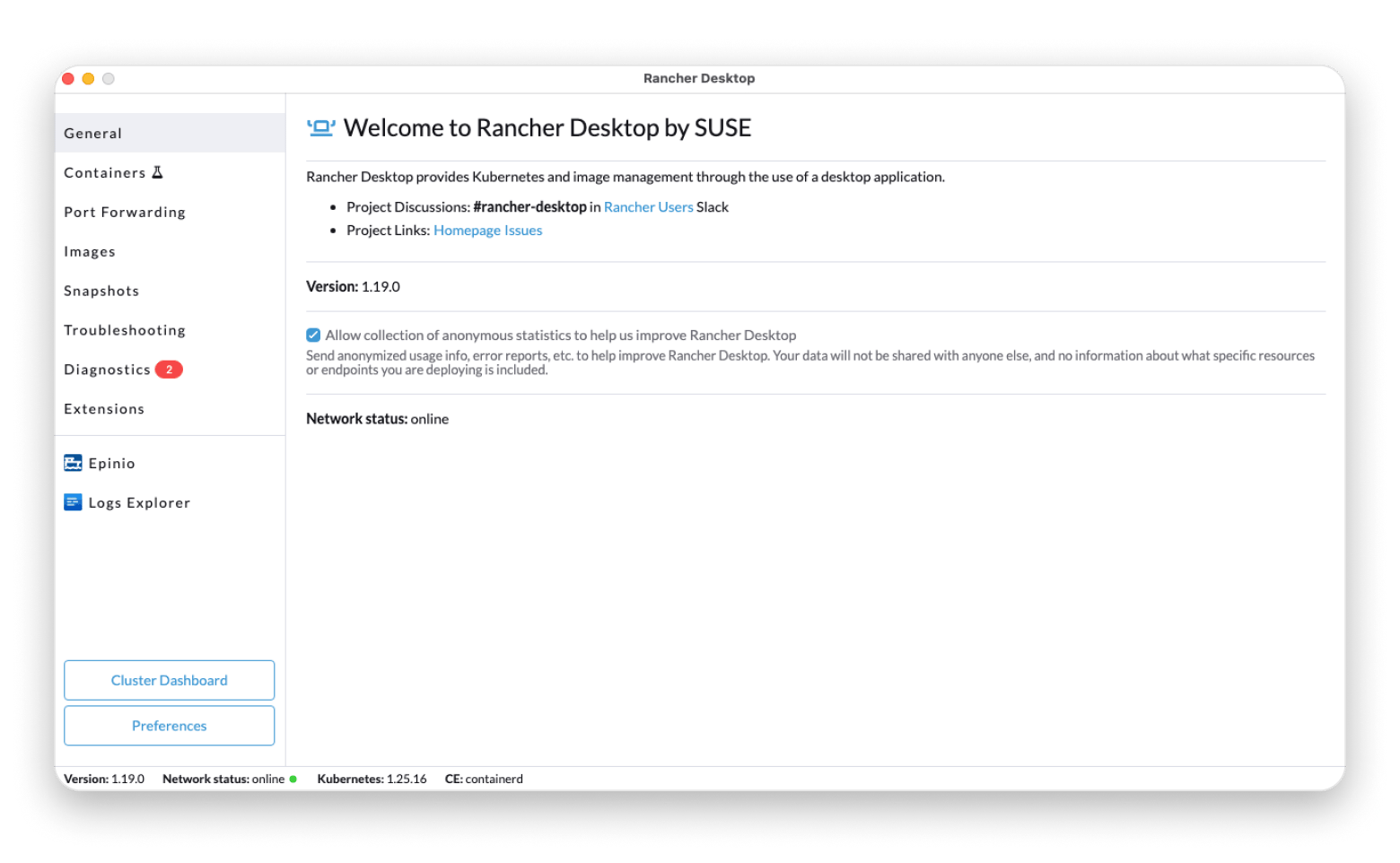
RancherDesktop — best for Kubernetes; manages containers and K8s clusters in one open-source tool.
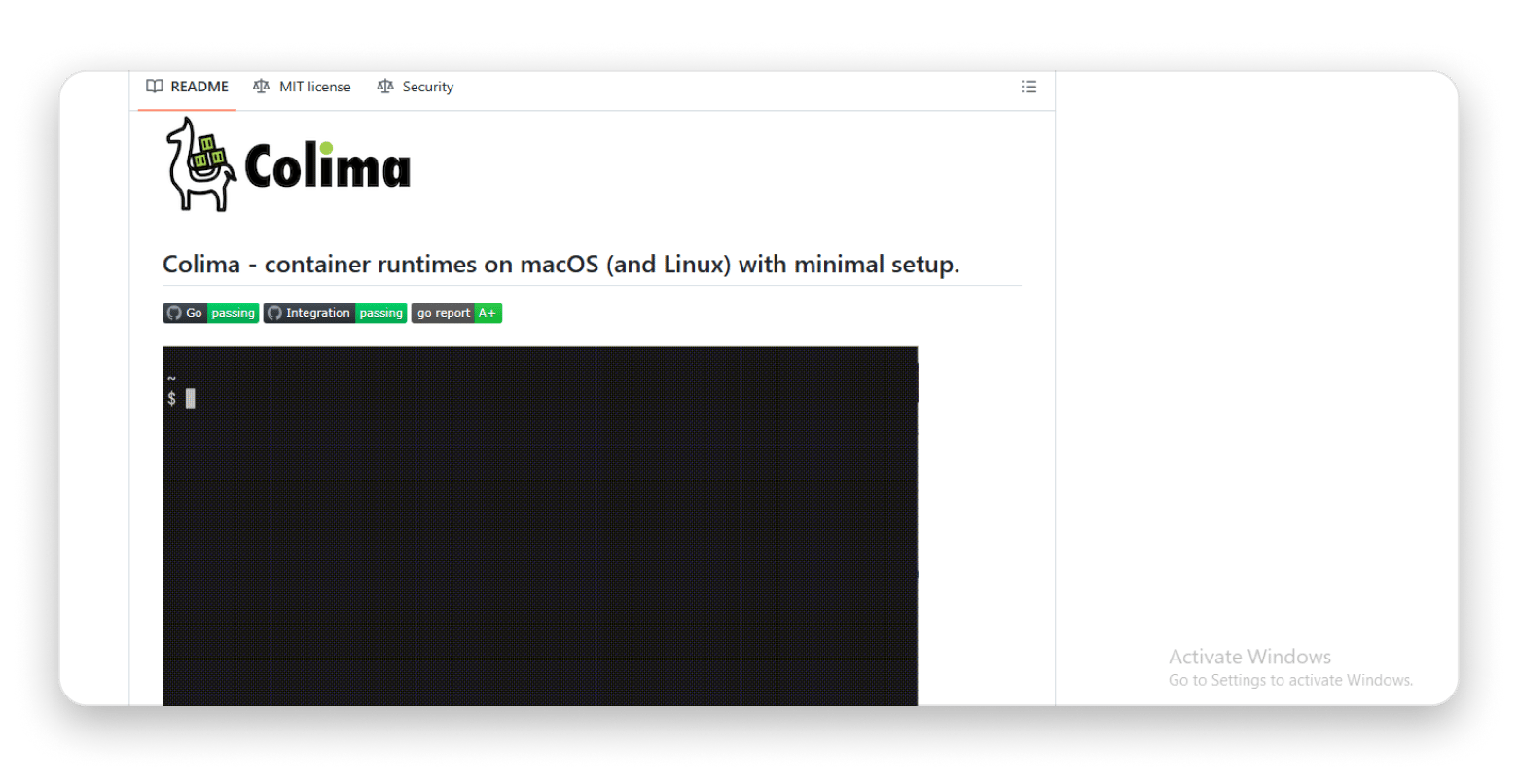
Colima — best for CLI users; lightweight, no GUI, installs via brew install colima.
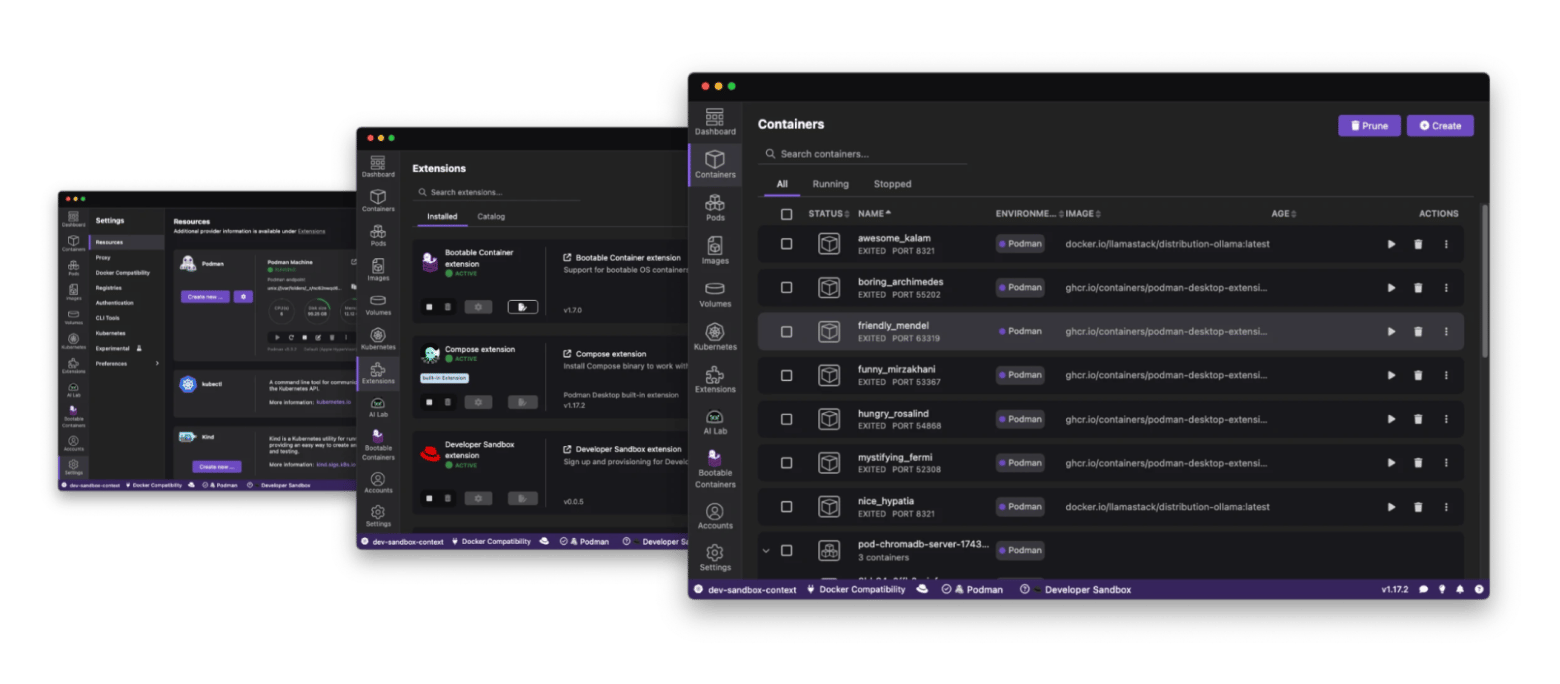
PodmanDesktop — best for security; daemon-less, runs containers without admin privileges.
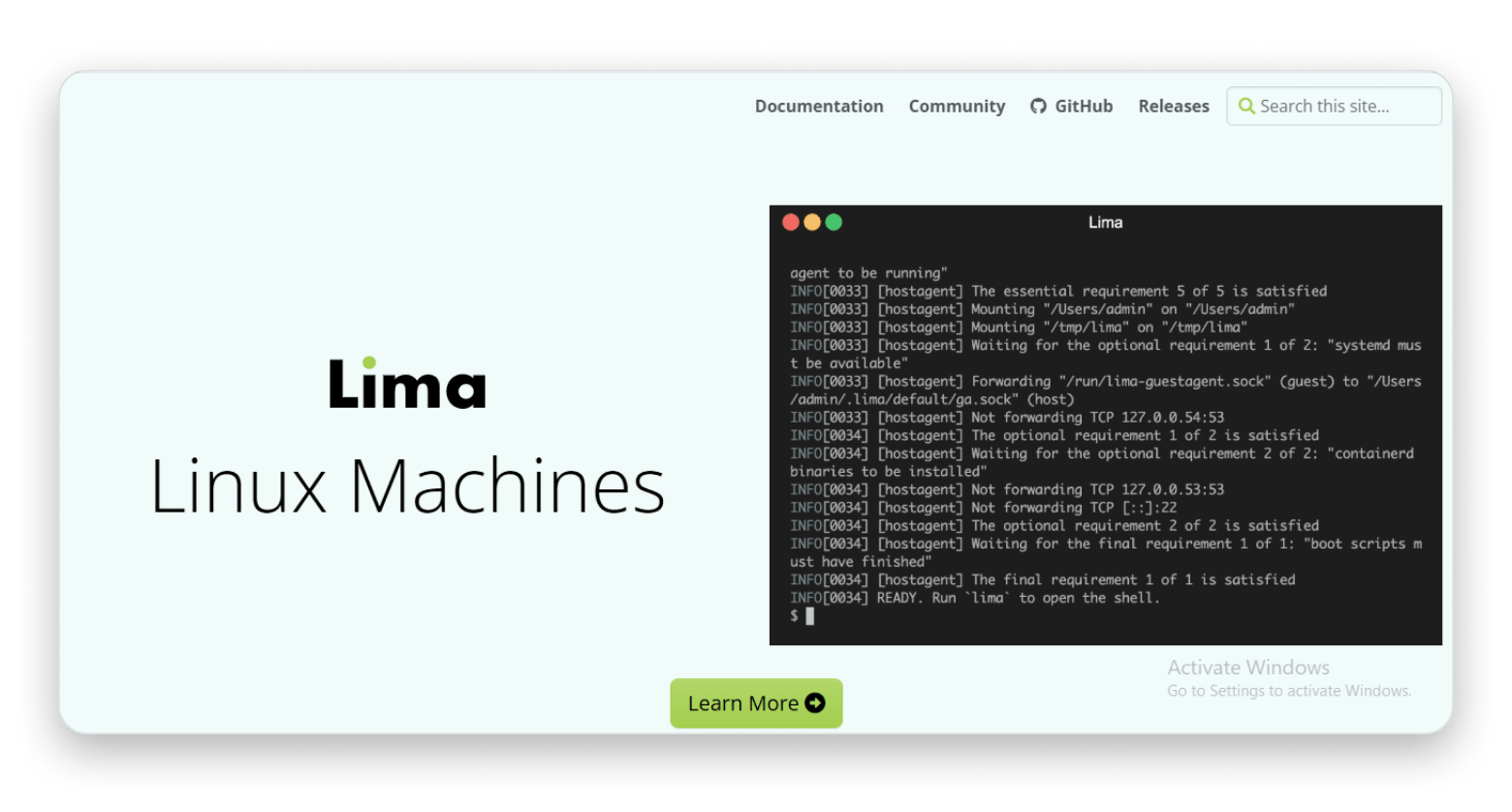
Lima — best for power users; build a fully custom Linux VM environment from scratch via brew install lima.
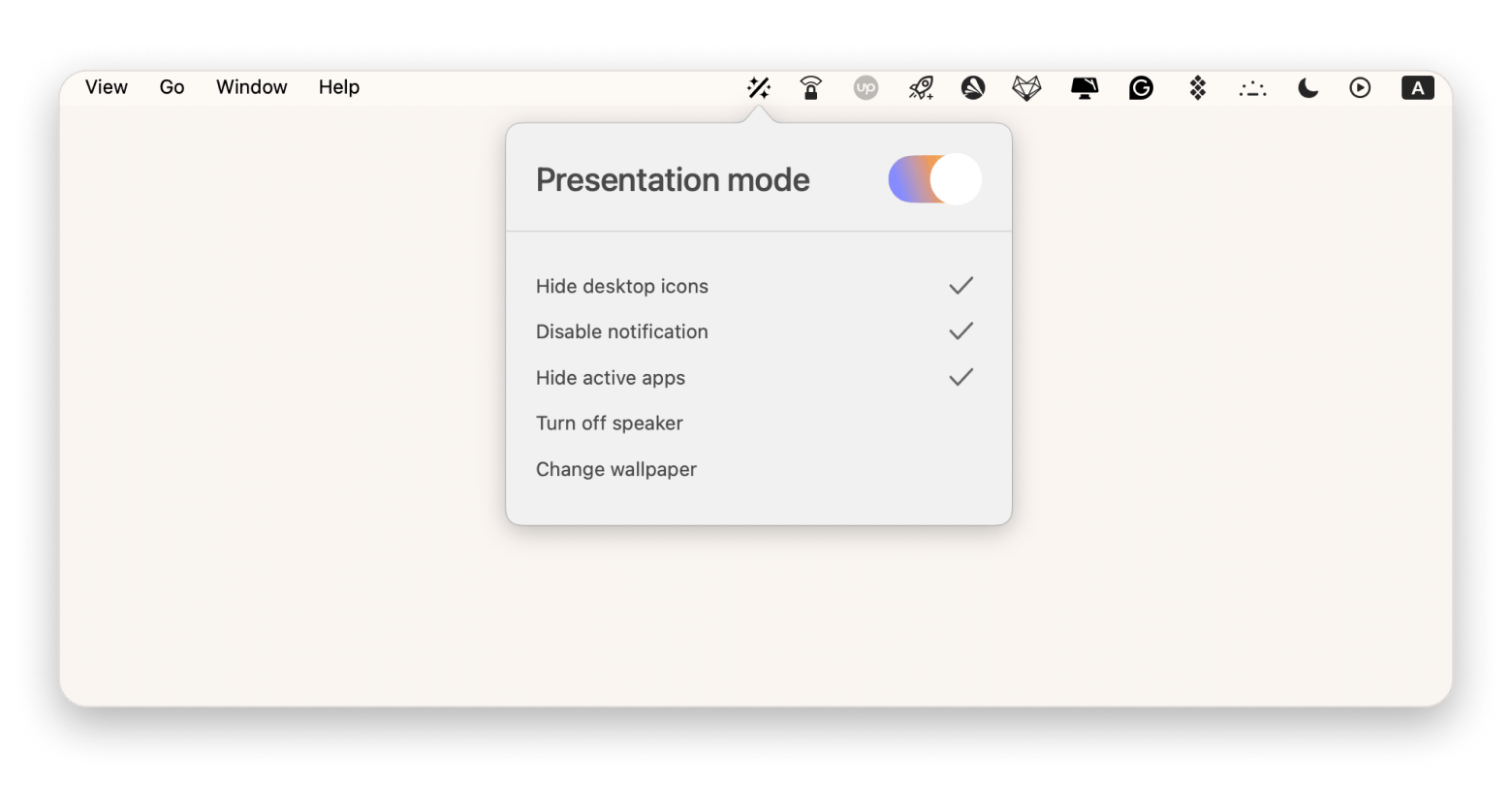
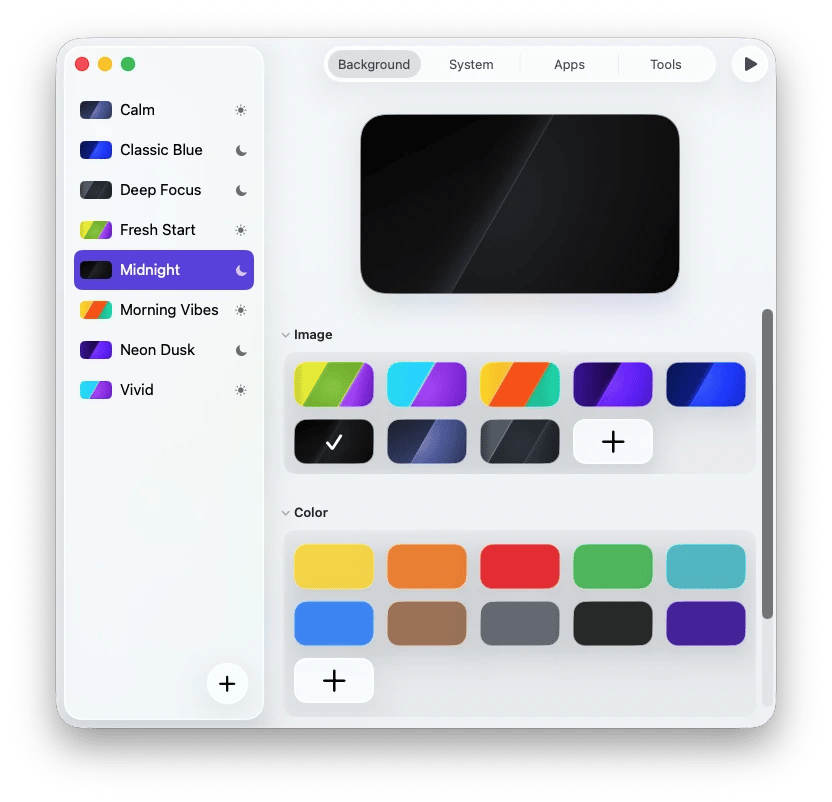
Boost your dev workflow with Mac productivity tools. • WallCal — desktop calendar widget that keeps your schedule visible on the wallpaper. • WidgetWall — adds widgets to your Mac desktop (timers, system stats, notes, and more). • PliimPRO — one-click presentation mode: hides desktop icons, mutes notifications, and cleans up your screen before screen sharing. • One Switch — toggles macOS settings (Dark Mode, Do Not Disturb, screen lock) from a menu bar icon. Try these apps FREE for 7 days on Setapp — no ads, limitations, or hidden fees.
For years, Docker Desktop has been the go-to tool for building, testing, and shipping code, but that changed when the app stopped being free for enterprise use. The good news is that there are many awesome alternatives out there.
In this guide, I’ll walk you through the five best Docker Desktop alternatives for Mac that I've been testing and using. Plus, I'll share a few bonus productivity apps that can make your entire development workflow smoother.
Want to get premium app recommendations? Use the free Productivity tool finder to get the right tools based on your goals.
Top Docker Desktop alternatives and their uses
App
Who it is for
OrbStack
OrbStack is perfect for the Mac developer who values speed, efficiency, and a polished user interface.
Rancher Desktop
Developers who work heavily with Kubernetes or want a single tool to manage both.
Colima
Those who want the most lightweight, no-frills alternative to Docker Desktop on Mac.
Podman Desktop
Security-conscious developers or teams working in environments where running processes as root is a concern.
Lima
Advanced users, system administrators, or developers who want to build a highly customized development environment from the ground up.
Now it's time to dive into the five Docker Desktop alternatives for Mac. I’ve personally tested these tools on my M2 MacBook, and I can confirm they're the best options in 2026.
1. OrbStack: Fast, light, and easy
OrbStack is an awesome alternative to Docker Desktop for Mac that feels like it was designed by Apple itself. This native Swift application quickly became a favorite among the Mac community for being fast, light, and affordable.
Its main selling point is its speed and low resource usage. It starts in seconds and uses less CPU than a standard web browser.
Source: orbstack.dev
In 2025, OrbStack became even faster and lighter, with quicker startup times and lower resource use on the latest M-series Macs. It now includes easy Kubernetes integration and offers improved networking features for handling more complex development setups.
How can I install it? Go to the OrbStack website and download the latest version for macOS.
Who is it for? OrbStack is perfect for the Mac developer who values speed, efficiency, and a polished user interface.
2. Rancher Desktop: Best for macOS and Windows
Rancher Desktop, made by SUSE, is an open-source app that lets you handle both containers and Kubernetes on your desktop. Its real strength is flexibility, so it’s a great all-in-one pick for developers who work with Kubernetes or are curious to give it a try.
Source: suse-rancher-media.s3.amazonaws.com
The GUI lets you manage your environment, choose your Kubernetes version, and see your running services at a glance. It's cross-platform, but it works great on Mac, with full support for Apple Silicon.
In 2025, Rancher Desktop put a big focus on making things easier and faster. The setup process is now more straightforward, resource controls let you limit memory and CPU use, and it ships with the latest stable Kubernetes versions for a smoother, more efficient experience.
How can I install it? You can download the application from the official Rancher Desktop website.
Who is it for? Rancher Desktop is the best Docker Desktop alternative for Mac for developers who work with Kubernetes or want a single tool to manage both their containers and local K8s clusters.
3. Colima: Minimal setup for the best results
If you love working in the command line, Colima is the best option for you. The name stands for "Containers on Linux on macOS," and that's exactly what it does. It's a CLI tool that provisions a Linux VM and sets up a container runtime (Docker or containerd) for you. It's lightweight and open-source.
Source: github.com
Colima now offers better support for alternative virtual machine backends. It has also improved its default networking and file-sharing configurations for even better performance on Apple Silicon.
How can I install it?
You can install Colima with Homebrew by running this command in Terminal (make sure you have Homebrew installed on your Mac first):
brew install colima
Who is it for? Colima is best for developers who prefer working entirely in the terminal and don’t need a graphical interface.
4. Podman Desktop: Free and open-source
Podman, short for Pod Manager, is a container engine from Red Hat that’s become popular as a secure alternative to Docker Desktop for Mac. Unlike Docker, it doesn’t rely on a single, always-running background service. This “daemon-less” setup means you can run containers without admin privileges, which makes it a safer option.
Source: podman-desktop.io
The 2026 version boasts a refined UI for a smoother workflow, better compatibility with the Docker CLI, and improved performance on Apple Silicon.
How can I install it? You can download Podman Desktop from the official website.
Who is it for? Podman Desktop is a great pick for developers who put security first or for teams that want to avoid running processes as root.
5. Lima: Automatic file sharing and port forwarding
Lima isn't a direct Docker Desktop alternative for Mac, but the foundation that other tools, like Colima, are built on. It’s a command-line tool that lets you launch and manage Linux virtual machines on macOS, with handy features like automatic file sharing, port forwarding, and containerd integration.
Source: lima-vm.io
Some of the major updates in 2026 focused on support for more advanced networking configurations, improved file-sharing performance, and better integration with host macOS services.
How do I install it?
You can set up Lima with Homebrew by running this command in Terminal (make sure you have Homebrew installed on your Mac first):
brew install lima
Who is it for? Lima is great for power users, sysadmins, or developers who like to get hands-on and build a fully customized development setup from scratch.
Choosing the right tool for your use case
Feeling a bit overwhelmed by the choices? Don't be. Here's my simple guide to picking the right tool based on your style and needs:
Choose OrbStack if you love the native Mac aesthetic and want the fastest, most polished GUI experience without any fuss.
Go with Rancher Desktop if you're an open-source advocate who needs a free, all-in-one solution for both Docker containers and Kubernetes.
Colima is your best choice if you live in the terminal and want the most lightweight, resource-friendly, command-line-only Docker experience.
Opt for Podman Desktop if your priority is security, you prefer a rootless and daemon-less architecture, or you're working in a Red Hat ecosystem.
Look no further than Lima if you're a power user who loves to customize every aspect of your environment and wants to build a custom Linux VM setup for your containers.
At the end of the day, go with your gut feeling. It's you who has to run the containers on your machine, so choose the alternative that makes you feel the most comfortable.
While you’re optimizing your container workflow, why not boost your overall Mac productivity? Here are some of the productivity apps I use daily:
WallCal is a desktop calendar to keep your schedule front and center.
WidgetWall is a customizable desktop widget for quick access to info.
PliimPRO declutters your screen for presentations or focus sessions.
One Switch toggles multiple macOS settings with one click.
These tools can help you stay organized, especially if you’re juggling multiple projects. For example:
I use PliimPRO to clean up my desktop before screen-sharing with my team. And if I have a long or important presentation, I prepare my notes and run Notchie. It puts my notes in the MacBook notch and auto-scrolls them while I speak, so viewers don’t see my eyes darting toward my notes, and I sound more confident.
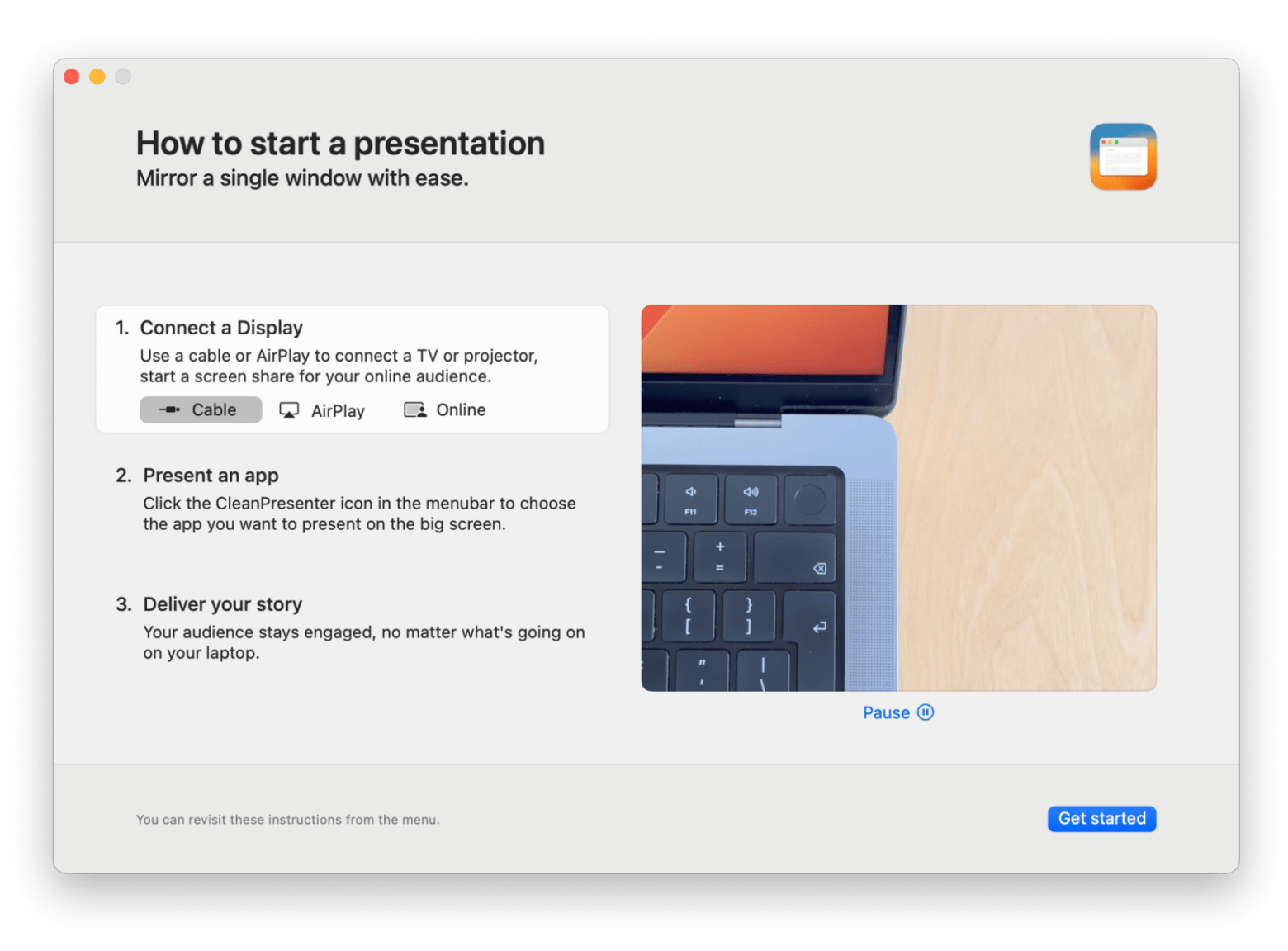
CleanPresenter is great for those who need to share live demos often. The app lets you choose a single window to mirror via AirPlay or cable without exposing anything else on your desktop. While you’re choosing what to present, the external screen shows only your wallpaper.
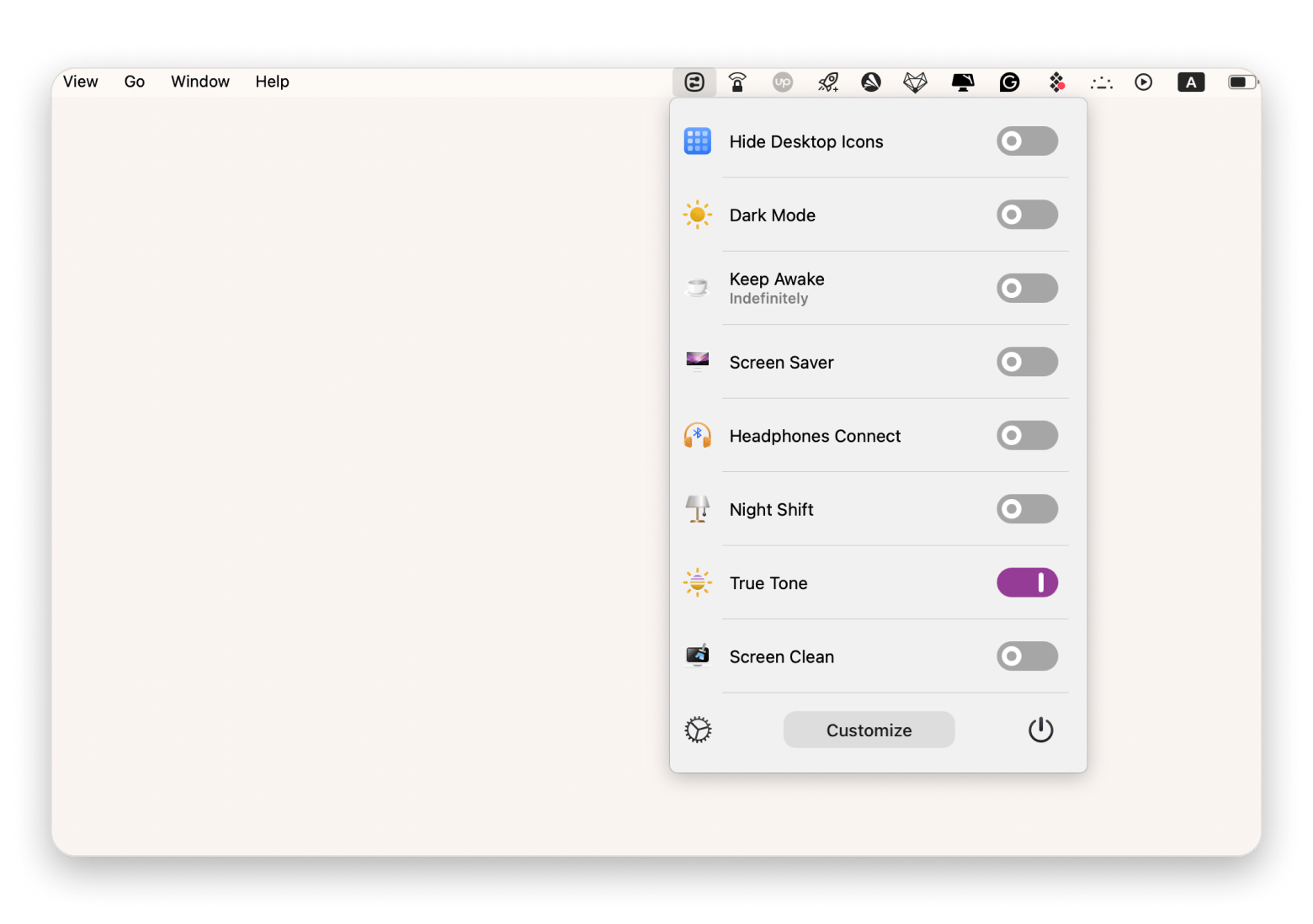
One Switch is another one of my favorites. It lives quietly in my menu bar but lets me change settings like Dark Mode, Do Not Disturb, or screen lock instantly.
Desktop Composer is an app that lets you switch between different setups, like coding setup, meetings, or personal. You create profiles with the apps, widgets, wallpapers, and other elements you need for each use case or project, and then launch the entire setup in one click.
And if you ever find your system getting bogged down, remember that sometimes a simple cleanup, like learning how to clear the YouTube cache, can help free up large amounts of space and resources.
Why developers are switching from Docker Desktop on Mac
Many Mac developers are exploring an alternative to Docker Desktop on Mac, and it’s not hard to see why. The app can be heavy on system resources, its licensing has changed, and it hasn’t always kept up smoothly with Apple Silicon.
The Docker engine is still open source, but Docker Desktop is proprietary, and for some, that’s reason enough to try something lighter and faster.
Let's break down the main drivers behind this shift.
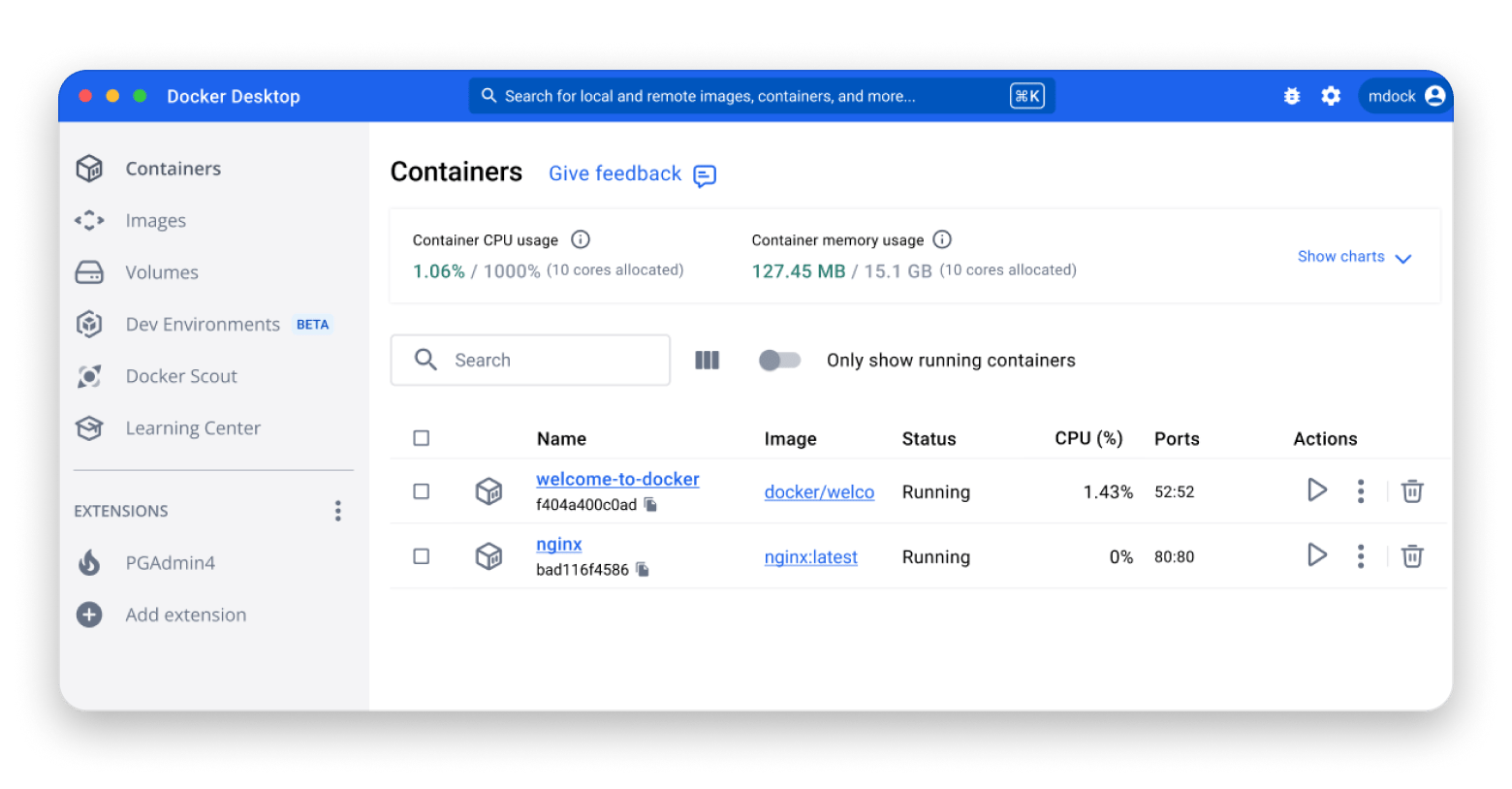
Source: docker.com
Performance & resource usage
Docker Desktop can eat up gigabytes of RAM and plenty of CPU, even when idle. If you're a developer who's juggling multiple IDEs, a browser with a hundred tabs, Slack, and maybe an emulator or two, that extra load can be a real problem.
Many of the Docker Desktop alternatives for Mac I'll cover are very lightweight. And if you're looking to reclaim system resources, it's always a good idea to learn how to check disk space on your Mac and clear out unnecessary files.
Licensing and pricing changes
A few years ago, Docker Inc. introduced a paid subscription for Docker Desktop for larger businesses.
This change pushed many developers to rethink their dependence on a proprietary tool and look for open-source alternatives. Many of the best Docker Desktop alternatives for Mac are completely free and open-source, which fits well with the values that guide much of the developer community.
Apple Silicon compatibility
Apple Silicon made Macs faster and more efficient, but it also meant developers had to adjust to a new architecture. Docker Desktop didn’t have the smoothest transition. For a while, it leaned on Apple’s Rosetta 2, which slowed things down and sometimes caused hiccups with certain images and tools.
Which Docker Desktop alternative for Mac will you choose?
There has never been a better time to find a Docker Desktop alternative for Mac. From OrbStack and Rancher Desktop to Colima, Podman Desktop, and Lima, you'll find awesome alternatives that can fit different workflows, performance needs, and hardware.
If you want to boost your productivity, try WallCal, WidgetWall, PliimPRO, and One Switch. They’ll help you keep your workspace tidy, cut distractions, and speed up your everyday tasks.
You can find all of these productivity apps on Setapp, a subscription service that gives you access to over 260 Mac and iOS apps under one plan. I love it because I can try premium apps without buying them separately, and you can test everything for free for 7 days.
FAQs
What is the best Docker Desktop alternative for M1/M2/M3 MacBooks in 2026?
The best Docker Desktop alternative for MacBooks in 2026 is OrbStack. It has exceptional speed, low resource usage, and a polished native macOS interface. If you're a CLI purist, Colima is an equally fantastic and even more lightweight option.
Are these alternatives free to use?
Yes, all these alternatives are free to use. Rancher, Colima, Podman, and Lima are fully open-source. OrbStack has a free tier that covers most individual developer needs.
Do these tools support Kubernetes?
Yes, these tools support Kubernetes. Rancher Desktop has first-class, built-in Kubernetes integration. OrbStack and Podman Desktop also offer easy ways to enable and manage a Kubernetes cluster. Colima and Lima can be configured to run Kubernetes, but they require a bit more manual setup.
Can I use the Docker CLI with these tools?
Yes, you can use Docker CLI with these tools. OrbStack, Rancher Desktop, and Colima are designed for seamless compatibility with the Docker CLI. Podman has its own CLI but provides compatibility options, and Podman Desktop helps bridge that gap.
Which alternative is easiest for beginners?
OrbStack is the easiest for beginners. Its installation is simple, its GUI is intuitive, and it requires almost no configuration to get started. Rancher Desktop is also very user-friendly, especially for those who are new to both containers and Kubernetes.






 Best solution
 Best solution