The best AI tool for an indie developer depends on the layer of work: prompt-first builders (Lovable, Bolt, v0) for fast prototypes, AI code editors (Cursor, Claude Code) for real codebases, and Mac-native utilities for everything around the code.
Vibe coding makes a first version cheap to ship, but indie developers say taste, judgment, and long-term maintenance still decide what survives.
AI generates code; it doesn't run, debug, version, or inspect it for you. That gap is where tools like CodeRunner, TeaCode, and Proxyman earn their place.
The fastest way to start an app in 2026 is to describe it to a model and watch the code appear. The fastest way to ship one people keep using is still harder than that. That tension runs through every indie developer's workflow right now, and a good toolkit sits on both sides of it.
Below are the AI tools indie developers rely on this year, grouped by what they actually do, so you can match the tool to the task instead of chasing whichever app builder is trending this week.
Best modern app development tools at a glance
I pulled together the tools indie developers actually reach for in 2026, from prompt-first app builders to the Mac-native utilities that handle everything code generators skip. The table below gives you a quick view: category, which tool suits best, and where pricing starts.
Modern application development tools: from prompt to prototype
Vibe coding is a software development approach that involves primarily giving instructions to artificial intelligence and refining the resulting output, rather than manually writing every line of code. For an independent developer testing out an idea over the weekend, these tools are the fastest way to create something that actually works.
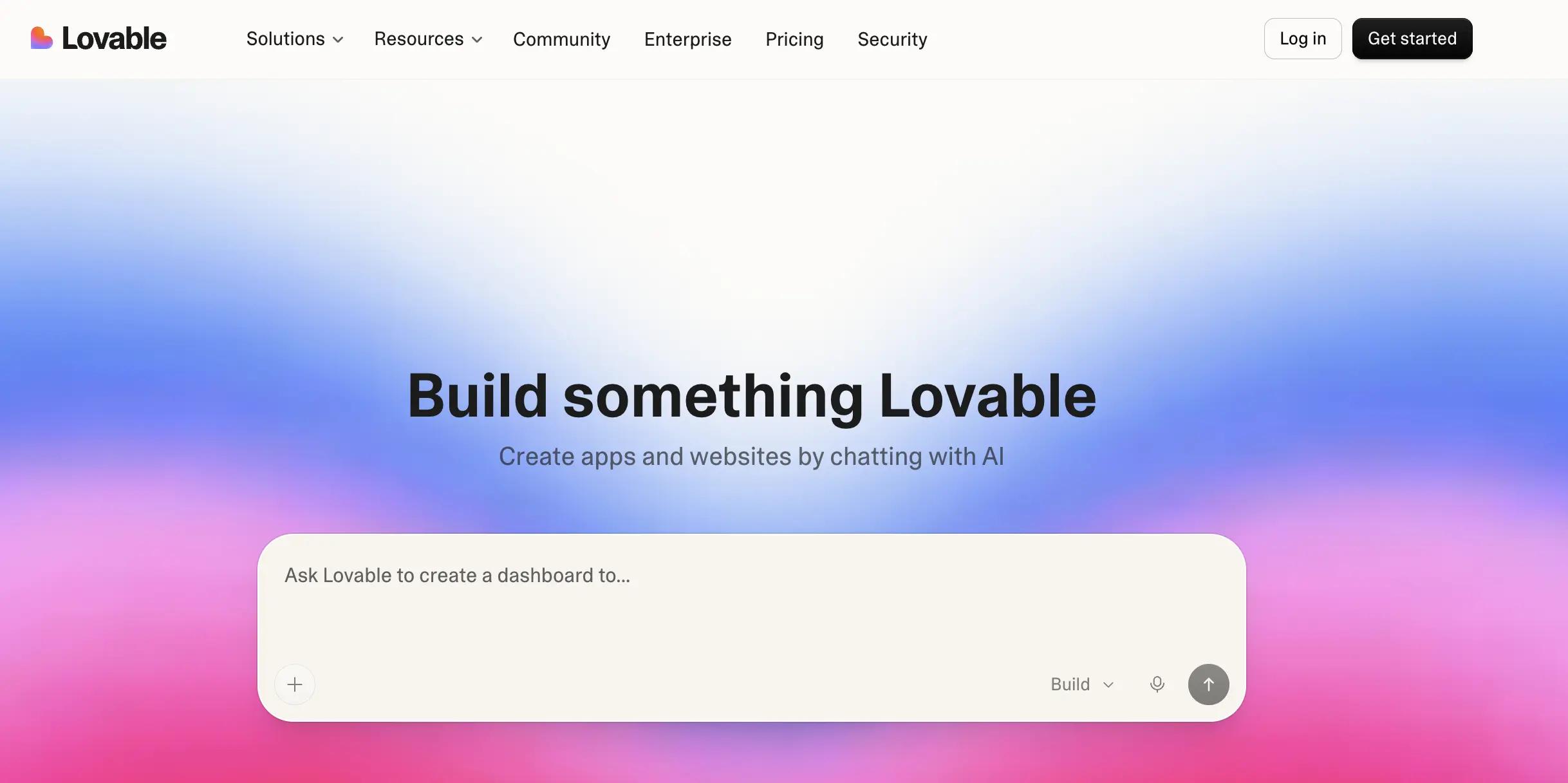
Lovable: best for full-stack MVPs
Lovable turns a conversation into a working React app with a Supabase backend for auth, data, and hosting. Describe the data models and core features, and it produces a polished first version in minutes, committing changes to GitHub so the code drops into a normal Git workflow.
Best for: non-coders and small teams who want a shippable SaaS MVP fast.
Pros:
Generates standard React that you can export and hand to a dev team
Fits into Git-based workflows with full version history
Intuitive enough for non-technical builders
Cons:
Someone still has to review and maintain the code long-term
Architecture and auth are tightly coupled to Supabase
Price: From $25/mo (credit-based).
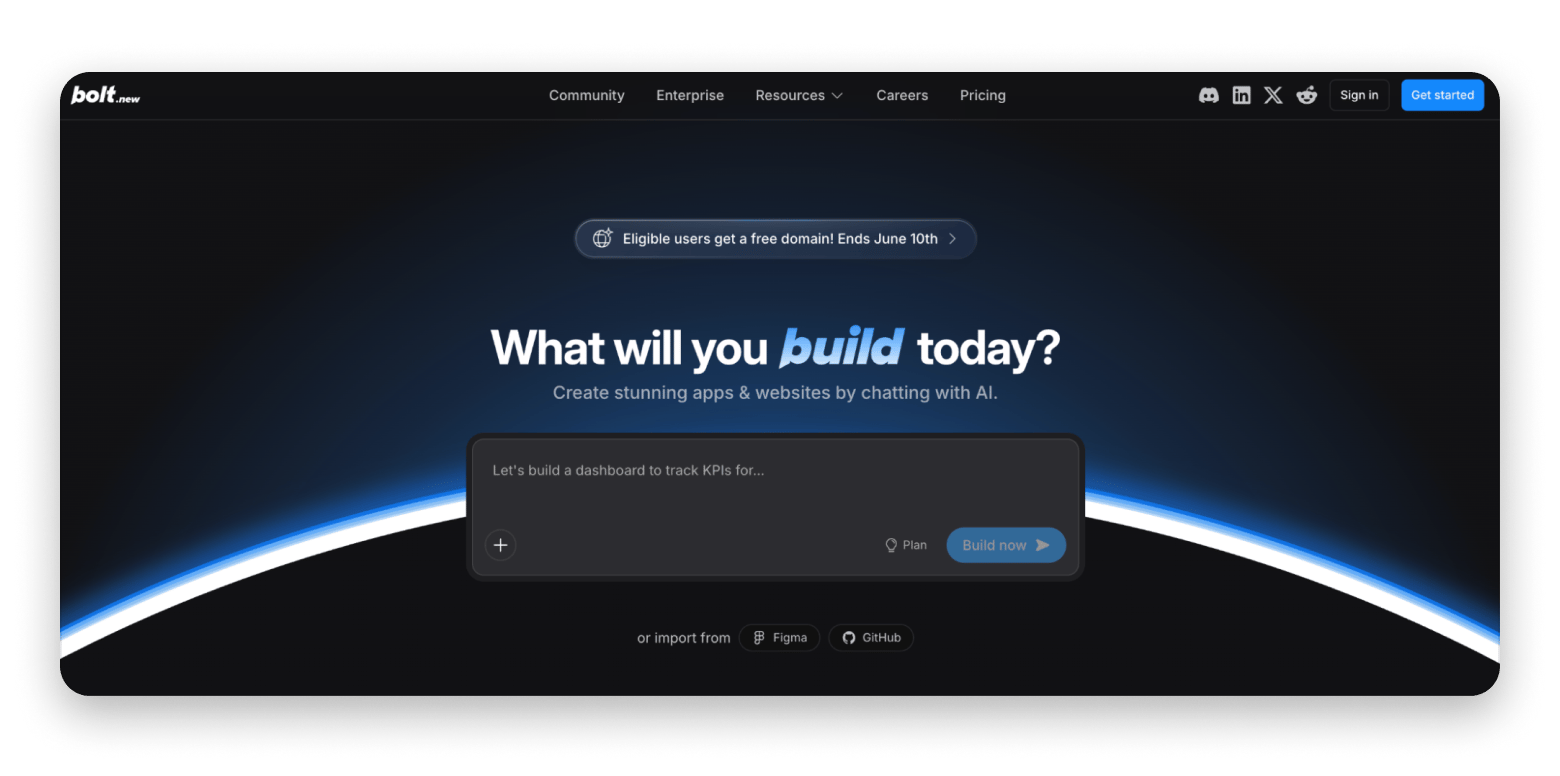
Bolt: best for browser-based full-stack prototypes
Bolt generates, runs, and deploys an app directly in the browser with no local setup. It handles React, Node.js, and PostgreSQL out of the box and holds context across long conversations, so you can keep refining without it losing the thread.
Best for: going from idea to a live, shareable demo as fast as possible.
Pros:
No local environment to configure
Strong context retention across long sessions
Two-way GitHub sync to continue elsewhere
Cons:
Token-based pricing can climb on bigger projects
Less fine-grained control than an editor-based tool
Price: Free plan available; Pro from $25/mo.
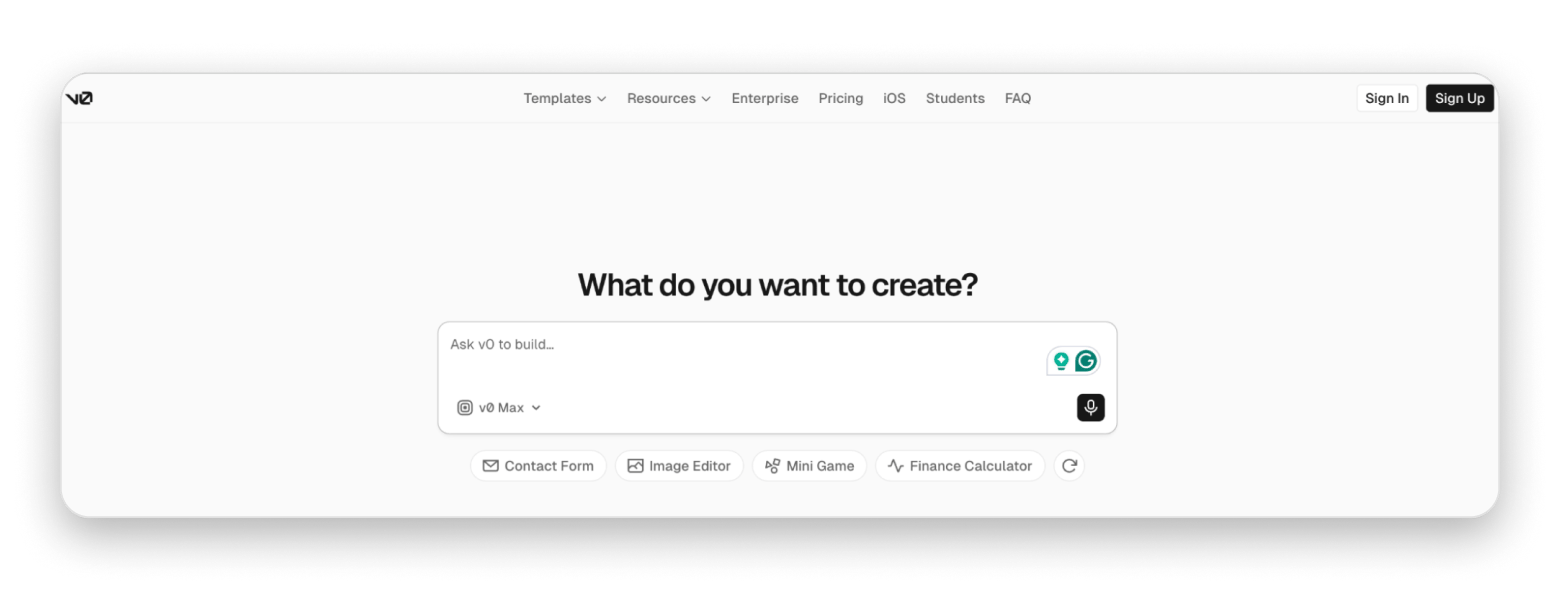
v0 by Vercel: best for UI generation
v0 is narrower and better for it. Give it a prompt or a screenshot and it produces production-quality Next.js components with proper TypeScript types. If you already deploy on Vercel, going from sketch to clean UI is nearly frictionless.
Best for: developers in the Next.js and Vercel ecosystem who want fast, solid UI code.
Pros:
Full code ownership with GitHub sync
Clean TypeScript and accessibility built in
Image-to-code from Figma files or screenshots
Cons:
Locked into a Next.js and Shadcn UI stack
Narrower scope than full-app builders
Price: Free tier; paid from $20/mo.
The honest limitation of all three: they're strong on the first 80% and frustrating on the last 20%. Markus Müller-Simhofer, who builds MindNode, put the indie view plainly in a Setapp developer survey:
"LLM agents seem to replace our jobs, but developers can't be replaced by someone writing prompts. Great apps start with an unique idea, have a strong foundation they build on, and have a great user experience."
AI coding assistants: for real codebases
When you're maintaining an actual product rather than spinning up a demo, you want AI inside your editor, not a black box generating throwaway apps.
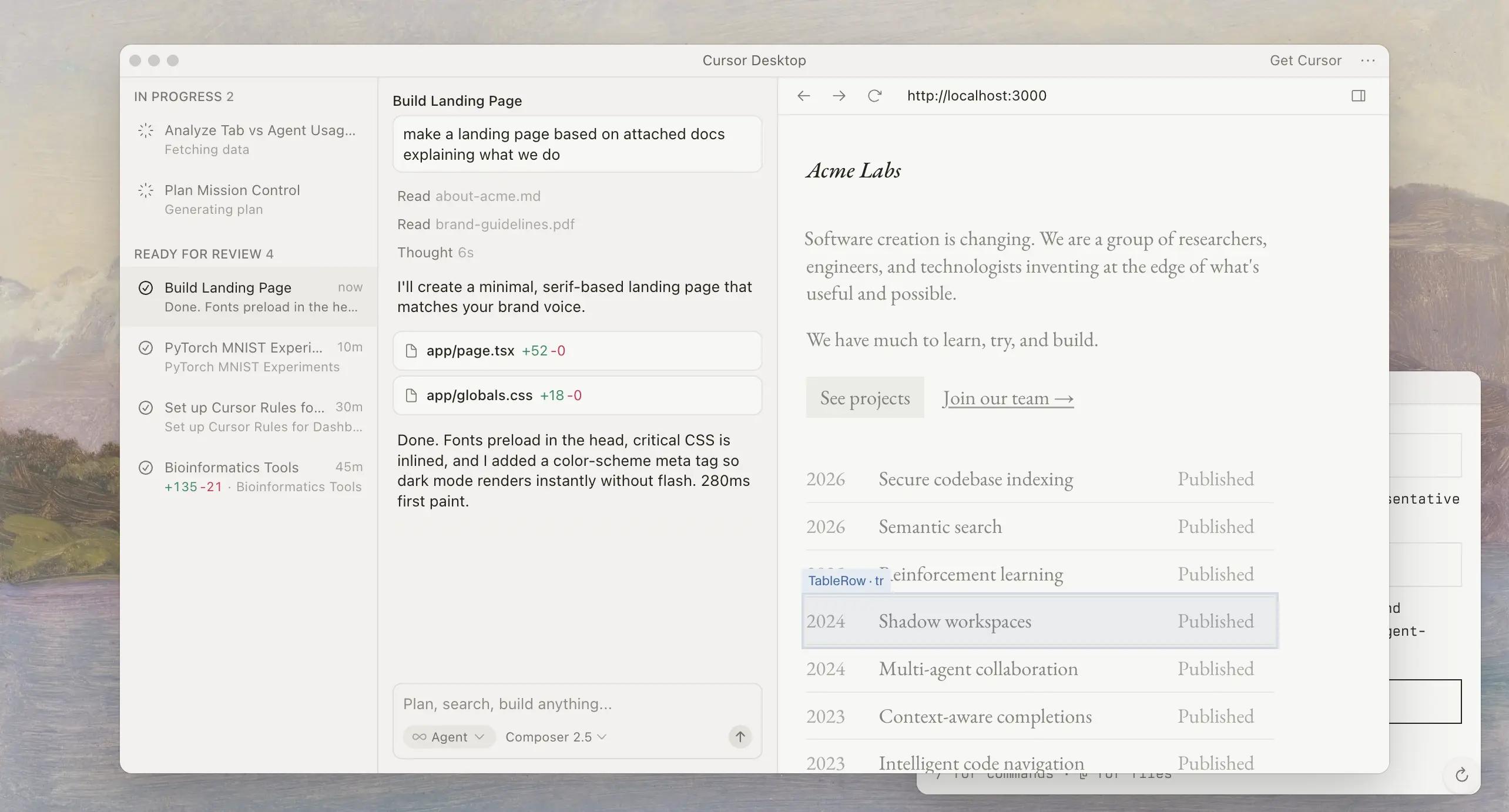
Cursor: best for developers who want control
Cursor is an AI-powered code editor aware of your whole codebase. Describe a change like "add a filtered activity feed to this view" and it locates the right files and proposes edits. You pick the underlying model per task.
Best for: developers who write code and want AI help without giving up control.
Pros:
Codebase-aware suggestions
Works with any stack or framework
Choice of AI models
Cons:
Requires programming knowledge to use safely
No hosting, database, or user management included
Price: Free tier; paid from $20/mo.
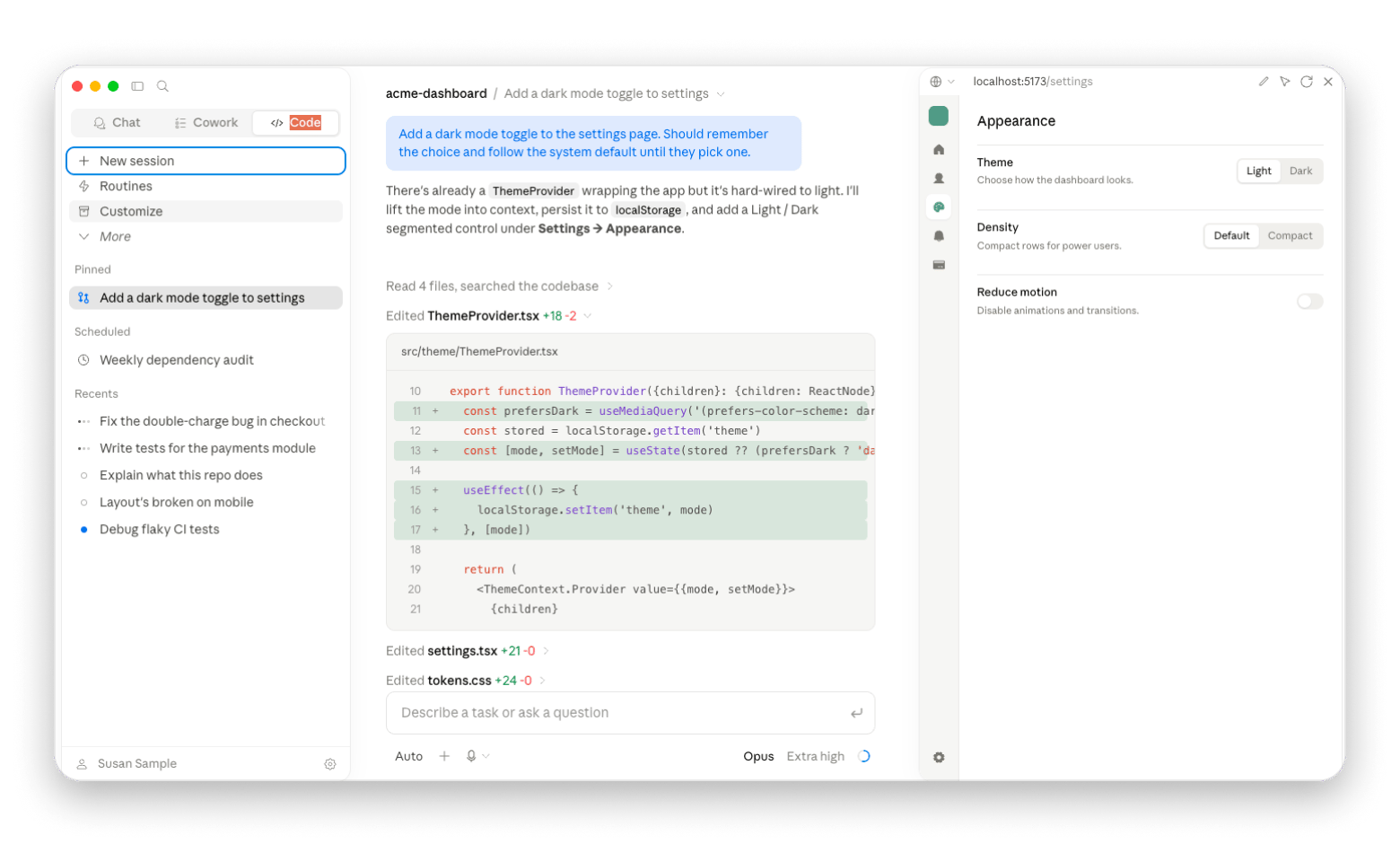
Claude Code: best for agentic, terminal-driven work
Claude Code runs in the terminal and handles multi-file changes, refactors, and longer agentic tasks where you hand off a goal and review the result. It suits developers comfortable on the command line who want an agent that reasons across a project.
Best for: experienced developers running multi-file, agentic workflows from the terminal.
Pros:
Strong at multi-file reasoning and refactors
Fits command-line and scripting workflows
Hands off larger tasks, not just line completion
Cons:
Steep for non-technical users
Usage-based cost varies with how much you run it
Price: Usage-based (verify current rates before publishing).
Mac-native dev tools: the part AI doesn't do
AI writes code, but you still have to run it, debug it, inspect network calls, manage snippets, and stop retyping boilerplate. These Mac-native utilities fill the gaps around any AI workflow, and most are available both via Setapp Membership and individually on Setapp Marketplace.
CodeRunner: run and debug without spinning up an IDE
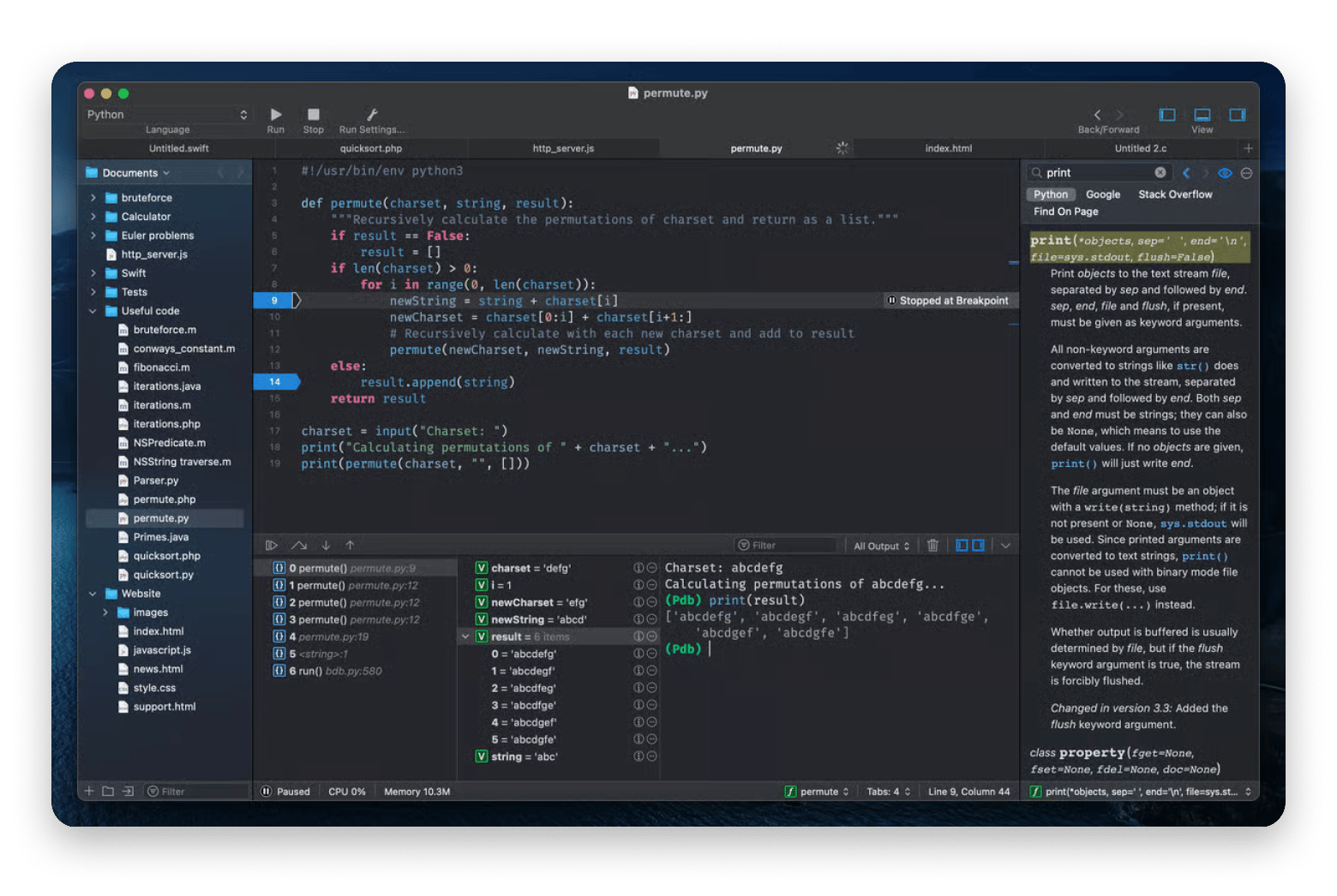
CodeRunner runs code in 25+ languages and starts in seconds, with 230 syntax highlighters, code completion, debugging, and a documentation sidebar. When an AI hands you a snippet and you just want to see if it works, opening a full project is overkill.
Best for: quickly testing or verifying AI-generated snippets across many languages.
Pros:
25+ languages out of the box, more via terminal command
Fast launch, native macOS feel
Full IDE essentials without the bloat
Cons:
macOS only
First-run prompts to set file associations can be excessive
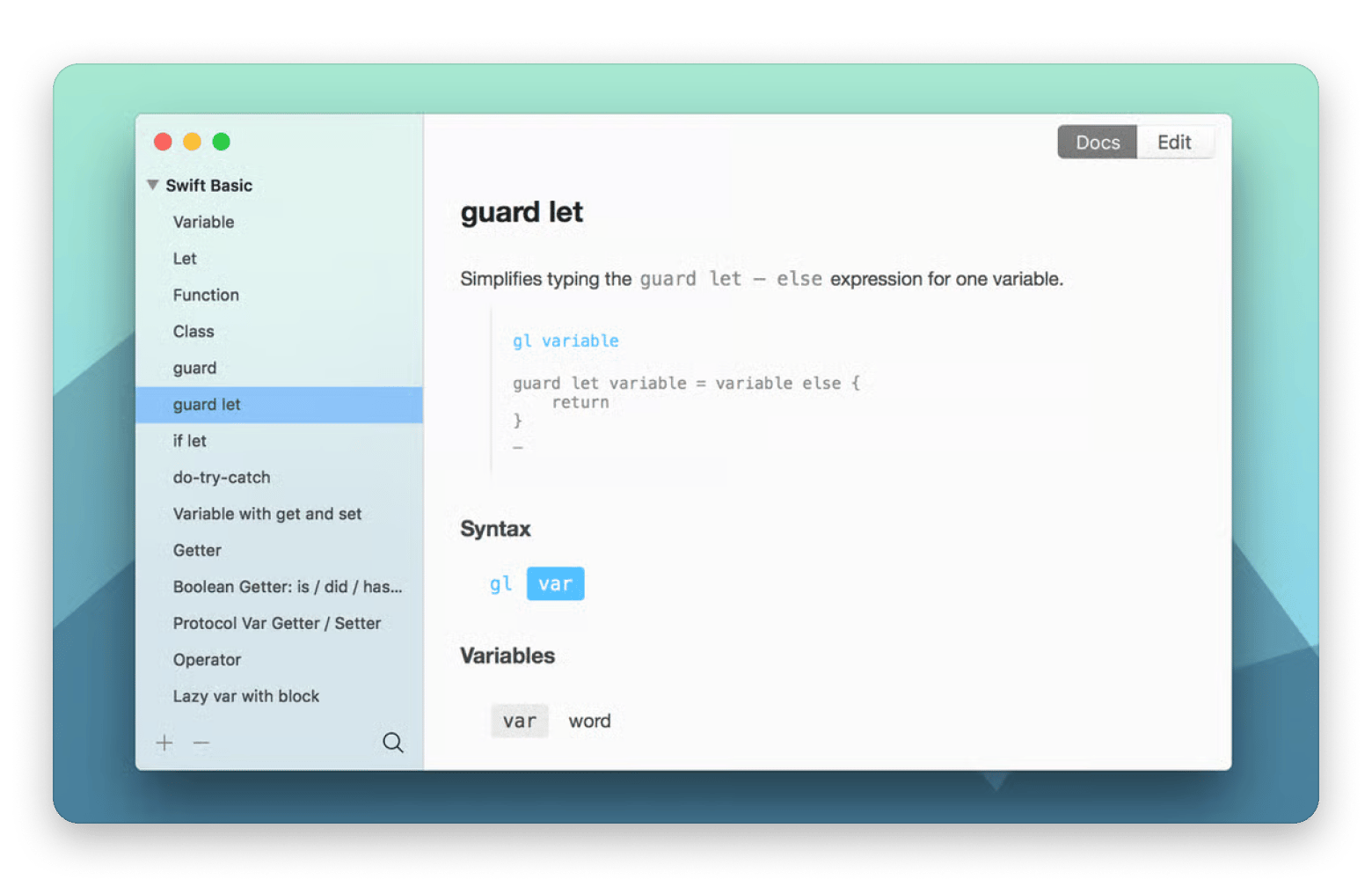
TeaCode expands short templates into full code inside your editor. Built by Apptorium, a long-time Setapp developer, it ships with 80+ ready expanders for Swift, PHP, Objective-C, and HTML, and lets you define your own.
Best for: cutting repetitive code structure that an AI doesn't need to regenerate each time.
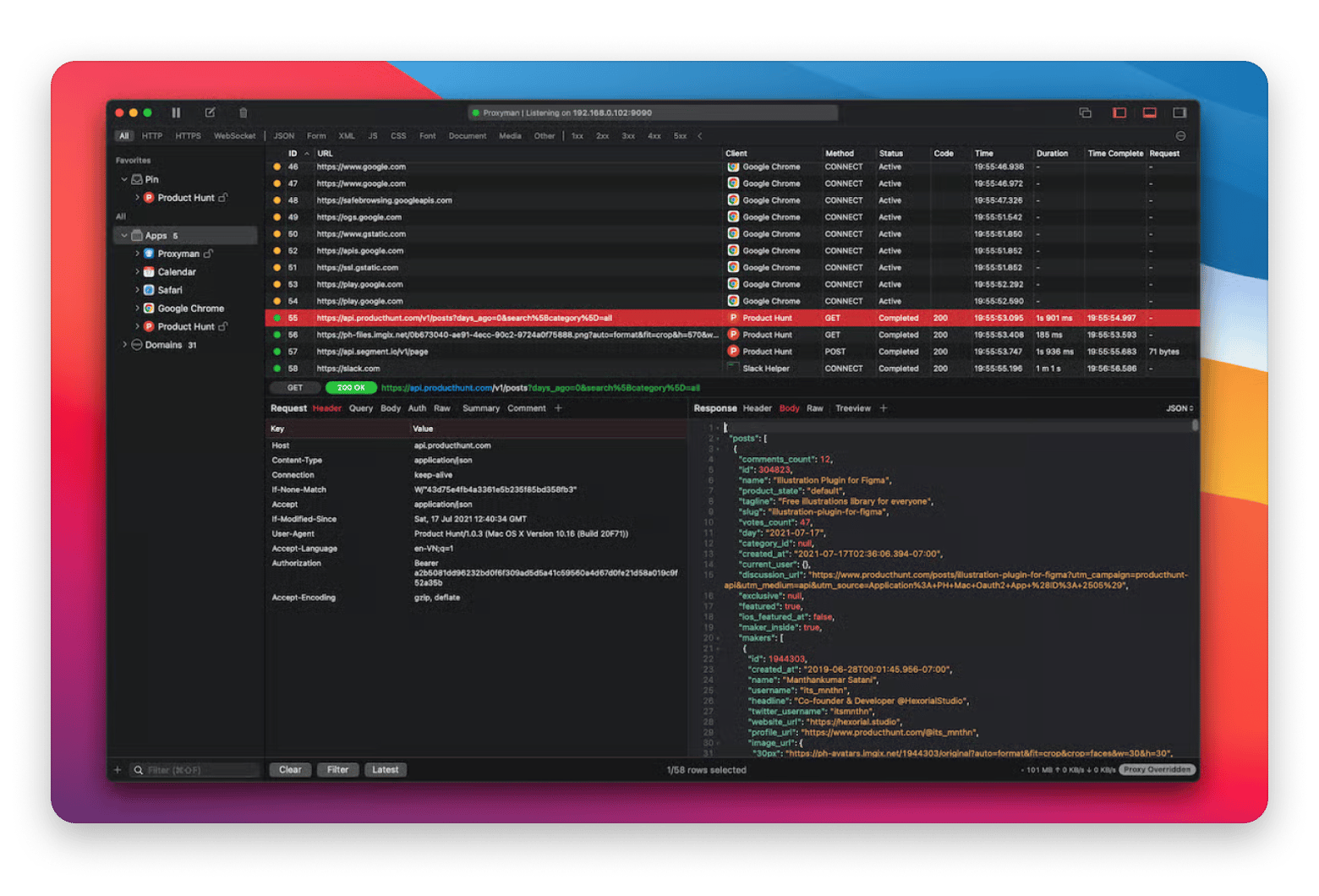
Proxyman gives you a real-time view of HTTP/S traffic so you can debug API calls, inspect payloads in JSON, and understand how your app talks to services. AI can write your networking code; it can't tell you why a request fails in production.
Best for: debugging API and network issues on Mac, iOS, and simulators.
Pros:
Clean three-panel, distraction-free UI
SSL proxying with auto-generated certificates
Written in Swift/C++, light on battery and network
Choose a prompt-first builder (Lovable, Bolt, v0) when you're validating an idea fast and don't yet need to own the codebase. Choose an AI code editor (Cursor, Claude Code) when you're building or maintaining a real product and want control over every change. Add Mac-native utilities (CodeRunner, TeaCode, Proxyman) for running, debugging, and inspecting that no app builder does for you.
The indie developers shipping durable apps agree on the underlying point: AI changed how fast you can start, not what makes software worth keeping. Martin Höller, the solo maker of In Your Face, said it directly:
"Now in the time of agentic coding it is so easy to quickly push new apps and it becomes harder and harder to get noticed among the flood of low effort, low quality products. Find a real world problem, build a user base and stick with it."
The tools handle the speed. The problem-finding is still yours.
FAQ
What are the best AI tools for indie developers in 2026?
It depends on the task. Cursor and Claude Code are best for working inside real codebases. Lovable, Bolt, and v0 are best for fast prototypes. Mac-native tools like CodeRunner, TeaCode, and Proxyman handle the running, debugging, and inspecting AI builders don't.
What is vibe coding?
Vibe coding is building software mainly by prompting an AI model and refining its output rather than hand-writing the code. It speeds up prototyping, but indie developers caution that it doesn't replace the judgment needed to ship and maintain a quality app.
Are there AI developer tools on Setapp?
Yes. Setapp includes a developer toolkit (CodeRunner, TeaCode, Proxyman). Many are available both through Setapp Membership and individually on Setapp Marketplace. Developers can also distribute their own apps through the Setapp developer program.






 Best solution
 Best solution