CleanShot X is the best Snagit alternative for most Mac users. It covers screenshots, video, GIF, scrolling capture, annotation, and cloud sharing — all in a Mac-native interface that Snagit never matched.
Capto is the closest match if you need Snagit's video editing. It combines screen recording, a full editor with a timeline, and annotation tools in one app — no extra tools needed.
Loom, Zight, and Droplr are worth considering if async sharing is your main use case. All three prioritize the "record → link → share" workflow over deep annotation.
OBS Studio and Lightshot cover the free end of the spectrum. OBS is for power users and streamers; Lightshot is for anyone who just needs fast, lightweight screenshots.
Snagit costs $39/year and was built for Windows. CleanShot X, Capto, and Dropshare were built for Mac — and all three are in one $9.99/month Setapp plan.Get 250+ Mac apps free for 7 days — cancel before Day 7, $0 charged.
Snagit is great for simple screen captures and annotations. I actually used it for a while when it still had a perpetual license, but I never liked the Windowsy interface.
Maybe you feel the same, find it heavier than necessary, or your workflow has changed. Or maybe you just don’t want to add another subscription, given the new pricing model.
I’ve put together the best Snagit alternatives for Mac based on extensive testing and the tools I actually use.
Top Snagit alternatives for Mac (detailed comparisons)
Most Snagit alternatives fit into one of three buckets:
Fast screenshots and lightweight annotations
Async video communication and quick sharing links
More advanced recording tools built for tutorials and longer-form content creation
To make the tradeoffs clear, here’s a quick Snagit alternatives comparison, followed by detailed breakdowns of each option:
$9.99 + tax on Setapp Membership or single-app purchase via Setapp Marketplace, $39.00 one-time
When I'm testing screenshot tools, I often get asked follow-up questions that a quick GPT assistant handles faster than any app. I use this How to Screenshot on Mac GPT tool whenever I need a quick answer about Mac capture shortcuts, formats, or workflows — it saves me from digging through Apple docs every time.
1. CleanShot X: Best choice for a Mac-native Snagit replacement
Best for: Mac users who want a direct but more native Snagit replacement
Platforms: Mac
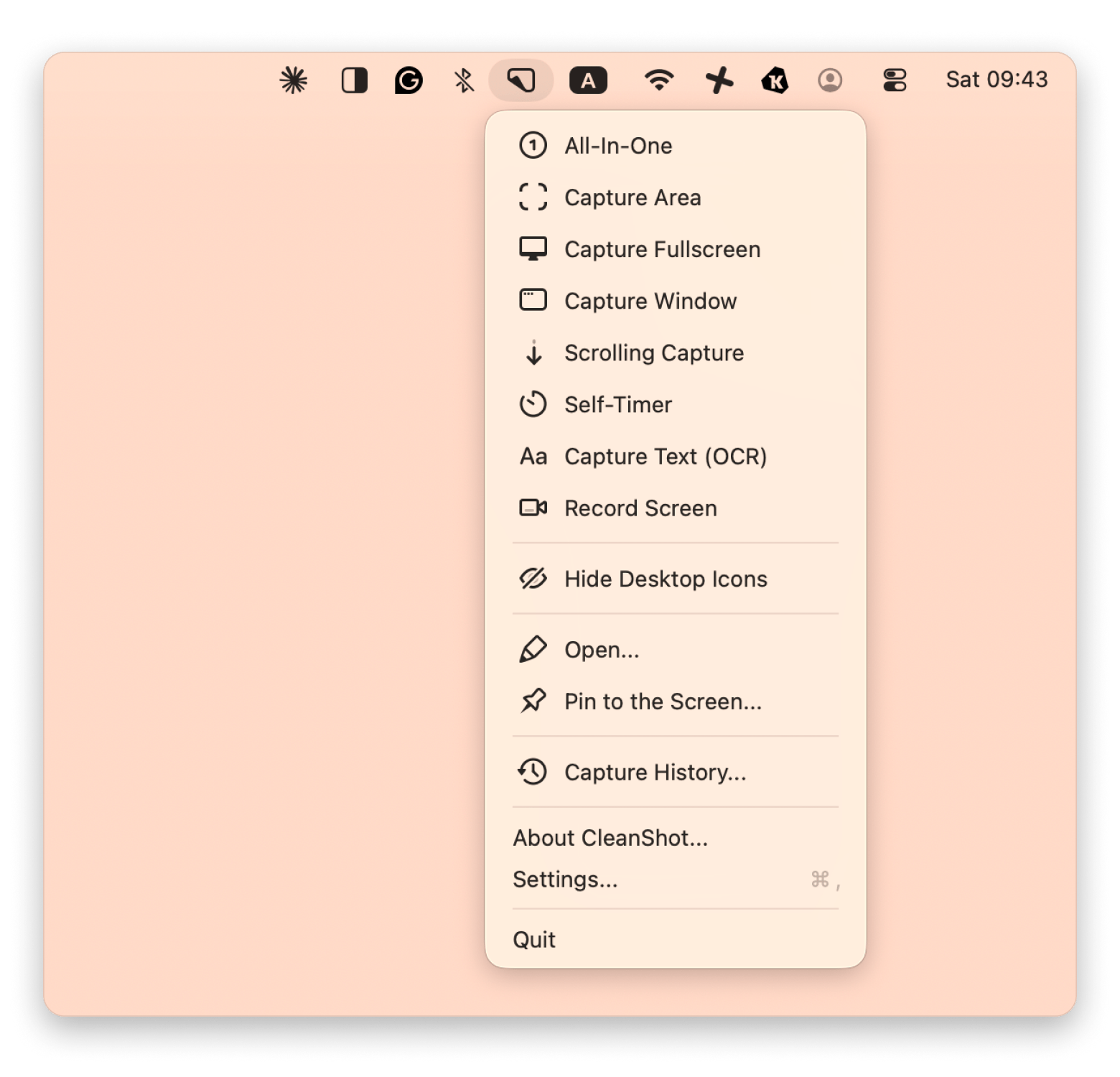
CleanShot X is the best Mac-native Snagit replacement for screenshots, video recording, GIF recording, scrolling capture, annotation, and cloud sharing. It’s the one I quickly point Mac users towards, as unlike Snagit, it’s built specifically for Mac.
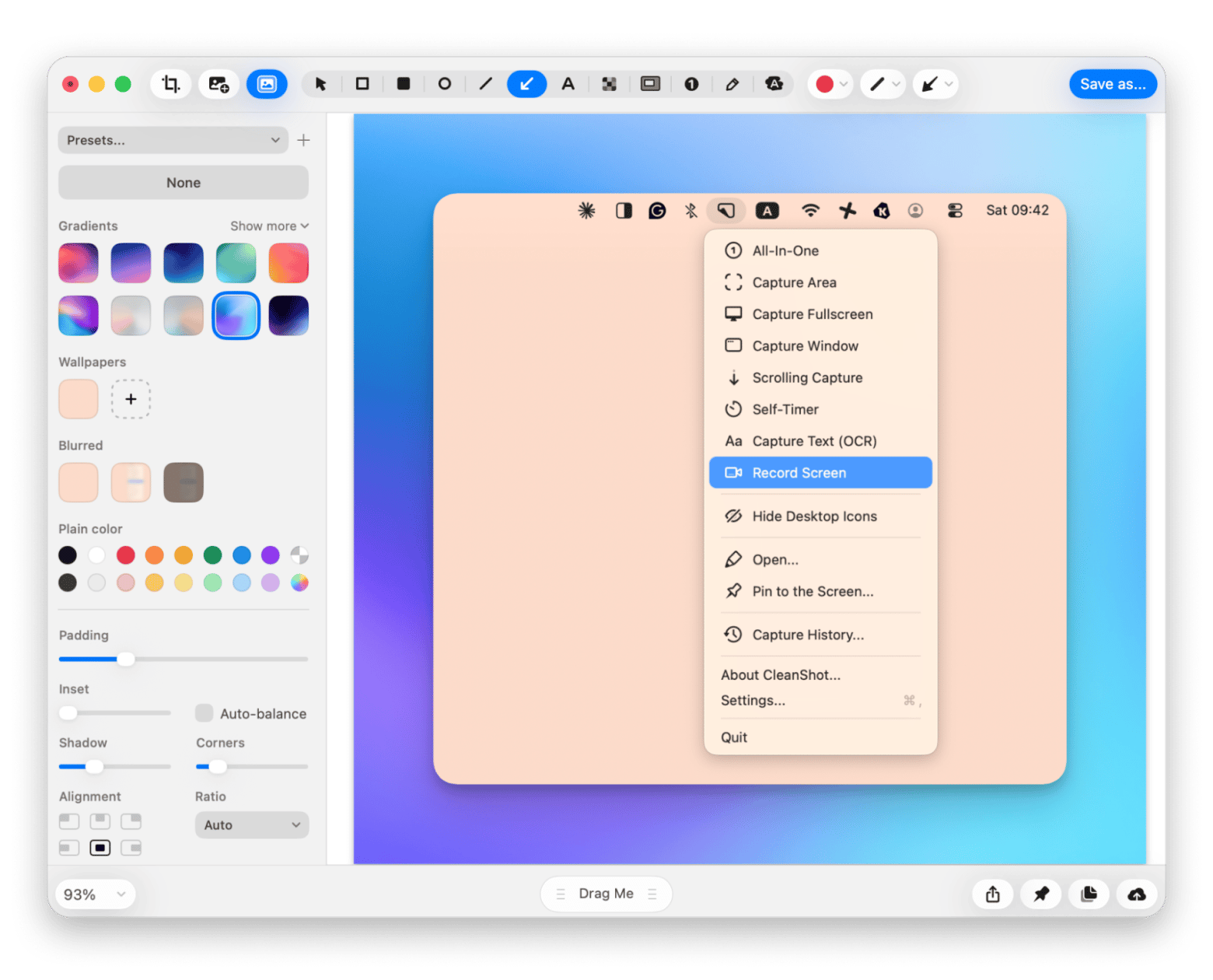
I like the fact that it largely stays out of the way. If you capture a screenshot, it floats for a few seconds. But if you click on it, CleanShot X gives you an editor you can use to add your annotations.
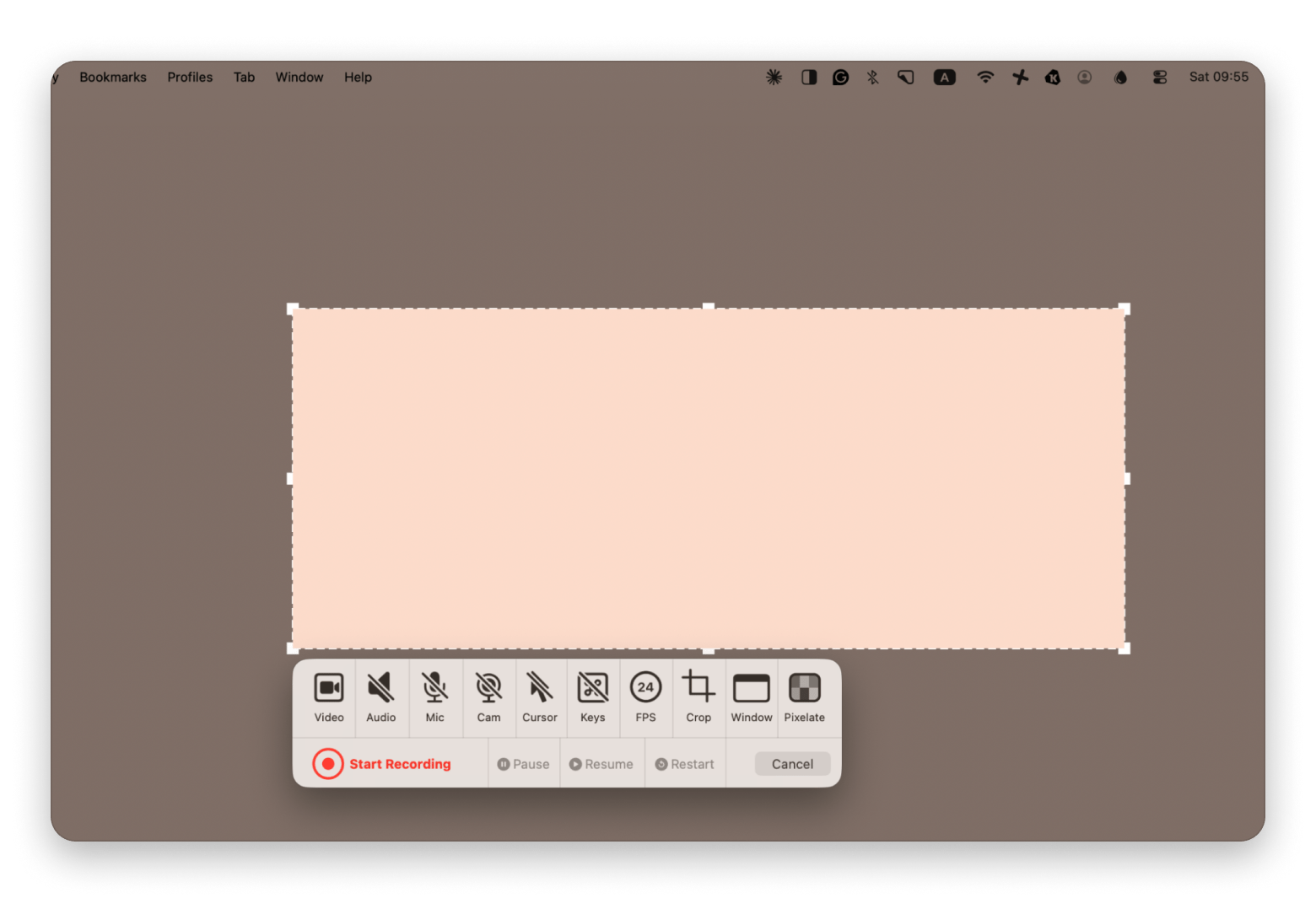
You can also use CleanShot X to take videos and GIFs. The app lets you choose a resolution and also offers control over audio and your camera.
Pros:
Very clean macOS-native interface
Fast screenshot and annotation workflow
Works for screenshots, scrolling captures, videos, and GIFs
Quick cloud sharing options
Lightweight compared to Snagit
Cons:
Video editing tools are simpler than dedicated editors
Not meant for teams or collaboration workflows
Pricing: CleanShot X is part of Setapp, which means you don’t need an extra purchase. If you don’t have a subscription, you can get Setapp Membership for $9.99+tax and enjoy CleanShot X plus hundreds of other premium Mac, iOS, and web apps.
2. Loom: Best option if you want async video updates instead of “perfect screenshots”
Best for: Teams who send a lot of async updates, walkthroughs, product feedback, or client explanations
Platforms: Mac, Windows, Web
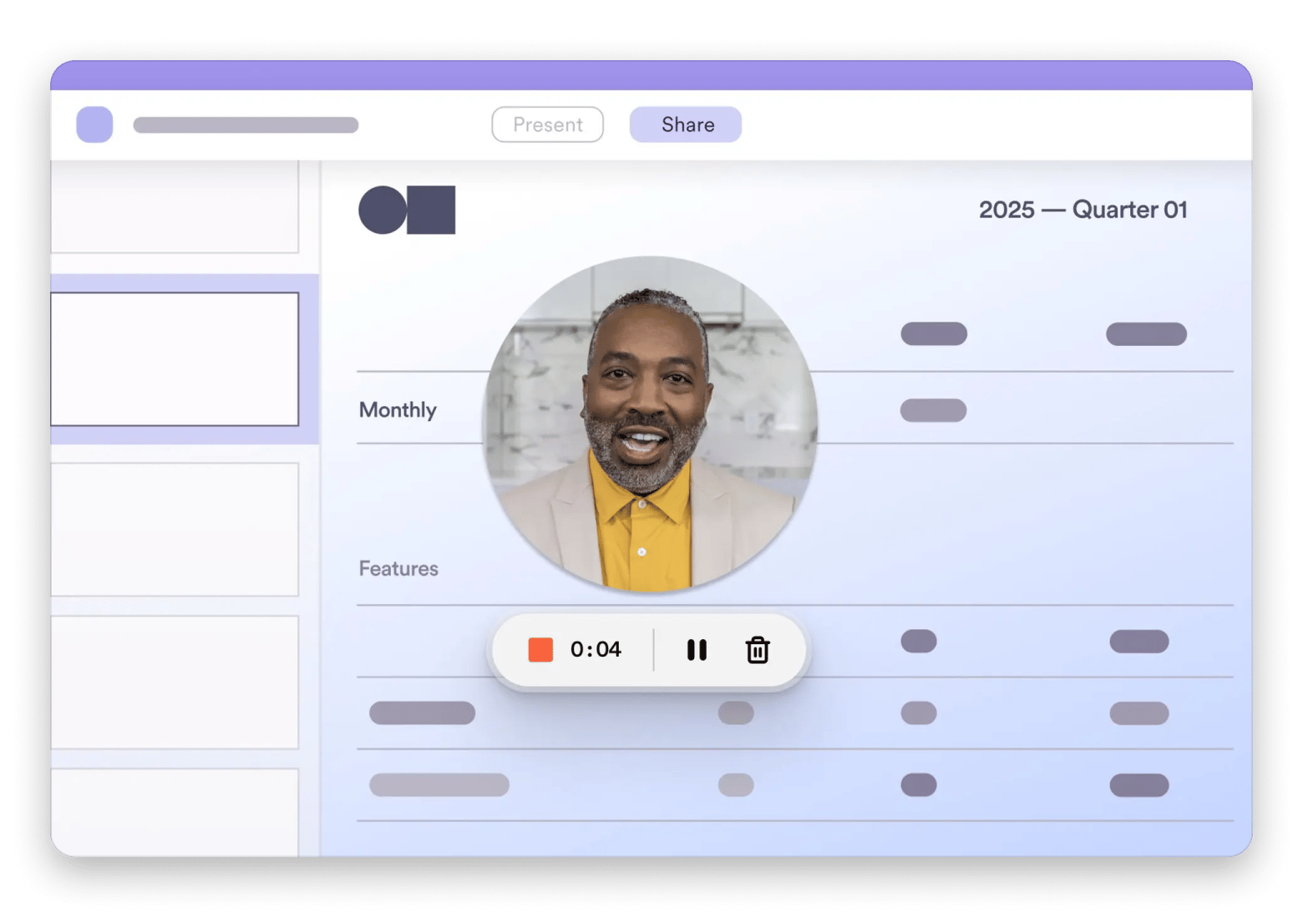
Loom is a great Snagit replacement if you usually record videos and share them with your team. Primarily, it’s built for "record a quick video, share the link, done." And I have to say I haven’t come across a tool that captures that specific workflow as well as Loom does.
On top of that, it also allows users to take screenshots and record their screens. It combines this with a front camera option, which works great when you are creating tutorials.
Immediately after completing a task, Loom gives you a shareable link. There’s also an editor, but annotation is quite limited compared to Snagit or CleanShot X.
Pros:
Minimizes meetings through async communication
Super-fast recording and sharing
Teams and clients have an easy time sharing links
The interface is simple with very little setup
Cons:
Not ideal when you want screenshot annotation
Editing tools are limited
Not suitable for local workflows and static screenshots
Pricing: Free, from $18 per user/month
3. Zight (formerly CloudApp): Ideal for teams who live on “capture → link → send”
Best for: Teams that constantly share screenshots and recordings
Platforms: Mac, Windows, Chrome, iOS
Source: trustradius.com
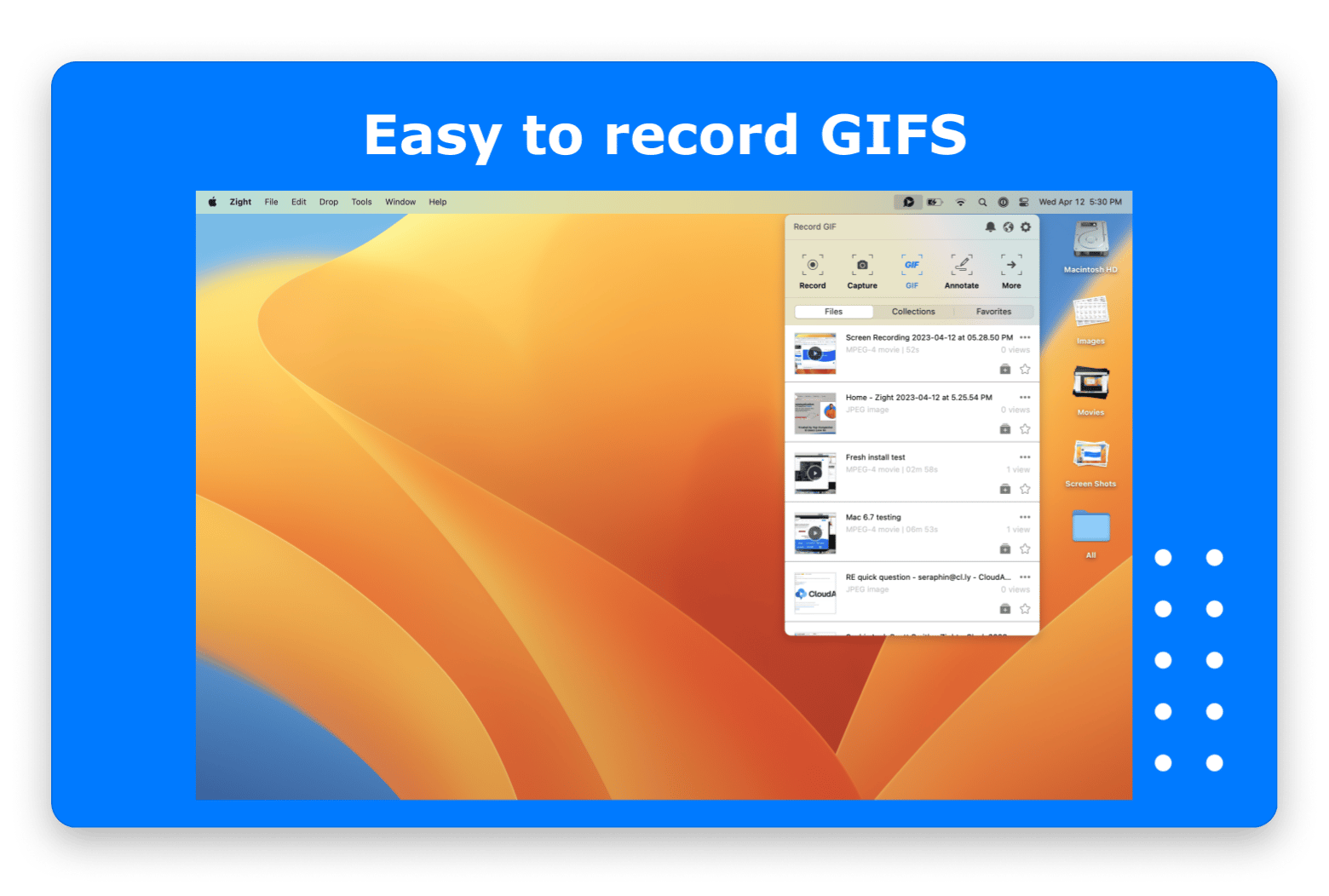
Zight is a cloud-first capture tool that sits between CleanShot X and Loom in terms of workflow. It rebranded from CloudApp in 2023, but it’s still a reliable tool for screenshots, video recording, and GIFs.
Like CleanShot X and Snagit, it's built for screenshot and video capture, but then takes a cloud-first approach like Loom. But then, from there, it takes a cloud-first approach like Loom. It immediately uploads your content, and you can only edit it from the cloud.
This kind of workflow is great for collaboration and sharing with teams, but it will slow you down for local workflows.
Pros:
Makes sharing quite fast
Supports screenshots, GIFs, and screen recordings
Automatically uploads and copies the link
It’s easy to collaborate
Cons:
Annotation and editing are relatively limited
Highly reliant on the cloud
Not suitable for offline-heavy workflows
Pricing: Free, from $12.95/month
4. Droplr: Best choice if you want shareable captures plus team “Boards”
Best for: Small teams that need quick visual sharing and a way to organize captures by project or client.
Platforms: Mac, Windows, iOS, Android, Web
Source: i.pcmag.com
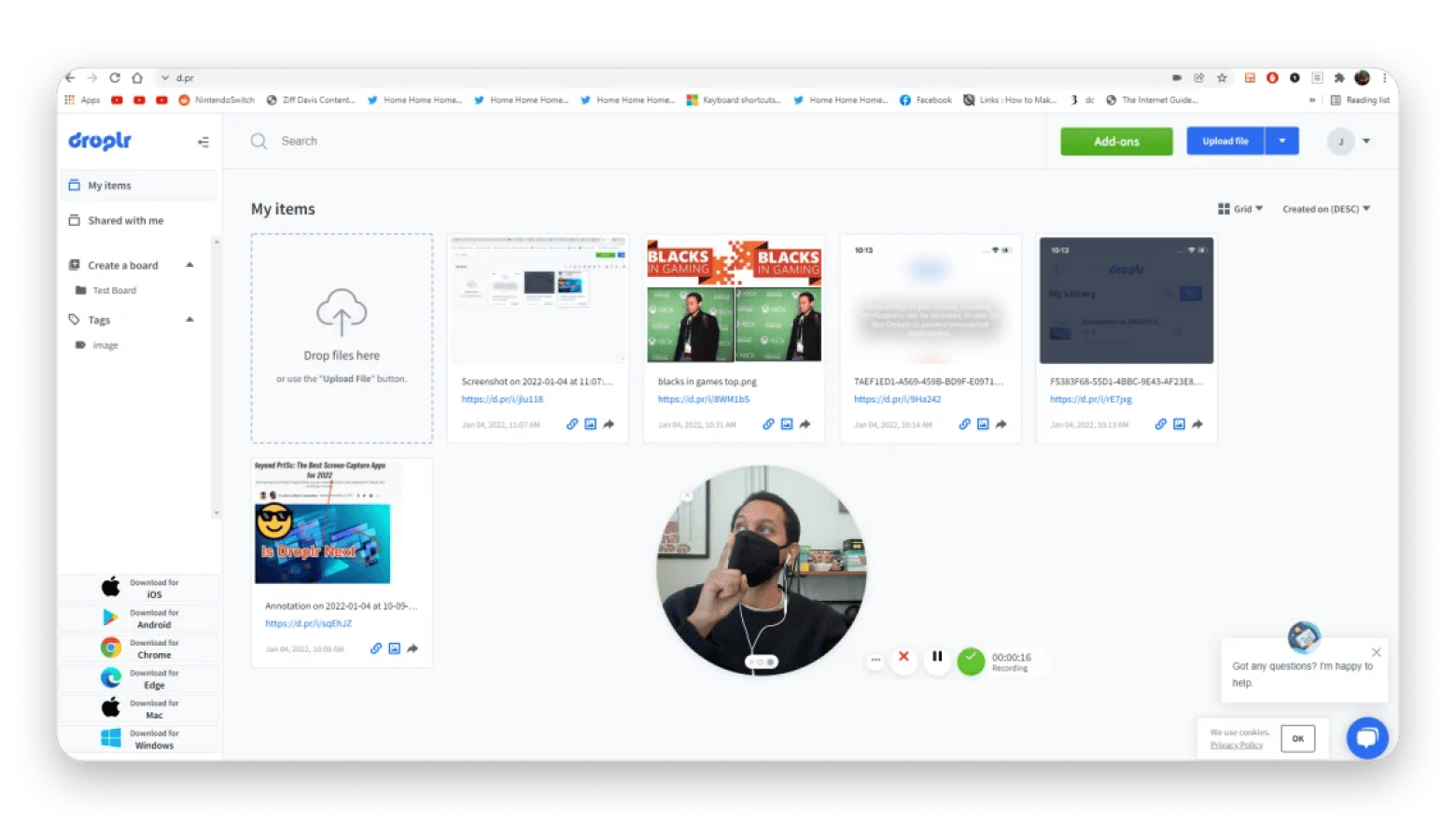
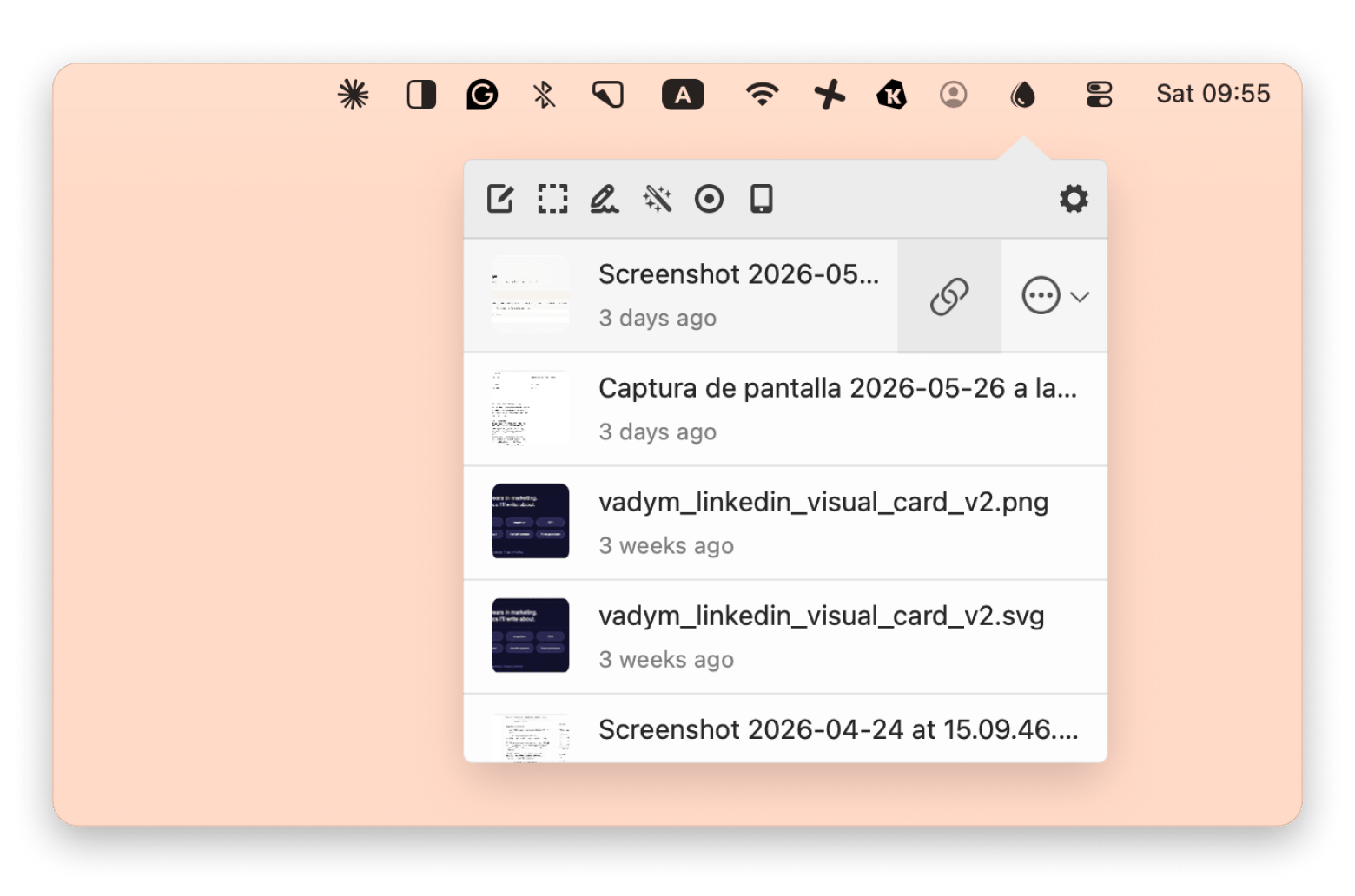
Droplr is a capture-and-share tool that adds project organization to the standard screenshot-to-link workflow. When you take a screenshot or record a video, it automatically uploads them and gives you a shareable link.
The area in which it shines compared to a tool like Zight is in the media organization. It lets you organize content into project Boards, which makes it easy to find your screenshots and recordings.
However, it also doesn’t suit local workflows, and the annotation tools aren’t at the level of Snagit or CleanShot X.
Pros:
Boards make it easy to organize captures by project
Makes it quick to capture, upload, and share a link
Has a simple interface with minimal setup
Supports screenshots, GIFs, and recordings
Cons:
Annotation and recording tools are basic
Less actively developed compared to competitors
Pricing: From $8 per month
5. ScreenPal: Best option if you want affordable recording + editing
Best for: Creators and educators who need both screen recording and lightweight video editing without a professional setup.
Platforms: Mac, Windows, Chromebook, iOS, Android, Web
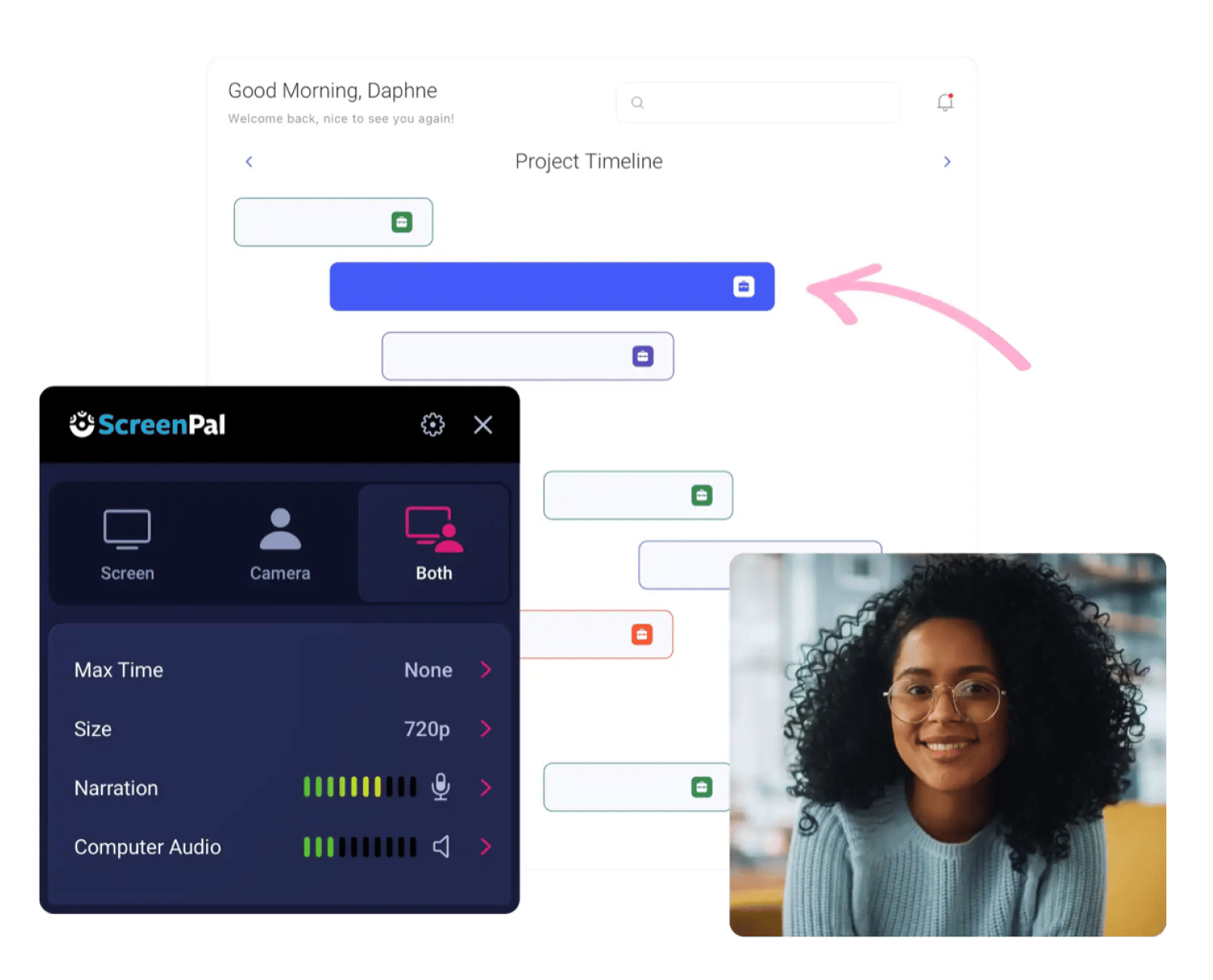
ScreenPal is the best option in this list for tutorial creators and educators who need a full video editing workflow, not just capture. It was initially known as Screenshot-O-matic, which should probably tell you how long it’s been around (over 20 years!).
Like Snagit and CleanShot X, it’s offline-focused (with cloud hosting) and lets you take screenshots, record videos, and create GIFs. However, it’s meant for heavier workflows. Instead of simple screenshots or 1-minute captures, it works best for tutorials, presentations, training videos, and educational videos.
That’s clear to see when you open the editor, as it’s a full one. With even AI features like video background removal, speech-to-text captions, text-to-speech voiceovers, and video translation.
Pros:
Remarkable price-to-feature ratio
Comes with advanced video editing tools
Offers AI for captions and text-to-speech
Handles recording, editing, and hosting in one platform
Cons:
Not suitable for quick screenshot annotations
Not as Mac-native feeling as some alternatives
Pricing: Free, from $4/month paid annually
6. OBS Studio: Best free choice for advanced screen recording
Best for: Power users, streamers, and content creators who want maximum recording control for free
Platforms: Mac, Windows, Linux
Source: obsproject.com
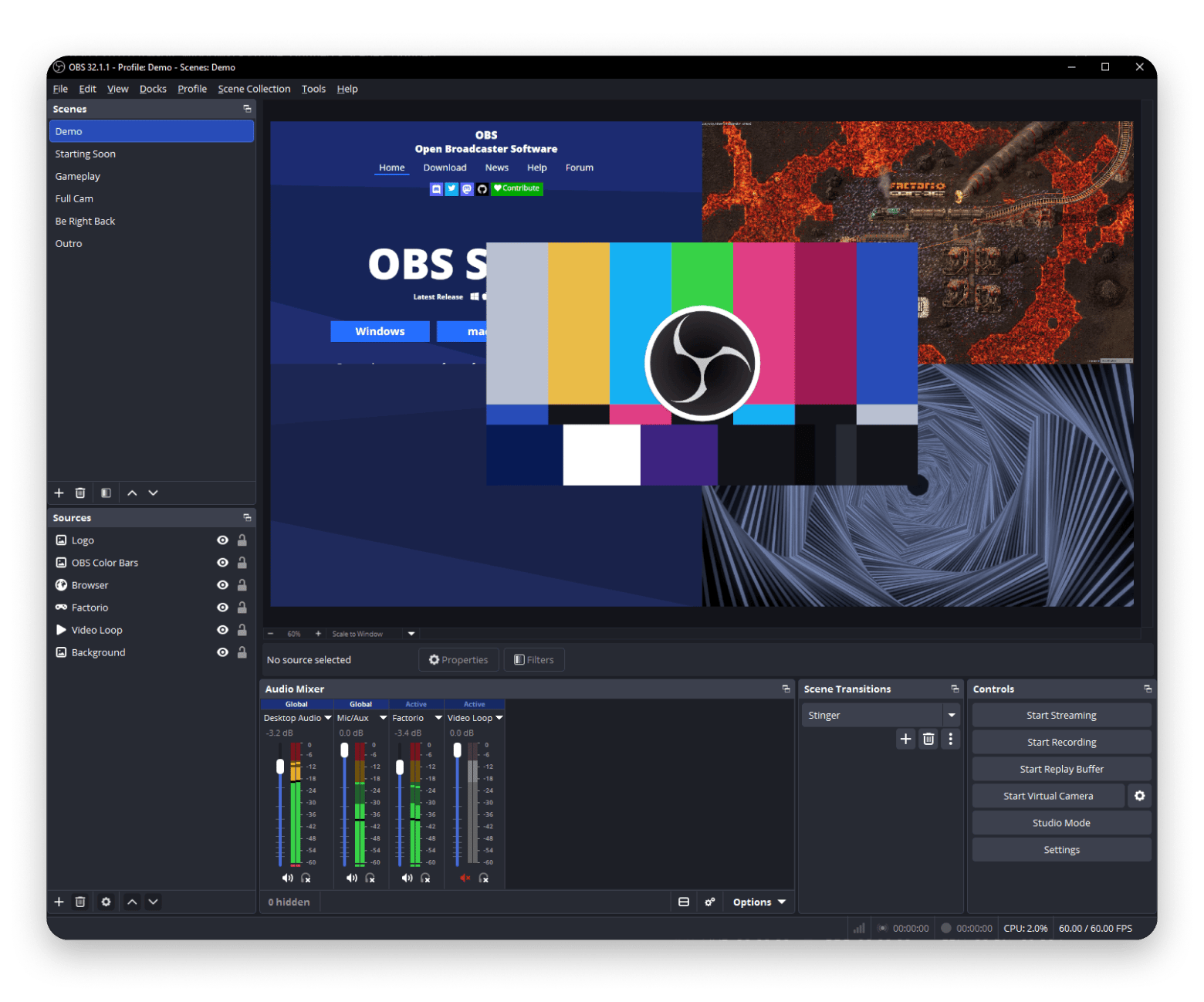
OBS Studio is another great Snagit alternative. It’s free and open-source, but it offers lots of capabilities that paid apps can’t touch.
As the name probably suggests, it’s an overkill for simple screenshots and video recording. It focuses more on live streaming and other power uses, and it’s actually most popular among streamers and content creators.
You can use OBS Studio to combine multiple video sources, add overlays, and mix audio from different sources. It also offers control over each of these.
The major trade-offs are that it’s not suitable for simple tasks, and expect a learning curve.
Pros:
Completely free and open source
Records from multiple sources
Full control over encoding, bitrate, and output format
Has an extensive plugin ecosystem
Cons:
Steep learning curve
No direct screenshot or annotation features
No built-in sharing or cloud upload
Pricing: Free and open-source
7. Lightshot: Best option if you only need quick, free screenshots
Best for: Anyone who just needs a fast and free screenshot tool with basic annotation and a shareable link
Platforms: Mac, Windows
Source: chromewebstore.google.com
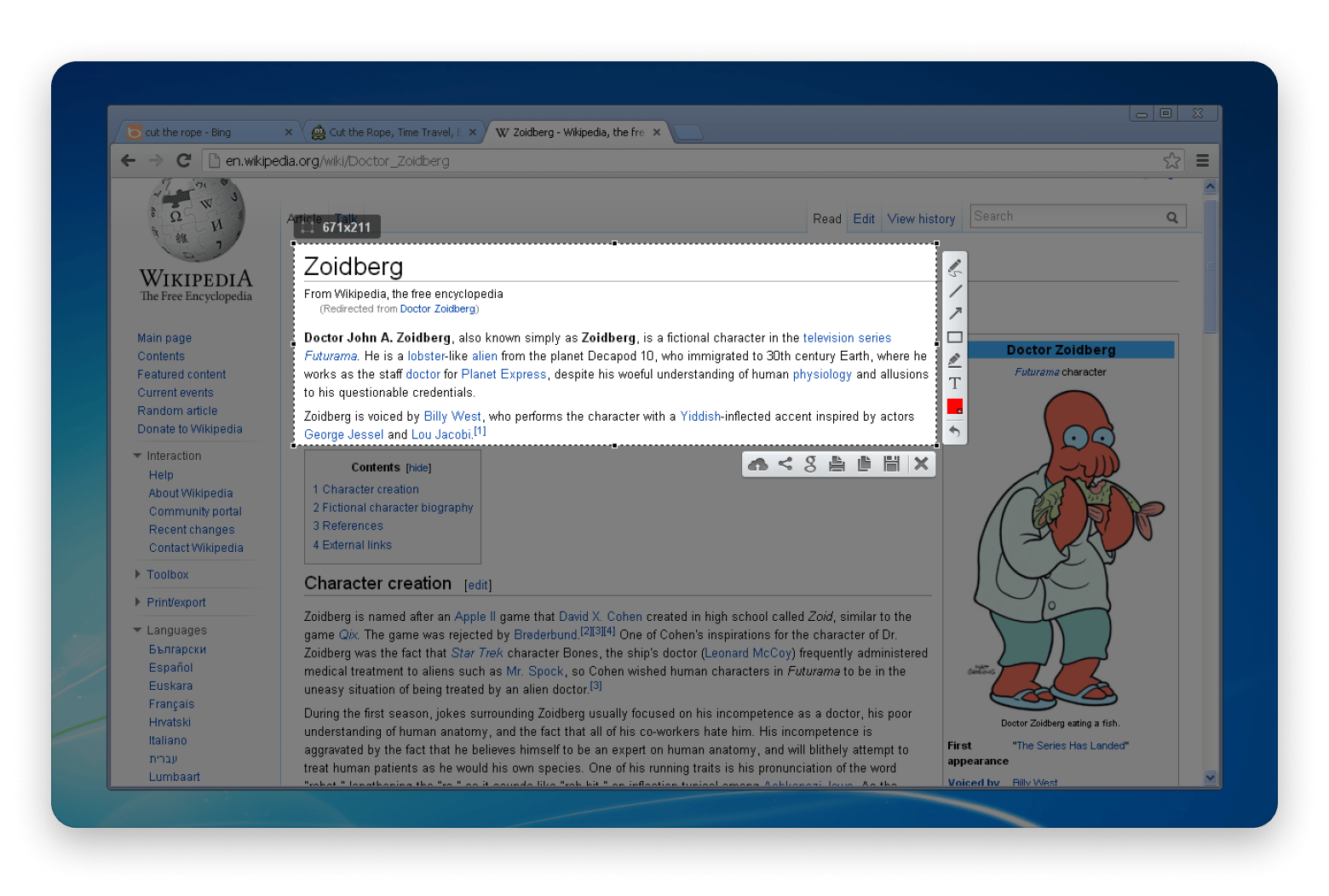
Lightshot is the ultra-minimal version of a screenshot and annotation tool for Mac. It doesn’t offer video recording, but it’s one of the best Snagit alternatives for documentation and other simple screenshots.
When you press Command + Shift + 9 (or a custom shortcut), it dims the screen and lets you drag a box over what you want to capture. Two tiny toolbars then slide out to offer a few annotation tools and saving options. The disc button saves locally, but you can also upload to Lightshot’s free cloud for sharing.
Pros:
Completely free with no caps or limits
Extremely lightweight
Simple two-click capture with immediate annotation toolbar
Gives a short shareable link in seconds
Cons:
No video recording, GIF capture, or scrolling screenshots
Uploads to a public server (prntscr.com)
Annotation tools are basic
Pricing: Free
8. Capto: Best “Snagit-like” capture + annotate + record bundle value
Best for: Mac users who want an all-in-one screenshot, recording, and annotation tool without building a multi-app workflow.
Platforms: Mac
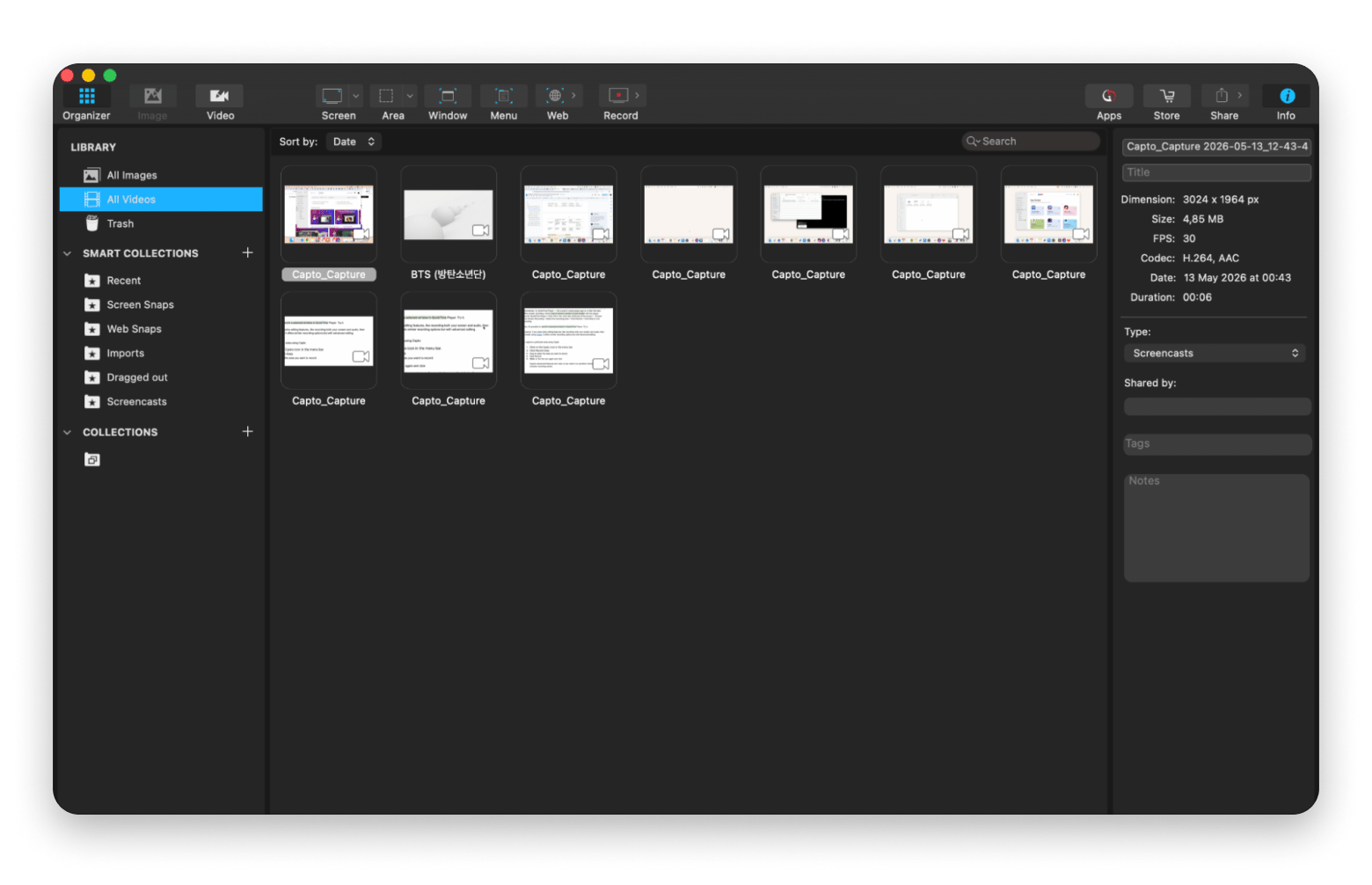
Capto is much closer to the Snagit experience than pretty much every other tool in this list. It’s actually my favorite for video recording, although I like CleanShot X more for screenshots and the sharing functionality.
Capto combines screenshots, screen recording, annotations, file organization, and lightweight editing inside one app. One of my favorite features is the full editor it offers, complete with all Snagit annotations and even a timeline editor. It’s quite useful for tutorials, documentation, software demos, and client walkthroughs.
Pros:
Combines screenshots, recording, and annotations in one app
Useful media organization tools
Full editor for video recordings
Feels closer to Snagit’s video recording than other alternatives
Cons:
May feel feature-heavy for casual screenshots
Online sharing isn’t directly built in
Pricing: Capto is part of Setapp, which means you don’t need an extra purchase. If you don’t have a subscription, you can get Setapp Membership for $9.99+tax and enjoy Capto plus hundreds of other premium Mac, iOS, and web apps.
9. Dropshare: Best choice for “capture → upload → copy link” workflows
Best for: People and teams who constantly share screenshots, recordings, and files through quick cloud links
Platforms: Mac
Dropshare is a capture-and-upload tool that solves a specific problem: getting your screenshots and recordings onto your own cloud storage with a single click and an instant shareable link. It covers a crucial pain point, considering each cloud service has its own procedures.
But besides that, it also takes screenshots, records videos, and creates GIFs. It also has a lightweight editor that allows you to annotate and even blur parts of your video for privacy. Everything then uploads to your cloud, and the app copies the link to the clipboard.
What I like most about the app is that it’s highly configurable. You can set a URL shortener of your choice, configure your own server, and even point it to your favorite annotation tool.
Pros:
Works with your own cloud storage
Instant link to the clipboard after every capture or upload
Password protection and expiring links for sensitive content
Included in Setapp subscription
Cons:
Annotation and editing tools are minimal
Primarily an upload-and-share tool
Pricing: Dropshare is part of Setapp, which means you don’t need an extra purchase. If you don’t have a subscription, you can get Setapp Membership for $9.99+tax and enjoy Dropshare plus hundreds of other premium Mac, iOS, and web apps. Try Dropshare on Setapp. Or get Dropshare standalone via Marketplace — $39.00 one-time, no membership needed.
The right Snagit alternative pretty much depends on your day-to-day needs.
If you simply want to share recorded videos with your team, you can go with Loom. Droplr is also a solid Snagit alternative if you need team organization, while Zight is cloud-first and makes sharing quite easy.
If you want the closest experience with a much better interface and workflow, Capto is the best Snagit alternative. But if sharing a link is important, CleanShot X also uses a similar workflow and covers screenshots, video, GIF, annotation, and cloud sharing. You can also combine these with Dropshare if you want to upload to your own servers with password protection.
CleanShot X alone is rated 99% by 13,559+ users. Add Capto and Dropshare to that. Three tools that cover everything Snagit does — included in Setapp for $9.99/month alongside 250+ other Mac apps. Get all three free for 7 days — cancel before Day 7, $0 charged.
CleanShot X and Capto are better than Snagit. They both offer the same core use cases (screenshots, annotation, video, scrolling capture) at a lower price and have a Mac-native interface, unlike Snagit.
What is the best free screen capture software for Mac?
Lightshot and OBS Studio are the best free screen capture software for Mac. However, they live in two extremes. Lightshot is extremely lightweight and focuses on screenshots. OBS Studio is much more powerful and oriented towards video recording.
Is Snagit no longer free?
Snagit has never had a free version. It had a perpetual license until 2025, when TechSmith moved to subscription-only pricing starting at $39/year.
Is there a Snagit tool for Mac?
Yes, Snagit has a Mac version you can install from the website or the Mac App Store. However, it still has a Windows feel, unlike Mac-native tools like CleanShot X and Capto.
What is the best alternative to Snagit?
For most Mac users, CleanShot X is the best alternative to Snagit as it offers the same feature scope with a better Mac feel. But if you need the video editing level of Snagit, Capto is the go-to on Mac.
Best screen capturing app
Use CleanShot X for all your screen recording needs.





 Best solution
 Best solution