
DeskMinder
Create quick desktop reminders
Mac
Version 2.1.1
macOS 14.0 or later
16.5 MB
1 languages
We’ve all been there: deep into a project, only to suddenly remember that urgent call or that deadline we were supposed to meet. DeskMinder² helps you stay on top of those moments by giving you quick, visual reminders that you simply can’t miss.
Create quick reminders on your desktop
Get attention-grabbing alerts
Sync reminders across devices
Review all past reminders and tasks
DeskMinder features
Create reminders instantly
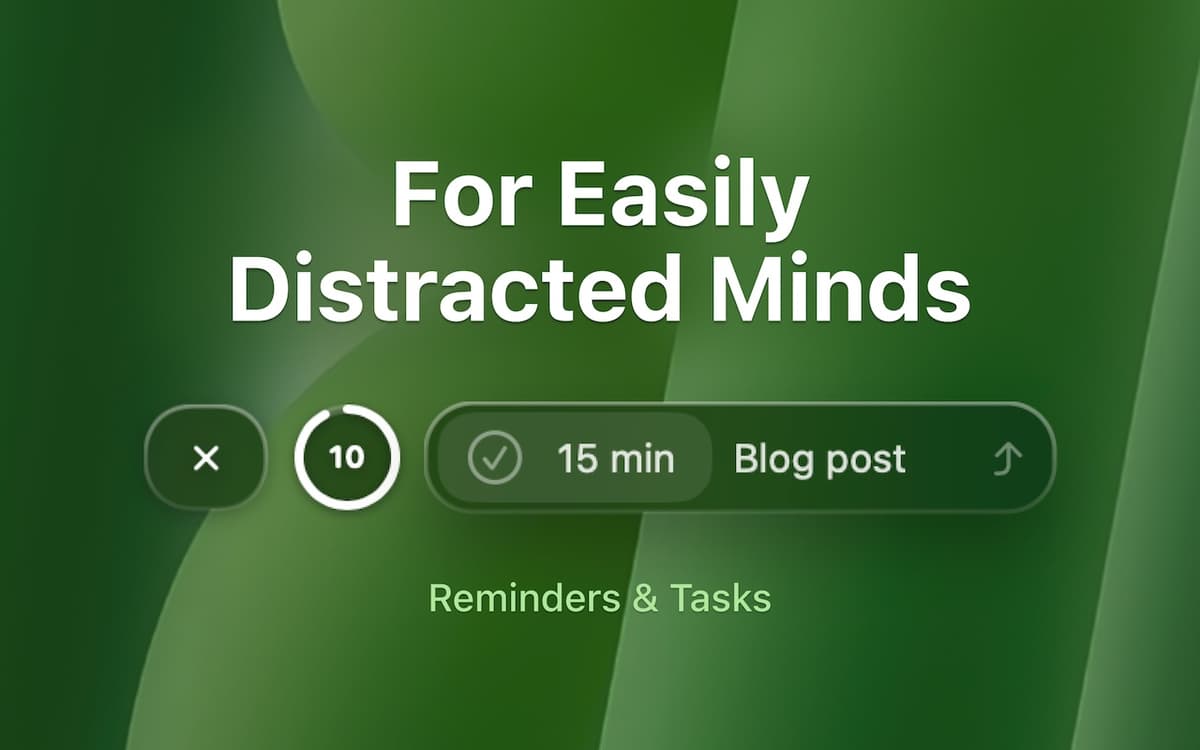
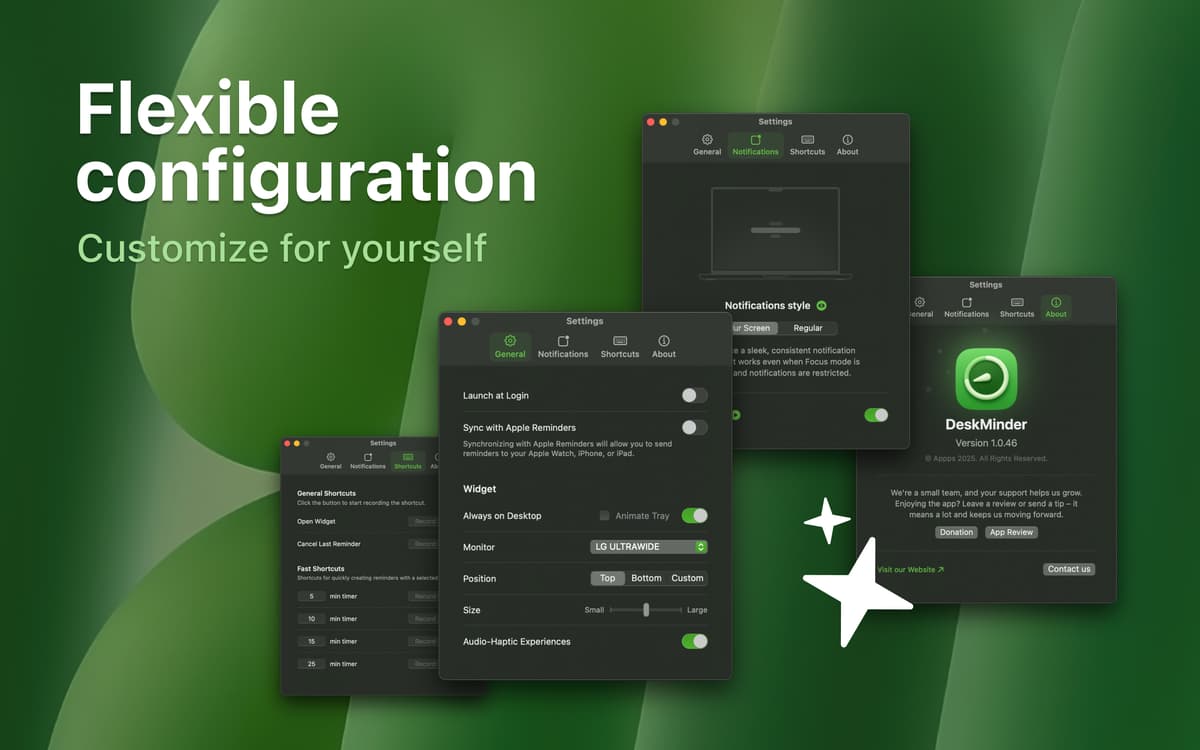
Reminders should be easy to set without interrupting your workflow. With DeskMinder², you can quickly add a reminder using a widget or from the menu bar, depending on what suits you best. DeskMinder also features quick built-in timers for 5, 10, 15, and 25 minutes.
Get bold, full-screen notifications
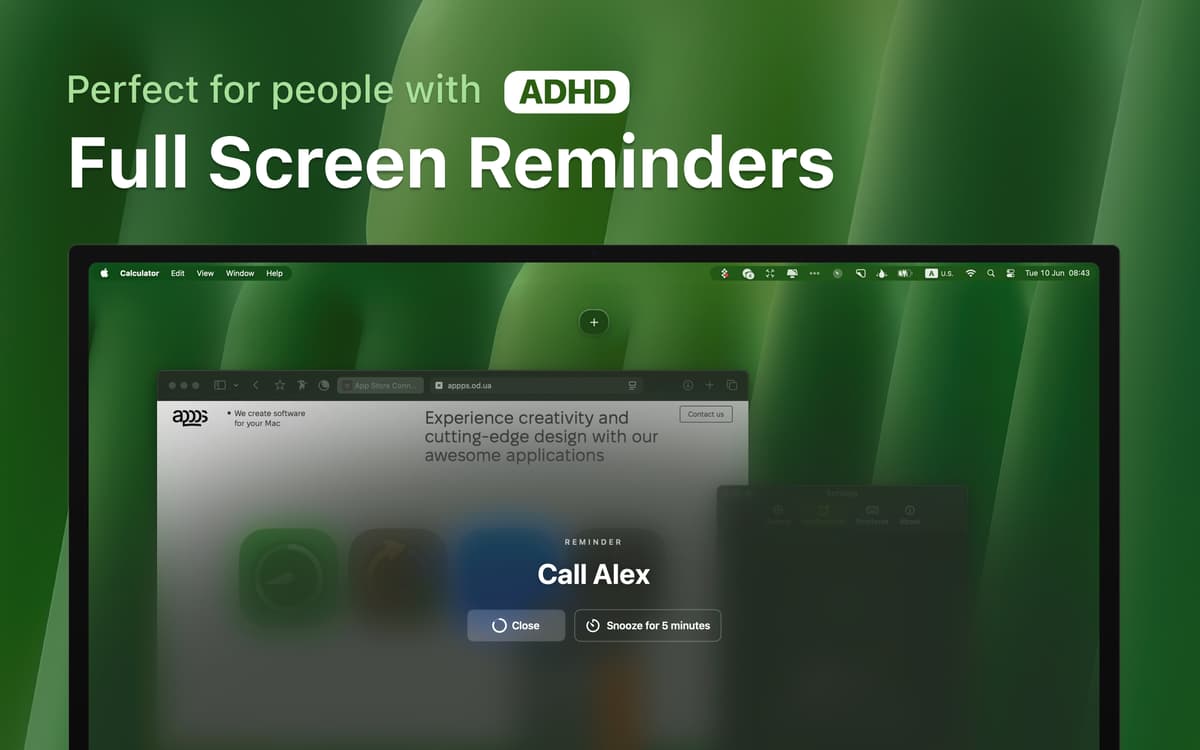
Tiny popups can be dismissed or overlooked. DeskMinder² takes over your entire screen with bold, full-screen notifications, making sure you can’t ignore or forget what’s important. You can also switch to regular notifications and adjust notification sound in Settings.
Sync your reminders across devices
If you use Apple Reminders, DeskMinder² helps you stay in the loop even when you’re away from your Mac. Your alerts follow you to your iPhone and Apple Watch, so you won’t miss a thing, no matter where you are.
Customize your workspace
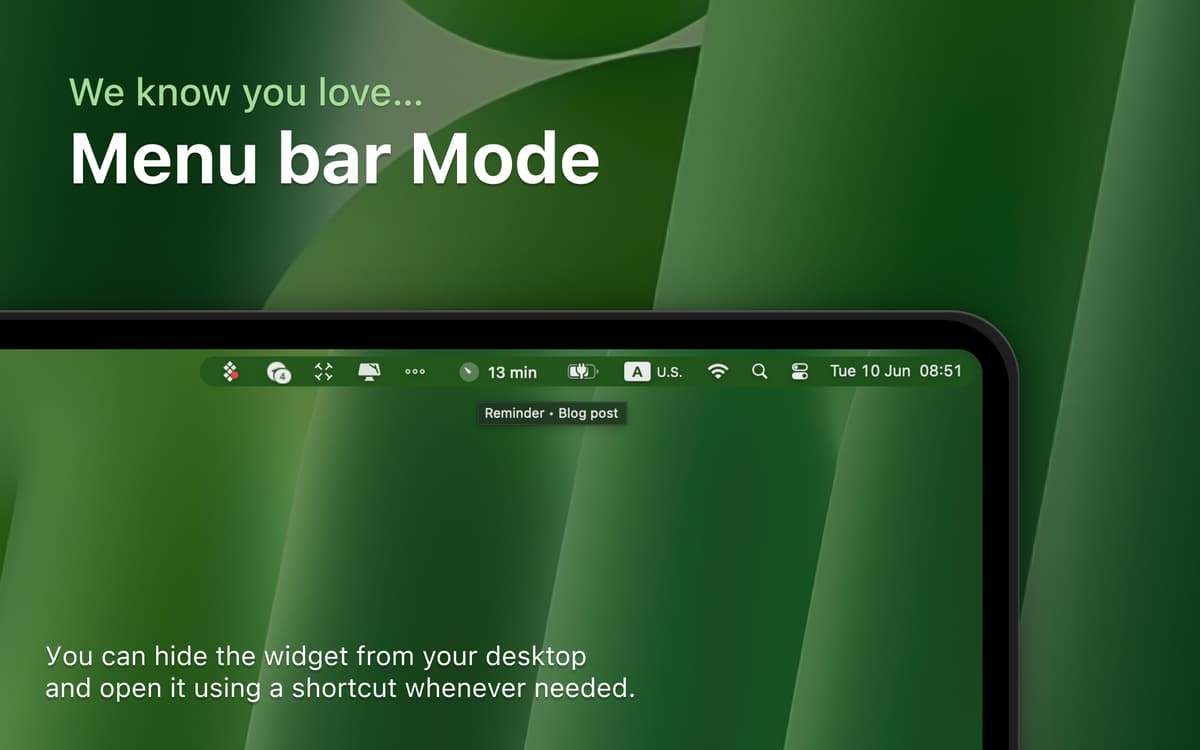
You can place the reminder widget anywhere on your screen or hide it entirely if you need more space. Quickly bringing it back with a hotkey makes it easy to stay focused without clutter.
Access your full activity history
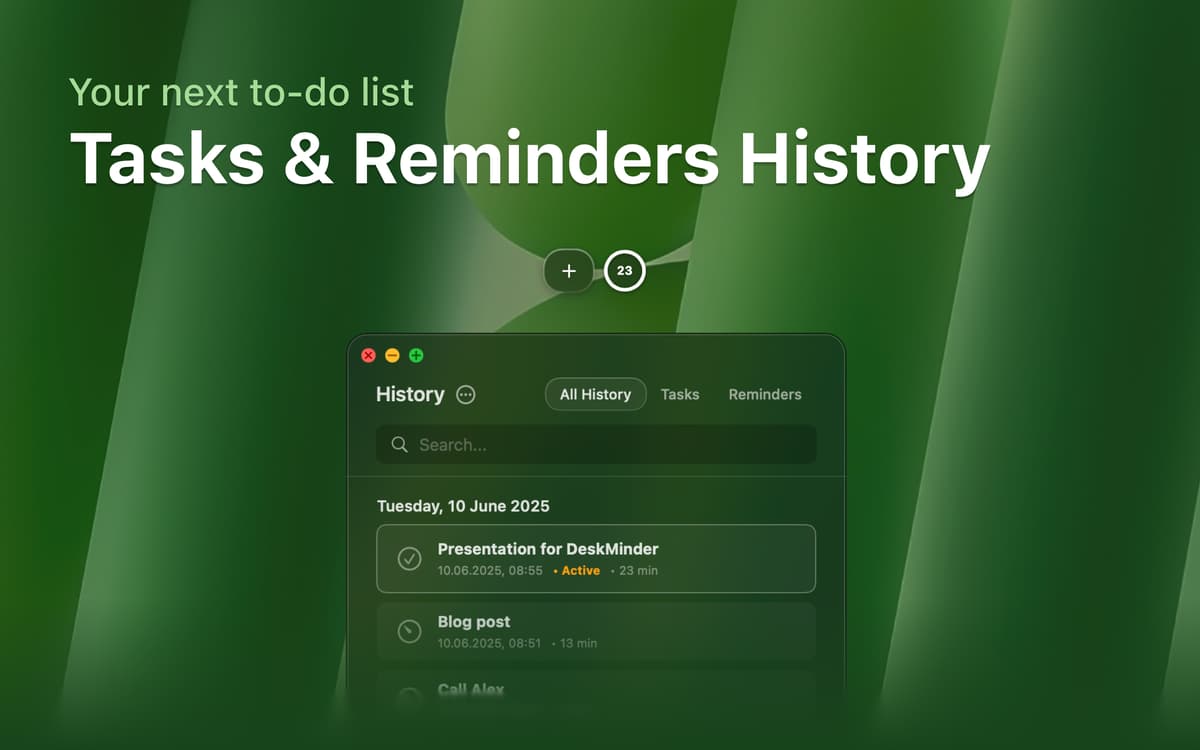
With a dedicated history screen, you can quickly review all past tasks and reminders. This helps you keep track of what you’ve accomplished and plan the next steps efficiently.
Ratings and reviews
DeskMinder
•
96 ratings
clovesmenezes.com
Mar 17, 2026
App version: 2.0.7
Saved my life.
Response from Developer
Mar 18, 2026
It’s incredibly motivating to know that the app is genuinely helping you and improving your life.
Nadir Palacios
Feb 18, 2026
App version: 2.0.7
Works fast and great
Melissa Davis
Feb 11, 2026
App version: 2.0.7
oh how I love this tool!!! I have ADHD and this helps me so much! Thank you for making this app!
Response from Developer
Feb 11, 2026
Thank you for the positive review, I’m really glad the app is helping you. Reviews like this are exactly why I make it.
Get hundreds of apps with Membership
Become Setapp member and use hundreds of stellar apps with one subscription.
Try 7 days free, then pay one simple fee.
Install Setapp on Mac
Explore apps for Mac, iOS, and web. Find easy ways to solve daily tasks.

Get the app you came for
That one shiny app is waiting inside Setapp. Install with a click.

DeskMinder
Choose your subscription
One app or more with a Setapp membership. Get apps the way you want.

Get hundreds of apps with Membership
Become Setapp member and use hundreds of stellar apps with one subscription.
Try 7 days free, then pay one simple fee.
1
Install Setapp on Mac
Explore apps for Mac, iOS, and web. Find easy ways to solve daily tasks.
2
Get the app you came for
That one shiny app is waiting inside Setapp. Install with a click.
DeskMinder
3
Choose your subscription
One app or more with a Setapp membership. Get apps the way you want.
Home to the top apps
From planning and routine tasks to creative pursuits and coding, tackle tasks with apps on Setapp.


DeskMinder
Create quick desktop reminders