
JoyCast
Improve meeting audio quality
Mac
Version 26.5.17.0
macOS 13.0 or later
52.3 MB
1 languages
No more noisy rooms, barking dogs, or echo-y spaces ruining your calls. JoyCast instantly turns your Mac’s microphone into a studio-quality mic, so every meeting, lesson, or recording sounds clear and professional without extra equipment or complicated settings.
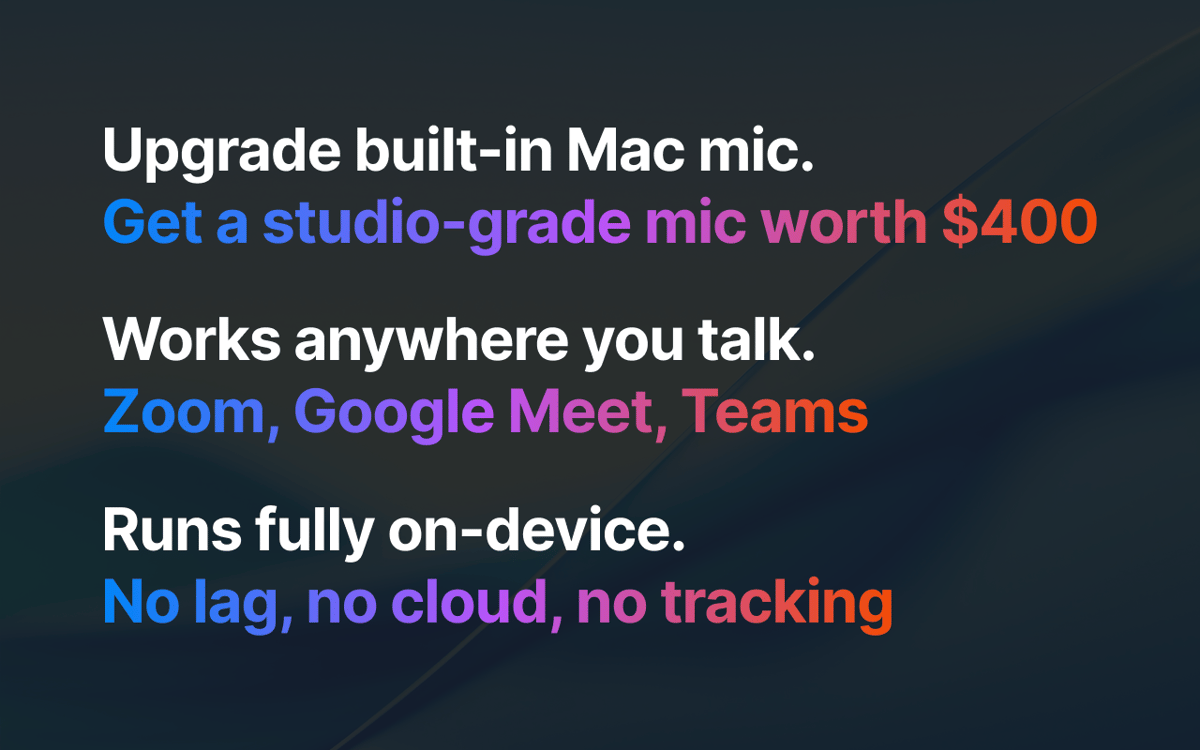
Upgrade built-in Mac mic to studio clarity
Remove background noise automatically
Record clean audio for videos and podcasts
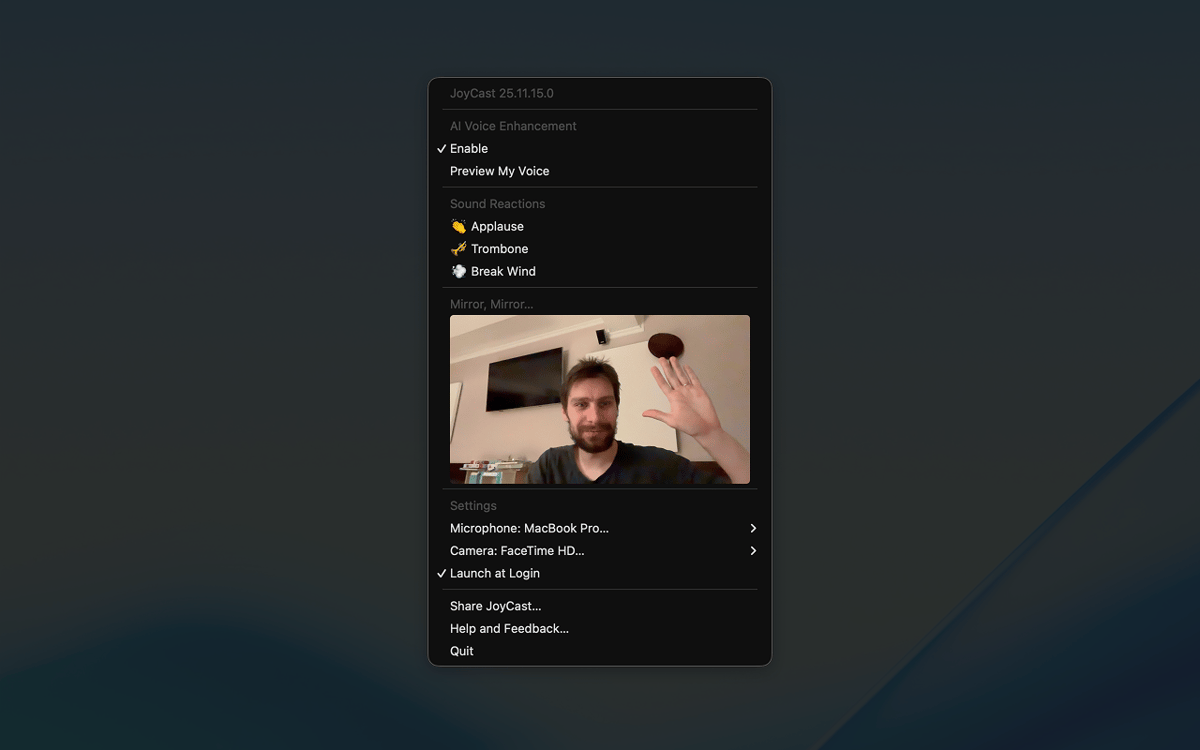
Check your camera before calls
JoyCast features
Enhance your Mac microphone instantly
With a single setup, JoyCast removes background noise, polishes your voice with subtle enhancement, and keeps your audio consistent. Works seamlessly in Zoom, Google Meet, Teams, Slack, or any app that utilizes your mic. All you need to do is select JoyCast Microphone as an input device in the apps you use.
Preview your camera before joining
Don’t step into a call unsure how you look. With the Mirror feature, you can instantly see your Mac camera view right from the menu bar, check your framing, adjust your lighting, and make sure your background is clear.
Add personality with Sound Reactions
Meetings, lessons, and calls can feel flat or tense, making it hard to engage your audience. JoyCast’s Sound Reactions let you play short audio clips — applause, laughs, or other effects — during your calls to break the ice, lighten the mood, and emphasize key points.
Ratings and reviews
JoyCast
•
78 ratings
Mitchel
Sep 9, 2026
App version: 26.5.17.0
The app stopped working after about a week. I tried a complete reinstall, but nothing has helped. I’ve also contacted the developer several times and haven’t received any response. I think Setapp really needs to improve the level of support it expects from developers on the platform. We’re paying customers, but at the moment it feels like some developers stop caring about support once their app is included in Setapp.
jkristine
Aug 21, 2026
App version: 26.5.17.0
Works amazingly, wish there was a yearly or one-time subscription option
Daniel
Feb 17, 2026
App version: 26.2.11.0
I couldn’t tell any difference between having this on or off.
Response from Developer
Feb 23, 2026
Hey, Daniel 👋. I'm sorry JoyTap caused you inconvenience. Sorry 🙏. I'd love to help, but I'm missing some details. Feel free to email me at [email protected]. Always at your service!
Get hundreds of apps with Membership
Become Setapp member and use hundreds of stellar apps with one subscription.
Try 7 days free, then pay one simple fee.
Install Setapp on Mac
Explore apps for Mac, iOS, and web. Find easy ways to solve daily tasks.

Get the app you came for
That one shiny app is waiting inside Setapp. Install with a click.

JoyCast
Choose your subscription
One app or more with a Setapp membership. Get apps the way you want.

Get hundreds of apps with Membership
Become Setapp member and use hundreds of stellar apps with one subscription.
Try 7 days free, then pay one simple fee.
1
Install Setapp on Mac
Explore apps for Mac, iOS, and web. Find easy ways to solve daily tasks.
2
Get the app you came for
That one shiny app is waiting inside Setapp. Install with a click.
JoyCast
3
Choose your subscription
One app or more with a Setapp membership. Get apps the way you want.
Home to the top apps
From planning and routine tasks to creative pursuits and coding, tackle tasks with apps on Setapp.


JoyCast
Improve meeting audio quality