
JoyType
Type with your voice
Mac
Version 26.5.16.0
macOS 15.0 or later
524.9 MB
1 languages
JoyType lets you type with your voice — anywhere on your Mac. Hold a hotkey, speak, release, and text lands right where your cursor is. It's a local-first alternative to cloud dictation tools like Wispr Flow: everything runs on Apple Silicon, no audio ever leaves your machine. Double-tap for hands-free mode, or just hold for quick bursts. 25 languages, no internet required.
Dictate text in any app
Reply to chats without touching the keys
Capture ideas the moment they appear
Go hands-free with a double-tap
JoyType features
Push-to-talk in any app
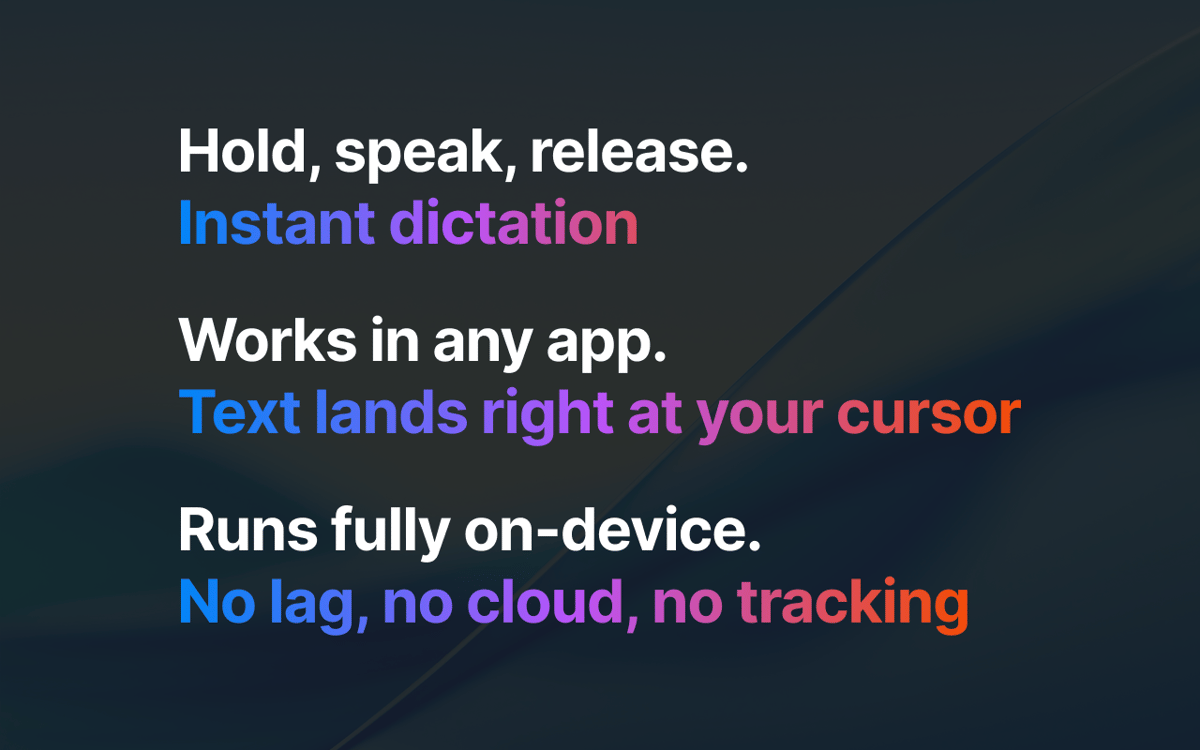
Hold your hotkey, speak, release. Works in Slack, Mail, ChatGPT, Cursor — anywhere a cursor blinks.
Hands-free mode
Double-tap to start continuous dictation. Tap again to stop. Built for long notes and emails.
Fully on-device
Speech recognition runs on Apple Silicon via Parakeet. No internet, no cloud, no account.
AI Polish
A local LLM cleans up filler words and punctuation. Still on your Mac — never uploaded.
25 languages
From English and Spanish to Ukrainian and Polish. Switch on the fly. Supported Languages: Bulgarian (bg), Croatian (hr), Czech (cs), Danish (da), Dutch (nl), English (en), Estonian (et), Finnish (fi), French (fr), German (de), Greek (el), Hungarian (hu), Italian (it), Latvian (lv), Lithuanian (lt), Maltese (mt), Polish (pl), Portuguese (pt), Romanian (ro), Slovak (sk), Slovenian (sl), Spanish (es), Swedish (sv), Russian (ru), Ukrainian (uk)
Quiet menu-bar app
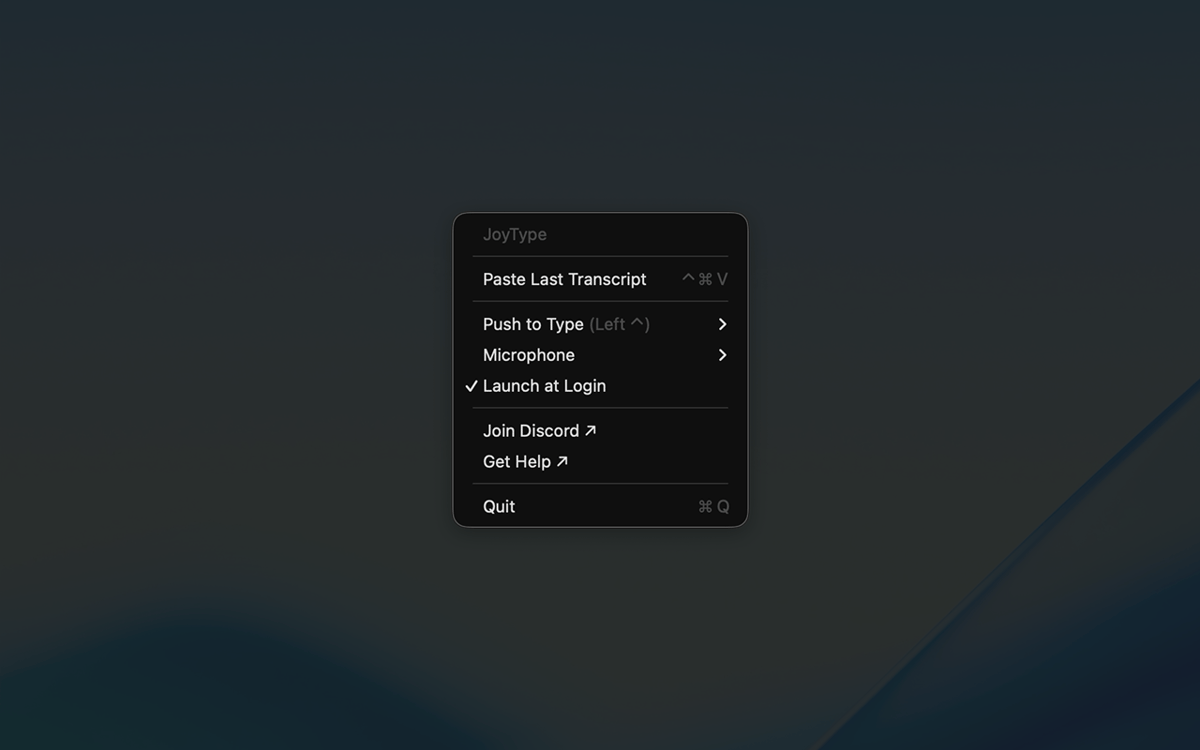
No dock icon, no windows. Lives in your menu bar, ready when you are.
Ratings and reviews
JoyType
•
61 ratings
John Blandford
Oct 17, 2026
App version: 26.5.16.0
Difficult to get working initially on an M3 Mac Tahoe. Tried uninstalling and reinstalling twice. Checked all Mac privacy permissions as recommended. Didn’t work and was stuck in a loop of ‘Needs Attention!’ but unable to find out what needed attention or how to fix it. Cleared all caches and rebooted. No change. Then tried changing transcribe trigger from default ‘Fn’ and discovered that because I’m using an external keyboard, the ‘Fn’ key doesn’t work! Still displayed a greyed out warning the whole time it is running, “! Needs Attention !, Preparing polishing…,”, but can’t find out how to fix that or get rid of it… but the app is now working. I feels like hard work to stumble over how to get this app to work.
AlwaysHimself
Oct 16, 2026
App version: 26.5.16.0
I understand this app has been designed to be very simple, but I think it's taken it a little too far. This platform offers other options that are much better. I wouldn't mind using this app over another because of its simplicity, but it needs a few missing features. 1) Users must be able to set their own key bindings. 2) The AI Polish feature should support an Ollama service. It should also accept user-defined customizations to fine-tune the output. 3) Add an option to disable auto-pasting after transcripts and a visual indicator. It's driving me nuts. I dislike it when it starts typing all over the place. I'd much rather paste it myself when I'm ready. These changes would greatly enhance the app.
Katsuo
Oct 13, 2026
App version: 26.5.16.0
I tried a bunch of different apps. This one is fast, accurate, and super easy to use. Really love it.
Get hundreds of apps with Membership
Become Setapp member and use hundreds of stellar apps with one subscription.
Try 7 days free, then pay one simple fee.
Install Setapp on Mac
Explore apps for Mac, iOS, and web. Find easy ways to solve daily tasks.

Get the app you came for
That one shiny app is waiting inside Setapp. Install with a click.

JoyType
Choose your subscription
One app or more with a Setapp membership. Get apps the way you want.

Get hundreds of apps with Membership
Become Setapp member and use hundreds of stellar apps with one subscription.
Try 7 days free, then pay one simple fee.
1
Install Setapp on Mac
Explore apps for Mac, iOS, and web. Find easy ways to solve daily tasks.
2
Get the app you came for
That one shiny app is waiting inside Setapp. Install with a click.
JoyType
3
Choose your subscription
One app or more with a Setapp membership. Get apps the way you want.
Home to the top apps
From planning and routine tasks to creative pursuits and coding, tackle tasks with apps on Setapp.


JoyType
Type with your voice