iMovie works great for basics, but you'll outgrow it fast when you need multi-layer timelines, advanced color grading, or motion graphics.
Best beginner-friendly upgrades include Filmage Editor for all-around editing and Capto for educational content and screen recordings.
For visual polish, CameraBag Pro handles color grading while Riveo adds motion graphics without the After Effects complexity.
Professionals working with clients should consider Premiere Pro for industry-standard workflows or DaVinci Resolve for top-tier color control.
Instead of buying multiple editors separately, Setapp gives you access to Filmage Editor, Capto, CameraBag Pro, and Riveo plus 250+ other apps for one subscription price. Try Setapp free for 7 days and find your perfect editing workflow.
Every video editor has to go through this stage — working with iMovie. It's a good foundation for creating decent videos for social media, YouTube podcasts, or your own blog. However, as I progressed in my career, the challenges I faced became increasingly complex. At some point, I wondered, what can I use instead of iMovie to speed up my work and create more professional videos?
I tested dozens of alternatives to iMovie and compiled a list of tools suitable for beginners and professionals to perform various tasks.
Compare the best iMovie alternatives for Mac
A YouTuber creating tutorials needs different tools than someone editing wedding videos or TikTok content. That's why in my article, I don't rate iMovie alternatives, but explain how they can be useful. This way, you can quickly determine which ones fit your workflow.
AI background removal, motion tracking, noise reduction, auto-subtitles
From $8.95/month
Lightworks
Advanced users who don't mind limits
Timeline editing, VFX.
Free or from $13.99/month
Now let's examine the use cases and features of each of these tools.
Filmage Editor: Best iMovie alternative for beginners
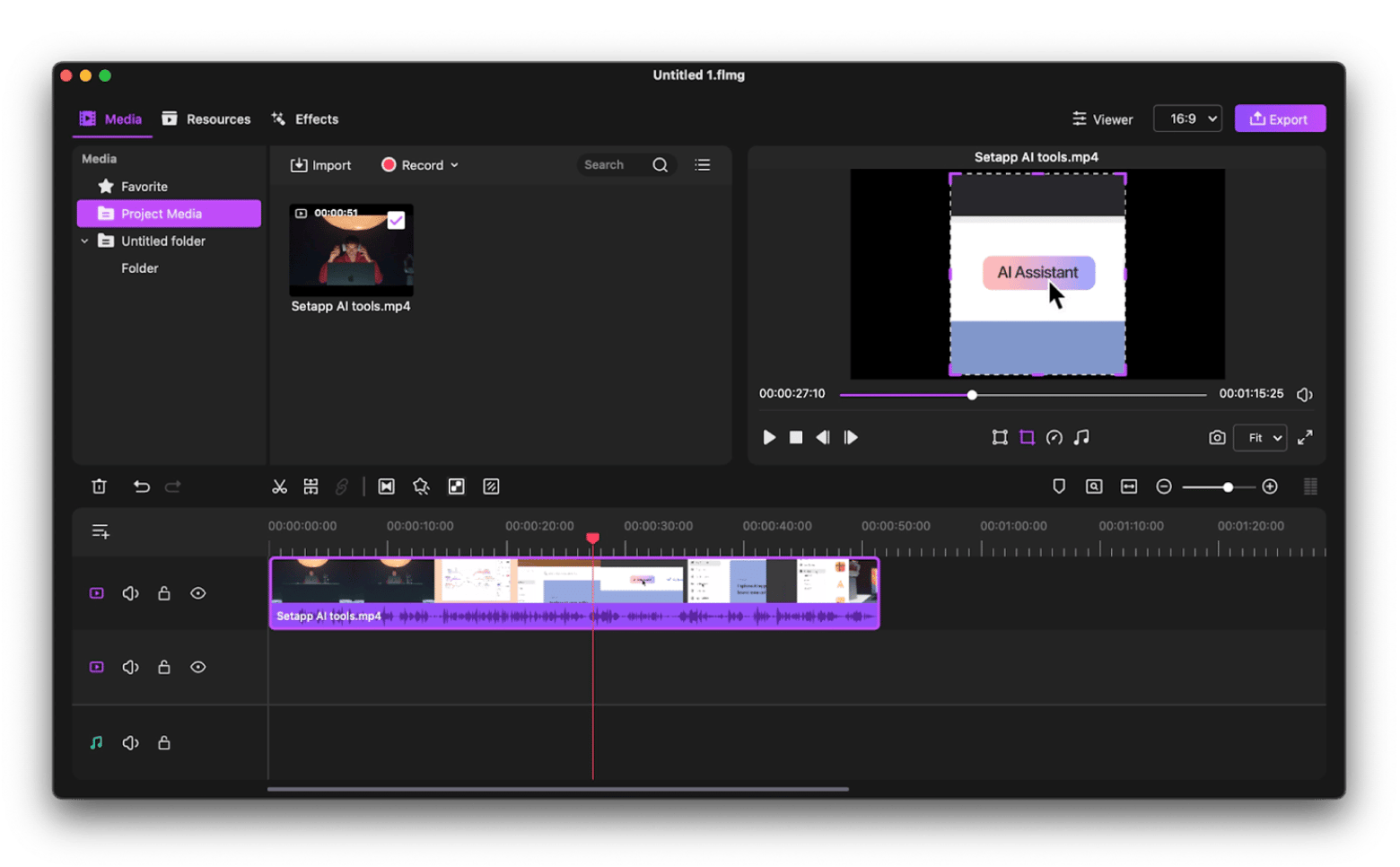
Filmage Editor is what I recommend to anyone just moving on from iMovie. It feels familiar (similar timeline interface, drag-and-drop simplicity) but offers more flexibility where iMovie falls short. You get screen recording built right in, multi-layer support, and effects that don't feel restrictive.
I use it when I need to quickly record my screen and edit the footage without switching apps. It's ideal for YouTubers, educators, or marketers who want clean-looking videos without diving into complex pro software.
Best features:
Screen recording and video editor all in one app
Timeline with multi-layer overlay support
Library of animated text and stickers
Extract audio from video files with one click
Direct export to popular formats and platforms
Pros:
Easy to navigate when switching from iMovie
Easy and fast export
No need to switch between programs for recording and editing
Convenient interface
Cons:
Lacks advanced color grading tools
Not ideal for long-form documentary or cinematic projects
Price: Available on Setapp, a subscription platform with 250+ apps. You can try it free for 7 days.
Riveo: Best for adding motion graphics and AI-powered effects
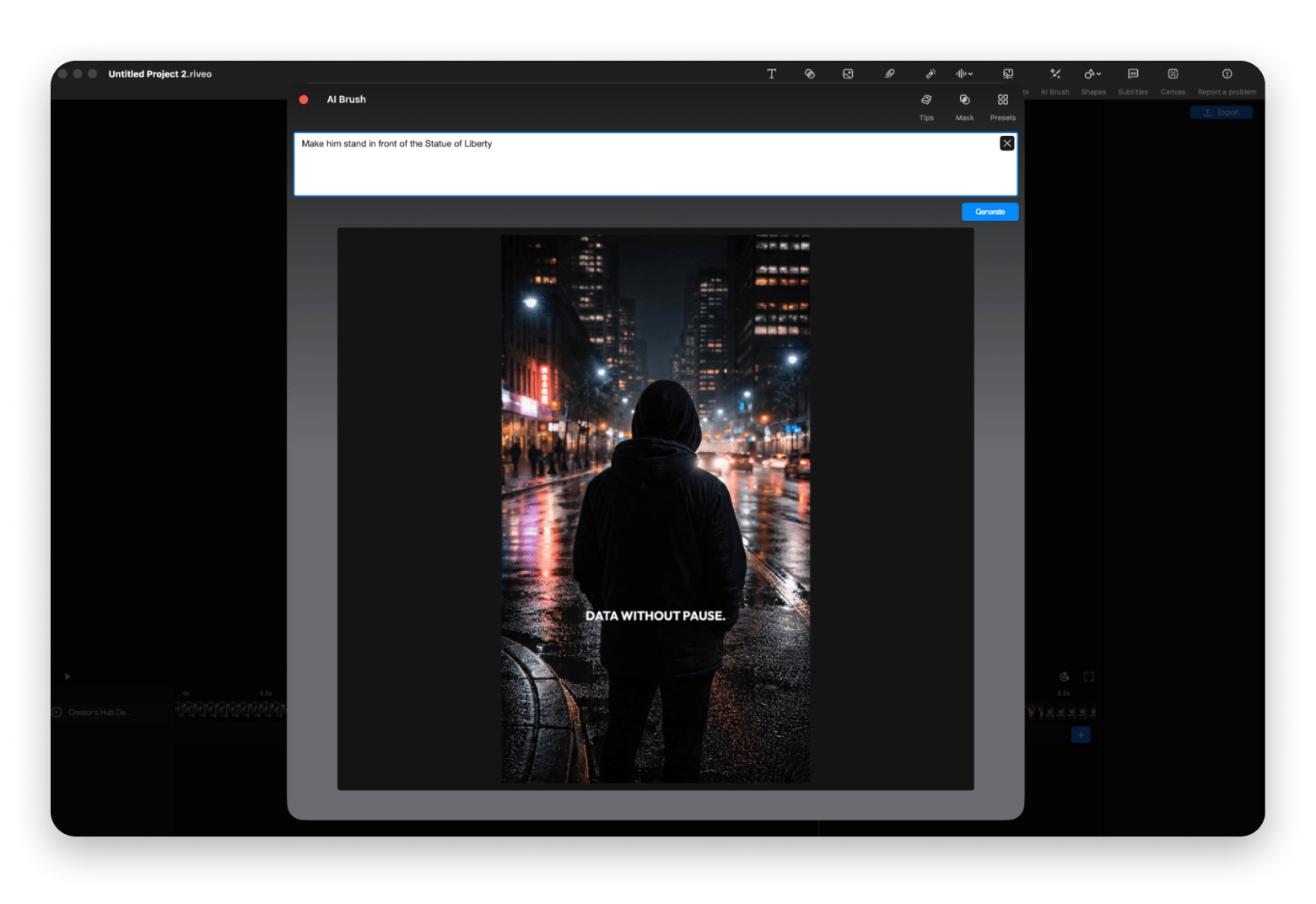
When I was looking for apps similar to iMovie, it was important for me to find a tool with strong AI capabilities, but at the same time easy for beginners to understand. Riveo became that app for me. It's something between iMovie and After Effects. I use it when I want my videos to stand out visually — animated titles, smooth transitions, 3D effects without spending hours in Adobe's ecosystem.
It's ideal if you want your videos to look modern and dynamic but don't want to learn a whole separate motion graphics program.
Best features:
Add text in motion, overlays, and 3D transition
Adjust speed and smooth clip sync
AI masking, green screen removal, and real-time preview
Over 100 royalty-free music tracks
Direct export in 4K
Pros:
Great for making professional videos without After Effects
Easy layer controls and keyframe adjustments
Lightweight but powerful
AI tools speed up tedious tasks
Cons:
Best used for enhancing existing edits, not building from scratch
Some effects require experimentation to master
“Riveo may not replace my primary video editor or anything for heavy projects, but I don't necessarily know if it's meant to. What I do know is that it's fun to use and has less friction than, say, current-day iMovie for making quick little videos with pretty cool (and some silly, in the right way) special effects. My stepdaughter is new to video editing and I bet she'd love this as well -- it's like a middle step between CapCut and Final Cut”, shares billyok, a Setapp user.
Price: Available on Setapp, a subscription platform with 250+ apps. You can try it free for 7 days.
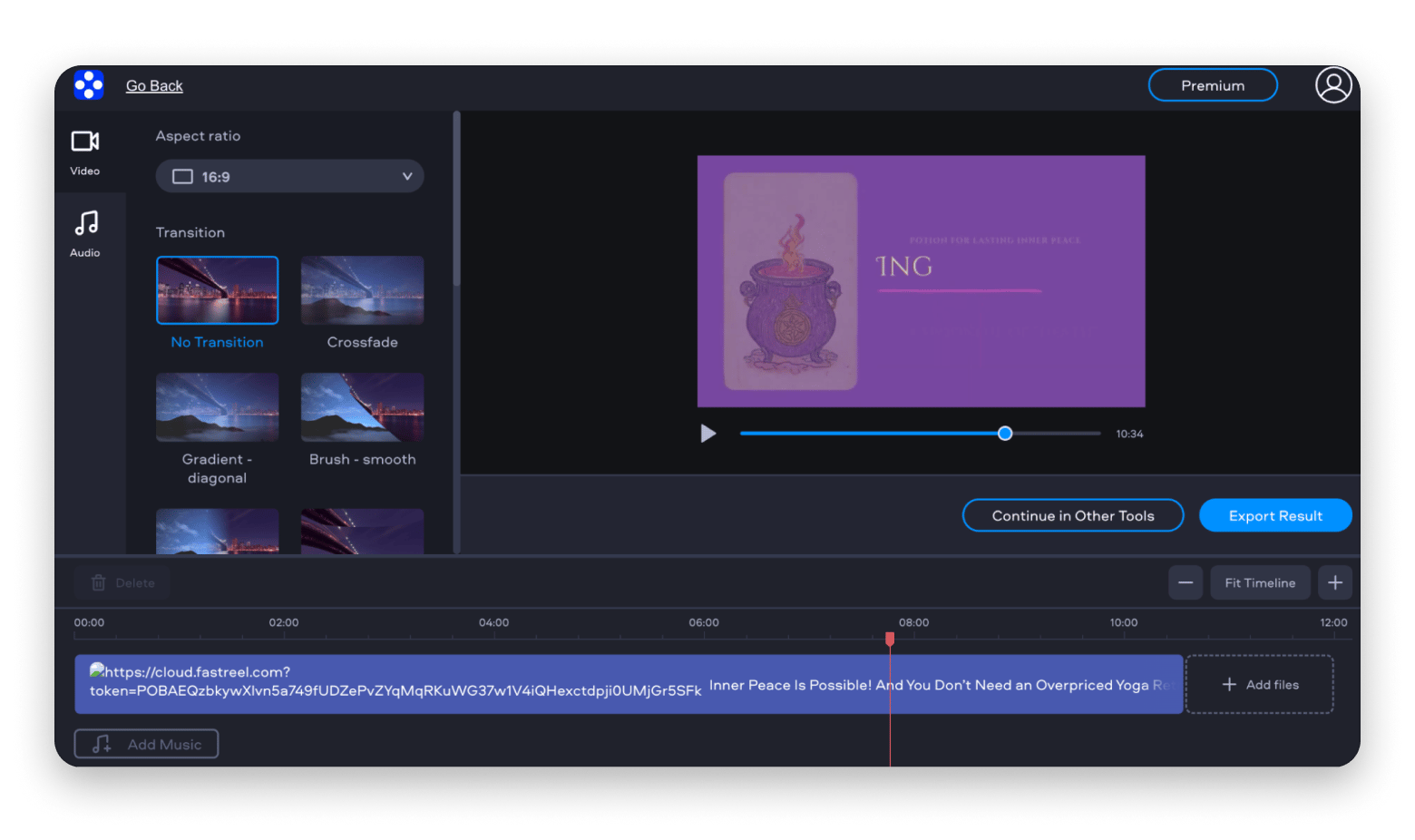
Flixier: Best cloud-based iMovie alternative for speed and collaboration
I work with a team, and you can imagine how much work it was to send videos to others for editing. Not only did everyone need to have the same software installed, but the huge files took forever to download.
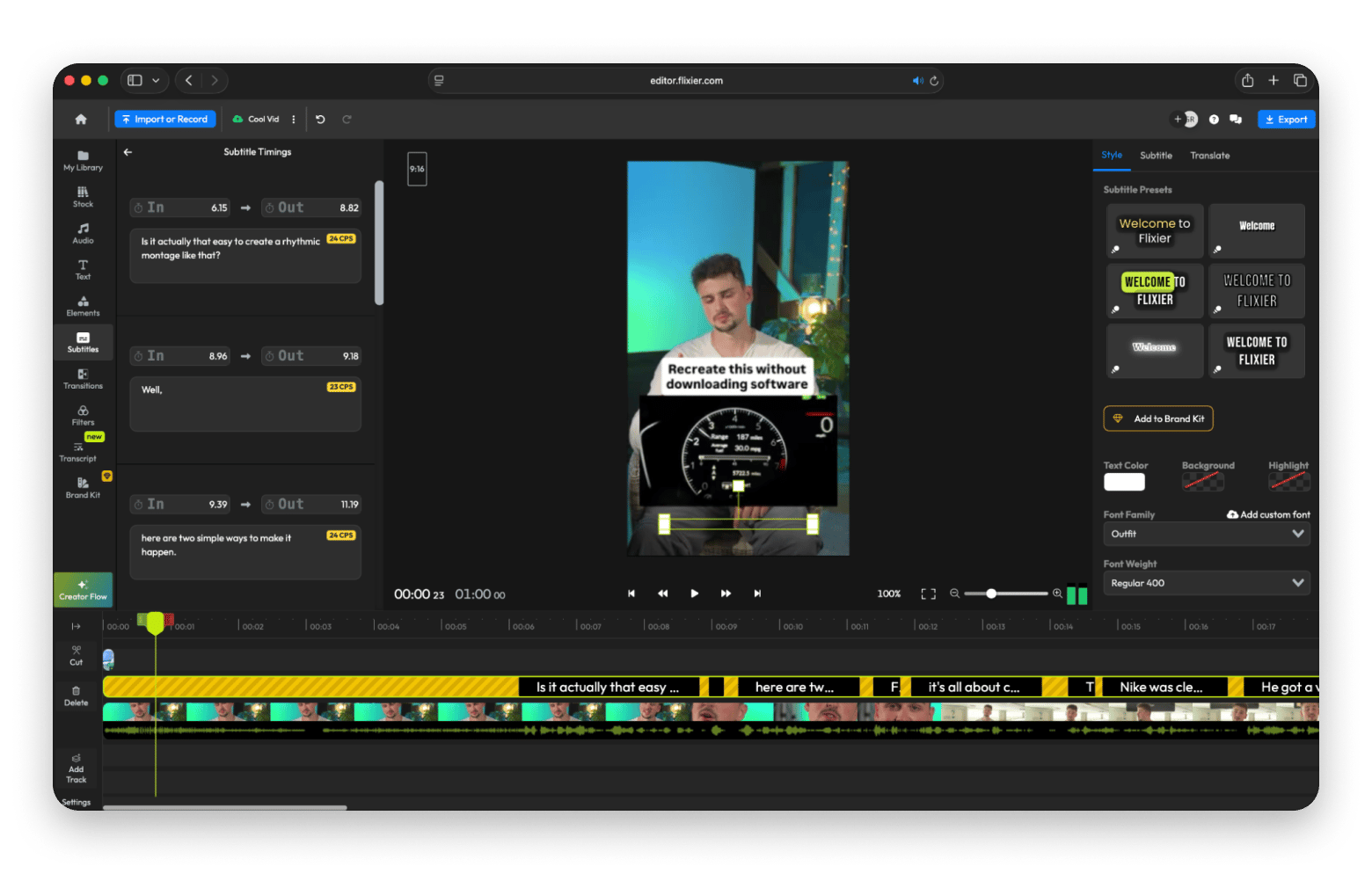
Then I discovered Flixier, and I can say that it's the best iMovie alternative for creators who value speed, AI tools, and ease of use over complex features.
Best features:
Cloud-based editor — no installation required
AI voiceovers, auto-subtitles, and auto-cut detection
Templates for intros, social media posts, and branded content
Fast rendering with direct publishing to YouTube or TikTok
Real-time collaboration tools for teams
Pros:
Works on any computer with a browser (even non-Macs)
Built-in media library and stock footage integration
Great for teams, marketers, and remote work scenarios
Fast exports compared to desktop rendering
Cons:
Requires constant internet connection
Some advanced AI features are still evolving
Subscription pricing can add up for heavy users
“I just found Flixier while searching for some free tool on the web for resizing video from landscape to portrait. Flixier is the only software that has the ability to stretch your video nearest to the full portrait dimensions without losing anything. What I meant is, when I'm trying to change my orientation from landscape to portrait, all the content in the video is intact, it's just there inside the frame unlike others when you change dimension you will lose the video because it will zoom and disappear.
That's why nothing compares to Flixier when it comes to changing the orientation of your video from landscape to portrait for uploading on Tiktok. That's why I'm very happy about Flixier and highly recommended for beginners like me”, says Killy Tecostan on Product Hunt.
Price: Free plan available; paid plans from $14/month.
CapCut for Mac: Best free iMovie alternative for social-first content
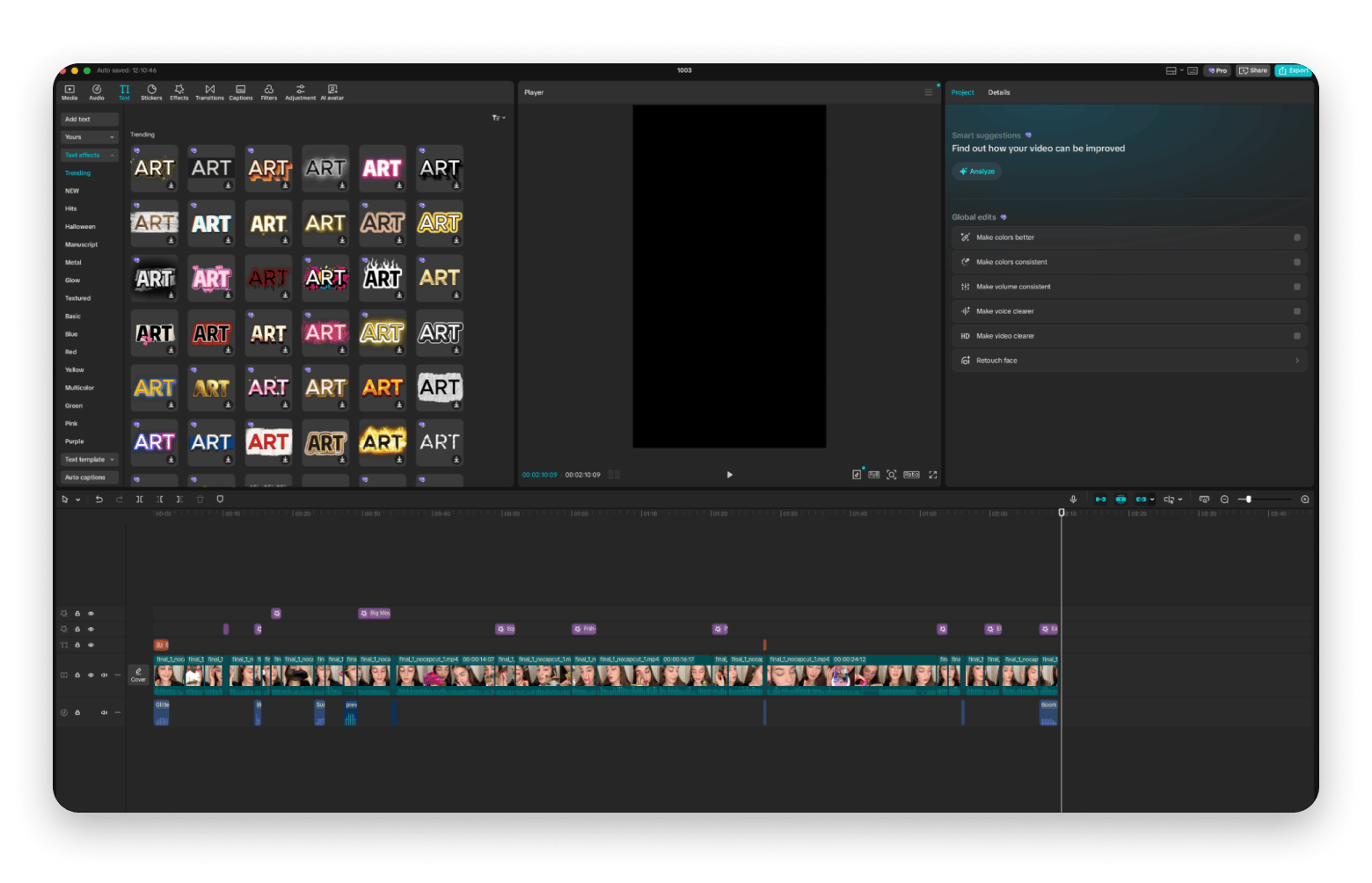
CapCut is what I reach for when I need to produce short-form videos fast. It comes loaded with trending effects, filters, and templates that make your content look current without manual work. Perfect for TikTok, YouTube Shorts, or Instagram Reels.
While it doesn't have the depth of professional editors, it's extremely efficient for social media workflows where speed matters more than pixel-perfect control.
Best features:
Built-in templates and trending transitions
Auto-captions with decent accuracy
Music library, sound effects, and voiceover tools
Easy vertical video export for mobile platforms
Keyframe animation for basic motion graphics
Pros:
Completely free to use
Optimized for quick, trendy edits
AI-powered features like auto-captions and background removal
Regular updates with new effects
Cons:
Limited control over advanced timeline features
Watermark appears unless you're logged in
Can feel overwhelming with too many trending effects
Price: Free
Capto: Best alternative to iMovie for educational videos and screen walkthroughs
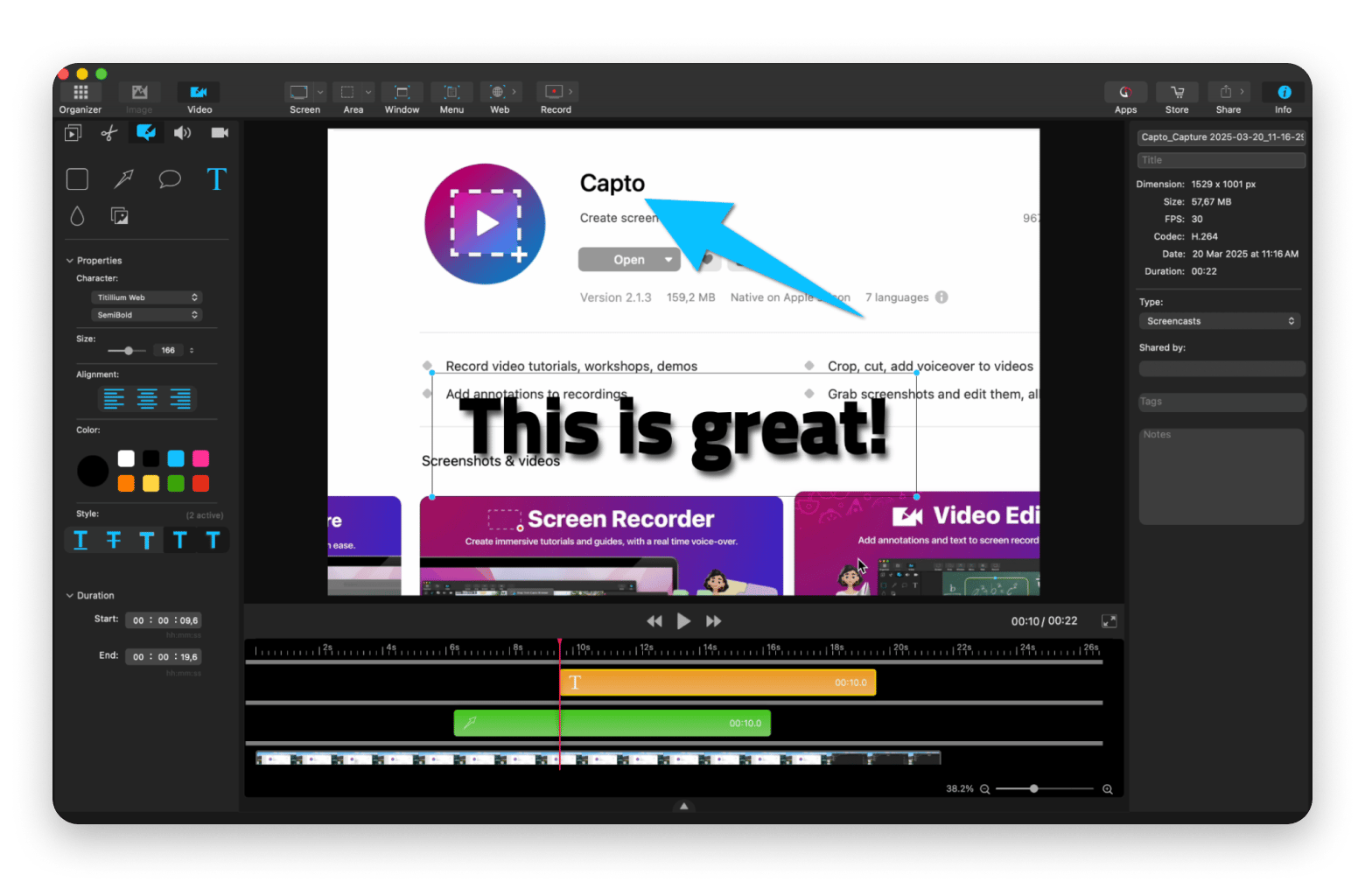
Capto is more of a smart screen recording tool with a built-in editing timeline. I use it when I want to annotate, zoom, or walk someone through a workflow visually. It's not trying to be a full video editor — it's optimized for clarity and speed.
If you're creating training content, software tutorials, or app walkthroughs, this is an excellent iMovie alternative focused on instructional clarity rather than cinematic flair.
“For basic editing (joins, transitions and music and some fx), I'm using the CapCut for several years already, it's great and capable of handling the 20-minute home video projects”, shares Reddit community contributor.
Best features:
Record screen and webcam simultaneously
Add annotations, highlights, and voice comments to the timeline
Built-in trimming and calling tools
Easy export to YouTube, Vimeo, or cloud storage
Pros:
Tailor-made for instructional and demo content
Super simple UI without any clutter
Fast recording and editing loop
Great for remote teams doing product demos
Cons:
Not designed for serious timeline-based narrative editing
Limited transitions and visual effects
Price: Available on Setapp, a subscription platform with 250+ apps. You can try it free for 7 days.
CameraBag Pro: Best for color correction and aesthetic filters
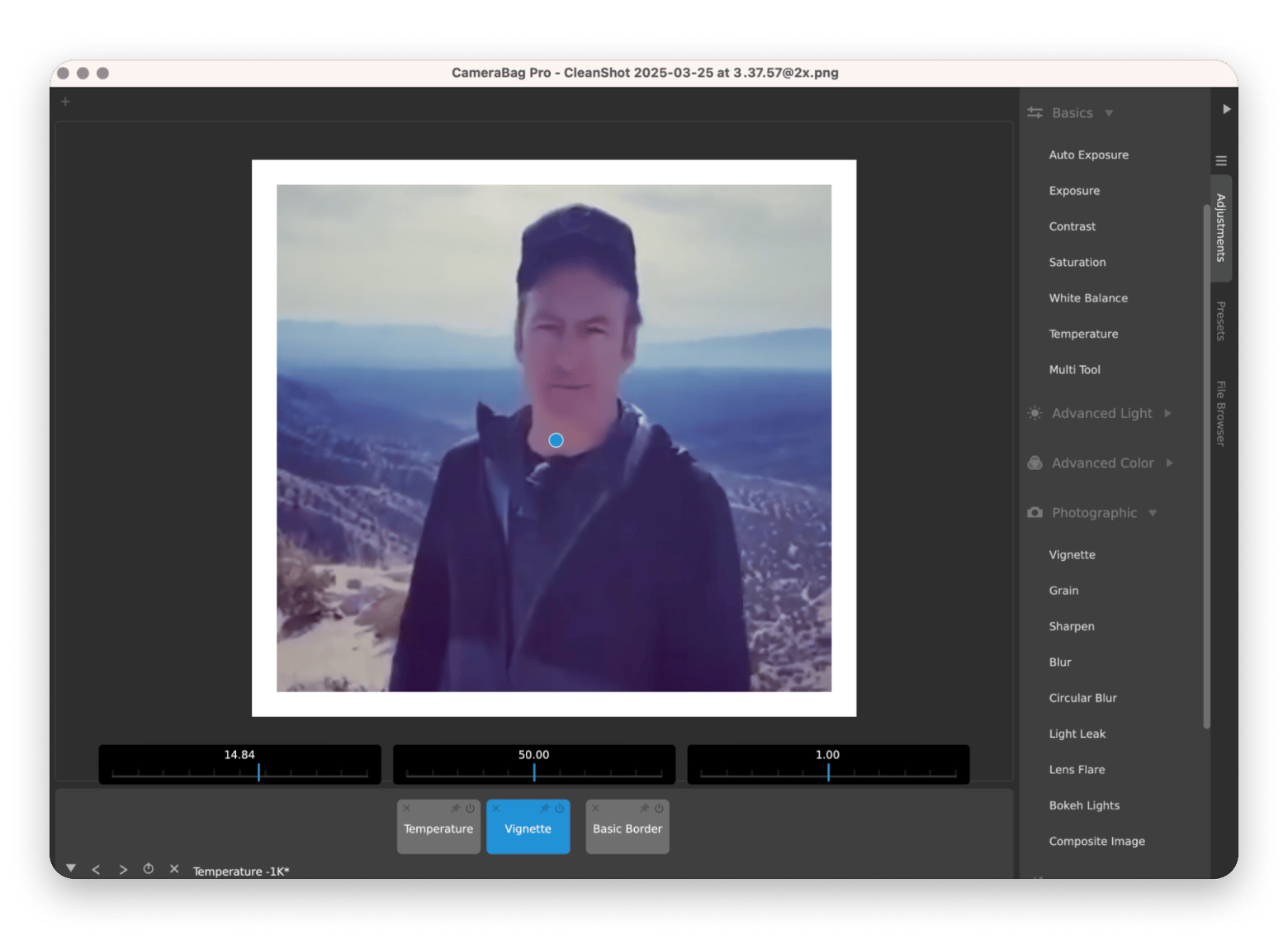
CameraBag Pro isn't a full video editor like iMovie — it's a powerful companion app when you want your content to look polished and professionally graded. I often use it after I've done my basic cuts to give my footage a visual style without diving into DaVinci Resolve.
Think of it as Instagram filters, but actually professional. You get cinematic presets, custom LUTs, and real-time adjustments that make your videos look like they were shot by someone with a much bigger budget.
Best features:
Built-in cinematic filters and LUTs
Parallel before/after preview
Real-time adjustments with instant feedback
Ability to save your own presets
Pros:
Super fast for grading and aesthetic tweaks
Easy to apply and customize presets
Intuitive UI
Great for creating a signature visual style
Cons:
No timeline or clip arrangement features
Best used alongside another editor, not as standalone
Limited to color and style, no editing tools
Price: Available on Setapp, a subscription platform with 250+ apps. You can try it free for 7 days.
Adobe Premiere Pro: Best for full professional workflows
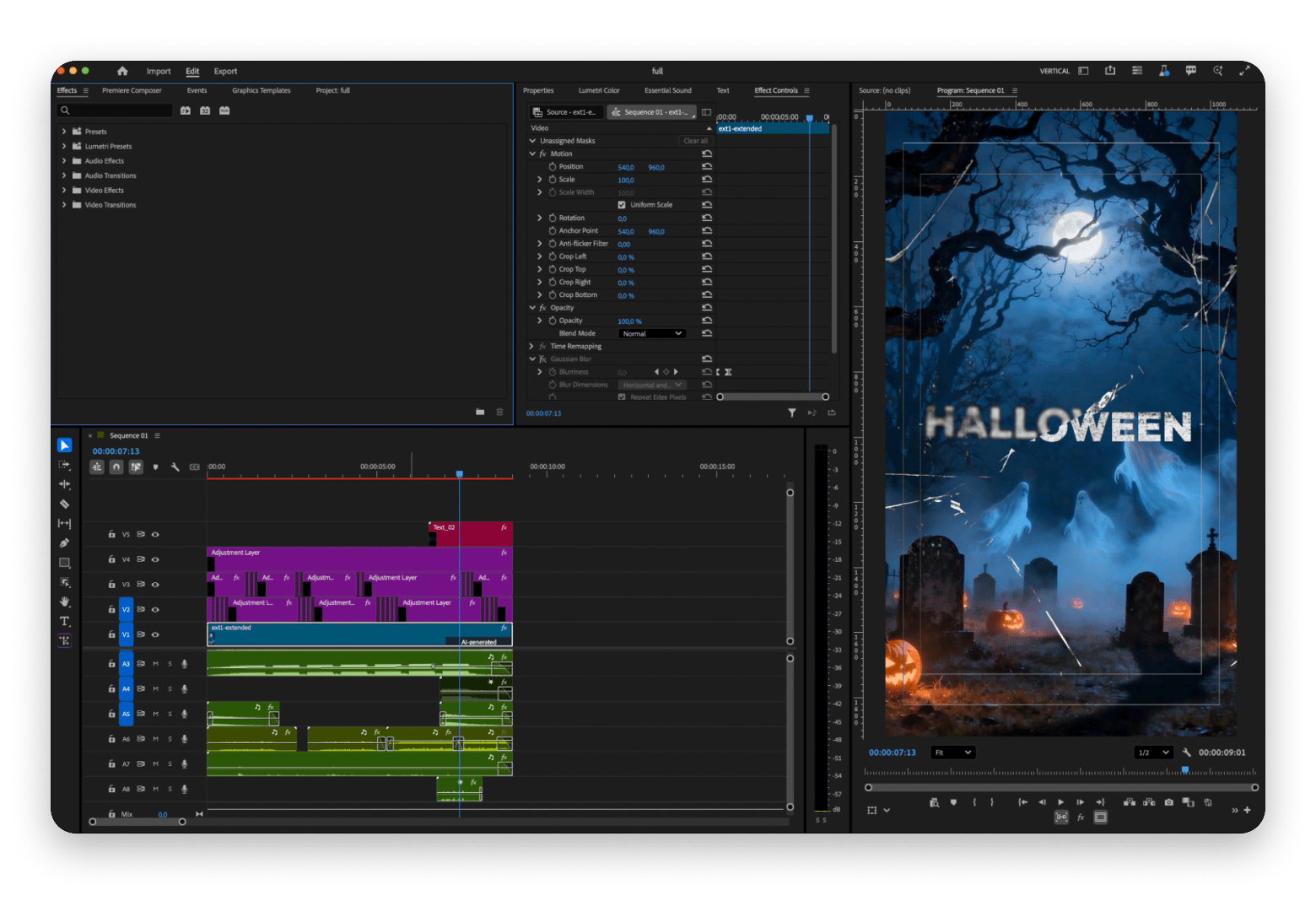
If you're looking for apps similar to iMovie to collaborate with teams, clients, or across multiple formats, Premiere Pro is one of the most powerful video editors available.
I use it for long-form edits, multi-cam projects, and anything that requires precision.
Best features:
Deep timeline control with customizable workspaces
AI-powered text editing and automatic subtitles
Massive plugin ecosystem and transition library
Multi-camera editing and advanced audio sync
Pros:
Great built-in color tools and audio mixing
Regular updates with new AI features
Works across Mac and Windows seamlessly
Cons:
No one-time purchase option
Can be heavy on system resources
Can be overwhelming for begginers
Price: From $20.99/month.
Adobe After Effects: Essential tool for motion graphics and visual storytelling
Need to create animated titles, custom transitions, or VFX? I'd suggest After Effects for that. It's the best iMovie alternative for motion graphics. When I need to create something custom-built rather than template-based, it's the first tool I open.
Best features:
Keyframe-based composing and motion tracking
Easy work with Premiere Pro and Photoshop
Big plugin library for special effects
3D layer compositing and camera tools
Pros:
Flexible for creating custom visual works
Creates professional titles and intros for brands
Tight integration with other Adobe Creative Cloud tools
Cons:
Very steep learning curve
Best used in combination with a timeline editor
Heavy system requirements for complex projects
Price: $20.99/month
DaVinci Resolve: Best free alternative for color grading and editing
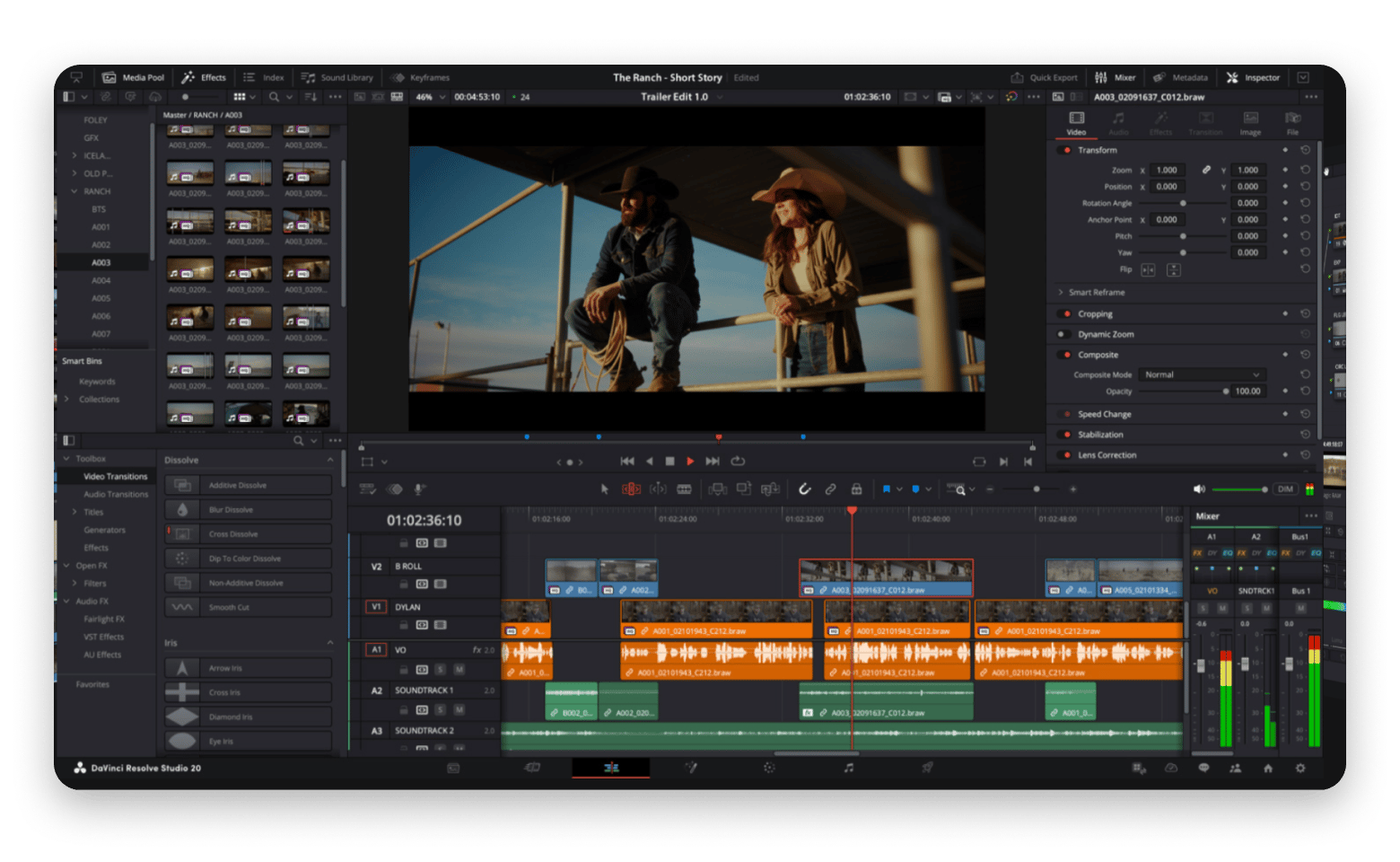
DaVinci Resolve started as Hollywood's go-to color grading tool but has evolved into a complete editing suite. It's the best free iMovie alternative if you want to explore advanced editing without paying upfront.
I use Resolve when I'm working on more cinematic or visually rich projects—anything that requires precise color control or high-end finishing. The free version is shockingly powerful.
Best features:
Professional color correction tools
Multi-track editing with effects and transitions
Fusion tab for advanced visual effects
Fairlight audio post-production toolset
Team collaboration features
Pros:
It’s free
Great color grading tools
Suitable for short films, documentaries, and commercials
One-time purchase for Studio version instead of subscription
Cons:
Difficult for beginners to master
Interface not as simple as iMovie
Some advanced features are only available in the Studio version
Price: Free (Studio version available for $295 one-time)
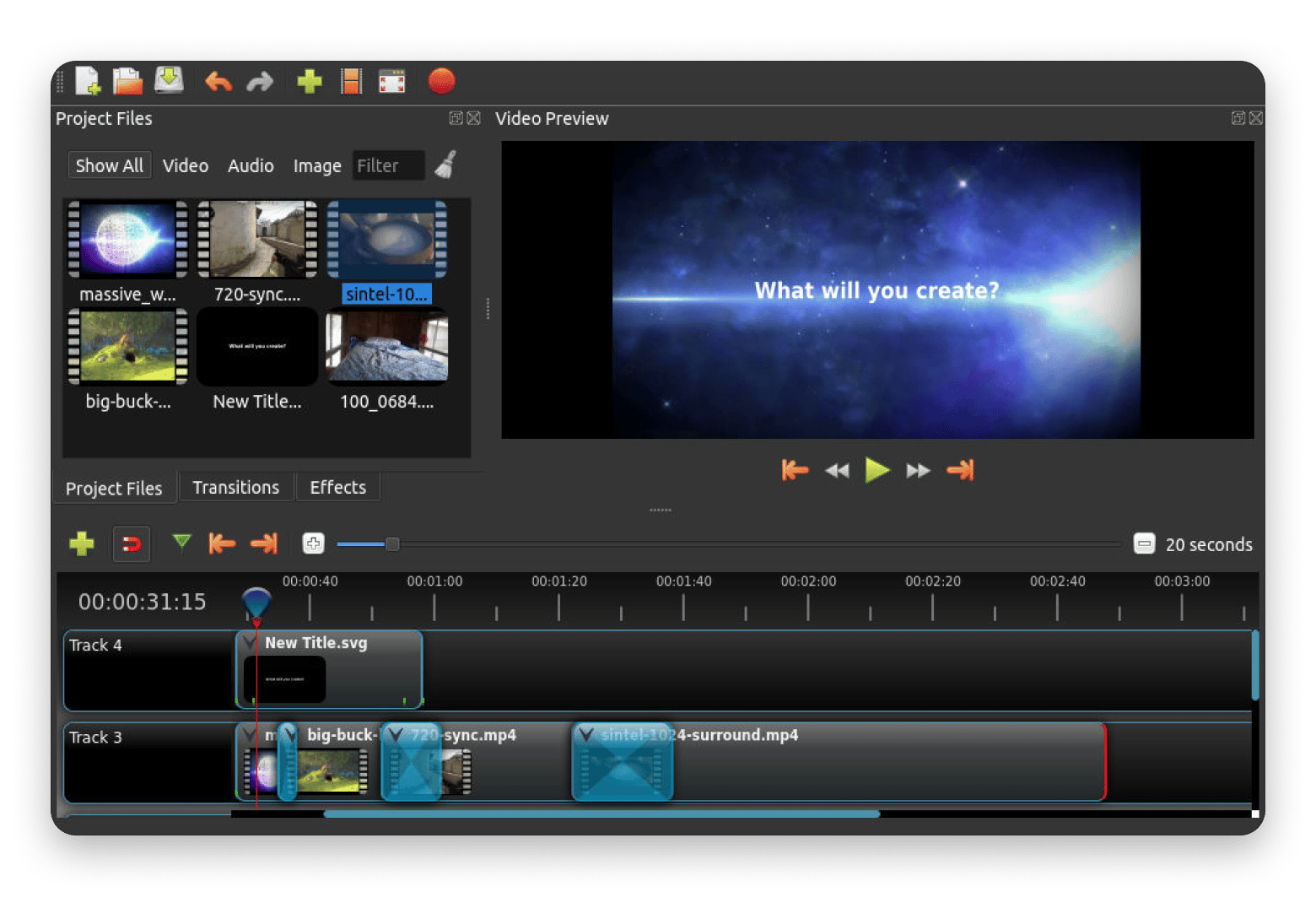
OpenShot: Best simple open-source editor for everyday projects
OpenShot is a great choice if you're looking for something more advanced than iMovie but still simple and free. It works well for creators working on personal content, school projects, or basic YouTube videos.
The interface feels a bit dated, but it has a huge advantage over other free alternatives to iMovie — you get results without watermarks or restrictions.
Best features:
Multi-track timeline editing
Basic transitions, effects, and title templates
Keyframe animations for simple motion
Compatible with most video formats and resolutions
Pros:
100% free and open source
Very beginner-friendly interface
No watermarks or feature limitations
Active development community
Cons:
Interface feels dated compared to modern tools
Occasional performance hiccups with large files
Limited advanced features compared to paid options
Price: Free
Movavi Video Editor: Easy editor with effects and transitions
Movavi is one of those apps that make you feel instantly comfortable. It's a great alternative to iMovie for Windows users. It gives you more creative firepower than iMovie but without the learning curve of programs like Resolve and Premiere Pro.
If you're a new video editor, you'll love the polished feel. The editor is great at creating fun content, and it also provides lots of effects you can apply quickly. Even better, the 2024 update now offers several AI features, including motion tracking, background removal, noise reduction, auto-subtitles, and upscaling.
Best features:
160+ built-in filters, transitions, and effects
Chroma key (green screen) support
Picture-in-picture and split-screen layouts
Stabilization tools for shaky footage
Speed control (slow motion and time-lapse)
Direct upload to YouTube and other platforms
Pros:
Intuitive interface suitable for beginners
Built-in screen recording capability
Extensive library of effects and transitions
Not resource-intensive
Cons:
Some advanced features require add-on packs
Not ideal for complex, multi-layered projects
Price: Free trial available, then from $8.95/month.
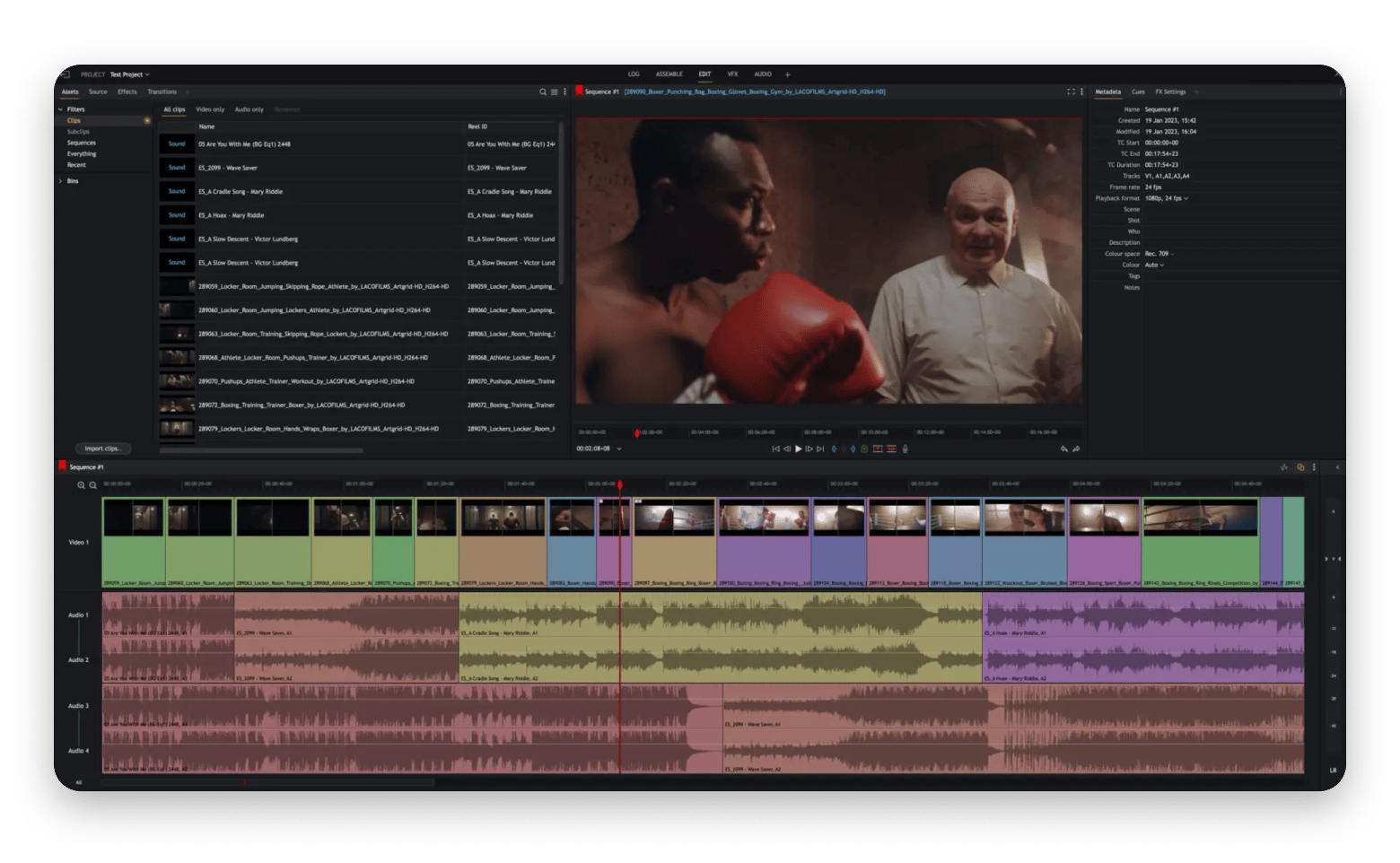
Lightworks: Freemium pro editor (with export limits)
Lightworks has been around for ages, and has even been used to edit several Hollywood movies (ever heard of The Wolf of Wall Street?). The editor was created in 1994, but its fame died down when software like Final Cut Pro came out.
Source: lwks.com
It reemerged in 2011 with a free version and a tiered membership program for users who needed a little bit more. Over the years, it has continually added features, and the freemium version gives you timeline editing, advanced transitions, and simple VFX. One downside of the free plan is that it exports to 720p, which may not be ideal.
Best features:
Multi-track timeline with professional-grade trimming tools
Multicam editing support
Advanced audio mixing with VST plugin support
Extensive format support for import and export
Pros:
Powerful trimming and cutting precision
Cross-platform (Mac, Windows, Linux)
Active user community with tutorials
Multicam capabilities rare in this price range
Cons:
Interface is not beginner-friendly
Requires time investment to become proficient
Price: Free or from $13.99/month
Final thoughts: How to choose your iMovie alternative
To answer the question “what can I use instead of iMovie,” think about what exactly you need from the tool. If it’s basically the same features but better, go for Filmage Editor and Capto. Looking for a tool to color grade but don’t want to get too deep into it? CameraBag Pro and Riveo will do it all for you.
If your goal is to quickly generate a video for social media, CapCut can assist. Flixier is a good fit for those who require browser-based flexibility and team collaboration.
For professional work, consider Premiere Pro, Final Cut Pro, or DaVinci Resolve.
Tired of paying for subscriptions in search of the right tool? Try Setapp and get all the alternatives to iMovie you need for the price of a single subscription. In addition to Filmage Editor, Capto, Riveo, and CameraBag Pro, you'll get instant access to 250+ other tools for your creative workflow.
FAQ
What is the best free iMovie alternative in 2026?
The best free iMovie alternative is DaVinci Resolve. It’s a powerful app that gives you access to advanced features like 4K editing, color grading, and VFX.
Which iMovie alternative is best for professionals?
The two best iMovie alternatives for professionals are Adobe Premiere Pro and DaVinci Resolve (Studio). Premier Pro is the industry standard, and it integrates well with other Adobe apps. DaVinci Resolve is known for its top-tier colour grading and audio tools. It's also much cheaper, and there's a great free version. Final Cut Pro is another solid option if you don't mind the macOS lock-in.
Can I use these editors on Windows?
DaVinci Resolve, Premiere Pro, CapCut, and Movavi all work on Windows. The only tool that's limited to macOS is Final Cut Pro.
Which app is best for social media video editing?
The best app for social media video editing is Capcut. It comes with lots of templates and offers many AI features that make editing easy and enjoyable. Filmora is also great if you want more control over your video editing. Instead of feeling overwhelmed, these will make the learning process more enjoyable.
Powerful apps live on Setapp
Ditch defaults and discover new gems on one app platform.






 Best solution
 Best solution