Start with the gaps around code generation. The best Setapp apps for vibe coders cover what happens after the AI stops writing: Secrets 4 for keys, Paste for clipboard history, Lungo for long builds, and Proxyman for network debugging.
Protect your API keys first. Commits co-authored by Claude Code leaked secrets at about twice the baseline rate in GitGuardian’s 2026 report, so keep real keys in Secrets 4 and only variable names in your project.
Cut the small interruptions.Plus answers code questions on a hotkey, and Mosaic snaps Cursor, your browser, and your terminal into saved layouts.
Add a safety net.Archiver snapshots a project before a big refactor, ClearVPN encrypts your connection on public Wi-Fi, and CleanMyMac shows what’s eating your disk.
AI writes the code. These eight apps handle everything that breaks around it. Try all eight with one membership: get 300+ apps free for 7 days.
The best apps for an AI-assisted coding workflow include Secrets 4 (API key management), Paste (clipboard history), Lungo (build session management), Plus (in-editor AI assistant), Mosaic (window management), Archiver (project backups), Proxyman (network debugging), and ClearVPN (secure testing). These utilities eliminate the friction around AI code generators like Cursor and Claude.
If you’re vibe coding, your workflow probably looks like this: you describe a feature to Claude, Cursor streams out 200 lines of code, and you paste it straight in. But watching the code appear is the easy part. The real work starts the second the model stops generating, and you actually have to run it.
You are no longer just typing; you have to verify and manage context as well. At that point, you find yourself intercepting a failing network request, ensuring actual API keys don’t end up in the code you generate, retrieving a terminal error you copied five minutes ago, and sorting out overlapping terminal windows.
Below are the best Mac apps for vibe coding available on Setapp to assist with your AI workflow. They have been hand-picked to handle everything around code generation, so you never have to break your flow state.
«LLM agents seem to replace our jobs, but developers can’t be replaced by someone writing prompts. Great apps start with an unique idea, have a strong foundation they build on, and have a great user experience.»— Markus Müller-Simhofer, Founder and CEO of IdeasOnCanvas GmbH, developer of MindNode, available on Setapp
Setapp apps for vibe coders: Quick overview
Here are the Mac utilities that earned a permanent spot in my menu bar:
Encrypts your connection while you build and deploy
Setapp apps for vibe coders: by workflow
If you want to see how these apps actually fit into your daily routine, here is a breakdown by task. I’ve grouped them by workflow so you can jump straight to whatever part of your build process needs support.
How do you keep API keys out of AI-generated code? Start with Secrets 4
Store your keys in a password manager and keep only variable names in your project. Secrets 4 is a Mac password manager that holds API keys and tokens in an encrypted vault.
AI tools love to paste a key straight into the file they are editing. It works, so you move on. Then the file lands in a public repo.
Ouch.
In its 2026 report, GitGuardian found that commits co-authored by Claude Code leaked secrets at about twice the baseline rate.
Here is a safer habit:
Ask your AI tool to read every key from a .env file and list the variables it needs.
Copy the real values from Secrets 4 into the .env file once.
Add .env to your .gitignore.
Now the repo holds variable names, never the keys themselves.
Secrets will not stop an AI from writing a key into your code. It gives you one place to look up the real value, so you never dig through chat history again.
I used to keep keys in a note called keys-final-2, and I still feel a little embarrassed about it.
Pro tip:
Give each project its own entry in Secrets. When you rotate a key, you change it in one place and know exactly which project it belongs to.
How do you keep everything you copy during an AI session? Meet Paste
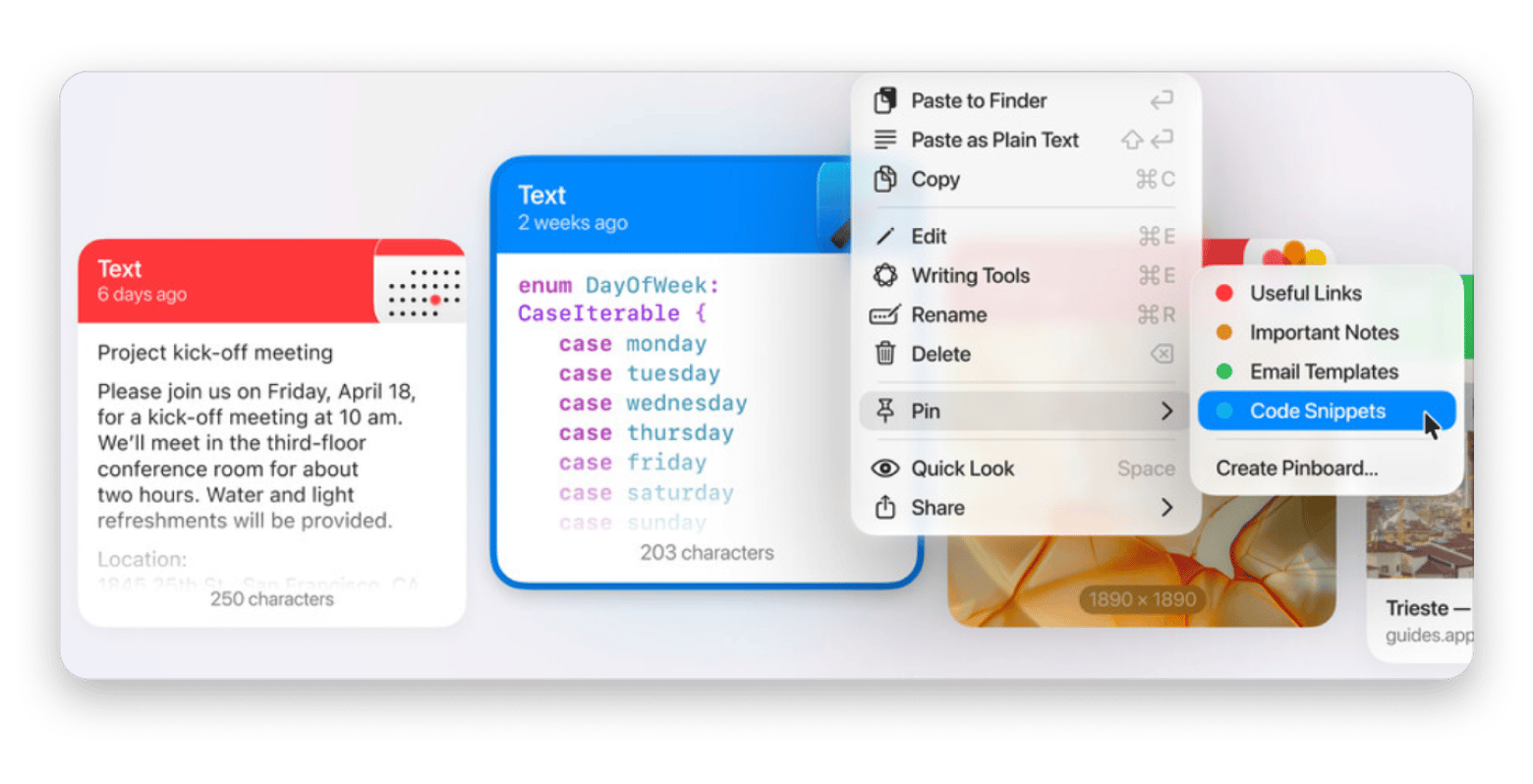
Use a clipboard manager. Paste keeps a searchable history of everything you copy, so the next copy never erases the last one.
Vibe coding is a copy-and-paste loop. You copy an error into the chat, copy a command out of it, then copy a response from an API. Three minutes later you need the first error again.
With Paste, you search for a word from it and paste it back. That’s it.
When an error is easier to show than copy, CleanShot X captures and annotates a screenshot you can drop into the chat.
How do you stop your Mac from sleeping during a long build? Try Lungo
A good time to brew some tea is when you’ve been having a long agent run, since at that moment your Mac decides that you’ve left.
When you return, the screen is dark, the connection has been lost, and the task is only partly completed. It’s frustrating, but easy to avoid.
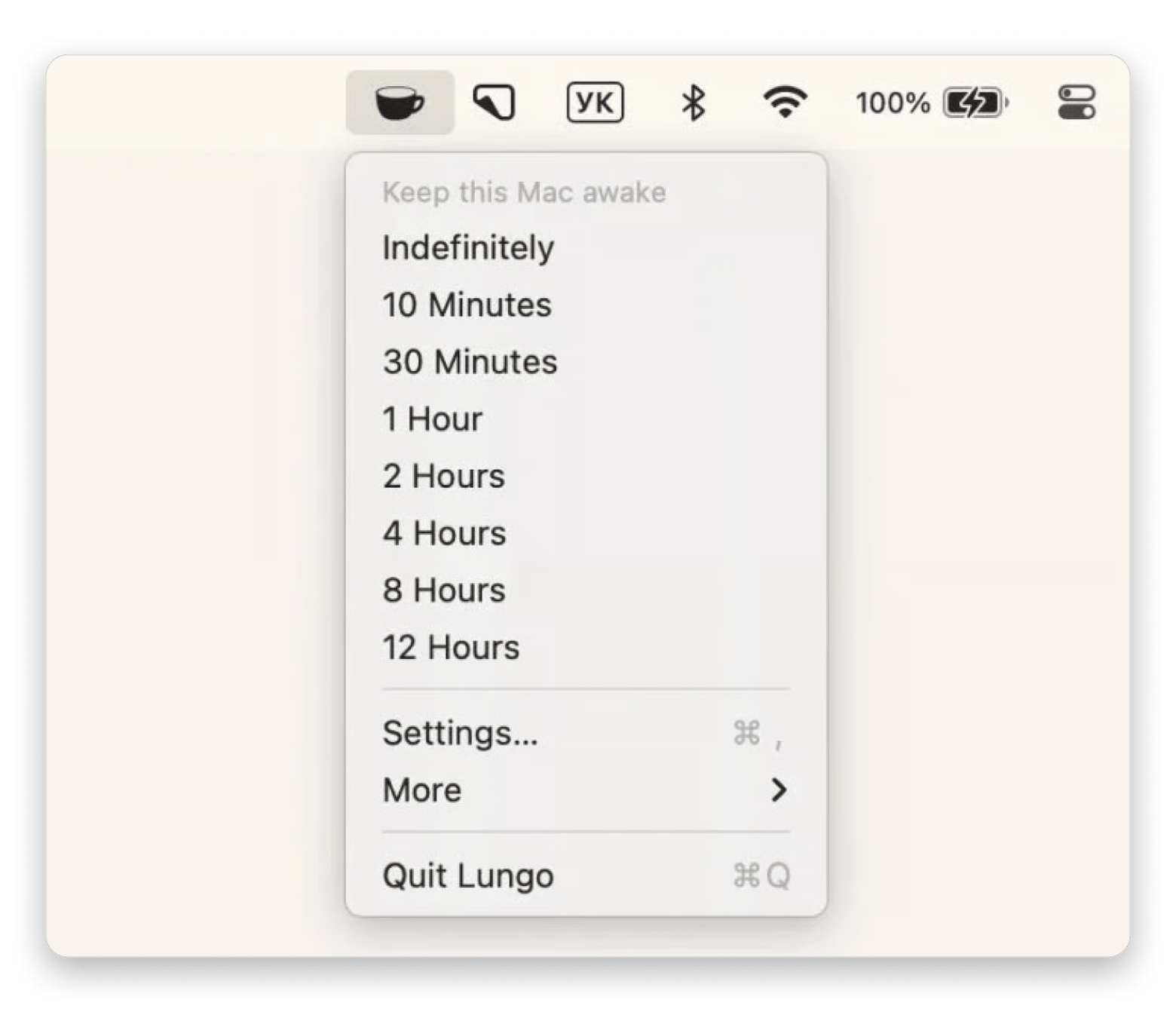
Choose a duration on Lungo before you leave.
A sleeping Mac kills a long run halfway. You find out when you return. Set a duration in Lungo before you step away, and your Mac stays awake until the run ends. Cancel anytime. Start my 7-day trial.
How can you ask AI about code without leaving your editor? Plus
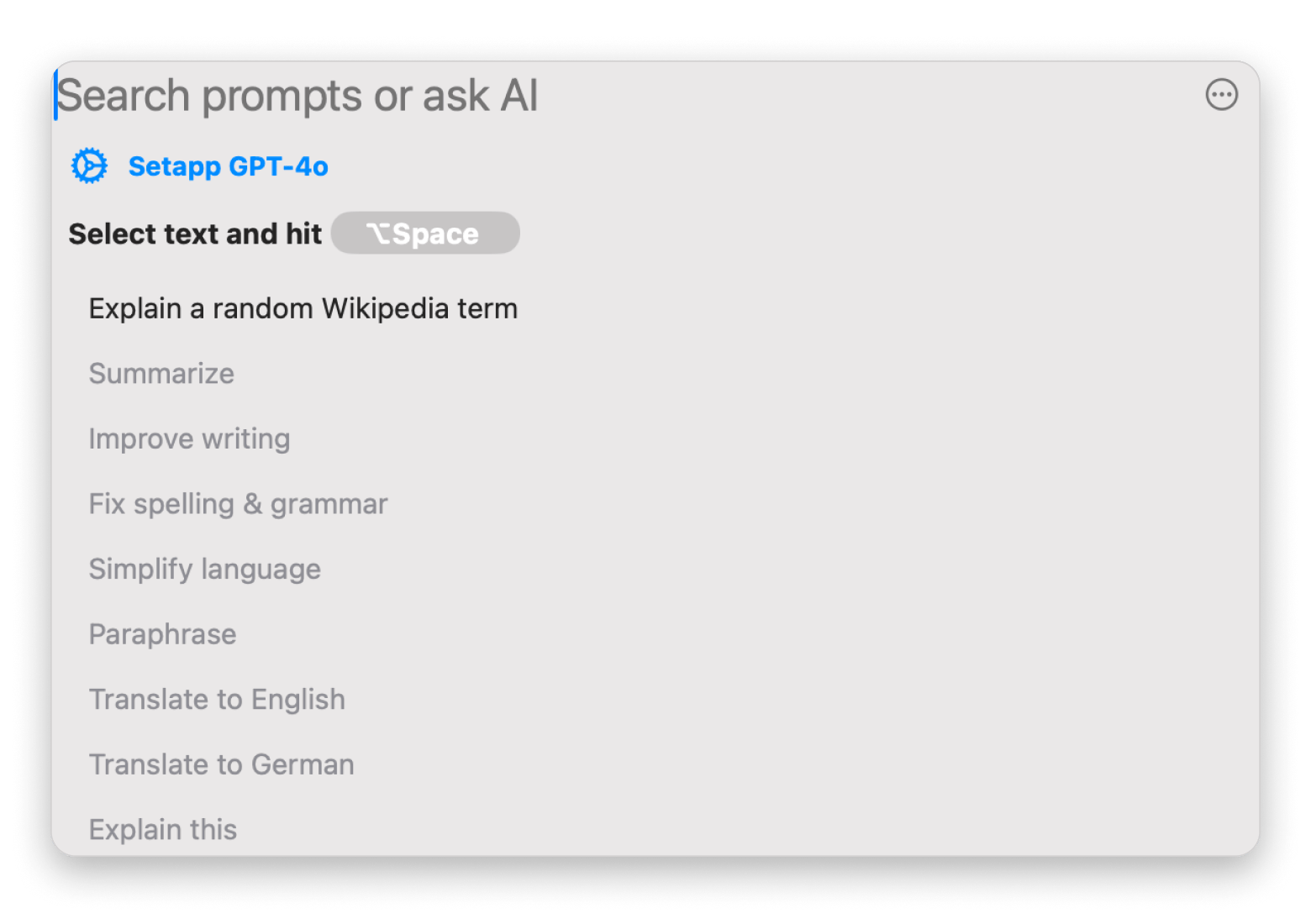
Bind an AI assistant to a hotkey. Plus opens in any app, so you can ask what a function does without switching to a browser tab.
Every tab switch is a small break in focus. You ask the question, read the answer, and forget what you were looking at.
With a hotkey, the question takes a few seconds, and your editor stays in view. As one of the best tools for AI-assisted coding on Mac, it works well for the small stuff: what this error means, why a loop behaves strangely, what a regex does. Plus runs on Setapp AI credits (1,000 per month on the Mac plan) or your own API key.
One caution. Do not paste real keys or customer data into any assistant, including this one.
How do you manage Cursor, browser, and terminal at once? Mosaic
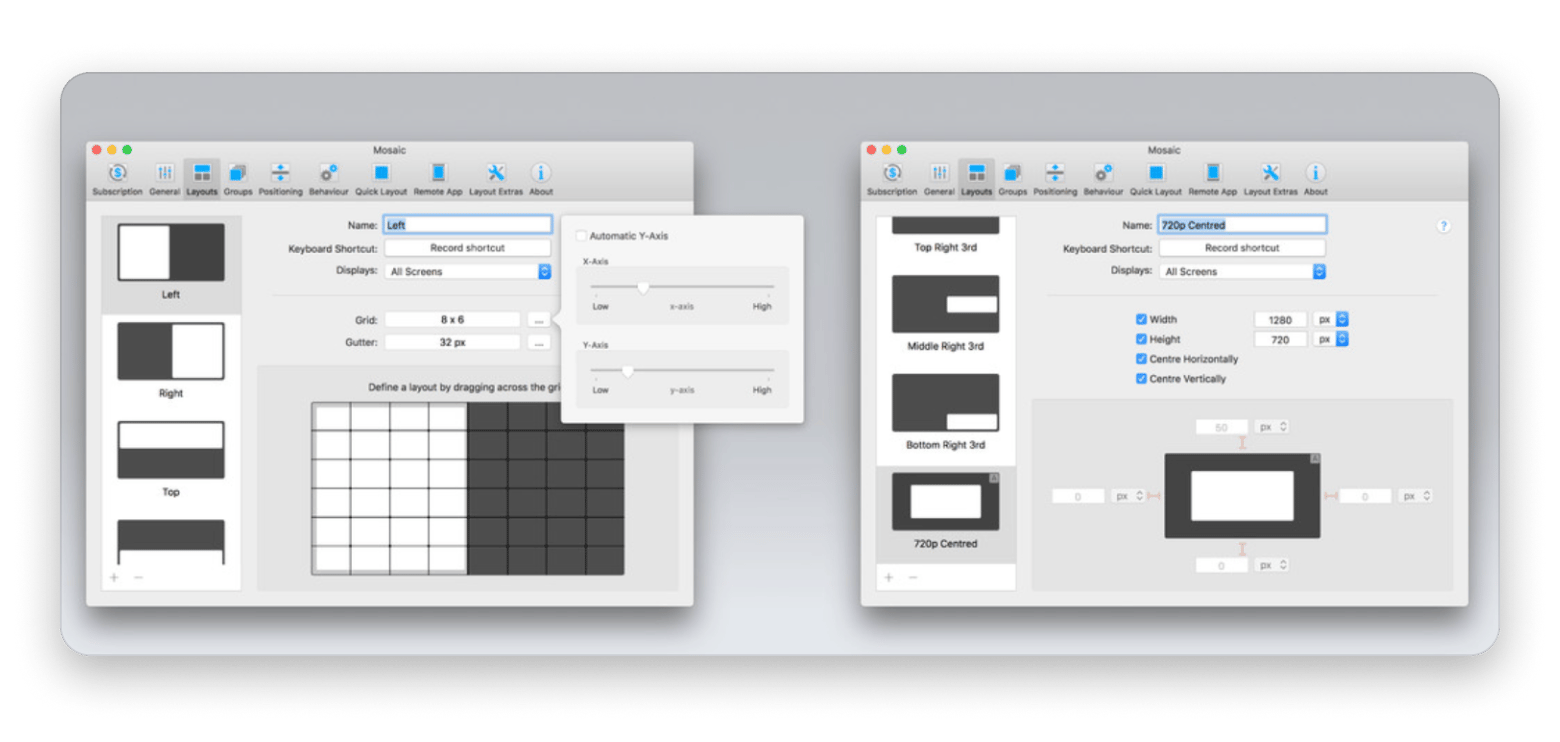
Save a layout and recall it with one shortcut. Mosaic is a window manager that snaps your windows into arrangements you define.
In a typical session, you have Cursor on one side, a browser preview on the other, a terminal somewhere, and Notion buried underneath. Honestly, I get so sick of dragging edges manually.
You can set up one build layout and one review layout. Switch between them when your task changes.
In my own case, I assign two hotkeys to cover my entire day: one of them positions the Cursor and the terminal side by side when I’m doing extensive prompting, and the other one displays the browser preview at full width whenever I need to test the UI.
How do you clean up AI-generated project files? Archiver
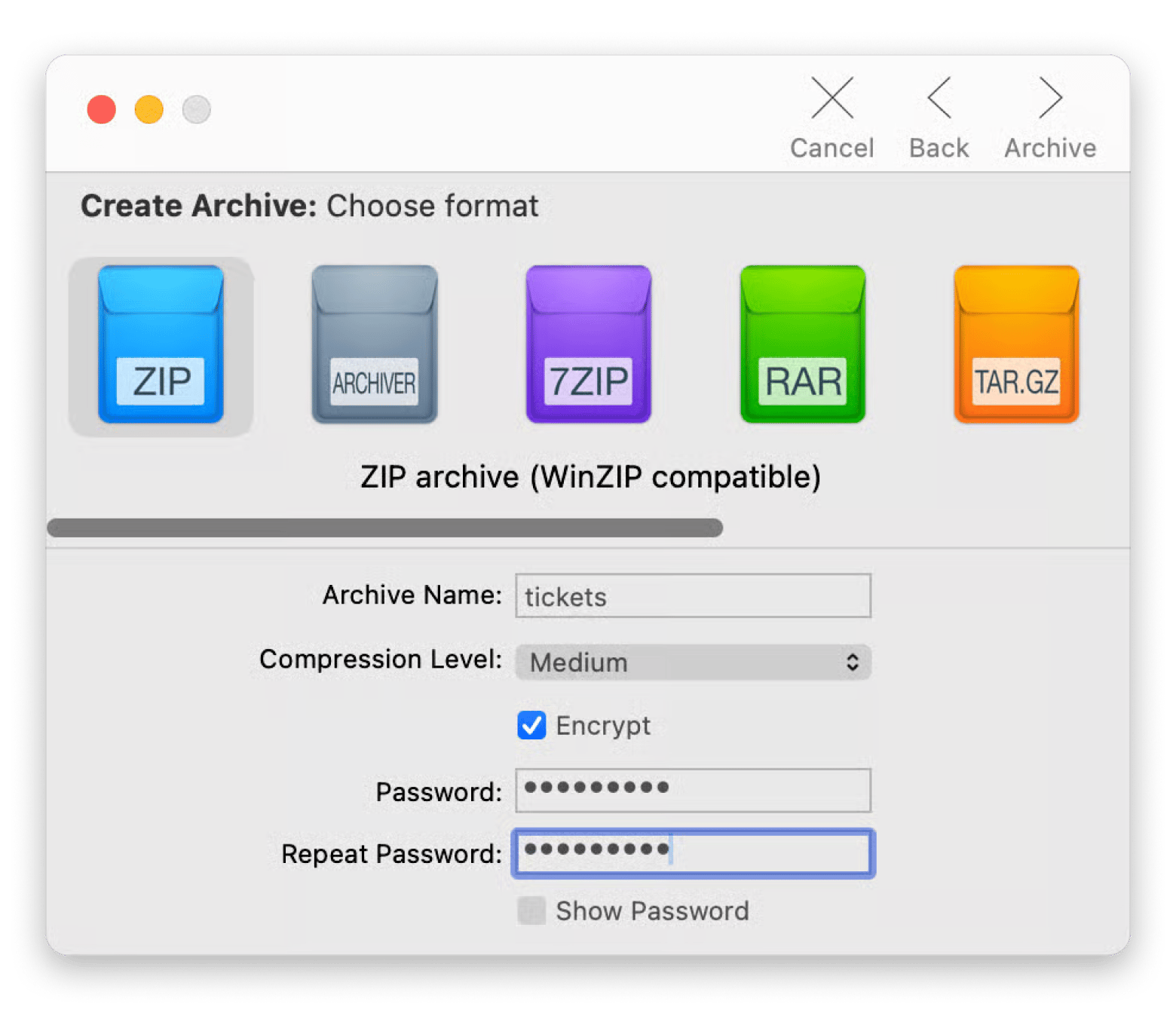
Start with the snapshot and then do the cleaning. Since Archiver can compress and extract archives in a variety of formats, a quick zip takes only seconds.
AI projects quickly pick up clutter like v2 folders, old exports, and duplicate assets. If you haven’t already used Git, then zip the folder before allowing the AI to carry out a major refactor. In that case, you’ll have a clean copy.
Before you accept 200 lines from Cursor, check what changed. Gitfox from Setapp is a native Git client that highlights inline changes, so you can review the AI's diff instead of trusting it.
One bad refactor can bury a working project. Snapshot it first. Archiver compresses a project folder in seconds and lets you password-protect the archive. Free for 7 days. Start my 7-day trial.
Pro tip for system-wide clutter:
AI projects leave more than clutter in one folder. Docker images, unused node_modules folders, and cached model files add up to gigabytes. CleanMyMac shows what’s taking up space on your Mac so you can decide what to delete.
How do you debug requests your app makes? Proxyman
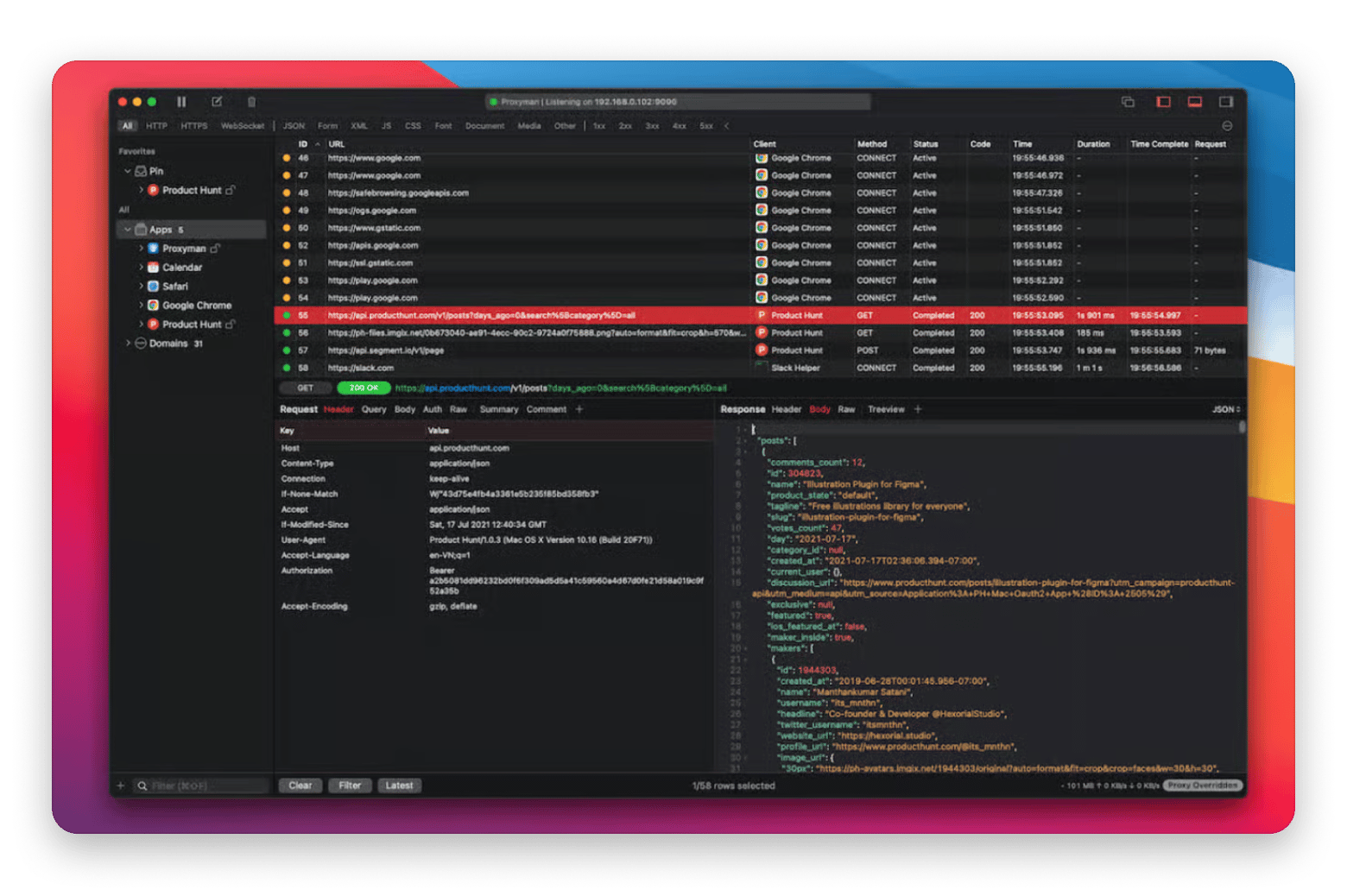
Watch the traffic. Proxyman shows the network requests your Mac apps make, along with the responses that come back.
Your AI-built app has a button that does nothing. You did not write the code, so you do not know where to look.
Open Proxyman and click the button. If the request fails with a 401, you are missing a key. If no request appears, the problem sits in the front end. You just narrowed the search from the whole project to one half.
That is a big win for a few minutes of setup.
Click the broken button and see exactly what your app sent. Proxyman captures HTTP and HTTPS traffic from your Mac apps and shows each response in readable JSON. Free for 7 days. Try it free.
How do you stay safe testing on public Wi-Fi? ClearVPN
Half the appeal of indie hacking is working from anywhere. The downside is that “anywhere” usually means logging into your production database over a sketchy cafe Wi-Fi.
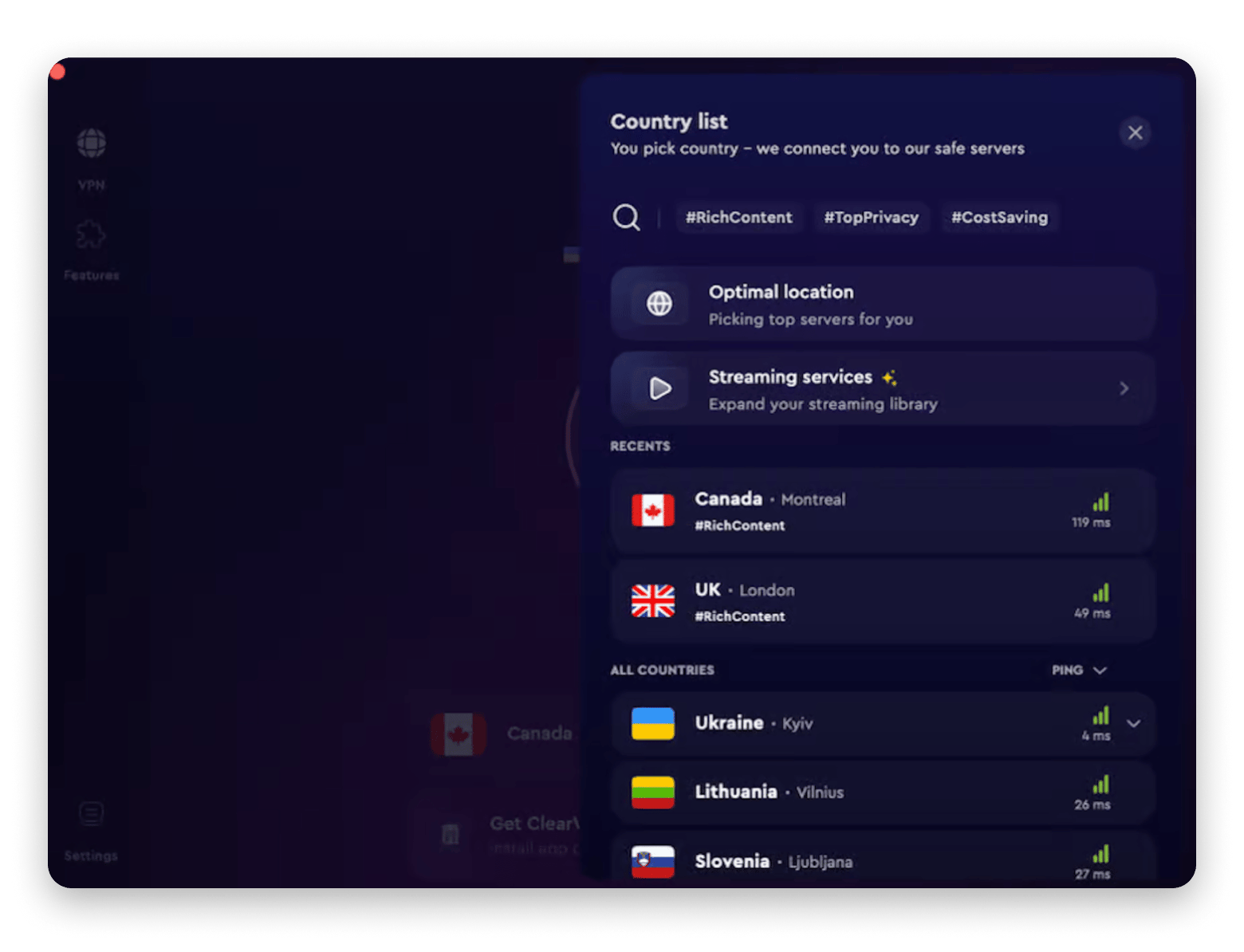
When you’re constantly pushing code and testing live API endpoints, you don’t want to play security engineer. ClearVPN sits in the menu bar and encrypts your connection with one click. You just turn it on, forget about it, and safely test your app without broadcasting your payloads over an open network.
How to choose the right tool?
Now that you have a list of the best handy vibe coding tools for Mac in 2026, where do you start?
Try Secrets 4 when you have real API keys, since pasting a key into the wrong file is the hardest mistake to undo. Add Paste and Lungo when your sessions are long and you keep losing what you have copied, or when your Mac sleeps mid-run.
Use Proxyman when an app misbehaves, and you need to see what it sends. Bring in Plus and Mosaic once small interruptions start adding up, such as tab switching for quick questions and manually dragging windows around. Use Archiver 4 to snapshot a project before a major overhaul. Finally, use ClearVPN when you build on networks you don’t control.
Every key pasted in chat and every build lost to sleep costs you a session. Try all eight apps with one Setapp Membership. Install the one that closes your biggest gap first. Free for 7 days. Start my 7-day trial. Only need Mosaic? Get it as a standalone app for $5.99 USD/mo.
Cursor and Claude Code determine how quickly you can start working. These apps determine how long you can work without interruption. Install one this week and see which gap it closes.
«Now in the time of agentic coding it is so easy to quickly push new apps and it becomes harder and harder to get noticed among the flood of low-effort, low-quality products. Find a real-world problem, build a user base and stick with it.»— Martin Höller, developer of In Your Face
FAQ
What’s the difference between vibe coding and regular coding?
With vibe coding, you describe what you want in plain language and an AI tool writes most of the code. With regular coding, you write each line yourself. Vibe coders still review and fix the output, which is why apps like Proxyman and Secrets 4 from Setapp matter.
Can I use Setapp alongside Cursor or Claude Code?
Yes. Setapp apps run on your Mac next to Cursor and Claude Code. They add to your editor and terminal and don’t replace either. You can try them with a 7-day free trial of Setapp Membership.
Does Setapp have AI coding companion apps for Mac?
Yes, Setapp has apps that support the work around AI coding tools. Plus opens an AI assistant with a hotkey in any app, Secrets 4 stores your API keys, and Proxyman shows what your app sends and receives.
Is Setapp useful if I’m not a professional developer?
Yes. The Setapp apps don’t require command-line knowledge, and most take a few minutes to set up. Start with Paste and Lungo, which need little setup. Proxyman needs a one-time certificate installation to read HTTPS traffic.






 Best solution
 Best solution