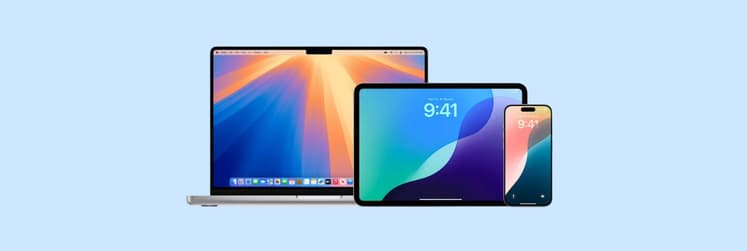
The best free wallpaper source for Mac is Unsplash, which offers over 6 million free photos, most in 4K or larger, with no attribution required. For anime and gaming art, try Wallhaven; for illustrations, Pixabay; for dynamic wallpapers that change through the day, use Apple’s built-in collection. This guide covers eight alternatives, how to set wallpapers on any macOS version, and apps that help rotate and manage them.
Source
Best for
Library size
License
Typical max resolution
Attribution required
Unsplash
All-purpose photography
6M+ images
Unsplash License
6000+ px wide
No
Pexels
Lifestyle photography
Millions of photos and videos
Pexels License
Varies; 4K+ images available
No
Pixabay
Illustrations and vectors
6.3M+ assets
Pixabay License
Varies
No
Wallhaven
Anime, abstract, gaming
1.3M+ images
Community-uploaded
Up to 8K
Depends on license
WallpaperHub
4K wallpaper packs
6,000+ packs
Community, varies
4K
Depends on license
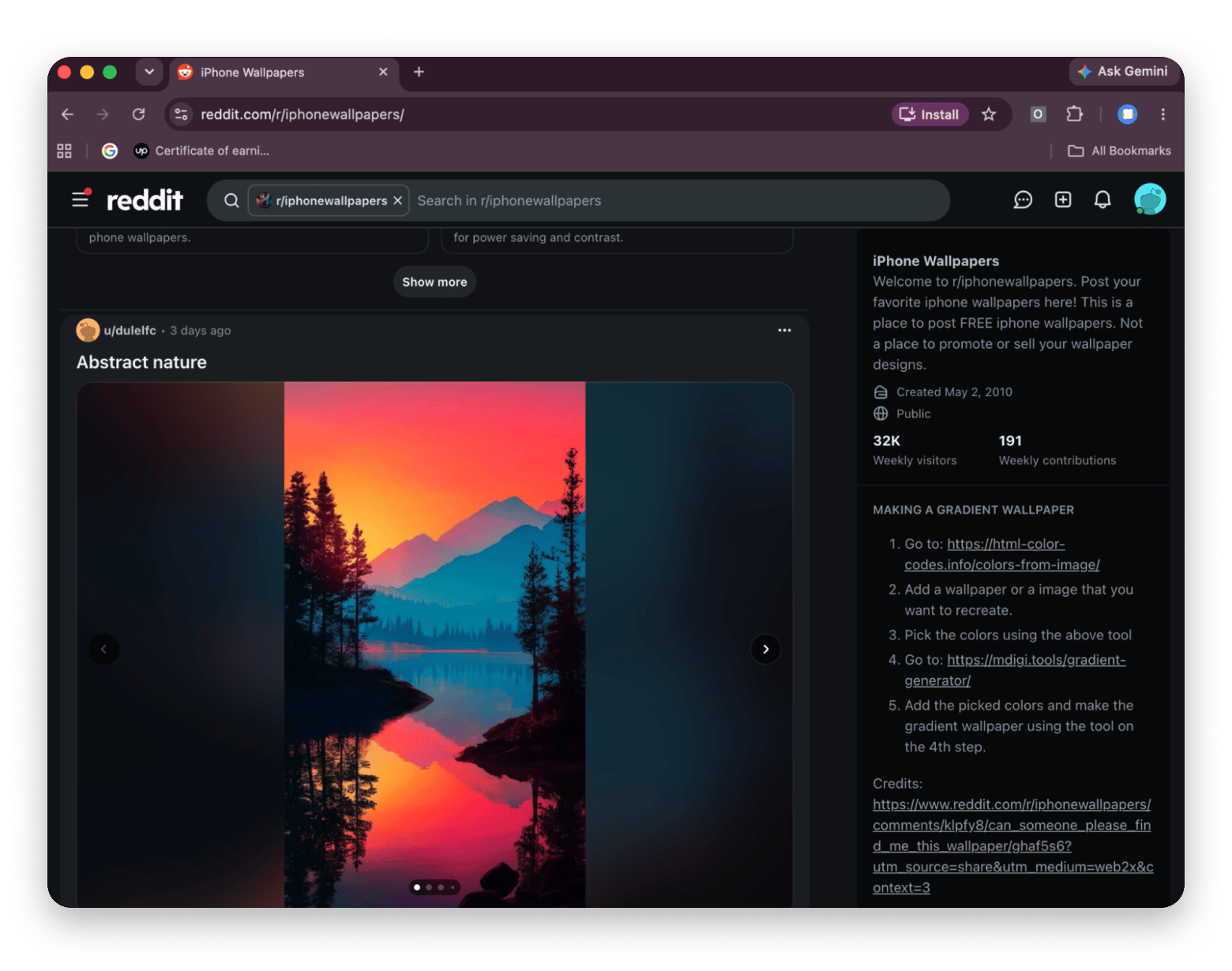
Reddit r/wallpapers
Niche aesthetics
Ever-growing
Per user
Varies
Depends on license
Apple built-in
Native dynamic wallpapers
Varies by macOS version
Apple
Varies by wallpaper
N/A
Behance and Dribbble
Artist and illustrator work
Millions of works
Per artist
Varies
Depends on license
Backdrops
Community-curated wallpapers
Community-curated
Per uploader
Varies; mostly mobile
Depends on license
Why is Unsplash the best free wallpaper source for Mac?
Unsplash is the default choice because it combines a huge library, 4K-plus resolution, and a license that needs no attribution.
Founded in 2013 as a humble Tumblr blog, Unsplash began by sharing free photos left over from a photoshoot. It has since grown into a major source of freely usable imagery, with over 6 million photos and illustrations contributed by a community of more than 400,000 creators. Getty Images acquired it in 2021, and the free license and photographer community have stayed largely intact.
The Unsplash License allows commercial and non-commercial use with no attribution. That "just use it" simplicity is why designers, marketers, and casual users all go there first.
Quality is the other draw. Most photos are 4K or higher, shot by professional and semi-professional photographers and selected by editors, so you rarely sift through snapshots.
For Mac users, the fit is direct: resolution that suits Retina displays, a range from nature to architecture to portraits, and no watermarks.
How do you use Unsplash wallpapers on a Mac?
There are three ways to use unsplash.com as a wallpaper source, each with a different trade-off between effort and variety.
Method 1: Manual download
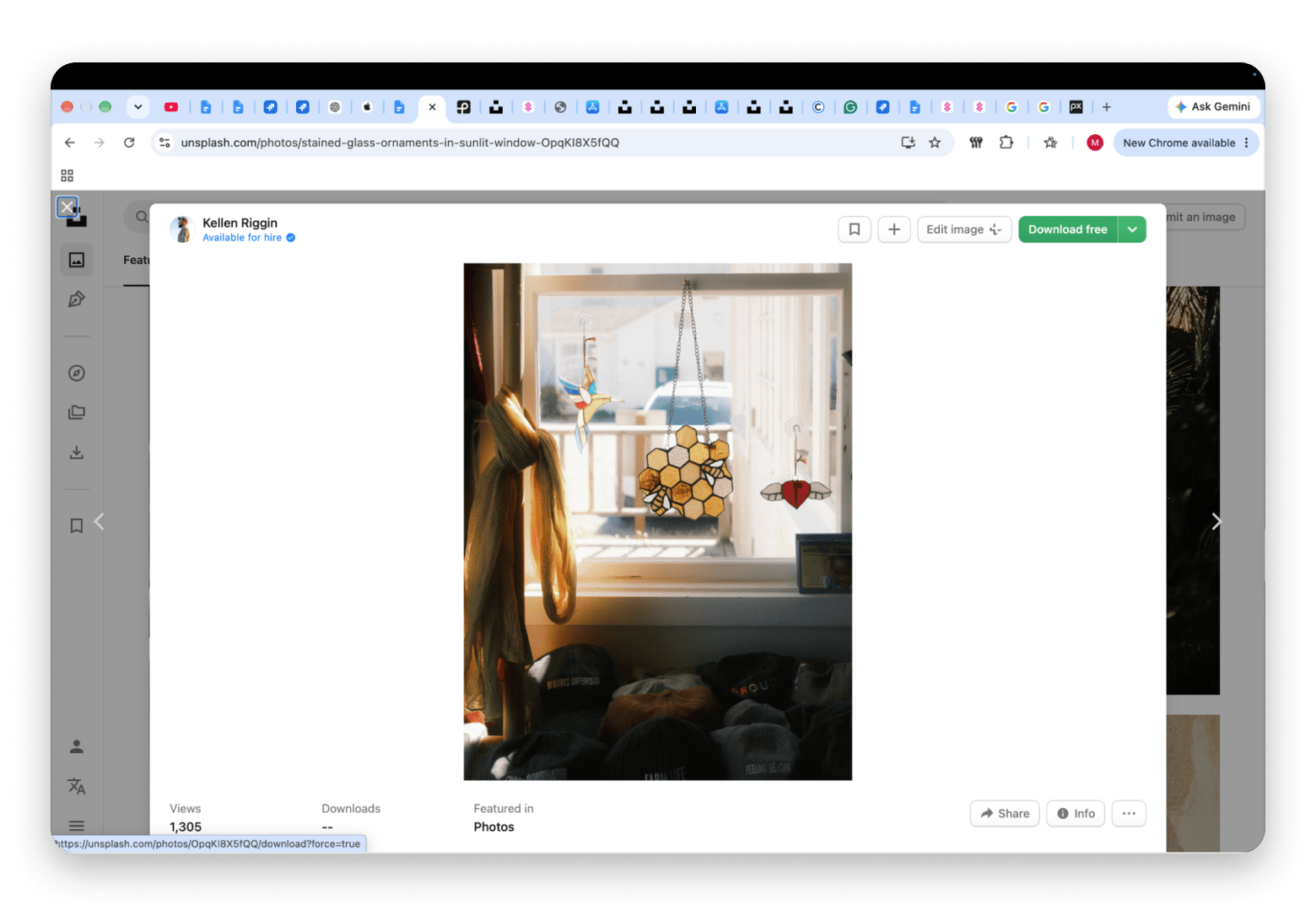
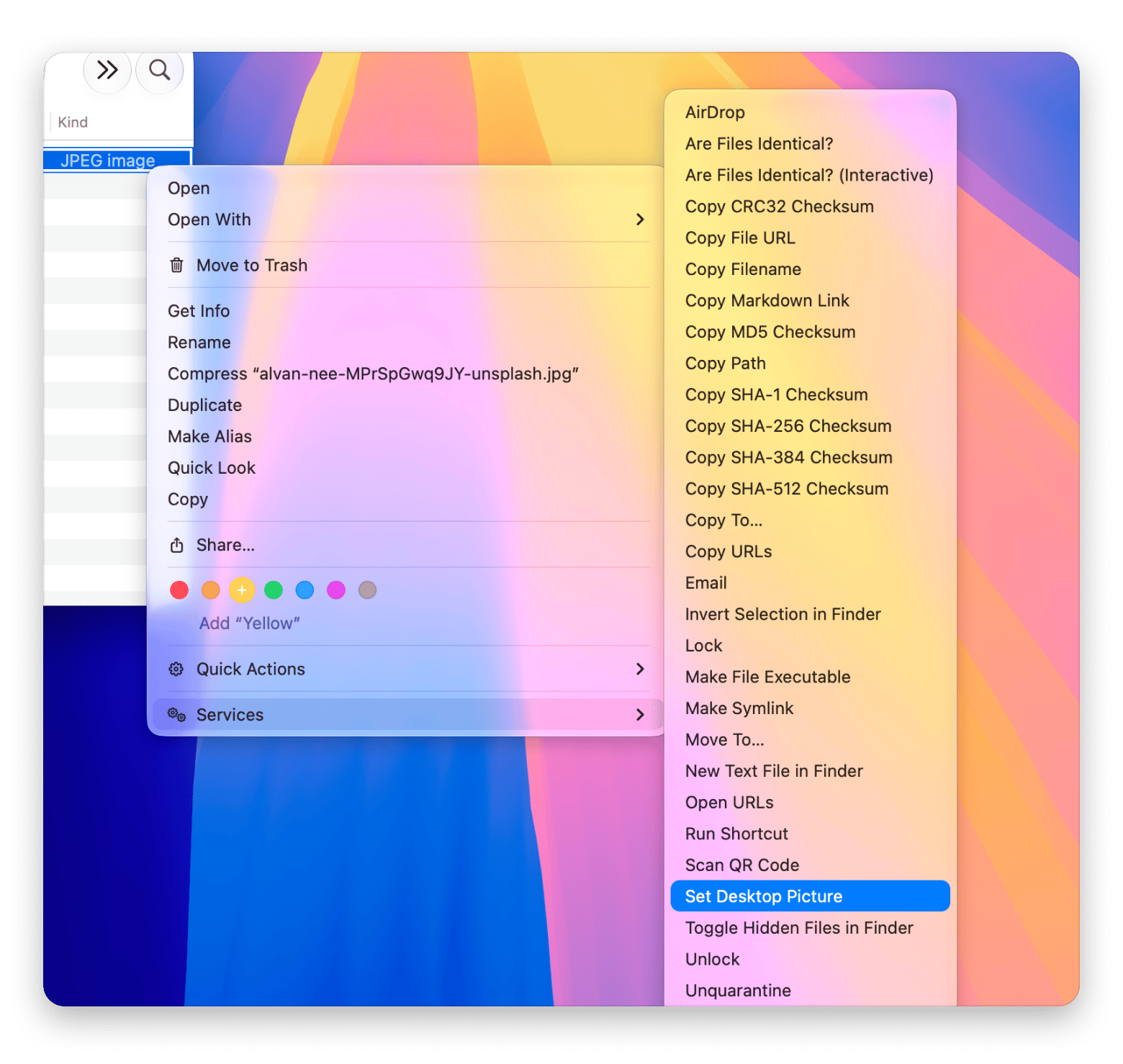
Visit unsplash.com, search or browse, click an image, and click Download free. Then right-click the file in Finder, choose Services, and click Set Desktop Picture.
Pros: Free, and it takes 30 seconds.
Cons: Every change means another trip to the site, which gets slow if you like variety.
Method 2: macOS folder rotation
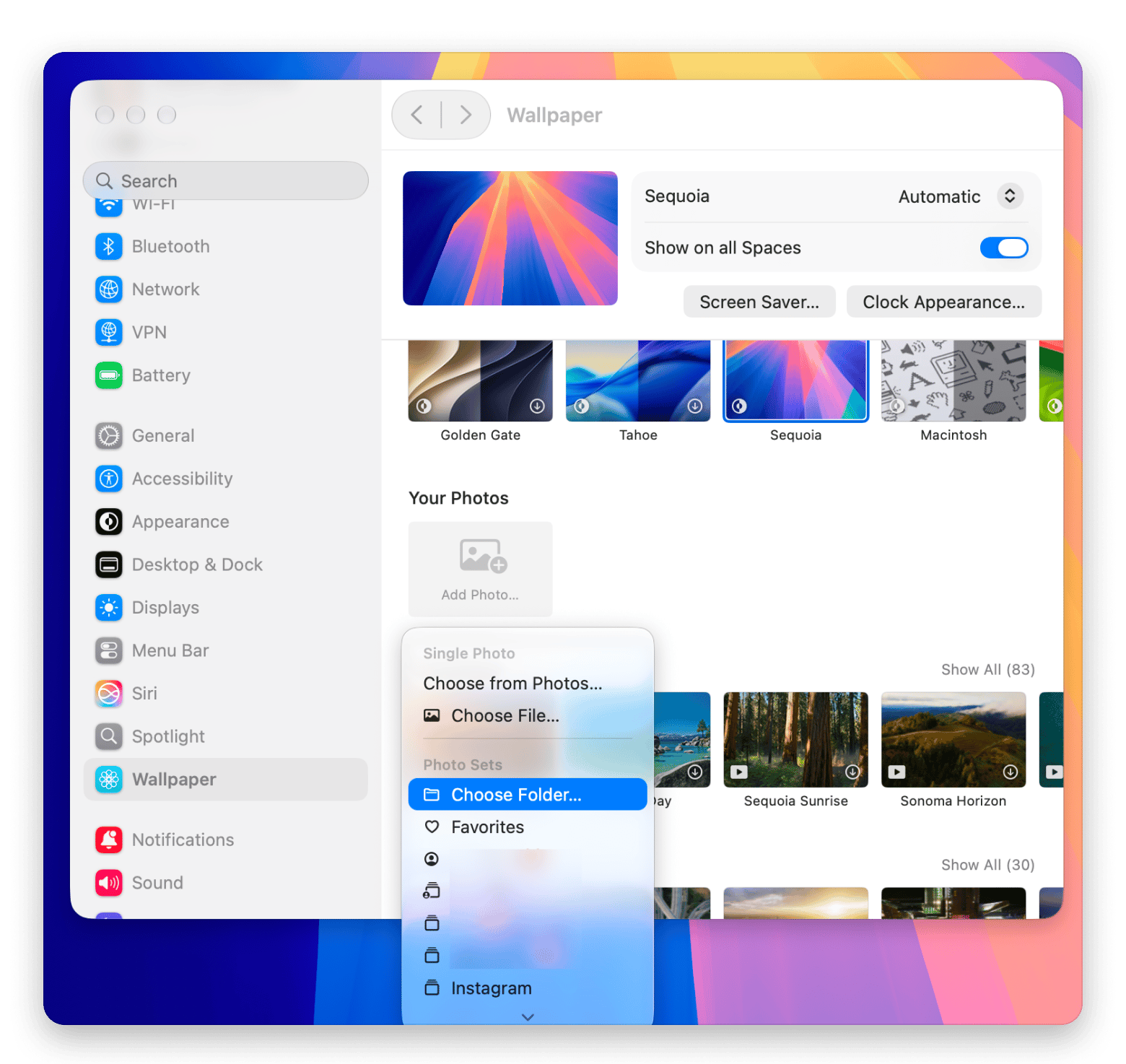
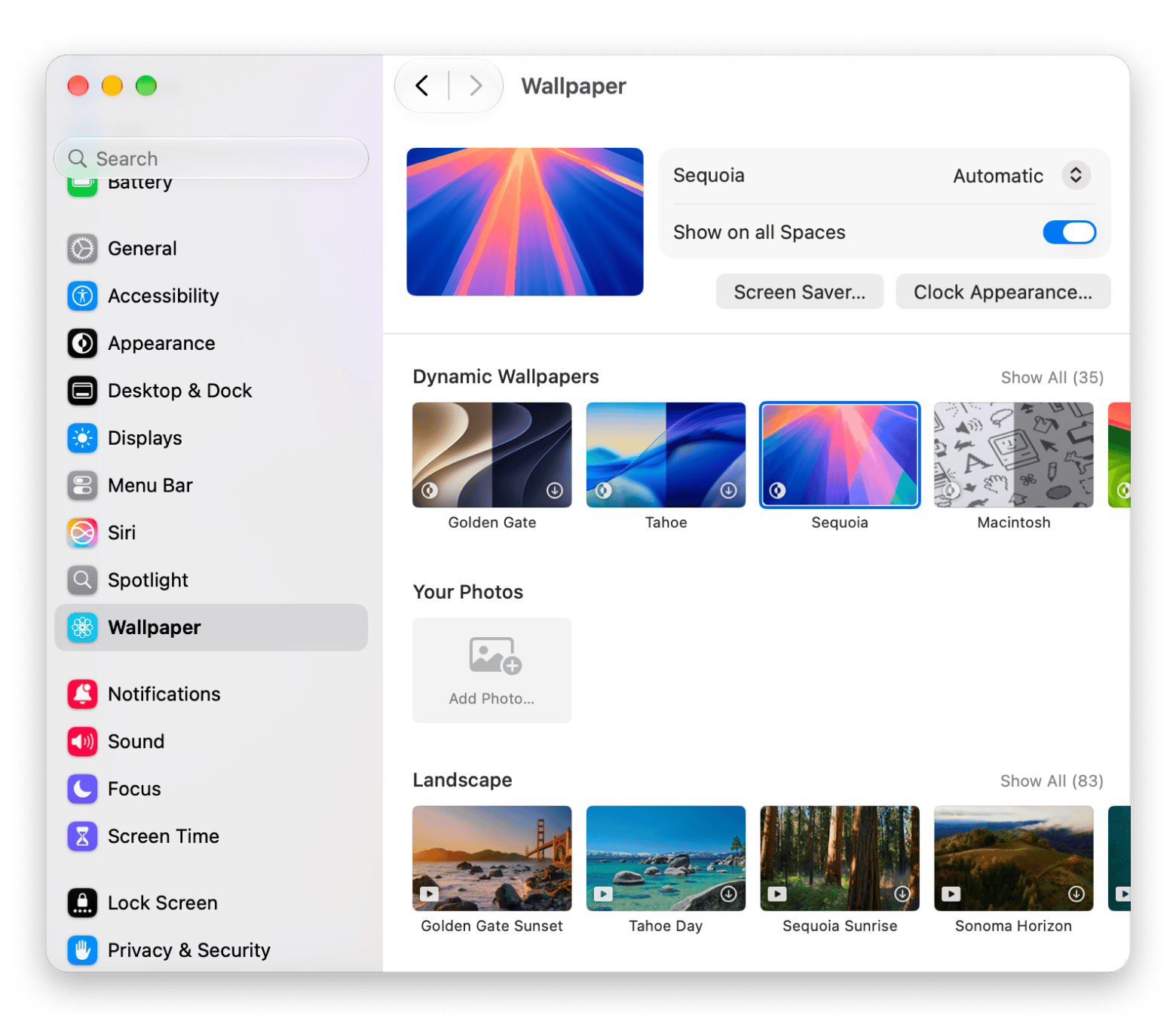
Save 20–50 favorite images to a folder. Open System Settings → Wallpaper → Your Photos → Add Photo → Choose Folder. Select your folder, then enable the wallpaper rotation option and choose an interval, such as every hour or every day. If available, you can also set the wallpaper to change when you log in.
I keep about 30 images in my rotation folder. That’s enough that I don’t notice repeats, but small enough to curate in an evening. Anything beyond 50 and I stopped paying attention to what was in there.
Pros: It’s built into macOS, so you don’t need extra software.
Cons: You build and refresh the collection by hand, though that’s how you get a personalized feel.
Method 3: A dedicated Mac app
Apps can pull fresh images automatically and rotate them for you, so you set up the whole routine once. Unsplash’s own free Unsplash Wallpapers app lets you shuffle through Unsplash photos from your menu bar. The Setapp, a Mac and iOS app subscription with 300+ apps, includes apps below that cover rotation, animation, and cleanup.
Pros: Hands-off, endless variety.
Cons: One more app to install.
Detailed reviews of each wallpaper source
Unsplash.com: The default free wallpaper source
Search or browse over 6 million free images. Filter by orientation (landscape suits Mac desktops), color, and topics such as Nature, Architecture, and Textures. There's even a dedicated Wallpapers topic.
When I set the same Unsplash original on a 5K display, the difference from a smaller download was obvious in the fine detail. That’s why I always choose Original now, even though the file is bigger.
No attribution is required, though crediting the photographer is always encouraged.
Best for: minimalism, landscapes, and nature.
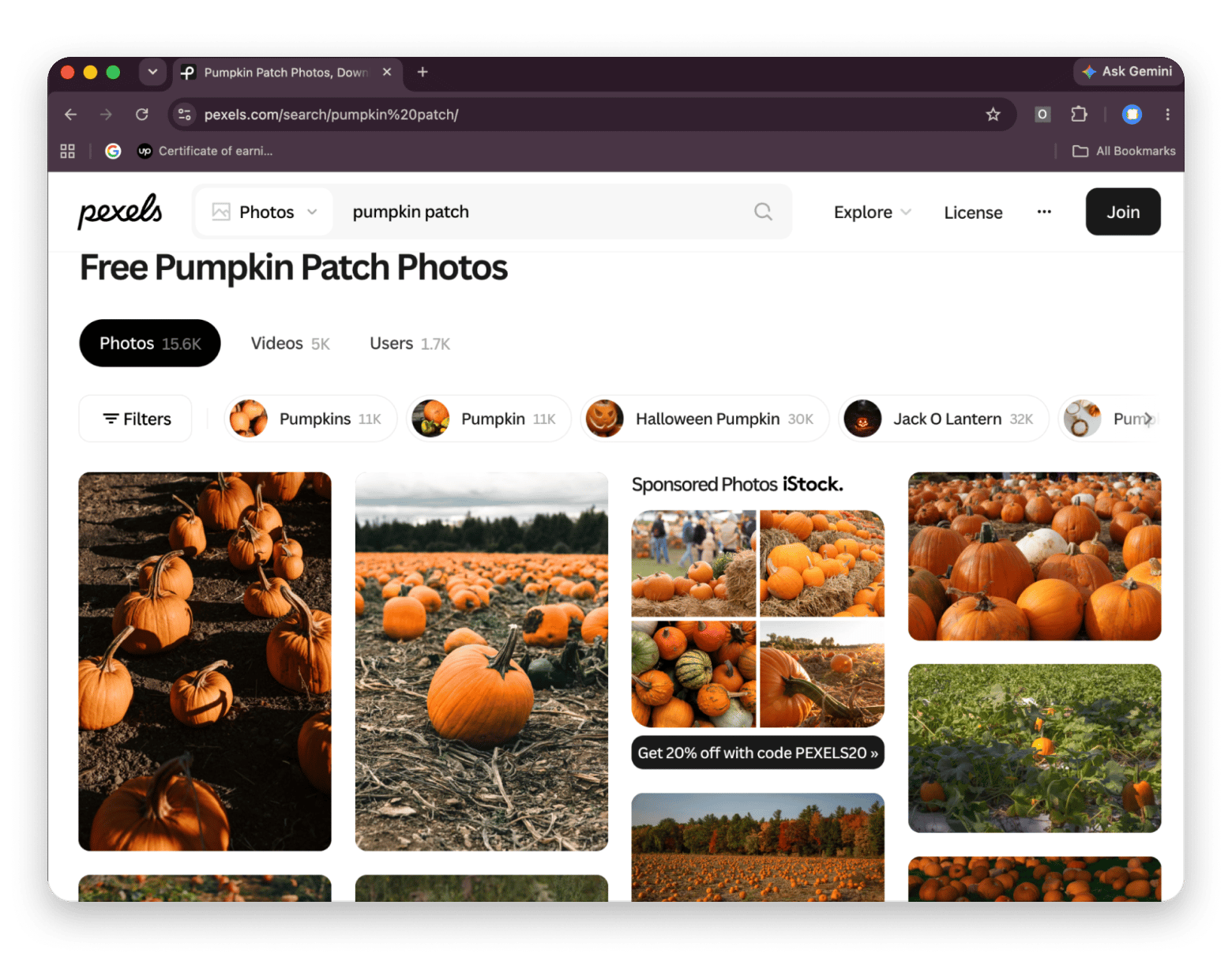
Pexels: Best free alternative for lifestyle photography
Owned by Canva, Pexels skews toward people, lifestyle, and commercial-style photography. The license is similarly permissive: no attribution, commercial use allowed. Search is fast, and the interface is clean. Pexels also hosts free stock video.
Best for: portraits and lifestyle scenes.
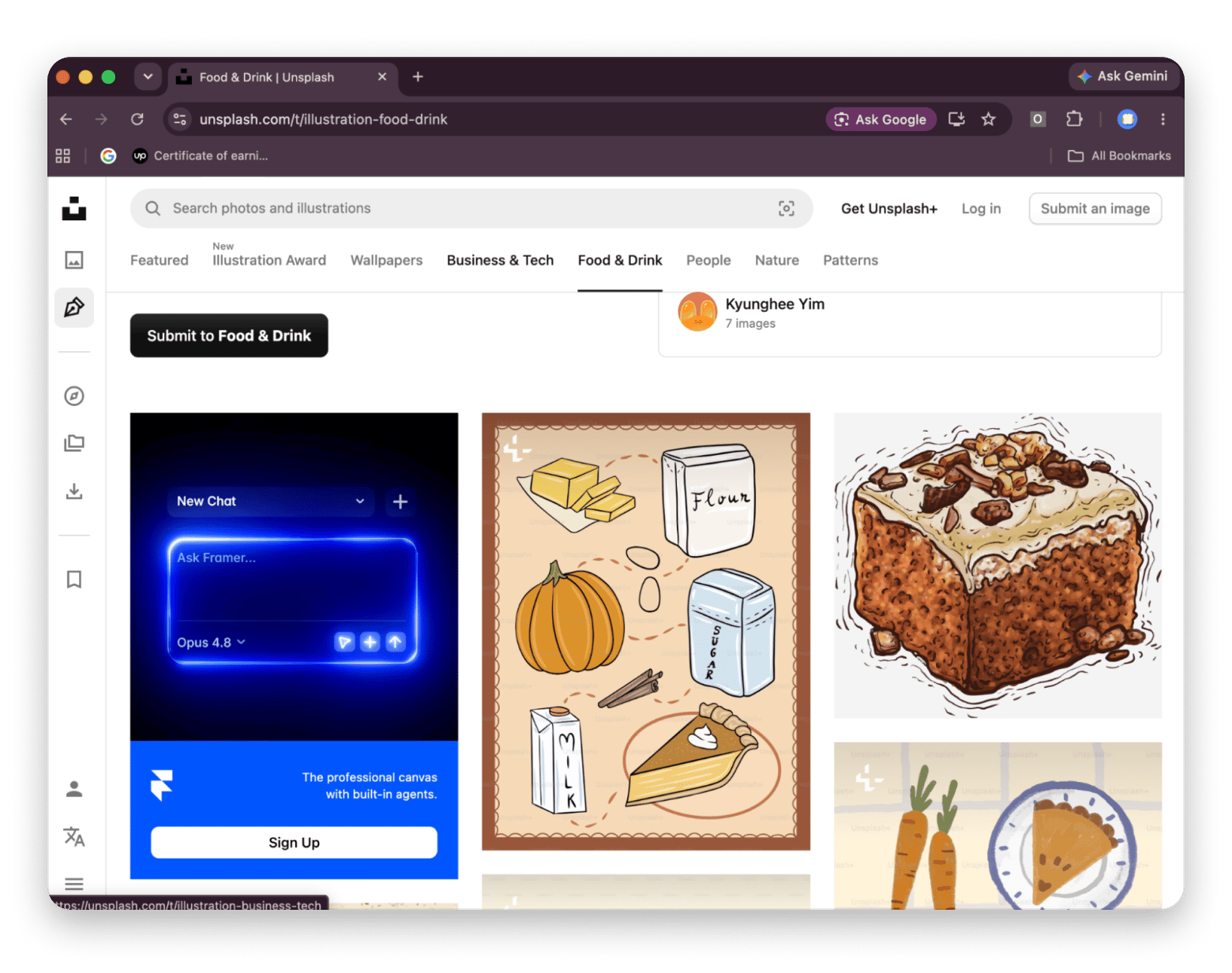
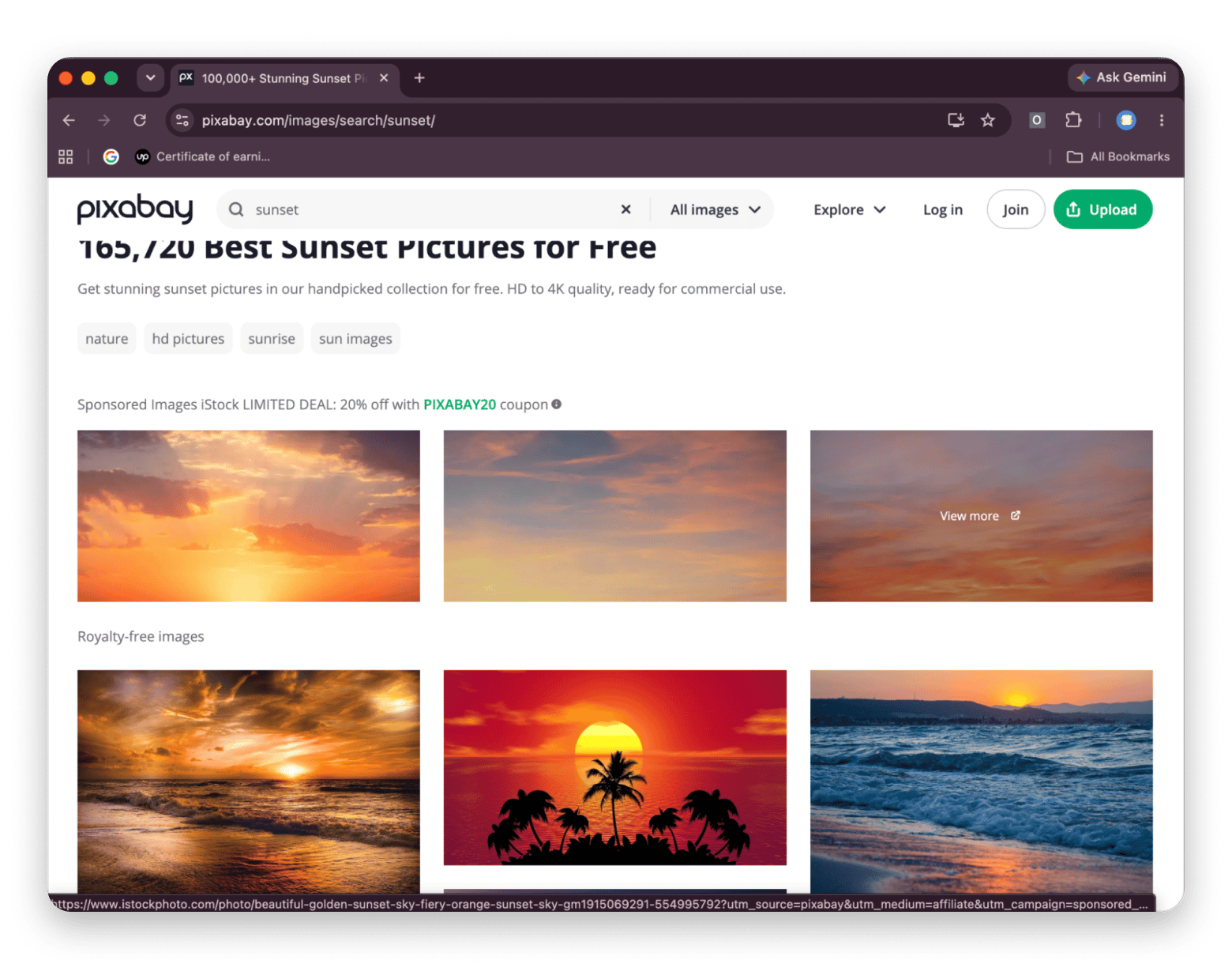
Pixabay: Best for illustrations and vectors
Best for: illustration-style wallpapers.
Wallhaven: Best for anime, abstract, and gaming aesthetics
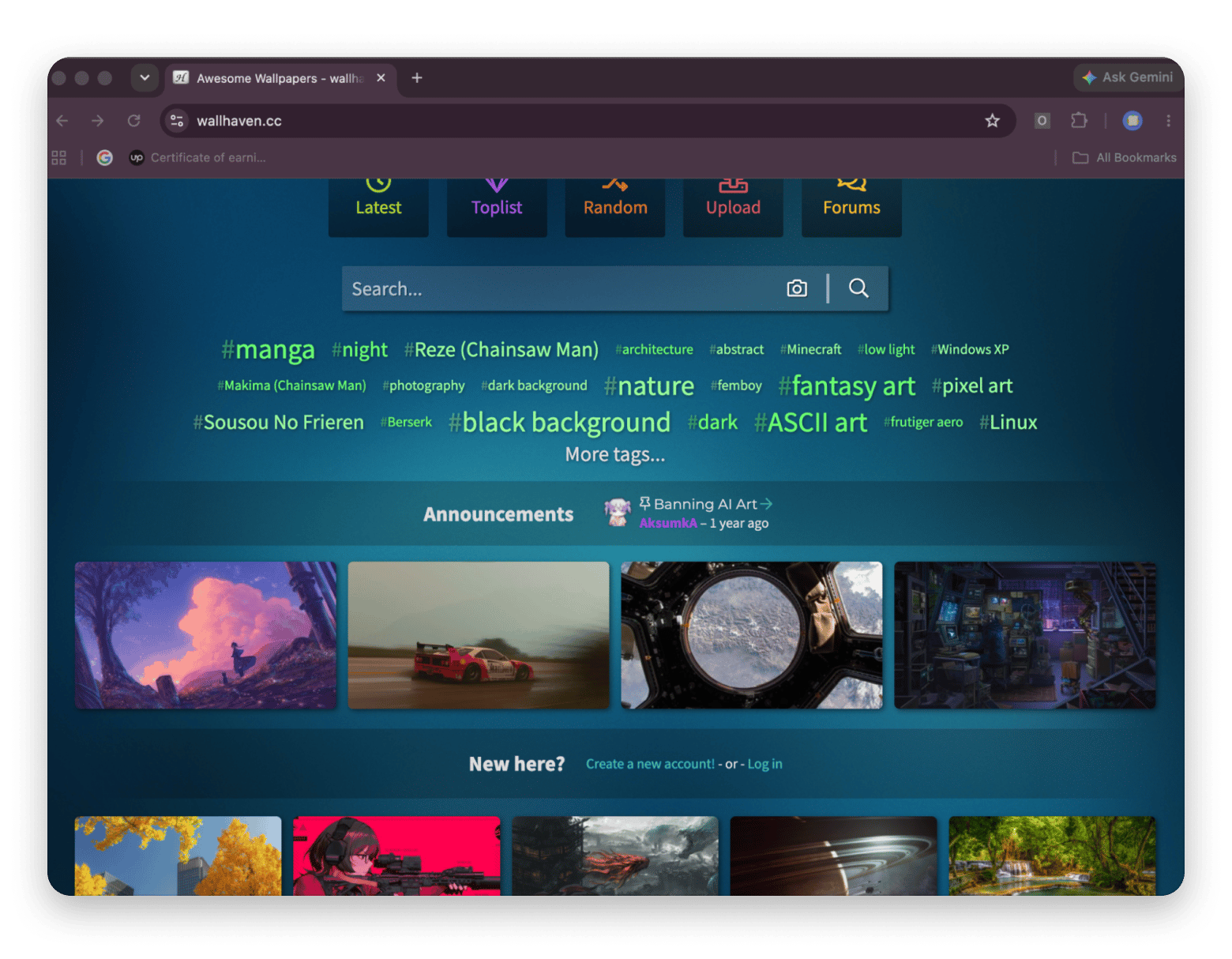
Wallhaven is a community-driven wallpaper site with over 1.3 million images, including anime art, abstract designs, and gaming imagery. Its advanced search filters let you narrow results by resolution, aspect ratio, and category, with resolutions available up to 8K.
Honestly, I’d treat Wallhaven as personal-use only. Great art turns up there, but I couldn’t trace the original creator for most of what I liked.
Best for: anime, digital art, and abstract designs.
WallpaperHub: Best for curated 4K packs
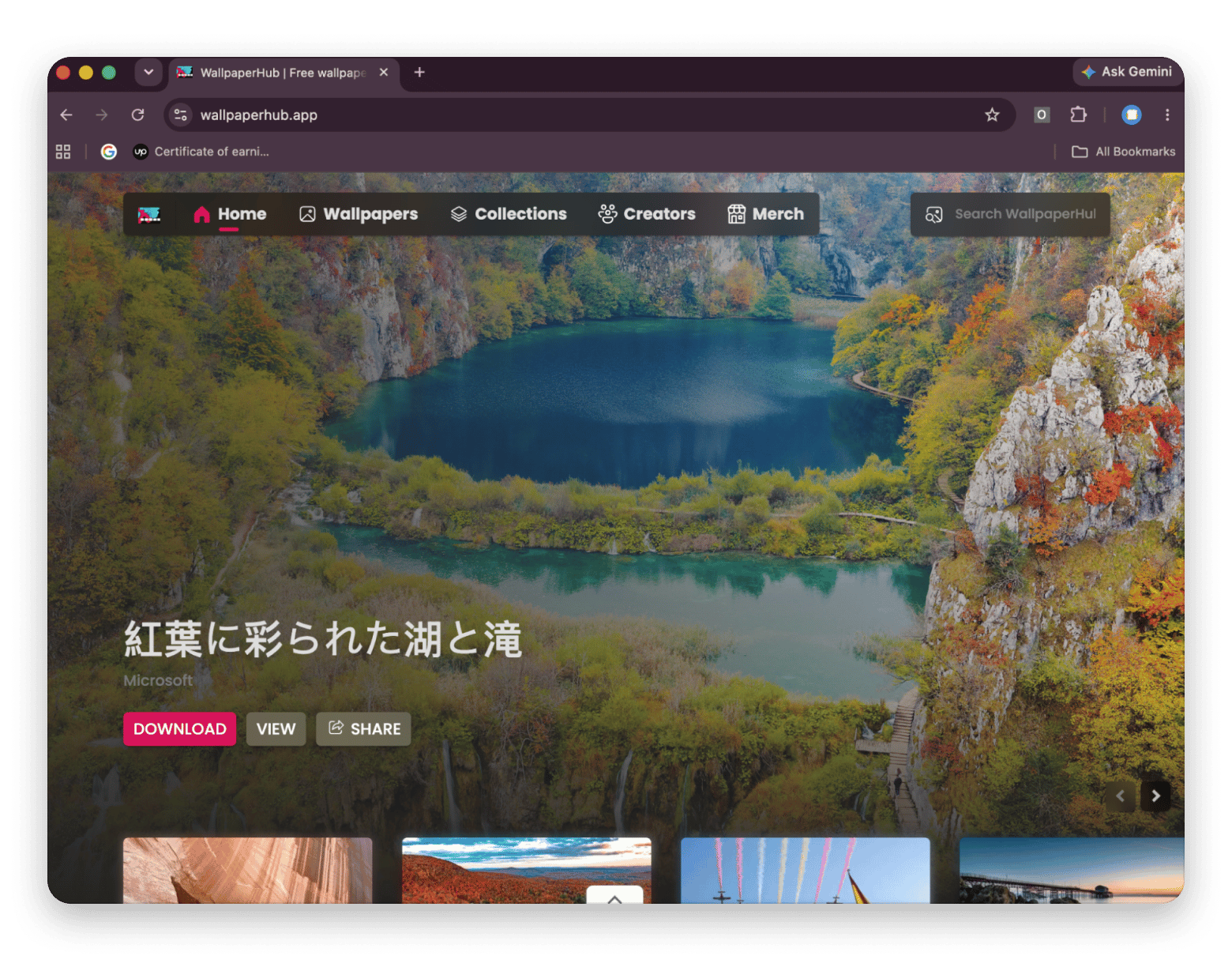
WallpaperHub is a curated wallpaper site featuring Windows, Surface, Xbox, and Microsoft design collections, including images from Microsoft. Its library includes 4K wallpapers as well as lower-resolution options, and filters help you find images that fit your display.
The wallpapers work on a Mac, too: download an image at a suitable resolution and set it as your desktop background in macOS.
WallpaperHub is available as a website and as a Mac app on the App Store. The website lets you browse and download wallpapers directly, while the app offers additional features, including automatic wallpaper changes.
Best for: polished, professionally designed packs instead of database searching.
Reddit r/wallpapers and r/AppleWallpapers: Best for community curation
Reddit r/wallpapers is a firehose of user submissions in every style, and Mac-focused subreddits such as r/AppleWallpapers curate for Mac aspect ratios. Search tools are basic, but upvotes push the best work to the top. Licensing is per user and usually personal-use only.
Best for: discovery, if you don't mind scrolling.
Apple built-in wallpapers: Best for macOS-native dynamic wallpapers
Every macOS release introduces new wallpapers. macOS 27 Golden Gate, released on September 14, 2026, features a stylized “27” design alongside dynamic scenes of San Francisco’s Golden Gate Bridge. macOS 26 Tahoe introduced new landscape-inspired wallpapers, including beach scenes in different lighting conditions. Open System Settings → Wallpaper to browse them. Dynamic options shift throughout the day, and you don't need to download anything.
Best for: a changing wallpaper with zero third-party sources.
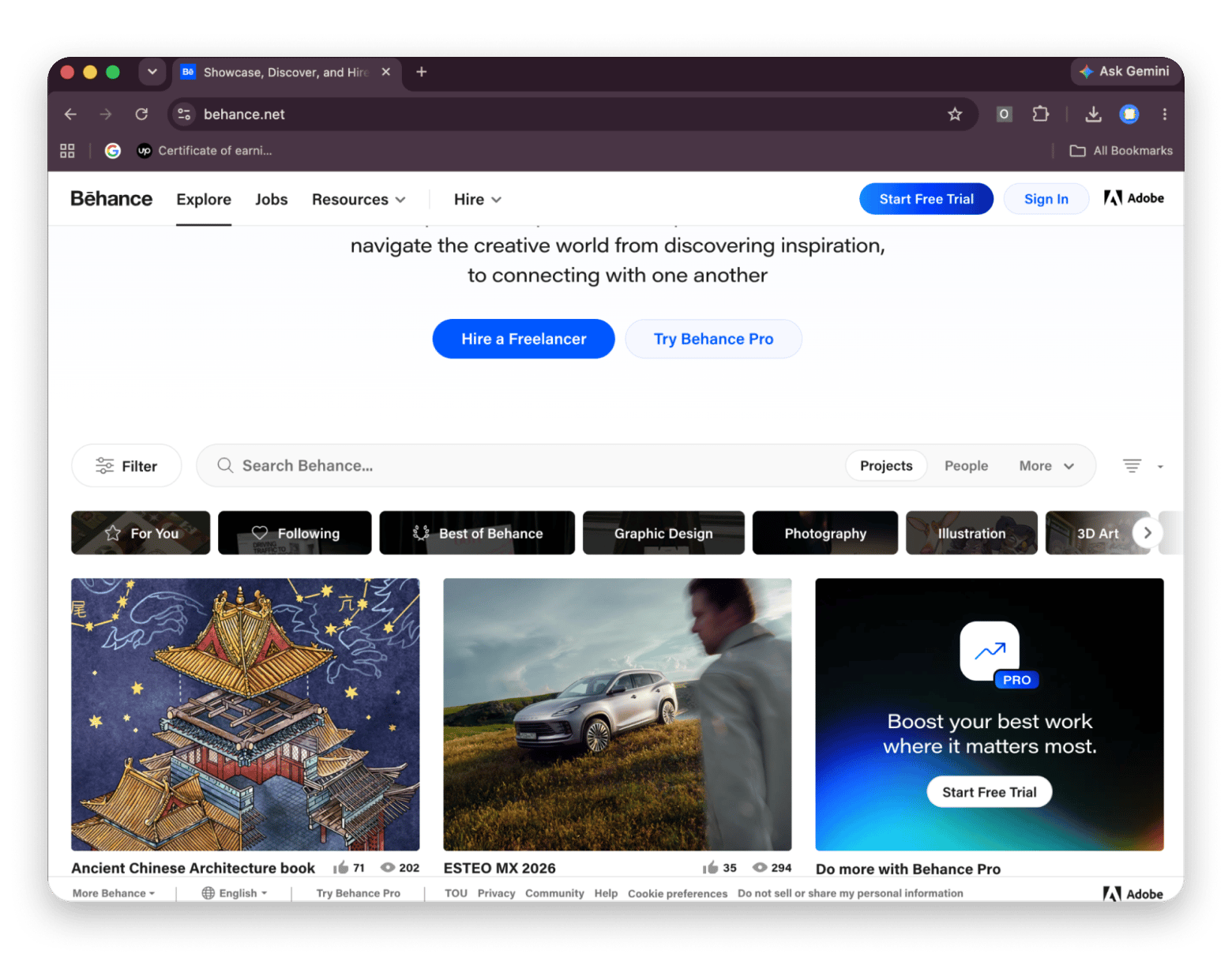
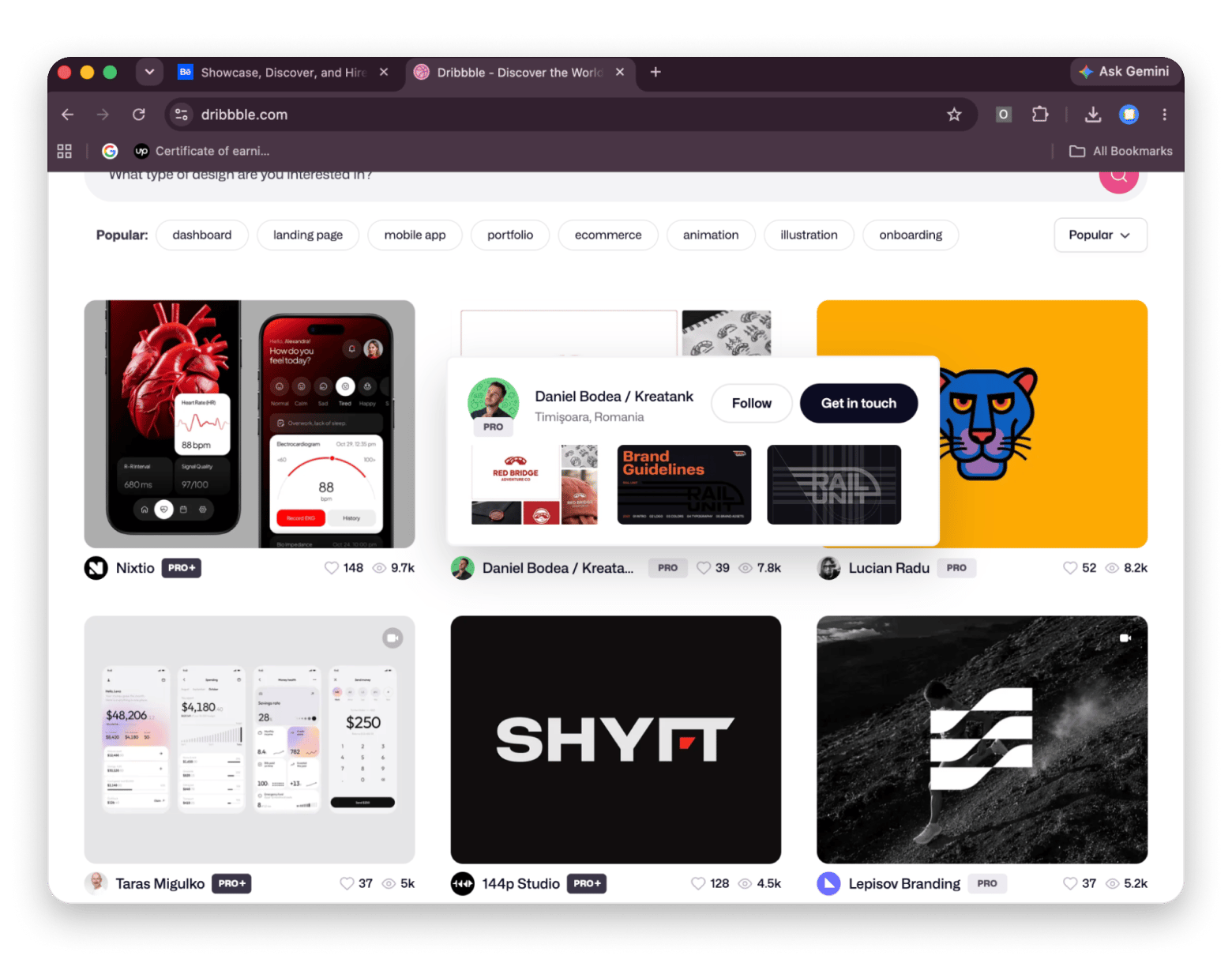
Behance and Dribbble: Best for artist and illustrator work
Behance and Dribbble are creative portfolio platforms rather than traditional stock-image libraries. While many artists reserve their work for viewing or licensing, some share free wallpapers and downloadable artwork. You’ll find illustrated, abstract, and design-focused images that may be harder to find on stock-photo sites.
Behance is part of Adobe and helps creators showcase their work and connect with potential clients. Dribbble is a separate design platform where professionals share projects, build portfolios, and find clients. On both sites, check the individual creator’s license or usage terms before downloading or reusing artwork.
Best for: a gallery-like desktop instead of a photographic one. Also a great option for those wanting to support individual artists.
Backdrops: Best for curated, design-forward wallpapers
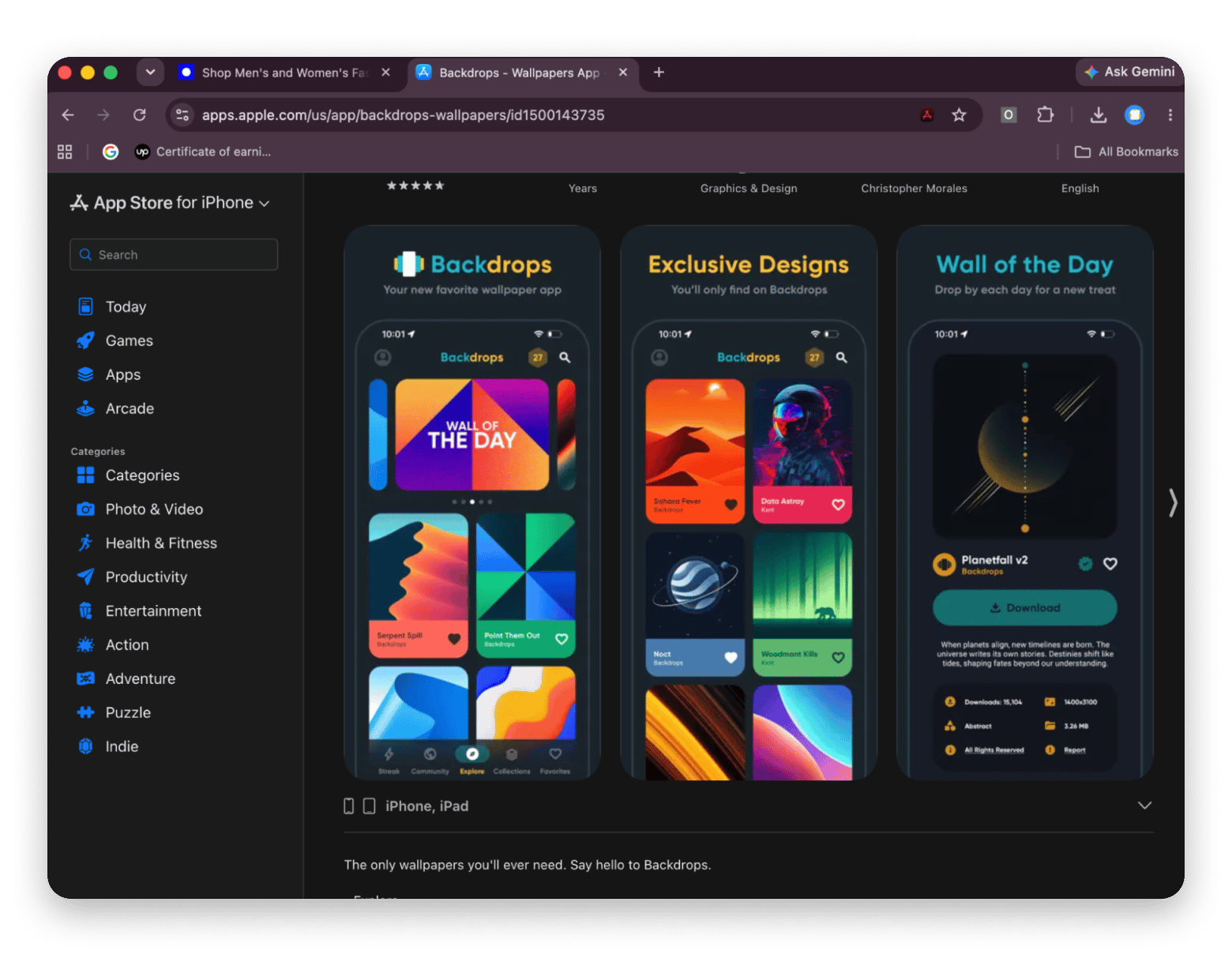
Backdrops is a wallpaper app for iPhone and iPad, featuring original designs and community-curated submissions. Its collection includes minimalist, abstract, geometric, and other design-led styles.
Although it isn’t a native Mac app, the iPad version is listed as compatible with Apple silicon Macs running macOS 12.5 or later. You can browse wallpapers on your Mac if the app is compatible with your device, or download them on your iPhone or iPad and transfer them to your Mac.
The app is free to download, with ads and optional Pro features. Pro removes ads and unlocks exclusive wallpaper collections and full-screen previews.
Best for: Mac users who prefer curated, design-forward wallpapers over browsing large stock-photo libraries.
Mac apps that help you rotate, animate, and manage wallpapers
Downloading images by hand works occasionally. These four apps, all available with one Setapp Membership, a subscription that gives you access to 300+ Mac and iOS apps for one monthly fee, help with the rest. For the manual route, Setapp’s guide to changing your desktop background and screensaver is a useful companion.
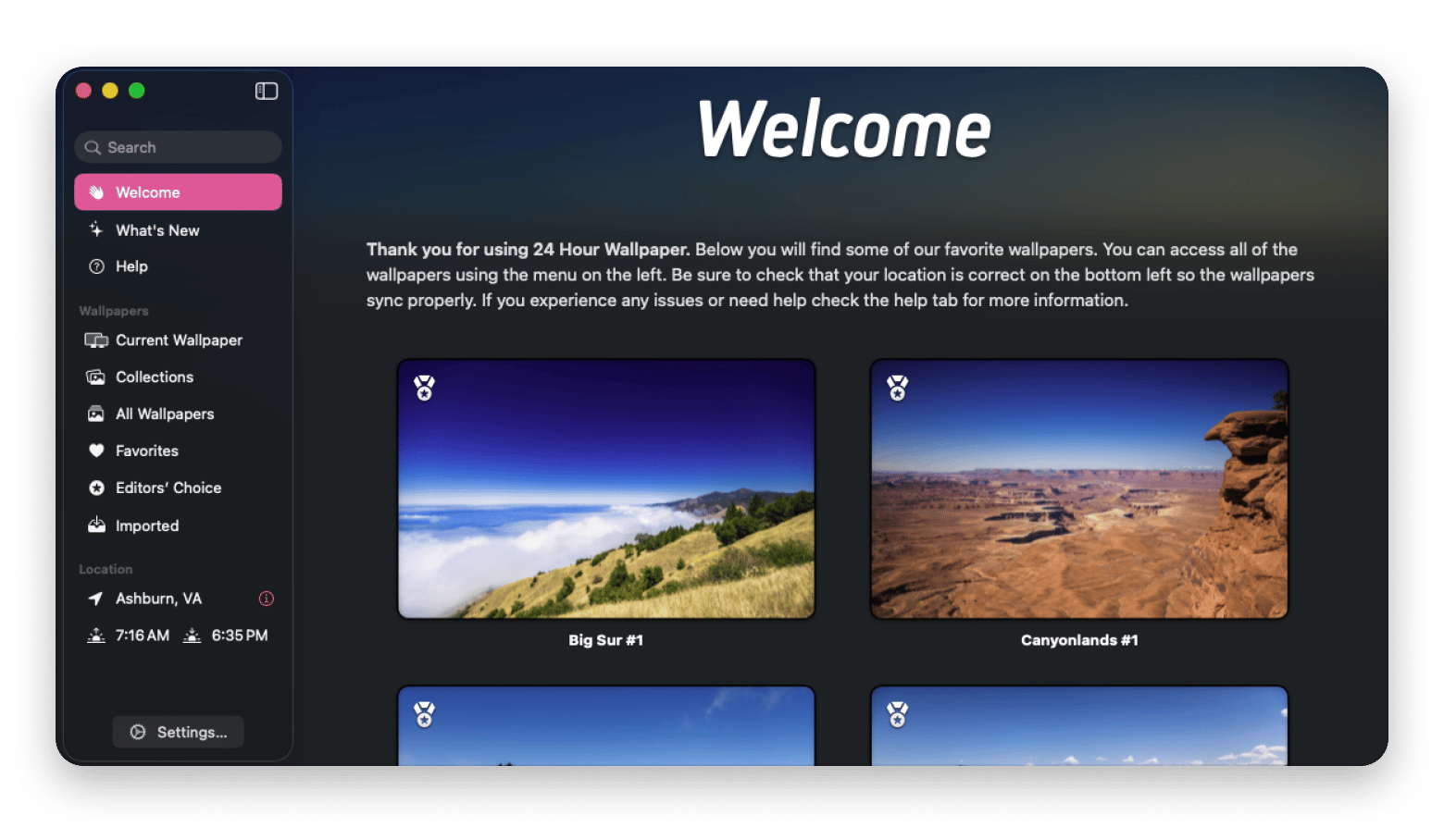
24 Hour Wallpaper: Best for wallpapers that follow the time of day
24 Hour Wallpaper shifts your desktop through dawn, midday, dusk, and night based on your local time. It's the closest thing to Apple's dynamic wallpapers with a wider choice of scenes, so it suits anyone who wants a desktop that follows the sun.
The time-of-day switching only works while the app is running, so I added it to my login items. Without that, the wallpaper just stayed on whatever it was last set to.
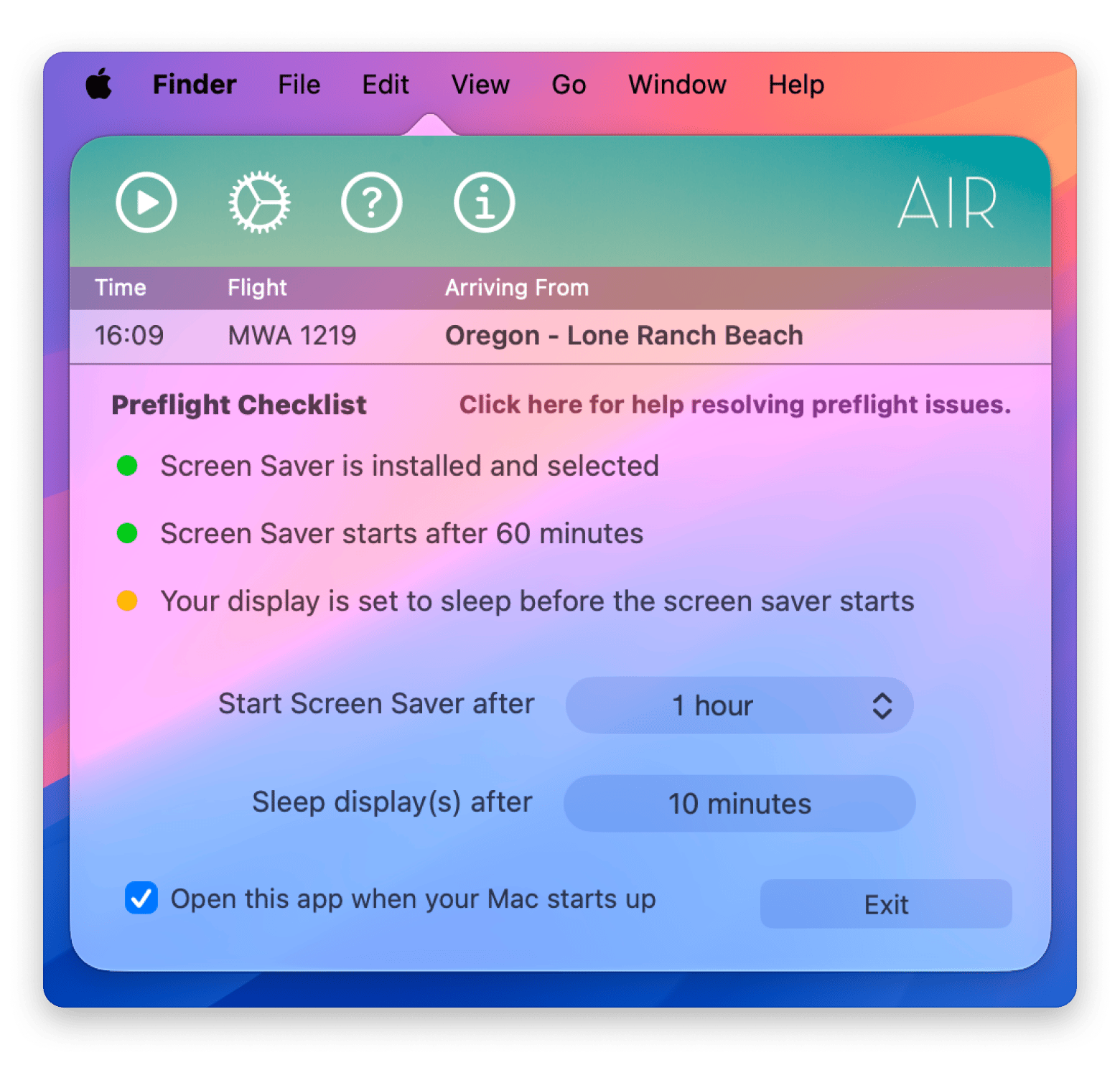
Magic Window Air: Best for 4K aerial screen savers
Magic Window Air is a screen saver, not a wallpaper app. When your Mac is idle, it plays slow-motion aerial 4K video from a curated library of 200+ clips. What surprised me is that Magic Window Air doesn’t open a normal window. It lives in the menu bar and shows up under System Settings → Wallpaper → Screen Saver. I only found it after a second look. You can then choose the aerial videos you want to use.
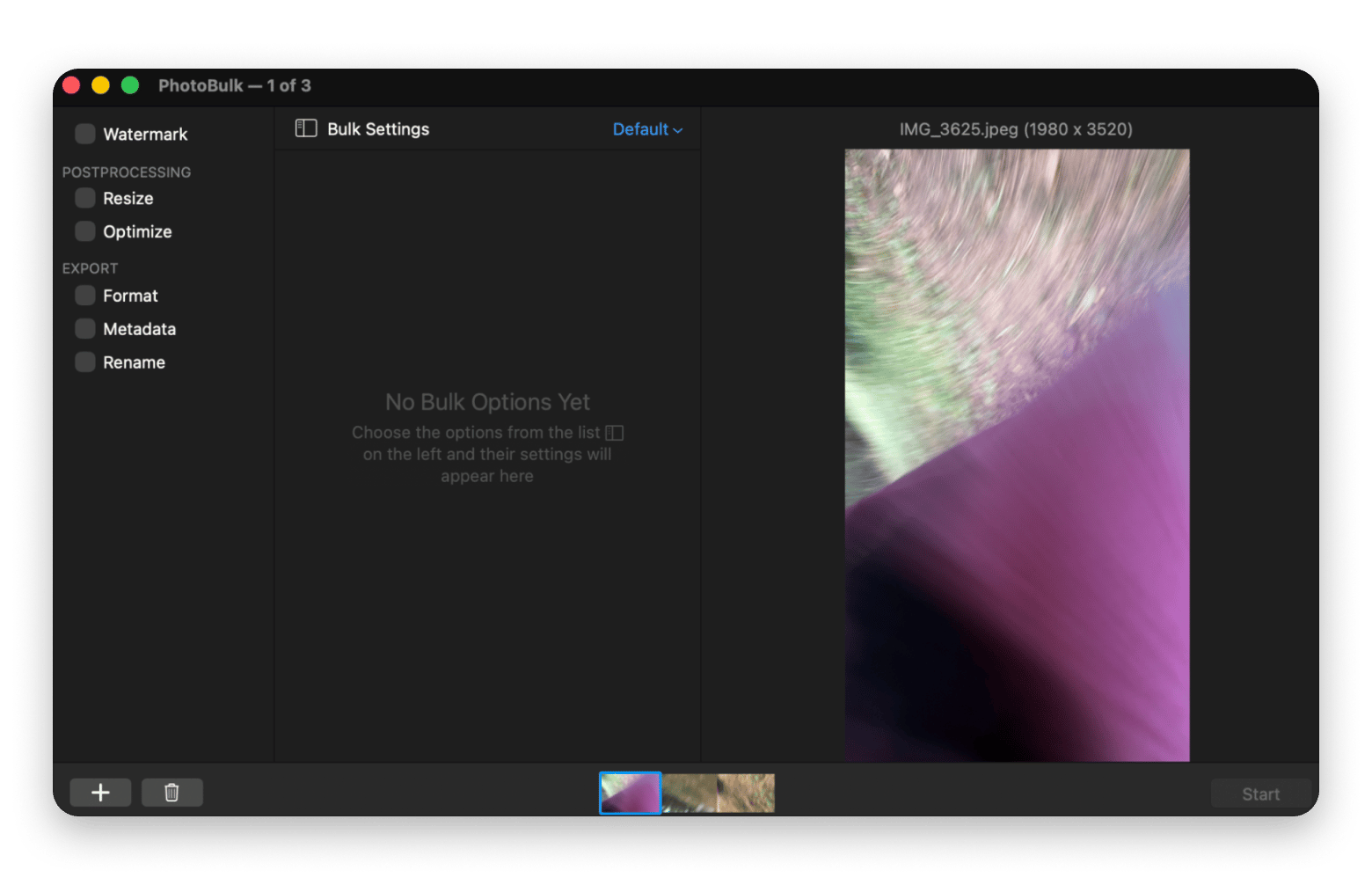
PhotoBulk: Best for batch-resizing wallpaper originals
PhotoBulk resizes, compresses, and watermarks images in batches. If you’ve saved 50 Unsplash originals at 6000+ px, it shrinks the whole folder to your display’s exact resolution in one pass.
Gemini: Best for clearing duplicate wallpaper downloads
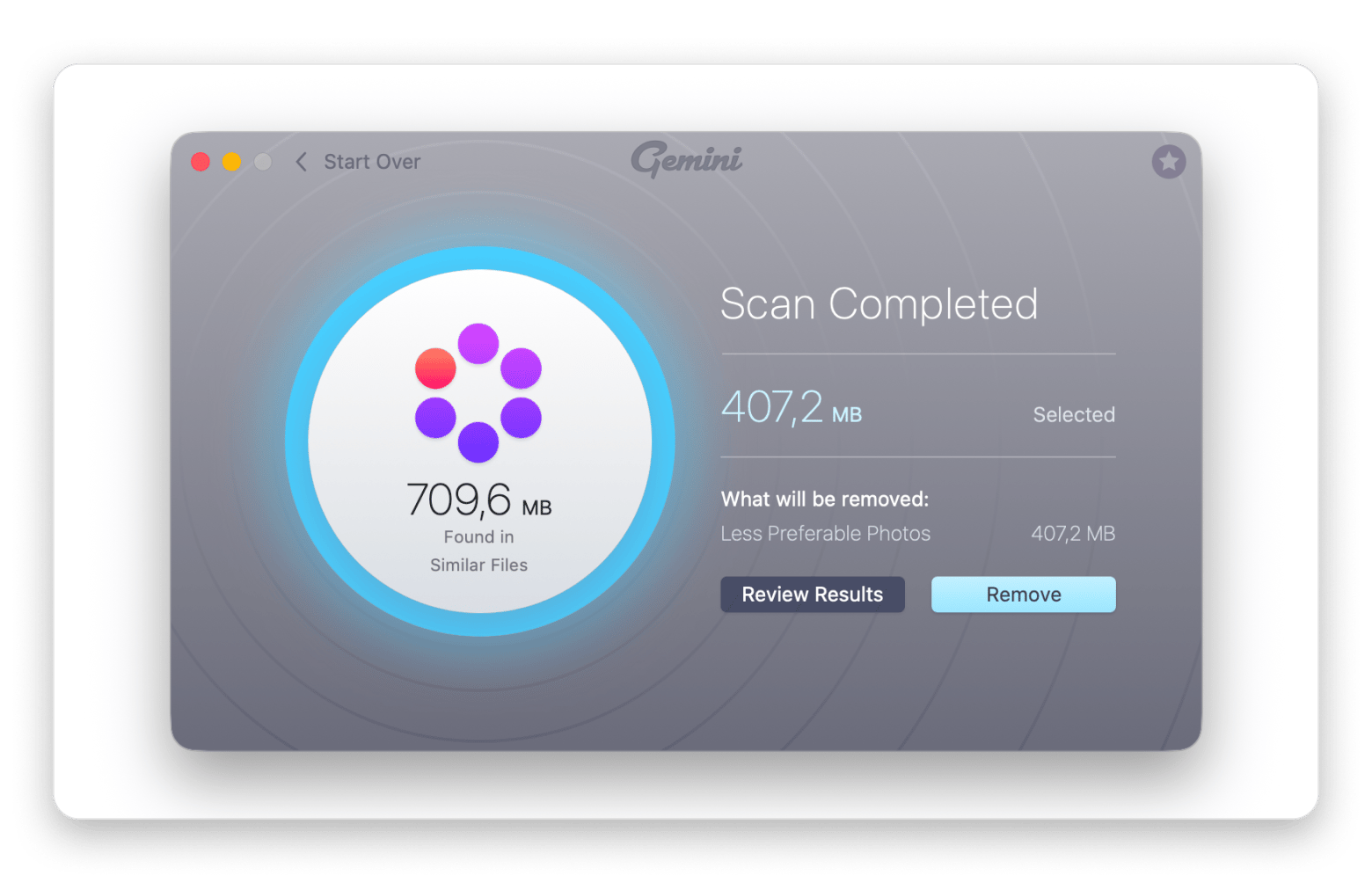
Gemini (MacPaw’s duplicate finder for Mac, not Google’s AI) scans for duplicate and near-identical files. After months of downloading wallpapers from five different sites, it clears out repeats and frees up space. Drag in a folder, review the pre-selected duplicates, and remove them.
Gemini is one of several options compared in the best duplicate finders for Mac, which is worth a look before you decide.
How to set wallpapers on Mac (any source, any macOS version)
To set wallpapers on Mac, you can choose one of the methods:
One-shot method: Right-click the image in Finder and choose Services → Set Desktop Picture.
Persistent method: Go to System Settings → Wallpaper → Add Photo and browse to your saved image.
Auto-rotation (macOS Ventura and later): Open System Settings → Wallpaper → Add Photo → Choose Folder, select your images, then enable Auto-Rotate and choose an interval.
Multiple displays: System Settings → Wallpaper lists each display separately so that you can set a different wallpaper on every monitor.
Reset to default: Scroll up to the macOS Dynamic Wallpapers section and pick one of Apple's built-in options.
On macOS Monterey and earlier, the path starts at System Preferences instead of System Settings. The wallpaper section works the same way, though Auto-Rotate uses an older interface. If these steps don’t match what you see, check Apple’s wallpaper guide for your macOS version.
Choosing the right free wallpaper source for your aesthetic
Depending on your wallpaper needs:
"I want professional photography, no strings attached" → Unsplash
"I want lifestyle and people-focused photography" → Pexels
"I want illustrations and vectors alongside photos" → Pixabay
"I want anime, abstract or gaming aesthetics" → Wallhaven
"I want curated 4K wallpaper packs" → WallpaperHub
Unsplash, Pexels, and Pixabay use permissive licenses that generally allow free commercial use without attribution. Restrictions still apply, though. Images showing recognizable people, trademarks, or third-party artwork may need additional permission, so check the license before using an image in a commercial project.
Wallhaven, Reddit, and similar community platforms may host copyrighted work without offering a license for reuse. An image being available to download doesn’t mean you have permission to use it. That’s fine for a personal desktop wallpaper. Before you reproduce, publish, or use an image commercially, check the original creator’s terms.
WallpaperHub and Backdrops carry mixed licenses, including Microsoft and community uploads, so check each image’s terms before reuse.
Behance and Dribbble are portfolio platforms, not stock libraries. Artists keep the rights to their work, and reuse may require permission or a specific license. Crediting the artist doesn’t automatically grant permission.
Apple’s built-in wallpapers are subject to Apple’s applicable terms. Don’t assume you can reuse them in a commercial project simply because they come with macOS. For uses beyond setting your own desktop wallpaper, review Apple’s software license agreements or seek permission from Apple.
Pick a source, then let your Mac do the rotating
Unsplash is still the easiest place to start for free wallpapers for Mac, and Pexels, Pixabay, and Wallhaven fill in what it misses. Once you’ve collected a few favorites, let your Mac do the work. 24 Hour Wallpaper follows the sun, Magic Window Air turns idle time into 4K aerial footage, PhotoBulk shrinks a folder of originals in one pass, and Gemini clears out the duplicates. All four come with Setapp Membership. You can try them and 300+ apps with a 7-day free trial.
FAQ
Is unsplash.com really free for wallpapers?
Yes. The Unsplash License covers personal and commercial use with no attribution or payment.
What is the best resolution for a Mac wallpaper in 2026?
Match your display's native resolution or go higher. A 27-inch 5K display, such as Apple Studio Display, needs 5120 × 2880 px, and most Unsplash originals exceed that. Downscaling is fine; upscaling looks soft.
Can I use Unsplash images as commercial designs, not just wallpapers?
Generally yes, since the license permits commercial use. Review the current terms first, particularly for images showing identifiable people, trademarks, or private property.
How do I auto-rotate wallpapers from Unsplash on Mac?
Save 20–50 images to a folder, then go to System Settings → Wallpaper → Your Photos → Add Photo → Choose Folder and turn on Auto-Rotate. Apps like 24 Hour Wallpaper from Setapp can handle rotation for you.
What is the best free alternative to Unsplash for Mac wallpapers?
Pexels, for similar photographic quality with a lifestyle focus. For other aesthetics, Wallhaven covers anime and abstract art, and Pixabay covers illustration. As mentioned above, check usage rights and attribution.
Powerful apps live on Setapp
Ditch defaults and discover new gems on one app platform.





 Best solution
 Best solution