Capacities is the best drop-in for most people. You get linking, cross-platform sync, and a desktop app optimized for Mac — without spending hours configuring a vault.
Ulysses and Craft are the top Setapp picks.Ulysses is ideal if your vault is mostly writing and drafts. Craft wins when you need polished, shareable, linked docs with backlinks out of the box.
Security-first? Go with Standard Notes or Joplin. Both offer E2EE — Standard Notes has it on by default, even on the free plan; Joplin gives you full sync flexibility.
Save time on capture and search with Setapp tools.Paste keeps your clipboard history searchable. TextSniper pulls text from any screen. HoudahSpot finds any file in seconds.
Obsidian alternatives like Ulysses and Craft are already on Setapp. Try them all before you commit. Get 250+ Mac apps free for 7 days — including Ulysses, Craft, Paste, HoudahSpot, and TextSniper.
When I first tried Obsidian, I was overwhelmed by how much control I could have over my notes, like extensive customizability that lets you record your ideas in ways other apps won’t do. But I immediately realized that to use the tool effectively, you need to spend some time learning as you go. I think that's the main reason many users quit early before things get complicated.
Are there Obsidian alternatives that do the same job but are much easier to use? Below, I’ll share a practical breakdown of the best Obsidian alternatives for Mac that I found and tested, which can replace or enhance an Obsidian-style workflow.
Best Obsidian alternatives for Mac (Detailed comparisons)
The truth is, there isn’t a single perfect Obsidian replacement. Most alternatives trade off local Markdown + plug-ins for simpler syncing, collaboration, or security.
To make this easier to scan, I prepared the table below to summarize the key differences first. Then you’ll find practical, Mac-specific notes for each option.
Comparison table: Obsidian vs top Mac alternatives
Here’s a quick overview of the best Obsidian alternatives:
Not sure which app from this list matches how you work? I used the Productivity Tools GPT tool to compare options based on my actual habits — it's faster than reading every review yourself.
Capacities: Best choice for individuals who want a modern PKM with a desktop-first feel
Capacities is one of the most commonly recommended Obsidian alternative apps in third-party lists. I can’t fully verify the “faster than Obsidian” part from official sources, but in my own testing, it does feel like it’s trying to reduce configuration friction.
Source: capacities.io
Where it beats Obsidian:
Cross-platform availability: Desktop (macOS/Windows/Linux), mobile (iOS/Android), and web app.
Desktop app recommended: For better performance, matching my experience with larger spaces on Mac.
Mac integrations: Raycast, Apple Reminders, and Hookmark deep linking are officially called out.
Where it’s not:
If you rely on Obsidian’s plug-in ecosystem and extreme customization, Capacities may feel more product-defined.
It’s explicitly designed for individuals and does not offer organizational/team plans.
Notion: Best option if you need team collaboration, templates, and databases
For me, Notion is the clear choice when your notes are really a shared workspace — wikis, databases, projects, and docs that multiple people touch.
Plus, I like the Notion Agent feature. You can ask AI to draft weekly updates or ask for customer requests from the previous month — and it’ll do the job for you quickly. If you work with teams, that’s a good Obsidian alternative for a fast and optimized workflow.
Source: notion.com
Where it beats Obsidian:
Built for multi-user collaboration and priced per seat/month.
Officially documented offline mode (behavior varies, but it’s acknowledged and described).
Notion AI features are explicitly listed (chat/generate/autofill/translate).
Where it’s not:
If you like Obsidian’s no-frills writing, Notion can feel heavier.
Upload limits can get annoying in real use: the Free plan caps uploads at 5 MB per file.
Joplin: Ideal for open-source fans who want flexible sync and optional encryption
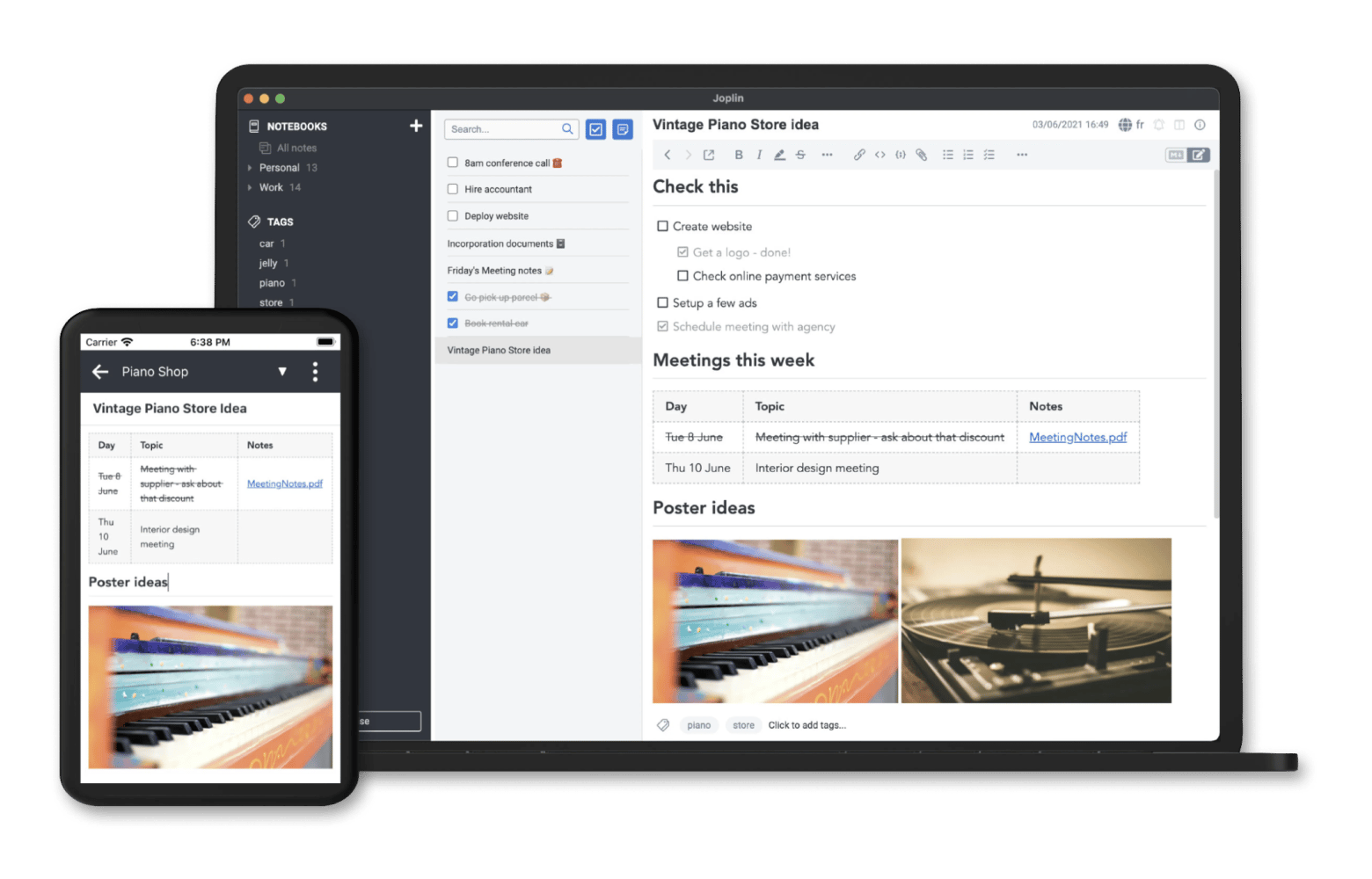
Joplin is one of the most credible open-source alternative options. It’s explicitly an open source note-taking app with broad platform support. I like that Joplin allows you to store your notes locally, sync them, and even collaborate, but only with a paid plan.
It’s cross-platform, and I really like that Joplin keeps the same structure whether you open your notes on a Mac or iPhone. If you begin writing on your laptop and later want to continue on your phone, you can seamlessly pick up where you left off. You can write in plain Markdown while using the WYSIWYG editor, ensuring a clean output.
Source: joplinapp.org
Where it beats Obsidian:
Sync flexibility: Joplin supports syncing with services including Joplin Cloud, Dropbox, and OneDrive.
End-to-End Encryption (E2EE) is supported.
Plug-ins/themes exist, and there’s an Extension API.
Where it’s not:
It can require more up-front decisions (sync target, encryption flow) than people expect.
E2EE setup isn’t magical. The docs make it clear you enable it on the first device, then sync and configure other devices — there’s overhead.
Standard Notes: Best choice if encryption is the whole point
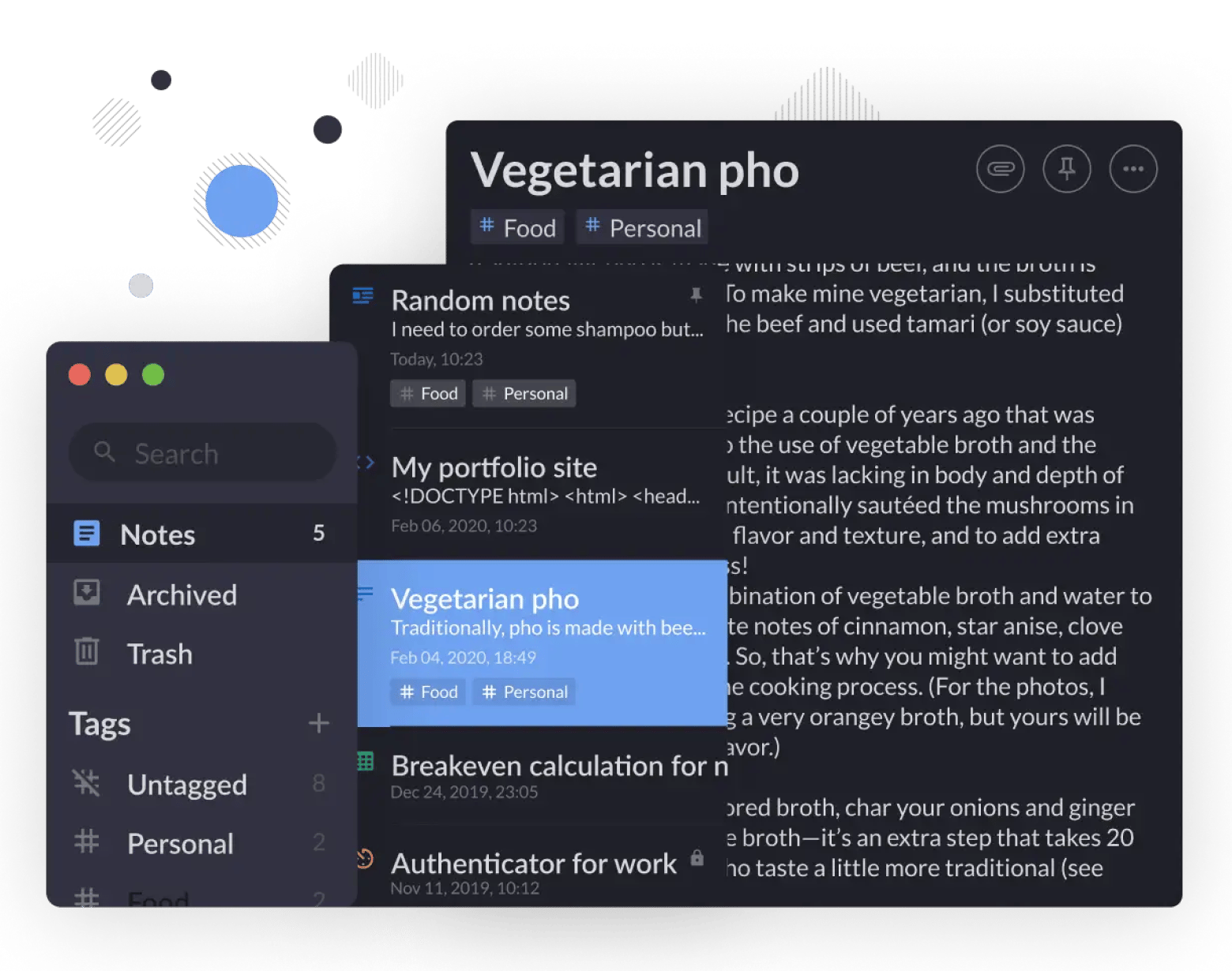
Standard Notes is the pick when the primary requirement is secure notes with end-to-end encryption and reliable cross-platform sync.
It’s simple and reminds me of Apple Notes, with even less visual noise. Plus, the app isn't focused on AI integration, so if you want an old-school note-taking tool, that's your choice.
Source: standardnotes.com
Where it beats Obsidian:
Secure note app with end-to-end encryption and cross-platform syncing.
Even the Free plan includes E2EE, offline access, and unlimited device sync.
Where it’s not:
If your Obsidian workflow depends on backlinks/graph visualizations and deep linking, Standard Notes will feel more like a secure notebook than a knowledge graph.
Many advanced editors/features require paid plans.
Logseq: Best option if you think in outlines and daily journals
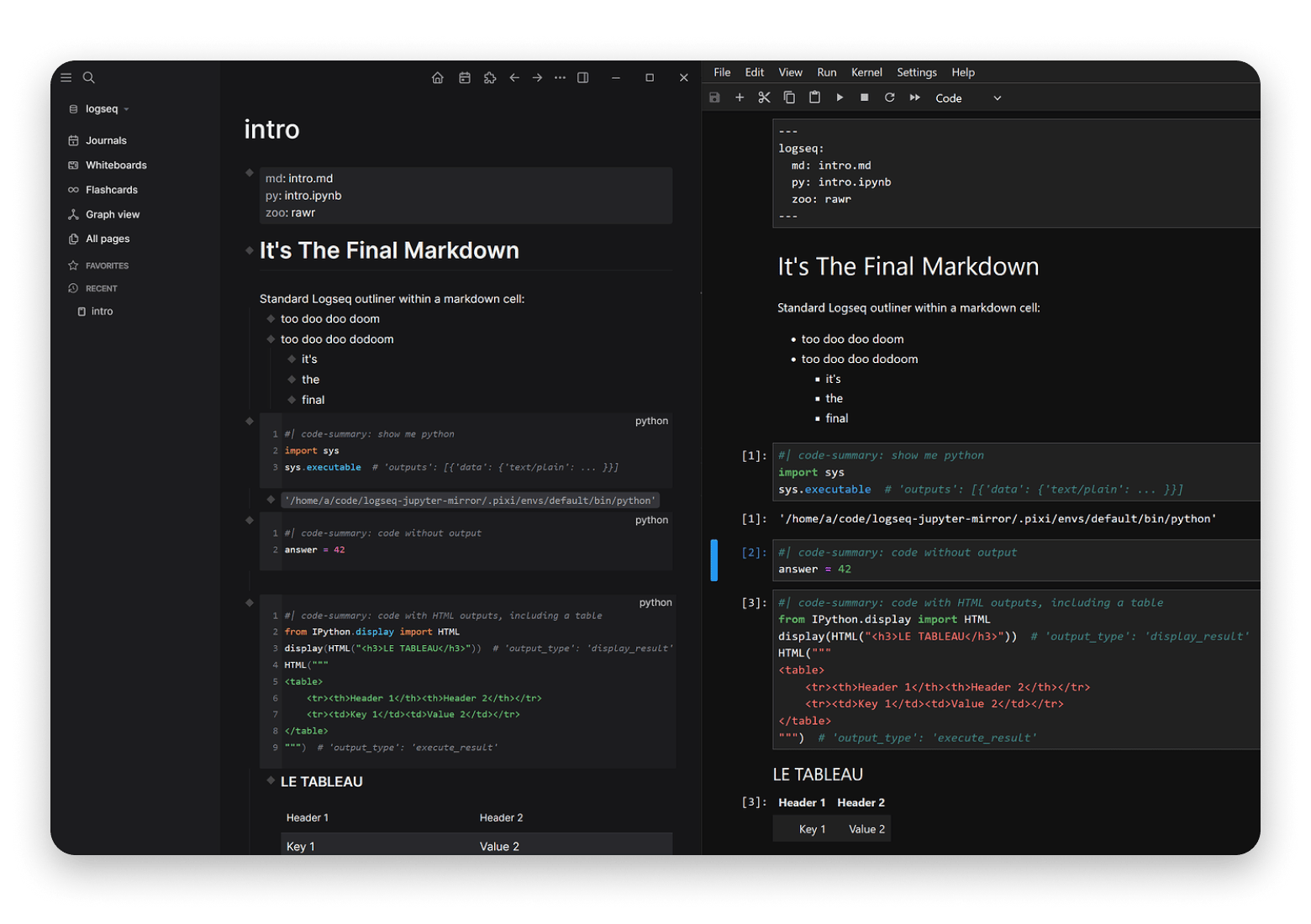
Logseq is popular with people who prefer an outliner-first approach (daily notes, bullets, hierarchy). Officially, it’s an open-source knowledge management/collaboration platform on GitHub. Before searching for Obsidian alternatives, I didn’t know much about Logseq. But it turns out it’s the hidden gem among note-taking software.
Logseq is quite powerful, and if you, like me, do a lot of projects, writing, and research, you can combine them all in Logseq. It stores all your notes in Markdown file format and works offline, so when you're away from Wi-Fi, it’s not an obstacle to doing your writing.
Source: discuss.logseq.com
Where it beats Obsidian:
Stands out for its outliner-first approach, strong daily journaling, and offline Markdown-based storage
If you want your “notes” to be a log/journal of bullets that later become structured knowledge, Logseq’s mental model can be faster than managing hundreds of Markdown files.
Where it’s not:
I didn't like the mobile version. It’s often slow, buggy, and less intuitive compared to a desktop.
No real-time collaboration available.
Anytype: Best choice if you want a local-first workspace with controlled remote storage tiers
Anytype comes up a lot for users who want a modern everything-in-one-app, but don’t want to live fully in the cloud.
But it’s not that simple like other alternatives. I would say it’s quite similar to Obsidian, as you need time to get used to it and start note-taking. The app uses object-based note-taking, so linking ideas and notes together feels more natural and less manual (just like Obsidian does).
You can also work offline and switch to the iOS version even without internet access.
Source: gallery.any.coop
Where it beats Obsidian:
Native databases out of the box: You can create a project tracker and view it as a Grid, List, Kanban board, or Gallery without any plug-ins or coding.
Stronger built-in privacy: it uses a Peer-To-Peer sync system, so your data is never stored on central servers, and end-to-end encryption means only you can access your notes.
Where it’s not:
It’s not a Markdown-folder-first workflow like Obsidian, so portability is different.
Integrations/plug-in ecosystem isn’t as established as Obsidian’s (not officially quantified in your sources, but practically true in my testing).
Reflect: Best option if you want networked notes + AI + calendar workflows (with E2EE)
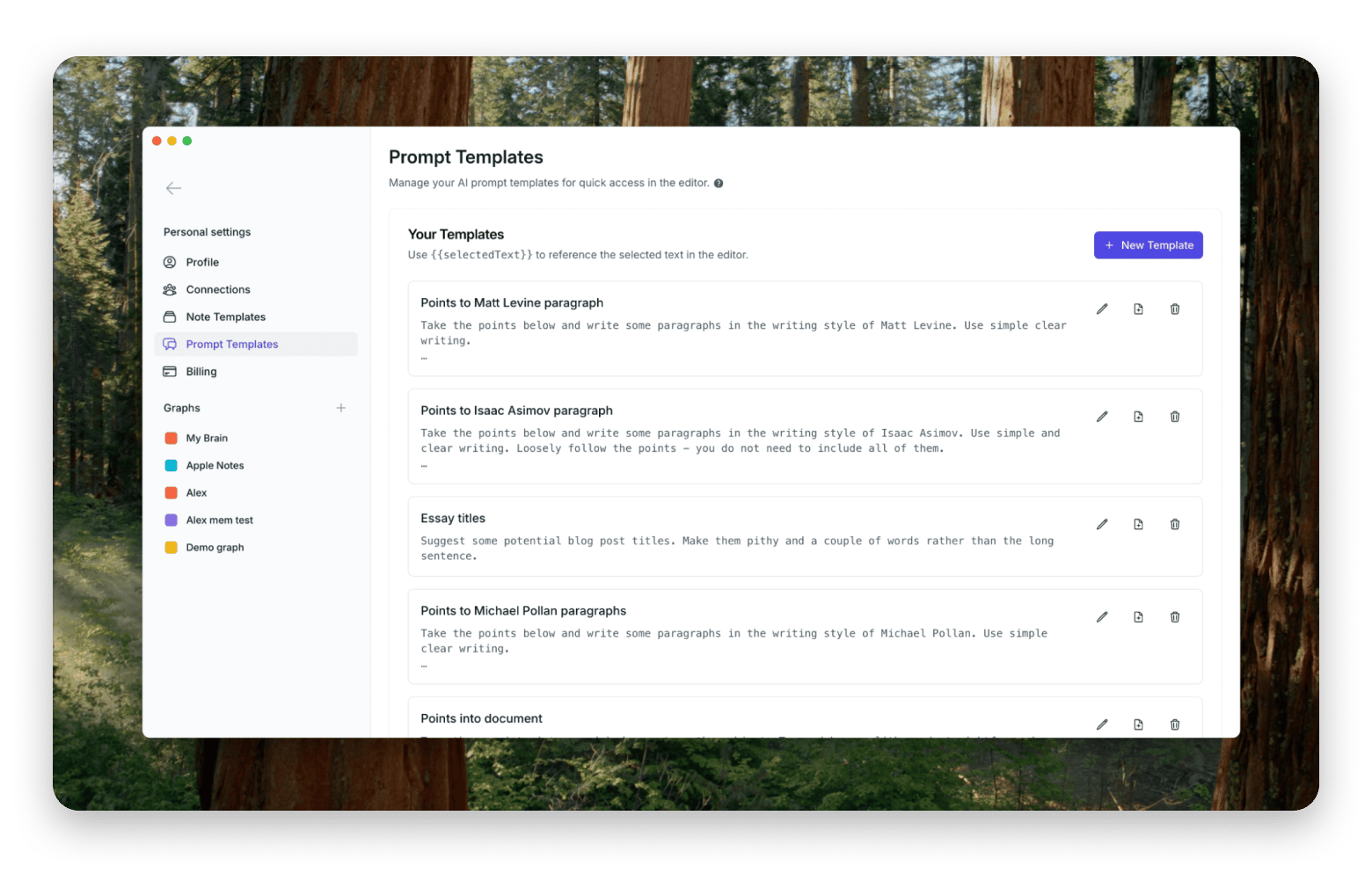
Reflect positions itself as networked note-taking and explicitly calls out backlinks, sync, iOS app, end-to-end encryption, and calendar integrations.
It’s a browser-based app, but with a desktop app for macOS. What stands out most for me is how low-friction the interface feels. Everything, including note linking, is designed to get out of your way. Type two brackets, start typing a note title, and it's linked. It's a small thing, but it genuinely changes how fast you can build a connected knowledge base.
Source: reflect.app
Where it beats Obsidian:
It offers end-to-end encryption.
It syncs across devices and offers an iOS app with offline capture.
Integrates with Google Calendar and Outlook.
AI uses GPT‑4 and Whisper.
Where it’s not:
If you want local Markdown files, you can browse in Finder, and Obsidian still wins.
No plug-in ecosystem or deep customization — what you see is what you get.
Evernote: Best choice if your workflow is web clipping, scanning, and classic notebooks
Evernote is less about graphs/backlinks and more about capture: web clipping, scans, and cross-platform access. The tool is quite popular, and I’ve used it in my work, too.
Evernote's note editor is more capable than it looks. You get standard formatting — bold, italic, highlights, lists — plus handwriting support, which I found genuinely useful. The slash command opens a quick menu for headings, tables, and calendar events, and drag-and-drop makes rearranging content straightforward.
Source: evernote.com
Where it beats Obsidian:
It lists an “in-note encryption (Mac & Windows)” feature as part of the plan/security items.
If your notes are mostly documents, clippings, and scanned material, Evernote is often simpler than building an Obsidian ingestion system.
Where it’s not:
It uses a proprietary note format, so moving your notes elsewhere requires manual export and can cause compatibility headaches.
From my experience, performance can drag with large notebooks. Search starts to feel slow as your note collection grows.
If you’re already an Evernote user but want to switch to another tool, check the comparison guide on Evernote alternatives for Mac.
remio: Best option if you want AI-first knowledge linking on Apple silicon Macs
remio is part of the newer wave of AI-powered note tools. I thought it was worth calling out here because your fact-checked research includes unusually clear Mac compatibility details.
remio can capture your browsing, meetings, emails, and files, then organize everything into a searchable local knowledge base you can query with simple questions. It's not a full productivity suite, more of a private AI assistant that knows your digital life without requiring manual input.
If you work across a lot of tabs, documents, and meetings and constantly lose track of things, it's worth a look.
Source: remio.ai
Where it beats Obsidian:
It natively captures web pages, emails, and meeting recordings without any plug-ins or manual setup.
Much gentler learning curve — there's no vault structure, no Markdown syntax, no plugin management to figure out.
Where it's not:
Platform support is limited to Windows 10+ and M-Chip Macs — no Linux or Intel-based Macs.
No graph view or bidirectional linking. If building a visible network of connected ideas matters to you, Obsidian still has the edge.
It's a newer tool, so some features are still in development, and the ecosystem is nowhere near as mature as Obsidian's.
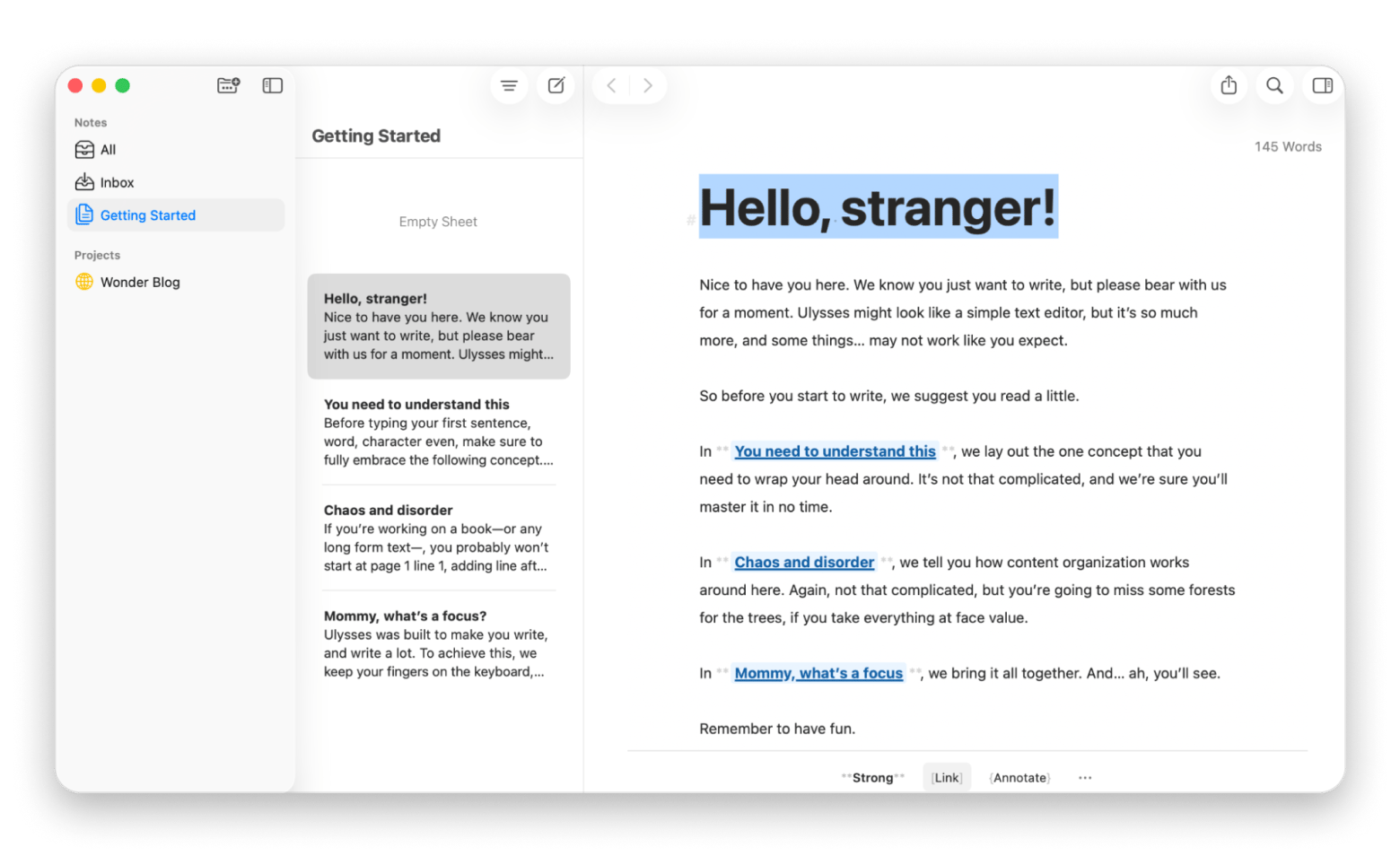
Ulysses: Best choice for writers who want a polished Markdown library instead of a plugin-heavy PKM
Ulysses isn’t a true Obsidian clone, but for many Mac users, it replaces the core of what they do in Obsidian: writing, organizing, and exporting. The difference is that Ulysses was built for writing first and everything else second.
What stands out to me is how little friction there is between you and the actual work. I've spent time in Obsidian building the perfect system, and I've spent time in Ulysses just writing. The gap between those two experiences is real. There are no plug-ins to install, no vaults to configure, and no graph view pulling your attention away from the blank page.
What I like most about the app is that it lets me publish my articles directly from the app (integration with WordPress and Medium).
Where it beats Obsidian:
Everything is Markdown under the hood, but the editor hides the syntax when you don't need it; it stays clean without losing portability.
Built-in export to PDF, EPUB, DOCX, and HTML with publication-ready formatting, no plugins required.
iCloud sync across Mac, iPhone, and iPad works seamlessly out of the box.
The focus and distraction-free writing modes are genuinely well-designed — Obsidian has similar plugins, but none feel as native.
Where it's not:
No bidirectional linking or graph view. If knowledge mapping matters to you, Ulysses won't replace Obsidian.
Not a task manager or database, it's a writing tool, full stop
Craft: Best option if you want beautiful linked docs without Obsidian tinkering
Shareable docs—without the “build your own system” vibe
Craft is not trying to be a second brain or a plug-in playground. It's closer to what you'd get if Apple built a notes app for people who actually care about how their documents look and feel.
I found it refreshing after Obsidian. There's no setup tax, so you just open it, start writing, and the result looks good immediately — structured, clean, and shareable without any extra effort.
Where it beats Obsidian:
Internal linking and backlinks work without any plug-in or syntax knowledge.
Sharing docs publicly is built in and looks professional out of the box.
Native Mac, iPhone, and iPad apps with great iCloud sync.
Collaboration and real-time editing are supported natively; no third-party sync workaround needed.
Where it's not:
No graph view or deep knowledge mapping: Craft is document-first, not PKM-first.
No plug-in ecosystem: What Craft ships is what you get, which suits most writers but frustrates power users looking to extend functionality.
What is Obsidian, and why users look for alternatives?
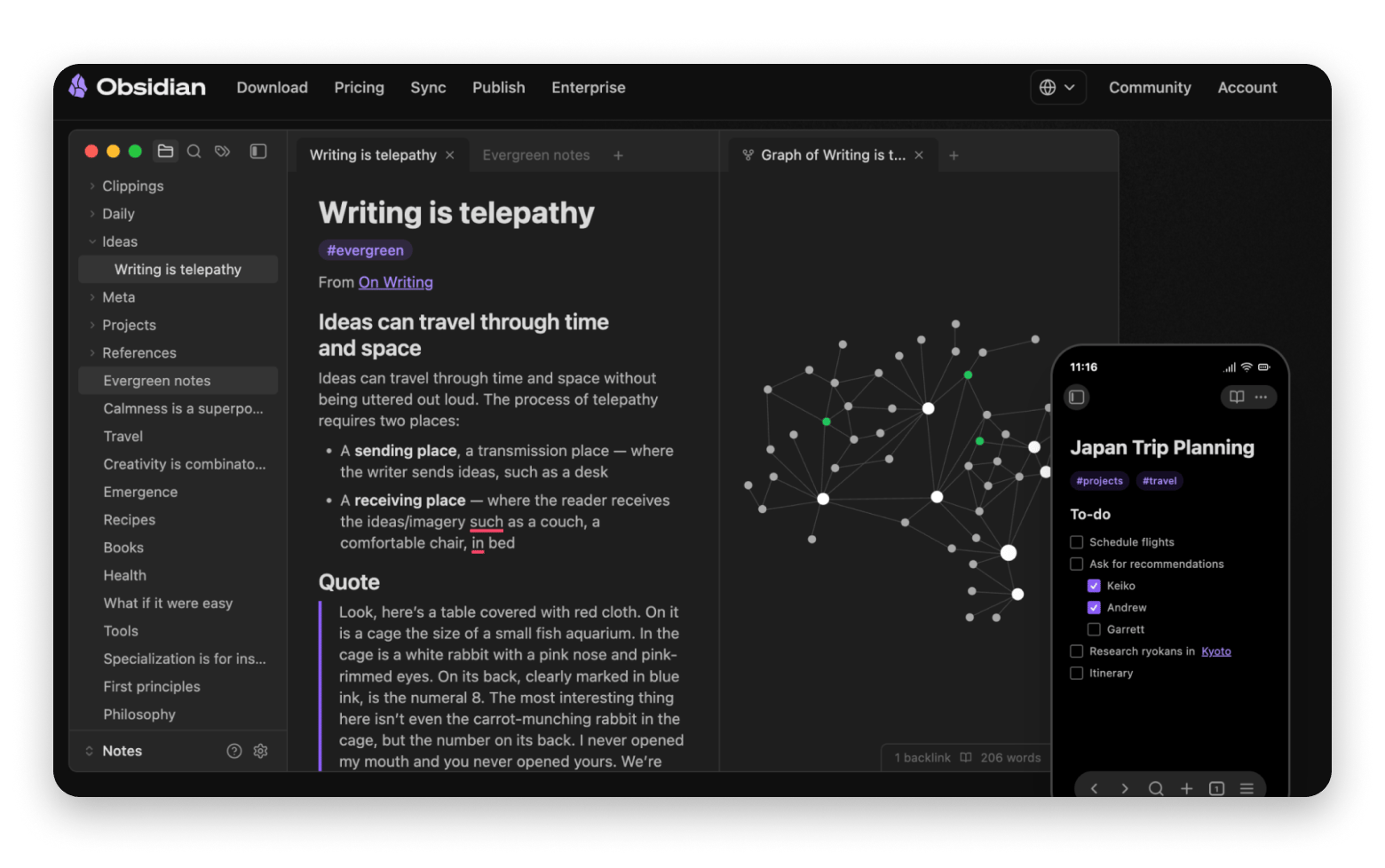
Obsidian is a powerful, local-first note app built around Markdown, backlinks, and a “vault” of files you control. In day-to-day Mac use, though, it can be easy to bounce off, especially if you want something that works across Mac and iPhone without constant tweaking.
Source: obsidian.md
The biggest reasons Mac users tend to explore Obsidian alternatives are:
A steep learning curve
The analysis paralysis that can come with heavy customization and plug-ins
Mobile experiences that can feel behind desktop for certain workflows
Ongoing plug-in maintenance
Feature gaps (like tables/layout) that often require add-ons
Summary: Choosing the best Obsidian alternative for Mac
So, what’s the best Obsidian alternative? It depends on what you’re looking for:
You want less setup, modern PKM, and solid desktop performance: Try Capacities
You want team collaboration + templates + databases: Choose Notion
You want open-source + flexible sync + optional E2EE: Go with Joplin.
You want security-first notes with E2EE by default: Standard Notes is the cleanest fit.
You want a polished Mac-native replacement for “mostly writing” (not graphs):Ulysses is the best-value switch
You want beautiful, shareable linked docs without the setup: TryCraft.
The best Obsidian alternative for you is probably already on Setapp — try them all free. Ulysses, Craft, Paste, HoudahSpot, TextSniper, and 250+ more Mac apps. One membership, 7 days free. Start My Free Trial. Already know which app you want? Find it on the Setapp Marketplace — no membership needed.
FAQ
What is the downside of Obsidian?
The most consistent downside is that Obsidian has a steep learning curve and potential for analysis paralysis due to extensive customization.
Is there Obsidian for macOS?
Yes, Obsidian has a Mac app (and it’s widely used by Mac power users).
Who is better, Notion or Obsidian?
It depends on whether you’re optimizing for team workflows or personal, local-first knowledge. Obsidian is more customizable, and Notion offers more templates.
Practical decision rules for Mac users:
Choose Notion if you need shared workspaces, templates, databases, and per-seat collaboration.
Choose Obsidian if you care most about local Markdown files and the ability to shape the app around your workflow.
If you want something Notion-like but more Mac-polished and simpler, test Craft.
What is the fast alternative to Obsidian?
“Fast” can mean different things on a Mac: fast to open/search, fast to capture, or fast to sync across devices:
For fast, polished writing and organization on Mac: Ulysses is the fastest replacement.
For fast cross-device networked notes with E2EE and an iOS app: Reflect emphasizes instant sync and encrypted notes.






 Best solution
 Best solution