Setapp vs AppSumo comes down to app count: A lifetime deal costs less if you keep two or three apps for years. Setapp costs less if you use many apps or switch tools often.
“Lifetime” has limits: Each AppSumo deal sets its own terms. Check which updates it covers and whether you can export your data before you pay.
The break-even point is about seven apps: At $14.99 USD/mo + tax, Setapp’s Mac plan matches the three-year monthly cost of an $80 USD lifetime deal at around seven apps.
Setapp includes updates and lets you swap apps: Apps like CleanMyMac, Timing, and NotePlan get updates while they stay in the catalog, so you can change tools as your work changes.
Test the math before you commit: The 7-day free trial gives you full access to Setapp. Install the apps you’d buy separately and compare their total price with your plan.
Setapp vs AppSumo comes down to app count: a lifetime deal wins if you keep a few apps for years, and Setapp wins if you use many or switch often.
You find an app you like on AppSumo and can get lifetime access for a one-time payment. Then there’s Setapp, which gives you a whole library of apps for a monthly fee. Should you get a lifetime deal or a subscription for Mac apps?
The Setapp vs AppSumo choice comes down to which gives you better value for the way you work.
What AppSumo actually sells (and what you are really paying for)
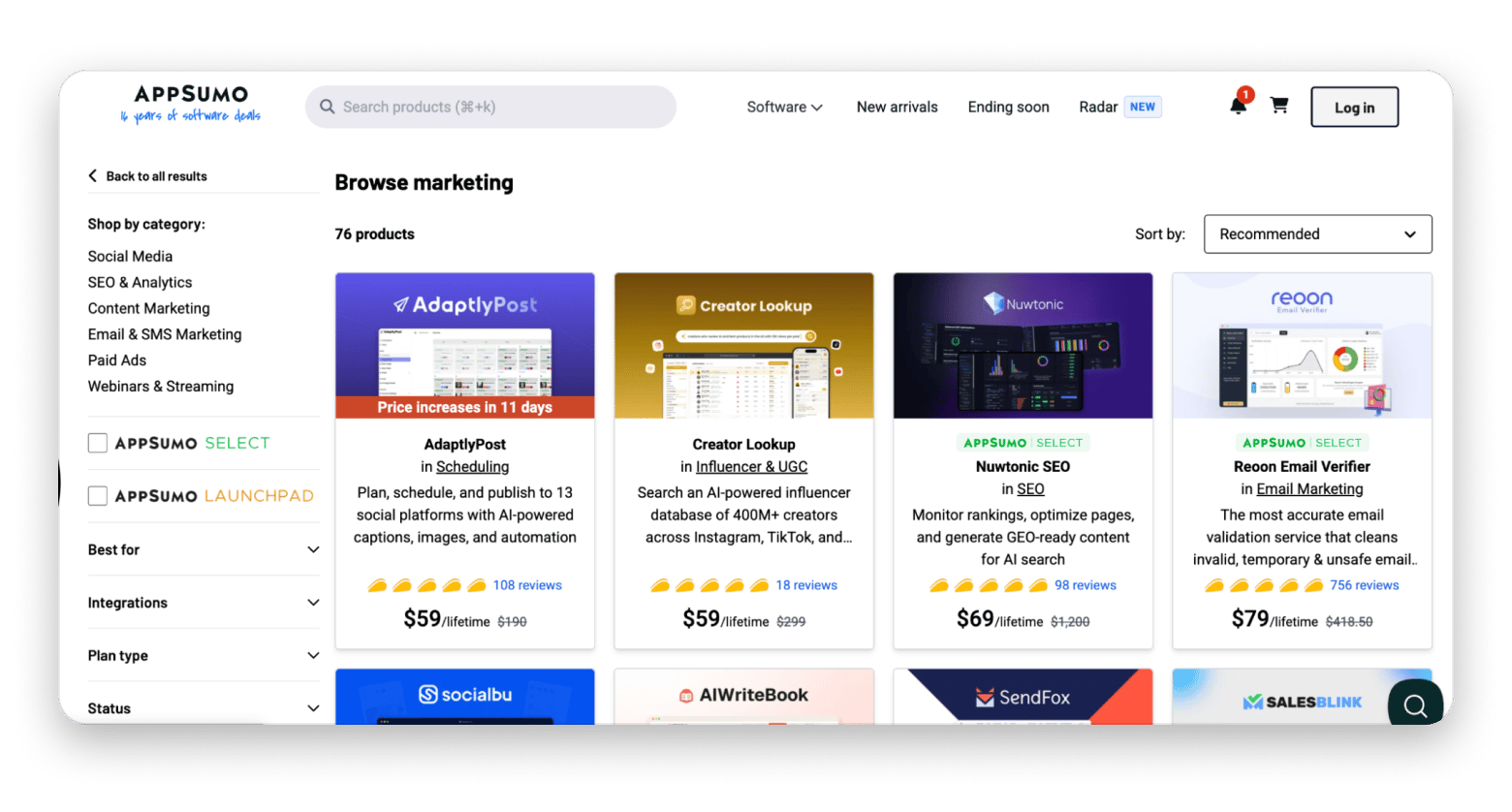
AppSumo is a marketplace for software deals. It promotes offers from individual vendors, usually for a limited time. You can find discounted subscriptions or lifetime access offers for one payment. Each deal has specific terms, so two offers with the same “lifetime” label may cover different things.
Source: appsumo.com
Does a lifetime deal mean access forever?
A software lifetime license doesn't always mean you get every future version forever. A traditional perpetual license might let you keep using a particular version of a desktop app. An online service works differently: your access depends on the vendor keeping its servers running and honoring the plan.
What should you check before buying a lifetime deal?
Before buying a Mac app deal, check four things:
Will the app still work if the company closes or stops running its service?
Does the deal include future major versions or only updates to today's plan?
Are storage, usage, devices, or key features capped?
What help do deal buyers get, and for how long?
What happens if the vendor stops updating the app?
There's a big difference between losing new updates and losing the app entirely. If a desktop app works offline, an older version might keep running. If it needs an online account, losing the service can end access. Ask the vendor which case applies before paying.
What is Setapp and how does its pricing work?
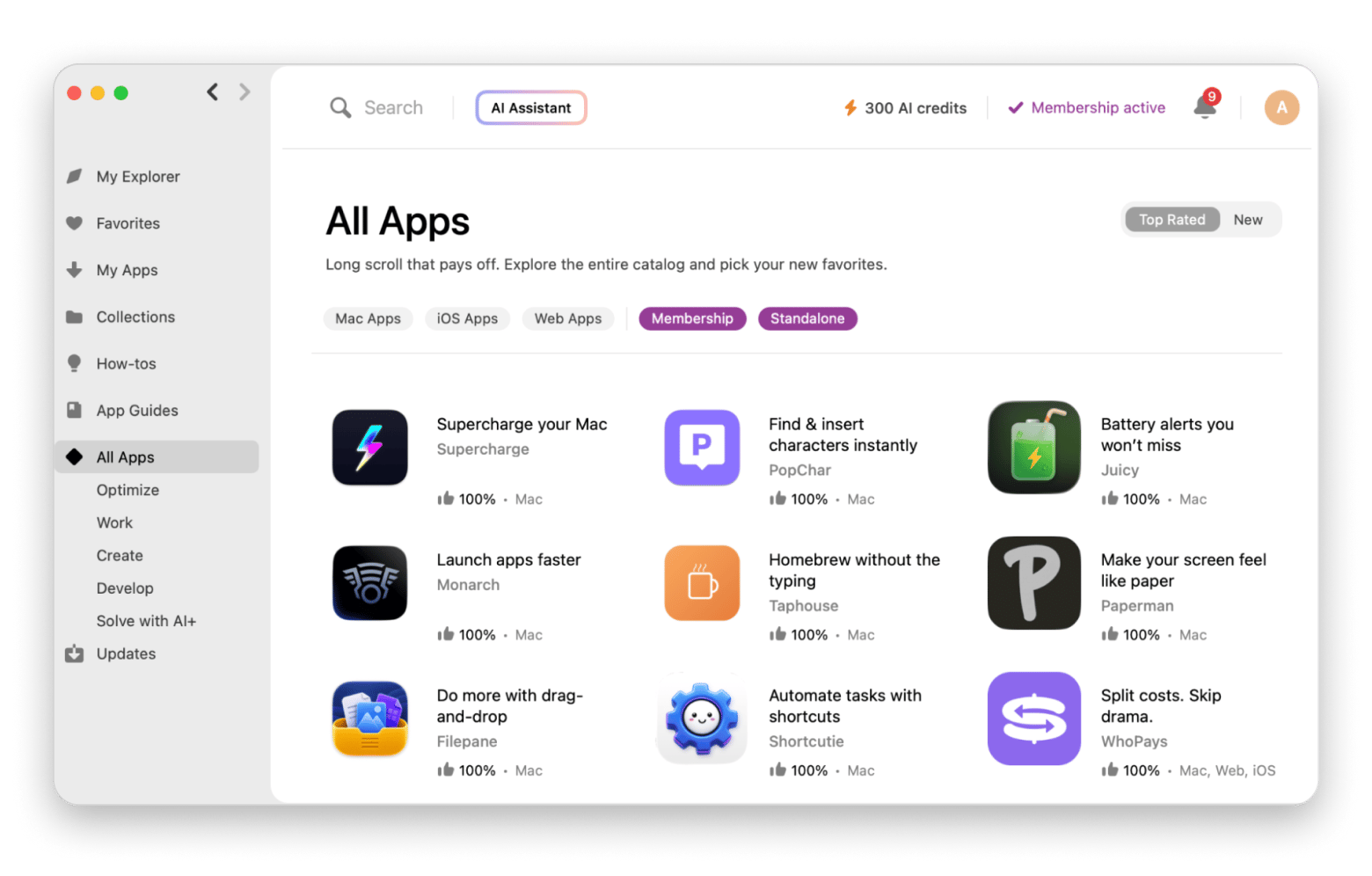
Setapp is a curated app service from MacPaw that gives Mac and iPhone users access to 300+ apps for macOS, iOS, and the web. Setapp Membership starts at $14.99 USD/mo + tax and covers the full catalog. Setapp Marketplace is the second option, where you buy a single app without subscribing to the catalog.
What does Setapp Membership include?
Setapp Membership is one subscription that unlocks every app in the Setapp catalog. The catalog covers Mac apps, 50+ iOS apps, and about 10 web apps. Setapp reviews each app before adding it, so it’s not an open marketplace. Apps have no ads or in-app purchases, and updates are included while an app stays in the catalog.
About 97% of apps work with no limits. A small number rely on paid third-party services, such as AI models, and may need your own API key or offer a Setapp-specific tier. Setapp lists them in its limitations article.
CleanMyMac, for example, is available within the membership if you need a Mac cleanup tool. If you buy it as a separate tool, it'll cost you around $10 per month. For $14.99, you'll get access to CleanMyMac, plus 300 more apps.
How much does Setapp Membership cost?
Setapp Membership has three plans. All include the Mac app catalog and a 7-day free trial. Only Mac + iOS and Power User include iPhone and iPad apps:
Plan
Price
Devices
AI credits/mo
Best for
Mac
$14.99 USD/mo + tax
1 Mac
1000
One Mac user
Mac + iOS
$18.99 USD/mo + tax
1 Mac + 4 iOS devices
1000
Mac, iPhone, iPad users
Power User
$22.99 USD/mo + tax
4 Macs + 4 iOS devices
2000
Multi-Mac setups
How do AI credits and AI plans work?
Some Setapp apps use AI models, and AI credits pay for that usage. Your credit balance sets your usage limits. Consumption depends on message length, request complexity, and the AI model. Each Membership plan includes a monthly credit allowance.
If you mostly use AI-powered apps on Mac, Setapp also offers separate AI+ plans with a bigger credit allowance. To see them, select Show AI plans on the pricing page.
Lifetime deal vs subscription: The real cost calculation
In this example, three $80 USD lifetime deals beat Setapp’s Mac plan after about 16 months. Setapp comes out cheaper if you use many apps, switch tools often, or stay under that break-even point.
How do you calculate the break-even point?
Divide the lifetime price by the monthly subscription price. The result is the number of months until the lifetime deal becomes cheaper.
For example, $240 USD ÷ $14.99 USD = 16.01 months. Setapp’s Mac plan is cheaper through month 16, and the lifetime deals are cheaper from month 17.
This table assumes three deals at $80 USD each, monthly Setapp billing, no tax, no discounts, and no extra fees on the deals:
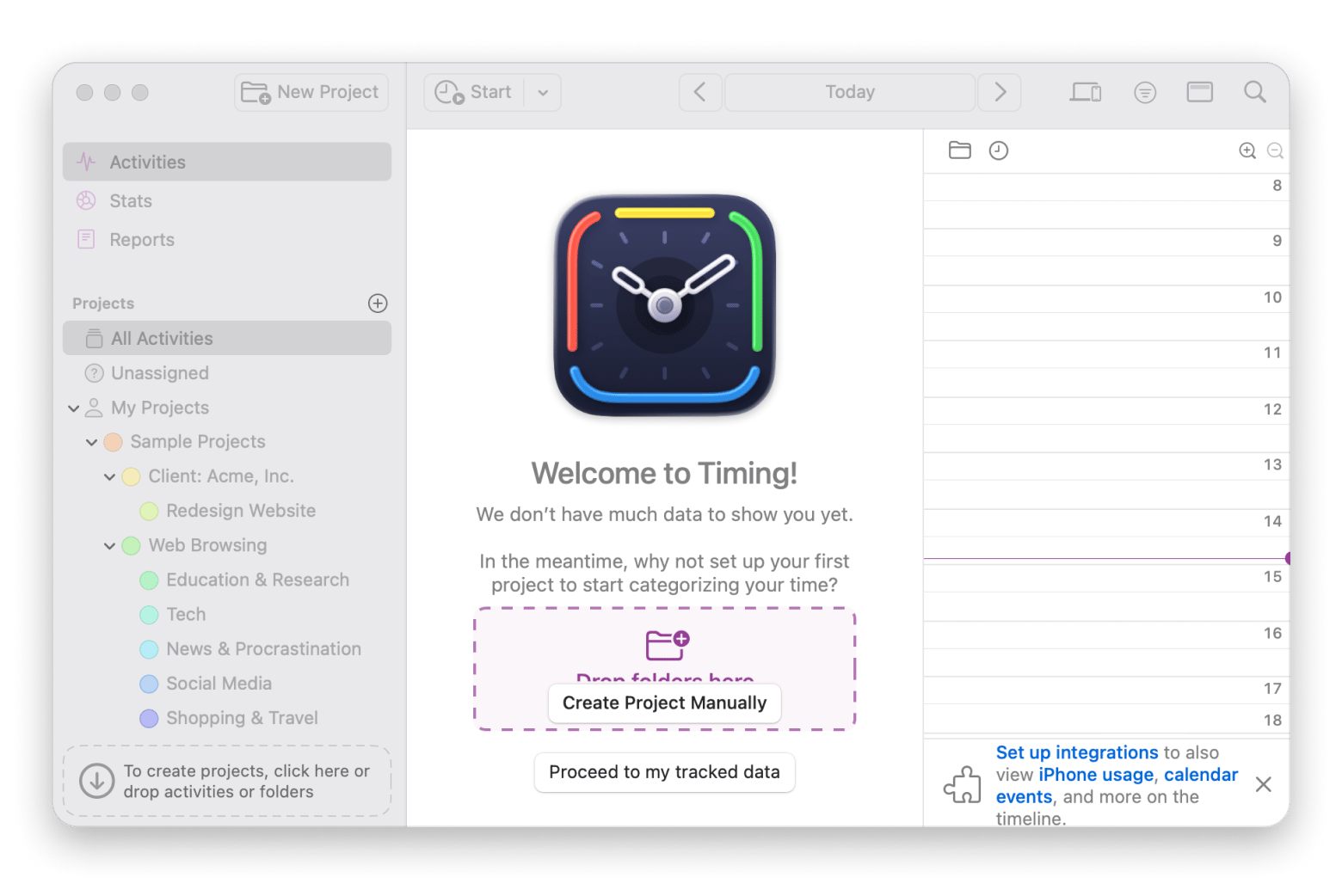
A subscription wins when your needs change. New projects, a new computer, or better tools can make an old purchase unnecessary. With Setapp, you can use Timing, an automatic time tracker for Mac, to track a project, then try other included apps as new tasks come up. If an app doesn’t suit you, you can try another without a separate purchase or another subscription.
What are the risks of lifetime deals?
Lifetime deals carry four main risks: the vendor may shut down, support may be limited, the product may change direction, and the deal may stop at a version or plan:
The vendor may shut down: It has happened before with AppSumo. A user will buy lifetime access to an app only for the app to shut down soon after. This is money wasted. Before buying, check whether you can export your data and whether the app works offline.
Support may have limits: A listing might promise email support but give no response time. Check the terms and recent buyer questions if you need quick help for client work.
The product may change direction: A Mac tool could move key features to the web or change its plans. Your deal may remain valid while the product you bought no longer fits your work. Save a copy of the terms and ask which features your license covers.
The deal may stop at a version or plan: “Future updates” might mean updates to your named tier, not every new tier or major release. Look for the exact plan name and ask whether a future version 3 would be included if the current app is version 2.
Why do security apps need ongoing updates?
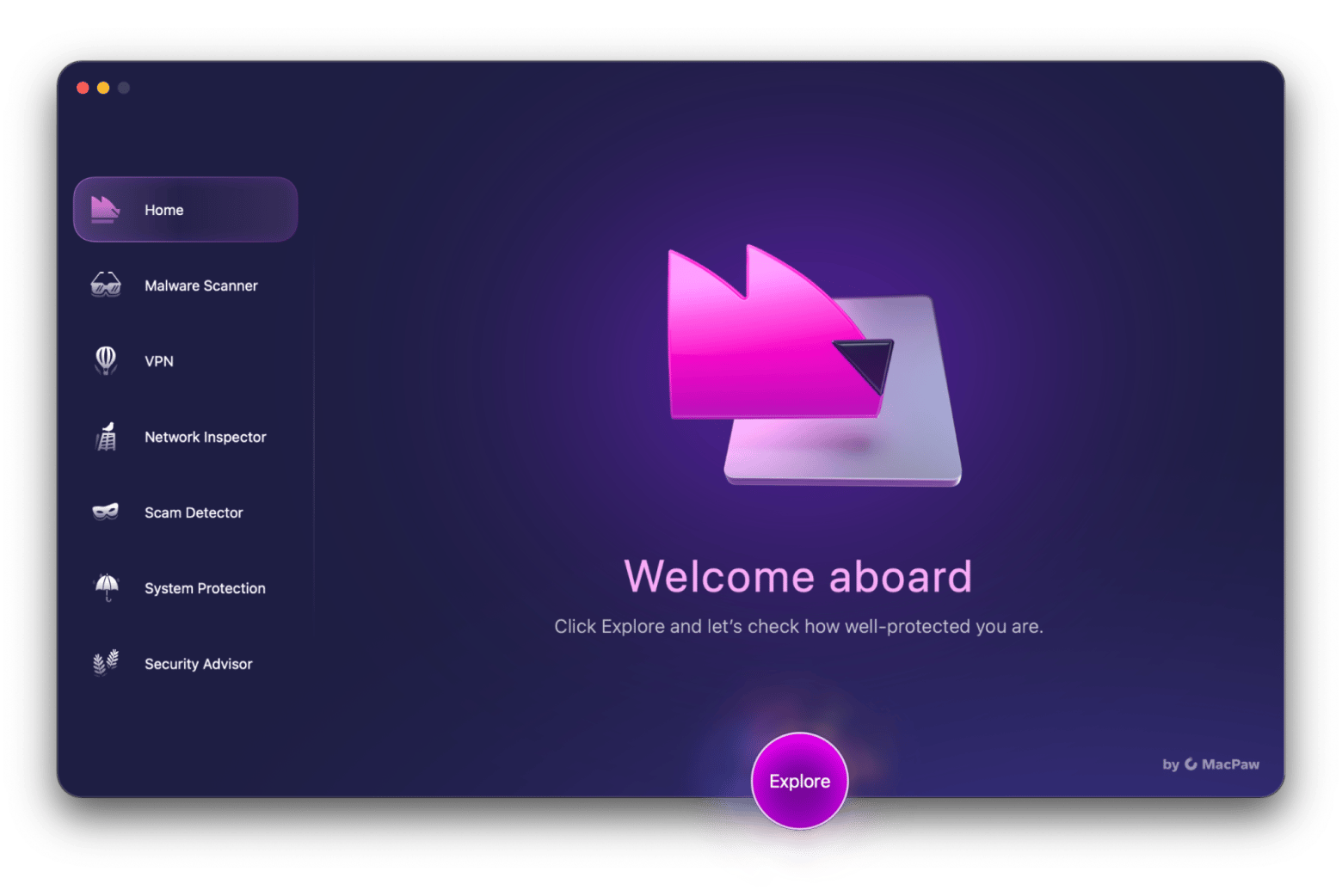
Security apps like Moonlock from Setapp need regular updates to stay effective. Its threat detection and macOS security tools have to keep up as new risks appear. A lifetime deal may include updates, but a one-time payment can't guarantee the developer keeps improving the app.
Who should choose AppSumo and who should choose Setapp?
Choose AppSumo if you need one or two tools for years. Choose Setapp if you use several apps or your needs change.
Both AppSumo and Setapp work well in different situations. Here's how to choose between them for Mac apps.
When AppSumo makes sense
You need one or two specific tools for a clear task, such as sending a small newsletter.
You expect to use the same tools for years and can check the vendor's update history.
You've read the limits, export options, and support terms for the deal.
You can accept the risk that an online product or its terms may change.
If an $80 tool replaces a $15 monthly bill and you keep using it, your purchase could pay for itself in about six months.
When Setapp makes more sense
You use several Mac apps across writing, maintenance, planning, or other tasks.
Your work changes and you want to try new tools without buying each one.
You prefer a reviewed catalog and one monthly bill.
You want to test apps before deciding which ones deserve a permanent place in your workflow.
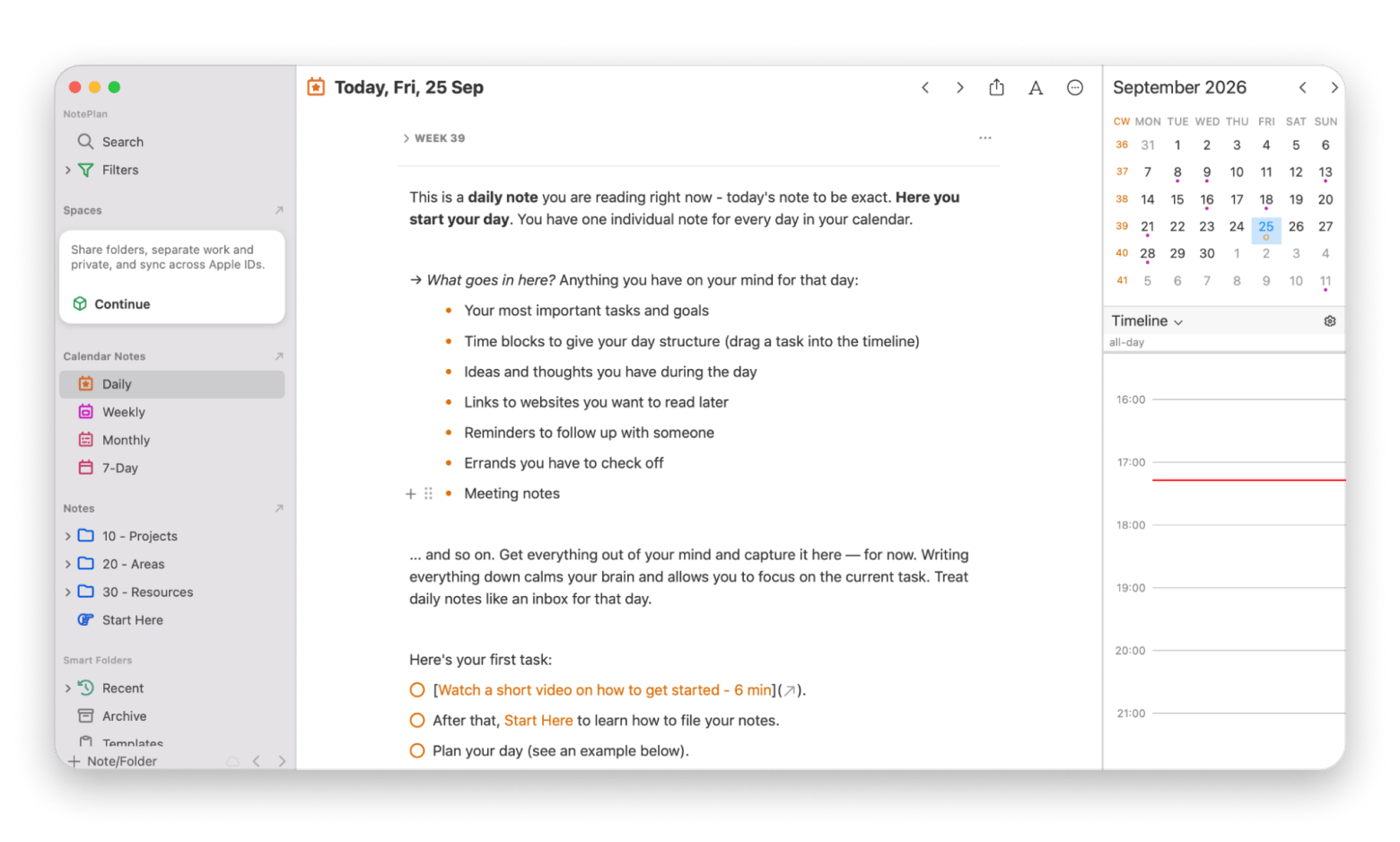
You might also discover an app you wouldn’t have bought individually, like NotePlan, which combines a calendar, task management, and Markdown notes. It's included in your membership, so you can explore how it fits your day without making a separate purchase.
Stop switching between three apps to plan one day. NotePlan links meeting notes to calendar events and tasks. Risk-free 7-day trial. Start My Trial.
If you go the subscription route, Subscription Day helps you stay on top of your renewals.
Setapp vs AppSumo: which one should you choose?
Setapp vs AppSumo comes down to how many apps you use and how long you keep them. Choose AppSumo if you need one or two tools for years and the deal covers updates, data export, and support. Choose Setapp if you use several Mac apps, your needs change, or you want one bill for a curated catalog.
At $14.99 USD/mo + tax, Setapp’s Mac plan matches the cost of an $80 USD lifetime deal at around seven apps. You can test your own numbers with the 7-day free trial, which gives full access to apps like CleanMyMac, Timing, and NotePlan.
Don’t buy three lifetime deals before you’ve tested the alternative. Try Setapp’s catalog with 7 days of full access and see which apps you’d actually use. Cancel anytime. Start My 7-Day Trial.
FAQ
Does AppSumo guarantee lifetime access if a company goes out of business?
For an online service, access may end when the product shuts down. Read the specific deal terms and check whether you can export your files. “Lifetime” is not a promise that a company will exist forever.
Can you cancel Setapp and keep using the apps you downloaded?
You lose Setapp Membership access when the paid period ends. A downloaded Setapp app is not a separate perpetual license. If you rely on an app, export your data and check whether its developer sells a standalone version before canceling.
Can you use both Setapp and AppSumo without wasting money?
Yes. Buy a lifetime deal for a tool you use for years, then use Setapp for other apps you need. Before you buy, search Setapp's catalog for the same app or a tool that does the same job. Paying twice only makes sense if you have a reason to keep both.
How does Setapp handle app updates compared with an AppSumo lifetime license?
Setapp includes updates for supported apps in its catalog. AppSumo update rights depend on each vendor's deal terms. Check whether the offer covers your plan, future major versions, and your device. If a Setapp app leaves the catalog, it no longer receives updates through Setapp.
How much does Setapp cost?
Setapp Membership has three plans: Mac at $14.99 USD/mo + tax for one Mac, Mac + iOS at $18.99 USD/mo + tax for one Mac and four iOS devices, and Power User at $22.99 USD/mo + tax for four Macs and four iOS devices. All include a 7-day free trial, and annual billing costs less than monthly. See the pricing page.
What happens if an AppSumo vendor changes its pricing or ends the product?
It depends on the deal terms. If the vendor changes its pricing, your lifetime plan may still apply, but new features might require payment. If the product shuts down, you could lose access entirely. Check the vendor’s notice and export your data before any changes take effect.






 Best solution
 Best solution