Setapp vs Google Workspace comes down to sharing: Google Workspace gives teams business email, shared storage, and live editing. Setapp gives one Mac user more apps for their own work.
They solve different problems: Setapp can’t host business email or shared files. Google Workspace doesn’t include tools like a clipboard manager or an automatic time tracker.
Apple devices overlap with Google’s apps: If you already use iCloud, Apple Mail, and Apple Calendar, Google’s apps can mean checking two places for the same work. NotePlan and Spark Mail can bring them together on your Mac.
Prices buy different things: Google Workspace Business Starter costs $7 USD per user per month on an annual plan. Setapp’s Mac plan costs $14.99 USD/mo + tax for a library of apps, not shared storage.
You can use both: Keep Google Workspace for team projects and try Setapp for the Mac apps it doesn’t cover. The 7-day free trial gives you full access.
Setapp vs Google Workspace comes down to whether you need to share work or get more tools for your own. Google Workspace gives teams business email, shared storage, and live editing. Setapp gives one Mac user a library of apps for writing, planning, time tracking, and Mac maintenance.
If your files and calendar already sync through iCloud, you may not need another place to store your work. But you might need better apps for writing, planning, coding, or managing your Mac. That’s the key difference between Google Workspace and Setapp: one helps teams work together, while the other gives you more tools for your own work.
Here's how Setapp vs Google Workspace compares for Mac users, and when to use each.
What are Setapp and Google Workspace?
Google Workspace is a set of online tools for people who work together. A company can give its staff email addresses at its own domain, store files in Drive, edit Docs and Sheets together, and hold calls in Meet. You can open these tools on any device.
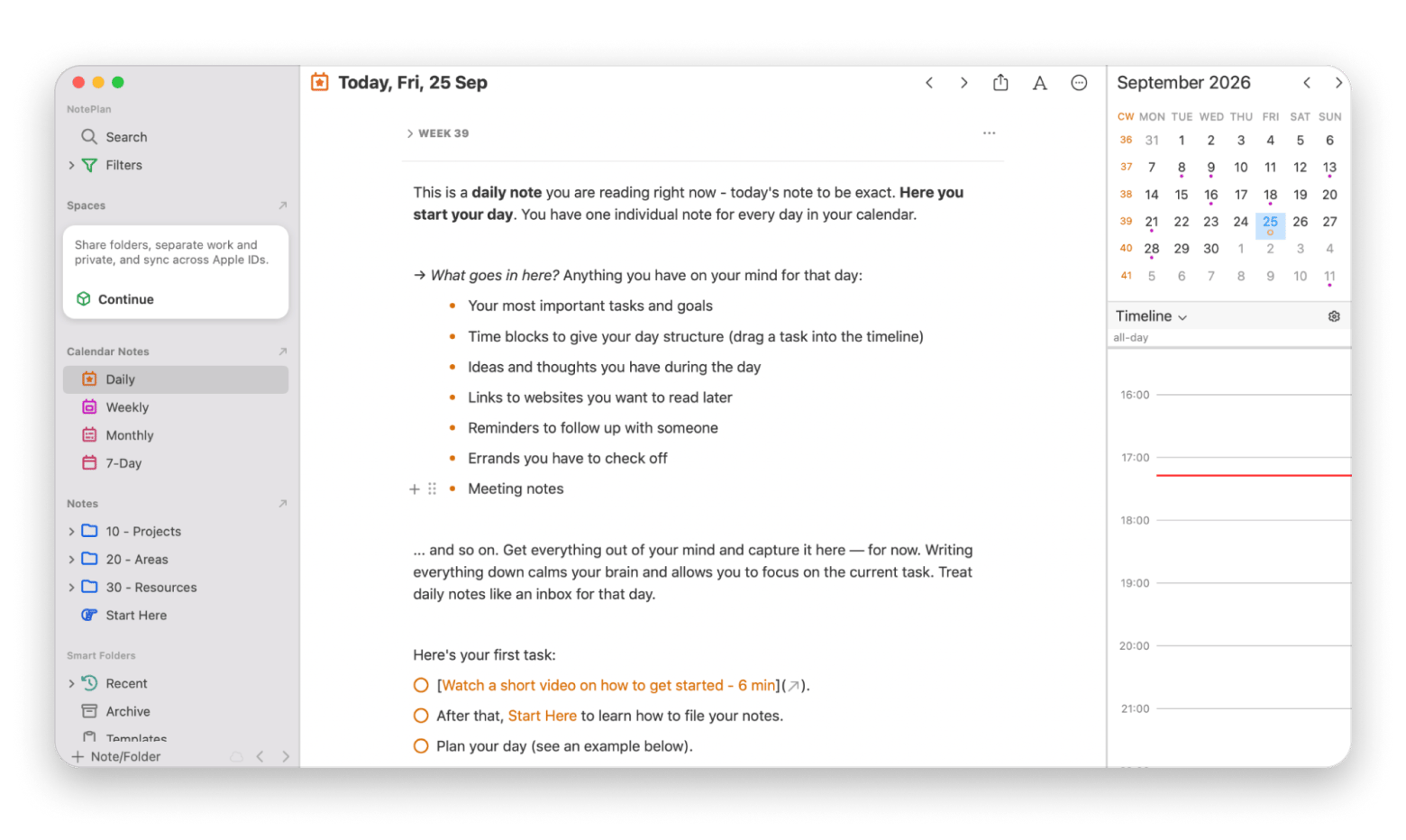
Setapp Membership is a subscription to a library of 300+ Mac, iOS, and web apps. One monthly fee covers every app in the catalog, and you install only the ones you need. For example, NotePlan brings tasks and calendar events into one place and works with Apple Calendar and Reminders.
These products solve different problems. For instance, if you need a company email address and shared drive, you won't find that in Setapp, only with Google Workspace. And if you want a clipboard history tool or an automatic time tracker, Setapp is the place to go, not Google Workspace.
To help you weigh Mac productivity apps vs Google Workspace, here’s a quick look at what each offers.
How do Setapp and Google Workspace fit with Apple devices?
Google Workspace works on Apple devices, but it overlaps with iCloud, Apple Mail, and Apple Calendar. Setapp apps are built for Mac, though how each one syncs depends on its developer.
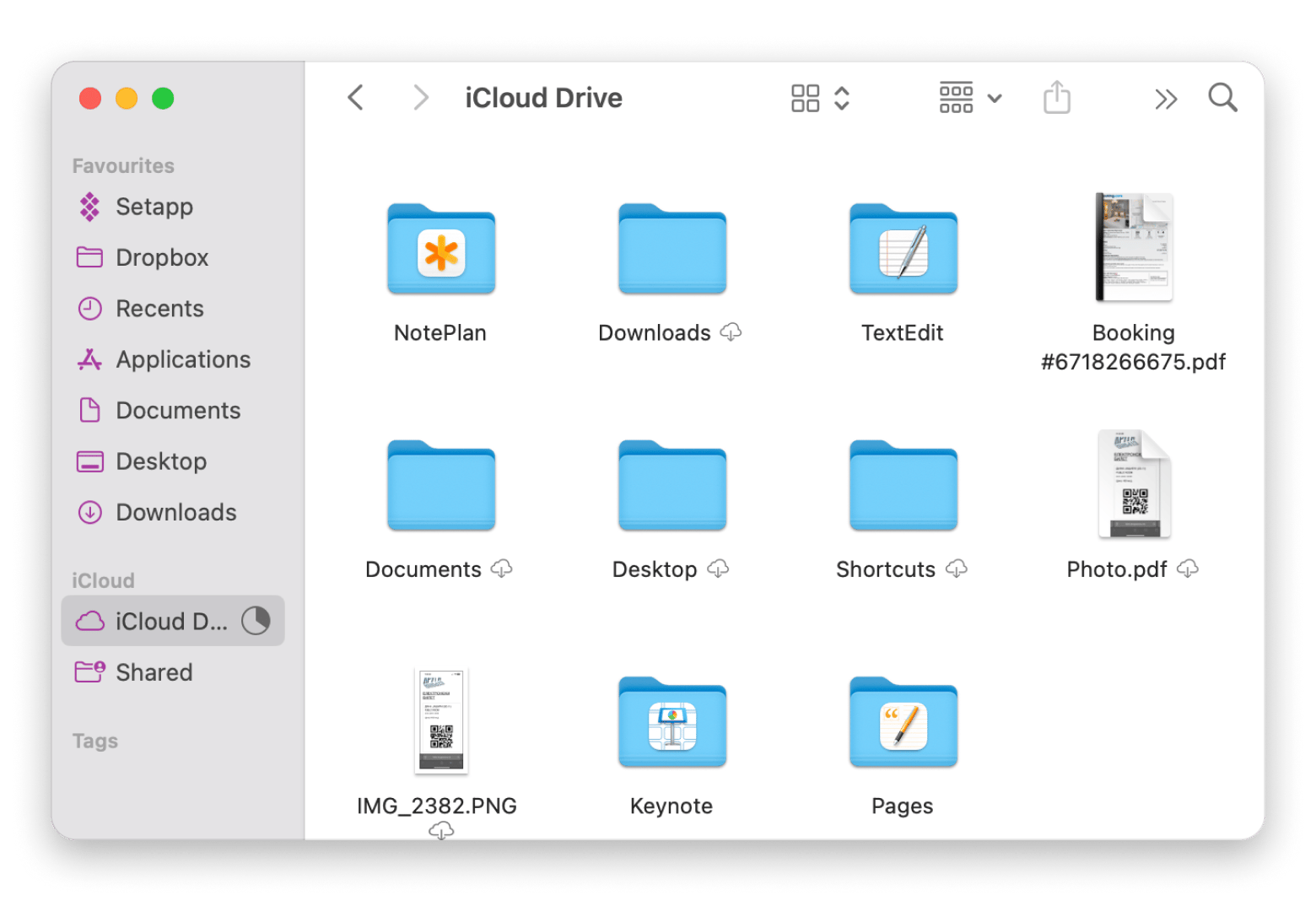
Google’s apps work across your Apple devices. But if you already keep your files in iCloud and your plans in Apple Calendar, using Google’s apps can mean checking two places for the same work. For example, you might have some files in iCloud Drive and others in Google Drive. That means more time spent jumping between the two.
Setapp focuses on Mac software, but its apps are made by different developers. Some sync with iCloud or support macOS Shortcuts, and others use their own accounts or sync services. Check the app you want to see if it syncs with your Apple device.
Google Drive vs iCloud
If you keep personal files in iCloud Drive, adding Google Drive means deciding where each document belongs. A draft in iCloud won't appear in your team's shared Drive until you put it there. You may also end up with two copies of a file if you move it back and forth.
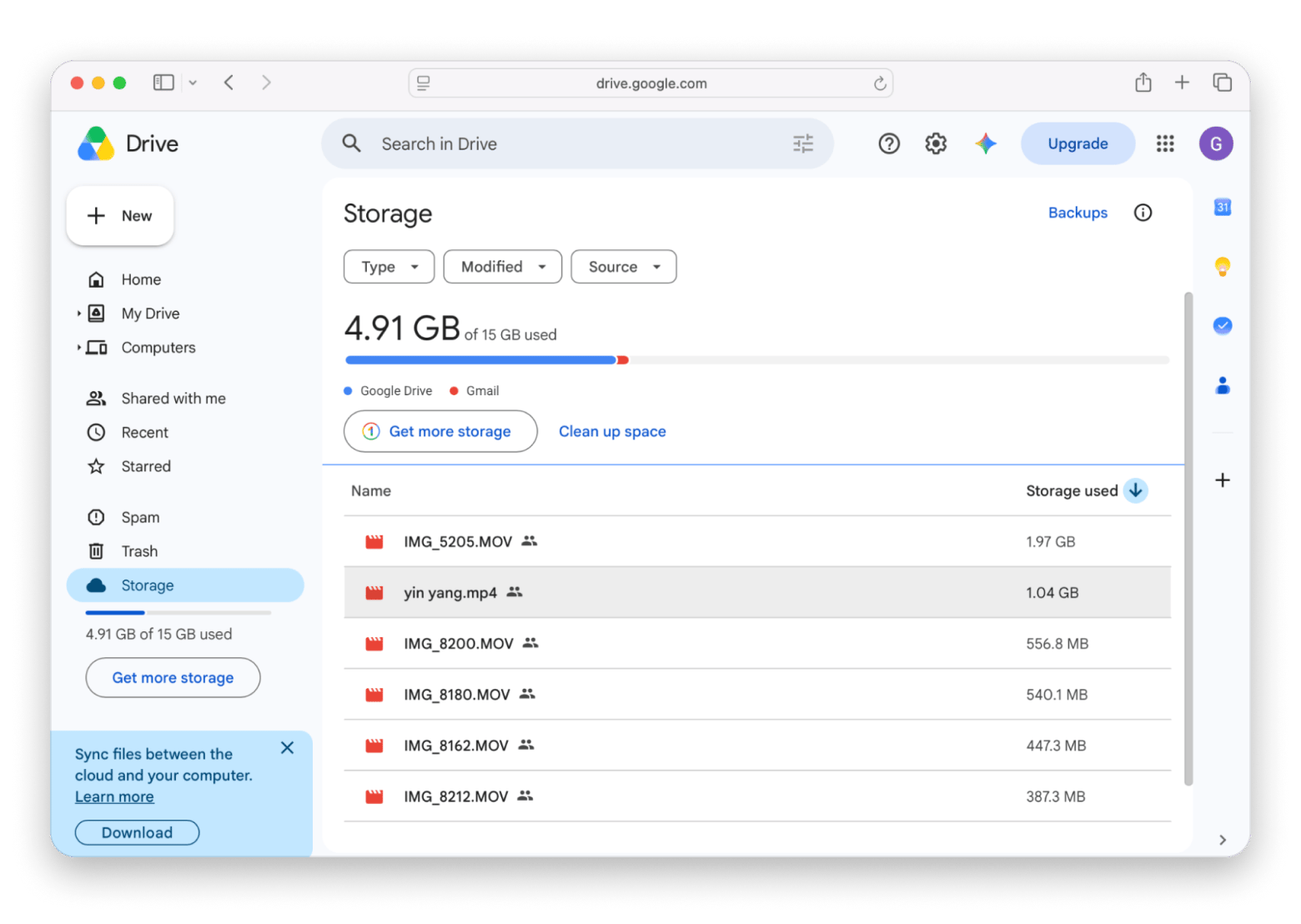
Google Drive is useful when you work with a team. Everyone can use the same folder and edit a Google Doc together. Setapp doesn’t offer shared storage like that. You can keep your personal files in iCloud and use Google Drive for work files.
Gmail vs Mac Mail apps
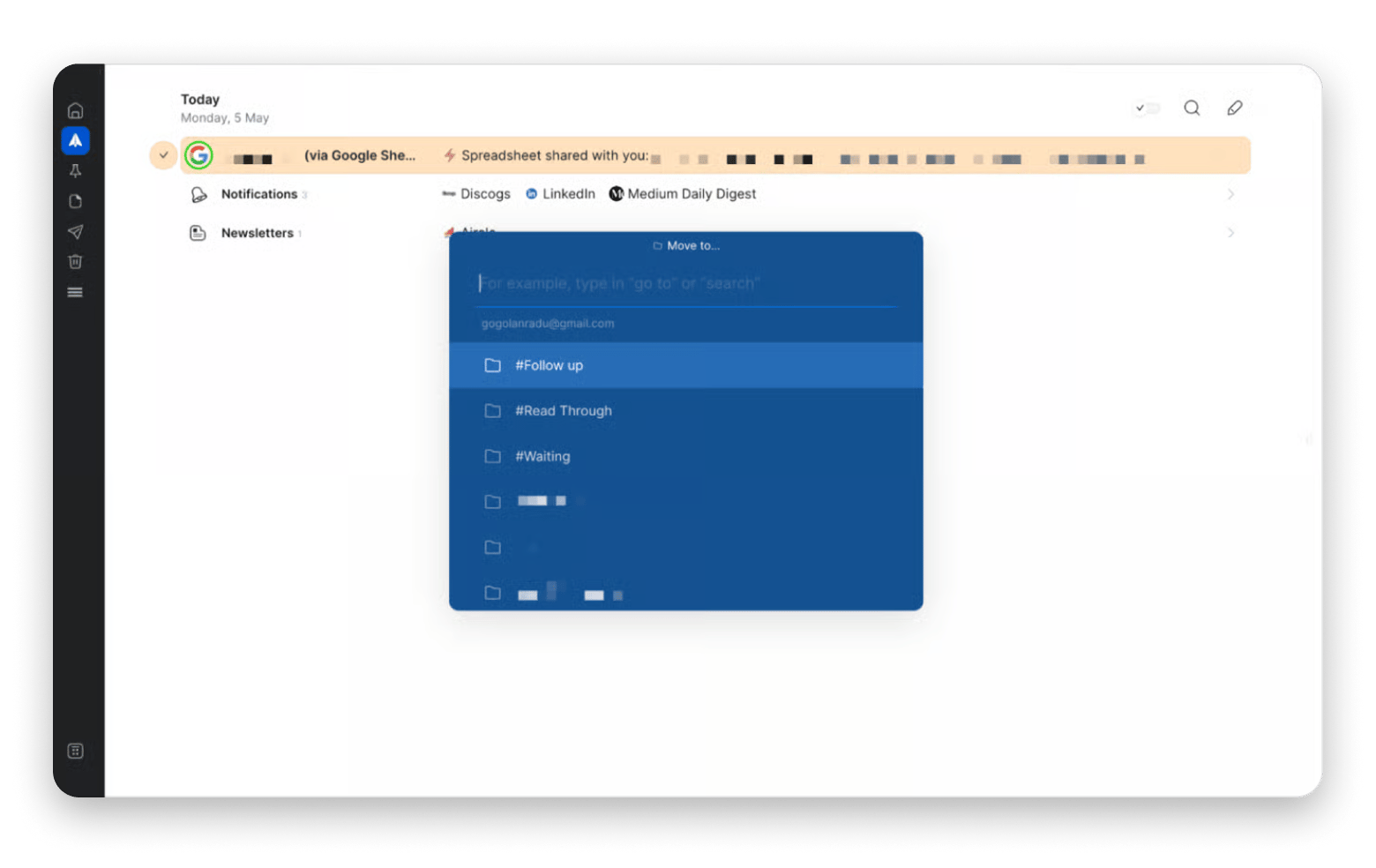
You can add a Gmail account to Apple Mail, so you don't have to keep a browser tab open. Still, Google's web app may be the easiest place to use every Gmail feature your workplace expects.
Google Calendar vs Apple Calendar
You can add a Google account to Apple Calendar and see many of your events there. The trouble starts when a team depends on Google-specific sharing or scheduling features. You may still need to open Google Calendar to manage a shared calendar or check an event setting.
NotePlan puts your calendar, notes, and tasks in one place. It works well if you already use Apple Reminders. For video calls, FaceTime may be enough when everyone uses Apple devices. Google Meet is a better fit when you call people on Windows or Android, or your team already uses Meet.
Setapp vs Google Workspace pricing: What you get per dollar
For one person on a Mac, Setapp's Mac plan costs $14.99 USD/mo + tax, while Google Workspace Business Starter costs $7 USD per user per month on an annual plan. They cover different needs: Google charges for shared email, storage, and team tools, and Setapp charges for apps you use yourself.
If pricing is one of the most important factors when choosing between the two, here's a closer look at Setapp subscription vs Google Workspace plans:
Feature
Workspace Starter
Workspace Standard
Setapp Mac
Setapp Mac + iOS
Annual price
$7 USD/user/mo
$14 USD/user/mo
$107.88 USD/yr + tax
$134.88 USD/yr + tax
Monthly price
$8.40 USD/user/mo
$16.80 USD/user/mo
$14.99 USD/mo + tax
$18.99 USD/mo + tax
Pricing model
Per person
Per person
Per Mac
1 Mac, 4 iOS devices
Storage
30 GB pooled/user
2 TB pooled/user
No Drive-style storage
No Drive-style storage
Tools
Gmail, Docs, Drive, Meet
Starter tools + more storage
270+ apps in the catalog
Same + iOS apps
Platform
Web, any OS
Web, any OS
Mac
Mac and iOS
Best for
Business email, team basics
Teams needing storage, Meet
One person's Mac workflow
Mac, iPhone, iPad users
The prices buy different things. Google charges for a place where people can work together, along with email and storage. Setapp charges for the tools you use yourself. I'd also recommend the breakdown of Setapp v. buying apps individually before you decide.
Timing, for example, automatically records time spent in apps and on projects. If you would otherwise pay for a time tracker, it may be one reason Setapp is worth the fee. But do the math with the apps you will actually use, not every app in the catalog. Setapp also has a breakdown of what popular apps cost when bought separately. Where did your hours go? Timing, rated 98% by 2,131+ users, tracks them. Timing comes with Setapp, so you can test it with 7 days of full access. Cancel anytime. Start My 7-Day Trial.
When does Google Workspace make more sense than Setapp?
Choose Google Workspace if your team edits the same files, needs business email at your own domain, uses different devices, or already works in Google:
Your team edits the same files: If your work involves a group of people having to update a document together and see the changes they made, then Google Docs is what you need. Setapp has writing apps, but it doesn't provide one shared system for the whole team.
You need email at your business domain: Workspace can host and manage business addresses like [email protected], which most serious companies need. A Setapp mail app can help someone read their mail, but it doesn't host email addresses.
Your company already uses Google: If the people in your company already save files in Drive and book calls through Calendar, then moving to a different workspace would create more work. The best thing to do here is to keep your work in Workspace but add a Mac app when it solves a specific gap.
Your colleagues use different devices: If you have people in your team who use Windows and Android, for example, then Setapp is not the best choice as it's Mac- and iOS-focused.
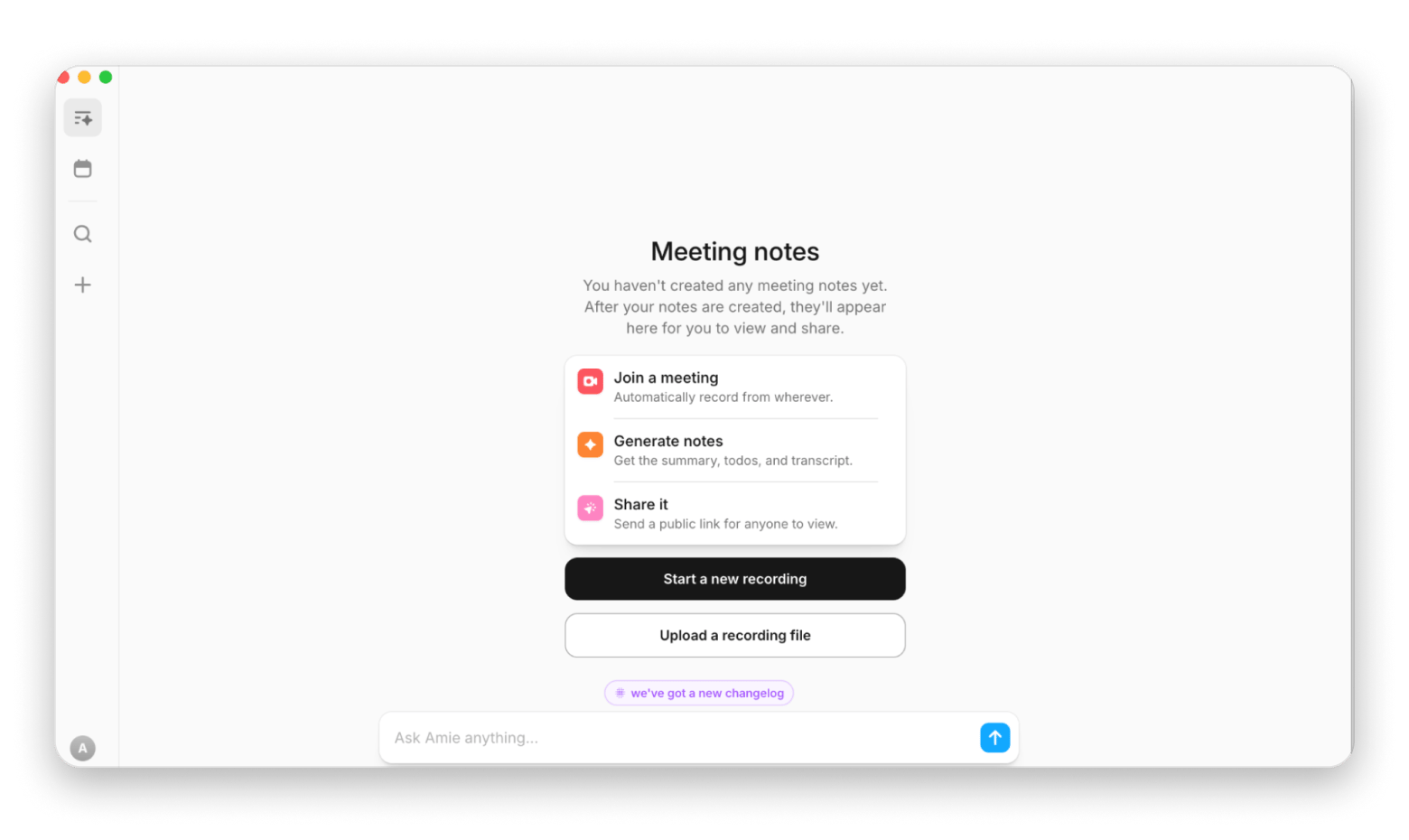
Workspace also has admin controls, Forms, Sites, and Meet features for group calls. Setapp doesn't have this, but it has Amie, a tool that can take notes during a call and help you track what needs to happen next. You'll still need Google Meet or another app to hold the call.
Finally, every call ends with a plan, not a wall of text. Amie turns your notes into a structured summary. Uses AI credits: 1,000 included with your Setapp plan. Free for 7 days. Try Setapp Free.
When does Setapp make more sense than Google Workspace?
Choose Setapp if you work alone on a Mac and already use iCloud, Apple Mail, and Apple Calendar.
If you work alone (maybe you’re a freelancer or a solopreneur) and already use iCloud, Apple Mail, and Apple Calendar, you probably don’t need paid business email or shared Google Drive storage. Setapp can be where all your tools live. You don’t have to search all over the internet or Reddit for a screen recording tool or a code editor, for example. You can just open Setapp and find an app for what you need. It has tools for everything from editing a PDF and recording your screen to tracking a project and cleaning your Mac.
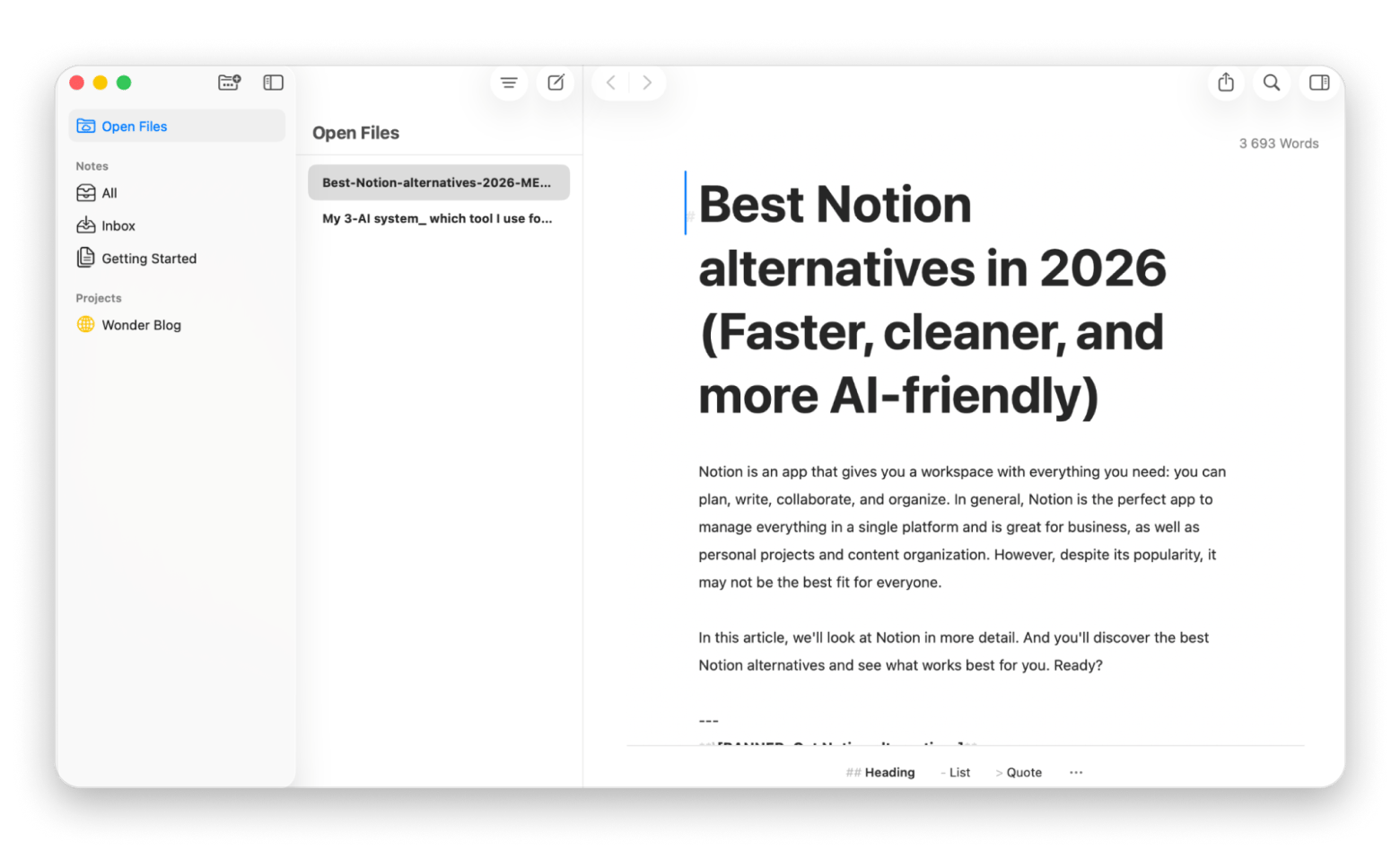
Let's say you're a writer. You can use a tool like Ulysses to write your posts and CleanMyMac to manage space on your Mac. Bought outside Setapp, Ulysses costs about $39.99 USD per year and CleanMyMac about $39.95 USD per year. The two alone would still cost less than Setapp Mac's $107.88 annual plan, but add a PDF editor or time tracker you would pay for, and the bundle may start to save you money. And this is if you're using only four tools, and Setapp has 300+ apps in its catalog.
Setapp is a stronger fit if you're:
A freelancer who wants writing and time tracking tools but doesn't need company email.
A creator who needs screen capture and image tools alongside everyday apps.
A developer who prefers dedicated Mac apps for coding and file management.
An Apple user who already pays for iCloud storage and wants more tools without adding several app subscriptions.
Google Workspace is great for shared teamwork. Setapp gives you more ways to work on your Mac. If your budget allows it, use both subscriptions side by side and maximize your life and work.
What is Setapp Marketplace?
Setapp Marketplace lets you buy individual apps instead of subscribing to the full catalog. It launched in March 2026 and has two types of apps:
Single Apps: Apps included in Setapp Membership that you can also buy on their own.
Beyond Membership apps: Apps that aren’t in Setapp Membership and are only sold separately.
Each standalone app is priced individually. For example, CleanMyMac is included in Setapp Membership and also starts at $9.95 USD/mo as a standalone app. Terms such as device count or subscription length can differ from the developer’s own website. Not every app has a standalone option, so check its Setapp product page.
Which Setapp option fits you?
Choose Setapp Membership if you use several apps and want one bill for the catalog.
Choose Setapp Marketplace if you need only one or two apps.
Setapp vs Google Workspace: Which one fits your Mac workflow?
Setapp vs Google Workspace comes down to what you need to share. Choose Google Workspace if your team edits the same files, needs business email at your own domain, or works across Windows and Android. Choose Setapp if you work alone on a Mac and want more tools for your own work, like NotePlan, Timing, and Ulysses.
You don’t have to pick one. Keep Google Workspace for teamwork and add Setapp for the Mac apps it doesn’t cover. The 7-day free trial gives you full access, so you can test which apps earn a place next to your current tools.
FAQ
Can I use Setapp and Google Workspace at the same time?
Yes. You can keep team documents in Google Drive and use Setapp apps for your own writing, PDFs, planning, or time tracking. You don't need to move your team out of Google to use Setapp.
Can I buy a single Setapp app without Membership?
Yes. Setapp Marketplace, launched in March 2026, lets you buy some apps on their own. Single Apps are also included in Setapp Membership, while Beyond Membership apps are only sold separately. Each app is priced individually, and terms like device count can differ from the developer’s website. Not every app has a standalone option, so check its Setapp product page.
Is Setapp a Google Workspace alternative?
No. Setapp isn't a replacement for Google Workspace. Workspace provides business email, shared Drive storage, and live document editing for teams. Setapp provides a library of 300+ Mac, iOS, and web apps for your own work. Many people use both: Workspace for team projects and Setapp for personal tools.
Does Setapp have a Google Docs or Google Sheets alternative for Mac?
Setapp has writing apps such as Ulysses and Craft, but they don't replace every feature of Docs for live team editing. It also has tools for calculations and data, but no full Google Sheets replacement for shared spreadsheets.
Is Setapp worth it if my team already uses Google Workspace?
Yes. If your employer pays for Google Workspace, you can keep using it for team projects and get Setapp for the Mac apps you need. For example, a writer might use Google Docs to work with colleagues, then use Setapp for time tracking and PDF editing.
How does Setapp pricing compare to Google Workspace for a single user?
Google Workspace Business Starter starts at $7 USD per user per month with an annual commitment, or $8.40 USD on a flexible plan. Setapp's Mac plan costs $14.99 USD/mo + tax, or $107.88 USD/yr + tax if you pay annually. They cover different needs, so price alone is a poor way to choose.
What happens to my Setapp apps if I cancel my subscription?
You can use the apps until the end of your paid period. After that, you lose access to the Setapp versions. Your files and data remain yours, but check how each app stores and exports them before you cancel.
Powerful apps live on Setapp
Ditch defaults and discover new gems on one app platform.






 Best solution
 Best solution