- Setapp saves money for most users who rely on more than 1–2 apps, so it's cheaper than buying Mac apps individually
Tools like Ulysses or CleanMyMac alone often cost more than Setapp’s monthly fee.
- Setapp apps are high-quality and genuinely useful
The collection includes top-rated apps like CleanShot X, BetterTouchTool, Craft, and SQLPro Studio — apps people already buy and love.
- It's ideal if your workflow evolves or you enjoy trying new tools
With over 270 curated apps for writing, task management, development, and more, Setapp makes it easy to explore without overspending.
- Individual licenses are better if you only use one app or want to own it forever
A one-time license might work for you — but it often comes without future upgrades or full features unlocked.
- Setapp is the easiest way to simplify your Mac setup
One subscription. No ads. Full versions. Plus, a 7-day free trial to test everything risk-free.
The cost of Mac apps can add up quickly, but at the same time, app bundles have a reputation for featuring just a few useful apps and lots of filler stuff. So, when you come across something like Setapp promising "270+ Mac apps for just $14.99/month + tax,” it's natural to wonder: What's the catch? Will you actually use the provided apps, or is it just a waste of your money?
In this guide, I'll cut through the pitch and look at the actual costs of Setapp vs buying apps separately. Because when you do the Setapp match, the numbers tell a different story, and they just might change how you think about the bundled software.
Why are some users skeptical about bundled Mac app subscriptions?
Not everyone is sold on the idea of bundled Mac app subscriptions, and that’s fair. So, let’s start by looking at where that hesitation comes from and whether it holds up when it comes to Setapp.
What makes people hesitate about all-in-one platforms like Setapp?
Let’s look at the most common concerns that trigger the side-eye:
- “I’ll probably pay for a bunch of apps I’ll never use.”
- “What if the apps provided aren’t that great or are full of bloat?”
- “If I cancel the subscription, I'll lose everything.”
- “I only really use one or two premium tools anyway.”
These concerns are well grounded. However, they aren’t enough to make a decision before you consider the value of the specific bundle.
Why this skepticism makes sense — but deserves a closer look
This skepticism makes sense as bundles, in general, tend to have just about 20% useful stuff and 80% filler. So, in the end, they don’t really save you money.
However, Setapp flips this notion and logic. The apps in the catalog aren't fillers but curated tools that people actually pay for and use.
Think about:
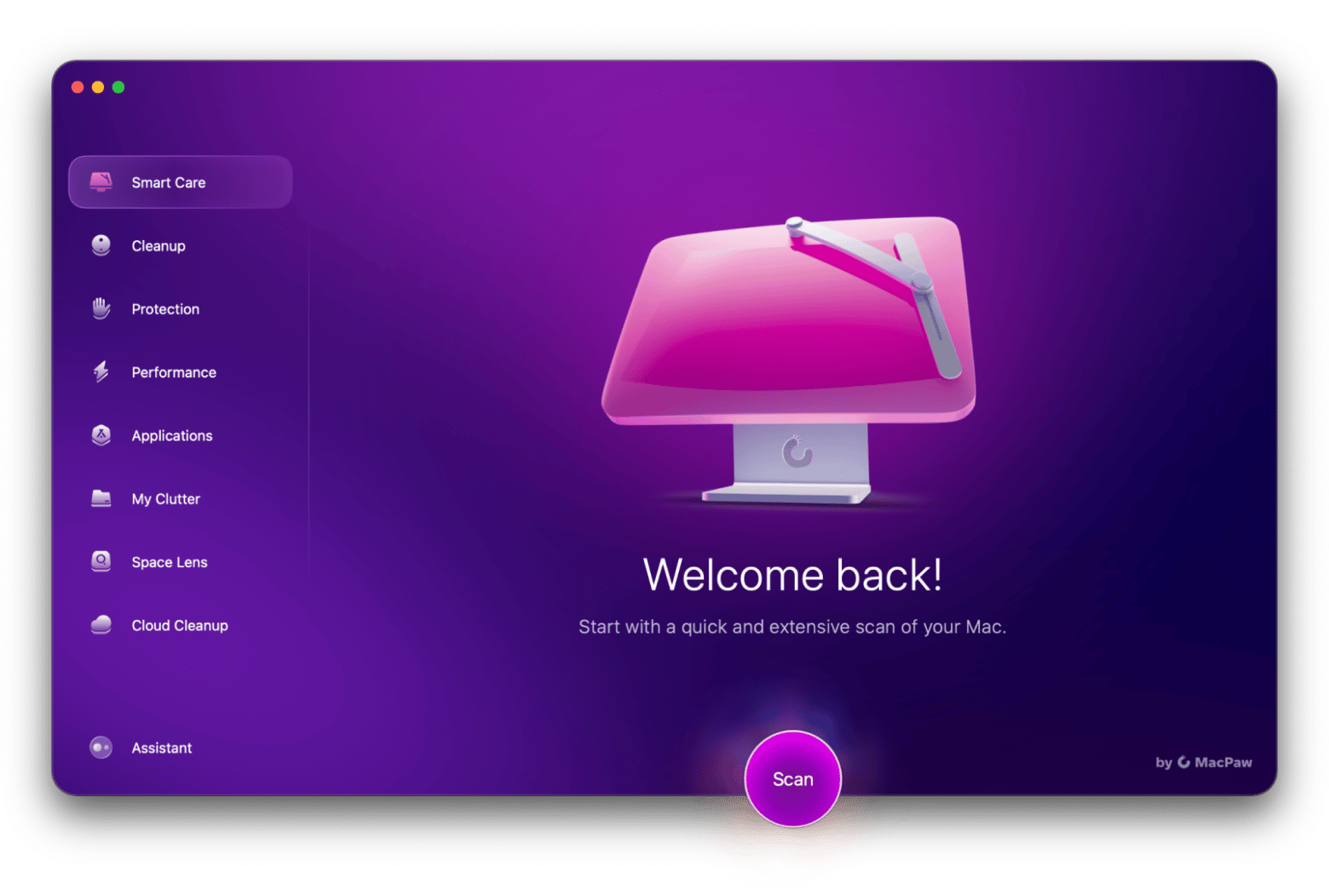

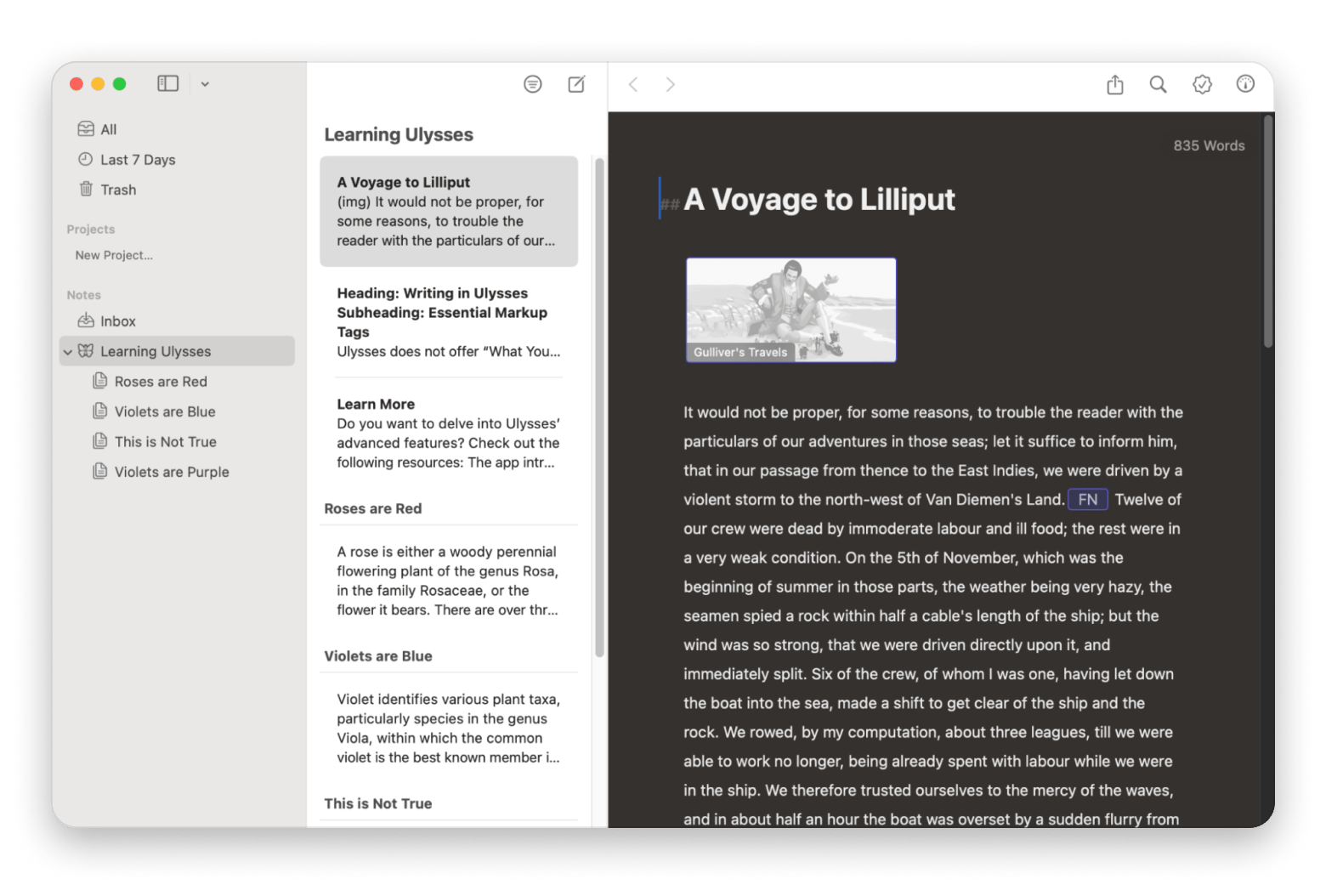
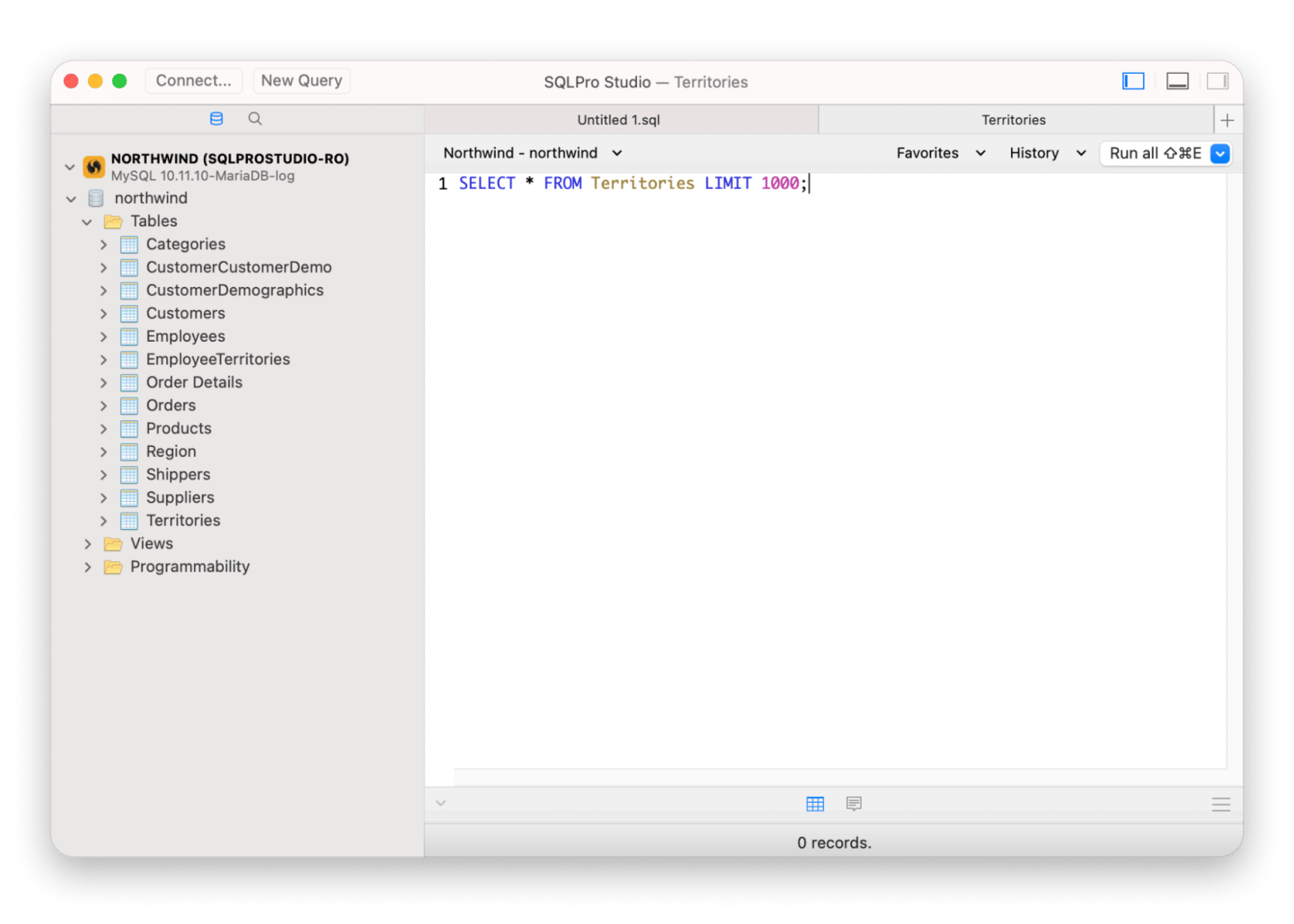
But in this guide, I don't want you to take that by faith. I'll put the prices side by side and analyze the real value of a Setapp subscription vs individual app licenses. If you are going to commit to a subscription, it will be a no-brainer, not a gamble.
What’s included in Setapp — and how much would it cost to buy it all separately?
Setapp has more than 260 curated Mac, iOS, and web apps. I'll take a selection of 10 popular Setapp apps that subscribers use in their day-to-day tasks (including me). These apps are actually quite popular among Mac users, and they all come with a price tag to match.
So, how much are Setapp apps individually? Here's a snapshot of what you'd pay outside Setapp:
| App |
What it does |
Standalone price |
| Ulysses |
Facilitates distraction-free writing |
$5.99/month or $39.99/year |
| CleanMyMac |
A powerful system cleanup and optimization tool |
$3.95/month or $47.40/year |
| CleanShot X |
Advanced screen capture & recording |
$10/month or $29 one-time payment |
| Paste |
A smart clipboard history manager |
$3.99/month, $29.99/year, or $89.99 lifetime |
| Craft |
Allows taking notes with structure |
$9.99/month or $95.88/year |
| BetterTouchTool |
Customizes gestures, keyboard shortcuts, and more |
$14 one-time (Standard) or $24 one-time (Lifetime with upgrades) |
| Downie |
Download videos from almost any site |
$19.99 one-time, with upgrade fee |
| SQLPro Studio |
SQL database client for devs |
$19.99/month, $119.99/year, or $263.99 one-time |
| Bartender |
Tidy up your Mac’s menu bar |
$24 one-time or $72 one-time (with upgrades) |
| Session |
A pomodoro-style productivity timer |
$4.99/month or $39.99/year |
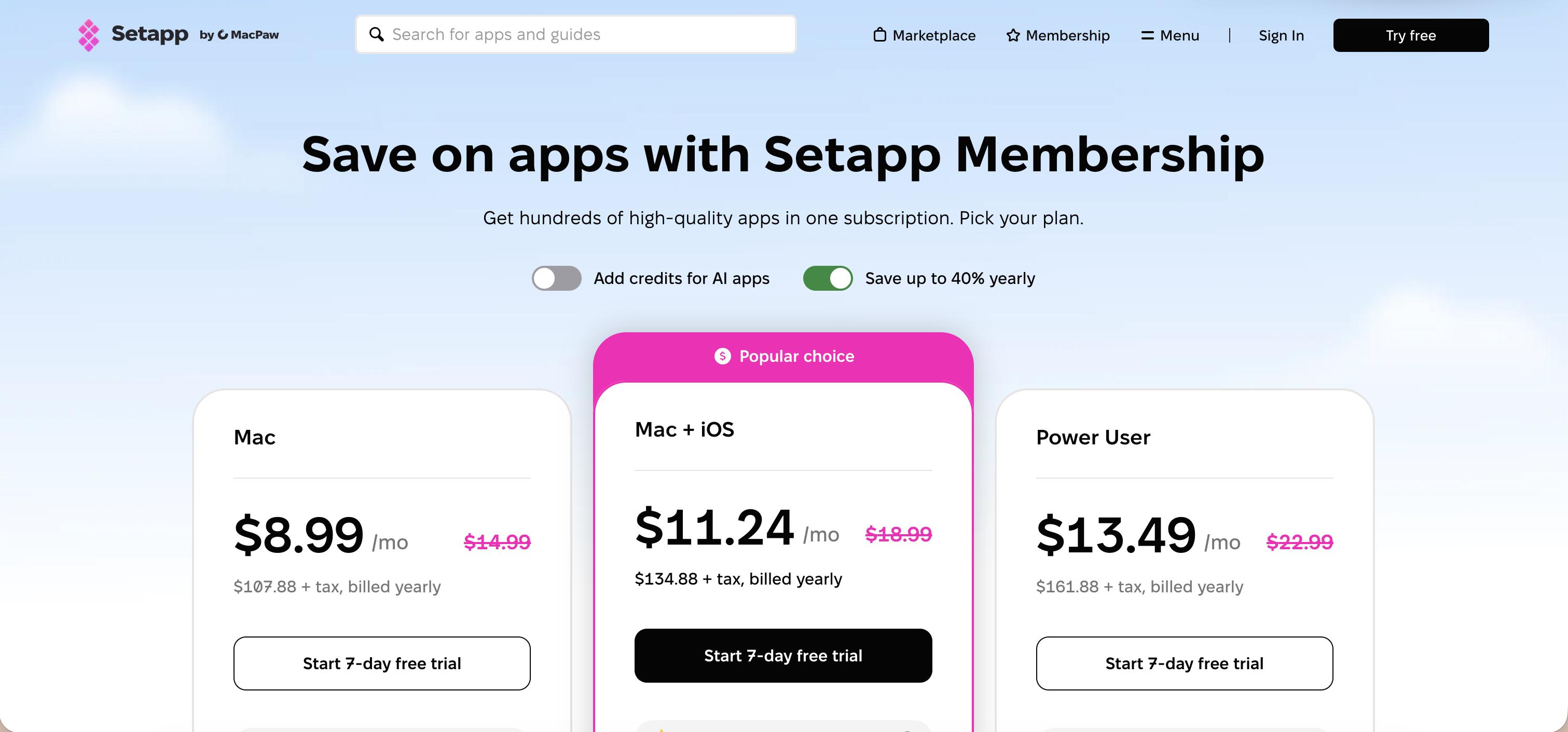
Add these up, and you are looking at $467.23 in a single year. When you compare this with Setapp's Mac software bundle price $107.88 USD per year (with 270+ more apps), the platform starts looking like a real bargain.
Check out more on Setapp benefits.
What do users actually save by using Setapp instead?
So, is Setapp worth it for you? The simplest way to know is to look at the apps you'd normally pay for. Let's just take 3 apps for different types of users:
A freelancer's Setapp pricing comparison
The average freelancer would need:
- Ulysses – $39.99/year
- Paste – $29.99/year
- CleanMyMac – $39.95/year
The cost of these three is ~$115 per year, which is higher than Setapp's all-in-one Mac app subscription cost of $107. 88 per year. Plus, the three apps are just the basics, as you’d also need various productivity tools like Timing (for time tracking).
The average developer would need:
- SQLPro Studio – $99.99/year
- BetterTouchTool – $24 one-time (with upgrades)
- Bartender – $72 one-time (with upgrades)
This comes to $195.99 in the first year, with SQLPro Studio alone almost equaling Setapp's Mac software bundle price. Plus, it doesn't include other basic tools like DevUtils, TablePlus, and CleanShot X.
A content creator would need:
- CleanShot X – $29/one-time
- Downie – $19.99 one-time
- Craft – $95.88/year
The total here is $133.87 in the first year, and this doesn't include video editors like Filmage Editor.
So, is Setapp worth it?
As you can see, just 2-3 quality apps are enough to offset the cost of a Setapp subscription. And once you are past this breakeven point, everything else you install is effectively free. When your workflow changes, you won't need to budget for new software.
Interested in the Setapp apps for iOS? Take a look at the comprehensive Setapp for iOS overview.
When is buying individual licenses better than using Setapp?
While Setapp offers great value, it's not a one-size-fits-all solution. For some Mac users, buying individual licenses still makes more sense.
Here are some cases when you might want to buy apps one by one:
You only use one app, and not that often
If you only rely on a single app, it might be cheaper to pay for the individual license.
You prefer one-time purchases over subscriptions
If you prefer to pay and forget, you can go for lifetime subscriptions. However, you may still need to pay for upgrades.
Your core tools aren’t on Setapp
Some apps like Adobe Creative Cloud, DaVinci Resolve, and Figma aren't part of Setapp. So, if your daily workflow revolves around such apps, you may not get enough out of Setapp.
You want total ownership
While Setapp gives full versions of every app, you lose access if you cancel. If that bugs you, a permanent license will give you more peace of mind.
How to decide if Setapp is worth it for you
Still unsure which way to go?
The best way to decide is to consider how you actually use your Mac and the tools you rely on to keep things running smoothly.
Here's a checklist that can make it easy:
- You already pay for 2 or more productivity, utility, development, or workflow apps.
- You'd rather manage a single subscription than 5 or more separate ones.
- You want to have full-featured apps so you won't have to pay to unlock features, receive upgrades, or remove ads.
- You like trying out new apps, whether they are utility apps or workflow solutions.
If you tick two or more boxes in this checklist, Setapp is most likely a better deal than paying for individual licenses.
You can try all Setapp apps free for 7 days and test them with all premium features with no restrictions, no ads, and no extra charge.
FAQs – Subscription bundles vs individual app purchases
Is Setapp cheaper than buying apps individually?
Setapp is cheaper than buying apps individually if you regularly use two or more premium apps. For example, if you use CleanMyMac, Ulysses, and Paste, three of the most popular Mac apps, the Setapp all-in-one Mac app subscription costs only $14.99 USD per month.
Can I cancel Setapp anytime?
You can cancel Setapp at any time as there's no lock-in. Your access will end at the end of your current billing cycle, so you can still use the platform until the last day.
What if an app I love leaves Setapp?
If an app leaves Setapp, you'll retain access if you had already installed it. However, you won't get updates, and you can't reinstall the app. Setapp typically sends a notice to users and suggests a replacement where possible, but apps rarely leave the platform.
Do I lose all app access if I cancel?
You'll lose all app access when you cancel your Setapp subscription. However, your data stays put, so you can still continue with your projects when you decide to re-subscribe. It's not ideal if you mostly use a single app, but the trade-off is worth it if you rely on multiple Mac apps.
Can I buy some apps and use Setapp for others?
Yes, you can buy a few apps separately and use Setapp for others. Most users do this for a few lifetime apps that they swear by, then use Setapp for everything else.
What’s the quality of apps on Setapp like?
The quality of Setapp apps is exceptionally high. The platform doesn't feature free, low-level, or abandoned projects but a curated list of fully featured and actively developed apps. Most of these are the leaders in their category — CleanMyMac, Ulysses, CleanShot X, Craft, and BetterTouchTool.






 Best solution
 Best solution