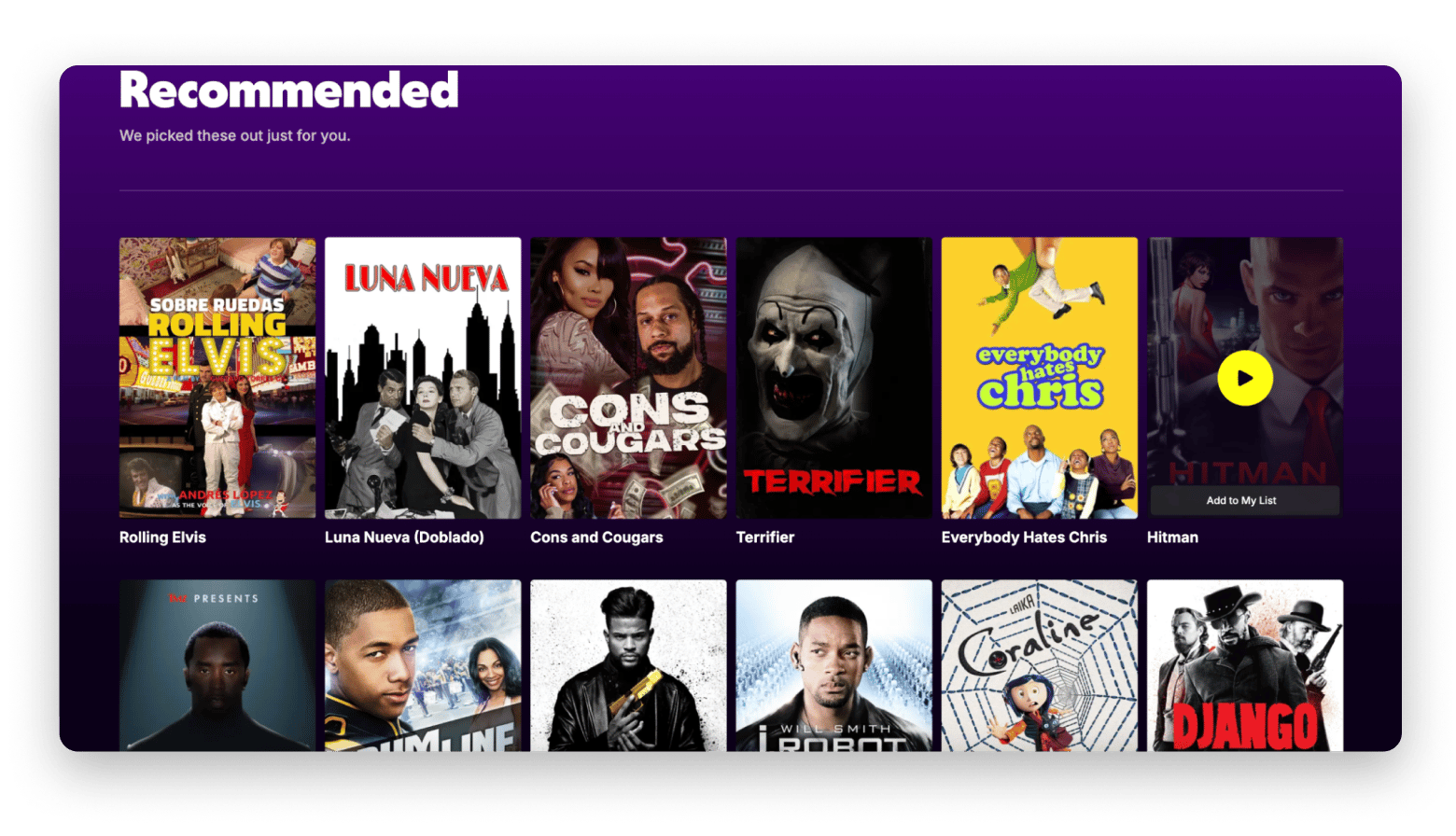
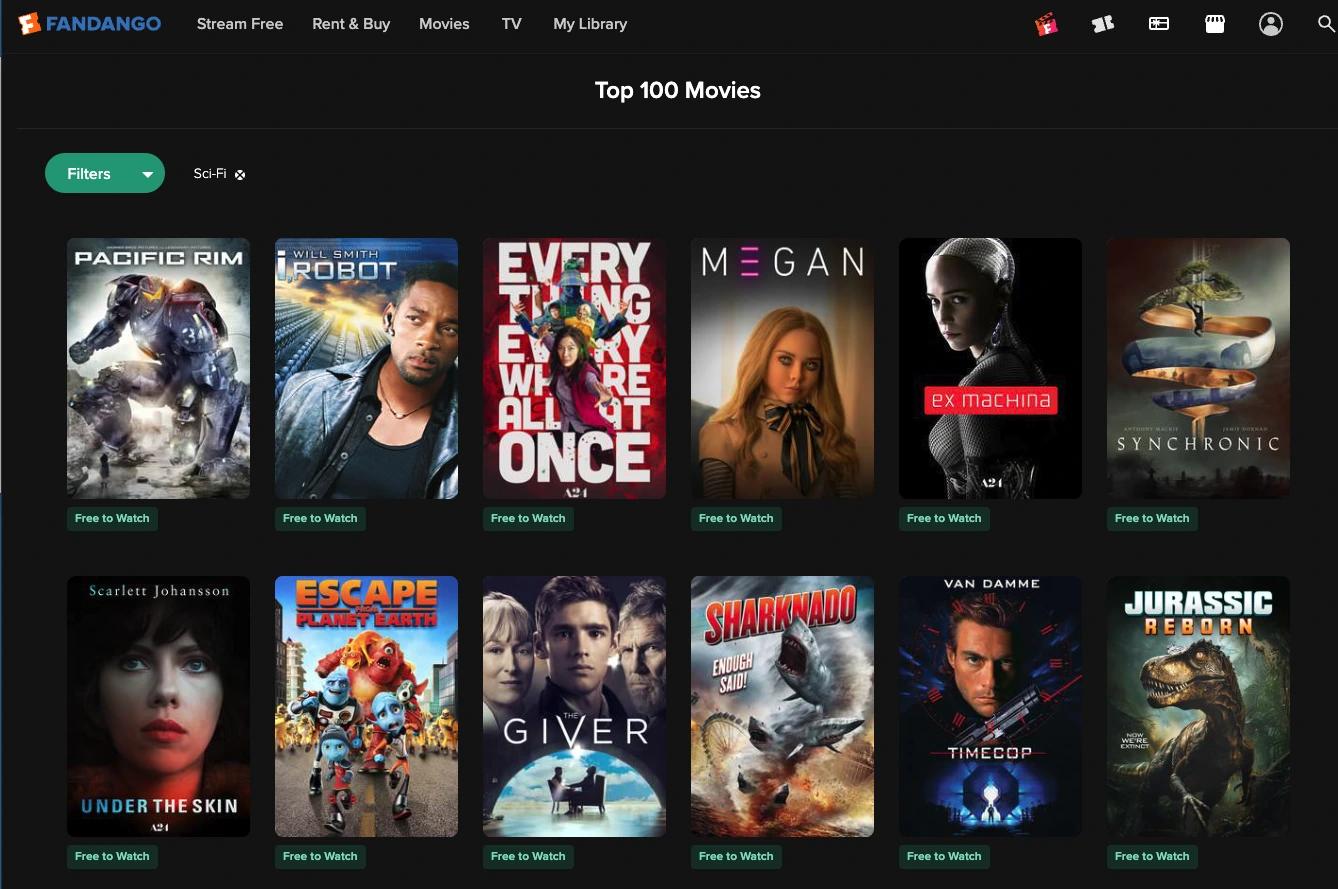
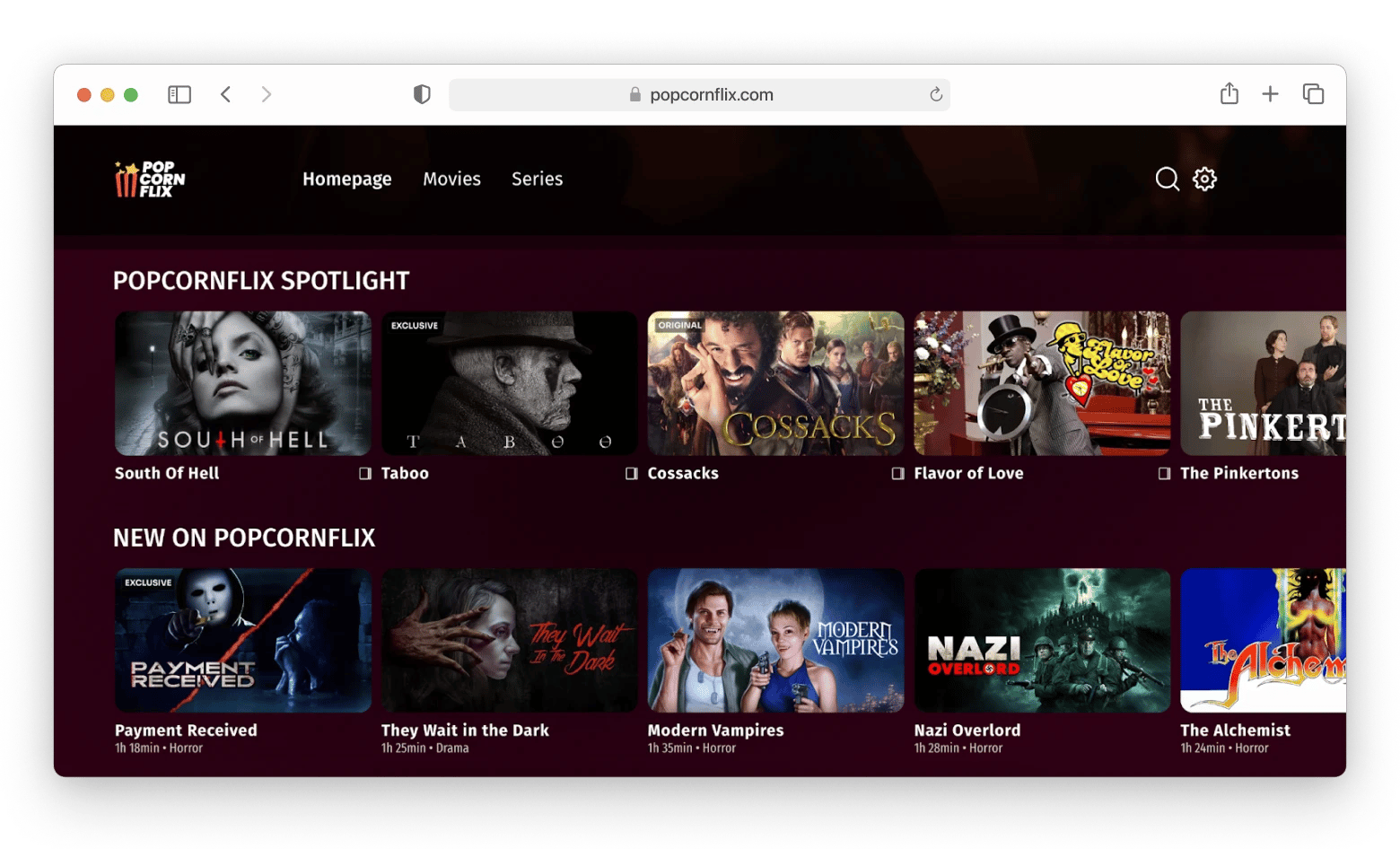
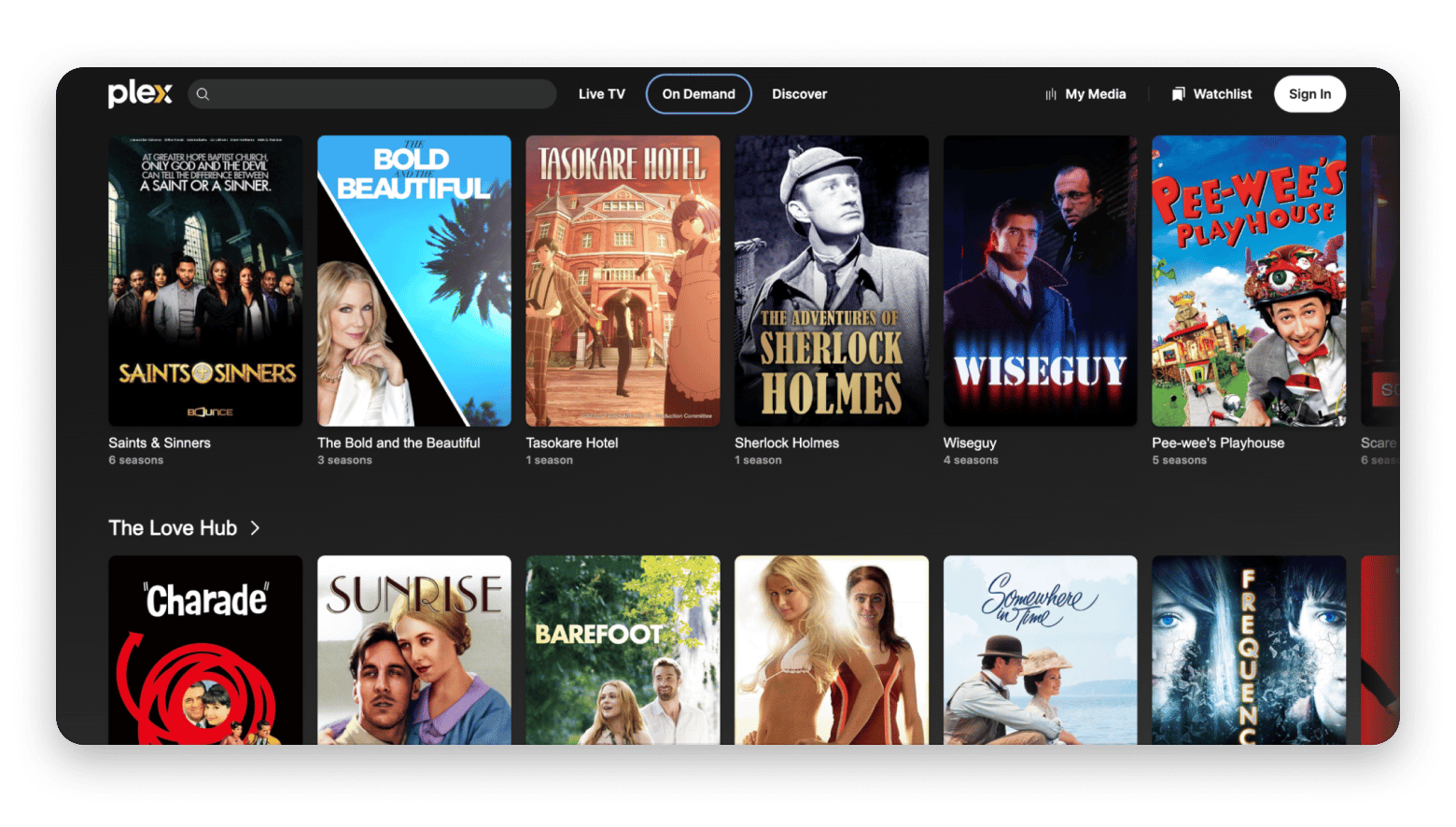
Free alternatives: • Tubi: 200,000+ titles, no account needed. • Fandango: Newer Hollywood movies and TV shows. • Pluto TV: Live TV experience with 250+ channels. • Popcornflix: 10,000+ titles, ideal for older movies and TV shows.
Paid alternatives from $9/mo: • Netflix: best exclusive originals. • Amazon Prime Video: best value, especially with a Prime membership. • Disney+: go-to for Marvel, Star Wars, and Pixar. • Downie with Setapp's 7-day free trial: download videos from YouTube, Vimeo, and 1,200+ sites. • PullTube with Setapp's 7-day free trial: trim and download videos from online platforms.
Downie is rated 98% by Setapp users. PullTube right alongside it. Try both free on Setapp — cancel before Day 7, $0 charged. No download limitation.
Some users call SFlix the "best free platform to watch movies and series”, and on the surface, it's easy to understand the appeal. Free access to thousands of titles, no subscription required. The problem? The ads keep popping up constantly, the site goes down without notice, and you never know what legal or security risk is lurking beneath the surface.
Some platforms offer thousands of titles at no cost, and premium services that deliver far more value than SFlix ever could. Here are 6 alternatives to SFlix worth switching to.
Compare the best SFlix alternatives
Whether you want completely free streaming or a premium service with the best originals, there's an option here that fits your watching habits. Here's a quick overview before we go deeper.
App
Best for
Key strength
Price
Standout feature
Tubi TV
Free binge-watching
Massive free library
Free
200,000+ titles, no account required
Fandango
Free Hollywood movies
High-quality streaming with newer hits
Free (with paid rentals & purchases)
13,000+ free titles plus rentals and purchases
Pluto TV
Passive/background watching
250+ live TV channels
Free
Cable-style streaming with 250+ live channels
Popcornflix
Older movies and TV shows
Classic films with niche categories
Free
10,000+ titles and unique genre collections
Plex
Tech-savvy all-in-one users
Universal search + personal media
Free (or from $4.99/month with Plex Pass)
Combine streaming with your own library
Netflix
Premium originals
Exclusive series and films
From $8/month
Award-winning originals + offline downloads
Amazon Prime Video
Value + flexibility
Rentals + channels bundle
From $8.99/month (or included with Prime)
Included with Prime + rent newly released movies
Disney+
Franchise fans
Marvel, Star Wars, Pixar & Disney
From $9.99/month
High-quality family-friendly content
Free SFlix alternatives (legal, no subscription needed)
These SFlix alternative sites are completely free to use and supported by ads — the same model as broadcast TV.
Tubi TV: Best free SFlix alternative with the largest library
Tubi is the most like-for-like replacement for SFlix. It's completely free, doesn't require an account to start watching, and offers over 200,000 titles spanning movies, TV shows, documentaries, and niche content categories that most paid platforms skip entirely.
“Genuinely, it whips. It’s always adding new stuff and has a shockingly deep bench of older shows and movies too (plus a pretty wide selection of foreign films and docs). I truly watch it more day to day than most others”, shares a Reddit user.
Best features:
200,000+ titles across movies, TV shows, and documentaries
No account required
Category-based discovery with curated collections
Regularly updated library with new additions
Pros:
Massive library
No sign-up barrier
Works on all major devices
Cons:
Offers mostly older or mid-tier content, lacks new releases
No offline viewing
Price: Free.
Fandango: Newer hits in great quality
Fandango combines free and paid movies, rentals, and various perks for movie lovers — including special offers on tickets and merch. For example, deals can include a movie ticket plus a collectible print, a free ticket when you join a fan club, or promo codes for discounts.
The free options include plenty of well-known titles and Hollywood movies, such as Cast Away, Easy A, Ex Machina, The Da Vinci Code, King Arthur: Legend of the Sword, Pretty Woman, I, Robot, and many more.
Best features:
Solid movie selection with hits from 2010 to 2020.
Special offers for movie fans.
Interviews with stars about new releases.
Personal library for watch lists.
Pros:
Over 13,000 free titles
Great video quality
Option to buy entire seasons or individual episodes
Good recommendation engine
Cons:
Registration required and can be tricky to set up.
Free titles rotate and may disappear.
No Mac app — available on iPhone, iPad, and Apple TV.
Limited to the U.S. — use ClearVPN from Setapp (it offers a 7-day free trial) to watch from other regions
Price: Free + paid options.
Pluto TV: Best free alternative to SFlix for a traditional TV experience
Pluto TV takes a different approach to free streaming: instead of an on-demand library, it primarily offers over 250 live TV channels organized by genre — news, sports, comedy, horror, reality, and more. Think of it as cable TV, but free and online.
It's particularly good for passive watching when you just want to "put something on" without choosing. Pluto also has an on-demand section, though it's more limited than Tubi.
Best features:
250+ live TV channels organized by genre
Channel-surfing experience similar to traditional cable
On-demand movies and shows alongside live content
No sign-up required
Available on most platforms including smart TVs
Pros:
Unique live TV feel among free streaming alternatives
Great for background watching
No registration required
Wide platform availability
Cons:
Limited on-demand selection
No offline viewing
Ad interruptions
Price: Free.
“Pluto is the best in it's class in my opinion. It has tons of channels and acceptable commercials”, says a Reddit user.
Popcornflix – free older movies and shows
Popcornflix is a free, legal movie website that mostly features older shows and includes some real hits from previous years, like The Girl with the Dragon Tattoo and The Weird Al Show. The website has a really nice categorization, including some categories you don't typically see elsewhere — for example, Mockbusters, Need for Speed, and Retro Thrills.
As an added bonus, Popcornflix has a YouTube channel with about 750 videos covering action, romance, horror, crime, drama, and more — all neatly organized in playlists and folders. While the Popcornflix website is ad-supported, YouTube videos are ad-free for YouTube Premium subscribers.
Best features:
Well-organized categories
Free legal access
Companion YouTube channel
Pros:
Over 10,000 titles
Great collection of older content
Clean interface
Cons:
Minimal customization options: no playback speed or subtitle customization.
No offline downloads.
Available in the U.S. and Canada only. To watch from other regions, use ClearVPN from Setapp with a 7-day free trial.
Price: Free.
Plex: Best all-in-one free alternative for tech-savvy users
Plex is the most versatile option on this list. At its core, it's a free streaming platform with 50,000+ titles and 600+ live channels. But what truly sets it apart is the ability to add your own personal media library of films, TV shows, music, and stream them across all your devices through the same interface.
The universal search feature is particularly useful: Plex searches across its own library and connected streaming services simultaneously, saving you the time of checking each platform manually. The free tier is generous, though some features like offline downloads and premium streaming require a paid Plex Pass.
Best features:
50,000+ free titles + 600+ live channels
Host and stream your own media library from any device
Discover feature with personalized recommendations
Works globally — no region-locking on free content
Pros:
Combines free streaming with personal media management
Powerful discovery and search tools
Works globally
One app replaces multiple streaming apps
Cons:
Interface feels complex
Ads in free version
Price: Free
Premium SFlix alternatives (no ads, latest content)
If you want the latest releases, zero ads, and genuinely exclusive content, a paid subscription is the way to go. These services offer reliability and quality that no free or piracy-based platform can match.
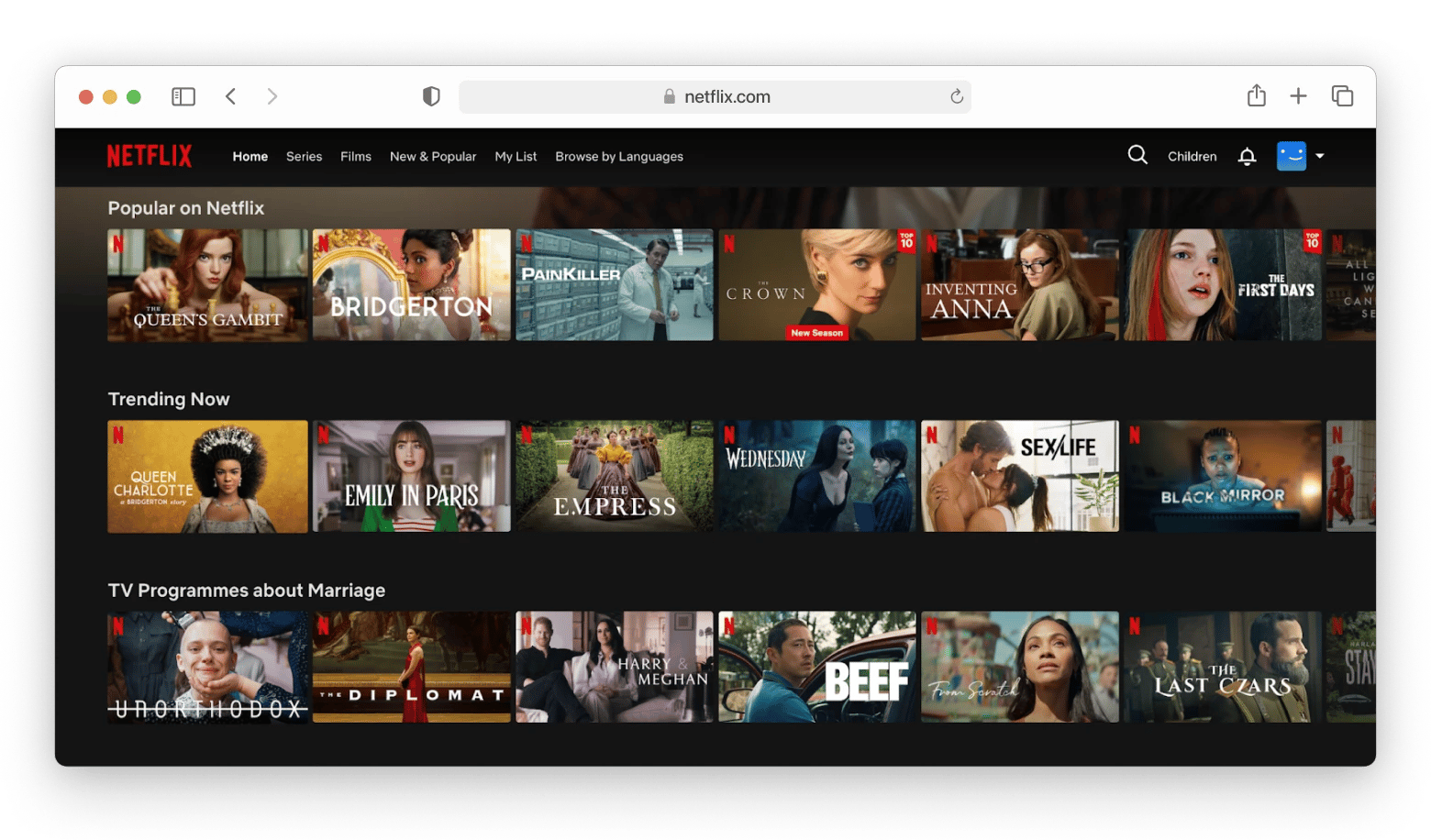
Netflix: Best SFlix alternative for premium original content
Netflix remains the gold standard for premium streaming. What makes it worth paying it's the quality and exclusivity of its original productions. Shows like Squid Game, Stranger Things, and Bridgerton, along with dozens of acclaimed films, simply aren't available anywhere else.
The recommendation algorithm is genuinely good, surface-level browsing is intuitive, and offline downloads mean you can watch on planes or anywhere with limited connectivity.
The main drawback is pricing, which has climbed in recent years, and a library that rotates as licensing agreements expire. Users also complain about the quality of the series and the fact that many great shows have been canceled.
“Netflix was made for binge watching shows. Resubscribe for a month or two a year and binge everything that you heard was good then wait a year for enough good stuff to come out”, shares a Reddit user.
Best features:
Top-tier original series and films not available elsewhere
Personalized recommendation engine
Offline downloads on mobile and tablet
4K HDR streaming on supported plans
Multiple simultaneous screens depending on plan
Pros:
Best original content of any streaming platform
Clean, intuitive interface
Offline downloads included
Available globally with consistent quality
Cons:
No free tier
Price: From $8/month.
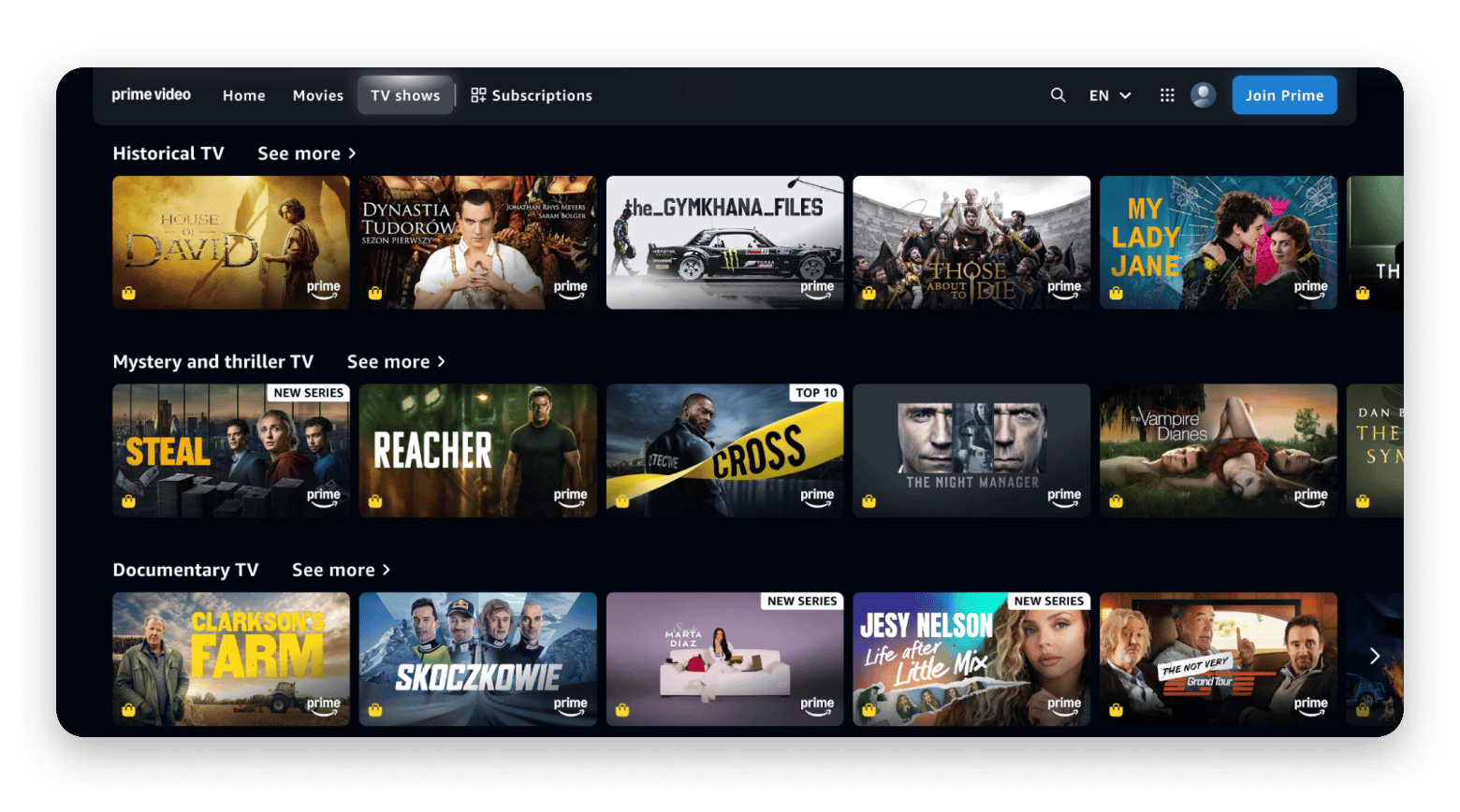
Amazon Prime Video: Best SFlix alternative with diverse originals and bundles
Although the interface is not as polished as Netflix, Amazon Prime Video is a great streaming platform, especially if you already subscribe to Amazon Prime to get shopping benefits. The included streaming library features a solid selection of original shows, award-winning films, and a large catalog of older movies.
“I started using Amazon Prime Video in 2020, and I’ve been regularly watching content on the platform for the past five years. It has become one of my go-to streaming services. I use Amazon Prime Video several times a week, especially in the evenings or on weekends. It’s perfect for binge-watching series or finding a good movie to relax with.
The most useful thing about Prime Video is its large and diverse library, including exclusive shows, movies, and the ability to rent or buy newly released titles. I also love the X-Ray feature that shows info about actors and music while watching”, says Jerome Sario on PanelPlace.
Best features:
Large library of originals plus licensed content
Option to rent or buy new releases not included in subscription
Add-on channels (HBO, Paramount+, and more) from one platform
Offline downloads on mobile
Included with Amazon Prime membership at no extra cost
Pros:
Excellent value, especially with Prime membership
Option to rent latest movies directly in-app
Strong original content library
Solid library across genres
Cons:
Some content requires additional payment even with subscription
Add-on channels increase the total cost significantly
Price: From $8.99/month (or included with Amazon Prime subscription).
Disney+: Best SFlix alternative for franchise content
Disney+ is the go-to platform for fans of Marvel, Star Wars, Pixar, and Disney's classic animated library. If those franchises are a significant part of what you watch, the subscription essentially pays for itself. Video quality is consistently excellent, and the family-friendly nature of the platform makes it a strong pick for households with children.
The limitation is also its strength: the platform's focus is narrow. If you're looking for adult drama, indie film, or content outside major Disney-owned franchises, you'll quickly find the library thin.
Best features:
Complete Marvel Cinematic Universe library
All Star Wars films and Disney+ exclusive series
Full Pixar, National Geographic, and Disney animation catalog
4K HDR streaming on all supported plans
Offline downloads included
Pros:
Deep catalog for franchise fans
Consistently high video and audio quality
Great for families and children
No ads on standard plans
Cons:
Limited variety outside Disney-owned franchises
Price: From $9.99/month.
To sum up: What is the best SFlix alternative?
If you don't want to deal with SFlix's constant ads, instability, and security risks, there are alternatives that cover everything SFlix offers and are generally better.
For free streaming, try Tubi with its huge on-demand library, or Plex if you want to combine streaming with your own media collection. Pluto TV is great for watching TV in the background.
For premium access, one paid service is usually enough. For example, you can subscribe to Netflix for a month, then switch to Disney+, and then to Prime. This way, you'll have access to all the major catalogs without paying for multiple services at once.
FAQ
Is SFlix safe?
Sflix is not considered a safe website for watching movies online. The main concerns are:
Copycat websites. There is no single official Sflix domain. Many sites use its name, and safety standards can be questionable — some may collect user data or redirect visitors to malicious pages.
Aggressive ads and pop-ups. These can be a source of malicious or unwanted software.
Legal issues. Sflix and similar platforms stream copyrighted content without proper licenses, which typically violates copyright law.
Simply visiting the website is usually not harmful, but it's highly recommended to avoid taking any actions on such sites to stay on the safe side.
What's the best free SFlix alternative?
Fandango, Popcornflix, Tubi, and Pluto TV are the best free SFlix alternatives.
Does SFlix work on Mac?
Yes, SFlix works on Mac via any browser but doesn't have a dedicated app.
Get Eney
A proactive AI assistant for iPhone. Scan to get it on iPhone.






 Top-rated on Setapp
 Top-rated on Setapp