Timing is the best Toggl track alternative and automatic time tracker for Mac. It records everything in the background — apps, documents, websites, meetings — without you touching a single timer.
Timemator is the privacy-first alternative. It tracks automatically based on rules you set, stores all data on your device, and works fully offline — ideal for freelancers handling sensitive client work.
Daily is perfect if you forget to start timers. It prompts you throughout the day, builds accurate timesheets from your answers, and stays completely out of the way otherwise.
Toggl not cutting it? Three Mac time trackers on Setapp do it better — automatically. Try Setapp free for 7 days and pick the one that fits your workflow.
The best Toggl Track alternatives for Mac are Timing (automatic tracking), Timemator (privacy-focused automatic tracking), Daily (prompt-based tracking), Harvest (invoicing), Timery (better Toggl UI), Tyme (Apple ecosystem), Paymo (project management), and Jibble (attendance). All work on Mac.
Toggl Track is one of the most popular time tracking apps. It's reliable and easy to get started with. I used it for a while myself and liked how quickly I could jump in and start tracking time.
But it's not the perfect fit for everyone. Some people want automatic tracking so they don't have to remember to start timers. Others need built-in invoicing and project management.
That's why I decided to explore the best Toggl Track alternatives for Mac.
Top Toggl Track alternatives for Mac (detailed comparisons)
Below are the best Toggl Track alternatives for Mac that I found. Some focus on automatic time tracking; others are better for invoicing and project management. Some run quietly in the background and capture your activity automatically, while others rely on timers or check-ins.
There's an option for you on the list, whether you're a freelancer, consultant, part of a large team, or an agency owner:
If time tracking is just one piece of your freelance stack, the guide to apps for freelancers covers invoicing, communication, and project management too.
Harvest: Best choice for freelancers who need time tracking → invoicing
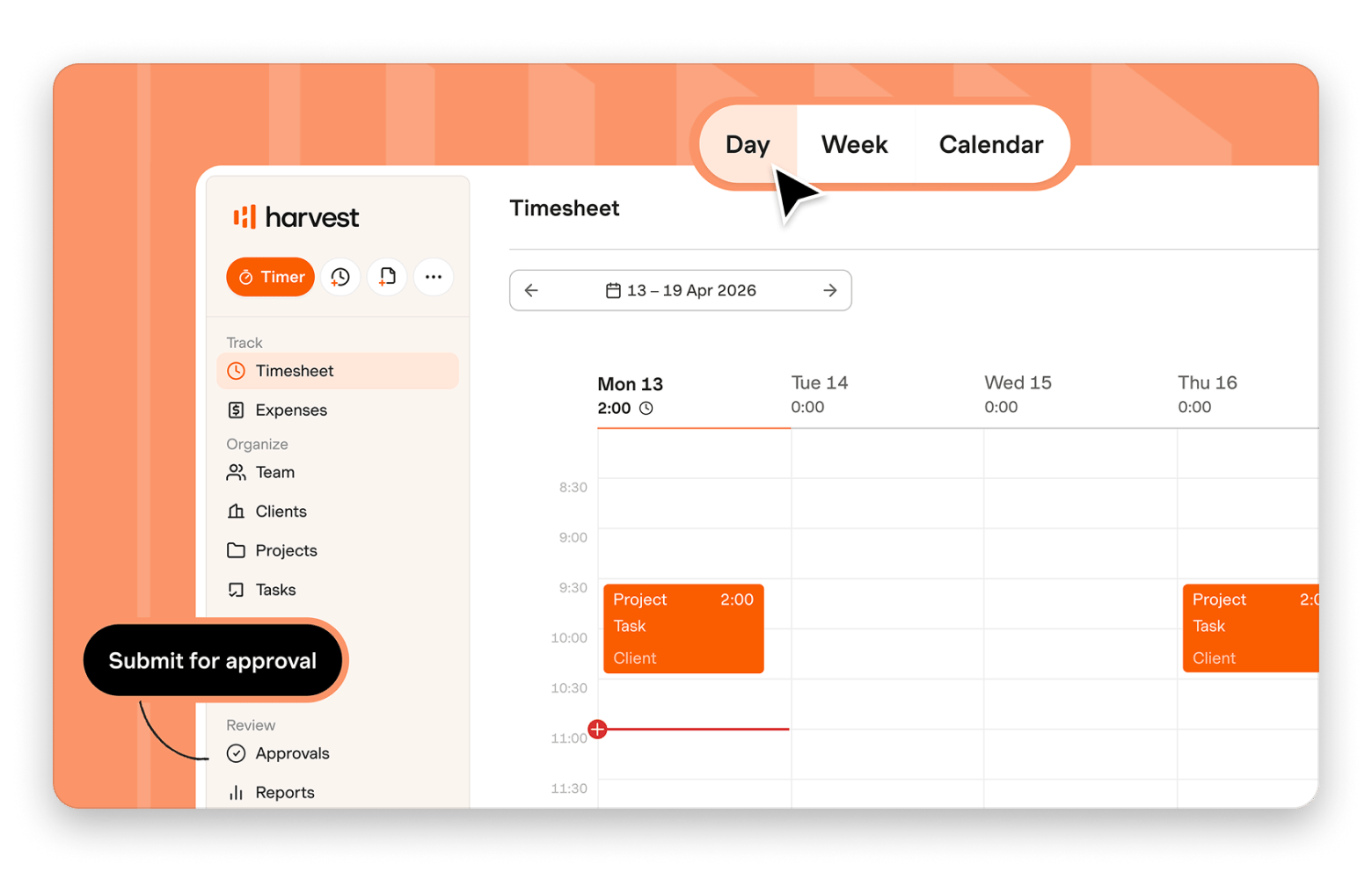
Harvest is one of the strongest alternatives to Toggl, especially for freelancers and consultants. Just like Toggl, its focus is on time tracking, but it also lets you turn tracked hours into invoices. It also includes some useful budgeting app features. For example, let's say you've agreed to work on a project with a limit of 50 hours and a budget of $3,000. Harvest can show you how much of the budget has been used and whether the project is profitable by comparing the time you've spent against what you're billing the client. This makes it easier to see which projects are worth your time and which ones may need rethinking.
Source: getharvest.com
Get it if:
You're a freelancer or agency owner
You want to create invoices from tracked time
You need to track your expenses
You want to keep an eye on project budgets and profitability
Things to keep in mind:
You'll need to remember to start and stop timers yourself
The project management features are a bit basic
Timing: Ideal for Mac power users who want automatic tracking depth
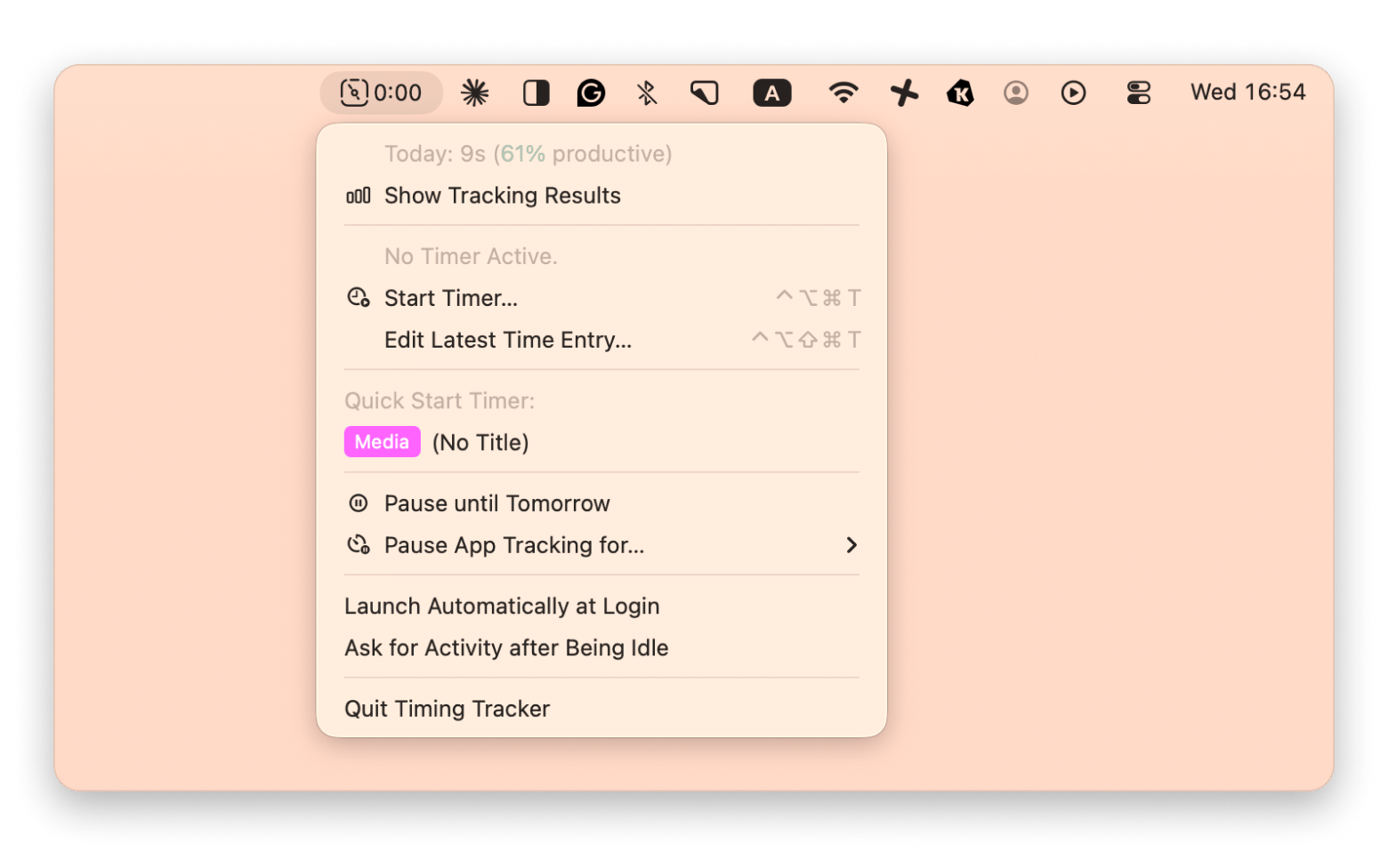
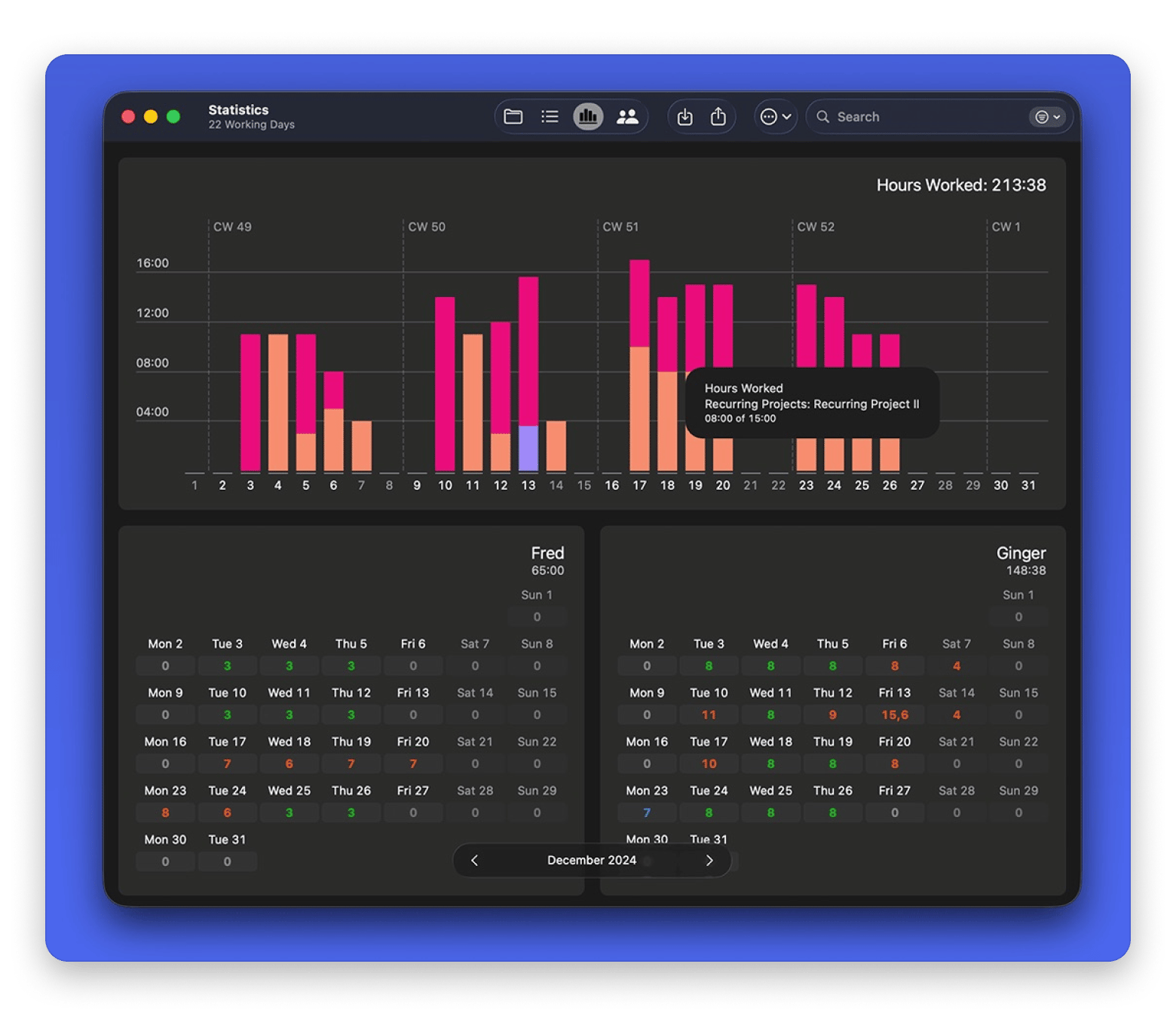
If you want a time tracking app that's built for Mac, then Timing is a great one. Using it will be a breeze since you're already familiar with the macOS experience. Another thing that sets it apart is automation. The app automatically records the apps, documents, websites, meetings, and calls you work on throughout the day. Then, when you're ready, you can review everything and assign it to projects. You can also view your productivity stats, reports on your work, integration with calendar apps, and more.
Get it if:
You always forget to start and stop your timer
You're using a Mac
You want to see how you spend your time
You bill clients and need accurate records of your work
Things to keep in mind:
It's pricier than other basic time tracking apps
There’s a lot of data and customization options, so it might feel confusing at first
Here’s also a deeper roundup on the best time tracking apps for Mac if you want to see how Timing stacks up against even more options.
Timemator: Best choice if you want offline, privacy-friendly automatic Mac tracking on a budget
So what if you like automatic time tracking but also care about privacy? That's exactly what you'll get with Timemator. The app automatically tracks what you're doing on your Mac and then assigns that time to projects based on rules you create. Setting up tracking rules took me about 15 minutes on day one, and after that, I genuinely forgot the app was running.
The good thing is that your data stays on your device instead of being stored on a company's servers. Even better, the app works offline, which means you can track your hours even when you don't have an internet connection. You can also calculate billable hours and generate reports for clients.
Get it if:
You want automatic time tracking
You often work offline
You want your tracking data to stay on your device
You're a freelancer who bills by the hour
Things to keep in mind:
You'll need to spend a little time setting up tracking rules at the start
The Mac app is much better than the iPhone and iPad versions
Timery: Best option if you like Toggl Track’s backend but want a better Mac client
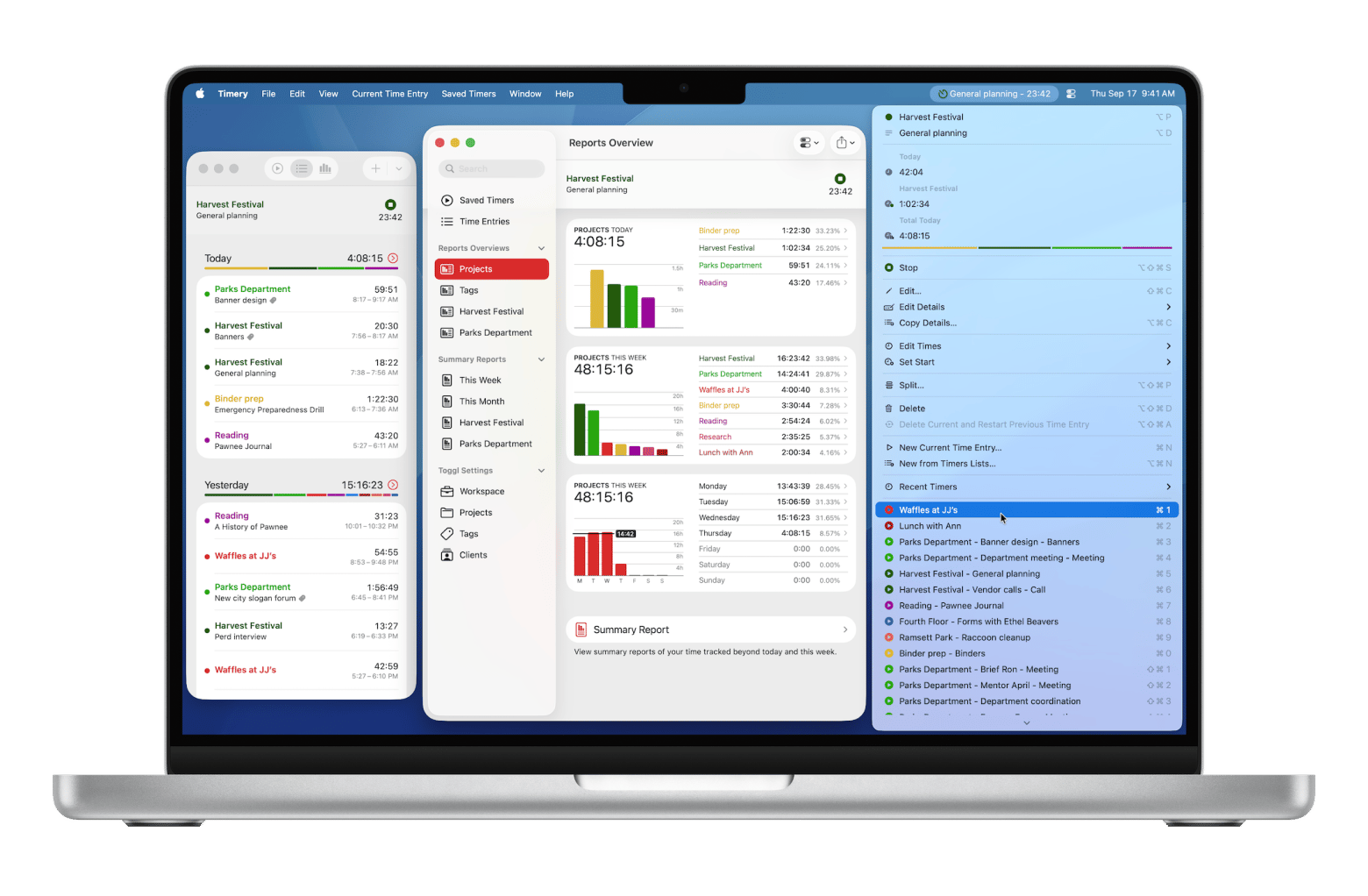
Do you think that Toggl Track is a solid app, but you just wish the Mac app were more Mac-friendly? If yes, then take a look at Timery. It uses Toggl's backend, so all your projects, clients, and tracked time stay in your Toggl account. What's different is that Timery has a cleaner interface, one-click saved timers, detailed reports, menu bar controls, and Shortcuts integrations. And here's an interesting feature for those of you who wear an Apple Watch: you can start and stop timers directly from your watch! Timery also has a wide selection of widgets for your Mac, iPhone, and iPad, including widgets that show your current timer and let you start frequently used timers with a single click. And they're customizable.
Source: timeryapp.com
Get it if:
You already use Toggl Track
You want a more intuitive Mac experience
You use Apple Watch and widgets
Things to keep in mind:
You'll still need a Toggl Track account to use it
It's designed to improve Toggl, not replace it
Tyme: Best choice for Apple ecosystem users who want time + tasks together
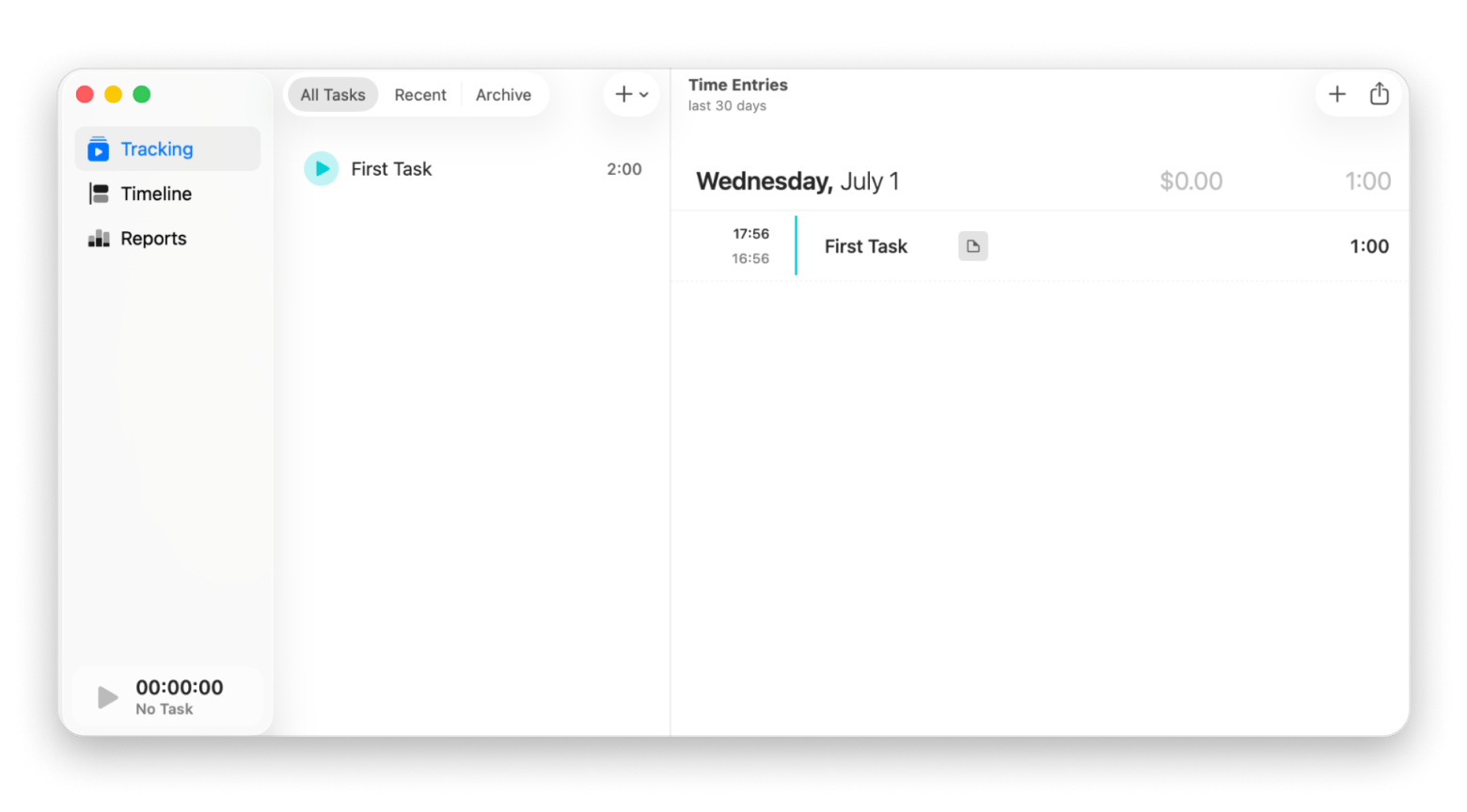
Maybe what you're looking for is an app that feels native to Mac and combines time tracking with project tracking. The good news is that there's an app that ticks those boxes, and it's called Tyme. You can track your working hours and keep an eye on your workload. Everything syncs across Mac, iPhone, iPad, and Apple Watch, so you can start a timer on one device and pick up where you left off on another. Another thing I like is that it shows your tracked time inside your calendar app. And, like Timery, you can easily start or stop a timer from your Apple Watch.
Source: tyme-app.com
Get it if:
You use a Mac, iPhone, iPad, and Apple Watch
You want an app that combines time tracking and project management
You need to track project budgets, deadlines, and expenses
You like seeing your tracked time inside your calendar
Things to keep in mind:
The interface has a lot of features, so it may take some time to learn
There are quite a few team-focused features that you may not need if you work alone
Daily: Best option if you want gentle prompts instead of always-on tracking
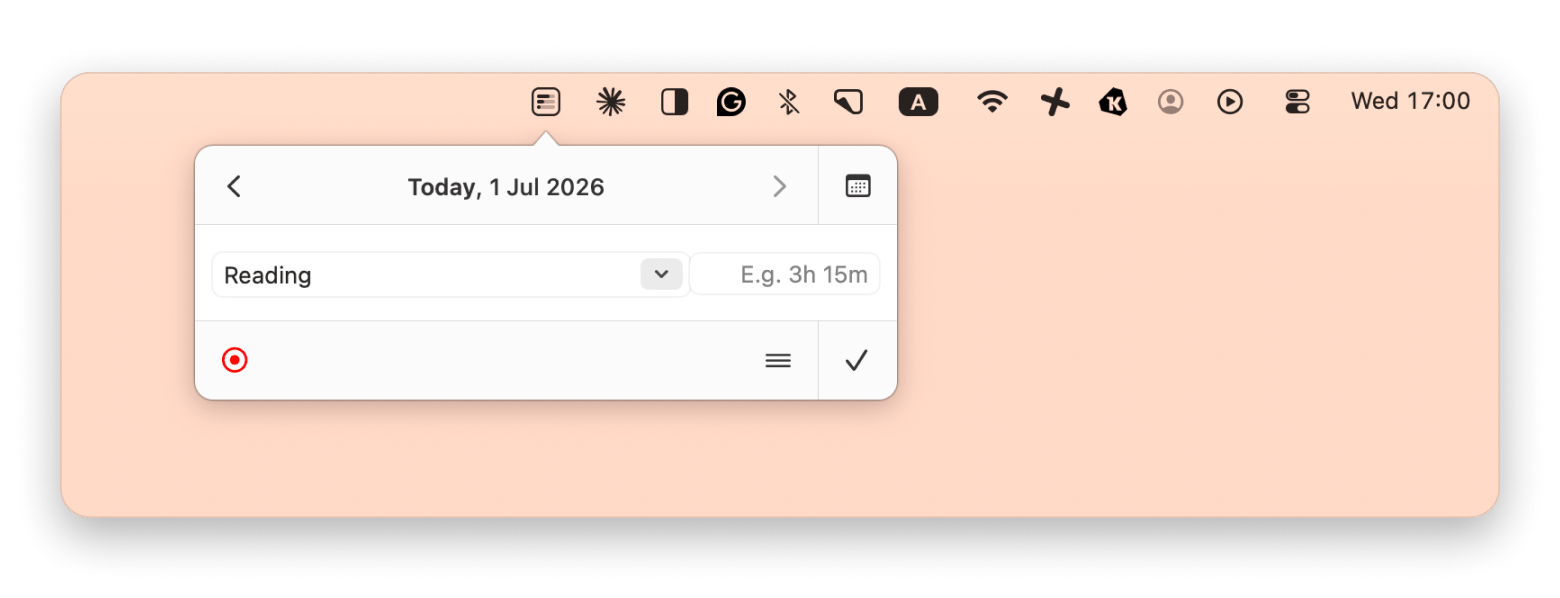
Here's another awesome app if you don't want to bother with constantly starting and stopping timers. With Daily, the app periodically asks what you're working on. You simply choose an activity, and Daily records it for you. This is a very effective approach to time tracking because you're less likely to miss billable hours, and you get a clearer picture of how your workday actually went.
Rated 90% by Setapp users — Daily is the no-timer approach to time tracking that freelancers swear by. Try it free for 7 days.
Get it if:
You often forget to start and stop timers
You want low-maintenance time tracking
You're a freelancer who bills by the hour
You want better insights into how you spend your workday
Things to keep in mind:
The pop-up prompts can feel distracting
It's not ideal if you want real-time timers running throughout the day
Screen Time (macOS): Best free option for basic awareness (not client billing)
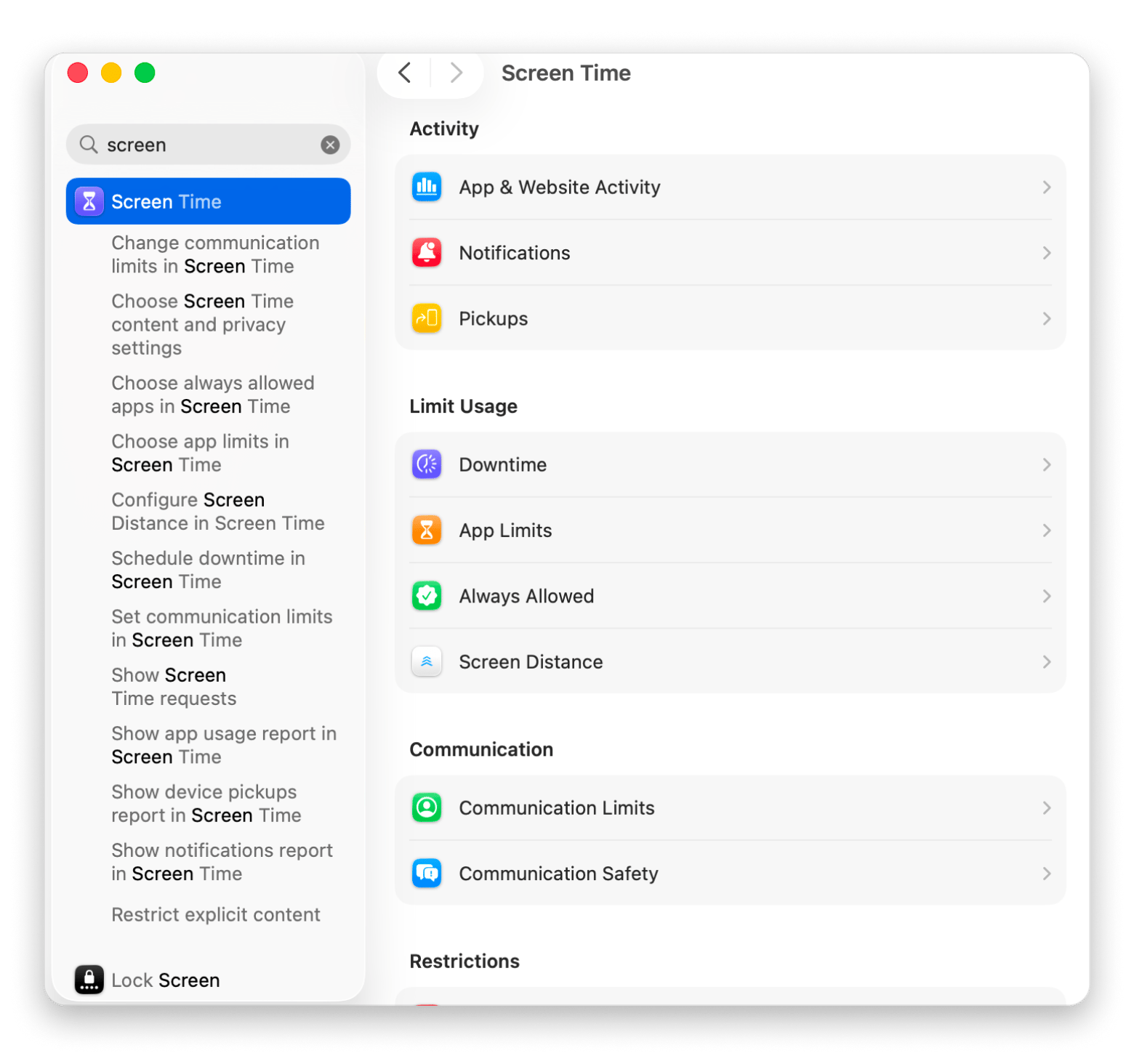
If you just want to see how you spend your time on your Mac, you can use Screen Time, a feature that's built into macOS. It shows how much time you spend in different apps, and if you notice that a large portion of your day goes into a specific app, you can set app limits to help reduce it. Another cool feature is the ability to block distracting apps during work hours and schedule downtime.
Get it if:
You want something simple and free
You want to reduce distractions
You're curious where your time goes each day
You don't need client billing or project tracking
Things to keep in mind:
It only provides a high-level overview of your activity
You can't track billable hours or tasks
Paymo: Best choice if you want time tracking + project management in one system
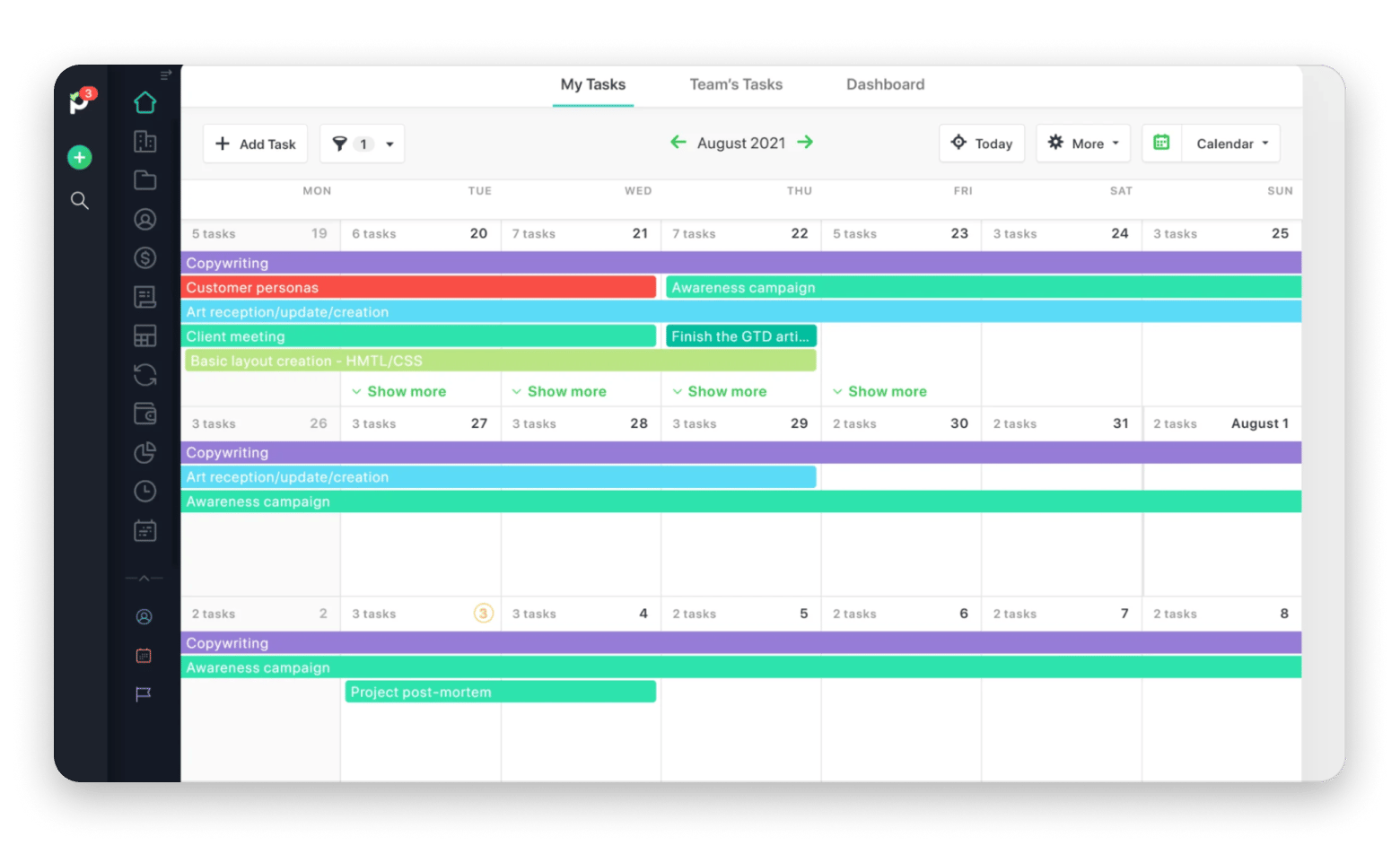
You don't have to get two separate apps for time tracking and project management. You can just get Paymo. It comes with all the most important time-tracking features, including automatic time tracking, bulk time entries, daily, weekly, and monthly timesheet views, and customizable timesheets. The same goes for project management. You can create tasks and projects, assign work, collaborate with clients or team members, track expenses, generate invoices, and more.
Source: paymoapp.com
Get it if:
You want time tracking and project management in one app
You work with clients and bill by the hour
You need invoicing and expense tracking
You manage a small team or agency
You like visual project management tools like Kanban boards and Gantt charts
Things to keep in mind:
It has plenty of features, so it may take some time to learn
It's not ideal if you only need basic time tracking
Jibble: Best option if your priority is attendance-style tracking and ease of use
Jibble is one of the best apps for tracking attendance. That's what makes it different from the other apps on this list. If you want to track your employees' work hours as accurately as possible, this app is a no-brainer. It's packed with features like GPS tracking, geofencing, face recognition, selfie verification, and kiosk mode for shared devices. Best of all, it's easy to use, so you'll be able to get up and running quickly, even as a beginner. Employees can log their hours in several ways, including from a phone, computer, browser, or shared kiosk, while managers can review timesheets and approve hours.
Get it if:
You need attendance tracking as much as time tracking
You manage remote, field, or on-site employees
You want GPS tracking and location verification
You need a simple system that's easy to roll out to a team
You're looking for a generous free plan
Things to keep in mind:
You'll need to subscribe to a higher plan to unlock advanced features
The mobile app lacks some features you'll find in the desktop version
Choosing the right Toggl Track alternative on Mac
Not sure which Toggl Track alternative to pick yet? Here's a quick summary to help you decide:
I want time tracking and invoicing in one place: Choose Harvest.
I want deep automatic tracking and detailed insights into how I spend my time: Choose Timing.
I want automatic tracking with a privacy-first approach: Choose Timemator.
I already use Toggl Track, but want a better Mac experience: Choose Timery.
I want time tracking and project management in one app: Choose Paymo.
I use Apple devices and want time tracking, tasks, and planning together: Choose Tyme.
I keep forgetting to start timers and want a more relaxed approach: Choose Daily.
I just want a free way to understand where my time goes: Use Screen Time.
I need attendance tracking for employees and teams: Choose Jibble.
Still using Toggl? Three smarter alternatives are waiting on Setapp — try them all for free. Timing tracks automatically; Timemator keeps data private; Daily prompts you when you forget. All included in one Setapp Membership. Cancel before Day 7 — $0 charged. Start My 7-Day Free Trial.
FAQ
What is the best time tracking app for Mac?
The best time tracking app for Mac depends on your needs. If you want automatic tracking, Timing is a top choice. For invoicing and client work, you should try Harvest. If you already use Toggl Track, Timery offers a better Mac experience. For most Mac users, Timing is the best all-around option.
Is Toggl Track completely free?
Toggl Track has a free plan, but it isn't completely free. The free version includes basic time tracking for individuals and small teams. However, to access features like advanced reporting, billable rates, project forecasts, and team management tools, you need a paid subscription.
What is better, Toggl or Clockify?
Toggl Track is easier to use and has a cleaner interface, so it's great for freelancers and small teams. Clockify has more features on its free plan, including unlimited users and projects. If simplicity matters most, choose Toggl. If you want maximum value for free, choose Clockify.
Which is the best tracking software?
There's no single best tracking software for everyone. Timing is excellent for automatic tracking on Mac, and Harvest is ideal for freelancers who invoice clients. Jibble is great for attendance tracking. The best choice depends on whether you need productivity insights, billing tools, project management, or employee monitoring.
Best time tracker for freelancers on Mac? (Monitask, Toggl, Clockify, others?)
For most freelancers on Mac, Harvest is the best option because it combines time tracking, invoicing, expense tracking, and profitability reporting. Toggl Track is a great alternative if you only need time tracking. Clockify is a solid free option, while Timing is perfect if you prefer automatic tracking over manual timers.
What are alternatives to the time tracking app Toggl?
Some of the best Toggl Track alternatives include Harvest for invoicing, Timing for automatic tracking, Timemator for privacy-focused tracking, Timery for a better Toggl experience on Mac, Paymo for project management, Daily for low-maintenance tracking, and Jibble for attendance and workforce management.






 Best solution
 Best solution