What Raycast is: Raycast is a Mac launcher that opens apps, finds files, and runs calculations, clipboard history, snippets, and Quicklinks from one shortcut. It suits anyone who switches apps often or repeats the same keyboard tasks.
Pricing: The core tools and public extensions are free. Pro costs $10 USD/month ($8 USD/month billed yearly) and adds AI, cloud sync, and unlimited clipboard history.
Top alternative:Lacona is the closest Setapp match, letting you launch apps and run commands in plain English.
How to choose: If you only need one Raycast feature, a focused app does it well. Try Paste for clipboard history, Rocket Typist for snippets, or Soulver for calculations.
Try them all on Setapp: Lacona, Paste, Rocket Typist, and Soulver are all part of one Setapp Membership. Start your free 7-day trial.
Raycast for Mac is a keyboard-driven launcher that goes beyond Spotlight’s search with extensions, clipboard history, snippets, and quick commands. I tested it to see who it suits, what Free and Pro include, and which alternatives do the job better. Below, you’ll find Raycast’s core features, pricing, pros and cons, and seven Mac alternatives.
Before we dive into all the details, check the quick table below to see how Raycast for Mac compares to some of its alternatives:
Available with Setapp Membership starting at $14.99 USD/mo + tax
What is Raycast?
Raycast is a modern macOS app launcher allowing you to quickly and easily create shortcuts to save time and make your workflow easier. It lets you open programs, search for files, and create keyboard shortcuts for literally anything!
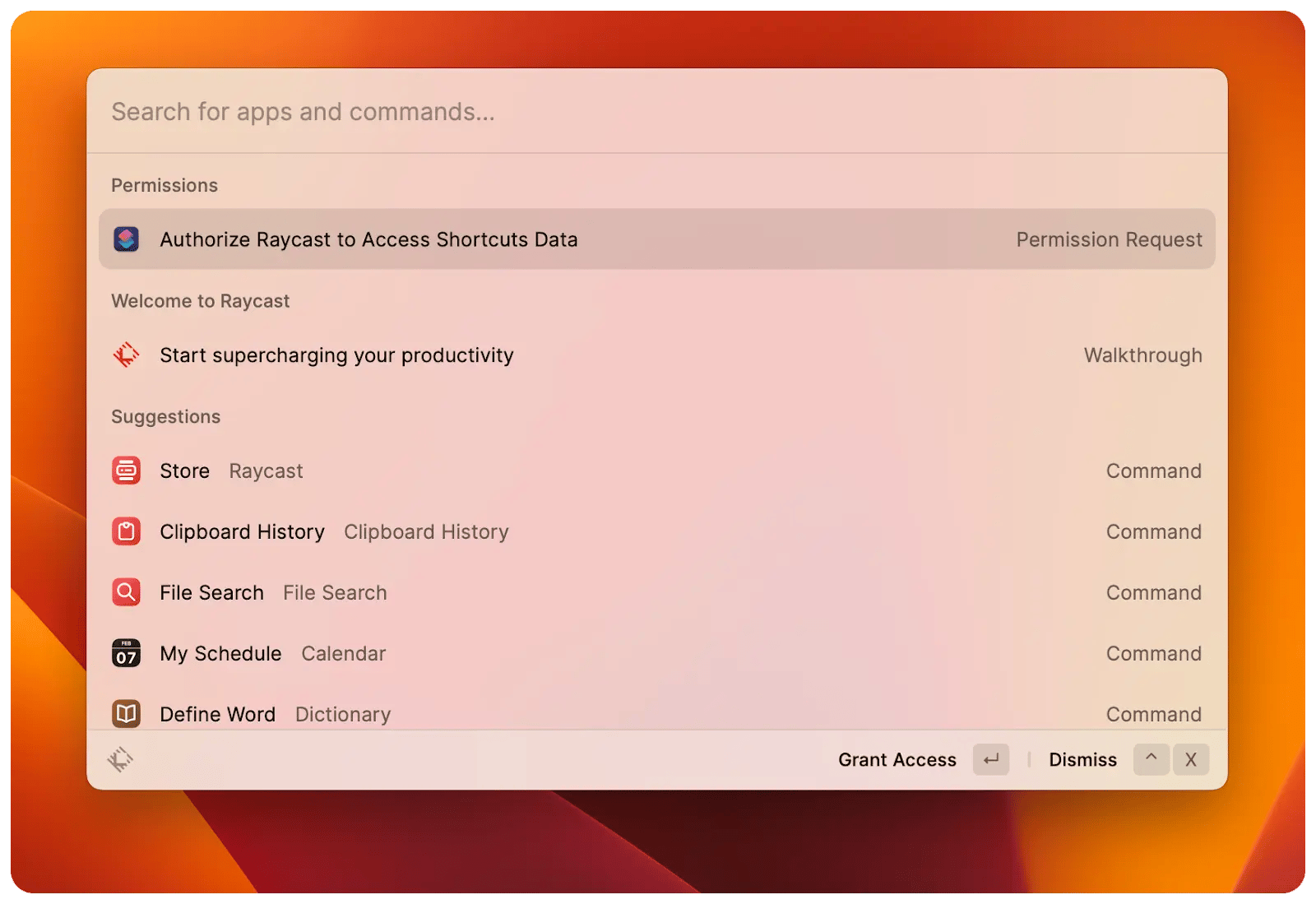
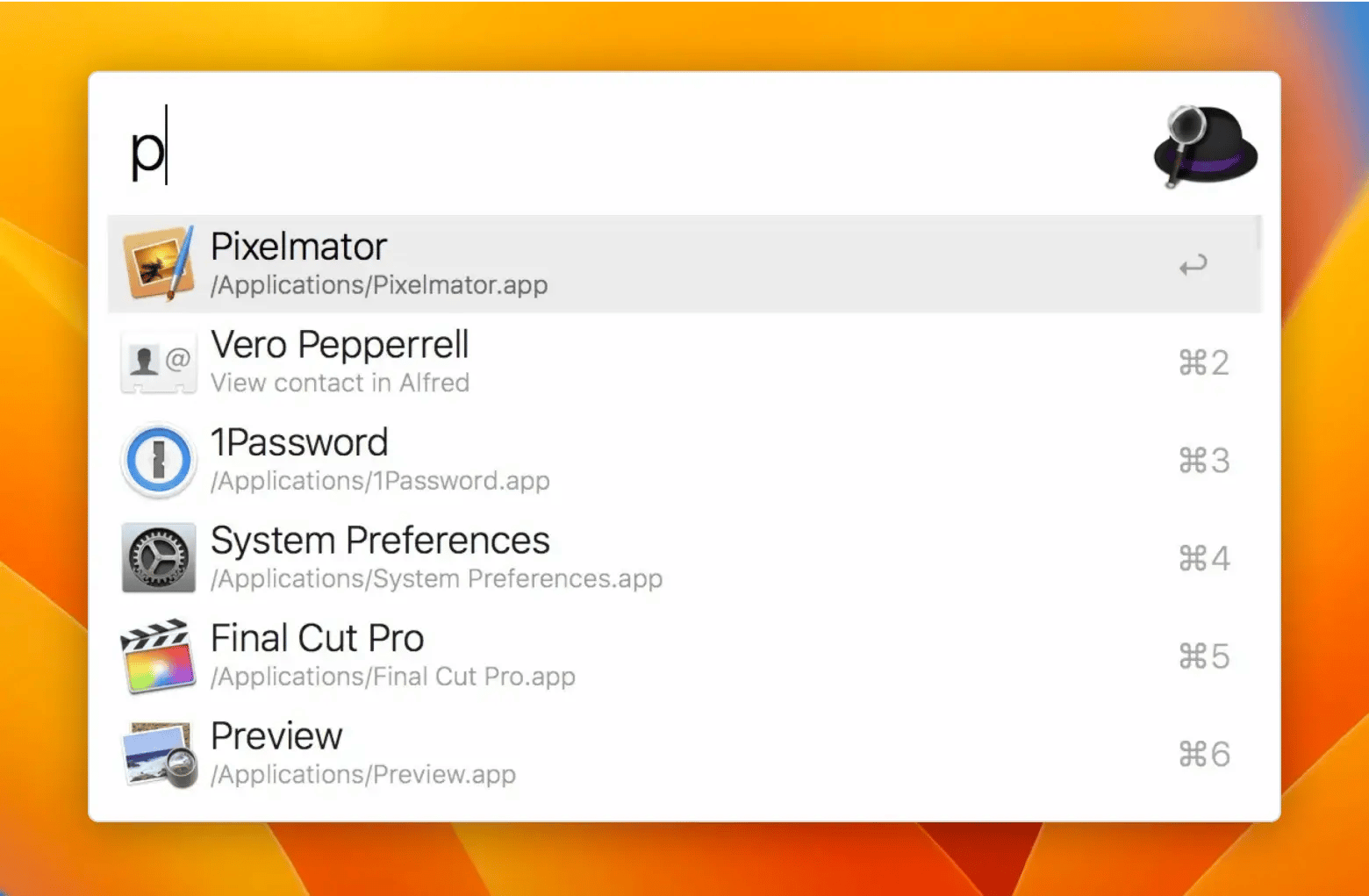
Here’s what you’ll see when you launch Raycast Mac:
What is Raycast used for?
Raycast Mac is an all-in-one tool for managing a wide range of common tasks. Once installed, Raycast provides a tutorial to help you navigate and learn. You can navigate with keyboard shortcuts, and knowing as many as possible will significantly speed up how you interact with the tool.
Let’s first look at some basic options available with Raycast:
To search for an app: Type the app’s name and hit Return to open it.
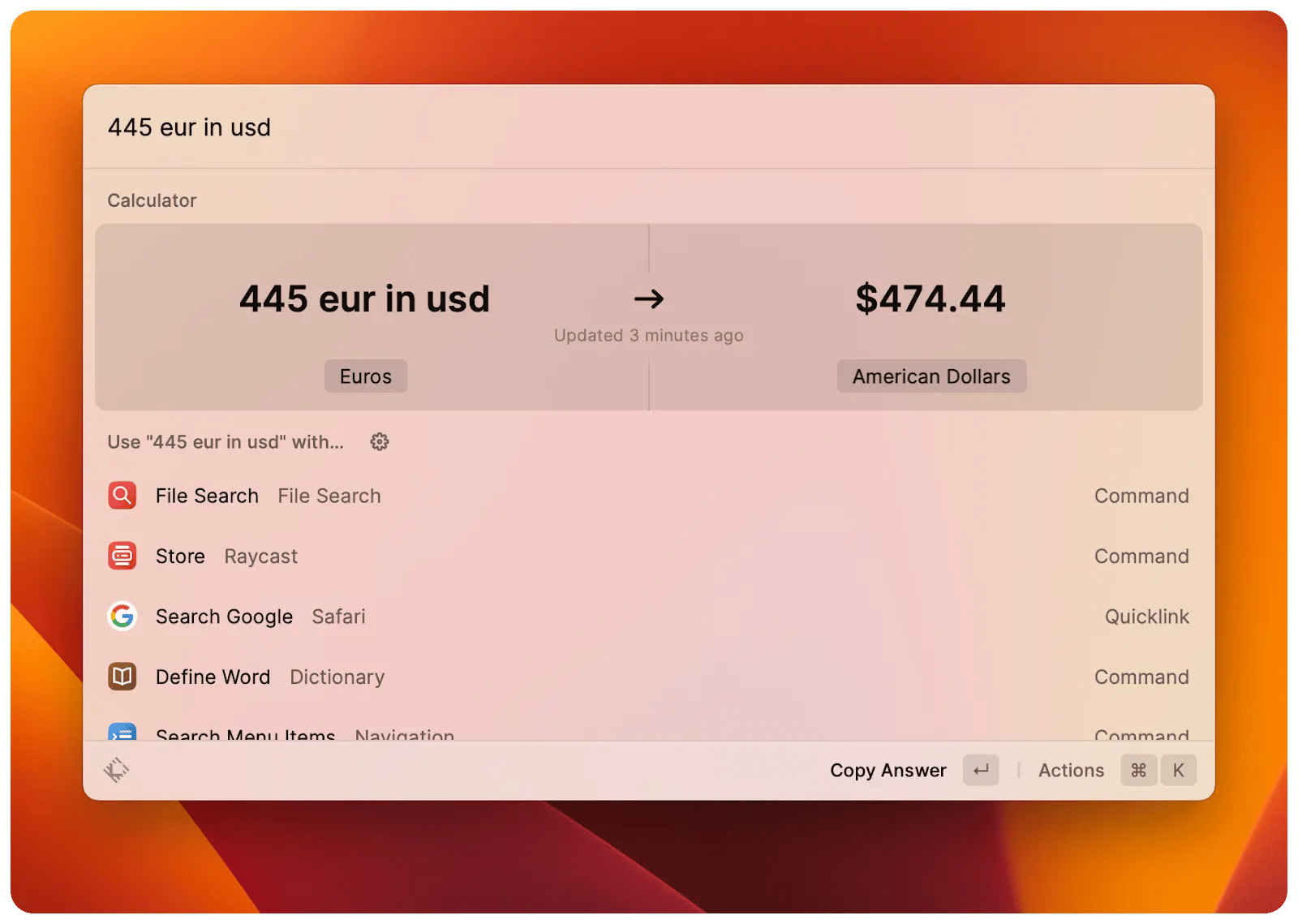
To perform basic math calculations: Type as you would normally. For example, “222/12” or “square root of 66.” Then press Return if you want to copy the result.
To search the web: Type your query and highlight the Search Google option. Hit Return to open it in your browser.
To search for a file: Type in File Search and hit Return. Next, type the name of the file you’re searching for.
That’s enough to get you started, but there are a lot of other neat things about Raycast that make it worth your time.
Calculate and convert in natural language
Raycast can solve simple math expressions, convert units, check time zones, calculate differences between days, months, and years, and more. All in natural language and without turning to Google.
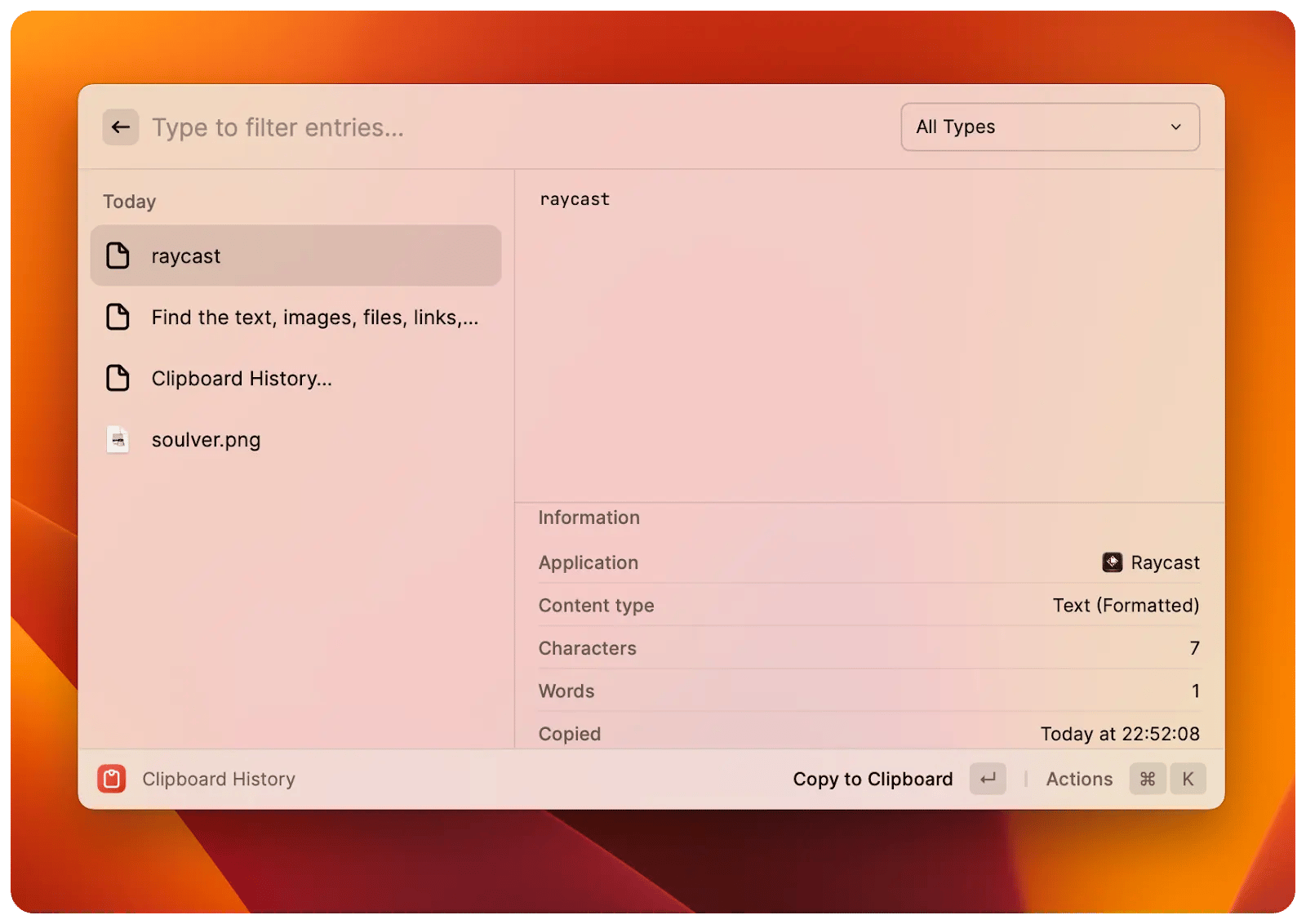
Save things into clipboard history
Think about how often you copy something and then need to paste it again, but your clipboard has something else, so you can’t paste. The macOS copy-and-paste flow lets you save just one thing at a time, which is explained in this guide to clipboard history on Mac. Raycast lets you find the text, images, files, links, and colors you copied and pasted before. You can even pin things you often use to make them easier to get to.
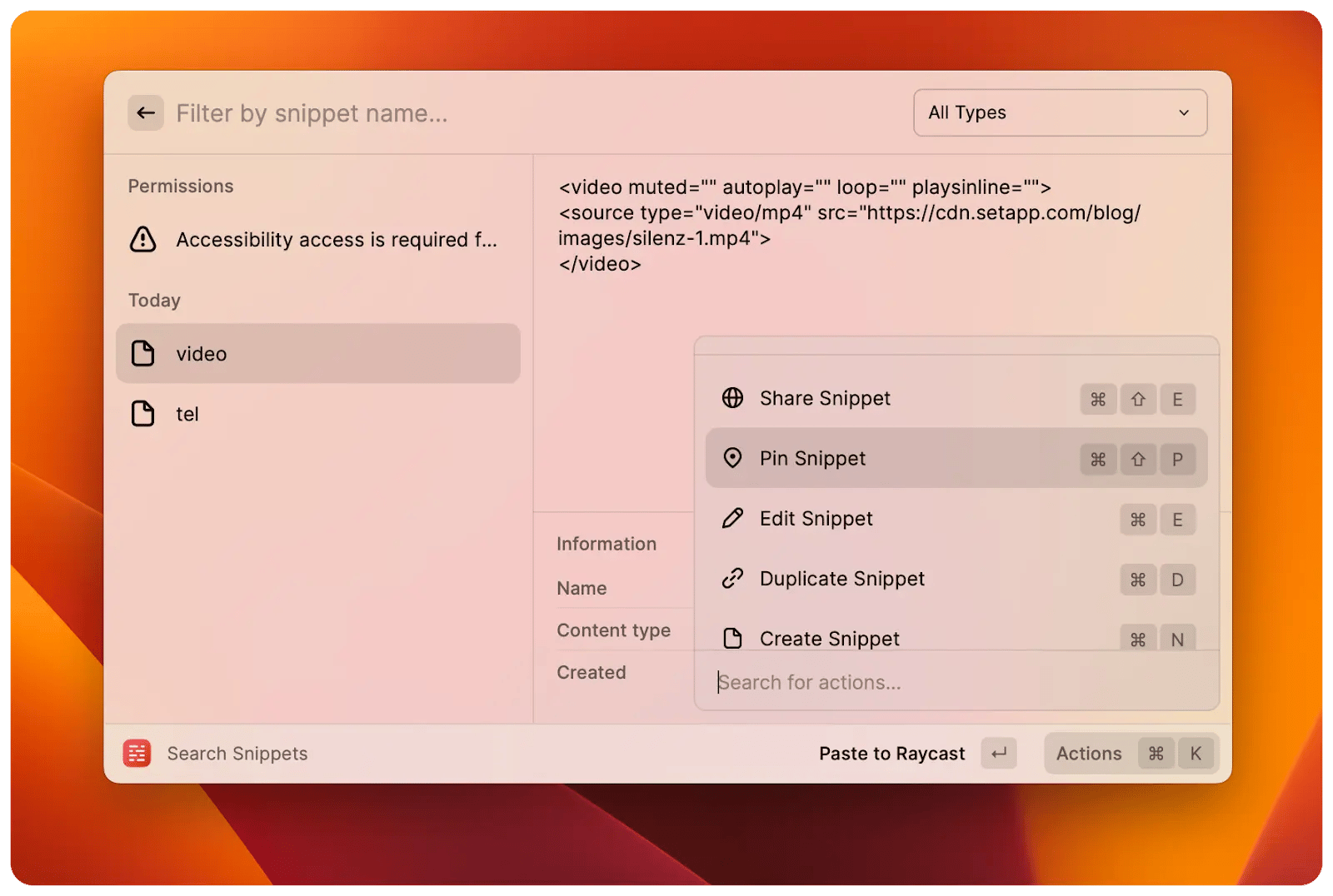
Write faster with Raycast snippets
Raycast lets you write faster by saving snippets you use all the time, like common email replies, pieces of code, and more. You can use keywords to auto-expand snippets in place.
Create Quicklinks to launch anything faster
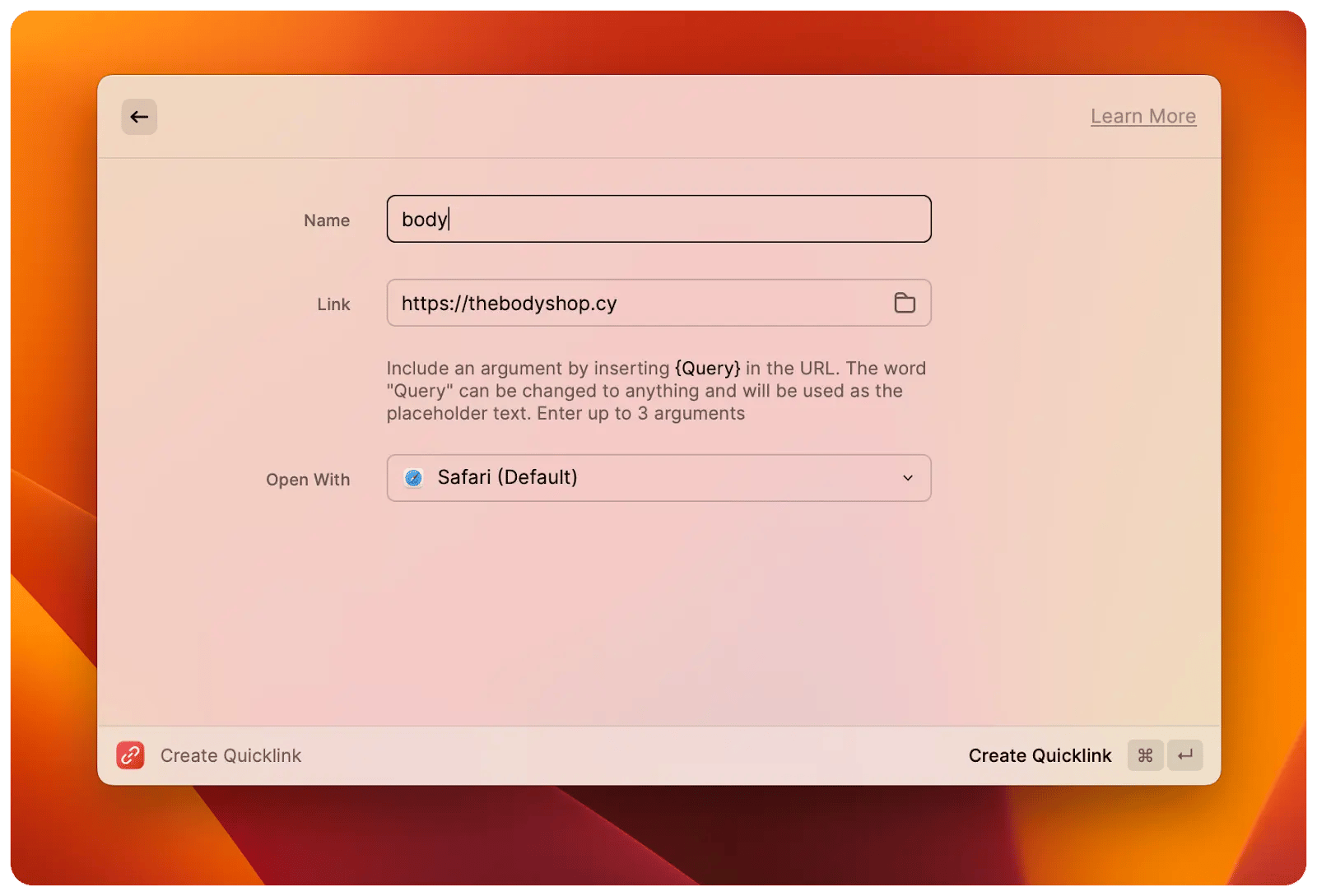
One of the most popular extensions in Raycast is called Quicklinks. Quicklinks are necessary for quick access to files and pages. You specify a name by which you will find it, specify a web link or select a file, and then specify which app to open it with. All Quicklinks are accessible from within the root search.
Rest of Raycast extensions
I can’t possibly cover all the features of Raycast in one blog post. However, I hope to have shown you a new tool to add to your arsenal if you like it. Keep in mind that there are many more extensions to be discovered and used in the Raycast extension store. The most popular ones are Google Translate, Spotify Player, Notion, and others.
Best Raycast alternatives for Mac
These Mac apps can replace specific Raycast features or offer a simpler way to handle common tasks.
Lacona: Natural-language launcher
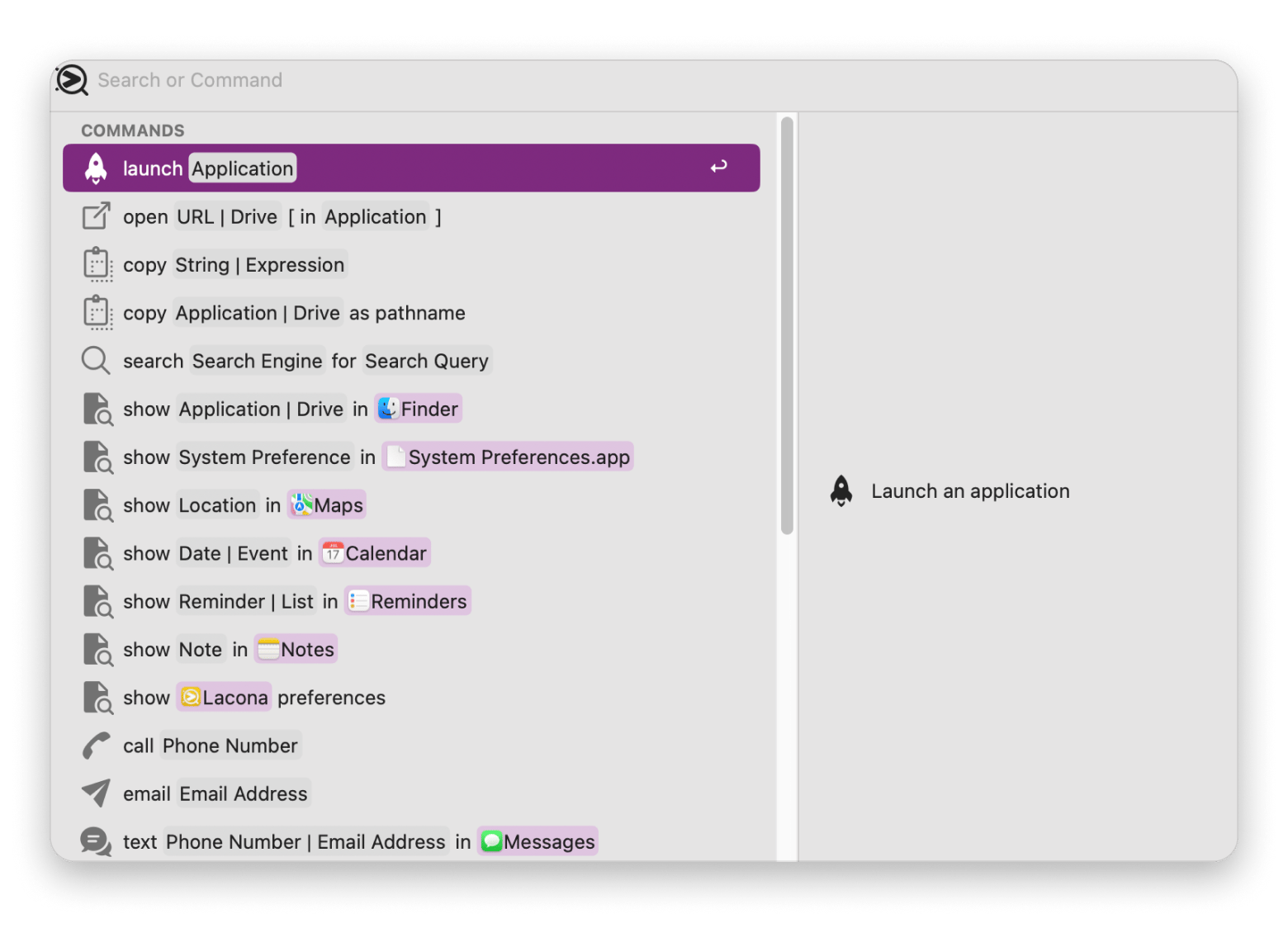
Lacona from Setapp lets you use plain English to search for and launch apps, open URLs, adjust settings, and command apps such as Maps, Music, and Notes. It can also work with supported third-party apps. Choose it if you prefer describing the action over remembering a command or keyboard shortcut.
Paletro: Command palette in any app
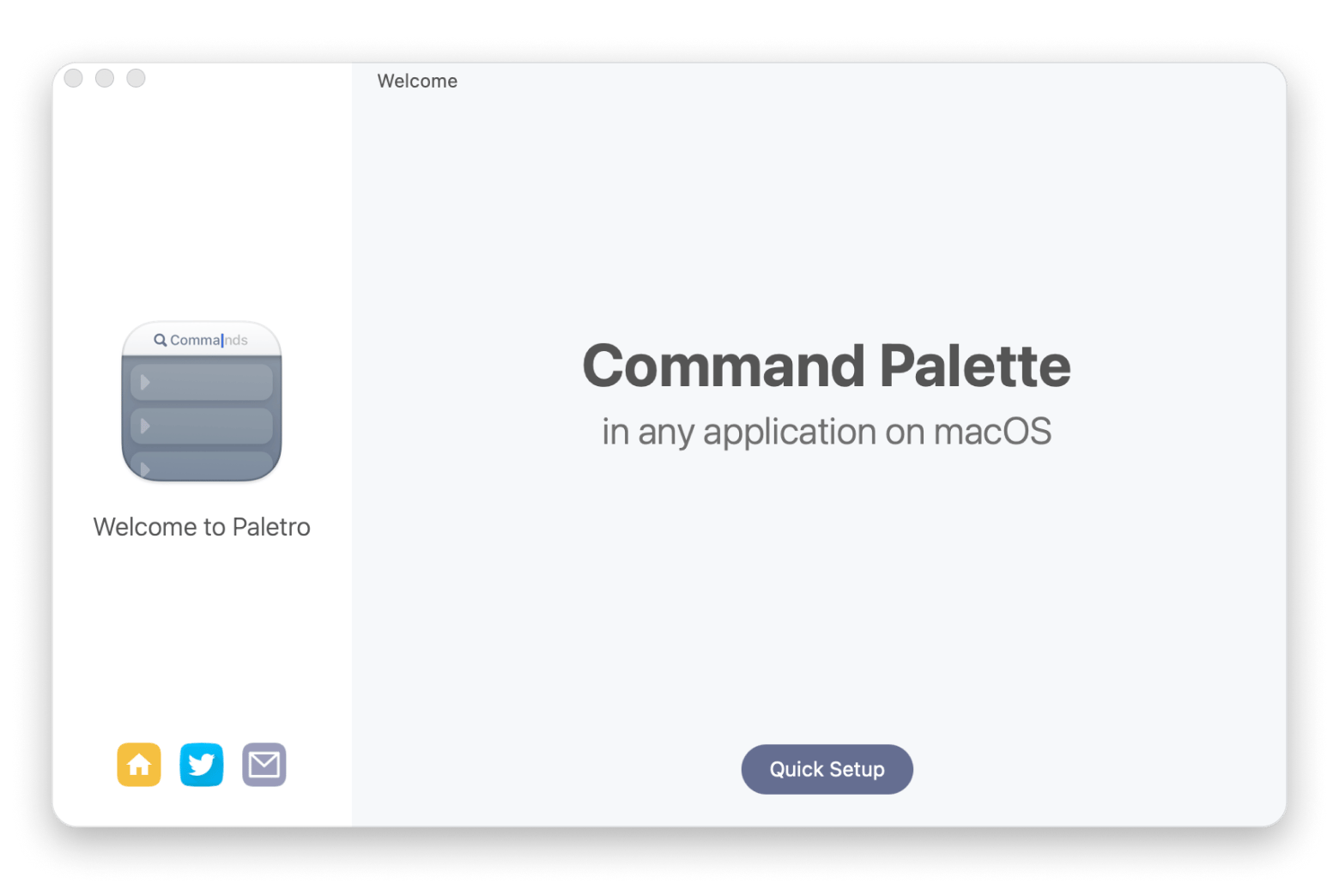
Paletro from Setapp brings searchable menu commands into the app you’re already using. Call it up with its default Command-Shift-P shortcut or choose a different one, then search for the action by name. It can help when you know what you want to do but don’t remember where the command lives.
Almighty: Quick toggles and actions
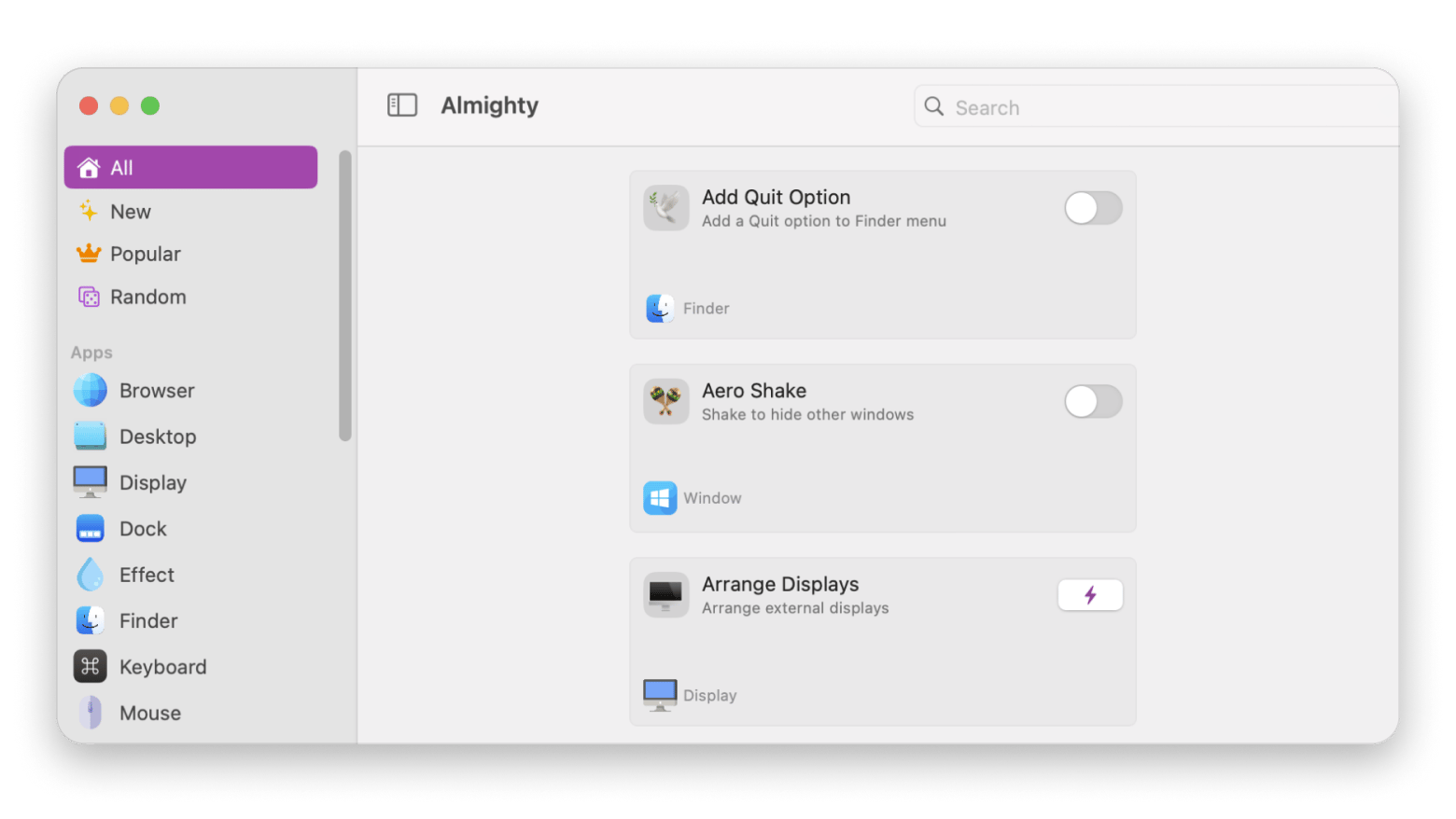
Almighty from Setapp collects more than 50 Mac shortcuts and system tweaks in one place. Use them to change settings or launch small actions without opening the relevant app or System Settings. It’s a focused pick if quick system controls are what you want from Raycast.
Keysmith: Macro automation
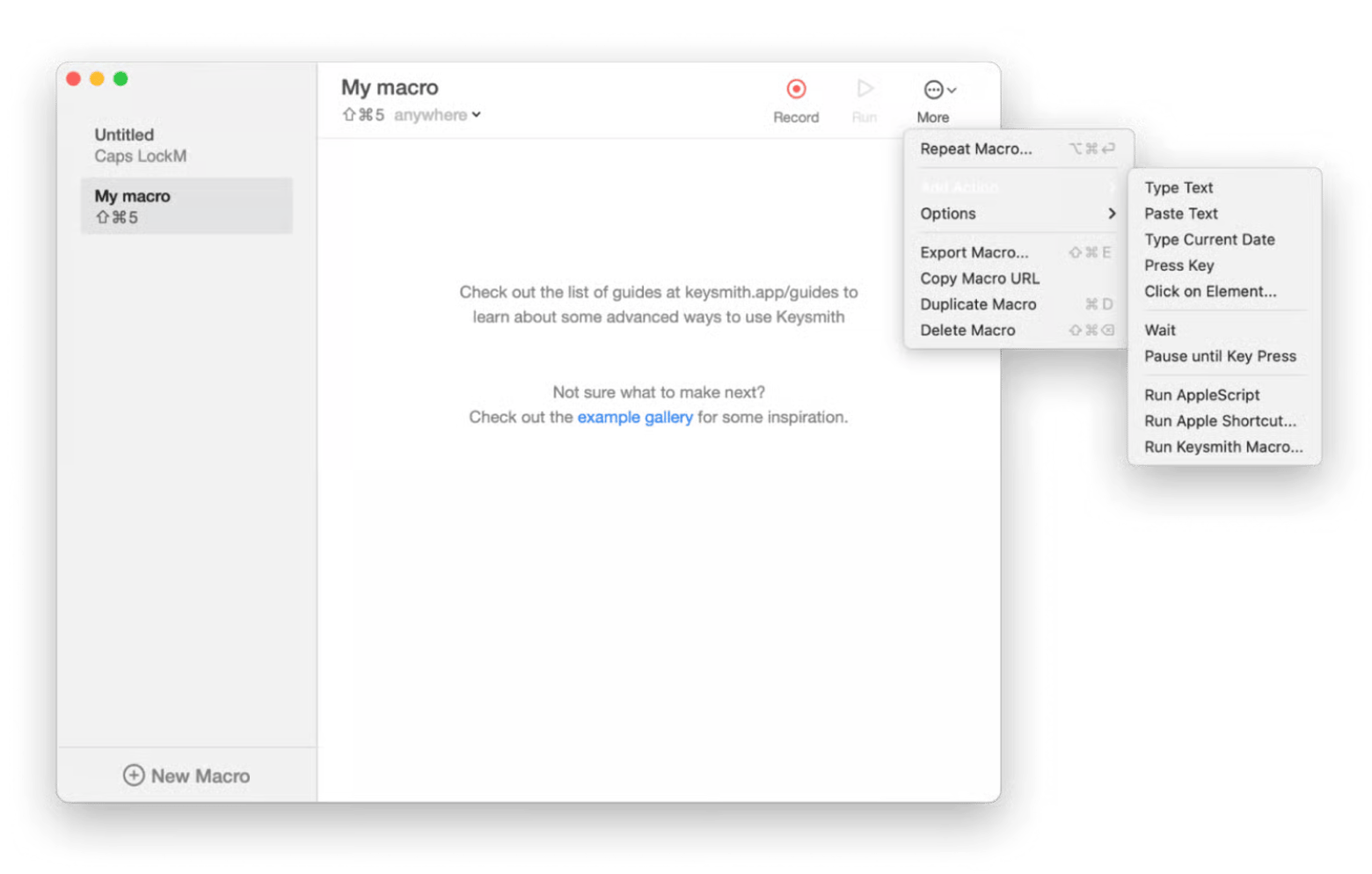
Keysmith from Setapp records clicks, keystrokes, and browsing steps in a workflow, then lets you replay them with a shortcut. Use it for repetitive actions in Mac apps and supported browser tasks. It fits when you want to automate a sequence without writing a custom script.
Paste: Clipboard history
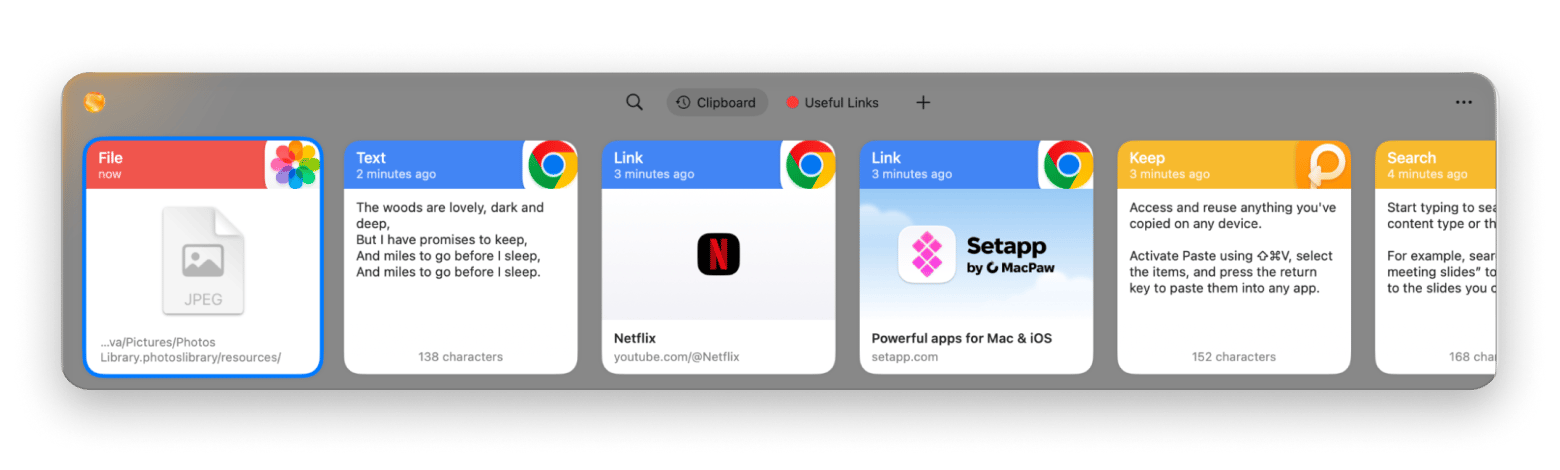
Paste from Setapp keeps a searchable history of the text, links, images, and files you copy. Open its paste tray with Shift-Command-V, find an older clip, and paste it again. It’s a direct fit if you mainly want Raycast’s clipboard history, with access to saved items across supported devices.
Rocket Typist: Text snippets
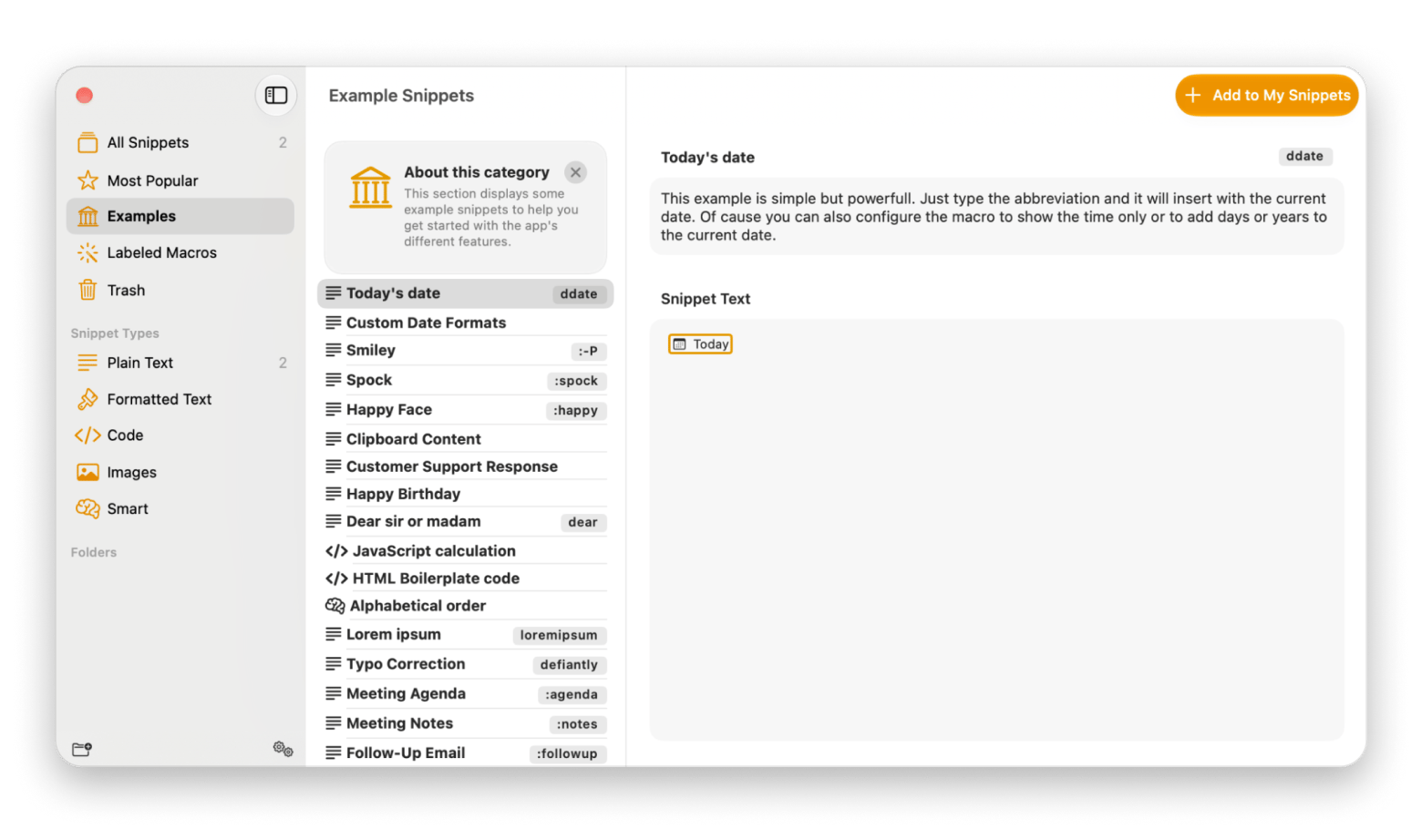
Rocket Typist from Setapp saves phrases as text snippets, then inserts them from a menu or expands them when you type an abbreviation. Use it for repeat emails, greetings, contact details, or other text you enter often. It keeps reusable wording close without making you open a separate document.
Soulver: Calculator in notes
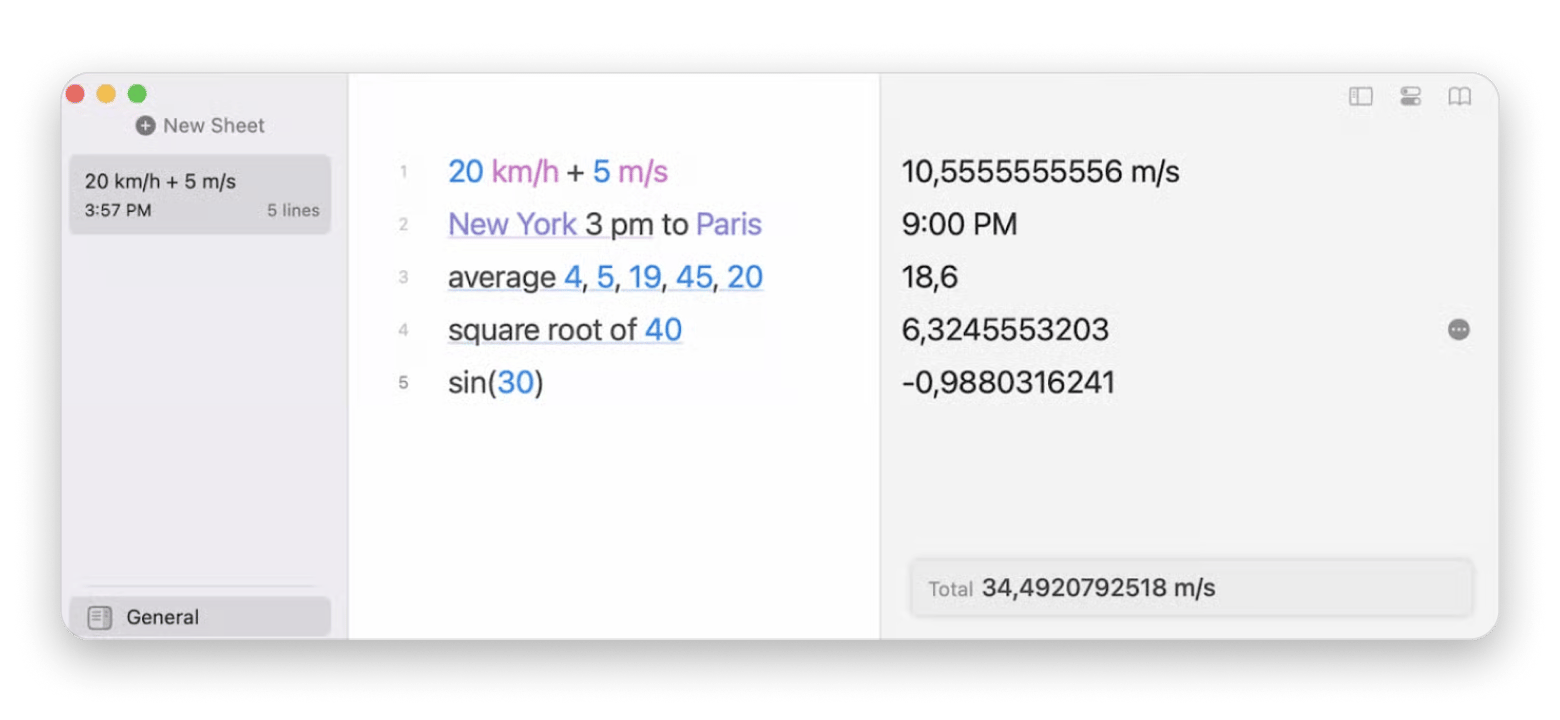
Soulver from Setapp combines a text note with live calculations, so you can write a sum in everyday language and see the answer alongside it. It also handles unit and currency conversions. Use it for things like budgets and estimates, or for doing quick math you want to save and revisit. All your calculations are saved so you can use them later.
Is Raycast better than Spotlight?
Some of Raycast’s features are the same as Spotlight's. For example, you can search for files on your Mac and even do quick calculations. Spotlight doesn’t have any other features, though. For example, Raycast tracks everything you copy to your clipboard, so you can quickly scroll back through it and paste something you thought was lost.
If you decide to switch to a different launcher, here's how to turn off Spotlight on Mac, so the two shortcuts don't clash.
How does Raycast compare to Alfred?
Alfred is one of the most well-known Raycast alternatives. Like Raycast, it’s a macOS app that boosts your efficiency with hotkeys, keywords, text expansion, and more.
Raycast looks and feels more modern and comes with a full set of features, all for free. Alfred has many of the same features, but only if you buy the Powerpack, which costs £34 (about $46 at the time of writing). Alfred wins on the ease of creating custom actions, though, which it calls workflows. But again, this is a paid feature.
This Alfred review dives into the tool in detail, so add it to your read list.
Raycast pricing in 2026: Free vs Pro vs Teams
Raycast Free includes core tools, public extensions, five Notes, and iOS access. Pro is $10 monthly or $96 yearly ($8 a month). It adds AI credits, cloud sync, unlimited Notes and clipboard history, and dictation. Teams Free has limited shared commands, snippets, and Quicklinks. Teams Pro is $12 per user monthly or $144 yearly. Enterprise pricing is custom.
Is Raycast worth it? Pros and cons after testing it
Raycast fits people who switch apps often or repeat keyboard tasks.
What I like about Raycast:
Free core tools and many extensions
Fast app, file, and command search
Clipboard, snippets, and Quicklinks in one place
What I don’t like about it:
Many features to learn
Custom setup takes time
Pro is less useful if you don’t need AI or sync
Verdict: Raycast is worth it if you switch apps often, since the free version covers most of what you’ll use. Skip Pro unless you want AI or cloud sync, and if the toolkit feels like too much, a single-purpose app may suit you better.
So what’s better than Raycast?
Raycast is a strong pick if you switch apps often and want clipboard history, snippets, and extensions in one launcher. Its free tier covers most of that, and Pro only makes sense if you want AI or cloud sync.
If you’d rather not learn a big toolkit, a focused app can do the job faster. Try Lacona for plain-English commands, Paste for clipboard history, Rocket Typist for snippets, or Soulver for calculations. Paletro, Almighty, and Keysmith cover menu commands, system toggles, and macros. All of them are available on Setapp, a subscription platform offering 300+ macOS, iOS, and web apps for a flat monthly fee. Try it free for 7 days.
FAQ
What is Raycast used for on a Mac?
Raycast launches apps, searches files, calculates sums, and opens extensions.
Is Raycast free, and what does Pro add?
Yes, it’s free. Pro adds AI, cloud sync, unlimited Notes, and unlimited clipboard history.
Is Raycast better than Spotlight in macOS 27?
Raycast offers more tools; Spotlight is simpler for basic searches.
What is the best Raycast alternative on Mac?
Try Lacona from Setapp for natural-language commands or a focused app for one task.
Does Raycast work on Windows or iPhone?
Yes. Raycast is available on Mac, Windows, and iOS, though features vary by platform.
AI tools for Mac, iPhone, and iPad
Generate and improve text, create summaries, and tackle your tasks faster.






 Best solution
 Best solution