Setapp vs Microsoft 365 for Mac comes down to shared files: Microsoft 365 gives you Word, Excel, Outlook, and 1 TB of OneDrive for sharing Office files. Setapp gives you 270+ Mac apps for your own work.
Setapp doesn’t replace Excel or OneDrive:Euclid and TablePlus cover specific jobs, but there’s no full Excel replacement and no bundled cloud storage.
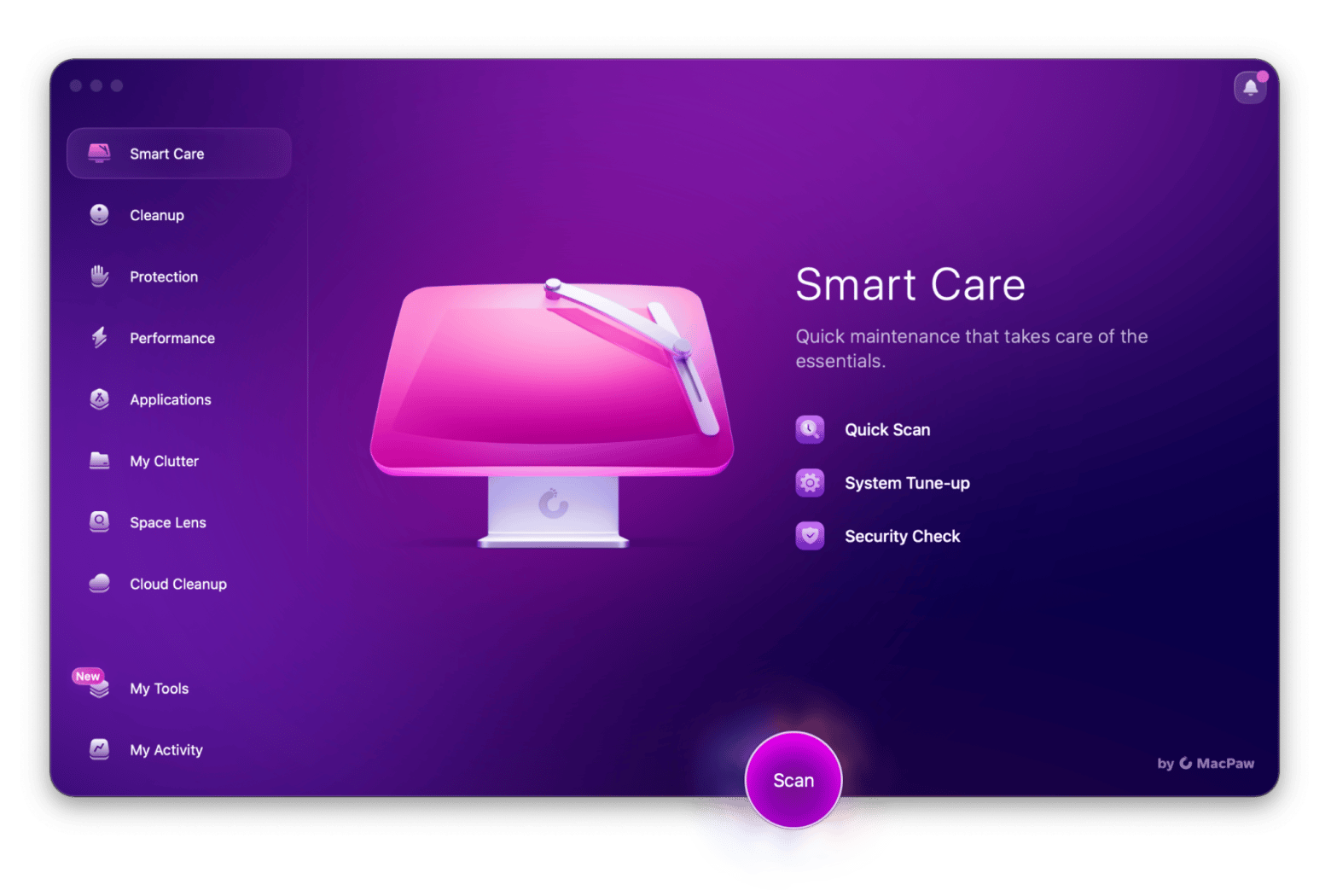
Setapp covers jobs Microsoft 365 doesn’t: Apps like Timing, CleanMyMac, and Nitro PDF Pro handle time tracking, Mac cleanup, and PDF signing.
Microsoft 365 costs less per month: Personal is $9.99 USD/mo, while Setapp’s Mac plan is $14.99 USD/mo + tax. Setapp can cost less once you’d otherwise pay for several separate apps.
You can use both: Keep Microsoft 365 for shared Office files and try Setapp for everything else. The 7-day free trial gives you full access.
Setapp vs Microsoft 365 for Mac comes down to shared files versus Mac tools. Microsoft 365 gives you Word, Excel, Outlook, and 1 TB of OneDrive for sharing Office files. Setapp gives you 300+ Mac apps for writing, planning, time tracking, and Mac maintenance, but no Excel replacement and no bundled cloud storage.
So, you start your workday in a document, and as the day progresses, you move to a spreadsheet. By the end of the day, you're working in PDF software to sign a bunch of papers. And in between all of this, you're tracking time and clearing space on your Mac. So now you wonder: is there one subscription that covers all of your apps, so you don’t have to pay for each one separately?
Neither wins everywhere. Microsoft 365 is built for shared Office files, and Setapp is built for choosing your own Mac apps.
What you actually get with each subscription
Microsoft 365 Personal gives one person Word, Excel, PowerPoint, Outlook, OneNote, and 1 TB of OneDrive for $9.99 USD/mo. Setapp Membership gives a Mac user 300+ apps from $14.99 USD/mo + tax, but no Office apps.
What Microsoft 365 Personal includes
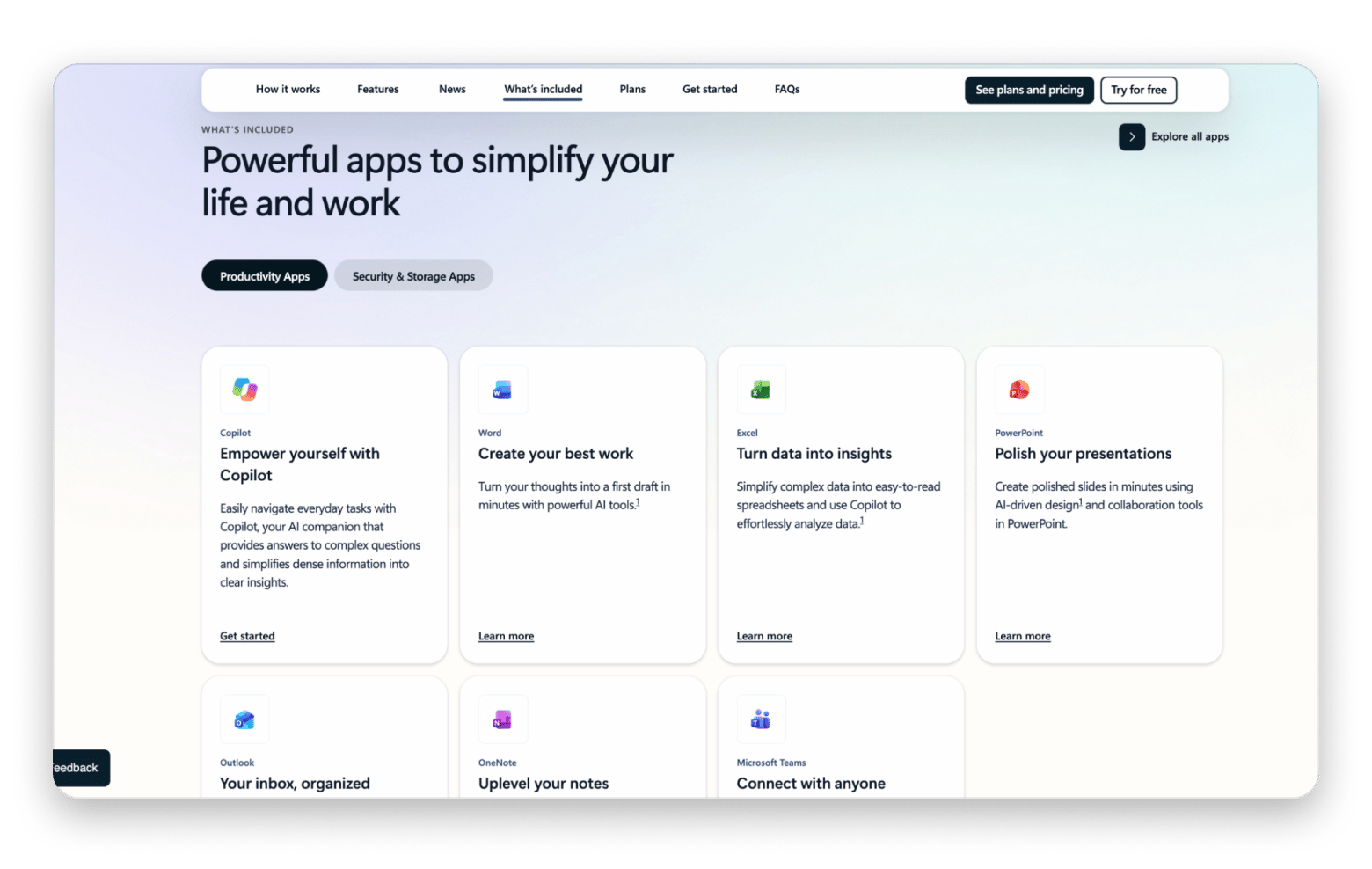
Microsoft 365 Personal, formerly called Office 365, gives you Word, Excel, PowerPoint, Outlook, and OneNote. You also get OneDrive with 1 TB of cloud storage and access to Teams for calls. You can sign in on up to five devices at the same time, including Macs, PCs, tablets, and phones.
You can open a client’s Word draft, update an Excel budget, build a slide deck, and save the files to OneDrive. The apps work together, which matters if the people you work with use them too. Some features vary by device, so the Mac versions may not have every feature found on Windows.
What Setapp includes
Setapp Membership gives you access to a library of 300+ Mac, iOS, and web apps for a flat fee. The basic Mac plan covers one Mac, while the Mac + iOS plan covers one Mac, plus four iOS devices. You just install the apps you want from the catalog without paying anything extra.
What is Setapp Marketplace?
Setapp Marketplace lets you buy individual apps instead of subscribing to the full catalog. It launched in March 2026 and has two types of apps:
Single Apps: Apps included in Setapp Membership that you can also buy on their own.
Beyond Membership apps: Apps that aren’t in Setapp Membership and are only sold separately.
Each standalone app is priced individually. For example, CleanMyMac is included in Setapp Membership and also starts at $9.95 USD/mo as a standalone app. Not every app has a standalone option, so check its Setapp product page. Marketplace works best if you only need one or two apps.
Head-to-head: Core workflow categories
Microsoft 365 covers documents, spreadsheets, email, and storage in one suite. Setapp covers the same jobs with separate Mac apps, but has no Excel replacement and no bundled cloud storage.
Setapp has tools for particular security jobs, but no included 1 TB cloud drive like OneDrive.
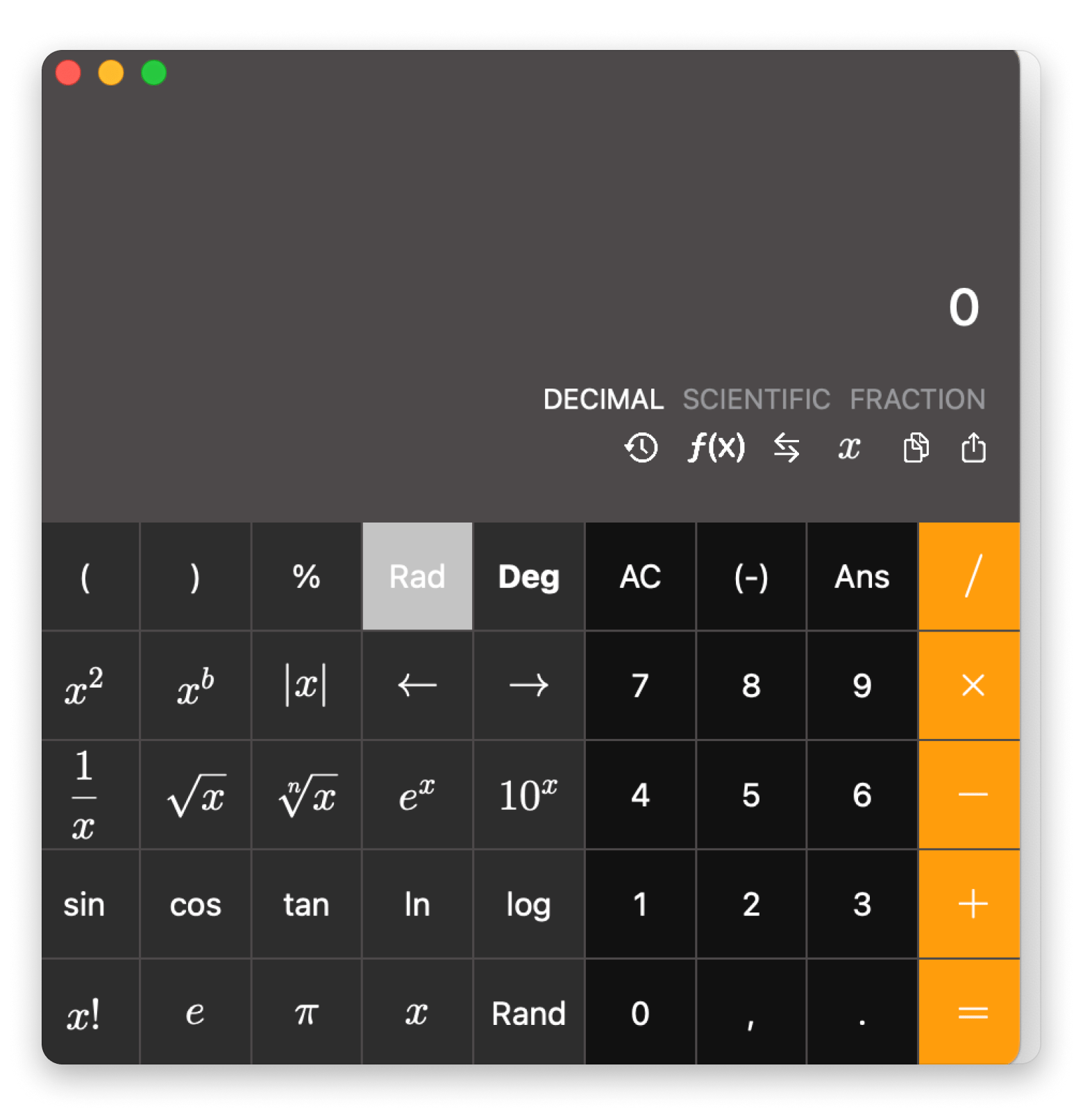
The biggest gap is Excel. Euclid is handy for working through formulas without opening a full workbook. TablePlus helps you work with databases. But neither can replace Excel if you build complex financial models or edit spreadsheets with your team. If that’s part of your work, you’ll still need Excel.
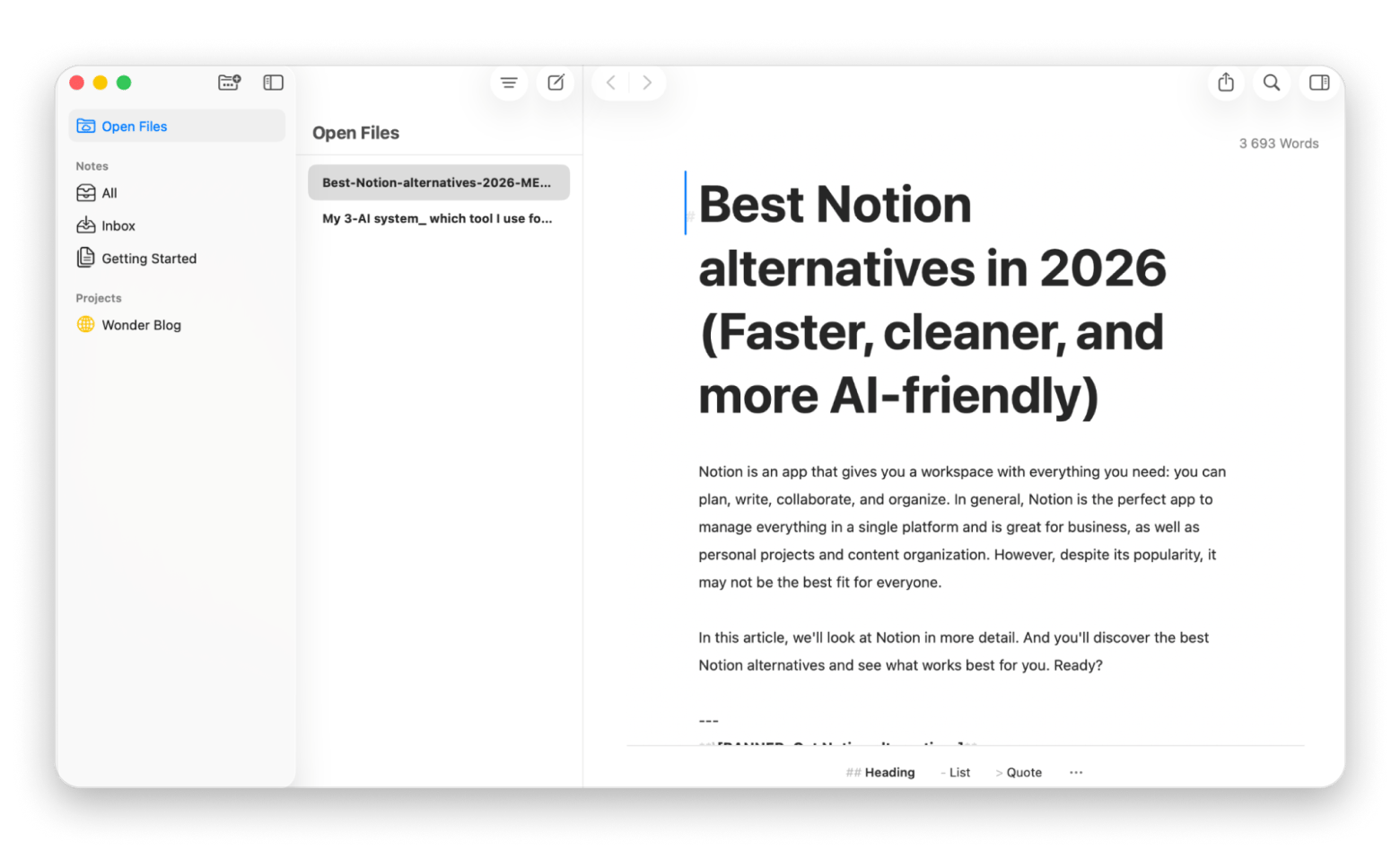
The choice is less obvious for writing. If you write blog posts, you may like Ulysses. If your team shares contracts with detailed formatting, Word is a better fit. Exploring the best Microsoft Word alternatives for Mac can help you choose the best app for your needs.
The same thing applies to email. If you manage your own inbox, a Mac email app may be all you need. If your team uses Outlook and shared calendars, it makes sense to stay with Outlook.
Where Setapp pulls ahead for Mac users
Setapp covers more kinds of work. Microsoft 365 is useful when you're inside a document or spreadsheet. Once you need something like a file converter or a code editor, you may need another tool.
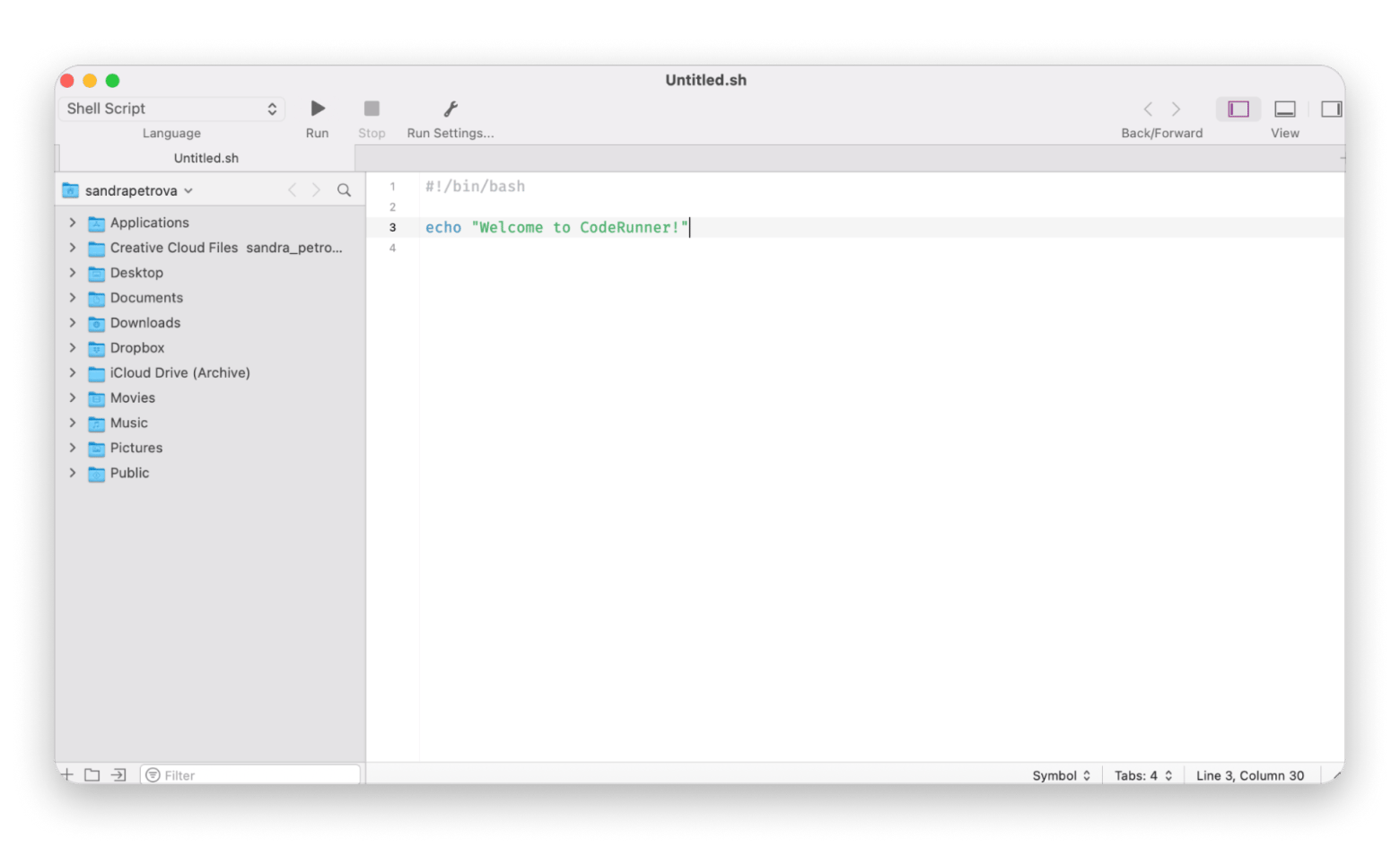
Setapp includes CleanShot X for screenshots, Paste for clipboard history, CodeRunner for code, and Typeface for fonts. It also offers Mac maintenance and VPN tools. So instead of jumping from one app to another, looking for the best software for your workflow, you can just go into Setapp, search for what you need, and find the best app in a matter of seconds.
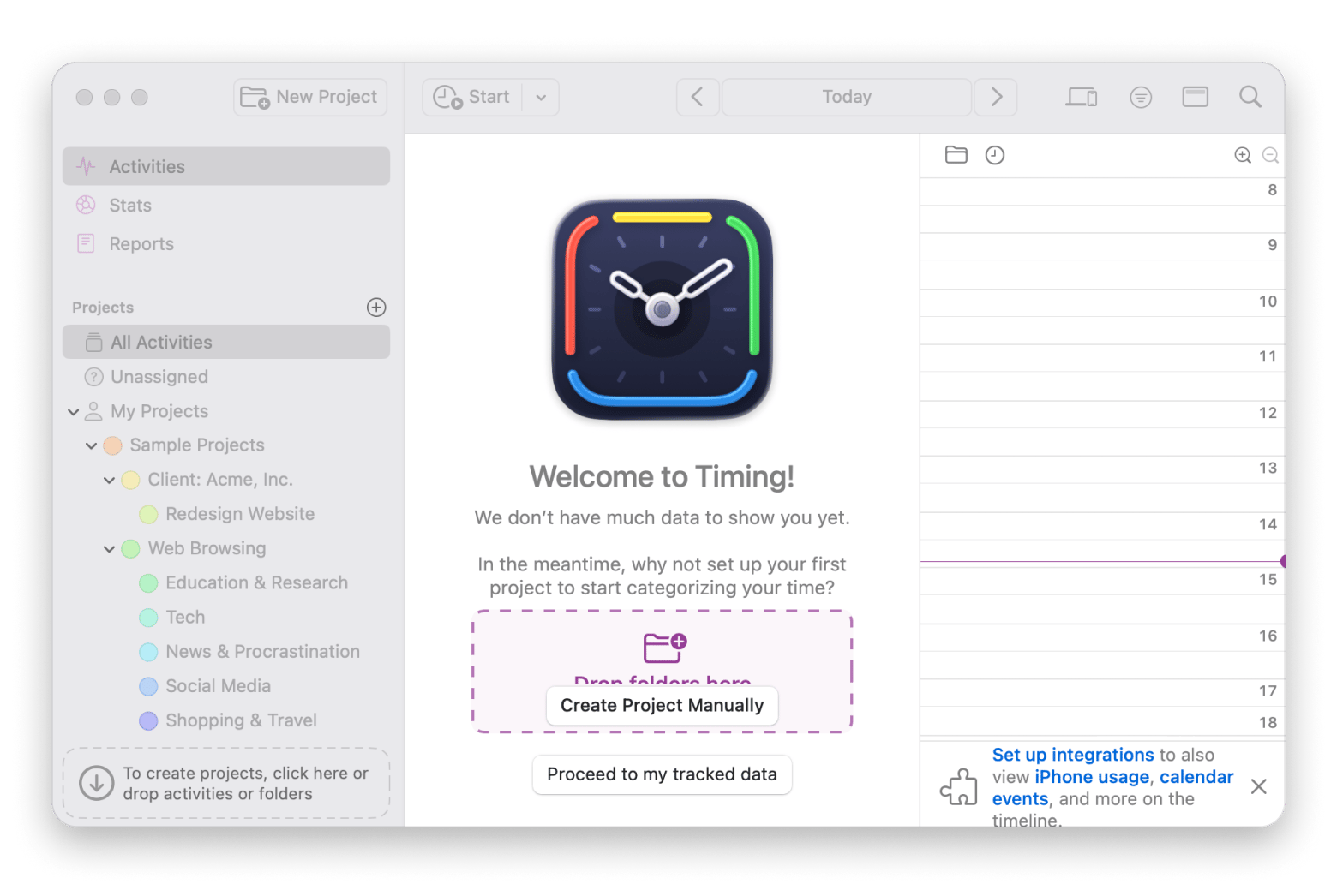
Setapp is also built with Mac users in mind. You’ll find apps designed for macOS and Apple workflows, along with some web apps and services that work across platforms. If you’re a writer, you could draft an article in Ulysses, then use another app in Setapp, like Timing, to track the time you spent on it. Microsoft 365 Personal doesn’t include something similar.
Most importantly, Setapp is very affordable. Let's say you need Ulysses for drafts, Timing to check billable hours, Nitro PDF Pro to sign PDFs, and BusyCal for meetings. All four are available on Setapp. Buying or subscribing to those tools separately could cost more than what you would pay for a monthly Setapp subscription, and you'll get access to hundreds of apps.
Where Microsoft 365 still wins
There are some scenarios where Microsoft 365 is just the better choice.
For example, you might share Office files all day. If clients send .docx, .xlsx, and other files that must keep their layout and features, apps like Word and Excel are the best choice. Exporting from another app may work for a simple draft, but it adds a check before every handoff.
Microsoft 365 also makes sense if your company manages your email in Outlook. A corporate Microsoft account may come with shared calendars or features your IT team expects you to use in Outlook. Spark Mail can suit personal and small-business inboxes, but it's only a partial substitute. Check your company’s rules before changing email apps.
Source: microsoft.com
Your team might also work in OneDrive and SharePoint. Setapp doesn't provide the same shared file system or a bundled terabyte of storage. If everyone edits files from SharePoint and relies on OneDrive sync, Microsoft 365 is part of your workflow, and you should have access to it.
Pricing compared: What does each subscription actually cost?
These are the listed US dollar prices as of October 2026, before any applicable tax. Keep in mind that pricing changes, so you should always verify current rates on each product's website.
Individual plan
Monthly billing
Annual billing
Included apps
Platform coverage
Microsoft 365 Personal
$9.99/month
$99.99/year
Core Office apps, OneDrive, and Teams
One person; up to five devices signed in at once across Mac, PC, phone, and tablet
Setapp Mac
$14.99/month + tax
$107.88/year + tax
300+ apps in the Membership catalog
One Mac; individual app support varies
Setapp Mac + iOS
$18.99/month + tax
$134.88/year + tax
Same Membership catalog, including eligible mobile apps
One Mac and up to four iOS devices
Setapp Power User
$22.99/month + tax
$161.88/year + tax
Same Membership catalog
Up to four Macs and four iOS devices
Microsoft 365 costs less and gives you powerful apps for writing and email. Setapp costs more each month, but covers more of the things you do on a Mac. For example, it includes CleanMyMac, which you would otherwise have to pay for separately. To see if Setapp is worth the price, make a list of the apps you would use and pay for on their own. If you have to spend, let's say, $50 per month for the tools and subscribing to Setapp is only $14.99, then a Setapp subscription is definitely worth it.
For households, Microsoft 365 Family costs $12.99 per month or $129.99 per year. It covers up to six people, each with 1 TB of storage. Setapp's old Family plan is closed to new subscribers. The Power User plan covers up to four Macs and four iOS devices. Microsoft also sells Microsoft 365 Premium at $19.99 USD/mo or $199.99 USD/yr.
Who should choose which? A practical decision guide
The Setapp vs Microsoft 365 for Mac dilemma comes down to this:
When Microsoft 365 makes a great choice
Choose Microsoft 365 if your team uses Word, Excel, PowerPoint, Outlook, and SharePoint every day. It’s useful when you share files with people on both Mac and Windows. Your workplace may even require it or pay for it. You can still use Setapp for tasks that Microsoft 365 doesn’t cover.
When Setapp is the best option
Choose Setapp if you work mostly on your Mac and can pick the apps you use. It can help with writing, email, PDFs, screenshots, and project planning. For example, Spark Mail can manage your inbox, while Craft can help you create documents. If you don’t rely on Office or SharePoint for work, Setapp may cover more of what you do each day.
You may also find that both subscriptions are useful. Use Microsoft 365 to share files with your team and store them in OneDrive, and Setapp for your other Mac tasks.
Setapp vs Microsoft 365 for Mac: Which one should you choose?
Setapp vs Microsoft 365 for Mac comes down to the files you share. Choose Microsoft 365 if you exchange Word and Excel files all day, rely on Outlook, or work in OneDrive and SharePoint. Choose Setapp if you work mostly on your Mac and want apps like Ulysses, Timing, and CleanMyMac for your own work.
You can also use both: Microsoft 365 for shared files, Setapp for everything else. The 7-day free trial gives you full access, so you can test which apps fill your gaps before you pay.
FAQ
Can Setapp fully replace Microsoft 365 on a Mac?
Not fully. Setapp can replace Microsoft 365 for many independent workers: it covers writing, email, planning, PDFs, and Mac utilities. It can't replace Excel's advanced features, OneDrive's bundled storage, or a company's SharePoint workflow.
Does Setapp include a Microsoft Word alternative for Mac?
Yes. Ulysses works well for long-form drafts, and Craft helps with structured documents. Neither is a perfect replacement when you exchange heavily formatted Word files with clients every day.
Can I buy a single Setapp app without Membership?
Yes. Setapp Marketplace, launched in March 2026, lets you buy some apps on their own. Single Apps are also included in Setapp Membership, while Beyond Membership apps are only sold separately. Each app is priced individually, and not every app has a standalone option, so check its Setapp product page.
Is Microsoft 365 worth it if you already use Setapp?
Yes, if you need Excel, reliable Office file exchange, or OneDrive for a shared team. If you only open an occasional simple Word file, check whether your current tools already cover it before adding a second subscription.
How does Setapp pricing compare to Microsoft 365 Personal per month?
Microsoft 365 Personal is $9.99 per month in the US. Setapp Mac is $14.99 per month plus tax; Mac + iOS is $18.99 per month plus tax. Both services cost less per month if you pay for a full year upfront.
What do Mac users use instead of Excel and Outlook in Setapp?
For email, they might use Spark Mail, with BusyCal for calendars. For limited calculations, Euclid may help, but Setapp has no like-for-like Excel replacement for advanced spreadsheets.
Does Setapp include Microsoft Word and Excel?
No. Setapp doesn't include Microsoft Office apps. It offers Word alternatives like Ulysses and Craft and calculation tools like Euclid, but no full Excel replacement. If you need Word or Excel, keep Microsoft 365 and use Setapp for other Mac tasks.
Powerful apps live on Setapp
Ditch defaults and discover new gems on one app platform.






 Best solution
 Best solution