To write and script content:
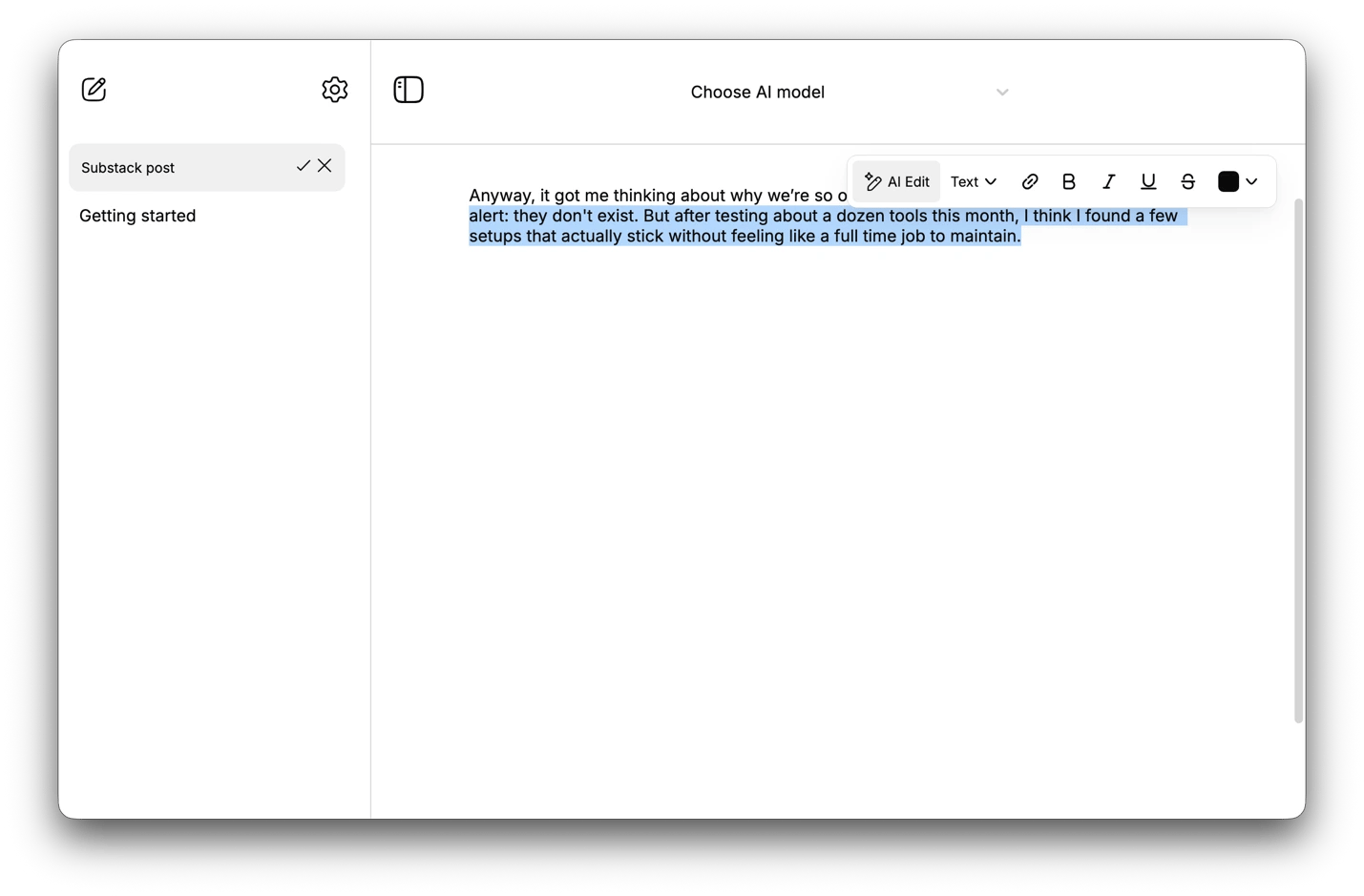
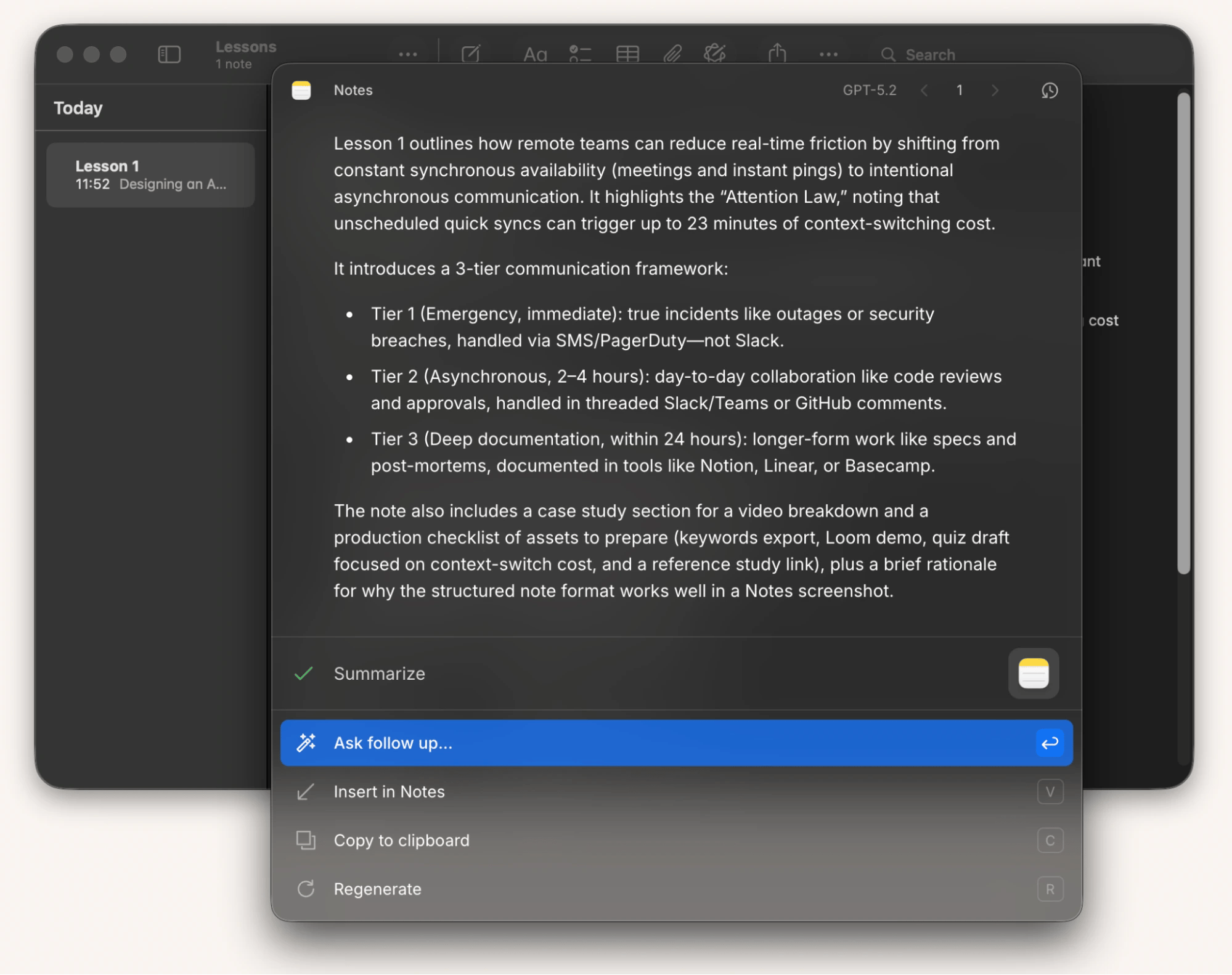
• Kerlig — edit, rewrite, and use AI in any writing app via Option + Space.
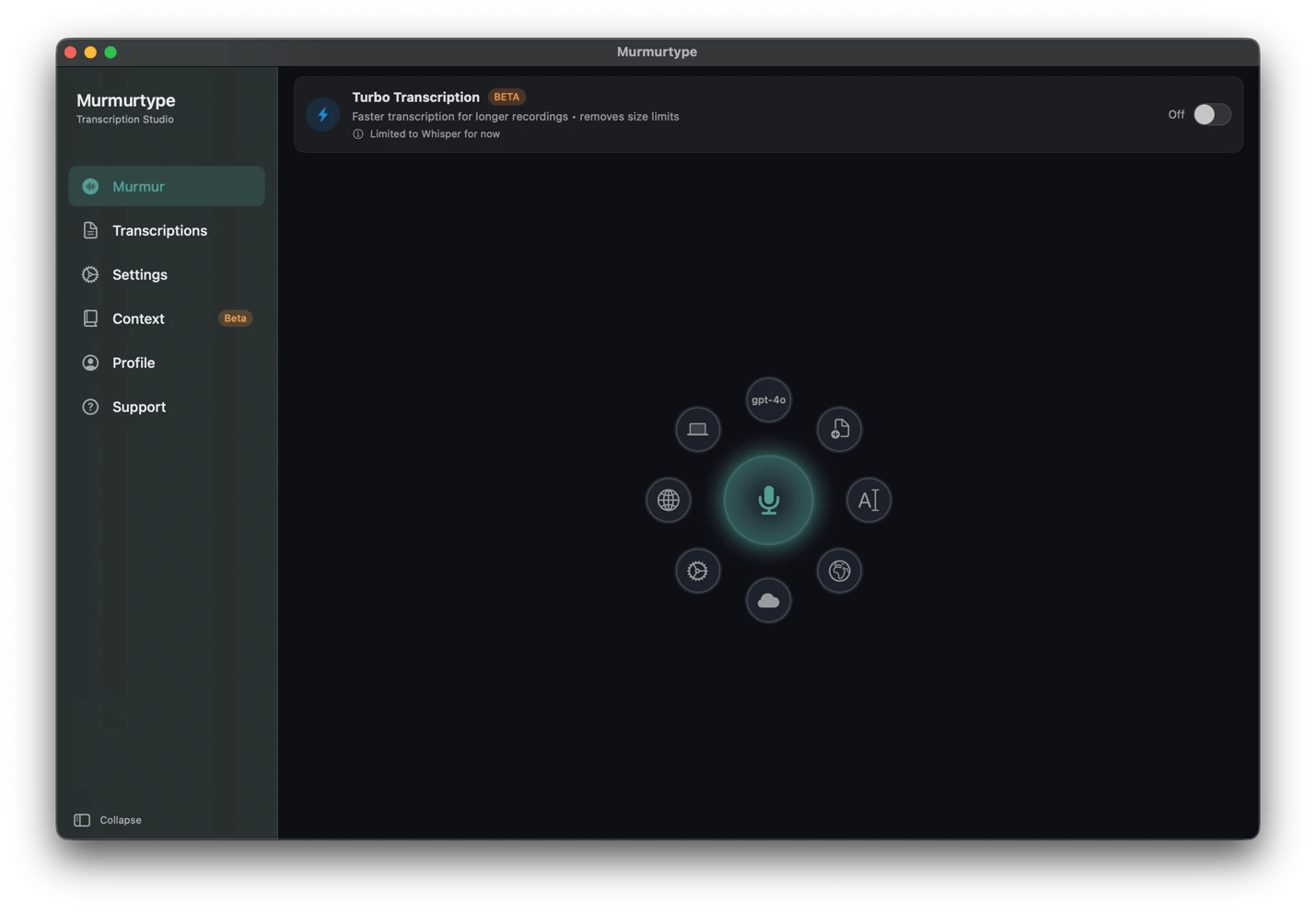
• MurmurType — dictate ideas into editable text before they fade.
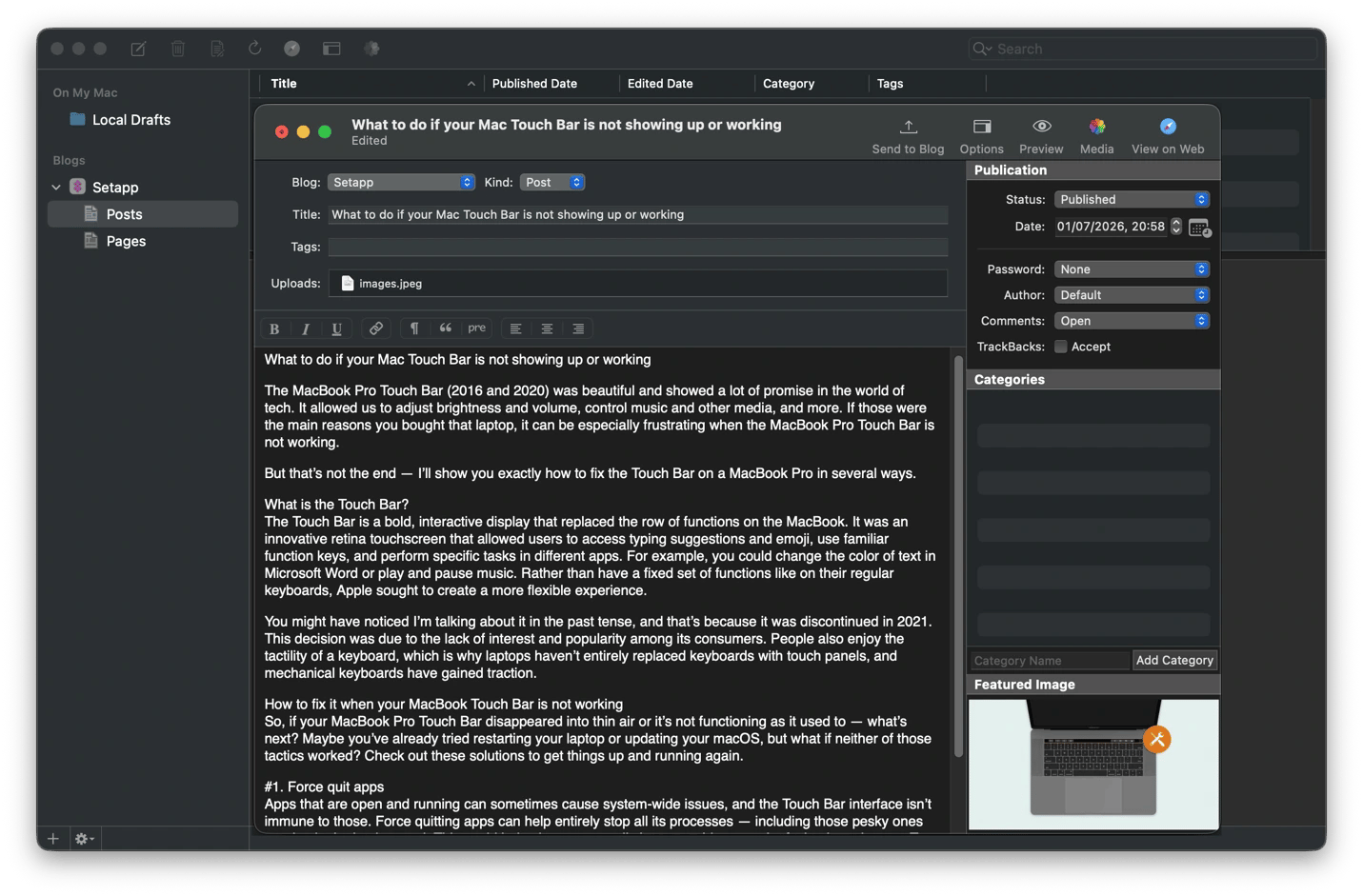
• MarsEdit — draft and publish to WordPress without opening a browser.
To record and produce video:
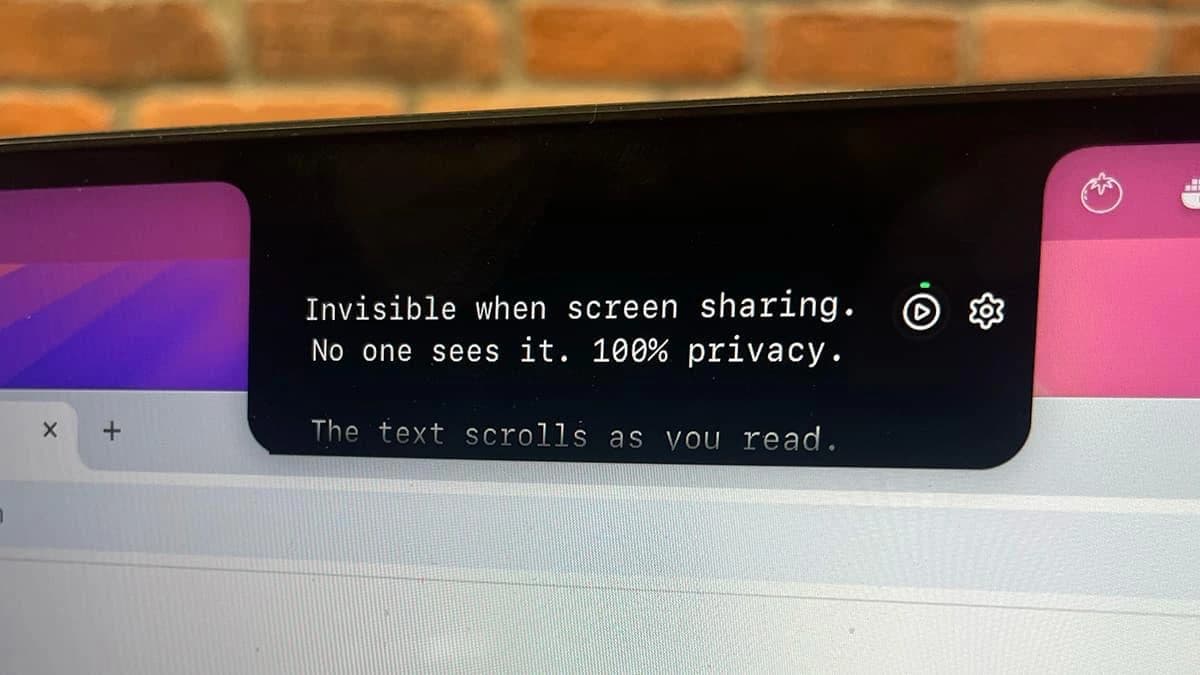
• Notchie — displays your teleprompter script in the notch for natural eye contact while recording.
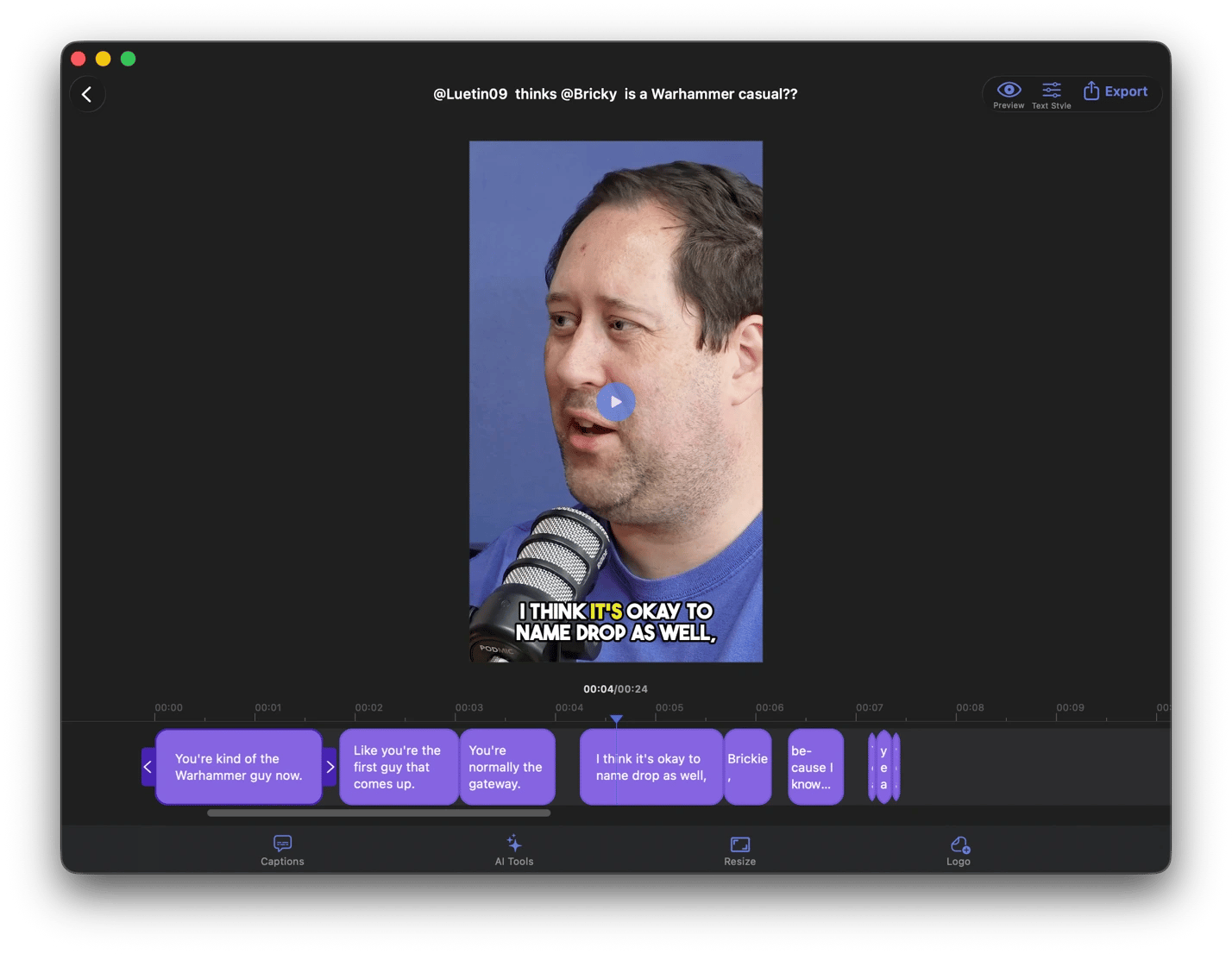
• VidCap — auto-generate and burn captions in 60+ languages into finished videos.
To create and edit visuals:
• AirBrush — generate original thumbnails, illustrations, and social graphics from text prompts.
• TouchRetouch — remove distracting objects and blemishes from photos with one tap.
To repurpose and distribute content:
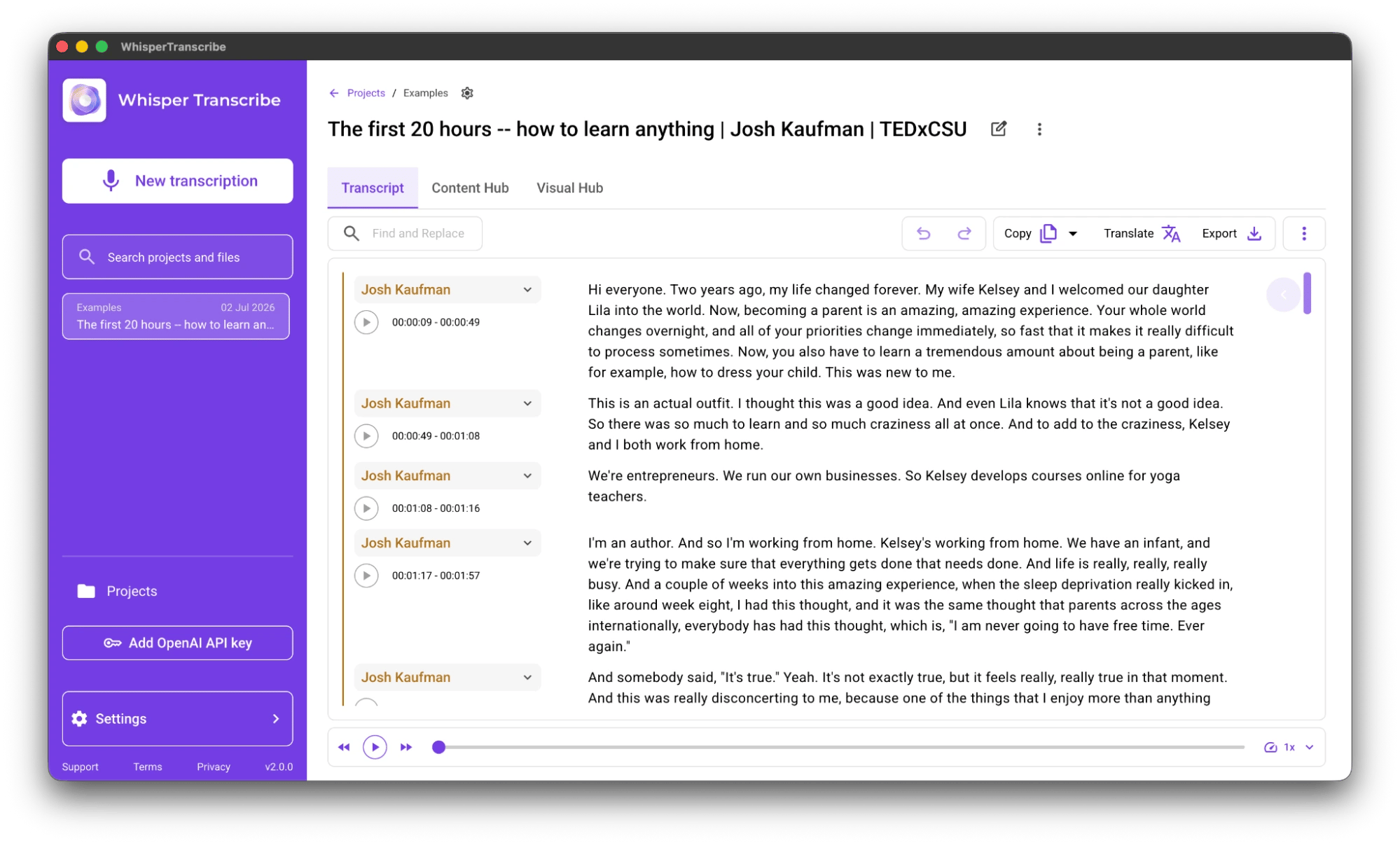
• WhisperTranscribe — turn video recordings into transcripts, blog posts, and key quotes.
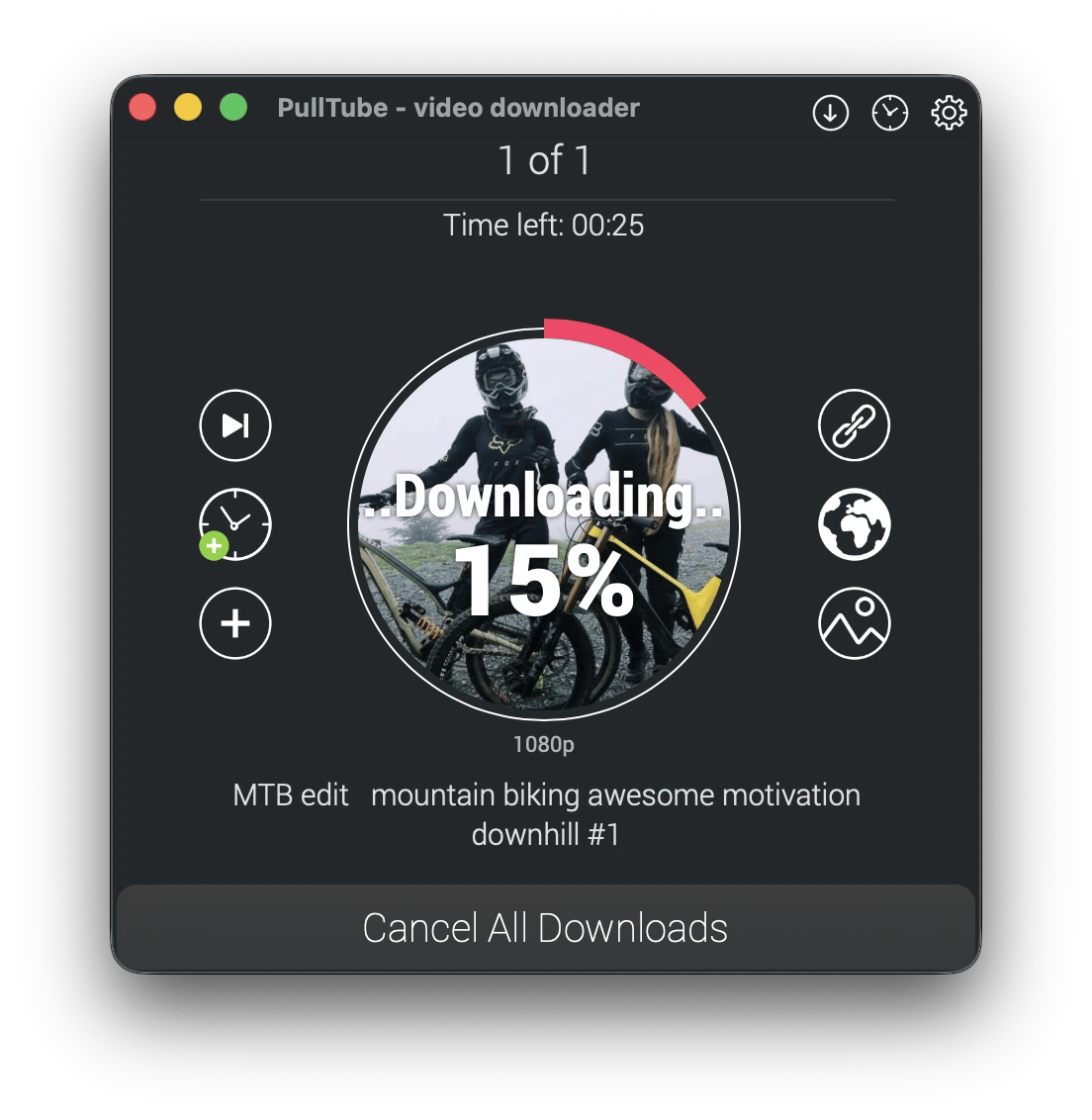
• PullTube — download and trim clips from YouTube and 1,000+ other sites.
• PhotoBulk — resize, watermark, and rename images in bulk.
Depending on the type of content you create, you might need to write scripts, capture footage, edit videos, transcribe interviews, create graphics, and repurpose content for different platforms. Most creators solve these challenges by juggling several licenses, but that usually drives up subscription costs.
Setapp brings together apps for researching, writing, recording, editing, and managing creative work into a single subscription. I’ve used the better part of the catalog, and I’ll break down the best Setapp apps for different types of creators, showing you where each fits in the content creation workflow.
Which workflows can content creators automate with Setapp: Quick overview
Here’s a quick overview of the most popular workflows to automate with Setapp apps.
Block notifications and distractions during presentations.
Setapp apps for video creators
Setapp has the tools you need to create YouTube videos, TikTok videos, Reels, and YT Shorts. They cover both uploads and live streaming.
Record videos while maintaining natural eye contact with Notchie
Notchie ensures you don’t need to break eye contact to read a script on the screen. It displays the script on your Notch, exactly where the camera is. It’s voice-synced to auto-scroll but still allows quick, on-the-fly adjustments via keyboard shortcuts.
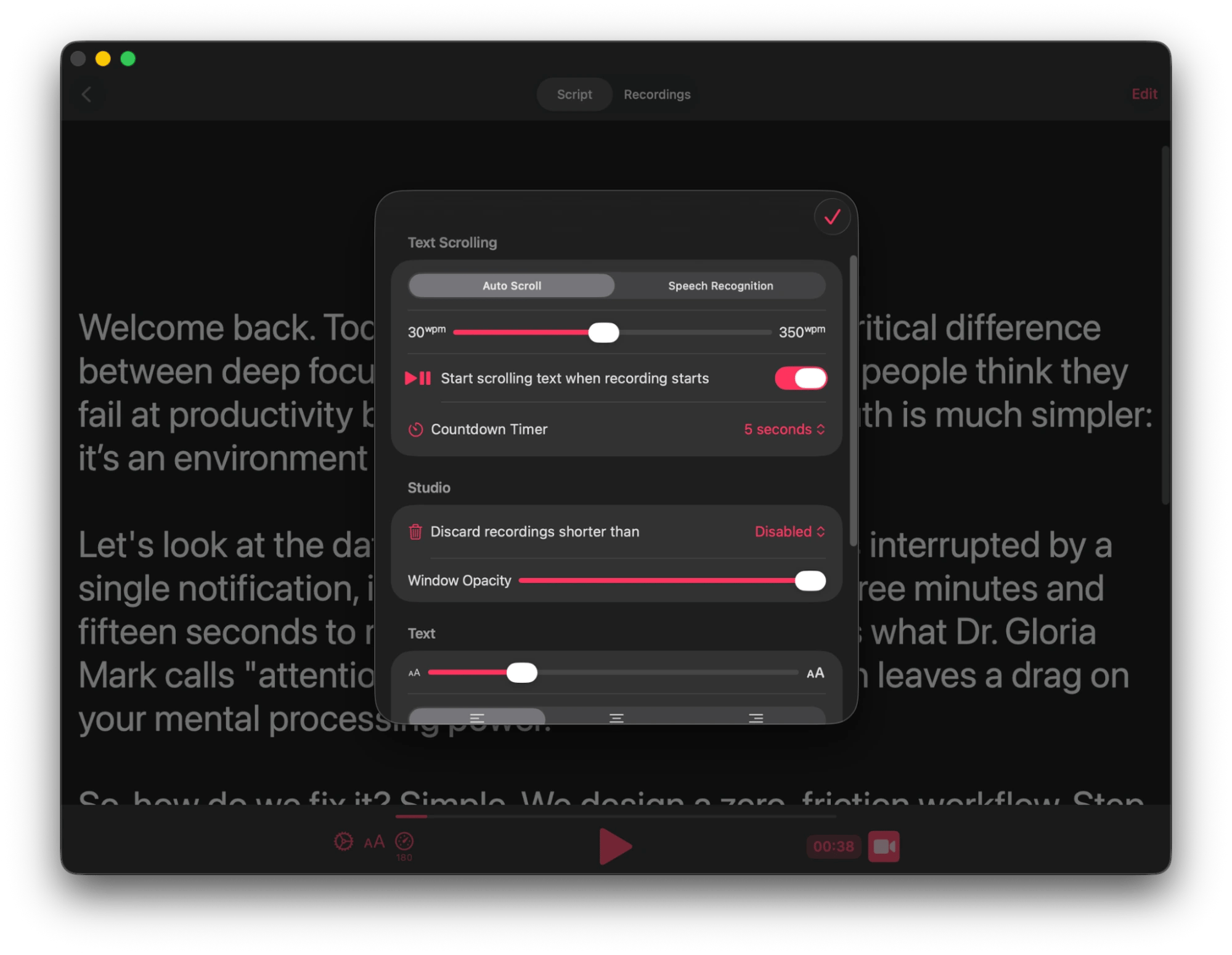
If you still need the bigger screen for your script, the Teleprompter App makes it an overlay (visible only to you) and also auto-scrolls based on your flow. It also lets you set varied speeds for different sections.
Generate subtitles and transcripts from finished videos with VidCap
Once your video is finished, VidCap automatically generates accurate subtitles in 60+ languages. You can edit and export them as SRT to upload directly to YouTube Studio or burn them into the video.
WhisperTranscribe takes this even further when you want to repurpose the video for other platforms. It provides a summary, generates key quotes, and even produces a complete blog or newsletter from the transcript. I really like its speaker recognition, as a labeled transcript makes webinar recordings comprehensible even without the video.
Setapp apps for writers and bloggers
Setapp is heavy on writing apps for bloggers, newsletter writers, journalists, copywriters, ghostwriters, and community contributors.
Dictate ideas before they fade with MurmurType
MurmurType lets you dictate your ideas when they are flowing freely but you don’t have the time to type them. It then turns your voice into editable text you can copy and paste into your favorite editor.
I find it quite useful during research, as I usually have lots of half-formed ideas I can forget when writing.
Edit, rewrite, and use AI without leaving your writing app using Kerlig
You don’t need to jump between your editor and the browser to take advantage of AI. When writing in any app, you can just hit Option + Space (customizable) and bring up Kerlig to help edit, rewrite, proofread, or summarize your text.
My favorite feature is that you can create reusable prompts, like generating 3 headline options or shortening to a specific word count. It lives in your Mac menu bar and lets you access 350+ AI models.
Write sensitive client work with on-device AI with Manzoni
Manzoni lets you write with AI when working on an embargoed piece or sensitive brand content. It’s more like a word processor rather than a Chat AI tool, but you can run AI models on it while writing to help you brainstorm, refine, and structure your content without sending any text to external servers. It doesn’t need an internet connection or even an account.
Draft and publish without opening a browser with MarsEdit
MarsEdit simplifies posting to WordPress as you can write and publish without switching apps. It works with both Rich and Plain text to let you draft content, and I particularly like that you can write in Rich text and have the app convert it to HTML. Even better, you can add your images right on the app, then publish directly to your blog.
It doesn’t require an internet connection before publishing, and you can preview the content to get a clear idea of the end product.
Setapp apps for podcasters and audio content creators
Podcasters and audiobook narrators spend most of their time on the things that happen before and after the recording. Setapp has several apps that can help with planning, transcribing, editing, and producing audio that sounds professional.
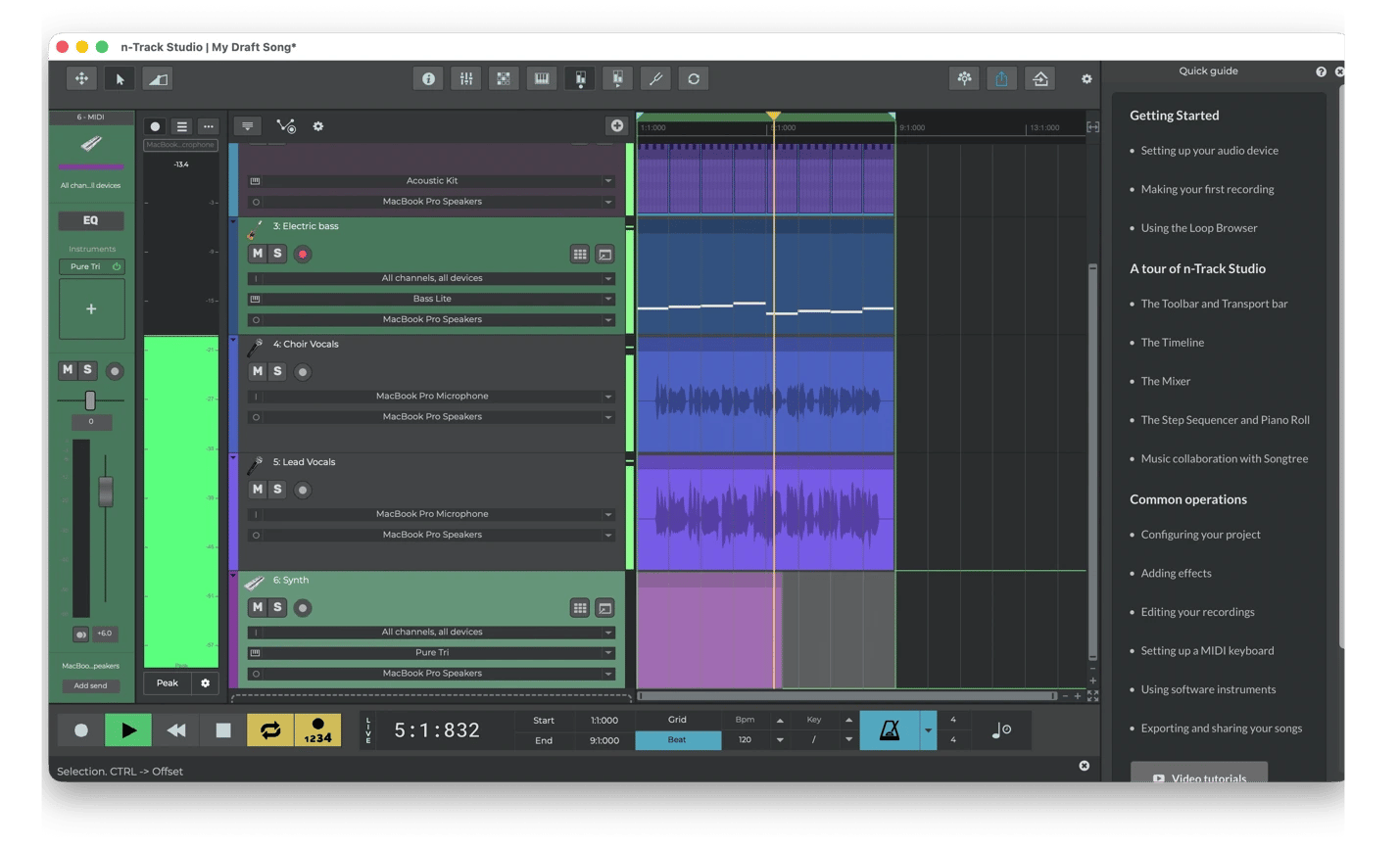
Record and mix original audio with n-Track Studio
You can record vocals, instruments, and samples on separate tracks, then mix them on n-Track Studio to create music or a polished audio piece.
The built-in drum synthesizer and step sequencer make it easy to build beats and backing tracks for original songs, podcast intros, or background music. It even lets you add VST plugins to experiment with effects and virtual instruments in real time during live recording sessions.
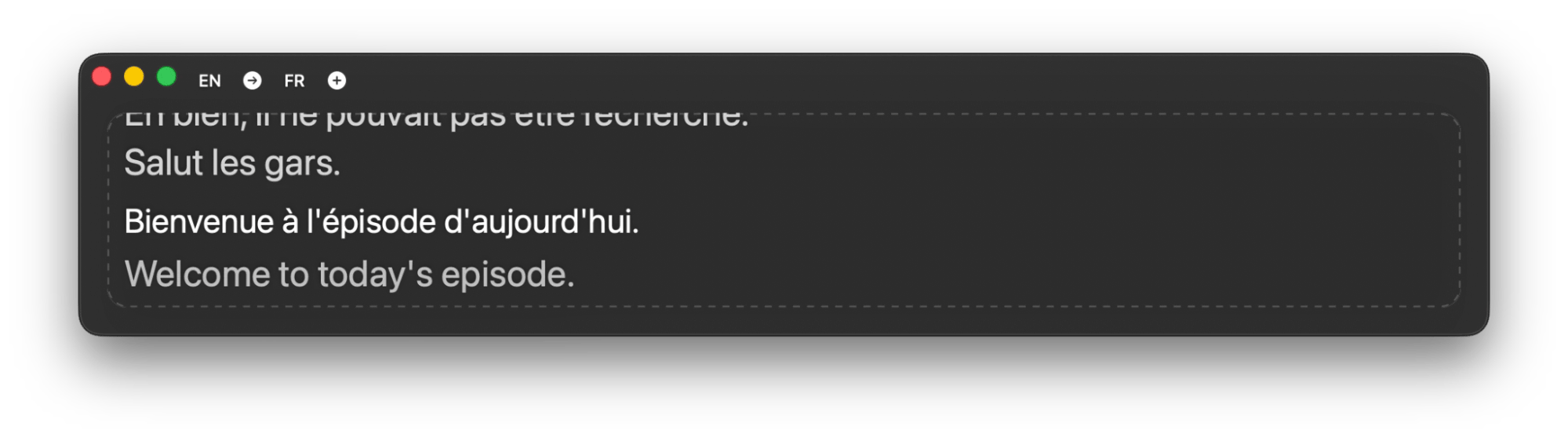
Generate live transcripts during recordings with Transcrybe
Transcrybe comes in handy during guest interviews or co-host calls as it gives you live captions and an editable transcript afterward. This makes it easy to follow along and conduct interviews where the guest often uses a different language. You can caption live with up to 15 translation options, and you can even have multiple languages transcribed at the same time.
I like that it processes everything locally, which makes it usable for confidential interviews or early-release episodes.
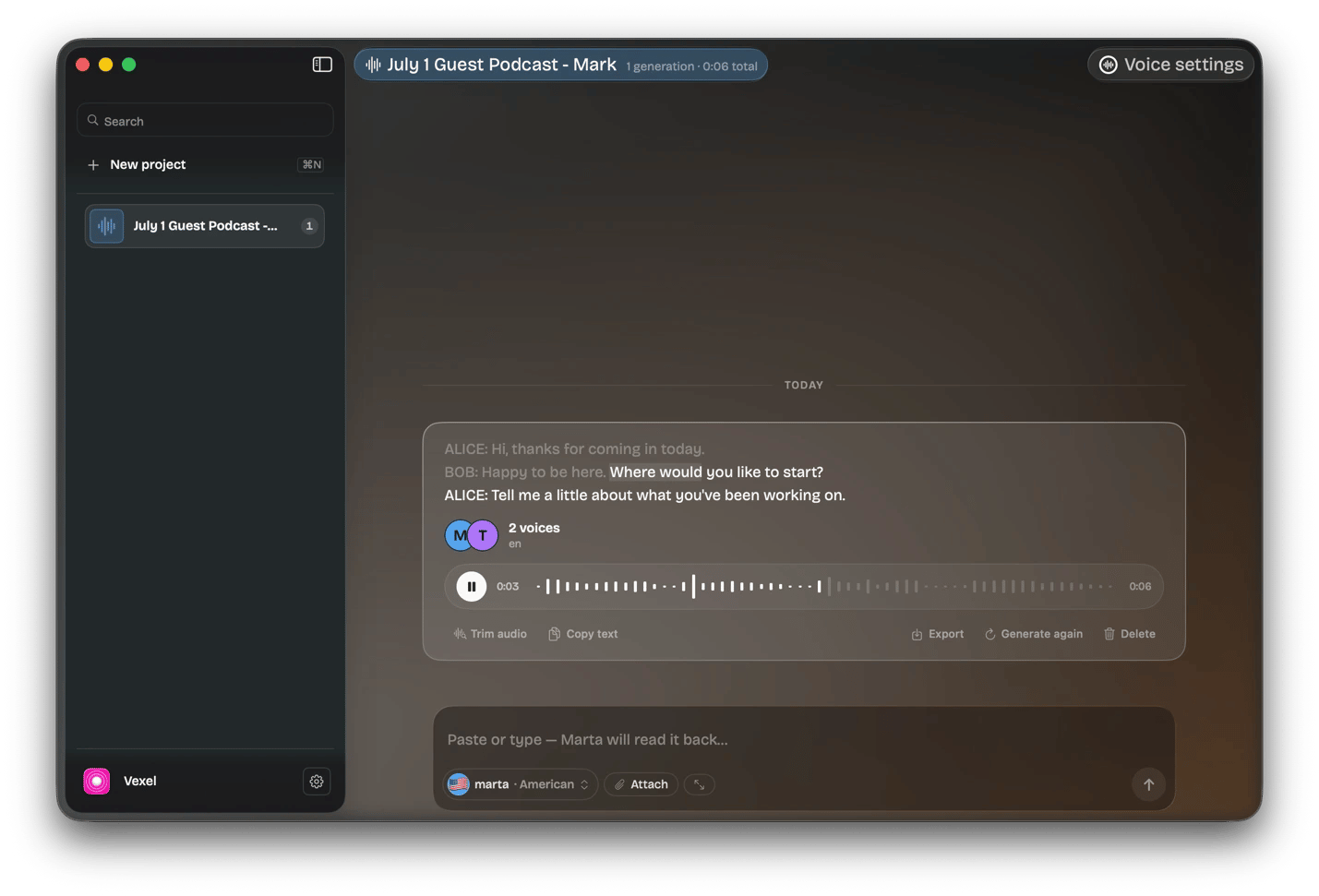
Create AI voiceovers and narration demos with Vexel
You can convert a written script into a podcast or demo using one or more of Vexel’s 22+ professional voices. The beauty of the app is that it recognizes different characters within your script and even lets you assign a voice to each. It then generates the complete audio in one go, which you can export as WAV and hand straight to your editor. I find it to be a practical way to prototype your idea, whether for podcast trailers, sponsor reads, audiobook samples, or demo recordings.
Setapp apps for visual content creators
Photographers, illustrators, graphic designers, and meme creators are always struggling with speed and consistency. Setapp offers several apps that address specific friction points without the need for complex tools or the expensive Adobe suite.
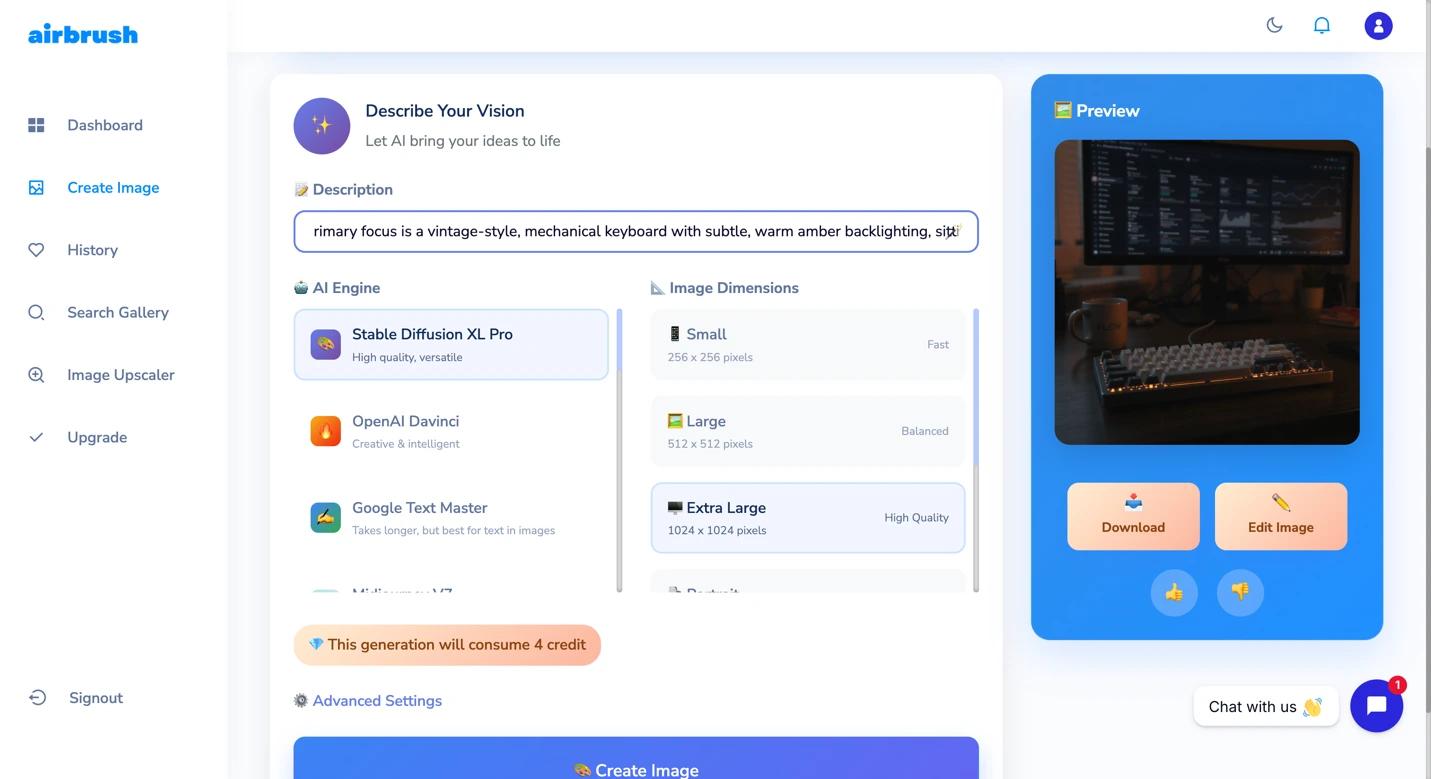
Generate custom visuals without licensing stock with Airbrush
AirBrush lets you create original images to avoid spending a lot of money on stock photos. All you need to do is type prompts and let the tool generate your YouTube thumbnail, blog illustration, promotional graphic, or even short video.
It also offers several AI editing tools, such as image upscaling, quality improvement, and detail sharpening.
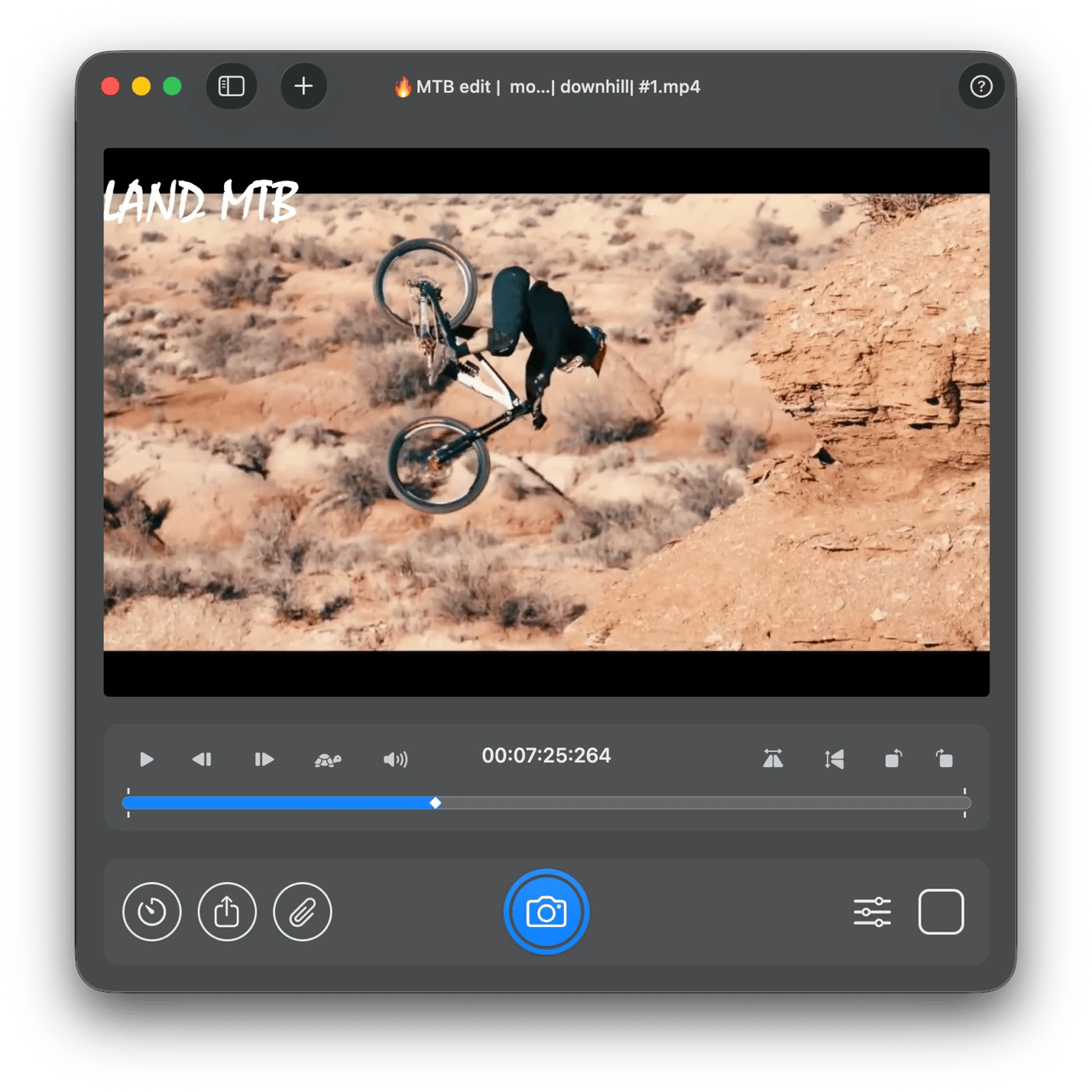
Pull still frames from video footage with SnapMotion
SnapMotion makes it easy to extract high-quality thumbnails and blog images from your videos. Its superpower is its ability to recognize individual frames in a video, which enables it to pull HD images from fast-moving footage. It’s much better than taking 10 screenshots to get one not-so-clear photo for your thumbnail or social media post.
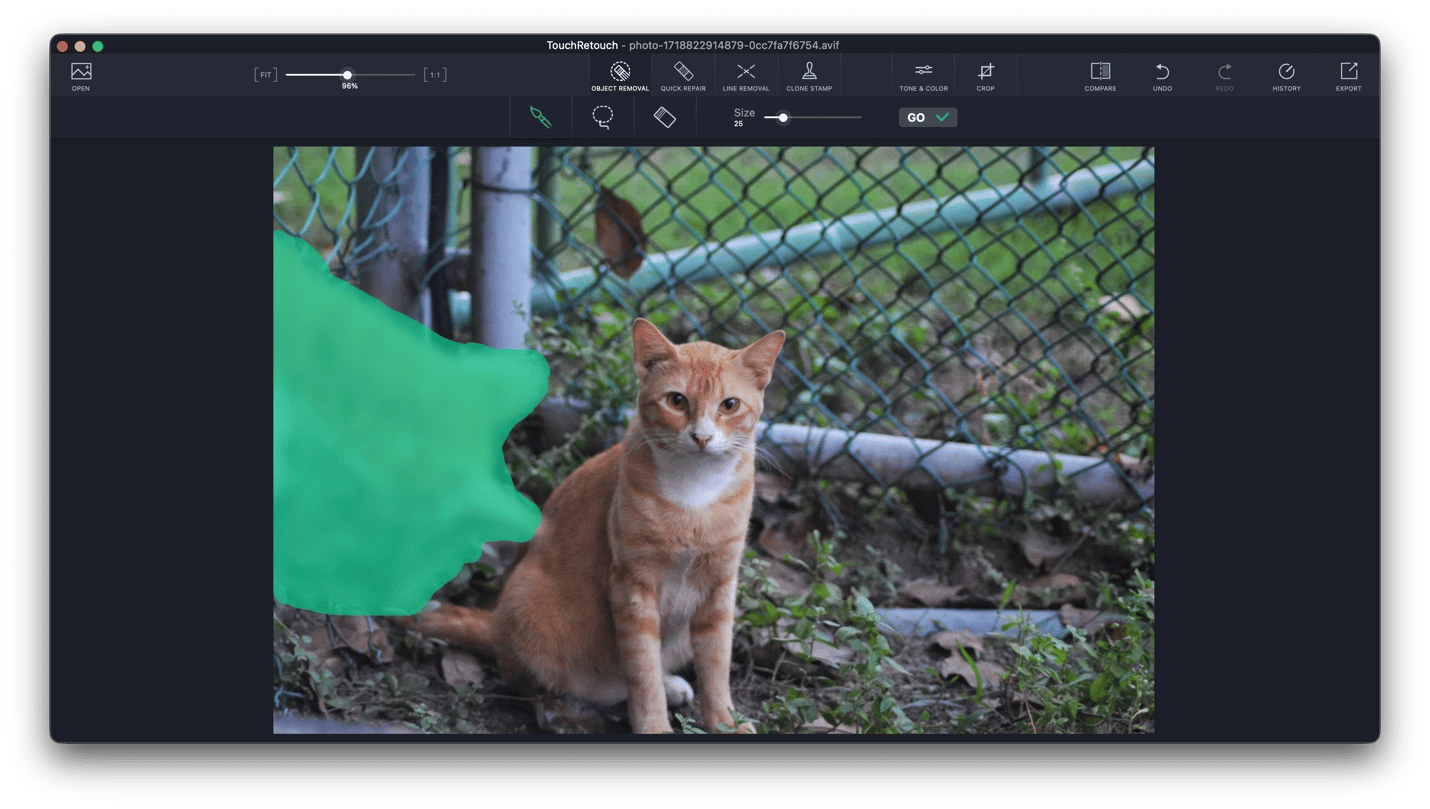
Clean up photos before publishing with TouchRetouch
A great photo can be ruined by power lines, unwanted signage, photobombers, or a skin blemish. TouchRetouch makes it easy to remove all these and clean up your photos to enhance their appearance.
You just need to trace a section of a distracting power line or click on an object you want to remove, and the app will recognize what you are trying to do. It has a Clone Stamp feature that fills in backgrounds seamlessly when you remove an object from a complex or patterned surface.
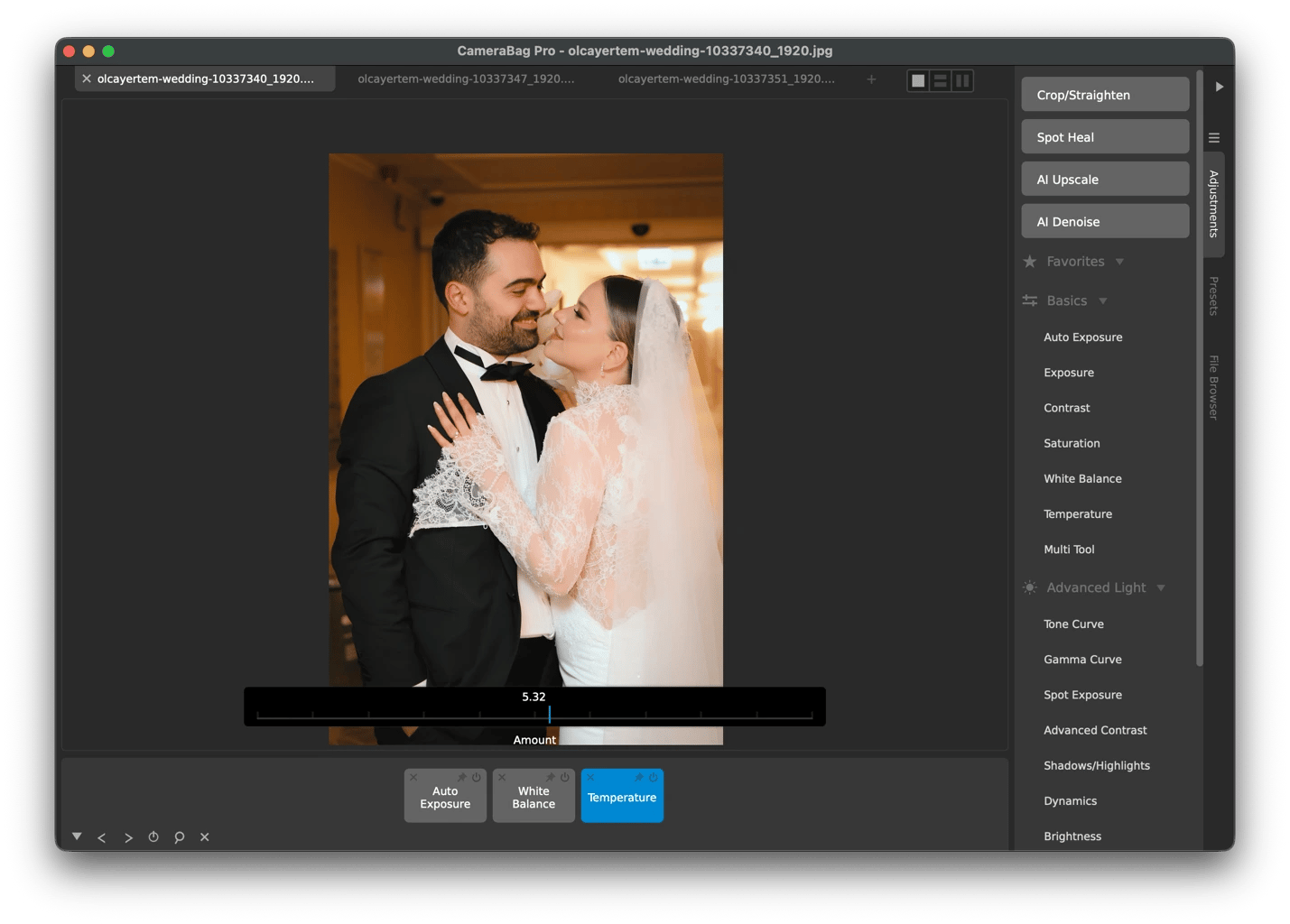
Apply a consistent look across a full shoot with CameraBag Pro
Success on social media today requires having an identity that shows across your content. CameraBag Pro makes it easy to create consistent visuals with its presets and photo editing tools.
When you have a set of images you want to post on Instagram or add to a blog post, you can import all of them to CameraBag Pro. After selecting a preset and fine-tuning the exposure details, the settings will be applied uniformly to all your photos. It’s particularly useful to photographers and creators who publish content as a series.
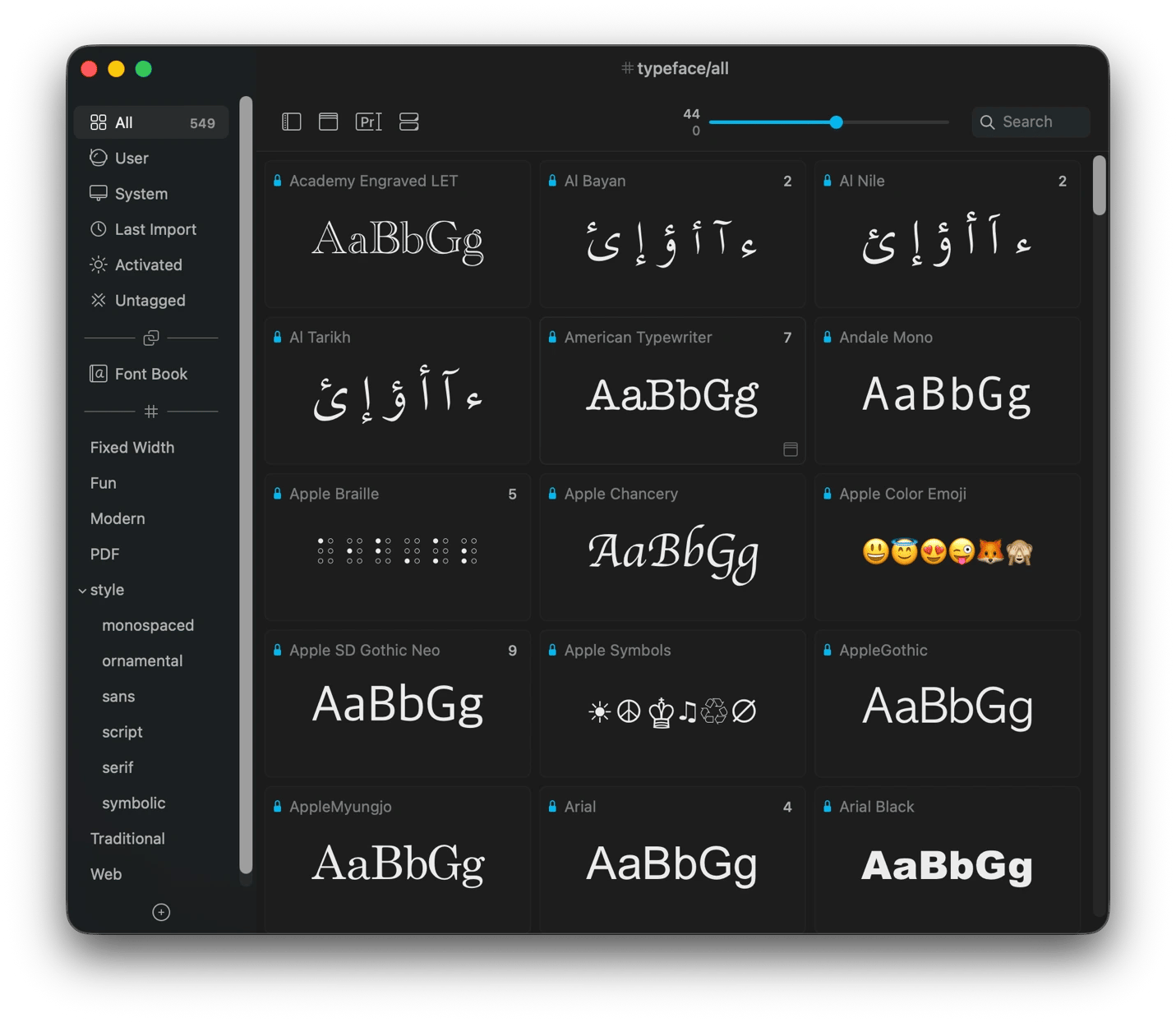
Find and manage fonts for your content with Typeface
Typeface helps avoid back-and-forth font-switching when trying to find the one that fits your graphic. It makes the process much easier as you can see a real sample of your copy before committing.
The app syncs 2,000+ Google Fonts directly into your library and lets you compare against your installed fonts for pairing decisions. When working on a client’s brand project, you can create a collection and share it with collaborators to ensure everyone uses the same approved typefaces.
Setapp offers many apps that Twitter/X thread writers, LinkedIn creators, and Instagram and Pinterest publishers can use to download clips, resize images, build mockups, and more.
Download and repurpose online videos with Pulltube
Pulltube makes it easy to save online videos for reuse in your content, provided you have permission to do so. It works with YouTube and 1,000+ other sites, and it even lets you trim a specific part of the video to include as a quote, clip, or product demo.
You can also extract YouTube subtitles and save them as a separate text file to use as raw material for a quote graphic or as part of a transcription. If you only need the audio, you don’t need a separate conversion tool, as Pulltube allows you to download videos as MP3 or M4A.
Edit short-form clips for every platform with Filmage Editor
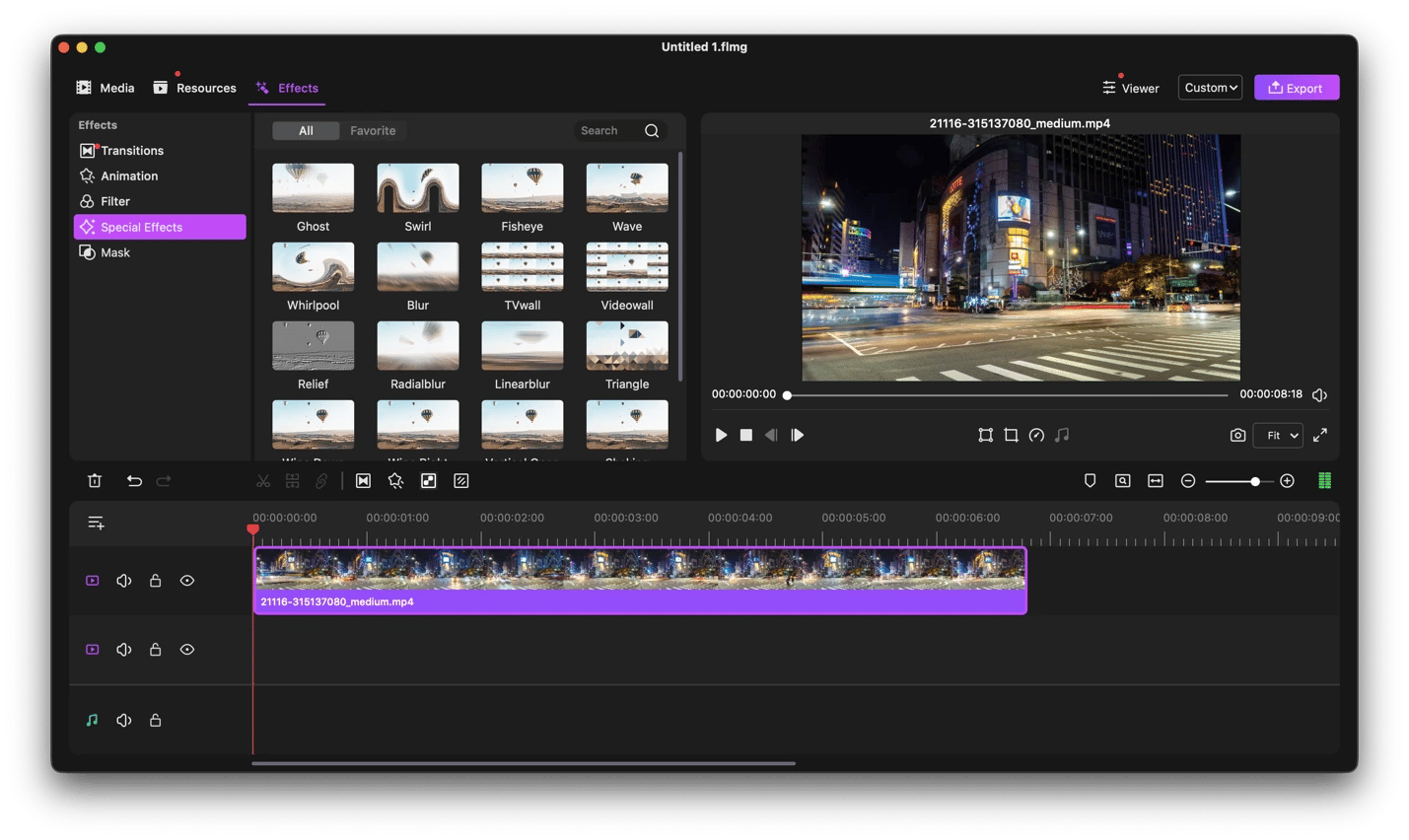
Once you’ve gathered your footage, Filmage Editor helps turn it into polished content you can post on YouTube, Instagram, or TikTok. It has a multitrack timeline that makes it easy to edit short-form clips frame by frame.
I particularly like the Keyframe feature as it lets you create stylish animated titles, stickers, logos, and images for Reels and TikTok without a motion graphics tool. And if you want to delete a section you don’t like, you can use ripple to cut it and automatically merge the remaining clips (including audio).
Add captions and pull quotes from a video with VidCap
Even when a person is on mute, VidCap helps ensure you can still reach them with talk-heavy videos. It’s great at generating captions, and it lets you burn them into the video or export them as SRT to use on YouTube or elsewhere.
You can also use the same process to pull quotes and useful information from your videos to share on X threads or as a LinkedIn post.
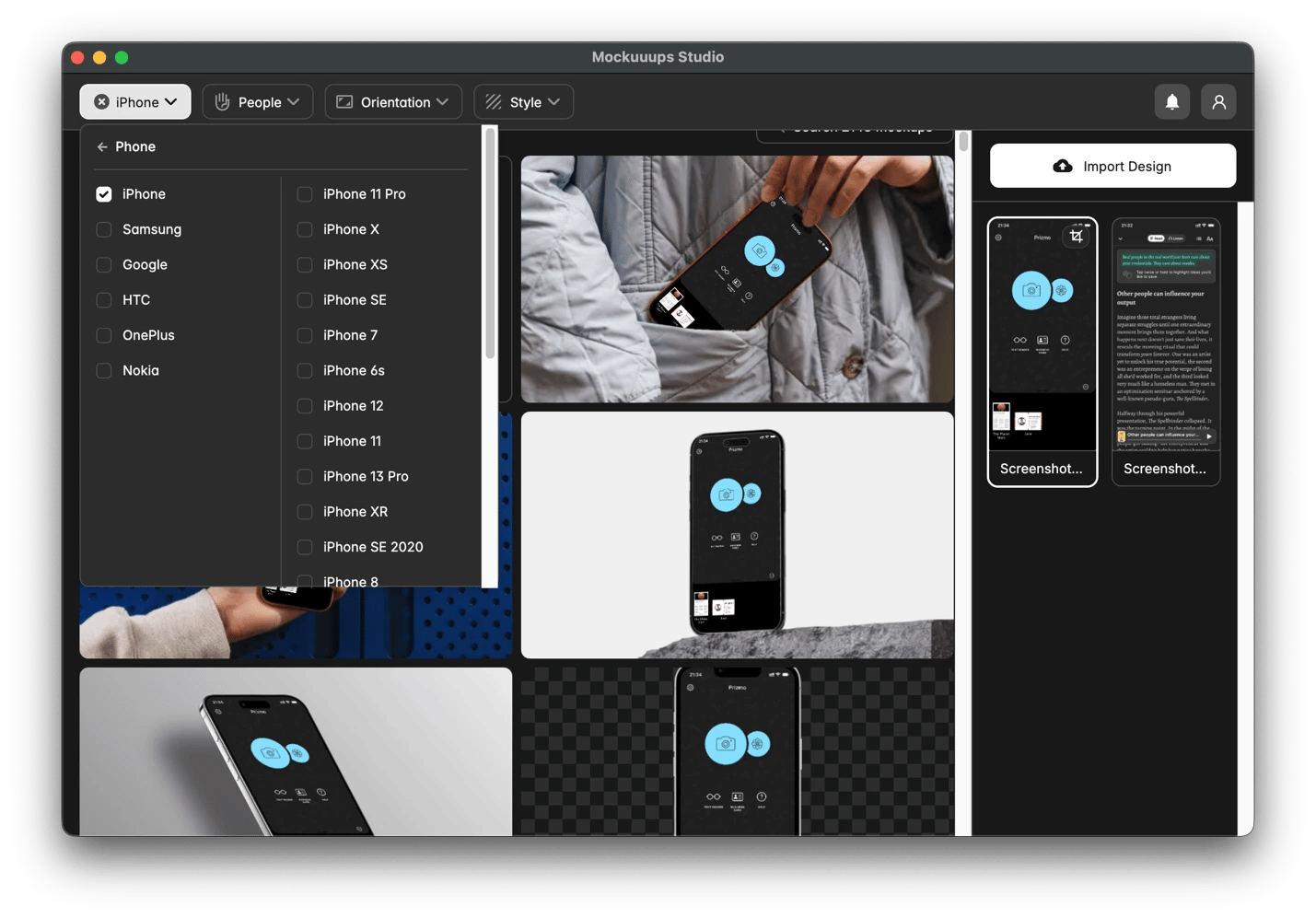
Create device mockups for carousels and pins with Mockuuups Studio
When you are promoting an app, website, or other digital product, presenting the screenshots inside a realistic device mockup makes them more engaging.
Mockuuups Studio is specifically built for that and offers a wide variety of phone, tablet, and desktop scenes (500+). When you upload a screenshot to the app, it automatically fits it into the different scenes without requiring any manual adjustments. You can then choose the ones that are suitable for the platform you are targeting.
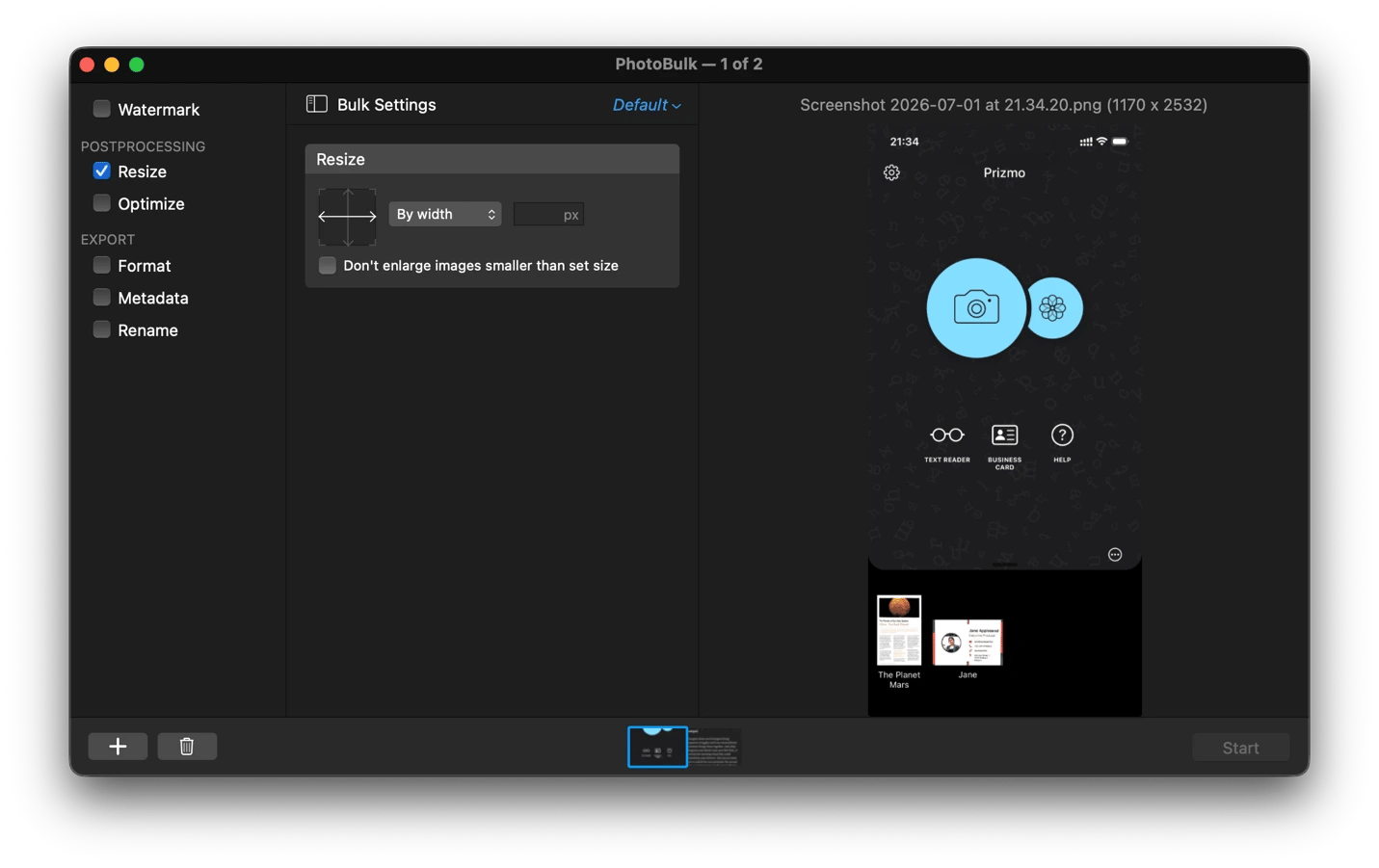
Resize and watermark images in bulk with PhotoBulk
When you want to resize multiple images to 1:1 for Instagram or 16:9 for LinkedIn, you can use PhotoBulk and drag in the entire folder or specific photos. After selecting the target size, PhotoBulk resizes the entire batch in a single operation. It also does the same for watermarks and file renames.
Capture and annotate screenshots for posts with ScreenFloat
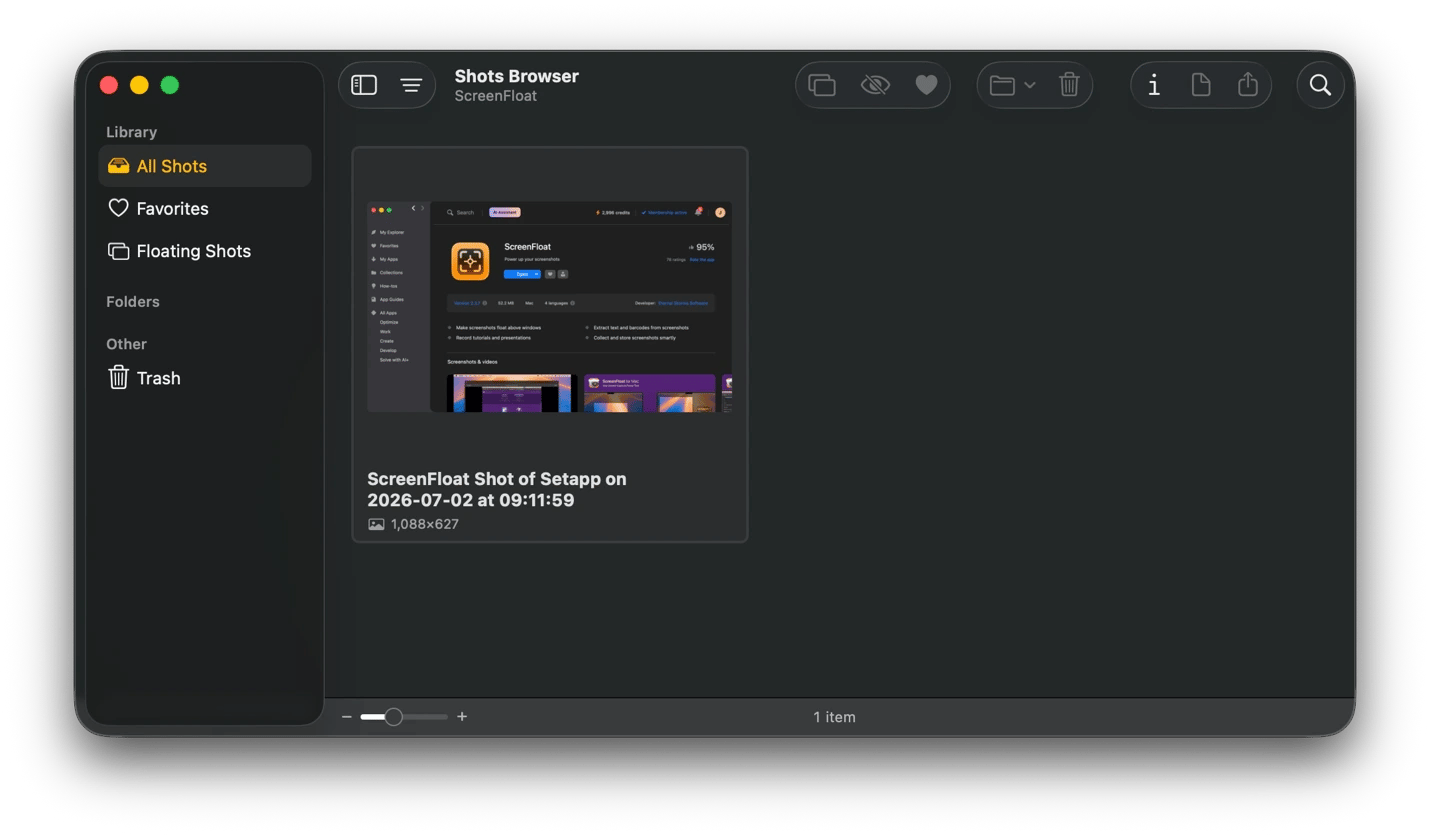
ScreenFloat comes in handy for taking screenshots when you want to reference specific information as you work. The image will float above your other windows, making it easy to extract information or reference a post.
The tool is not limited to floating, as you can also annotate your screenshot with callouts, highlights, and arrows before you share on your channels. If you are creating a tutorial or showcasing a product, you can record a short screencast with audio for sharing on LinkedIn or Instagram Stories.
Setapp apps for course creators
Educators, coaches, and subject matter experts need tools to help record lessons, build structured learning materials, and present live or async. Setapp covers all these areas.
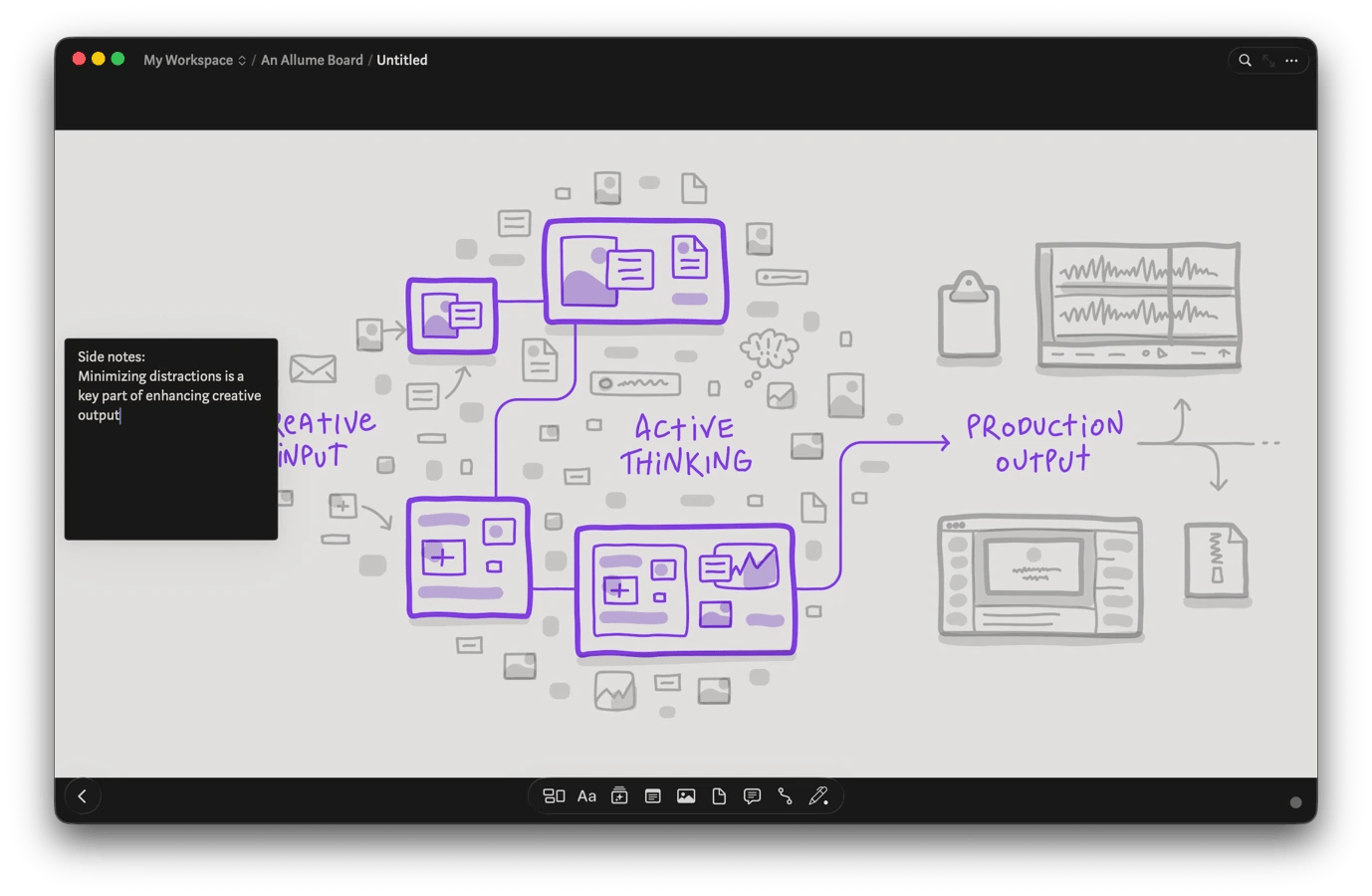
Plan and structure your curriculum visually with Allume
Before scripting your course, it’s always good to visualize the outline to ensure you’ve covered everything and the ideas connect. Allume is the best platform for that, as it gives you an infinite canvas to organize your topics, research notes, reference PDFs, and media assets.
It offers nested boards you can use to organize your course at both the module and individual lesson levels to keep the entire curriculum visible. And if you need to change anything, you can just drag the blocks to rearrange them.
Record polished lessons and tutorials with Capto
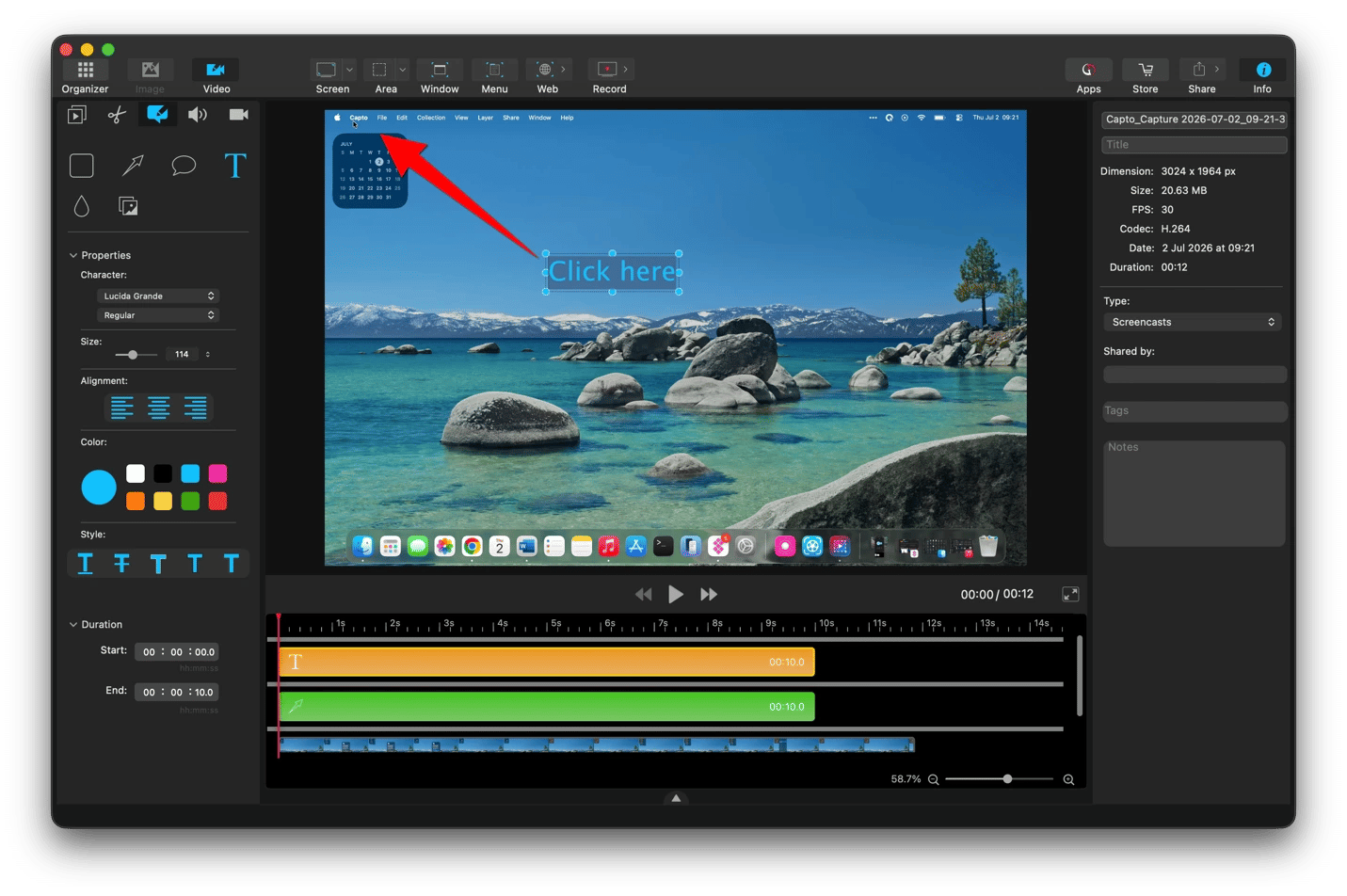
Capto makes it easy to record your screen walkthroughs of software tools or workflows with a webcam overlay. It then allows you to trim mistakes, remove pauses, add voiceovers, and hide desktop clutter without switching to a full video editor.
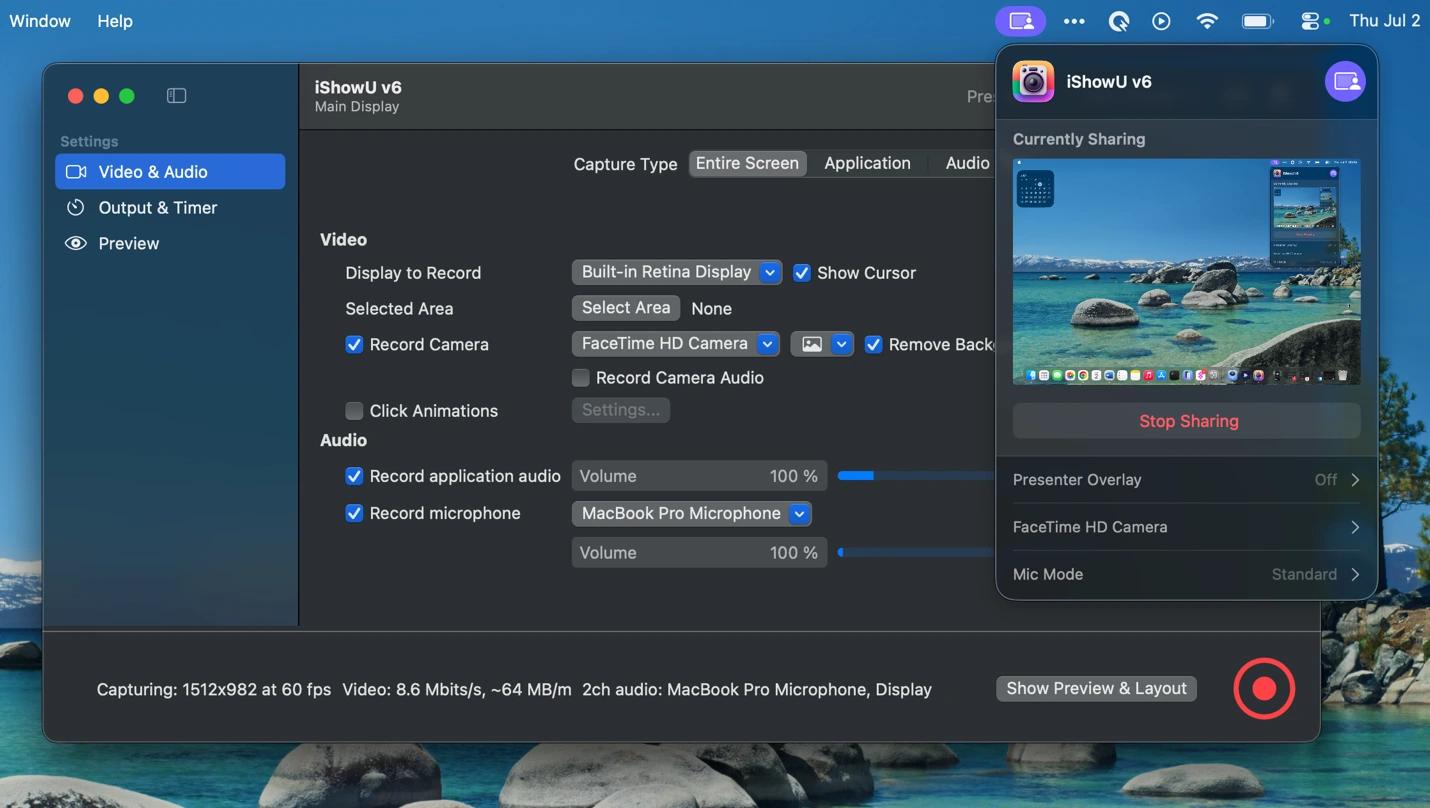
iShowU also offers a similar workflow but trades Capto's advanced editing features for more control over the video and AI background removal.
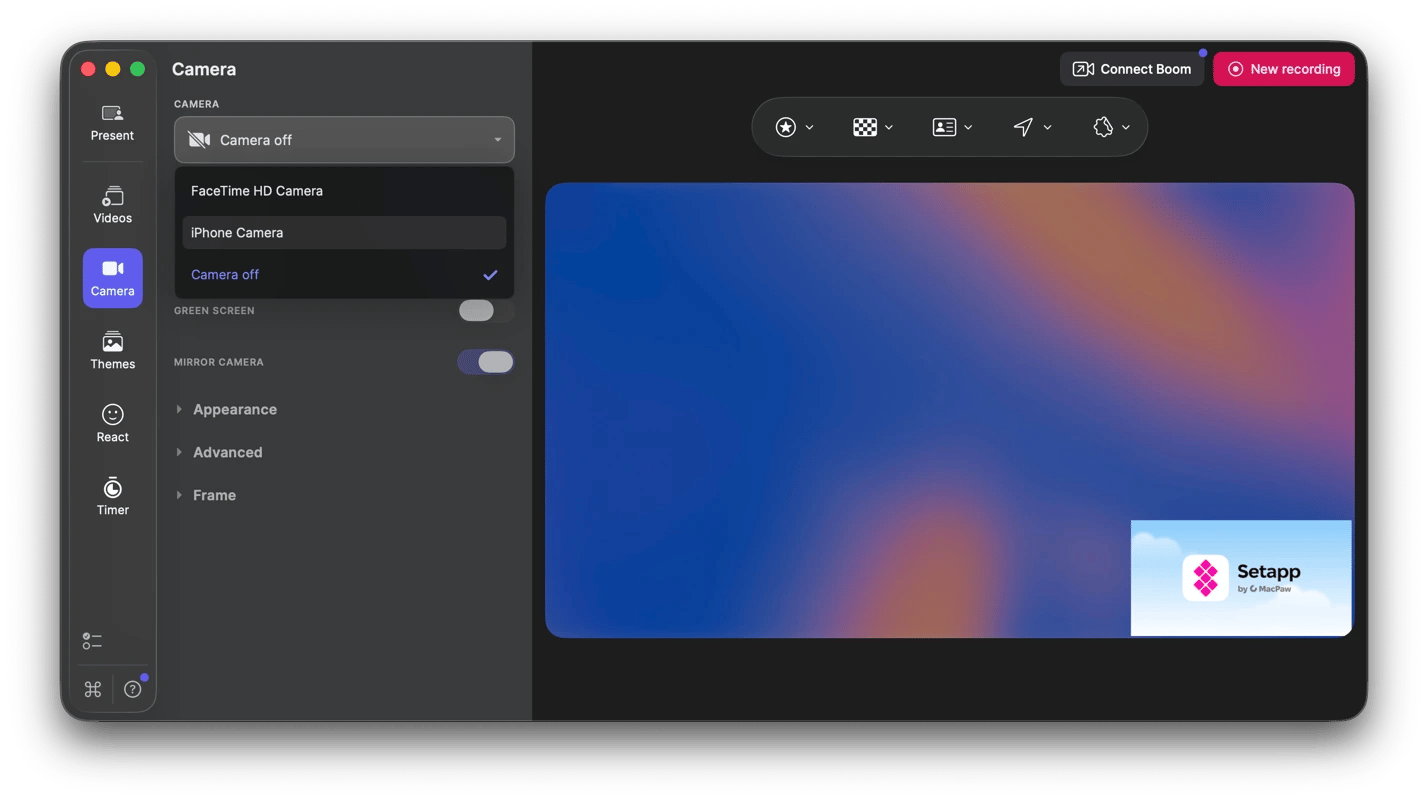
Boom is also another Setapp screen recording option for when you need to enhance your video or screen share with custom backgrounds, stickers, color presets, timers, and overlays.
Deliver scripted lessons with Teleprompter App
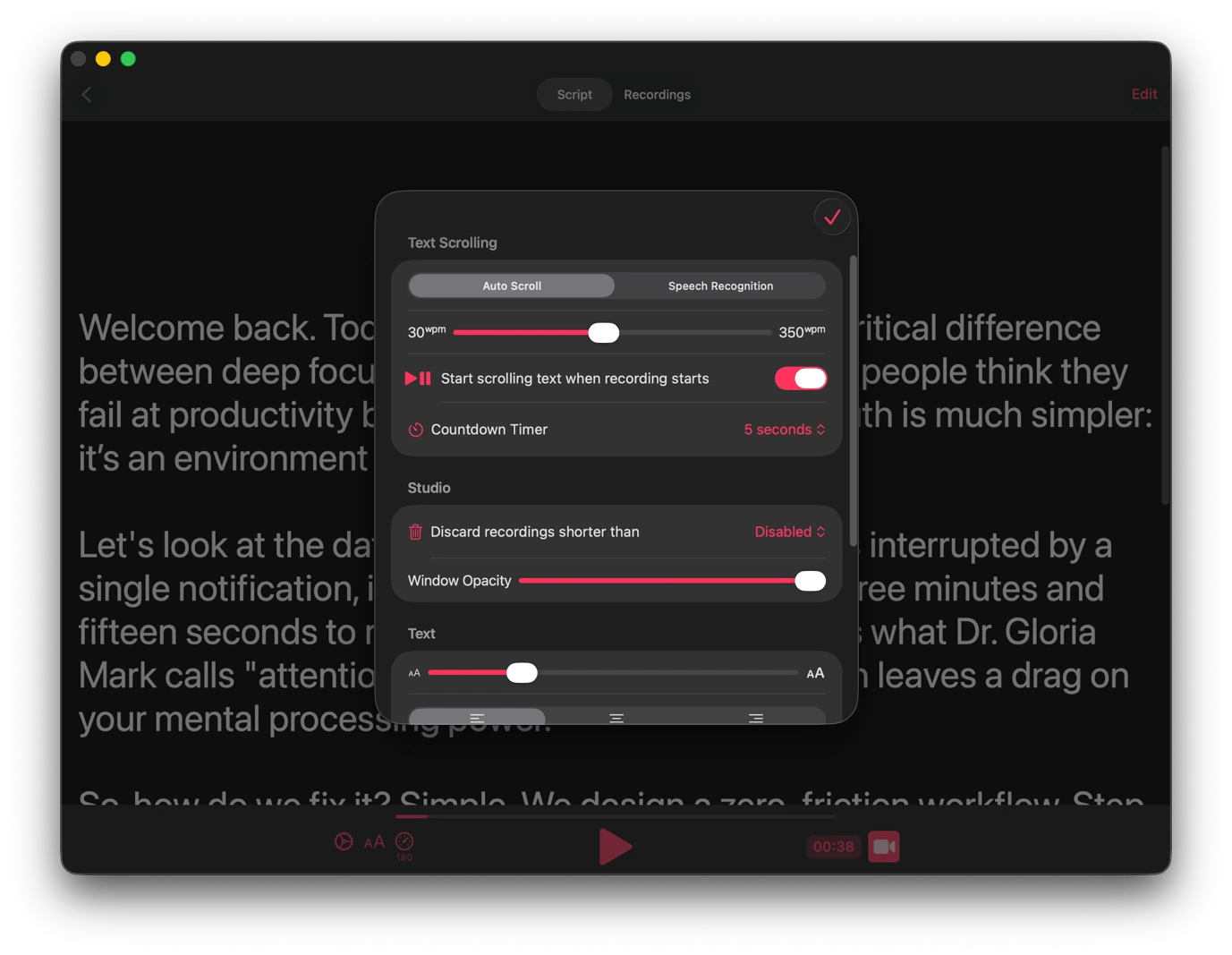
Teleprompter App is a useful assistant when you have a long segment you can’t read from memory. You can feed your script to the app, and it will add an overlay you can read naturally while recording yourself.
My favorite feature is that you can adjust the scroll speed per segment to match the pacing of what you are explaining. When you are done, it also allows you to crop the recording to match the aspect ratio required by your learning platform.
Share a distraction-free workspace with PliimPRO or CleanPresenter
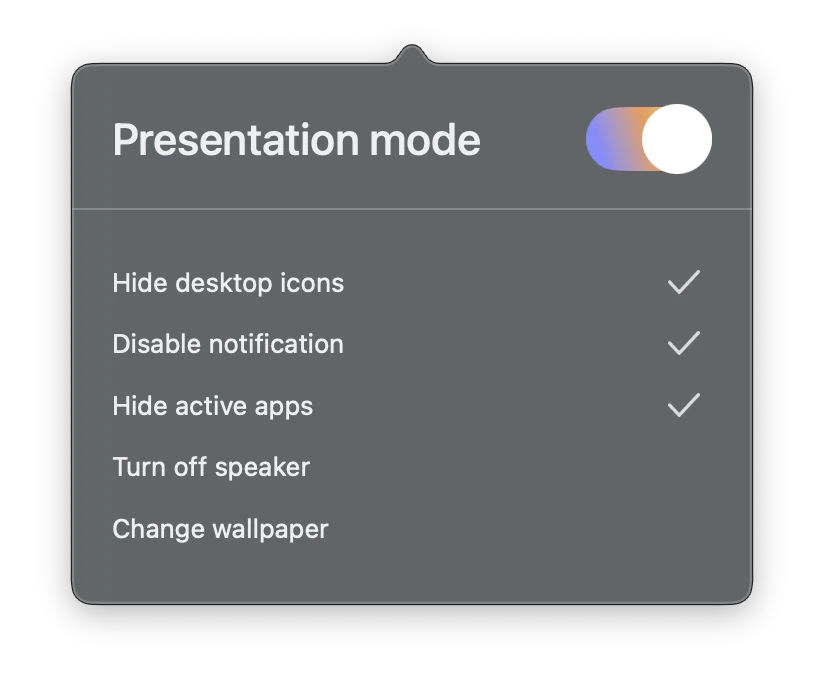
Before your students join a live session or you start recording, you can use PliimPro to ensure they can only see what you want them to. The tool instantly hides your notifications, desktop icons, and running apps, giving you a clean workspace.
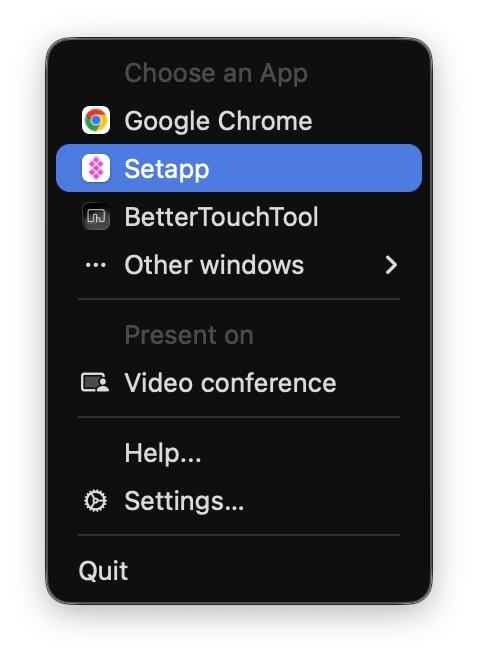
If you won’t be using the desktop, you can also rely on CleanPresenter to share only a specific application or browser instead of the desktop. This will keep your lessons professional and prevent accidental exposure of private files or messages.
Annotate and present live during lessons with Presentify
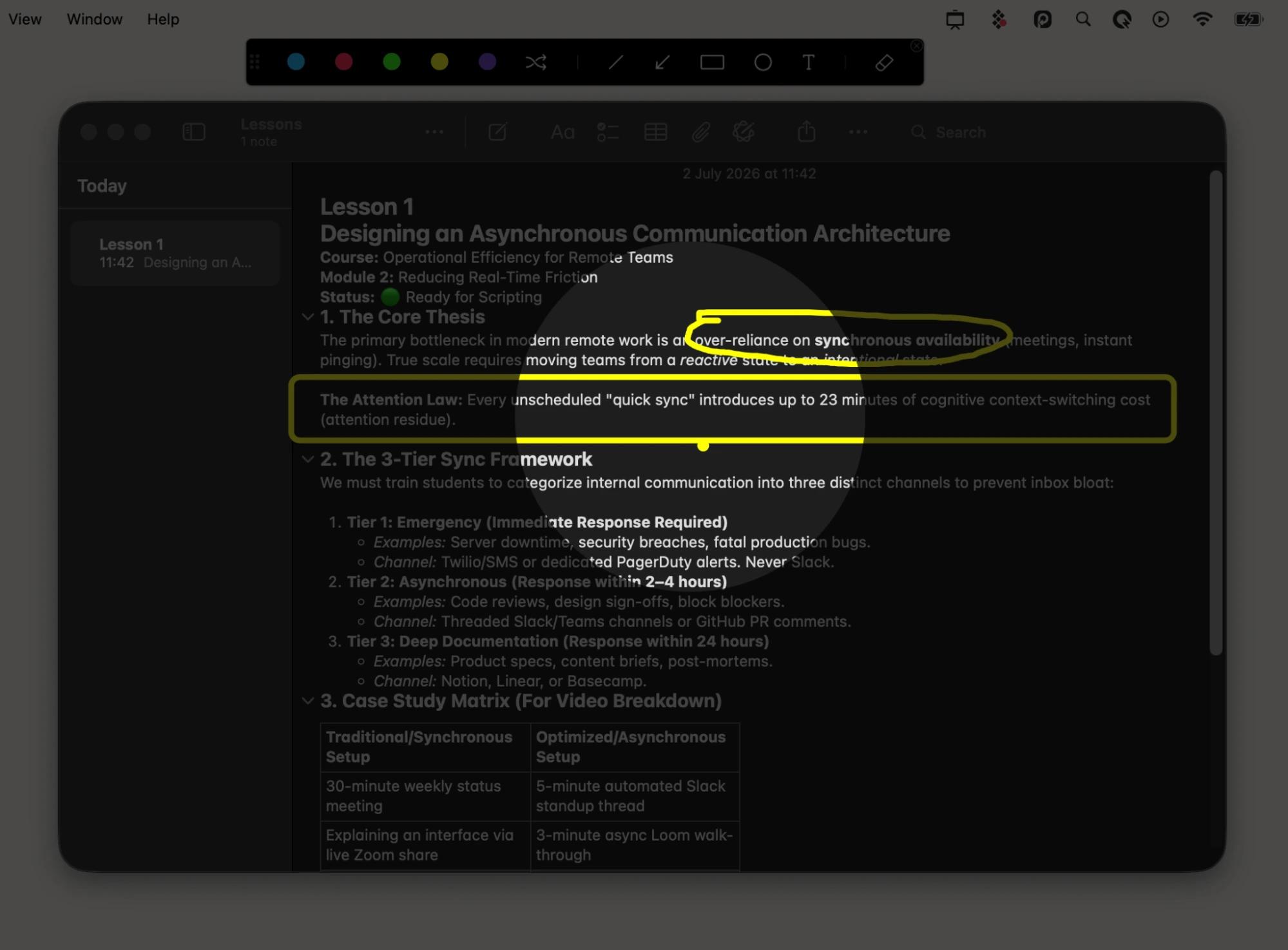
Presentify comes in handy during the actual recording as it makes it easier to explain concepts by drawing directly on the screen. You can draw on top of your slides, browser windows, or app interfaces during a live demo, presentation, or video tutorial.
It also has a dedicated whiteboard where you can sketch your diagrams or write formulas to create a more engaging experience.
Improve your on-camera delivery over time with Speeko
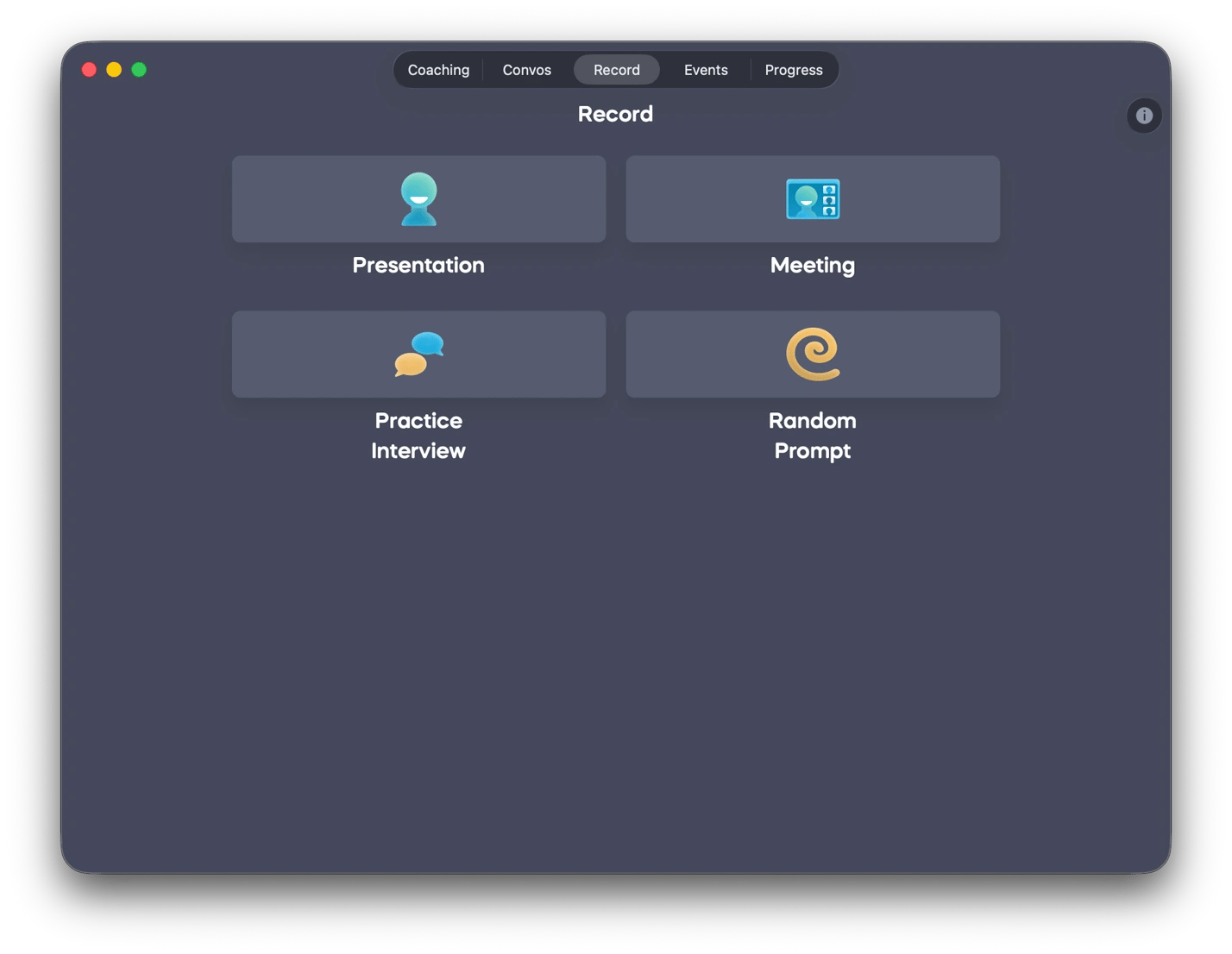
Even seasoned educators can benefit from a review of how they present. Speeko lets you record your presentations, import recorded videos, and analyze your delivery for pacing, filler words, and clarity. It then gives actionable feedback you can use to improve engagement without a speaking coach.
Based on your speaking style, Speeko will match you with interactive exercises to polish your skills, all within the app. It will then track your progress over time to ensure your delivery consistently improves and becomes more engaging.
One subscription, every tool your content workflow needs
Most content creators end up paying for five or six tools that were never designed to work together. And when they expand their niche, they usually need to purchase an extra license.
Setapp makes it easier to build a content creation toolkit with a single subscription. All apps mentioned above, plus hundreds of others, are included in the catalog. No separate purchases, no locked features, and no surprise upgrades. If your workflow changes or you just want to try something new, a suitable tool will be waiting for you.






 Best solution
 Best solution